

Turn recordings into transcripts and summaries in minutes
Upload audio or video for multilingual transcription, AI notes, and action items
How to Choose a Voice Tool in 2026: Meeting Transcription + Multilingual Translation Comparison
Open the App Store or type "voice tool" into a search engine, and almost every result says "free download." After downloading, you discover that the free version usually has limits on characters, usage, or features. For example, TTSMaker's free quota is 20,000 characters per week, and once you use it up, you have to wait for the next cycle. Luvvoice claims to be free with no character limit, but it is still essentially reading text aloud. If your original expectation was "have meeting minutes as soon as the meeting ends," these tools cannot help.
The real pain point is this: five meetings a week, and the recordings sit on your phone with no one organizing them. Your boss asks, "Who said that decision last time?" and you can only listen to a 40-minute audio file again. At that point, you need a different kind of tool—one that turns audio into searchable, queryable text data that can be turned into action items.
This article compares Tinrec and Otter.ai across five dimensions. If you are just looking for a free text-to-speech reader, the paragraph above is enough. If you need to solve meeting notes and post-meeting organization, go straight to the comparison below.
First, Clarify: How Are Voice Tools, Text-to-Speech Readers, and Transcription Tools Different?
- Text-to-speech (TTS) / readers: input text, output audio. TTSReader focuses on free online text-to-speech and multilingual natural voices. Luvvoice offers over 70 languages and about 200 voices. Ondoku can convert text to speech and download it as MP3. Suitable for listening to articles and reviewing content.
- Meeting notes tools: input audio (including online meetings), output transcripts, summaries, and action items. Tinrec and Otter.ai belong to this category.
The two are not substitutes for each other. Most people's actual need is: use a notes tool for meetings, and use a reader for learning and review.
Tinrec vs Otter.ai | Quick Overview
Tinrec is an AI meeting notes and collaboration tool for individuals and teams, focused on "turning meetings into searchable, collaborative, actionable team data." Otter.ai is a mature AI meeting assistant with deep experience in English business meetings and meeting automation.
| Comparison Item | Tinrec | Otter.ai |
|---|---|---|
| Core Positioning | AI meeting notes and team collaboration | AI meeting assistant and meeting automation |
| Meeting Capture | Desktop version captures system audio, no bot needed | Meeting bot, desktop client, and other methods |
| Chinese and Multilingual | Chinese, Traditional Chinese, mixed Chinese-English, real-time translation, team hotwords | Long focused on English business meetings |
| Post-Meeting Output | Summaries, chapters, action items, mind maps, AI Q&A, Agent output | Summaries, AI Chat, workflows, and integrations |
| Team Capabilities | Team spaces, roles and seats, usage, audit, recycle bin | Mature team and enterprise plans |
| Paid Entry | Team USD 29.80 per paid seat per month (annual USD 199) | Pro annual equivalent USD 8.49 per user per month |
The following compares five dimensions: Chinese and multilingual recognition, meeting recording method, post-meeting workflow, team data governance, and plans and pricing.
Dimension 1 | Chinese and Multilingual "Voice" Recognition
Otter.ai has long focused on English business meetings, and its transcripts, meeting automation, and enterprise plans are mature. However, Chinese, mixed Chinese-English, or accented speech is not its most discussed strength. Tinrec treats Chinese and multilingual meetings as a core scenario: Chinese and Traditional Chinese transcription, mixed Chinese-English content organization, multilingual meeting transcription, and during recording you can view the original text, translation, or bilingual content. Teams can also use hotwords to maintain their own professional terminology.
Keep in mind that neither side should be summarized with a single accuracy percentage. Actual performance depends on recording quality, background noise, accents, overlapping speakers, and the density of specialized terminology.
→ This dimension: For Chinese and multilingual meetings, Tinrec is the closer fit.
Dimension 2 | How Meetings Are Recorded
Otter.ai offers multiple meeting capture methods, including joining meetings with a bot, and also provides desktop capabilities. Tinrec's desktop version takes a different path: it directly captures computer system audio to handle online meetings on Zoom, Google Meet, Microsoft Teams, Webex, and others, without adding another bot to the meeting room. The participant list does not gain an extra row. The user must actively start recording; it does not automatically join all calendar meetings.
Stop organizing recordings by hand
Upload audio or video and automatically get a transcript, summary, and action items
If your meetings often include external clients and you do not want them to see an extra account present, this difference is very noticeable.
→ This dimension: If you do not want to add extra participants, Tinrec's process is more intuitive.
Dimension 3 | After Transcription, What Remains?
Otter.ai provides summaries, AI Chat, workflows, and other capabilities, leaning toward Q&A and automation of meeting content. Tinrec strings post-meeting output into one line: beyond the transcript, it automatically generates summaries, chapters, key points, action items, and mind maps. You can continue AI Q&A on single or multiple meeting data, then use Agent post-processing to generate reports, tables, and documents, and export to Notion, Google Docs, OneNote, Dropbox, and other tools for continued use.
The difference is: one leans toward "intelligent Q&A on meeting content," while the other leans toward "turning meetings directly into deliverable work products."
→ This dimension: If you need post-meeting reports and cross-tool delivery, Tinrec wins.
Dimension 4 | Team Data Accumulation and Governance
Otter.ai's team and enterprise plans are mature. Business provides unlimited meetings and in-app recording, more import and management capabilities (details subject to the official page). Tinrec's team version is an independent team space: data belongs to the team, you can create multiple teams, invite members via link, set owner/admin/regular member, and distinguish "roles" from "seats"—members without a seat can still view, play, and read, but cannot upload, edit, or export. There are also team usage trends and member details, audit logs, audio recycle bin (retained for 30 days), team hotwords, and resource handover when members leave.
Note that Tinrec currently uses team-level sharing plus role and seat controls, not a file-level fine-grained permission system.
→ This dimension: If you need a Chinese team, seats, and operation records all in one, Tinrec is easier; for pure English teams, both are mature.
Dimension 5 | Plans and Pricing
Otter.ai's official pricing page shows: Basic is free, 300 minutes per month; Pro annual equivalent USD 8.49 per user per month, including 1,200 minutes of in-app recording per month and 10 file imports; Business provides unlimited meetings and in-app recording, with pricing and promotions subject to the official page. Tinrec's personal version offers a free version, weekly card, Pro monthly card, and Pro annual card, chosen by usage frequency. The team version is USD 29.80 per paid seat per month, or USD 199 per paid seat per year (about USD 16.58 per month). Eligible teams can try it for 7 days for the first time, including 1 free seat and 300 minutes of team shared import quota. Each paid seat includes 2,000 minutes of team shared import quota per month. Real-time recording within the team is currently not deducted by minutes.
→ This dimension: For light personal use, Otter Basic free version is enough; if you need Chinese meetings plus team seat management, Tinrec's pricing is closer to team governance (tie).
What Unique Advantages Does Each Have?
Tinrec's Unique Advantages
- Bot-free desktop recording: Open the desktop version to record online meetings and generate transcripts without inviting an extra account into the meeting.
- Chinese and multilingual in one place: Chinese, Traditional Chinese, mixed Chinese-English, multilingual transcription, plus real-time translation and team hotwords.
- Post-meeting output directly usable: summaries, chapters, action items, mind maps, AI Q&A, and can generate reports, tables, and documents and export to existing workflows.
- Team governance without assembling extra tools: team spaces, roles and seats, usage analysis, audit logs, recycle bin, and resource handover.
Otter.ai's Unique Advantages
- Mature English business meeting ecosystem, strong mindshare in meeting automation, integrations, and English transcription.
- Complete team and enterprise plans. Business provides unlimited meetings and in-app recording (subject to the official page).
Summary: Which Should You Choose?
- If you care most about transcription and translation for Chinese and mixed Chinese-English meetings → Tinrec (Chinese and multilingual as core scenarios)
- If you do not want a meeting bot to appear in the participant list → Tinrec (desktop version directly captures system audio)
- If you want "meeting minutes, action items, and reports right after the meeting" → Tinrec (summaries, action items, AI Q&A, Agent post-processing)
- If you need to manage team members, seats, usage, and operation records → Tinrec (team spaces, seats, usage analysis, audit logs)
- If you almost only hold English meetings, only need basic transcription and meeting Q&A, and want to keep the budget as low as possible → Otter.ai Basic/Pro is enough (pricing subject to the official page)
In one sentence: For most users who need Chinese meeting notes, post-meeting organization, and team accumulation, Tinrec is the more complete choice. It is recommended to start with the free version, test it with a recording of one of your own meetings, and then decide whether to upgrade.
Two final reminders: Before recording and transcription, please comply with local laws and obtain participant consent as appropriate. Also, all AI tools should not be treated as 100% accurate. For important decisions, please verify against transcript timestamps and recording playback.
References
Turn every recording into actionable outcomes
Get 60 free transcription minutes when you sign in. No credit card required.
Related Reading
You might also like

2026 Comparison of 2 English Meeting Minutes Tools: Tinrec vs Otter.ai — Which Is Better for Chinese Teams?
How do you write English meeting minutes? This article compares Tinrec and Otter.ai, covering bot-free recording, mixed Chinese-English support, post-meeting AI Q&A, team collaboration, and pricing, to help you decide which tool is better for Chinese teams that need to produce English meeting minutes. It also covers standard formats and common phrases for English meeting minutes.

4 Best Speech-to-Text Tools in 2026: iFlytek Recorder, Tinrec, and Online Options Compared
When searching for 'iFlytek speech to text,' you might be torn between a voice recorder and software solutions. This article starts with key buying factors, compares iFlytek Recorder, Tinrec, Notta, and Granola, and shares pitfalls to avoid and scenario recommendations to help you find the right tool for meeting notes, interview transcripts, and team collaboration.
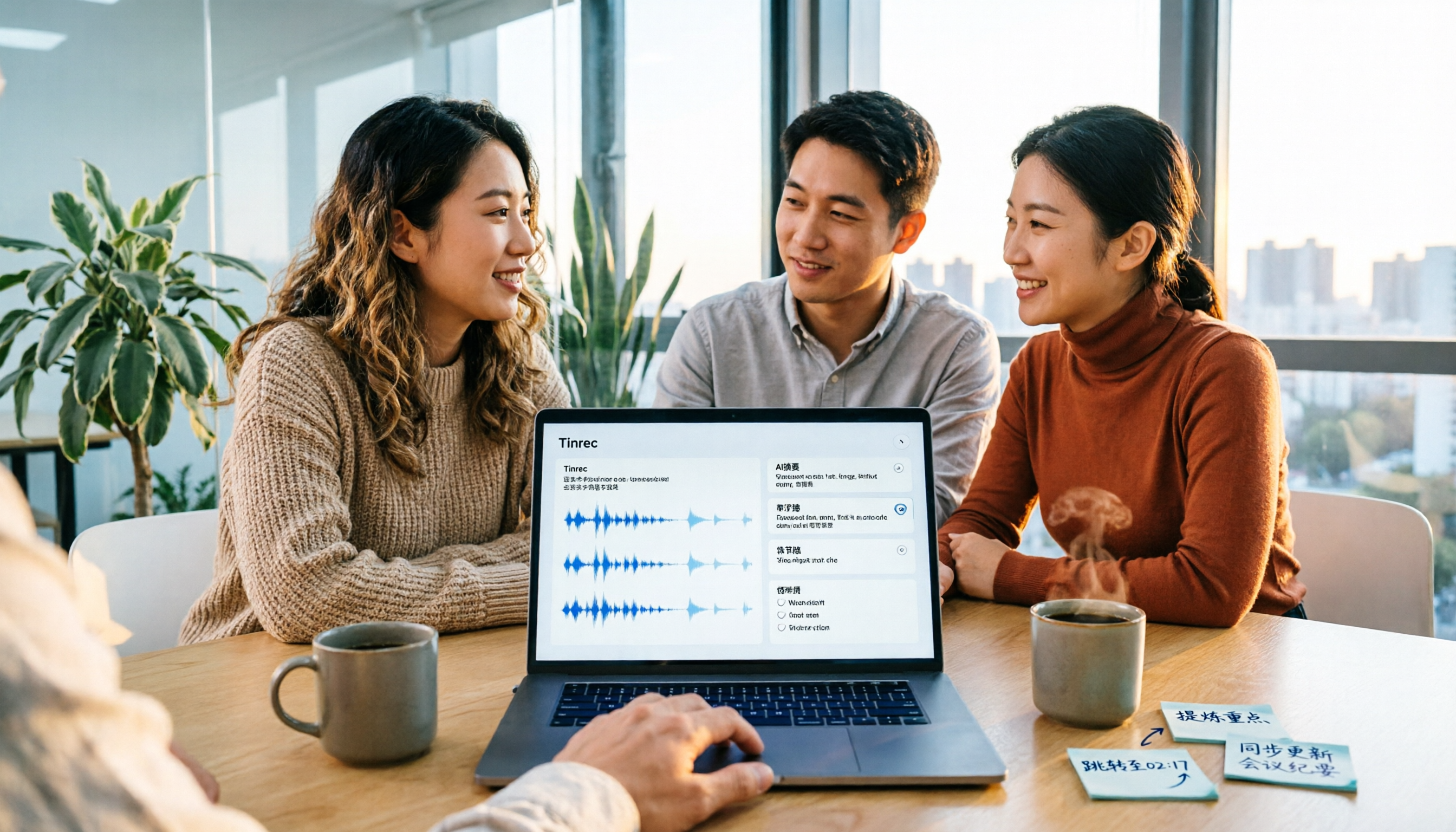
2026 Video Summarization Tools Compared: Which One Actually Saves You from Rewatching?
How to choose a video summarization tool? This article breaks down 4 common approaches, provides 5 practical purchasing checkpoints, and uses Tinrec to illustrate the complete workflow from transcription to AI summary, chapters, action items, and team spaces. It also includes pricing and quota details for personal and team plans to help you find the best fit.
4 Best Free Online Text-to-Speech Tools in 2026: Which Free Version Is Enough?
We compare four free online text-to-speech tools—TTSMaker, Luvvoice, Vidnoz AI, and Toolbang—covering language support, commercial licensing, output formats, and customization options to help you decide which one fits your needs for learning, voiceover, or accessibility reading.
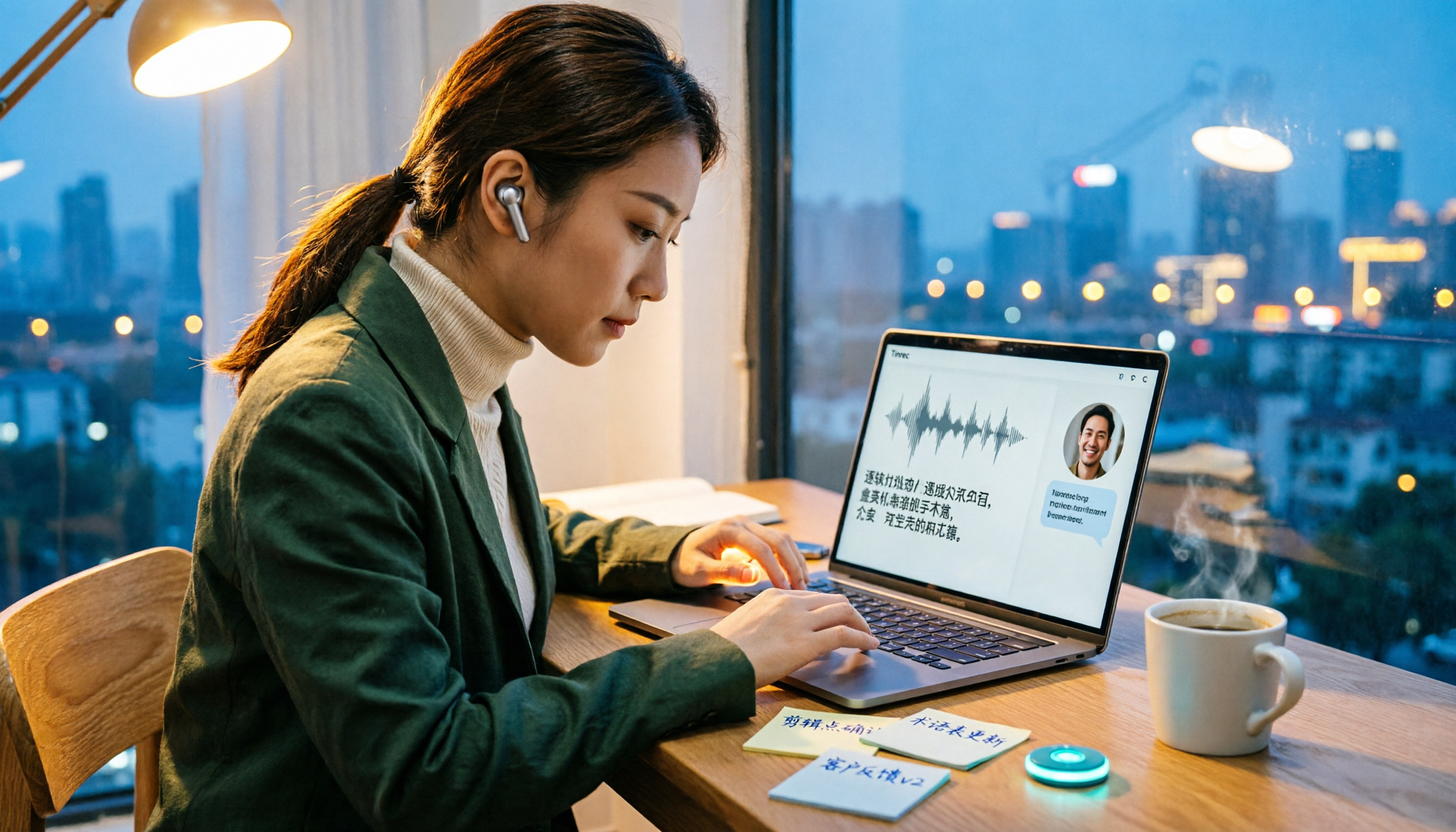
2026 Comparison of 5 Online Voice Tools: Is Google Text-to-Speech Free Version Enough?
It's 11 PM, the video is finally edited, but the voiceover still isn't recorded. An hour after a meeting ends, the transcript is still blank. This article starts from two needs—'speak out' and 'write down'—and compares free online text-to-speech options like Google Cloud Text-to-Speech, Sound of Text, and Chrome text-to-speech extensions. It also shares hands-on experience with Tinrec for speech-to-text, including free limitations and team pricing.

2026 One-Click AI Summarizer Comparison: Meeting & Long-Form Tools That Actually Save Time
One-click AI summarization isn't just about pressing a button—it's about whether you can keep working with the summary afterward. This article breaks down four decision points: live transcription, AI summaries, action item extraction, and AI Q&A, and demonstrates a complete workflow from recording to transcript to meeting minutes and team knowledge retention using Tinrec.

4 Best Voice Memo Transcription Tools in 2026: Is iPhone Built-in Enough?
Recorded a meeting, class, or interview but never have time to listen back? We tested 4 voice memo transcription methods, including iPhone's built-in Voice Memos and Notes apps, Tinrec, Otter.ai, and PLAUD recording hardware. We compare Chinese transcription quality, cross-platform capabilities, post-meeting workflows, and free tiers, plus provide selection criteria and 3 common pitfalls to help you find the most time-saving solution.
How to Transcribe iPhone Voice Memos in 2026: Built-in Transcription + Tinrec AI Organization
iPhone has a free built-in way to transcribe voice memos, but many people don't know about it or only discover its limits after trying. This article starts with common misconceptions and compares Apple's built-in Voice Memos transcription with Tinrec, helping you find the best transcription workflow for your needs.

5 AI Meeting Minutes Tools Tested for 2026: Which One Actually Saves You Post-Meeting Time?
Two-hour meeting, then another hour to write up the minutes? This article compares 5 AI meeting minutes tools in real-world scenarios, covering 4 key points to consider before choosing and 4 common pitfalls to avoid. It also takes a deep dive into Tinrec's bot-free online meeting recording, AI summaries, AI Q&A, export options, and team workspace management, helping Hong Kong office workers find the one that truly saves post-meeting time.