

Turn recordings into transcripts and summaries in minutes
Upload audio or video for multilingual transcription, AI notes, and action items
4 Best Speech-to-Text Tools in 2026: iFlytek Recorder, Tinrec, and Online Options Compared
Do You Need an Offline Voice Recorder or a System That Builds Team Knowledge?
When you search for 'iFlytek speech to text,' the first decision isn't about price—it's about your scenario. If you often record in environments without internet, a voice recorder that supports offline transcription is very practical. But if you deal with Zoom, Google Meet, or Microsoft Teams online meetings daily, placing a recorder next to your computer to capture audio often yields worse quality than directly capturing system sound. More importantly, if after recording you need to turn transcripts into summaries, action items, meeting minutes, and even let team members search together, then you need more than just 'audio to text'—you need a post-meeting workflow. This article uses the same criteria to compare several mainstream options and help you decide which one best fits your needs.
5 Key Points to Understand Before Choosing a Speech-to-Text Tool
1. Accuracy depends on real scenarios. Many tools advertise 98% accuracy, but that's usually measured in quiet recording environments. Real meetings have air conditioning noise, keyboard sounds, overlapping speakers, and even mixed languages, which significantly affect accuracy. Instead of just looking at marketing numbers, try it with your own meeting recordings.
2. Audio capture method for online meetings. If you use a voice recorder to record Zoom, Google Meet, or Teams meetings, you're essentially re-recording the sound from your computer speakers, and audio quality is easily affected by the environment. Tools that directly capture system sound on desktop usually get a cleaner source and don't require a meeting bot to join.
3. Offline transcription capability. Some scenarios lack stable internet, such as factory inspections or remote area interviews. In these cases, a voice recorder with offline transcription is valuable. However, offline transcription typically supports only a few languages and has simplified features, making it suitable as a backup rather than a primary workflow.
4. Post-meeting organization. A transcript is just the starting point. After the meeting, can you automatically get summaries, chapters, and action items? Can you directly ask AI 'What was the conclusion of this meeting?' These post-processing capabilities often affect work efficiency more than transcription itself.
5. Team collaboration and data ownership. If meeting data only exists in individual accounts, it can be lost when a colleague leaves or changes devices. A team space allows data to be owned by the team, new members can view historical meetings, and administrators can monitor usage and permissions. This is the biggest difference between personal and team versions.
Tinrec – Our Top Recommendation
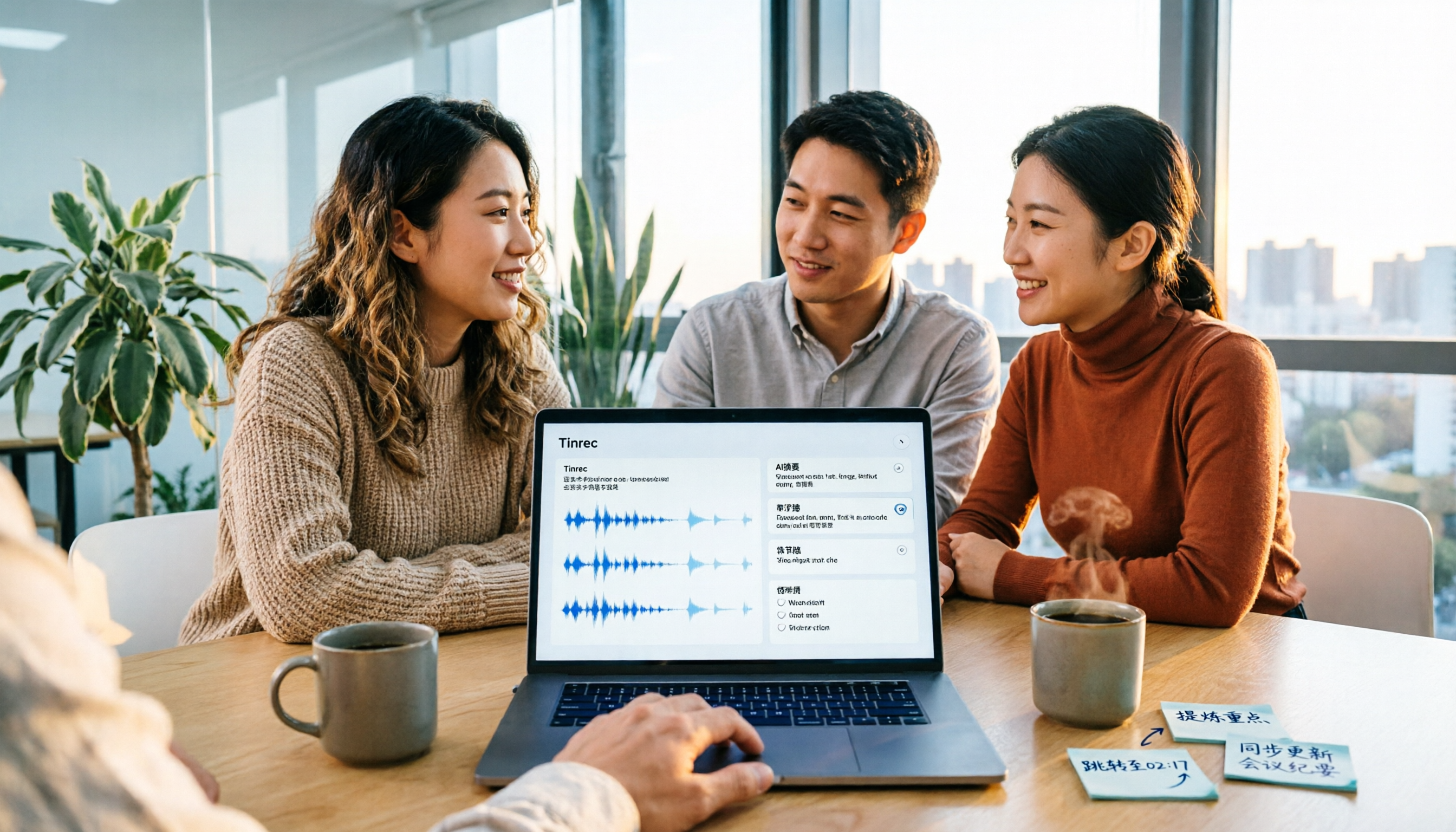
Tinrec is an AI meeting notes and collaboration tool for individuals and teams, supporting iOS, Android, and web, with a desktop version that handles online meetings. It doesn't just convert audio to text; it turns meeting recordings into searchable, summarizable, queryable, exportable, and further processable data.
Record online meetings without a meeting bot. Many people use meeting bots to record Zoom, Google Meet, Microsoft Teams, or Webex meetings, but bots joining often feel intrusive. Tinrec's desktop version directly captures computer system sound without an extra bot. After the user initiates recording, it generates a transcript in real time. This saves communication costs for those who need to quickly record international meetings without disrupting the flow.
After recording, ask AI directly for key points. Traditional transcription tools give you a transcript, and you still have to Ctrl+F for keywords. Tinrec supports AI Q&A around meeting content, such as 'Who is responsible for the budget in this meeting?' or 'What objections did the client raise?' It answers based on semantic understanding. It also automatically generates summaries, chapters, action items, and mind maps, and supports real-time translation, viewable in original, translated, or bilingual format. After the meeting, you can produce reports, tables, or documents through Agent post-processing.
Stop organizing recordings by hand
Upload audio or video and automatically get a transcript, summary, and action items
Team data belongs to the team, not individuals. Tinrec's team version provides an independent team space where meeting data is owned by the team, and new members can view historical meeting data. Administrators can manage members, roles, and seats, view team usage trends, member rankings, and details, and query and export audit logs. When a member leaves or is removed, their team resources must be handed over to other active members to prevent data loss. The team version also offers an audio recycle bin and team hotwords. Paid seats provide 2,000 minutes of shared team import quota per month; real-time recording is currently not deducted by minute under valid team plans and active seats. Prices are subject to the official purchase page.
Limitations and who it's for. Tinrec is not a hardware recorder; it has no built-in microphone or offline storage and relies entirely on phone, computer, or web operation. Also, it should not be advertised as automatically joining all calendar meetings; users need to actively open the desktop version to start recording. Actual transcription results are also affected by recording quality, noise, accents, overlapping speakers, and technical terms. If you frequently handle Chinese meetings, need bot-free online meeting recording, want to use AI Q&A to find key points after meetings, and hope to turn meetings into searchable, collaborative team data, Tinrec is a more complete choice than a simple voice recorder.
Besides Tinrec, What Other Options Are There?
iFlytek Recorder: iFlytek launched speech-to-text voice recorders in 2019, supporting online and offline transcription. Offline can recognize Chinese and English; online supports multiple languages and up to 9 speaker separation. Suitable for scenarios requiring portable hardware and offline recording. However, its post-meeting data is mainly on personal devices, lacking Tinrec's AI Q&A, team space, and seat management, so team collaboration is weaker.
Notta: Notta covers multi-platform transcription, meeting notes, and document import. Free version offers 120 minutes per month, max 3 minutes per session; Pro annual plan is about USD 8.17/month. Suitable for users with limited budget who mainly need document transcription. However, Tinrec is more complete in bot-free online meeting recording, team space, and AI Q&A; if you want to turn meetings into a team database, Notta's team governance is less intuitive than Tinrec's.
Granola: Granola is a bot-free AI meeting notes tool that transcribes in real time via desktop system sound and microphone, combined with handwritten notes. Basic is free; Business is USD 14/user/month. Suitable for individuals who like to take notes during meetings. However, Granola does not support uploading pre-recorded audio or saving meeting audio; Tinrec retains recordings, supports document import, and offers more export options, making it better for post-meeting archiving and team knowledge retention.
Pitfall Guide: 3 Most Common Mistakes When Choosing a Speech-to-Text Tool
Pitfall 1: Only looking at advertised accuracy. Many tools advertise 98% accuracy, but that's measured in quiet environments. Real meetings have air conditioning noise, keyboard sounds, and people talking over each other, so accuracy drops. We recommend trying with your own recordings, not just ads.
Pitfall 2: Ignoring the audio capture method for online meetings. If you use a voice recorder to record online meetings, you're re-recording the sound from your computer speakers, and audio quality is easily affected by the environment. Tools that directly capture system sound on desktop usually get a cleaner source. Tinrec's desktop version does exactly that.
Pitfall 3: Only using a transcription tool as 'audio to text.' If you only get a transcript after recording, you're using only one-third of the tool. Features like Tinrec's AI Q&A, summaries, action item extraction, and team space turn meeting content into searchable, trackable assets. Before buying a tool, think clearly: do you want text, or post-meeting action?
Conclusion: Which One Should You Choose?
- Chinese meetings, mixed Chinese-English, want to use AI Q&A to find key points after meetings → Tinrec
- Bot-free recording of Zoom, Meet, Teams online meetings → Tinrec
- Team data retention, seat management, and usage auditing → Tinrec
- Cross-platform use and export to Notion, Google Docs for further processing → Tinrec
- Need offline transcription, portable hardware recording → iFlytek Recorder
Overall, if your core scenario is Chinese meetings, cross-platform use, and you want to use AI to find key points directly after recording and turn meetings into collaborative team data, Tinrec is the most recommended choice in this article. You can start with Tinrec's free version to see if it meets your needs; teams can evaluate the 7-day trial and team seat plans. Actual prices and benefits are subject to the official purchase page.
References
- iFlytek Recorder Full Series
- iFlytek Speech-to-Text Recorder SR502/SR702 Complete Tutorial
- iFlytek Speech to Text - Top 100 - January 2026 Update - Taobao
- iFlytek Hearing - AI Online Audio to Text - Speech to Text - Audio Organization - Speech Translation Software
- Voice Recorder to Text iFlytek Price Recommendations - October 2026 | BigGo
Turn every recording into actionable outcomes
Get 60 free transcription minutes when you sign in. No credit card required.
Related Reading
You might also like

2026 Comparison of 2 English Meeting Minutes Tools: Tinrec vs Otter.ai — Which Is Better for Chinese Teams?
How do you write English meeting minutes? This article compares Tinrec and Otter.ai, covering bot-free recording, mixed Chinese-English support, post-meeting AI Q&A, team collaboration, and pricing, to help you decide which tool is better for Chinese teams that need to produce English meeting minutes. It also covers standard formats and common phrases for English meeting minutes.
2026 Video Summarization Tools Compared: Which One Actually Saves You from Rewatching?
How to choose a video summarization tool? This article breaks down 4 common approaches, provides 5 practical purchasing checkpoints, and uses Tinrec to illustrate the complete workflow from transcription to AI summary, chapters, action items, and team spaces. It also includes pricing and quota details for personal and team plans to help you find the best fit.

4 Best Free Online Text-to-Speech Tools in 2026: Which Free Version Is Enough?
We compare four free online text-to-speech tools—TTSMaker, Luvvoice, Vidnoz AI, and Toolbang—covering language support, commercial licensing, output formats, and customization options to help you decide which one fits your needs for learning, voiceover, or accessibility reading.

2026 Comparison of 5 Online Voice Tools: Is Google Text-to-Speech Free Version Enough?
It's 11 PM, the video is finally edited, but the voiceover still isn't recorded. An hour after a meeting ends, the transcript is still blank. This article starts from two needs—'speak out' and 'write down'—and compares free online text-to-speech options like Google Cloud Text-to-Speech, Sound of Text, and Chrome text-to-speech extensions. It also shares hands-on experience with Tinrec for speech-to-text, including free limitations and team pricing.

How to Choose a Voice Tool in 2026: Meeting Transcription + Multilingual Translation Comparison
Many people search for "voice tools" to read text aloud, but meetings and interviews really need to turn audio into usable text data. This article first clarifies the difference between text-to-speech readers and meeting transcription tools, then compares Tinrec and Otter.ai across five dimensions: Chinese and multilingual recognition, bot-free recording, post-meeting workflow, team governance, and pricing. Finally, it offers clear recommendations for different needs.

2026 One-Click AI Summarizer Comparison: Meeting & Long-Form Tools That Actually Save Time
One-click AI summarization isn't just about pressing a button—it's about whether you can keep working with the summary afterward. This article breaks down four decision points: live transcription, AI summaries, action item extraction, and AI Q&A, and demonstrates a complete workflow from recording to transcript to meeting minutes and team knowledge retention using Tinrec.

4 Best Voice Memo Transcription Tools in 2026: Is iPhone Built-in Enough?
Recorded a meeting, class, or interview but never have time to listen back? We tested 4 voice memo transcription methods, including iPhone's built-in Voice Memos and Notes apps, Tinrec, Otter.ai, and PLAUD recording hardware. We compare Chinese transcription quality, cross-platform capabilities, post-meeting workflows, and free tiers, plus provide selection criteria and 3 common pitfalls to help you find the most time-saving solution.

How to Transcribe iPhone Voice Memos in 2026: Built-in Transcription + Tinrec AI Organization
iPhone has a free built-in way to transcribe voice memos, but many people don't know about it or only discover its limits after trying. This article starts with common misconceptions and compares Apple's built-in Voice Memos transcription with Tinrec, helping you find the best transcription workflow for your needs.

5 AI Meeting Minutes Tools Tested for 2026: Which One Actually Saves You Post-Meeting Time?
Two-hour meeting, then another hour to write up the minutes? This article compares 5 AI meeting minutes tools in real-world scenarios, covering 4 key points to consider before choosing and 4 common pitfalls to avoid. It also takes a deep dive into Tinrec's bot-free online meeting recording, AI summaries, AI Q&A, export options, and team workspace management, helping Hong Kong office workers find the one that truly saves post-meeting time.