

Turn recordings into transcripts and summaries in minutes
Upload audio or video for multilingual transcription, AI notes, and action items
After a two-hour meeting, you hit record and think, "I'll just record it and organize later." Three days later, you open that audio file and you're not even sure where to start listening—and the meeting notes you need to submit are still blank.
This isn't laziness; it's that your tools don't fit your workflow. Recording is just the first step. The real time sink is turning the content into text you can read, search, and use directly.
This article compares the four most common voice memo transcription methods, telling you which one saves the most time and which one best fits your situation.
Why do you end up writing notes from memory after recording?
In a meeting room with everyone talking, when it's time to write notes, you only remember "someone mentioned changing the specs," but who said it and when it needs to be changed are all fuzzy.
The same goes for classes or lectures. The speaker rushes through the first half, you take notes, and the second half you rely on the recording—but you never have time to listen to it again.
Interviews, client calls, and quick inspiration recordings are no different. Audio files pile up, but they remain in the "recorded, not organized" state.
The common thread: you don't lack a recording tool; you lack a process that turns sound directly into usable text.
Before choosing a voice memo transcription tool, understand these 4 key points
Chinese transcription quality isn't just about English. Most tools do fine in English, but what users in Taiwan actually encounter are Chinese meetings and mixed Chinese-English technical discussions. Look at how it handles Chinese sentence segmentation, punctuation, and proper nouns, not just the English examples in official demos.
Cross-platform capability. Today you record on iPhone, tomorrow you want to organize on a Windows laptop—if the tool is locked into a single ecosystem, your workflow gets stuck.
What you can do after recording. A tool that only gives you a transcript just hands the organizing work back to you. The real time-saver is automatic summaries, action item extraction, and Q&A to find key points.
Is the free tier enough? Free plan limits vary widely: some limit single recording length, some limit total monthly minutes, some lock export features. Figure out how much you'll record per month, then check the limits.
Tinrec — Our top recommendation after testing
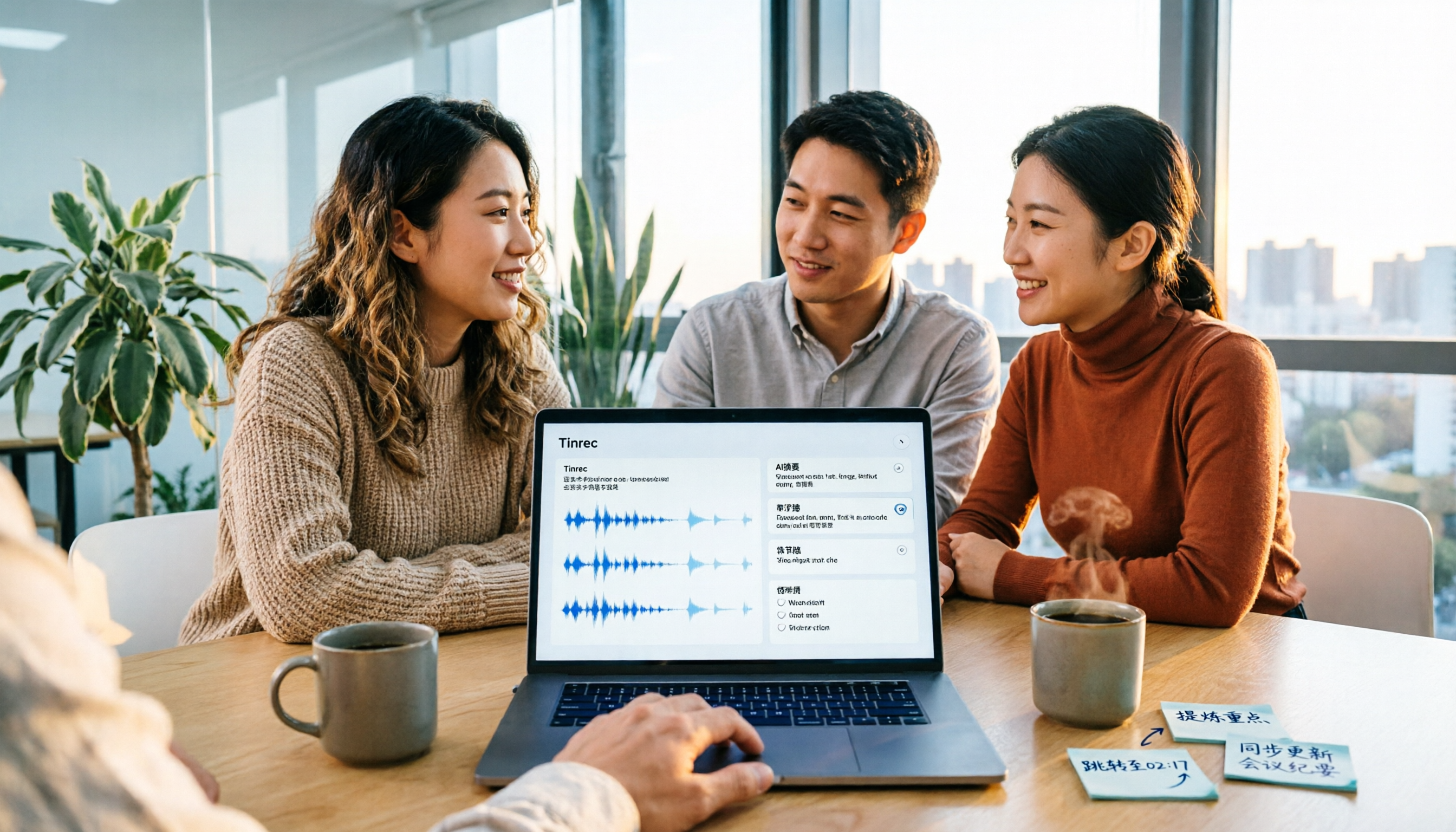
Tinrec is an AI meeting notes and collaboration tool for individuals and teams, available on web, desktop, and mobile.
No need to invite a bot to your meeting. This is where our testing went smoothest. Tinrec's desktop app captures system audio directly, so for online meetings like Zoom, Google Meet, Microsoft Teams, and Webex, you don't need to invite a meeting bot. No unfamiliar account appears in the participant list—crucial for client meetings or external presentations.
Real-time transcription as you record, Chinese content becomes a transcript directly. After starting live recording, the transcript appears in sync with the meeting. Chinese sentence segmentation and punctuation are handled naturally, and mixed Chinese-English segments are recognized. For cross-language meetings, you can enable real-time translation and view in original, translated, or bilingual mode.
After recording, you can ask it questions directly. This is where Tinrec differs most from ordinary transcription tools. After the meeting, you can ask questions like "What was the conclusion about the budget?" It doesn't give you a list of keyword search results; it gives you the answer directly. The same data can generate reports, tables, and documents, then export to Notion, Google Docs, OneNote, etc. Few tools in this price range offer such post-meeting query capabilities.
Stop organizing recordings by hand
Upload audio or video and automatically get a transcript, summary, and action items
For team use, Tinrec's team plan centralizes meeting recordings, transcripts, summaries, and action items in a shared team space. Admins can manage roles, seats, sharing permissions, and usage. When members change, data can be transferred and won't disappear with individual accounts.
Note: The free version offers a basic quota, suitable for trying out. If you have regular weekly meetings, you'll need the Pro plan. Also, transcription quality is affected by recording environment, noise, accents, and overlapping speech. For important content, we recommend cross-checking with audio playback.
If you frequently handle Chinese meetings, don't want a bot in the participant list, and want to use AI to find key points right after recording—Tinrec is currently the closest fit.
Besides Tinrec, what other options are there?
iPhone built-in Voice Memos / Notes app. If your needs are simple, the built-in option is better than you'd think. After iOS 18.4, both Voice Memos and Notes can transcribe recordings and support Traditional Chinese. Tapping any part of the transcript jumps to the corresponding audio. However: it's limited to iPhone 12 and later with the new OS, you need Wi-Fi to download the transcription module on first use, and current transcriptions often have typos and incoherent semantics, requiring manual proofreading. It's tied to the Apple ecosystem and can't ask questions about meeting content like Tinrec.
Otter.ai. A mature choice for English meetings. Basic free plan: 300 minutes/month. Pro annual: about USD 8.49/user/month, 1,200 minutes/month. It's strong for English business scenarios. If you mainly record English content, it's more cost-effective than Tinrec. But Chinese meetings aren't its forte; Chinese transcripts, real-time translation, and post-meeting team data retention are still better with Tinrec for Chinese teams.
PLAUD NotePin / Note Pro. A representative of AI recording hardware. Device starts at about USD 159. Membership: Starter 300 minutes/month, Pro annual USD 99.99. Value is in portability, long battery life, and phone call recording. But you need to carry an extra device and budget. System audio for online meetings isn't its main scenario. If you don't want to buy extra hardware just for recording, Tinrec works with desktop and mobile.
Pitfall guide: 3 most common mistakes when choosing a transcription tool
Pitfall 1: Assuming built-in is enough. Built-in is free and convenient, but first check if your model and OS version are compatible, and test with a real meeting recording to see if the typo rate is acceptable. Many people only discover the transcript is unusable when they need to submit notes.
Pitfall 2: Only looking at transcription, not post-meeting organization. Getting a transcript just pushes the problem back. A 60-minute meeting transcript can be tens of thousands of words; you still have to read it all. When choosing a tool, look at "summary, action items, Q&A" together to truly save time.
Pitfall 3: Ignoring cross-platform and team sharing. iPhone today, Windows tomorrow, Android next week—a tool locked to one ecosystem will eventually block you. For teams, note: if meeting data is stored in personal accounts, records leave when members do. Tinrec's team plan keeps data in a team space and allows transfer when members change—something personal accounts can't do.
Conclusion: Which one should you choose?
Back to the original question: recording is just a means; you want usable text and records.
- Only use iPhone, occasionally record, don't want to install new tools → iPhone built-in Voice Memos is enough
- Online meetings without a bot, need Chinese transcripts and post-meeting Q&A → Tinrec
- Mainly English meetings → Otter.ai
- Often on the go, need portable hardware recording → PLAUD
- Team needs to share meeting data, manage members and usage → Tinrec team plan
We suggest starting with Tinrec's free version, run one or two of your real meeting recordings, and see if the transcript and summary quality meet your expectations. Upgrade only if it works for you—no need to pay upfront.
References
- No third-party app needed! iPhone Voice Memos and Notes app transcription guide | Venus's Fantasy World
- View Voice Memos transcripts on iPhone - Apple Support (Taiwan)
- iPhone Notes and Voice Memos also have transcript features! Turn class, meeting, and speech content into text in seconds: simple 4-step tutorial | BusinessNext
- iPhone Voice Memos to text tutorial: built-in transcription without third-party apps - Mr. Mad
- iPhone voice recognition: Voice Memos, automatic punctuation and paragraphing - Let's Write
Turn every recording into actionable outcomes
Get 60 free transcription minutes when you sign in. No credit card required.
Related Reading
You might also like

2026 Comparison of 2 English Meeting Minutes Tools: Tinrec vs Otter.ai — Which Is Better for Chinese Teams?
How do you write English meeting minutes? This article compares Tinrec and Otter.ai, covering bot-free recording, mixed Chinese-English support, post-meeting AI Q&A, team collaboration, and pricing, to help you decide which tool is better for Chinese teams that need to produce English meeting minutes. It also covers standard formats and common phrases for English meeting minutes.

4 Best Speech-to-Text Tools in 2026: iFlytek Recorder, Tinrec, and Online Options Compared
When searching for 'iFlytek speech to text,' you might be torn between a voice recorder and software solutions. This article starts with key buying factors, compares iFlytek Recorder, Tinrec, Notta, and Granola, and shares pitfalls to avoid and scenario recommendations to help you find the right tool for meeting notes, interview transcripts, and team collaboration.
2026 Video Summarization Tools Compared: Which One Actually Saves You from Rewatching?
How to choose a video summarization tool? This article breaks down 4 common approaches, provides 5 practical purchasing checkpoints, and uses Tinrec to illustrate the complete workflow from transcription to AI summary, chapters, action items, and team spaces. It also includes pricing and quota details for personal and team plans to help you find the best fit.

4 Best Free Online Text-to-Speech Tools in 2026: Which Free Version Is Enough?
We compare four free online text-to-speech tools—TTSMaker, Luvvoice, Vidnoz AI, and Toolbang—covering language support, commercial licensing, output formats, and customization options to help you decide which one fits your needs for learning, voiceover, or accessibility reading.

2026 Comparison of 5 Online Voice Tools: Is Google Text-to-Speech Free Version Enough?
It's 11 PM, the video is finally edited, but the voiceover still isn't recorded. An hour after a meeting ends, the transcript is still blank. This article starts from two needs—'speak out' and 'write down'—and compares free online text-to-speech options like Google Cloud Text-to-Speech, Sound of Text, and Chrome text-to-speech extensions. It also shares hands-on experience with Tinrec for speech-to-text, including free limitations and team pricing.

How to Choose a Voice Tool in 2026: Meeting Transcription + Multilingual Translation Comparison
Many people search for "voice tools" to read text aloud, but meetings and interviews really need to turn audio into usable text data. This article first clarifies the difference between text-to-speech readers and meeting transcription tools, then compares Tinrec and Otter.ai across five dimensions: Chinese and multilingual recognition, bot-free recording, post-meeting workflow, team governance, and pricing. Finally, it offers clear recommendations for different needs.

2026 One-Click AI Summarizer Comparison: Meeting & Long-Form Tools That Actually Save Time
One-click AI summarization isn't just about pressing a button—it's about whether you can keep working with the summary afterward. This article breaks down four decision points: live transcription, AI summaries, action item extraction, and AI Q&A, and demonstrates a complete workflow from recording to transcript to meeting minutes and team knowledge retention using Tinrec.

How to Transcribe iPhone Voice Memos in 2026: Built-in Transcription + Tinrec AI Organization
iPhone has a free built-in way to transcribe voice memos, but many people don't know about it or only discover its limits after trying. This article starts with common misconceptions and compares Apple's built-in Voice Memos transcription with Tinrec, helping you find the best transcription workflow for your needs.

5 AI Meeting Minutes Tools Tested for 2026: Which One Actually Saves You Post-Meeting Time?
Two-hour meeting, then another hour to write up the minutes? This article compares 5 AI meeting minutes tools in real-world scenarios, covering 4 key points to consider before choosing and 4 common pitfalls to avoid. It also takes a deep dive into Tinrec's bot-free online meeting recording, AI summaries, AI Q&A, export options, and team workspace management, helping Hong Kong office workers find the one that truly saves post-meeting time.