

Turn recordings into transcripts and summaries in minutes
Upload audio or video for multilingual transcription, AI notes, and action items
2026 Comparison of 2 English Meeting Minutes Tools: Tinrec vs Otter.ai — Which Is Better for Chinese Teams?
After every English meeting, you have to spend time re-listening to the recording, picking out key points, and organizing them into meeting minutes—but the harder part is deciding: should you keep doing it manually, or switch to an AI meeting tool? If your team often mixes Chinese and English, this choice directly affects whether your meeting minutes can be used as-is.
A complete set of English meeting minutes usually includes the date, attendees, agenda items, key decisions, and action owners. A tool should not just convert speech to text; it should help you automatically organize these elements.
This article compares Tinrec and Otter.ai across bot-free recording, mixed Chinese-English support, post-meeting AI Q&A, team collaboration, and pricing, to help you decide which is better for Chinese teams that need to produce English meeting minutes. The following is based on the publicly available features and plans of both tools.
Tinrec vs Otter.ai | Quick Overview
Tinrec is an AI meeting notes and collaboration tool for individuals and teams. It supports live recording, bot-free online meeting transcription on desktop, audio and video file import, live translation, and can automatically generate summaries, chapters, to-dos, and mind maps. Otter.ai is a mature AI meeting assistant that covers Zoom, Microsoft Teams, Google Meet, live transcription, speaker identification, AI Chat, workflows, and team management. It has strong brand recognition in English business meeting scenarios.
| Item | Tinrec | Otter.ai |
|---|---|---|
| Core positioning | AI meeting notes and team collaboration | AI meeting assistant and meeting automation |
| Meeting capture | Desktop bot-free system audio capture | Bot and desktop, among other methods |
| Free plan | Free version available with basic quota | Basic free, 300 minutes per month |
| Paid plans | Personal weekly pass/Pro monthly/Pro annual; Team plan USD 29.80 per paid seat/month (monthly), USD 199 per paid seat/year (annual) | Pro annual equivalent to USD 8.49/user/month; Business offers unlimited meetings and in-app recording, pricing on official website |
| Chinese/mixed Chinese-English | Supports Chinese, Traditional Chinese, and multiple languages, mixed Chinese-English organization | Stronger brand recognition in English business meetings |
This article compares 5 dimensions: generation method, language support, post-meeting organization, team collaboration, and pricing.
Dimension 1 | How English Meeting Minutes Are Generated: Bot-Free Recording vs Meeting Bots
Otter.ai's strength is meeting automation. It typically joins online meetings as a meeting bot, or records via desktop and other methods; for teams that do not want an extra bot participant in the meeting, or that need to manage external guests, permissions and processes require extra consideration.
Tinrec's desktop version directly captures computer system audio, handling online meetings on Zoom, Google Meet, Microsoft Teams, Webex, and others, without needing a meeting bot to join as a participant. Users need to actively open Tinrec to start recording; it does not automatically join all calendar meetings.
→ In this dimension: Tinrec clearly wins in the "don't want to invite a bot" scenario; Otter.ai still has an advantage in meeting automation scheduling. If your meetings often include external clients, the bot-free approach is usually less disruptive.
Dimension 2 | Mixed Chinese-English and Multilingual Meeting Support
Otter.ai is centered on English business meetings, and its transcription, summarization, and team collaboration for pure English meetings are very mature. But for Chinese teams, if meetings include mixed Chinese and English, or if bilingual meeting minutes are needed, proofreading costs may be higher.
Tinrec covers Chinese, Traditional Chinese, and multilingual meeting scenarios, supports mixed Chinese-English content organization, and provides live translation, allowing users to view the original text, translation, or bilingual content during recording. Actual results are affected by recording quality, noise, accents, overlapping speakers, and technical terminology.
→ In this dimension: Tinrec is better suited for Chinese teams handling mixed Chinese-English English meeting minutes; Otter.ai is better for pure English environments.
Dimension 3 | Post-Meeting Organization and AI Q&A: After the Transcript, Who Can Help You Write the Meeting Minutes?
Otter.ai provides summaries, action items, AI Chat, and workflows, allowing follow-up questions around meeting content. For teams already in the Otter ecosystem, post-meeting search and collaboration are convenient.
Tinrec not only provides transcripts but also automatically generates summaries, chapters, key points, and to-dos. It supports mind maps, AI Q&A, multi-format export, and Agent post-processing to generate reports, tables, and documents. Users can export results to Notion, Google Docs, OneNote, Dropbox, and other tools for further processing.
Stop organizing recordings by hand
Upload audio or video and automatically get a transcript, summary, and action items
→ In this dimension: Tinrec has a more complete workflow from transcript to deliverable meeting minutes, especially when meeting minutes, reports, and tables need to be generated.
Dimension 4 | Team Collaboration and Data Retention
Otter.ai has mature team and enterprise capabilities, suitable for large organizations. For English teams, its team management features are already comprehensive.
Tinrec's team plan provides an independent team space, where meeting data belongs to the team, and distinguishes members, roles, and seats. Active members can view, play, and read team data even without a seat; only after obtaining a seat can they record, upload, edit, and import/export. The team plan also provides shared import quota, usage analytics, audit logs, audio recycle bin, and team hotwords.
→ In this dimension: both can meet team needs. Tinrec's team space centralizes meeting recordings, transcripts, summaries, and to-dos in one place, and clearly distinguishes roles and seats, making it more intuitive for teams that need to manage access permissions and data handover.
Dimension 5 | Pricing and Plan Flexibility
Otter.ai's Basic free plan offers 300 minutes per month; Pro annual is equivalent to USD 8.49/user/month, including 1,200 minutes of in-app recording per month and 10 file imports; Business offers unlimited meetings and in-app recording, and specific pricing may be affected by promotions.
Tinrec's personal plan includes a free version, weekly pass, Pro monthly, and Pro annual, suitable for different usage frequencies. The team plan is USD 29.80 per paid seat/month for monthly billing, and USD 199 per paid seat/year for annual billing, equivalent to about USD 16.58/month; each paid seat provides 2,000 minutes of team shared import quota per month, and live recording is currently not deducted by minutes under an active team plan and active seat.
→ In this dimension: if you mainly have pure English meetings and very high usage, Otter.ai Business is worth evaluating; but for teams with mixed Chinese-English and need to control seats and shared import quota, Tinrec's pricing structure is more intuitive.
What Are the Unique Advantages of Each?
Tinrec's unique advantages:
- Bot-free desktop recording: no need to invite a meeting bot; just open the desktop version to record online meetings.
- Mixed Chinese-English and live translation: covers Chinese, Traditional Chinese, and multiple languages, suitable for Chinese teams.
- Complete post-meeting workflow: from transcript to summary, to-dos, AI Q&A, and Agent-generated reports.
- Team space and seat management: meeting data belongs to the team, and resources can be handed over when members change.
Otter.ai's unique advantages:
- Mature brand recognition in English business meetings: widely used in pure English meeting scenarios.
- Rich meeting automation and integrations: provides bots, workflows, and team management.
Conclusion: Which Should You Choose?
- If you need mixed Chinese-English English meeting minutes → Tinrec (supports mixed Chinese-English organization and live translation)
- If you don't want to invite a meeting bot → Tinrec (desktop bot-free system audio capture)
- If you need post-meeting AI Q&A and multi-format export → Tinrec (summaries, to-dos, Agent post-processing, export to Notion/Google Docs, etc.)
- If you need team space and seat management → Tinrec (team data belongs to the team, roles and seats managed separately)
- If you only handle pure English meetings and are already familiar with the Otter.ai ecosystem → Otter.ai is sufficient
In one sentence: for most Chinese teams that need to produce English meeting minutes, Tinrec is the more complete choice. We recommend starting with Tinrec's free version and testing it with your own meeting recordings.
FAQ
Q1: How do you say "English meeting minutes" in English? English meeting minutes are usually called meeting minutes or minutes of meeting. To take minutes means to record the meeting. When someone says "Can you take minutes?" they are asking you to take the meeting minutes.
Q2: What fields does a set of English meeting minutes usually include? Common formats include Date, scheduled starting time, actual starting time, meeting end time, place, minutes taker, present, apologies, discussion/topics, as well as key decisions and action items. Meeting minutes do not need complete English sentences; concise and to the point is best.
Q3: Can Tinrec automatically generate English meeting minutes? Tinrec supports multilingual meeting transcription, mixed Chinese-English organization, AI summaries, chapters, to-dos, and AI Q&A, and can generate reports, tables, and documents. Actual results are affected by recording quality, accents, noise, and technical terminology. For important content, it is recommended to cross-check with transcript timestamps and recording playback.
Q4: What is the biggest difference between Tinrec and Otter.ai? Otter.ai is very mature in English business meetings and meeting automation; Tinrec emphasizes bot-free desktop recording, mixed Chinese-English support, post-meeting workflow, and team data retention. If your meetings often mix Chinese and English, Tinrec is more suitable.
Q5: What is the difference between Tinrec's team plan and personal plan? Personal plan data is managed under an individual account. The team plan provides an independent team space, where meeting data belongs to the team, and adds capabilities such as members, roles, seats, shared benefits, usage analytics, audit logs, and recycle bin.
Q6: What should I pay attention to when using AI meeting tools? When recording and transcribing, you should comply with local laws and obtain participant consent when needed. AI may miss or misunderstand details; for important information, it is recommended to cross-check with the original text and recording.
References
- How to Write English Meeting Minutes? Format, Phrases, and Practical Tips | SoEasy Education
- [Business English Meetings] How to Say Meeting Minutes in English? Related Terms and Recording Tips | Lado Enterprise English Training
- Complete Guide to English Meeting Vocabulary: Common Meeting English Terms for Convening Meetings, Agenda Items, Motions, etc. - YesOnline Online English
- Practical Guide: How to Write English Meeting Minutes | CommonWealth Magazine
- Write English Meeting Minutes Like This | CommonWealth Magazine
Turn every recording into actionable outcomes
Get 60 free transcription minutes when you sign in. No credit card required.
Related Reading
You might also like

4 Best Speech-to-Text Tools in 2026: iFlytek Recorder, Tinrec, and Online Options Compared
When searching for 'iFlytek speech to text,' you might be torn between a voice recorder and software solutions. This article starts with key buying factors, compares iFlytek Recorder, Tinrec, Notta, and Granola, and shares pitfalls to avoid and scenario recommendations to help you find the right tool for meeting notes, interview transcripts, and team collaboration.
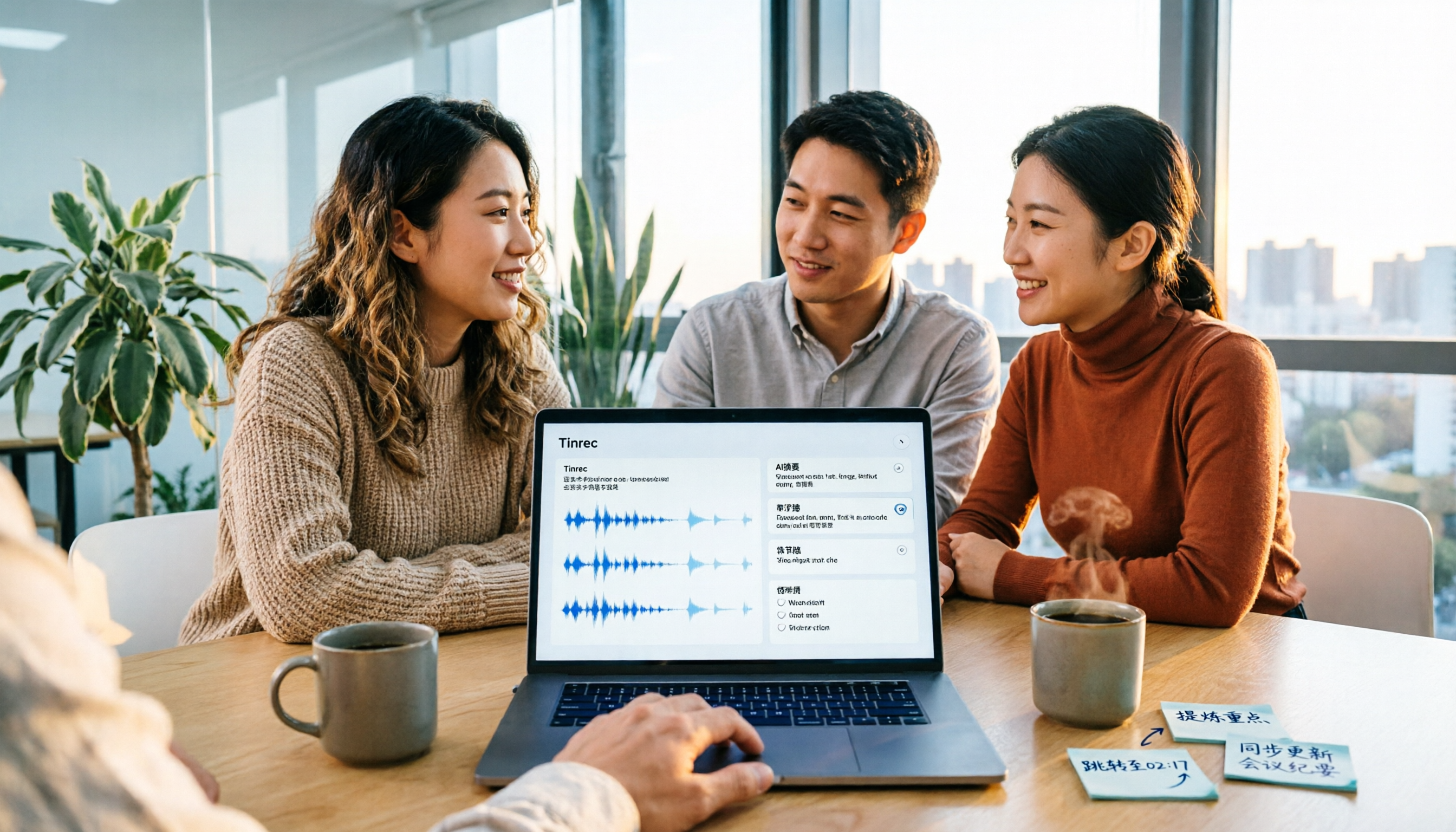
2026 Video Summarization Tools Compared: Which One Actually Saves You from Rewatching?
How to choose a video summarization tool? This article breaks down 4 common approaches, provides 5 practical purchasing checkpoints, and uses Tinrec to illustrate the complete workflow from transcription to AI summary, chapters, action items, and team spaces. It also includes pricing and quota details for personal and team plans to help you find the best fit.

4 Best Free Online Text-to-Speech Tools in 2026: Which Free Version Is Enough?
We compare four free online text-to-speech tools—TTSMaker, Luvvoice, Vidnoz AI, and Toolbang—covering language support, commercial licensing, output formats, and customization options to help you decide which one fits your needs for learning, voiceover, or accessibility reading.
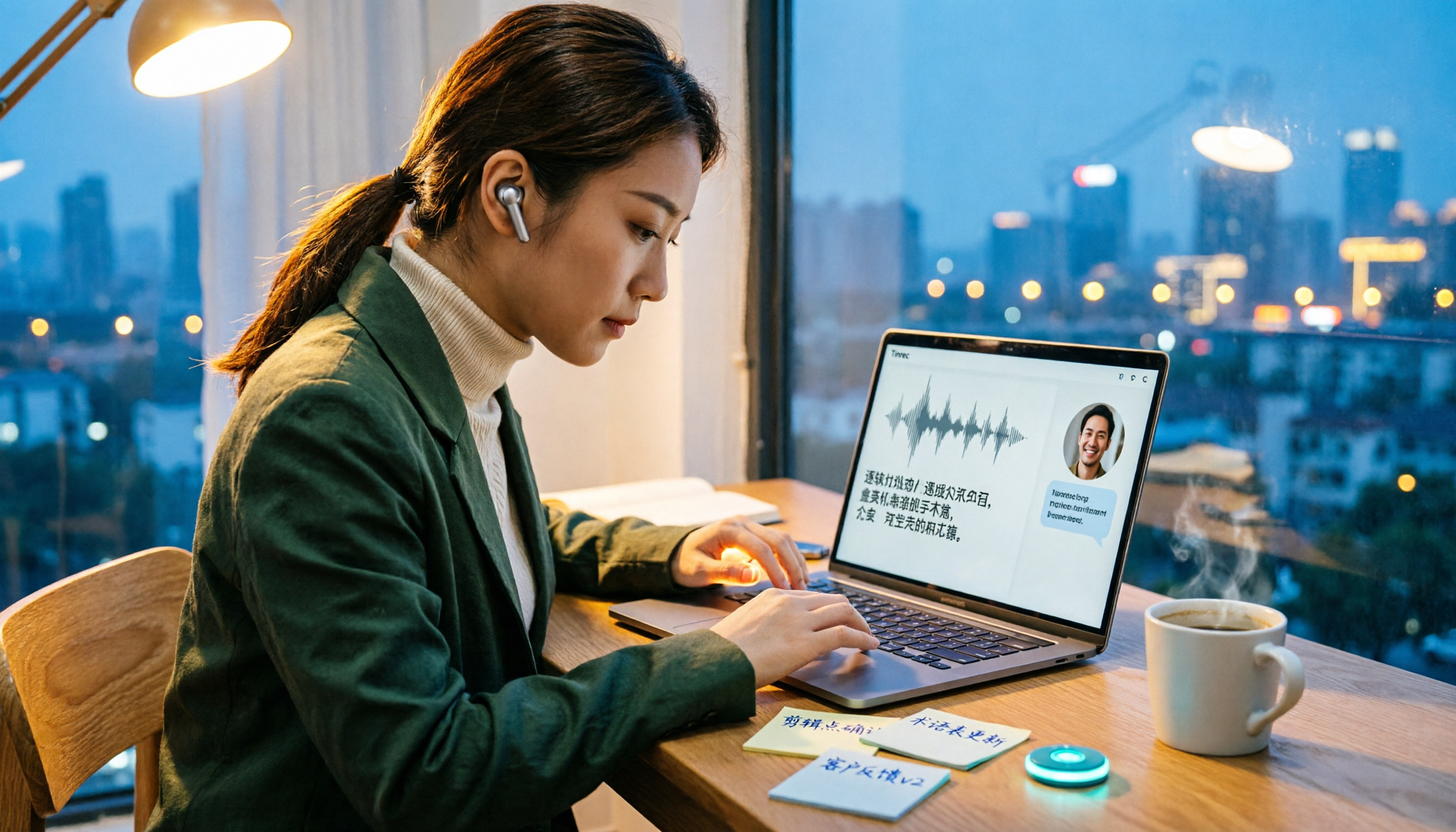
2026 Comparison of 5 Online Voice Tools: Is Google Text-to-Speech Free Version Enough?
It's 11 PM, the video is finally edited, but the voiceover still isn't recorded. An hour after a meeting ends, the transcript is still blank. This article starts from two needs—'speak out' and 'write down'—and compares free online text-to-speech options like Google Cloud Text-to-Speech, Sound of Text, and Chrome text-to-speech extensions. It also shares hands-on experience with Tinrec for speech-to-text, including free limitations and team pricing.

How to Choose a Voice Tool in 2026: Meeting Transcription + Multilingual Translation Comparison
Many people search for "voice tools" to read text aloud, but meetings and interviews really need to turn audio into usable text data. This article first clarifies the difference between text-to-speech readers and meeting transcription tools, then compares Tinrec and Otter.ai across five dimensions: Chinese and multilingual recognition, bot-free recording, post-meeting workflow, team governance, and pricing. Finally, it offers clear recommendations for different needs.

2026 One-Click AI Summarizer Comparison: Meeting & Long-Form Tools That Actually Save Time
One-click AI summarization isn't just about pressing a button—it's about whether you can keep working with the summary afterward. This article breaks down four decision points: live transcription, AI summaries, action item extraction, and AI Q&A, and demonstrates a complete workflow from recording to transcript to meeting minutes and team knowledge retention using Tinrec.

4 Best Voice Memo Transcription Tools in 2026: Is iPhone Built-in Enough?
Recorded a meeting, class, or interview but never have time to listen back? We tested 4 voice memo transcription methods, including iPhone's built-in Voice Memos and Notes apps, Tinrec, Otter.ai, and PLAUD recording hardware. We compare Chinese transcription quality, cross-platform capabilities, post-meeting workflows, and free tiers, plus provide selection criteria and 3 common pitfalls to help you find the most time-saving solution.
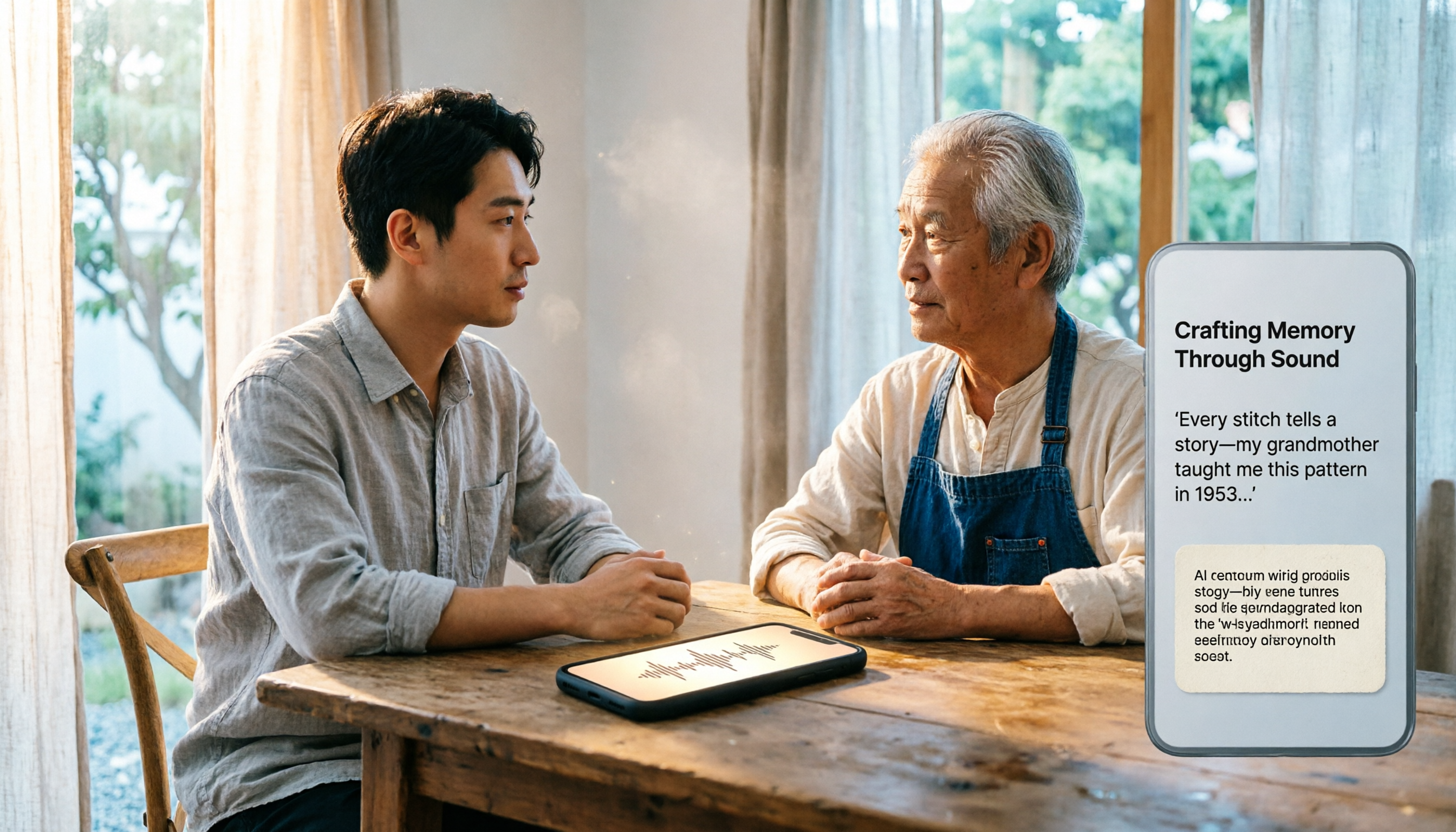
How to Transcribe iPhone Voice Memos in 2026: Built-in Transcription + Tinrec AI Organization
iPhone has a free built-in way to transcribe voice memos, but many people don't know about it or only discover its limits after trying. This article starts with common misconceptions and compares Apple's built-in Voice Memos transcription with Tinrec, helping you find the best transcription workflow for your needs.

5 AI Meeting Minutes Tools Tested for 2026: Which One Actually Saves You Post-Meeting Time?
Two-hour meeting, then another hour to write up the minutes? This article compares 5 AI meeting minutes tools in real-world scenarios, covering 4 key points to consider before choosing and 4 common pitfalls to avoid. It also takes a deep dive into Tinrec's bot-free online meeting recording, AI summaries, AI Q&A, export options, and team workspace management, helping Hong Kong office workers find the one that truly saves post-meeting time.