

Turn recordings into transcripts and summaries in minutes
Upload audio or video for multilingual transcription, AI notes, and action items
Still Staying After the Meeting to Write Up Notes? The Problem Isn't That You're Not Fast Enough
10 AM project meeting, 2 PM client interview, and a cross-department sync before the end of the day—this is the daily routine in many Central office buildings. The meeting itself isn't necessarily the most tiring part; it's what comes after: the recording sits on your phone, you have to type out the transcript yourself, and who promised what and by when is pieced together from memory.
What's more troublesome is language. Meetings in Hong Kong rarely use only one language—Cantonese, English, and Mandarin are mixed together, switching languages three times in a single sentence. Many tools claim to support Chinese, but when you actually test them with a Cantonese meeting recording, the output is often so garbled you can't understand it, and you end up retyping it manually.
If you've encountered these situations, this article is for you. Below, we compare 5 common AI meeting minutes tools using real-world scenarios and explain what you should really look for when choosing one.
Before Choosing an AI Meeting Minutes Tool, Understand These 4 Key Points
1. How the meeting is "captured" There are two common approaches: one is a meeting bot that joins the meeting with an extra account; the other is desktop-based capture of the computer's system audio. The former requires host approval and adds a stranger to the participant list, which can be awkward during client interviews; the latter doesn't disturb anyone but requires you to actively start the program. Also, whether you can import existing recording files determines whether your historical meeting data can be organized.
2. Recognition ability for Chinese and mixed Chinese-English Don't just look at the officially stated accuracy rate. What you really need to test is your scenario: primarily Cantonese? Mixed Chinese-English? Multiple people talking over each other? Background noise from air conditioning or keyboard? Also, whether there's a set of "hotwords" that lets you add product names, project codes, and client abbreviations directly affects the recognition of technical terms.
3. What can be done after the transcript The transcript is just the raw material. Whether it can automatically generate summaries, chapters, key points, and action items, whether you can ask questions directly about the content, and whether it can export to your existing workflow—these are the keys to saving time. With a tool that only provides transcripts, you still have to read through tens of minutes of content yourself.
4. Quotas, export, and team collaboration Whether the free quota is enough for daily use, how overage is calculated, and whether you can export to Notion or Google Docs all affect long-term costs. If meeting data needs to stay with the team, you should also clarify: who owns the data, will it disappear when members leave, and are there usage limits and audit logs available.
Tinrec — Our Top Recommendation After Testing
Tinrec is an AI meeting recording and collaboration tool for individuals and teams, supporting iOS, Android, and web. Its positioning is not simply "speech to text," but turning meetings into searchable, queryable, and collaborative data.
Record online meetings without inviting a meeting bot Tinrec's desktop version directly captures computer system audio, handling Zoom, Google Meet, Microsoft Teams, Webex, and other online meetings without needing an extra bot account to join or waiting for host approval. For those who frequently conduct client interviews, this is especially practical—the other party won't see a stranger account on the participant list. Note that this does not mean it automatically joins all calendar meetings; users still need to open Tinrec to start recording.
Recording is not the end—AI helps you organize it into something usable During the meeting, it can produce a transcript while recording; when the meeting ends, AI has already organized a summary, chapters, key points, and action items—who is responsible for what and when it's due, all clear at a glance. There's also a mind map to see the structure of topics. This is the true value of "AI meeting minutes": you're not buying the transcription process, but the organized result.
AI Q&A is its biggest differentiator from similar tools After recording, you can directly ask Tinrec: "Who mentioned the budget in the last meeting?" or "What concerns did the client have about the delivery date?" It won't just throw a bunch of keyword search results at you; it answers directly based on semantics, and you can also ask follow-up questions across multiple meetings to connect several discussions. Most transcription tools at the same price point only let you manually Ctrl+F after recording.
Cross-language meetings and export During recording, you can view the original text, translation, or bilingual content, suitable for mixed Chinese-English meetings; team hotwords are used to maintain product names and industry terminology. The organized results can be exported to Notion, Google Docs, OneNote, Dropbox, and other tools, and can also be post-processed through Agent to generate reports, tables, and documents for direct reporting or archiving.
Stop organizing recordings by hand
Upload audio or video and automatically get a transcript, summary, and action items
Team version: turning meetings from a personal tool into a team asset The team version is not several people sharing a personal account, but an independent team workspace. Meeting data is stored centrally, and new members can review historical meetings; management allows setting owners, admins, and regular members, assigning or revoking seats, viewing usage trends, member rankings, and details, querying and exporting audit logs, and managing team hotwords and audio recycle bin (currently retained for 30 days, recoverable before permanent deletion).
It's important to distinguish between "roles" and "seats": roles determine who can manage the team and members, seats determine whether one can record, upload, edit, import/export. Members who are active but have no seat can still view, play, and read team data. Team resources belong to the team, and when a member leaves or is removed, they can be transferred to other active members and won't disappear with the personal account. Also note that currently it's mainly team-level sharing, not fine-grained per-file permission settings.
Quotas and pricing (official configuration, actual order page prevails) The personal version offers a free version, weekly card, Pro monthly, and Pro annual. Choose based on your usage tasks: occasional transcription of a recording—free version; short-term intensive meetings—weekly card; stable weekly use—Pro; long-term data accumulation—annual card. The team version offers a 7-day trial for first-time eligible users, 1 free seat, and 300 minutes of team shared import quota; team monthly payment USD 29.80 per paid seat per month, annual payment USD 199 per paid seat per year (equivalent to about USD 16.58 per month), each paid seat provides 2,000 minutes of team shared import quota per month. Under an active team plan and active seats, real-time recording currently does not deduct minutes; file and web imports consume team shared quota.
Limitations The free version has limited quota, heavy users need to pay; file import consumes shared quota; transcription accuracy is affected by recording quality, noise, accents, overlapping speech, and technical terms, so don't expect 100% accuracy. For important content, it's recommended to cross-check with the transcript and original recording.
Who it's for Those who frequently hold Chinese or mixed Chinese-English meetings, don't want to invite a meeting bot, want to use AI to find key points directly after the meeting, or need to turn meetings into searchable team data.
Besides Tinrec, What Other Options Are There?
Otter.ai: A mature choice for English business meetings. Basic free version offers 300 minutes per month; Pro annual payment is about US$8.49 per user per month, including 1,200 minutes per month. It also offers desktop and team features. The gap lies in the experience with Chinese and mixed Chinese-English meetings, and post-meeting processing capabilities like generating reports and tables with Agent. If 90% of your meetings are in English, Otter.ai is actually more cost-effective.
Notta: High overlap with Tinrec, also offering multi-platform transcription, file import, translation, and team plans. Free version: 120 minutes per month, max 3 minutes per session; Pro annual payment about US$8.17 per month; Business annual payment about US$16.67 per seat per month. The difference is that Tinrec supports bot-free desktop online meeting recording and provides AI Q&A around meeting content.
Granola: Also takes the bot-free route, transcribing via desktop system audio. Basic is free, Business is about US$14 per user per month. However, Granola does not support uploading existing recording files and does not save meeting audio files—if you need to keep recordings, organize historical interviews, or need Chinese and real-time translation, Tinrec is more suitable.
Pitfall Guide: The 4 Most Common Mistakes When Choosing an AI Meeting Minutes Tool
Pitfall 1: Only looking at the officially stated accuracy rate. Many tools claim "98% accuracy," but that's usually measured in a quiet environment, single language, standard accent. Real meeting rooms have air conditioning noise, keyboard sounds, video delays, and people talking over each other. The right approach is to take your own meeting recording and run it once with the free quota to see the results. Also remember that AI may miss or misinterpret things, so important decisions must be cross-checked with the transcript and original recording.
Pitfall 2: Ignoring Cantonese and mixed Chinese-English. Meetings in Hong Kong often use three languages, so when testing, be sure to test "mixed language" scenarios, not just a standard Mandarin clip. Also check whether the tool has hotword settings to add proper nouns like product names and project codes.
Pitfall 3: Only using the tool for speech-to-text. If you only treat it as "turning sound into text," you're using only one-third of its capabilities. Summaries, chapters, action items, and AI Q&A—these post-processing features are where the real time savings are. After recording, directly asking it "What was the conclusion of this meeting?" is much faster than flipping through a 30-minute transcript.
Pitfall 4: Ignoring data ownership, permissions, and recording compliance. Several people sharing a personal account may seem like saving money, but once a member leaves, data ownership becomes chaotic. The team version should clearly distinguish roles and seats, and understand that team resources belong to the team. Also, before recording, confirm local legal requirements and obtain consent from participants when necessary.
Conclusion: Which One Should You Choose?
In one sentence: If your meetings are primarily in Chinese or mixed Chinese-English, Tinrec is the most recommended one after this test.
- Cantonese, mixed Chinese-English meeting transcription → Tinrec (can use team hotwords for proper nouns)
- Need to record Zoom/Meet/Teams without a bot joining → Tinrec (desktop version captures system audio)
- Want to directly ask AI "Who mentioned the budget last time" after the meeting → Tinrec (AI Q&A)
- Need to turn meetings into team data, manage seats and usage → Tinrec team version
- Zero budget, meetings almost entirely in English → Otter.ai free version (the only exception in this article)
We suggest running your own meeting recording through the free quota first to see if the transcription and summaries fit your actual scenario, then decide whether to upgrade—no need to pay from the start.
References
- How to use AI for meeting minutes? How to organize meeting transcripts? | AI speech-to-transcript tutorial | 104 Career Power
- How to do AI meeting minutes? Complete tutorial from writing principles, tool selection to automation prompts | Manager Today
- The most recommended AI meeting recorder of 2026, the must-have tool for time-saving meetings!
- Meeting Ink - 2026 AI Meeting Minutes Tool Test | 7 speech-to-text and summary speed comparison | Meeting Ink - AI Meeting Minutes Assistant
- AI Meeting Notes Generator
Turn every recording into actionable outcomes
Get 60 free transcription minutes when you sign in. No credit card required.
Related Reading
You might also like

2026 Comparison of 2 English Meeting Minutes Tools: Tinrec vs Otter.ai — Which Is Better for Chinese Teams?
How do you write English meeting minutes? This article compares Tinrec and Otter.ai, covering bot-free recording, mixed Chinese-English support, post-meeting AI Q&A, team collaboration, and pricing, to help you decide which tool is better for Chinese teams that need to produce English meeting minutes. It also covers standard formats and common phrases for English meeting minutes.

4 Best Speech-to-Text Tools in 2026: iFlytek Recorder, Tinrec, and Online Options Compared
When searching for 'iFlytek speech to text,' you might be torn between a voice recorder and software solutions. This article starts with key buying factors, compares iFlytek Recorder, Tinrec, Notta, and Granola, and shares pitfalls to avoid and scenario recommendations to help you find the right tool for meeting notes, interview transcripts, and team collaboration.
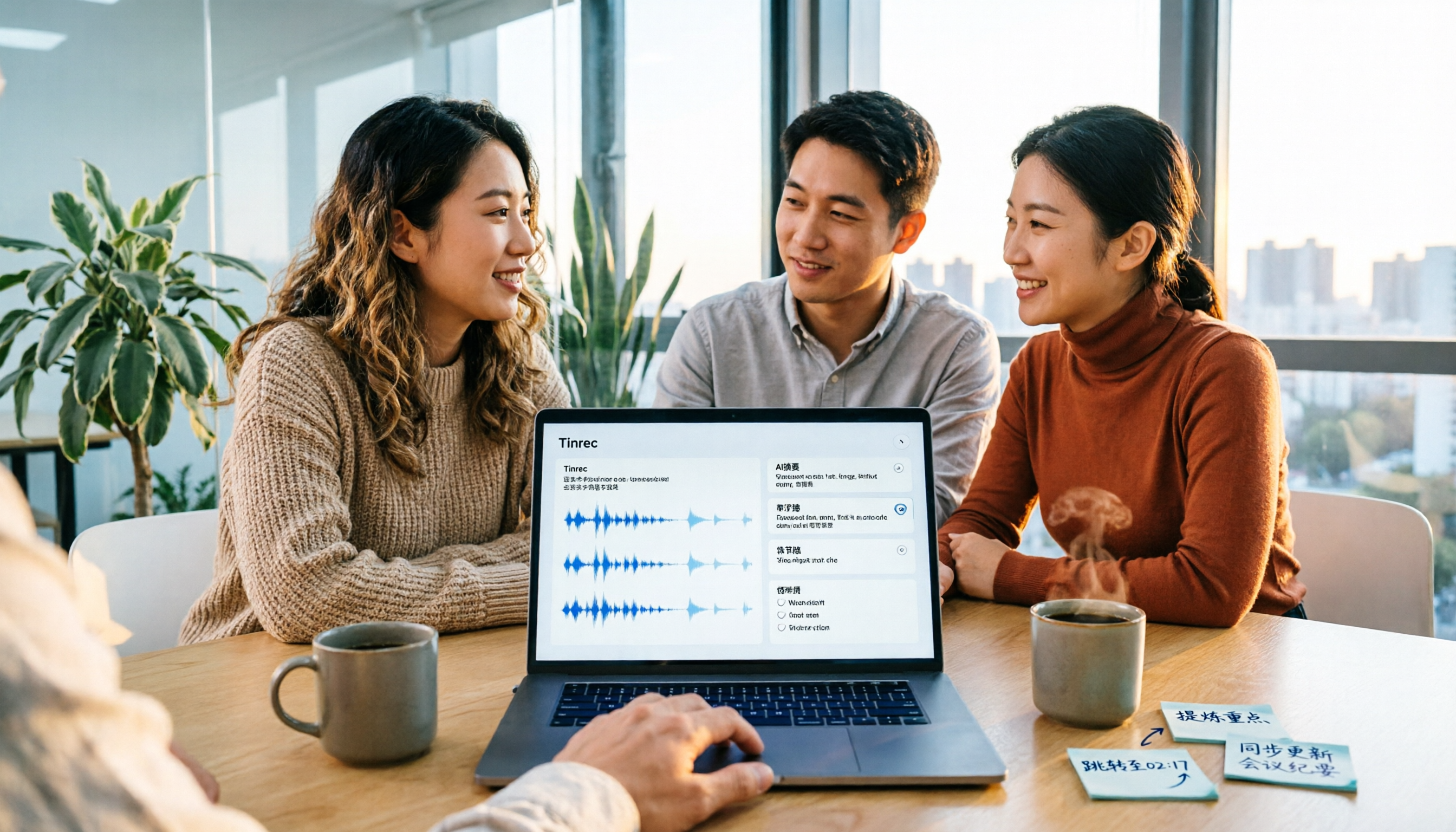
2026 Video Summarization Tools Compared: Which One Actually Saves You from Rewatching?
How to choose a video summarization tool? This article breaks down 4 common approaches, provides 5 practical purchasing checkpoints, and uses Tinrec to illustrate the complete workflow from transcription to AI summary, chapters, action items, and team spaces. It also includes pricing and quota details for personal and team plans to help you find the best fit.

4 Best Free Online Text-to-Speech Tools in 2026: Which Free Version Is Enough?
We compare four free online text-to-speech tools—TTSMaker, Luvvoice, Vidnoz AI, and Toolbang—covering language support, commercial licensing, output formats, and customization options to help you decide which one fits your needs for learning, voiceover, or accessibility reading.
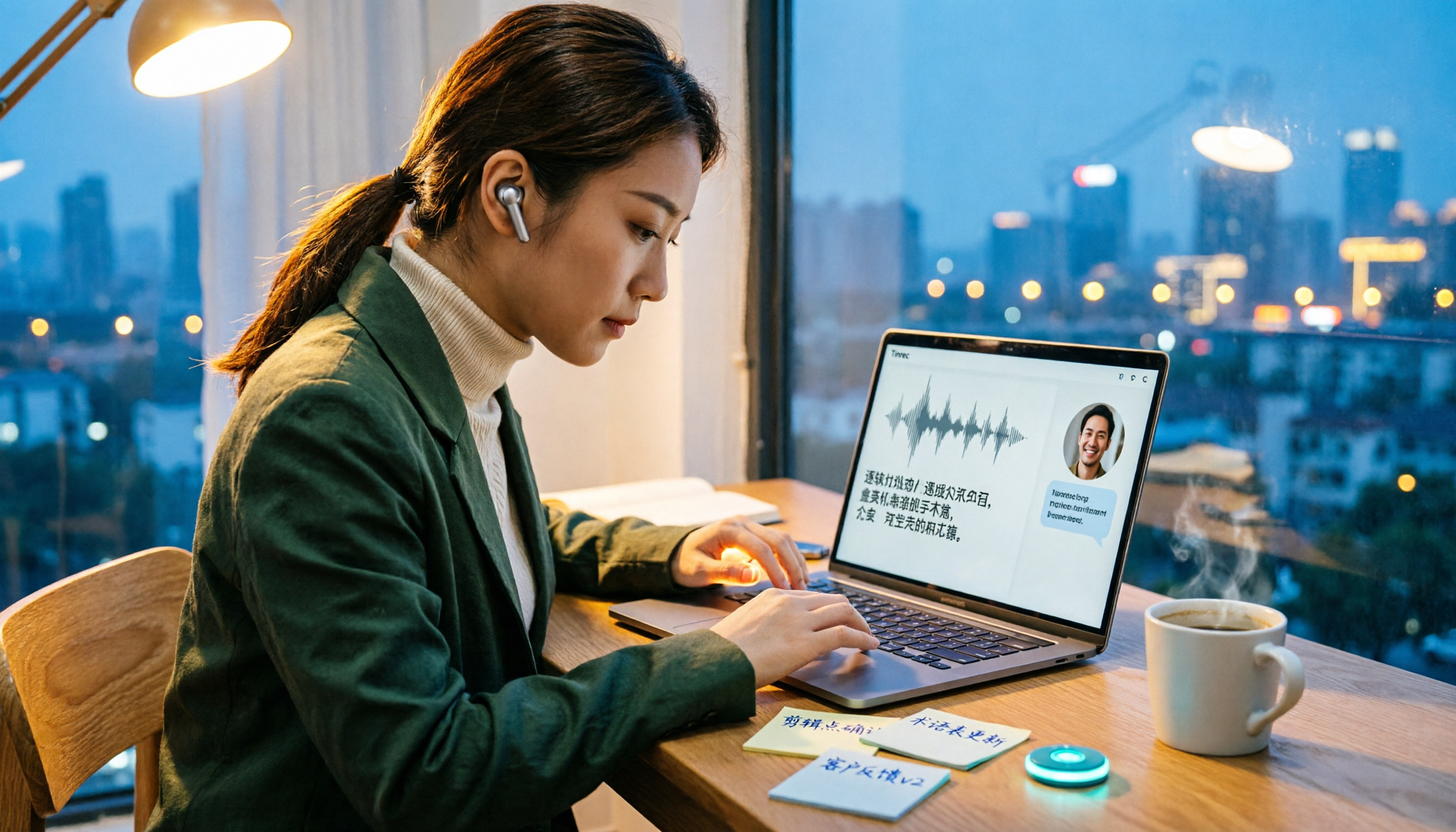
2026 Comparison of 5 Online Voice Tools: Is Google Text-to-Speech Free Version Enough?
It's 11 PM, the video is finally edited, but the voiceover still isn't recorded. An hour after a meeting ends, the transcript is still blank. This article starts from two needs—'speak out' and 'write down'—and compares free online text-to-speech options like Google Cloud Text-to-Speech, Sound of Text, and Chrome text-to-speech extensions. It also shares hands-on experience with Tinrec for speech-to-text, including free limitations and team pricing.

How to Choose a Voice Tool in 2026: Meeting Transcription + Multilingual Translation Comparison
Many people search for "voice tools" to read text aloud, but meetings and interviews really need to turn audio into usable text data. This article first clarifies the difference between text-to-speech readers and meeting transcription tools, then compares Tinrec and Otter.ai across five dimensions: Chinese and multilingual recognition, bot-free recording, post-meeting workflow, team governance, and pricing. Finally, it offers clear recommendations for different needs.

2026 One-Click AI Summarizer Comparison: Meeting & Long-Form Tools That Actually Save Time
One-click AI summarization isn't just about pressing a button—it's about whether you can keep working with the summary afterward. This article breaks down four decision points: live transcription, AI summaries, action item extraction, and AI Q&A, and demonstrates a complete workflow from recording to transcript to meeting minutes and team knowledge retention using Tinrec.

4 Best Voice Memo Transcription Tools in 2026: Is iPhone Built-in Enough?
Recorded a meeting, class, or interview but never have time to listen back? We tested 4 voice memo transcription methods, including iPhone's built-in Voice Memos and Notes apps, Tinrec, Otter.ai, and PLAUD recording hardware. We compare Chinese transcription quality, cross-platform capabilities, post-meeting workflows, and free tiers, plus provide selection criteria and 3 common pitfalls to help you find the most time-saving solution.
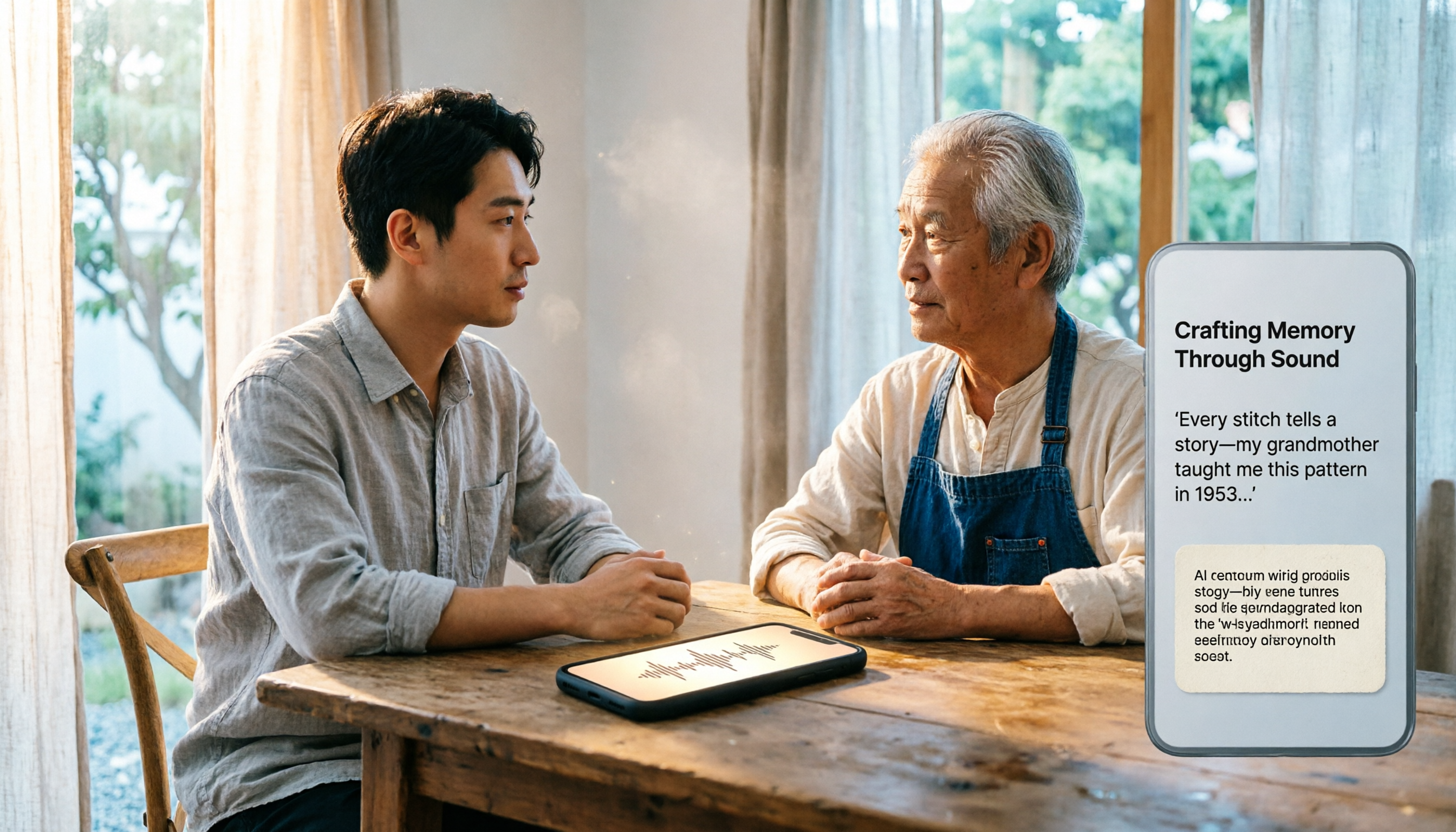
How to Transcribe iPhone Voice Memos in 2026: Built-in Transcription + Tinrec AI Organization
iPhone has a free built-in way to transcribe voice memos, but many people don't know about it or only discover its limits after trying. This article starts with common misconceptions and compares Apple's built-in Voice Memos transcription with Tinrec, helping you find the best transcription workflow for your needs.