
Turn recordings into transcripts and summaries in minutes
Upload audio or video for multilingual transcription, AI notes, and action items
Facing meeting recordings that can last 1–2 hours, are you still listening at 0.5x speed and manually typing everything up? This is not only extremely inefficient but also prone to missing key points. With the maturity of AI technology, now it only takes a few minutes to convert audio files to text and quickly organize them into readable highlights.
This article reviews 7 top-performing tools on the market in 2026 (including MyEdit, Yating Transcriber, Good Tape, and Tinrec with AI chat features), benchmarking them across three dimensions: accuracy, transcription speed, and organization efficiency, along with practical tutorials. If you need quick answers:
- If you value free trials and light usage: Go with MyEdit (daily free credits)
- If you value Taiwanese Mandarin/Taiwanese Hokkien recognition: Go with Yating Transcriber
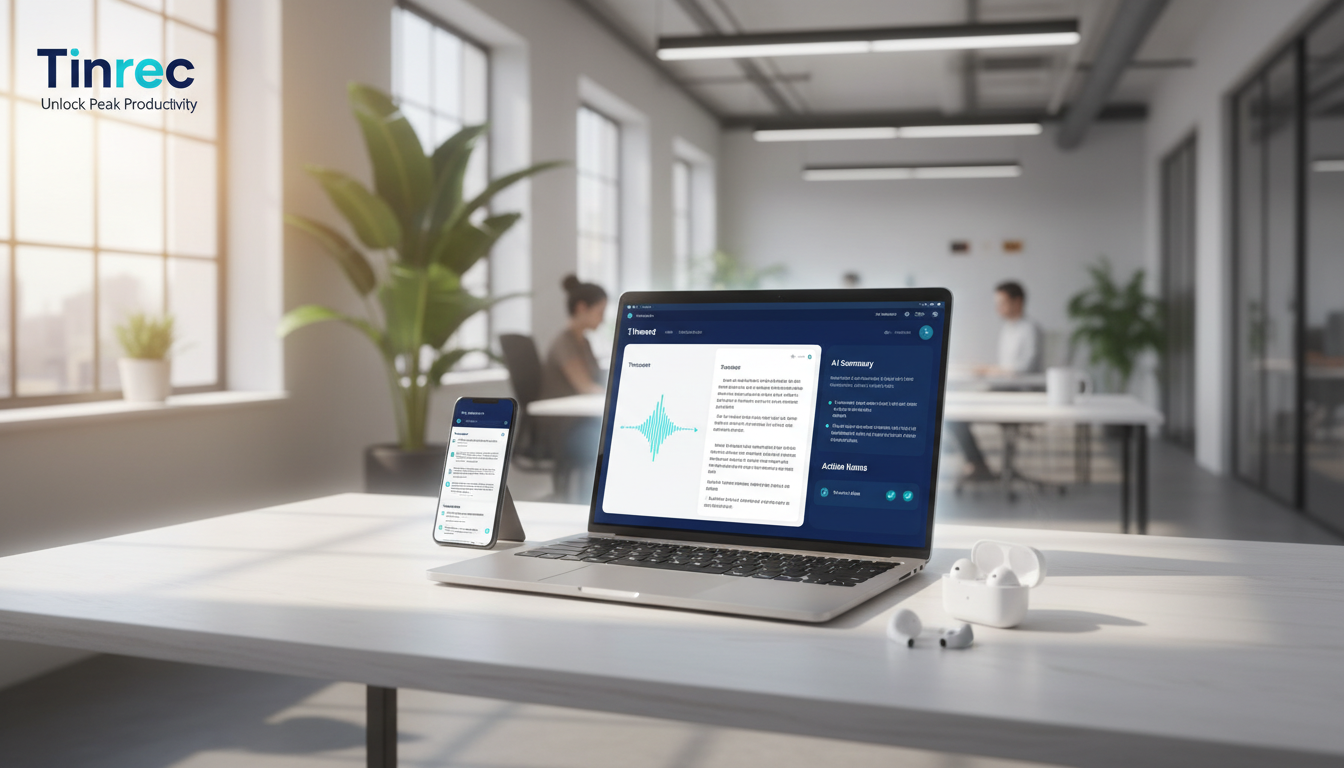
- If you value post-meeting actions and AI querying: Go with Tinrec
- If you value video subtitle creation: Go with PowerDirector
How to Choose an Audio-to-Text Tool? 3 Key Evaluation Criteria
Before selecting a tool, clarify your core needs to avoid paying for something that doesn't work for you:
1. Recognition Accuracy & Language Support
Accuracy is the foundation. If the transcribed text is riddled with errors, proofreading may take longer than doing it yourself. Pay special attention to support for multilingual mixing (e.g., Chinese-English code-switching) or specific dialects (e.g., Taiwanese Hokkien). It's best to test with a free trial.
2. Transcription Speed & Real-Time Capability
Some tools use a queuing system (e.g., Good Tape free version): a 1-minute audio may take tens of minutes or even an hour to process. High-performance tools (e.g., MyEdit, Tinrec, Vocol) usually finish within one-third of the audio duration, and some even support real-time transcription, significantly reducing wait time.
3. Organization Ability Beyond Mere Transcription
This is the most important metric for modern workers. Traditional tools only provide you with a transcript, which you still have to read through. New-generation AI tools (e.g., Tinrec, Vocol) can automatically generate summaries, meeting conclusions, and action items, and even allow you to query recording content via a chat interface—that's true quick organization.
2026 Top 7 Audio-to-Text Tools Reviewed
Below, based on features and use cases, we list the popular solutions.
1. MyEdit: Best for Lightweight Online Use
MyEdit is a browser-based online tool with an intuitive interface and no ads. Its biggest advantage is daily free credits, making it very friendly for occasional short recording users.
- Languages supported: Chinese, English, Japanese, Korean, and 9 others.
- Highlights: Audio enhancement features like noise removal and wind filtering to improve sound quality before transcription. Clicking text in the editor automatically jumps the audio to that timestamp.
- Limitations: No speaker diarization.
- Pricing: Free trial of 3 minutes per day; paid subscription from ~NT$120/month.
2. Tinrec: From Transcription to Action—Complete Workflow
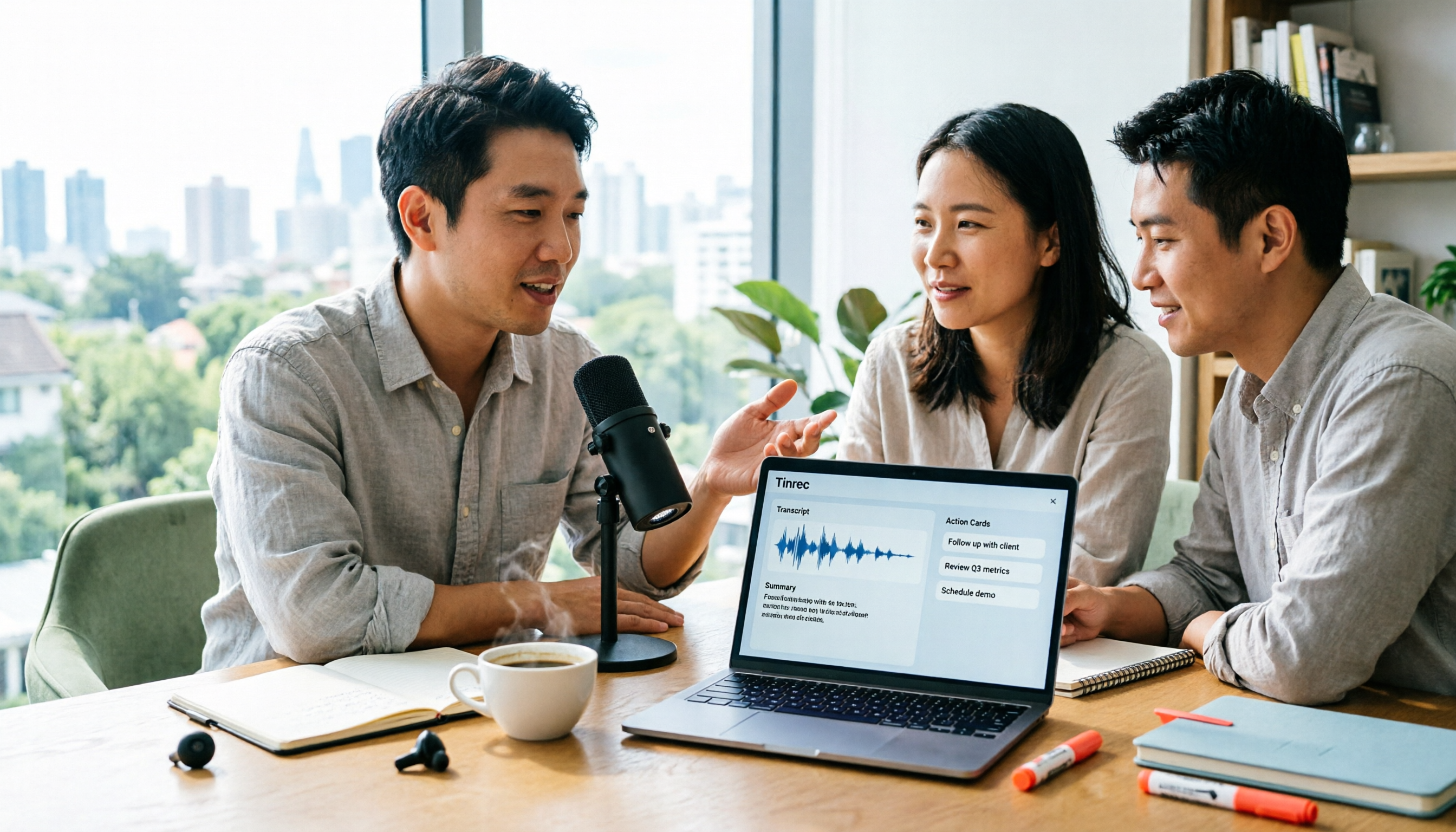
Tinrec positions itself as more than a transcription tool—it's an AI recording assistant. It solves the pain point of traditional transcripts being too information-heavy. Besides basic audio-to-text, it focuses on understanding and action, automatically extracting meeting minutes and to-dos from recordings.

- Languages supported: Automatic recognition of 10 languages including Chinese, Japanese, English, Korean, Cantonese, and Taiwanese Hokkien.
- Highlights:
- AI Chat Query: A differentiating feature—ask your recording like you would ChatGPT: "What was the budget deadline Xiao Wang mentioned?"
- Cross-platform sync: iOS, Android, and web—record on your phone, edit on your computer.
- Broad content sources: Supports live recording, audio file upload, and even YouTube/Podcast link transcription.
- Pricing: Free plan: 100 minutes/month; Basic plan: $4.9/month (600 minutes).
3. Yating Transcriber: Top Localized Recognition for Taiwan
Developed by a Taiwanese team, it excels at recognizing Taiwanese accents, Chinese-English mixing, and Taiwanese Hokkien.
- Languages supported: Chinese, English, Taiwanese Hokkien.
- Highlights: Real-time transcription with automatic punctuation insertion. Ideal for interview recording.
- Limitations: Relatively slow transcription speed (tested: 1-minute audio takes about 10 minutes to process); summary feature occasionally unstable.
- Pricing: Pay-per-minute plan, e.g., 60 minutes for NT$160.
4. Vocol.ai: Team Collaboration & Project Management
Vocol.ai is a platform that combines voice-to-text with collaboration, especially suited for enterprise use.
Stop organizing recordings by hand
Upload audio or video and automatically get a transcript, summary, and action items
- Languages supported: Chinese, English, Japanese.
- Highlights: Can translate transcripts into other languages; allows task assignment and commenting within the platform.
- Limitations: Feature-heavy interface may have a steeper learning curve for individual users.
- Pricing: Points-based and subscription plans; monthly subscription from NT$357.
5. Good Tape: A Favorite Among Journalists
A Danish tool designed for journalists, supporting over 90 languages.
- Highlights: Minimal interface focused on transcription. Paid version offers speaker diarization.
- Limitations: Free version is very slow (queued); weaker Chinese punctuation support; no online editing.
- Pricing: Free version: 3 recordings per month; paid version ~NT$515/month.
6. PowerDirector: Subtitle Savior for Video Creators
If you need to convert recordings into video subtitles, PowerDirector's built-in AI is the most direct choice.
- Highlights: Transcribes directly into subtitle tracks, exportable as SRT files. Offers rich subtitle style customization.
- Limitations: Requires software download; not ideal for pure text document scenarios.
7. cSubtitle: Focused on Chinese Audio & Video
Targets the Chinese market, supporting Taiwanese Mandarin and Cantonese.
- Highlights: Multiple export formats (Word, Txt); editor similar to Word.
- Limitations: Free version is restrictive (3 minutes); output text lacks paragraph breaks, making it harder to read.
Quick Comparison Table: 7 Tools Specs
| Tool | Best For | Free Trial/Credits | Speed | Key Highlight | Platform | Cost |
|---|---|---|---|---|---|---|
| Tinrec | Meetings/Learning | 100 min/month | Fast (real-time) | AI chat query, action item extraction | App/Web | High value |
| MyEdit | Light users | 3 min/day | Fast | Simple interface, noise removal | Web | Low |
| Yating Transcriber | Interviews/Taiwanese users | 300 min (first month) | Slow | Excellent Taiwanese Hokkien/Mandarin recognition | App/Web | Medium-high |
| Vocol.ai | Enterprise teams | 200 min total | Fast | Team collaboration, multilingual translation | Web | Medium |
| Good Tape | Journalists/multilingual needs | 3 recordings/month | Slow (free) | 90+ languages | Web | Medium-high |
| PowerDirector | Video editors | 3 min/day | Fast | Direct subtitle generation | PC/App | Subscription |
| cSubtitle | Video subtitles | First 3 min | Medium | Subtitle editor features | Web | Variable |
Practical Tutorial: How to Quickly Turn Recordings into Actionable Notes
A raw transcript alone is often just a wall of thousands of words. Here we use Tinrec's workflow as an example to show how to turn recordings into valuable information:
Step 1: Import or Start Recording
You can either start recording live during a meeting, or import files from your phone/recorder. If you're organizing online courses or podcasts, you can also paste a YouTube link.
- Entry point: Audio to Text Feature

Step 2: AI Intelligent Transcription & Segmentation
The system automatically detects the language and starts transcribing. Tinrec automatically differentiates speakers (speaker diarization), segmenting text by conversational logic instead of lumping everything together.

Step 3: Get AI Summary & Action Items (Key Step)
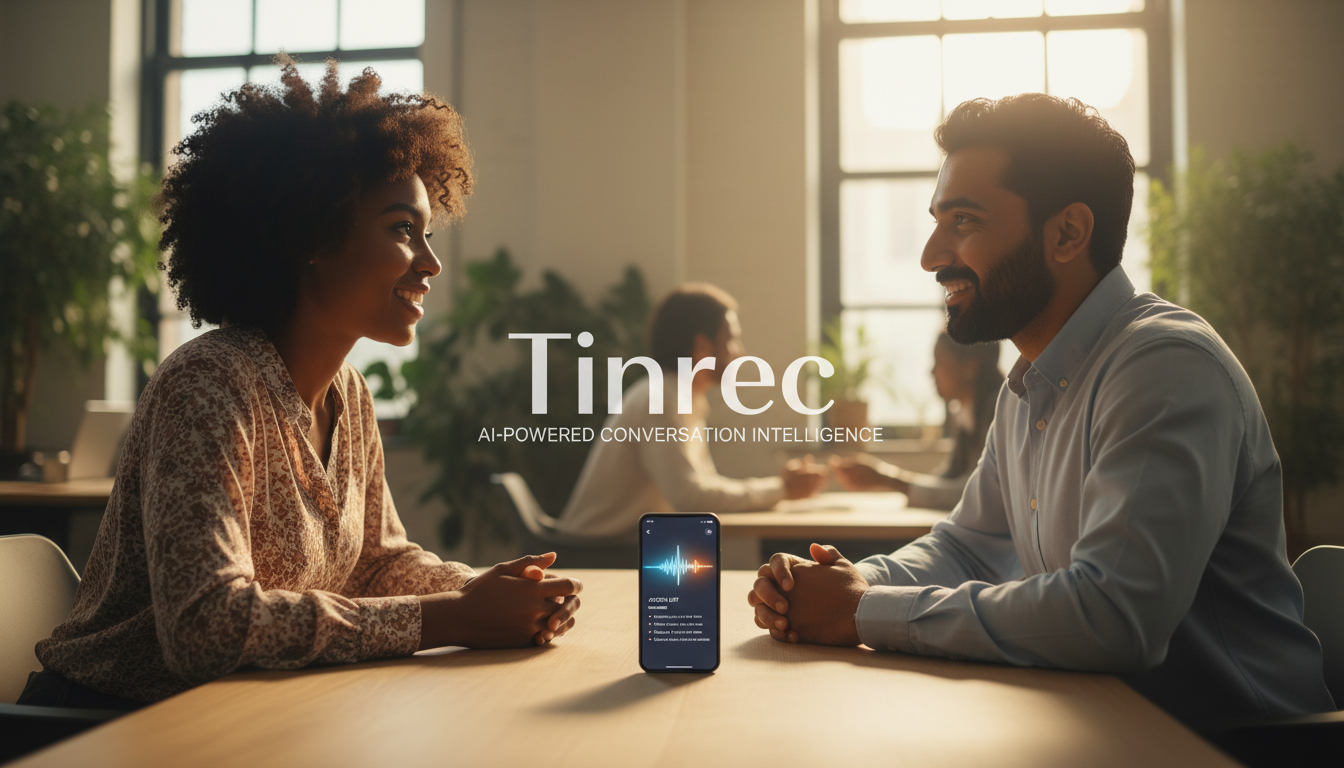
This is the time-saver. After transcription, check the AI summary area on the right. The system automatically generates:
- Full summary: Skim an hour-long content in one minute.
- To-do list: Automatically extracts who committed to what by when.
- Mind map/outline: Presents content in a structured way.

Step 4: AI Chat Query
If the summary doesn't contain the detail you need, don't use Ctrl+F. Just type a question in the chat box, e.g., "What were the speaker's suggestions about market pricing?" The AI will answer precisely based on the recording.

Step 5: Export & Share
Once you're satisfied, export to Word, PDF, or Markdown, or generate a shareable link to send to your team.
FAQ
Q1: Can iPhone voice memos be transcribed directly?
The built-in transcription feature on iPhone Voice Memos is quite basic. It's better to use a dedicated iOS app (like Tinrec or Yating Transcriber) for real-time transcription, or share the built-in recording to these tools for AI processing.
Q2: What are the limitations of free audio-to-text tools?
Most free tools (e.g., MyEdit, cSubtitle) typically limit audio length (e.g., first 3 minutes) or daily credits. Tinrec's free plan offers 100 minutes per month, which is generous for light users. Good Tape's free version restricts wait time instead.
Q3: If the recording environment is noisy, can AI still accurately transcribe?
Background noise does affect accuracy. MyEdit offers a noise removal feature before transcription; Tinrec has noise resistance. For best results, place the microphone closer to the speaker or use a directional mic.
Q4: Can these tools process YouTube videos or podcasts?
Yes. Tinrec and some other tools support link transcription—just paste the YouTube or podcast URL, and the system extracts the audio track to generate transcripts and summaries.

Q5: Is it safe to upload data to the cloud?
Enterprise users should pay special attention to this. Paid tools with clear privacy policies and encryption (e.g., Vocol, Tinrec) are generally more secure than free, unknown web tools. Tinrec supports SSL encryption to protect meeting data.
Q6: What is the cost difference between manual transcription and AI?
Manual transcription rates are typically NT$1,000–$3,000 per hour of audio, with a 1–3 business day turnaround. AI tools like Tinrec's paid plan cost only about NT$160 ($4.9 USD) per month for 600 minutes, with near real-time results—less than 1% of manual cost.
Turn every recording into actionable outcomes
Get 60 free transcription minutes when you sign in. No credit card required.
Related Reading
You might also like

5 Best iPhone Screen Recording with Audio Solutions in 2026: Built-in vs Tinrec vs Otter vs Notta vs TurboScribe
Can iPhone screen recording capture audio? Yes, it can record both system audio and microphone sound. This guide covers the actual settings for built-in screen recording, why there's no sound, and tests importing recordings into Tinrec for transcripts, summaries, and action items—making screen recordings not just usable but searchable and collaborative meeting materials.

4 Recording Tools Tested for 2026: How to Record Meetings Without Disturbing or Alerting Others
Want to record a meeting but worried about a recording indicator popping up or a bot appearing in the participant list? This article compares four recording methods—Tinrec, Granola, Otter.ai, and PLAUD—and explains why bot-free desktop capture is the least disruptive. It also covers key buying factors like Chinese recognition, audio retention, post-meeting organization, and legal risks.

Can You Record Phone Calls Freely in 2026? 5 Steps for Legal Recording and Organizing
You can't just record phone calls whenever you want. This article first helps you understand the legal and system notification mechanisms for call recording, then explains in 5 steps how to record legally and how to organize recordings afterward, and compares the differences between Tinrec and PLAUD Note in post-recording workflows.
How to Quickly Start Recording on iPhone in 2026: 3 Shortcuts + Auto-Organize After Recording
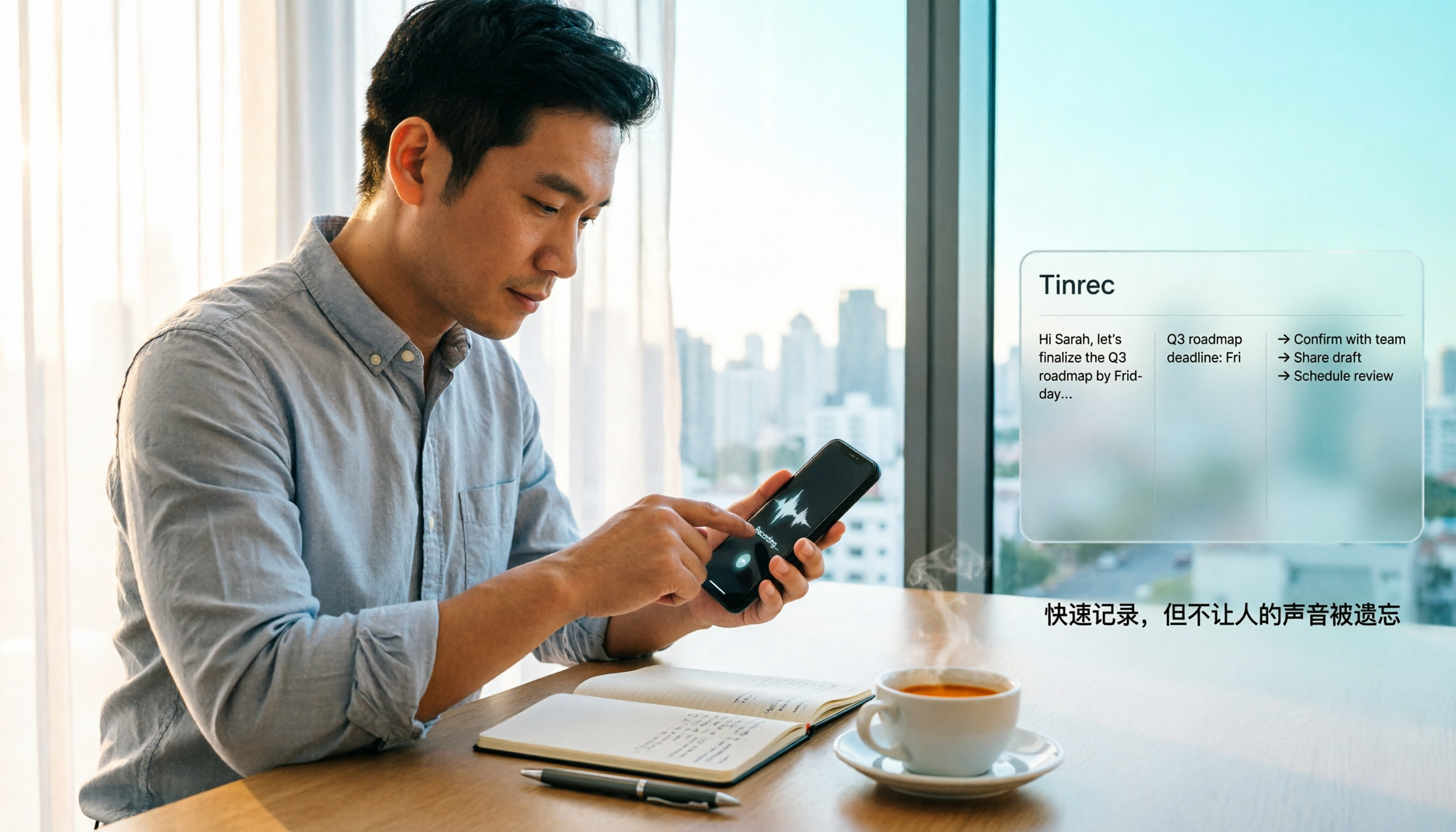
iPhone has a one-tap recording method, but the settings are buried. This guide covers 3 ways to quickly start recording: Action Button, Back Tap, and Shortcuts on Home Screen. It also explains how to use Tinrec to turn recordings into transcripts, summaries, and to-dos, so quick recording actually saves time instead of piling up unheard audio files.
2026 Mac Audio-to-Text Showdown: Beyond Built-in Voice Memos, Why Tinrec Saves More Time
Apple's built-in Voice Memos can record, store, and edit audio, but after recording, you still have to create transcripts, summaries, and to-do lists yourself. This article compares Mac's built-in recording with Tinrec, explaining how bot-free online meeting recording, AI summaries, action item extraction, AI Q&A, and team spaces fill the post-recording workflow gap.

3 iPhone Quick Recording Methods Tested: Which One Auto-Organizes Transcripts After One-Tap Start?
Want to record quickly on iPhone? There are three one-tap start methods: Action Button, Back Tap, and Shortcuts. This article tests the setup steps, compatible models, and limitations of each, then compares what happens after you hit record—showing how Tinrec turns a phone recording into a searchable transcript, summary, and to-do list.

Complete Guide to iPhone Recording in 2026: Voice Memos Location, Export, and Meeting Organization
Where are iPhone recordings stored? The answer is the Voice Memos app, but many people can't find them in Files after recording. This complete guide first explains the three locations of iPhone recordings, how to export to the Files app, and quick launch settings, then discusses how to choose organization tools to turn meeting recordings into searchable, queryable, and deliverable data.

2026 Recording App Buying Guide: Tinrec vs Notta and 3 More Compared
A recording app shouldn't just capture audio. This guide compares Tinrec, Notta, Otter, Granola, and TurboScribe on Chinese transcription, bot-free meeting recording, post-meeting organization, and team collaboration—with a focus on whether you can use the output right away. It also covers free tiers, pricing, and key buying considerations.

4 AI Recording Tools Compared for 2026: Should Students Start with Free or Paid?
From class notes and group discussions to thesis interviews, we compare 4 common approaches to AI recording tools and demonstrate with Tinrec to explain whether the free version is enough, when to upgrade, and if group projects need the team plan.