

Turn recordings into transcripts and summaries in minutes
Upload audio or video for multilingual transcription, AI notes, and action items
Recording Meetings with Apple Watch but Spending More Time on Notes?
Many people like to use their Apple Watch to quickly record meetings because the watch is right on your wrist—just press a button and it starts recording, so you never miss a key point.
But the real hassle starts after recording: the Apple Watch only stores audio files; it doesn't convert them to text. You have to sync the recording to your iPhone and then figure out how to transcribe it, which can take longer than the meeting itself.
If you've been in this situation, this article is for you. I tested 4 free meeting notes apps that support Apple Watch recording workflows, comparing their transcription accuracy, AI summaries, and free tiers to help you find the best option.
4 Key Factors to Consider When Choosing an Apple Watch Meeting Notes Tool
1. Recording Method: Native Apple Watch Support or Requires iPhone?
A few apps can record and transcribe directly on the Apple Watch, such as Genspark AI Meeting Notes. However, most tools require you to transfer the recording from your Apple Watch to your iPhone or via file transfer before transcription.
If you want the seamless "press on your watch and done" experience, native support is convenient. But if you're okay with an extra sync step, you'll have more options, often with better Chinese support or more generous free tiers.
2. Transcription Accuracy and Chinese Support
Many English transcription tools are highly accurate but struggle with Chinese meetings. If you often have meetings in Chinese, Taiwanese, or mixed Chinese-English, you need a tool optimized for Chinese contexts.
Tinrec is one tool that performs well in Chinese content organization. In our test, we played a 5-minute Chinese meeting recording (with slight background noise) on an iPhone, and Tinrec's transcript had almost no errors, with correct automatic punctuation.
3. AI Summaries and Action Item Extraction
Transcription is just the first step; the real time-saver is "organization." A good tool will automatically generate summaries, list action items, and even let you ask questions like, "Who was responsible for tracking the budget in the last meeting?"
Tinrec excels here—it not only provides AI summaries but also generates action items and chapters, and can export to tools like Notion and Google Docs.
4. Is the Free Plan Sufficient?
Free versions usually have transcription minute limits, such as Notta's 120 minutes per month and Otter.ai's 300 minutes per month. You need to assess your monthly meeting volume to avoid hitting a wall mid-use.
Tinrec's free version offers basic transcription credits, enough for a few short meetings per week. If you need more, consider upgrading to Pro or an annual plan—no need to pay upfront.
Tinrec (Miao Ting Lu Yin) — Top Choice for Apple Watch Recording and Organization
Tinrec is an AI recording and organization tool that supports multiple audio sources, covering iOS, Android, and web. It can't record directly on the Apple Watch, but that doesn't mean it's unsuitable for Apple Watch users.
The actual workflow is simple: first, record the meeting on your Apple Watch using the built-in Voice Memos app, then sync via iCloud or AirDrop to your iPhone, open Tinrec, select "Import Audio," and it will automatically transcribe it.
Why I Recommend Tinrec
In testing, Tinrec's Chinese transcription accuracy was impressive, and it doesn't just output a transcript—it also automatically generates AI summaries and action items. For example, I recorded a 20-minute product discussion, and Tinrec's action items included: "Complete competitive analysis by next Tuesday, Alice is responsible" and "Confirm marketing budget, ask Bob to reply."
Even better, Tinrec has a built-in AI Q&A feature. You can ask it directly, "What key risks were mentioned in the meeting?" and it will answer based on the recording content, rather than just giving you keyword search results. Few competitors at this price point offer this feature.
Is the Free Version Enough?
Stop organizing recordings by hand
Upload audio or video and automatically get a transcript, summary, and action items
Tinrec's free version provides basic transcription credits, which should be fine for light users recording a few short meetings per week. If you need more extensive transcription, consider the Pro monthly or annual plan—pricing is transparent with no hidden fees.
What Are the Limitations?
The biggest limitation is the extra sync step: you need to transfer the Apple Watch recording to your iPhone and then import it into Tinrec. If you find that inconvenient, you can choose an app with native Apple Watch support, but you'll likely compromise on Chinese support or AI post-processing.
Who Is It For?
If you frequently record with your Apple Watch but need high-quality Chinese transcription and AI organization, Tinrec is currently the most balanced choice. It's not like pure meeting bots that only handle online meetings, nor does it require extra hardware purchases like recording devices.
Alternatives to Tinrec
Genspark AI Meeting Notes
The world's first AI meeting notes tool with native Apple Watch support. You can start recording with a double tap on your Apple Watch, and it automatically generates meeting notes. The advantage is a seamless native experience, but Chinese support isn't as strong as Tinrec's, and the free plan's limitations are unclear. If you only need English meetings and want direct watch recording, give it a try. But if you need AI Q&A or Chinese content organization, Tinrec is more complete.
Notta
A veteran transcription tool supporting over 50 languages, with a lock screen widget for quick recording. The free plan offers 120 minutes per month, less than Tinrec's basic credits, and the AI summary features are more basic. Notta is reliable for pure transcription but lacks Tinrec's AI conversational query, making it more labor-intensive for long meetings.
Otter.ai
A popular choice for English meetings, with a generous free plan of 300 minutes per month. However, Chinese accuracy is noticeably lower than Tinrec's, and there's no AI summary optimization for Chinese. If you primarily record English content, Otter.ai is a solid alternative; but if your meetings are mainly in Chinese, Tinrec will be smoother.
Pitfall Guide: 4 Common Mistakes When Organizing Meeting Notes with Apple Watch
Pitfall 1: Assuming Native Apple Watch Apps Can Transcribe Directly
Most Apple Watch recording apps only record; they don't transcribe. Very few can actually transcribe directly, and most are English-oriented. We recommend checking whether a tool supports "import audio to text," which is the key need for Apple Watch users.
Pitfall 2: Focusing Only on Transcription Accuracy, Ignoring AI Organization
Transcription accuracy only affects whether you need to manually correct typos, but AI summaries and action item extraction are what save time. If a tool only gives you a transcript, you still have to read it all and find the key points yourself—then you might as well use free voice input.
Pitfall 3: Overlooking the Actual Limitations of Free Plans
Not all free versions are generous. Some tools don't even offer Chinese transcription in the free tier, and others give very few minutes. We recommend testing with your actual meeting recordings rather than relying on the "free trial" marketing on the website.
Pitfall 4: Using Only Transcription, Not AI Q&A
This is the most regrettable mistake. Many tools now have built-in AI Q&A, allowing you to ask questions about the recording content directly. Tinrec, for example, can answer "What was the meeting conclusion?" or "Who is responsible for what?" If you only use the tool as a transcriber, you're wasting half its value.
Conclusion: How to Choose Your Apple Watch Meeting Notes Workflow
If you prioritize the "press on your watch and done" native experience and your meetings are primarily in English, consider Genspark AI Meeting Notes.
If your meetings are mainly in Chinese and you want automatic summaries, action items, and even AI-powered search for key points after recording, Tinrec is currently the most suitable choice. The workflow of importing recordings from Apple Watch adds an extra step, but you gain more accurate Chinese transcription and more comprehensive organization.
If you only record English and have a zero budget, Otter.ai's free 300 minutes is generous—give it a try.
We recommend downloading Tinrec's free version, recording a meeting with your Apple Watch, and importing it to see the results. The free credits are enough for a few tries; upgrade only if you find it useful—no need to pay upfront.
References
- AI Meeting Notes That Feel Like Magic! "Chuan Yi Bao App" Handles Transcription, Translation, Summaries, and Action Items in One Go—Completing 3 Hours of Work in 1 Minute! Efficiency Soars 10x! | PanSci Academy - YouTube
- "Notta - Accurate Transcription, Voice to Text, Meeting Recording, AI Summary Notes" App - App Store
- "Meeting Notes AI" App - App Store
- Introducing Genspark AI Meeting Notes - The World's First Apple Watch AI Meeting Notes Tool, Supporting iOS and Android Apps
- 2026's 6 Apple Watch Voice-to-Text Tools Recommended: Tinrec Helps Generate Efficient Meeting Minutes - Miao Ting Lu Yin Blog
Turn every recording into actionable outcomes
Get 60 free transcription minutes when you sign in. No credit card required.
Related Reading
You might also like

Best Free Meeting Notes Apps in 2026: We Tested 2 Options, iPhone Users Don't Need to Buy Hardware First
How do you choose a free meeting notes app? From a mid-level manager's perspective, I tested Tinrec and PLAUD Note across five dimensions: upfront cost, online meeting recording, cross-device continuity, post-meeting AI organization, and team collaboration. I also highlight three common mistakes to help you decide which option fits your meeting style.

5 Free Meeting Transcription Apps Tested and Compared in 2026: How to Choose a Free Plan That Actually Works
How can a free meeting transcription app really save you time? This article examines four key factors—how free quotas are calculated, supported online meeting audio sources, post-meeting outputs, and team sharing—and puts Tinrec, Otter.ai, Notta, and PLAUD Note to the test. It also highlights the three most common pitfalls to help you pick the one that truly meets your needs.

Free Meeting Notes App Download 2026: Tinrec No-Bot Recording + AI Auto Summary
How to download a free meeting notes app without getting burned? This guide starts with common pitfalls, then compares Tinrec and Otter.ai across 5 dimensions, covering the 3-step download process, how to choose a free plan, Traditional Chinese and mixed Chinese-English recognition, no-bot online meeting recording, post-meeting summaries and action items, team seats and data governance, and ends with clear recommendations.
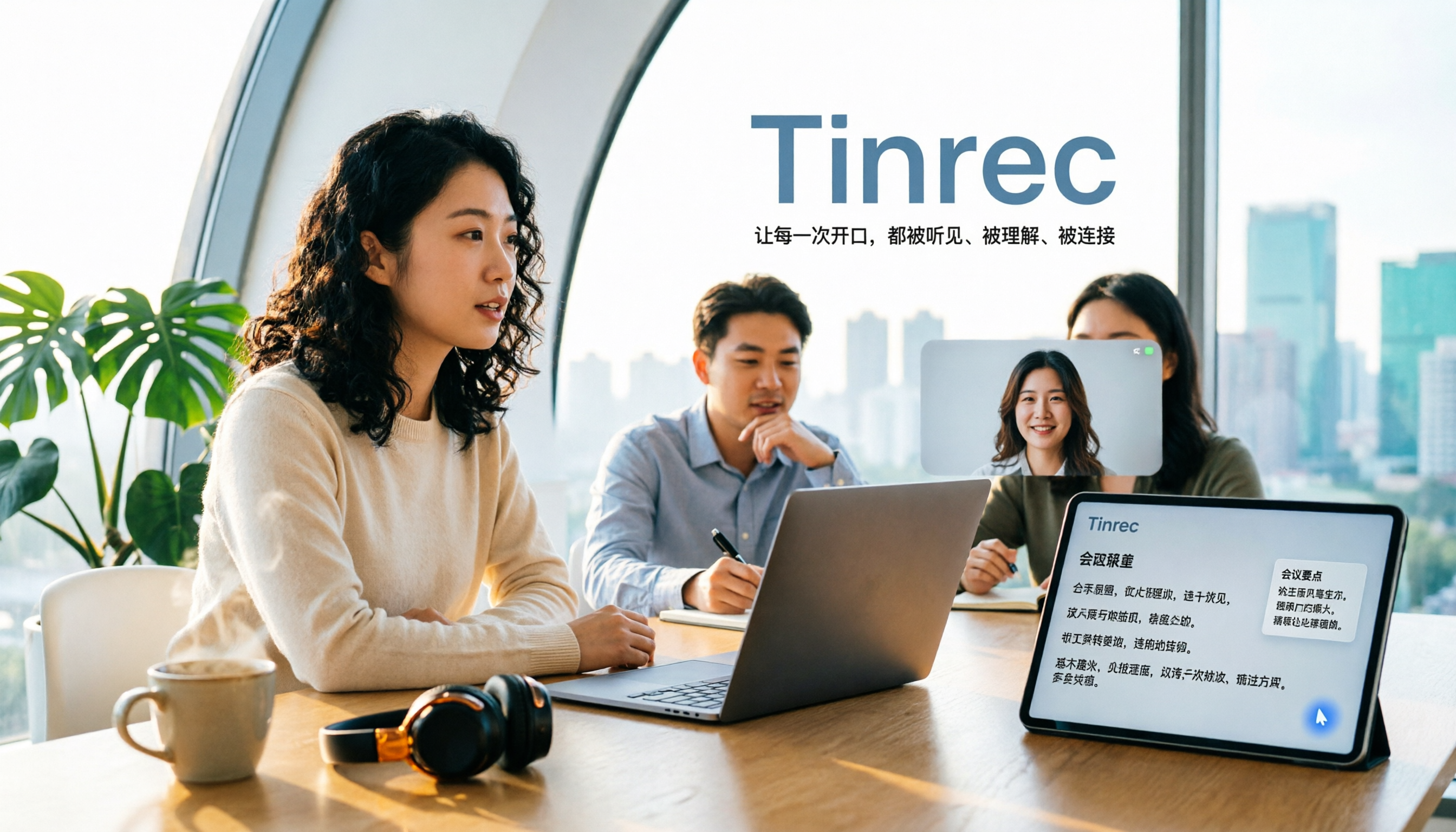
2026 AI Meeting Notes Free Plans Compared: 5 Apps to Consider
Starting from the three most common misconceptions, this article reviews the actual free quotas and limitations of 5 free meeting notes apps in 2026, and compares Tinrec, Notta, Otter.ai, PLAUD Note, and Granola in terms of Chinese transcription, online meeting audio capture, summarization, and AI Q&A, helping you find a free but sufficient option.

4 Free Meeting Transcription Apps Compared: Which Free Tier Actually Lasts?
Tired of spending time after meetings organizing notes? This article compares four free meeting transcription apps—Tinrec, Otter.ai, Notta, and Granola—breaking down how free tiers are calculated, how meeting audio is captured, what you can do after transcription, and who ultimately holds your recordings and data. We also outline four key selection criteria and four common pitfalls to help you find the one whose free version can handle your real meeting length.

Free Meeting Notes App 2026: Tinrec Free Plan Tested + AI Summaries & Action Items in One Go
How to choose a free meeting notes app? This article uses the standard of 'can the free version handle a full meeting?' to compare the free quotas and limitations of Tinrec, Otter.ai, Notta, and PLAUD Note. It breaks down 5 key decision points and 4 common pitfalls, and fully explains Tinrec's workflow from no-bot recording to AI summaries, action items, and team spaces.

2026 Comparison of 5 Free Meeting Notes Apps: Which Free Version Is Actually Enough?
Which free meeting notes app is better? This article starts with three common misconceptions, then tests and compares free tier limits, Chinese language support, and post-meeting organization capabilities. It uses Tinrec as an example to demonstrate the complete workflow from recording to transcript, summary, action items, and AI Q&A, helping you decide whether a free version is truly sufficient.

2026 Free Meeting Notes App Guide: From Class to Group Projects, How to Choose Your Free Tier
A college student's hands-on review of free meeting notes apps, covering class recordings, group discussions, and capstone projects. We break down the 4 key factors: free tier limits, summary and to-do features, Chinese recognition, and cross-device support. Plus, we share which campus scenarios suit Tinrec, Otter.ai, Notta, and Granola, and what pitfalls to avoid.
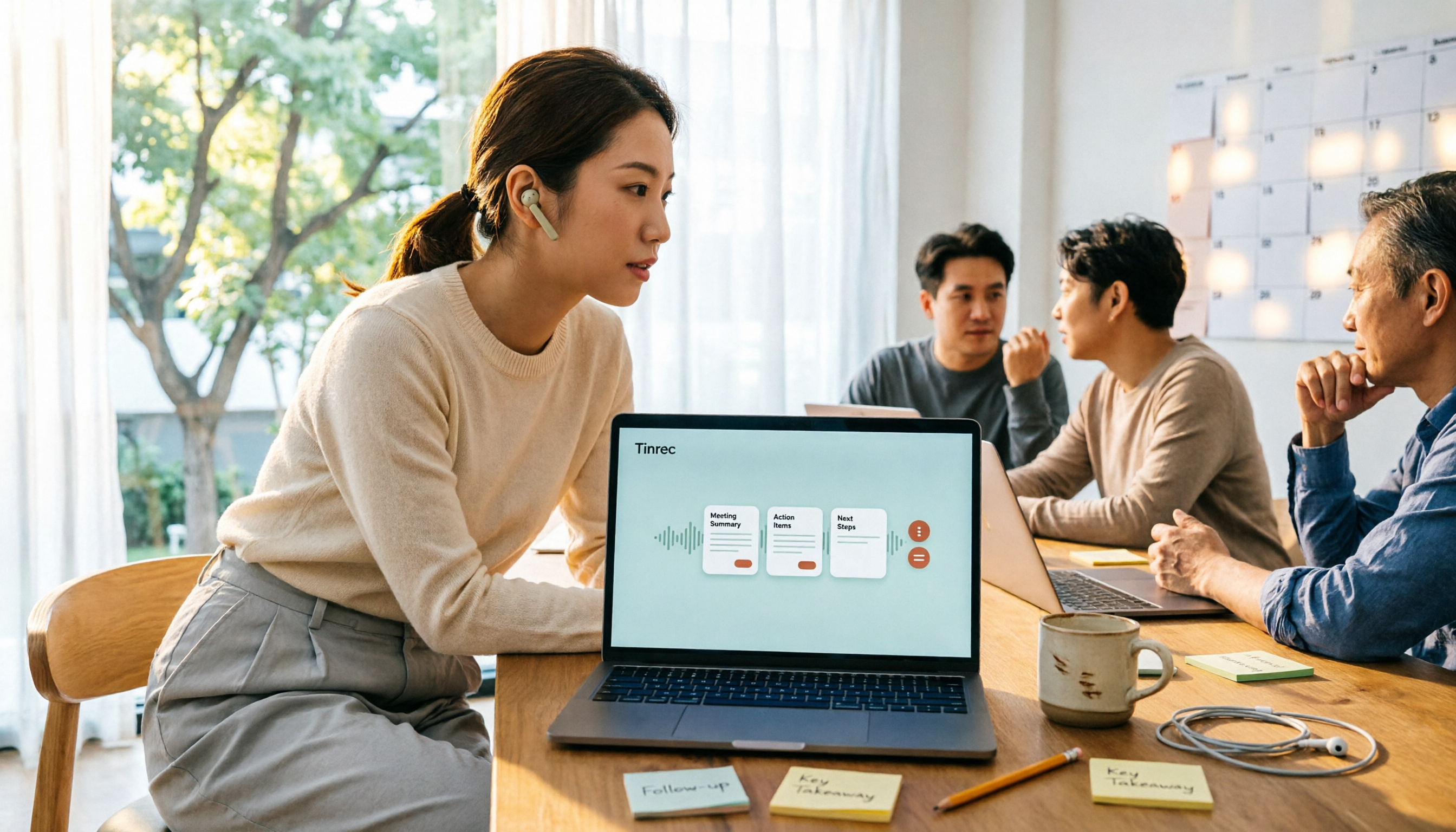
5 Free Meeting Transcription Apps Tested for 2026: Which Free Tier Actually Lasts?
Which free meeting transcription app is worth using? We tested five tools with free plans—Tinrec, Granola, TurboScribe, PLAUD, and Otter.ai—comparing free minute limits, Chinese and mixed-language recognition, online meeting recording methods, and post-meeting summaries and Q&A. We also highlight four common pitfalls to help you find the one that truly covers a month of meetings.