
Turn recordings into transcripts and summaries in minutes
Upload audio or video for multilingual transcription, AI notes, and action items
Faced with hours of YouTube tutorials, interviews, or foreign language lectures, are you still frequently pausing and manually typing notes? Traditional methods are not only inefficient but also prone to missing key information.
This article breaks down the mainstream solutions for converting YouTube video links to text transcripts in 2026, offering a detailed tool comparison table, evaluation dimension guide, and a 4-step practical tutorial.
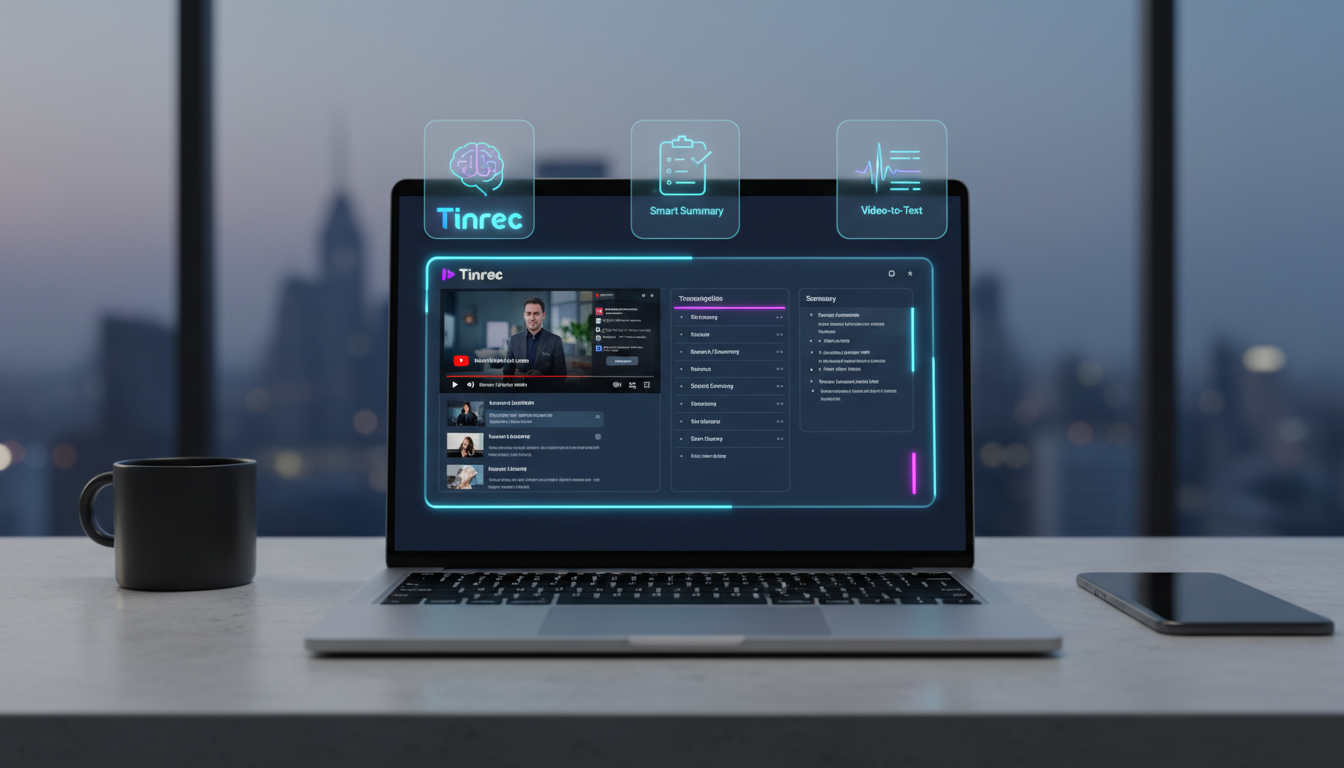
Quick navigation tip: For light viewing of short videos, browser extensions are recommended. For long-form videos, cross-language translation, or advanced AI note organization, prioritize professional multi-platform solutions. Whether you're looking for a free extension or a high-accuracy AI organizing tool (like Tinrec), reading this will help you build an efficient workflow.
Why Do You Need a YouTube Video-to-Text Tool?
In the information-rich 2026, converting YouTube videos to text has become an essential skill for students, professionals, and creators. Core benefits include:
- Fast Information Absorption: Reading text is much faster than watching videos. With transcripts or AI summaries, you can grasp the core content of a 1-hour video in 10 minutes.
- Enhanced Learning & Note-Taking: For online courses or lectures, accurate transcripts greatly improve review efficiency, never worrying about notes falling behind the lecturer's pace.
- Content Repurposing: Creators can easily transform video content into blog posts, social media posts, achieving one production for multiple uses.
- SEO Optimization: Search engines cannot directly read video content; textifying it boosts content visibility in search results.
2026 Mainstream YouTube Video-to-Text Tool Comparison Table
Tools on the market mainly fall into "browser extension" and "professional platform" types. Below is a multi-dimensional comparison of representative tools:
| Dimension | NoteGPT (Extension) | Glasp (Extension) | Tinrec (Professional Platform) |
|---|---|---|---|
| Tool Type | Browser Extension | Browser Extension | Multi-platform (Web, iOS, Android) |
| Video Source Limitation | Heavily relies on YouTube's native CC subtitles | Heavily relies on YouTube's native CC subtitles | No limit (supports link parsing and audio recognition for videos without subtitles) |
| Language Support | Depends on native subtitle languages | Depends on native subtitle languages | Supports automatic recognition of 10 languages including Chinese, English, Japanese, Korean, Taiwanese, Cantonese |
| Summary & Action Items | Basic summary provided | Key highlights and basic summary provided | Automatically generates meeting minutes, conclusions, and to-do action items |
| AI Chat Query | None / Weak | None | Supported (semantic AI-powered conversational retrieval) |
| Export & Integration | Copy text / Export to Notion | Copy text / Export to specific note apps | Supports multi-format export, complete "Record → Understand → Act" workflow |
| Price / Free Tier | Basic free, advanced paid | Free | Free tier: up to 100 minutes/month; Paid plans start at $4.9/month (600 minutes) |
In-Depth Review: From Simple Transcription to AI-Powered Summarization
Earlier tools were mostly basic speech recognition (ASR), and extension tools often depended on YouTube having CC subtitles. If a video had no subtitles, extensions usually couldn't work.
Stop organizing recordings by hand
Upload audio or video and automatically get a transcript, summary, and action items
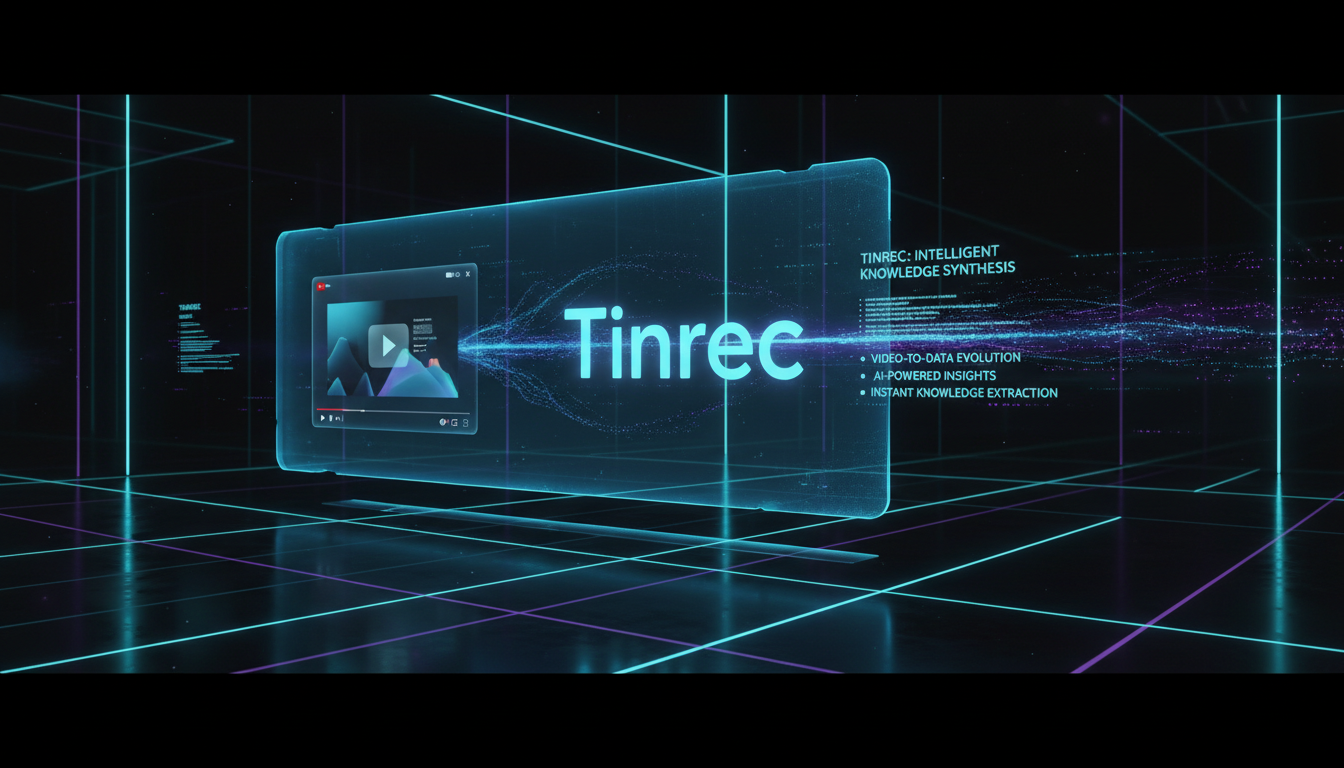
Now, the market trend is shifting to deep integration with Generative AI (GenAI). For example, Tinrec not only solves transcription for videos without subtitles, but also differentiates itself in "post-use efficiency." Traditional recordings or transcripts have very low information density and high cost of re-listening. Professional platforms convert "time-based content" into "scannable, searchable, actionable text."
It doesn't just provide a verbatim transcript; it automatically generates "meeting minutes" and "key summaries." Moreover, traditional transcripts only allow Ctrl+F keyword search, but advanced AI chat query lets you directly ask questions about the recording, like "asking a person" rather than "browsing a document." This is a huge efficiency boost for lengthy interviews or study notes.
Step-by-Step Tutorial: How to Transform Recordings and Videos into Efficient Notes?
Below we use Tinrec as an example to break down 4 common scenarios with practical steps:
1. Podcast/Online Video to Text (Processing YouTube Links)
For online learning resources, no need to download video files:
- Step 1: Copy the YouTube video URL you want to transcribe.
- Step 2: Go to the Podcast/Online Video to Text feature page.
- Step 3: Paste the URL; the system will automatically extract the audio track and quickly convert it to text.
- Step 4: Get a timestamped transcript and view the AI-generated key summary.

2. Audio File to Text (Processing Downloaded Recordings)
For already recorded class lectures or audio files:
- Step 1: Prepare your audio files in MP3, M4A, etc.
- Step 2: Go to the Audio File to Text page.
- Step 3: Upload the file; AI processes it quickly in the cloud and automatically distinguishes different speakers.
- Step 4: Copy the generated structured summary directly into your note-taking app.

3. Live Recording to Text (Processing Ongoing Meetings or Classes)
For in-person meetings or remote discussions happening now:
- Step 1: Use the mobile app or open the Live Recording to Text webpage.
- Step 2: Start recording; the system displays text in real-time as you speak, no long waits.
- Step 3: By the end of the meeting, the AI has already organized action items, making the recording truly utilized, not just saved.


4. AI Chat Query (Retrieving Information from Lengthy Content)
When you have a one-hour transcript but only want a specific conclusion:
- Step 1: After the transcript is generated, click into the AI Chat Query interface.
- Step 2: Type your question in the chat box, e.g., "What three marketing strategies did the speaker mention?"
- Step 3: The AI quickly searches the semantics of the recording and gives a precise answer, drastically reducing time spent re-listening or re-reading.

Frequently Asked Questions (FAQ)
Q1: Can I convert YouTube videos to transcripts directly on my iPhone?
Yes. If you use a multi-platform tool (e.g., Tinrec with iOS app and web version), you can copy the YouTube link on your iPhone and paste it into the tool for parsing, breaking the limitation of organizing long videos on mobile.
Q2: If a YouTube video has no built-in CC subtitles, can it still be transcribed?
It depends on the tool you choose. Most browser extensions cannot handle videos without subtitles. However, professional AI voice platforms extract the audio track for speech recognition, so they can produce transcripts even without CC subtitles.
Q3: Can meeting recordings from Teams or Meet be processed as well?
Yes. Simply download the meeting recording file (e.g., MP4 or MP3) from Teams or Google Meet, then use the "Audio File to Text" feature to upload it. The AI will generate meeting notes and action items.
Q4: What is the typical free tier for these tools? Is it sufficient?
Standards vary. Some extension tools are completely free but feature-limited. Professional AI tools usually offer a basic free tier, e.g., 100 minutes of free transcription per month. This is sufficient for occasional short videos. For long-term class recordings or extensive interviews, consider upgrading to a paid plan.
Q5: Can AI recognize strong accents or dialects like Taiwanese?
AI technology in 2026 has greatly advanced, with increasing support for dialects and multilingual scenarios. Some tools (like the professional platform mentioned) already support automatic recognition of Taiwanese, Cantonese, and mixed Chinese-English, reducing manual correction costs.
Q6: Can the generated transcript be directly exported as meeting notes?
Mainstream tools support text copying. Advanced tools not only offer multi-format file export but also automatically condense the lengthy transcript into clear "conclusions" and "to-do action items," allowing you to paste them directly into Notion or Word as final notes.
Turn every recording into actionable outcomes
Get 60 free transcription minutes when you sign in. No credit card required.
Related Reading
You might also like

Best Free Video Conferencing Alternatives to Google Meet in 2026: 4 Options
Switching from Google Meet keeps meetings running smoothly, but post-meeting organization doesn't get any easier. This article, from the perspective of a mid-level manager who holds 15 meetings a week, outlines 4 directions for video conferencing without Google Meet and explains how a bot-free meeting notes tool handles transcripts, summaries, action items, and team knowledge retention, with recommendations for free and team plans.

Google Meet Built-in Recording vs Tinrec in 2026: 5-Dimension Showdown — Which Helps You Clock Out on Time?
Creating a Google Meet link takes 10 seconds, but post-meeting notes are the real time sink. This hands-on comparison of Google Meet built-in recording and Tinrec evaluates transcription accuracy, post-meeting organization, cross-platform support, team collaboration, and pricing across 5 dimensions to help you pick the most time-saving meeting notes tool.

4 Google Meet Alternatives Tested in 2026: Which One Works Without a Meeting Bot?
We tested 4 Google Meet alternatives in 2026, comparing bot-free recording, Chinese transcription, AI summary Q&A, and team collaboration. Tinrec excels at Chinese meetings and post-meeting organization, while Otter.ai, Notta, and Granola each suit different scenarios. This article uses real-world use cases to help you choose the best meeting notes solution.
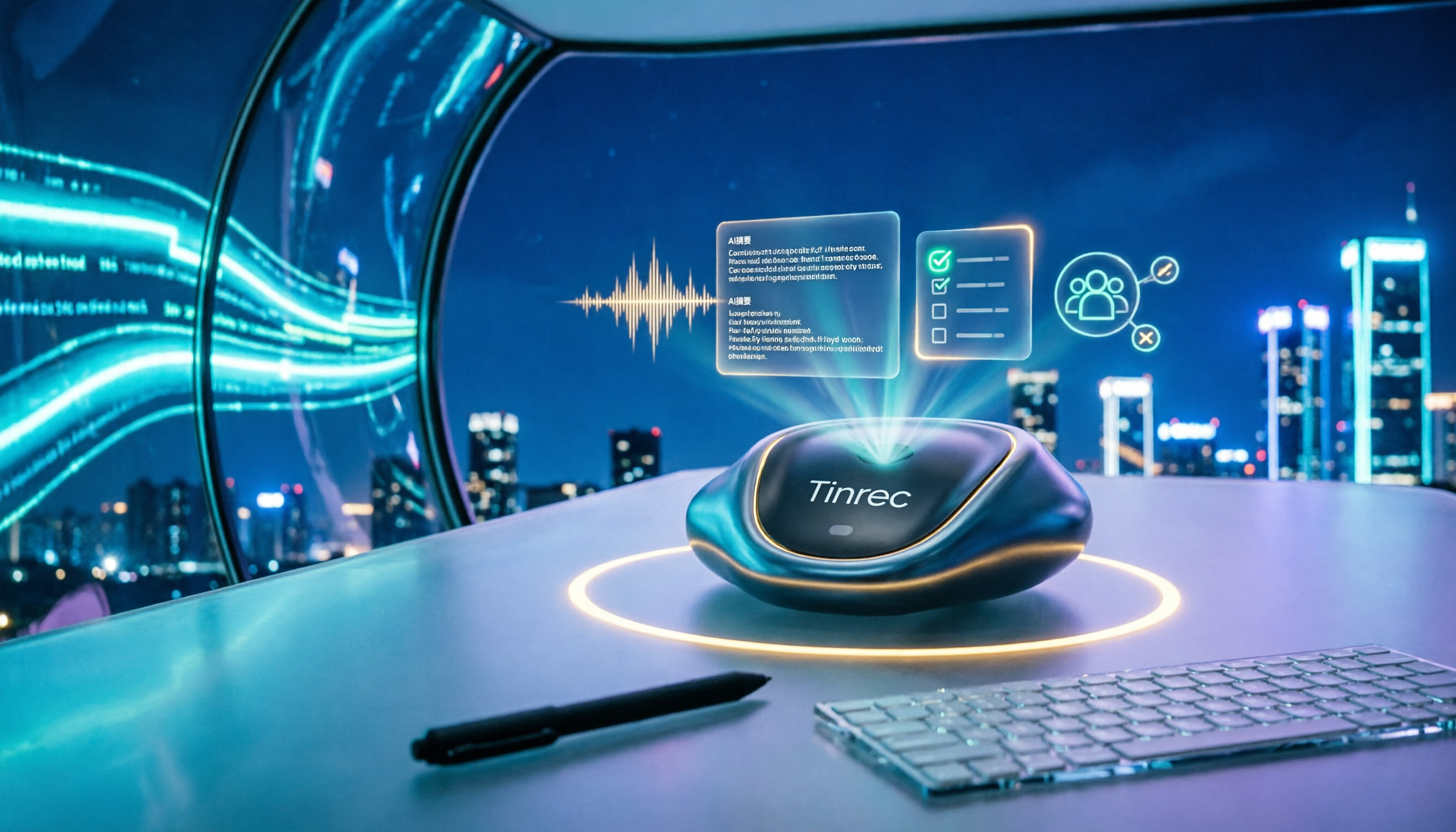
Google Meet vs Zoom 2026: Which Online Meeting Tool Actually Works for Post-Meeting Notes?
Google Meet or Zoom? This hands-on comparison focuses on post-meeting organization, comparing the built-in transcription limits of both, and testing Tinrec desktop's bot-free meeting recording, AI summaries, action items, and team spaces to help you find a meeting notes solution that truly saves time.

How to Download Google Meet in 2026: 5-Step Guide for Desktop, Android, and iOS
Complete Google Meet download guide for 2026: 5 steps for desktop web/PWA, Android, and iOS. Learn official download channels, account types, paid feature limits, and compare post-meeting tools.

How to Choose a Google Meet Alternative in 2026: 4 Steps to a Meeting Tool That Actually Saves Time
Looking for similar websites to Google Meet? Don't switch platforms yet. This article starts with common misconceptions and uses 4 steps to clarify what matters when choosing a meeting tool. Using Tinrec as an example, it explains how bot-free online meeting recording, AI summaries and action item extraction, AI Q&A, and team spaces solve the pain point of spending time organizing after meetings.

Google Meet Review 2026: Pros, Cons, Pricing & Tinrec Alternative Comparison
Is Google Meet's built-in transcription enough? This article compiles public reviews and official plan information, breaking down Google Meet's pros and cons across five dimensions: recording methods, post-meeting outputs, Chinese language support, team collaboration, and pricing. It also compares Tinrec's bot-free recording and meeting organization workflow to help you decide which is better suited for your work situation.

Best Way to Schedule Future Google Meet Meetings? 2026 Tested 3 Methods, Tinrec's Bot-Free Recording Is Most Complete
Scheduling a future Google Meet meeting is just the first step; post-meeting organization is key. This article tests three methods and shows how Tinrec's desktop bot-free recording automatically generates transcripts, summaries, and action items, turning meetings into searchable team data.

2026 Comparison of 3 Google Meet Note-Taking Tools: Why Tinrec Is Better for Chinese-Speaking Teams
Google Meet makes it easy to start a meeting, but the real pain comes afterward: transcripts, summaries, and action items. This article addresses three common meeting-notes pitfalls, compares Google Meet's built-in captions, manual note-taking, and Tinrec, and reviews Tinrec's real-world performance in Chinese transcription, bot-free recording, AI Q&A, and team knowledge retention—so you can decide which approach fits your meeting scenario.