

Turn recordings into transcripts and summaries in minutes
Upload audio or video for multilingual transcription, AI notes, and action items
2026 Hands-On Comparison of 4 Speech-to-Text Tools: Which Saves the Most Time with Bot-Free Recording and AI Meeting Notes?
It's 3 PM, the meeting just ended, and you open the recording file, ready to start a two-hour transcription marathon. It's less like transcription and more like a test of patience—pause, replay, type, pause again. To make it worse, you have three more meetings next week. If a tool could automatically turn recordings into text with key points and action items, wouldn't you want to try it?
The Time Drain of Meeting Minutes—You Don't Need a Recorder, You Need a Solution
Two hours in a meeting, another two hours writing up the minutes. That's the daily reality for many professionals.
Chinese meetings are even more challenging: there are plenty of tools that support Chinese transcription, but accuracy and post-processing capabilities vary widely. Many tools just give you a raw transcript, leaving you to sift through it for key points and action items yourself.
If you've experienced any of this, this article is for you. We tested four speech-to-text tools from a practical standpoint to show you which one actually saves you time.
Before Choosing a Speech-to-Text Tool, Understand These 4 Key Points
1. Do you need bot-free recording?
Some tools require a bot to join your online meetings. That's fine for internal meetings, but when you're meeting with clients or external partners, having an extra bot in the room can be awkward. Choosing a tool that supports bot-free recording lets you capture system audio directly from the desktop app without disturbing anyone.
2. Is Chinese recognition good enough?
Don't just look at the official "high accuracy" claims. Real meetings involve accents, background noise, and people talking over each other. The ability to handle colloquial Chinese and technical terms is what really matters. Test with your own recordings, not just vendor demos.
3. Beyond the transcript, can it directly extract key points and action items?
If a tool only converts speech to text, you'll still have to spend time digesting it. A good tool should automatically generate summaries, chapters, and action items, and even let you ask questions like "What was the meeting conclusion?"
4. Do you need to turn meeting data into a shared team database?
Beyond personal use, if your team needs to share meeting notes and access historical data, you'll want features like team spaces, member management, and usage analytics. This affects long-term collaboration efficiency.
Tinrec (Miao Ting Lu Yin)—Our Top Pick After Testing
Tinrec is an AI meeting notes and collaboration tool that supports multiple languages and covers iOS, Android, and web. Its standout feature is the ability to record online meetings without inviting a bot.
Core features in action:
During a meeting, open the Tinrec desktop app, and it transcribes in real time. When the meeting ends, the AI has already generated a summary, chapters, and action items—who's responsible for what and deadlines are clear at a glance.
Even more useful is the AI Q&A feature. After recording, you can ask Tinrec, "Who mentioned the budget in the last meeting?" It doesn't just give you keyword search results; it uses semantic understanding to directly answer your question. This is something competitors in the same price range currently can't do.
If you need to process historical recordings, upload audio or video files to Tinrec, and it will transcribe and summarize them. You can also export to Notion, Google Docs, OneNote, and other tools for further use.
Our testing experience:
Stop organizing recordings by hand
Upload audio or video and automatically get a transcript, summary, and action items
We tested with a 30-minute Chinese meeting recording. Tinrec's transcript had clear punctuation and paragraph breaks, and the AI summary directly listed conclusions and action items. Mixed Chinese-English content was handled smoothly. Best of all, no bot needed—just open the desktop app and start recording, which is especially convenient for meetings with external clients.
Pros:
- Bot-free recording that doesn't disrupt meetings.
- Goes beyond transcripts to automatically organize summaries, action items, and mind maps.
- Supports team spaces for centralized storage, search, and collaborative editing of meeting data.
Limitations:
The free plan has limited credits, and heavy users will need to pay. However, plans are flexible with weekly, monthly, and yearly options, so light users can start with the free version.
Who it's for:
If you frequently record Chinese meetings, want to use AI to find key points after recording, or need cross-device use (phone, computer, tablet), Tinrec is currently the most suitable choice.
Beyond Tinrec: What Other Options Are There?
Otter.ai: The go-to for English meetings, with a generous free tier of 300 minutes per month, but Chinese support isn't as polished as Tinrec's. If you primarily record English content, Otter.ai is a reasonable alternative; but for Chinese meetings, Tinrec's AI summaries and action item extraction are more tailored to your needs.
Notta: Offers similar features to Tinrec, including multi-platform transcription and translation. However, Notta's AI Q&A and agent post-processing capabilities aren't as complete as Tinrec's. Tinrec can directly generate reports, tables, and follow-up documents from meetings, which is more convenient for deliverables.
Granola: Focuses on bot-free AI meeting notes but doesn't support uploading pre-recorded audio files or retaining meeting audio. If you only need real-time meeting transcription, Granola is worth considering; but for processing historical recordings or saving audio for later review, Tinrec's file import and audio retention features are clear advantages.
Pitfall Guide: 4 Common Mistakes When Choosing a Speech-to-Text Tool
Pitfall 1: Only looking at official accuracy claims.
Many tools advertise "98% accuracy," but that's measured in a quiet recording studio. Real meetings have air conditioning noise, keyboard clicks, and people talking over each other, which significantly reduces accuracy. We recommend testing with your own recordings using free trials, not just relying on ads.
Pitfall 2: Assuming a transcript is enough.
A transcript is just the first step. If the tool lacks summaries, action item extraction, and AI Q&A, you'll still have to do the organizing yourself, solving only half the problem. Tools like Tinrec's AI Q&A let you ask "What was the meeting conclusion?" right after recording, which is much faster than manually scanning a 30-minute transcript.
Pitfall 3: Overlooking cross-platform needs.
If you record on your phone today and need to edit on your computer tomorrow, a tool without multi-device sync will be a pain. Before choosing, confirm it covers the devices you commonly use.
Pitfall 4: Not considering team collaboration.
If you need to share meeting notes with colleagues but use a personal tool, your data will be scattered, making it hard to find later. Choosing a tool with team spaces turns meeting records into a shared team asset, which is a long-term solution.
Summary: Which One Should You Choose?
If you primarily have Chinese meetings, don't want to invite bots, and want quick access to key points and action items after recording, Tinrec is the top choice. It transcribes in real time, automatically generates AI meeting notes, and supports team spaces, making meeting data truly searchable and reusable.
Scenario-based recommendations:
- Need Chinese meeting transcription + bot-free recording → Tinrec (most complete experience)
- Want to use AI to find key points and generate reports after recording → Tinrec (AI Q&A and agent post-processing)
- Cross-device use (phone + computer) → Tinrec (iOS, Android, web all supported)
- Zero budget and only English meetings → Otter.ai (generous free tier)
We recommend downloading Tinrec's free version and testing it with your own meeting recording to experience the transcription and AI summary features. Upgrade if you find it useful; there's no need to pay upfront.
References
- Online AI Speech, Video, Audio to Text - Free Trial - cSubtitle
- Speech-to-Text: AI Speech Recognition and Transcription | Google Cloud
- Speech to Text - Google Play Apps
- Speech to Text: AI Transcription, Recording to Text, Voice Memo Translator - App Store
- Tested 4 Best Online Speech-to-Text Tools: Free Instant Recording to Transcript
Turn every recording into actionable outcomes
Get 60 free transcription minutes when you sign in. No credit card required.
Related Reading
You might also like
2026 AI Meeting Notes Tools Compared: How to Calculate Costs Without Wasting Money
Many people only look at the monthly fee when choosing an AI meeting notes tool, but overlook usage caps, per-meeting length limits, and post-meeting organization costs. This article recalculates using 'cost per meeting hour' and compares the pricing structures and use cases of Tinrec, Notta, Otter.ai, Granola, and PLAUD, plus four common pricing traps.
2026 AI Meeting Notes Comparison: Tinrec vs Notta Across 5 Dimensions — Which One Really Saves You Time?
The time between a meeting ending and delivering the minutes — replaying, pulling out key points, confirming action items — often wears you down more than the meeting itself. This article puts Tinrec and Notta side by side, comparing them across 5 dimensions: meeting capture, Chinese transcription, post-meeting output, team governance, and pricing/quotas. It also honestly lists each tool's limitations and best-fit scenarios to help you decide which tool should handle your meeting notes in 2026.
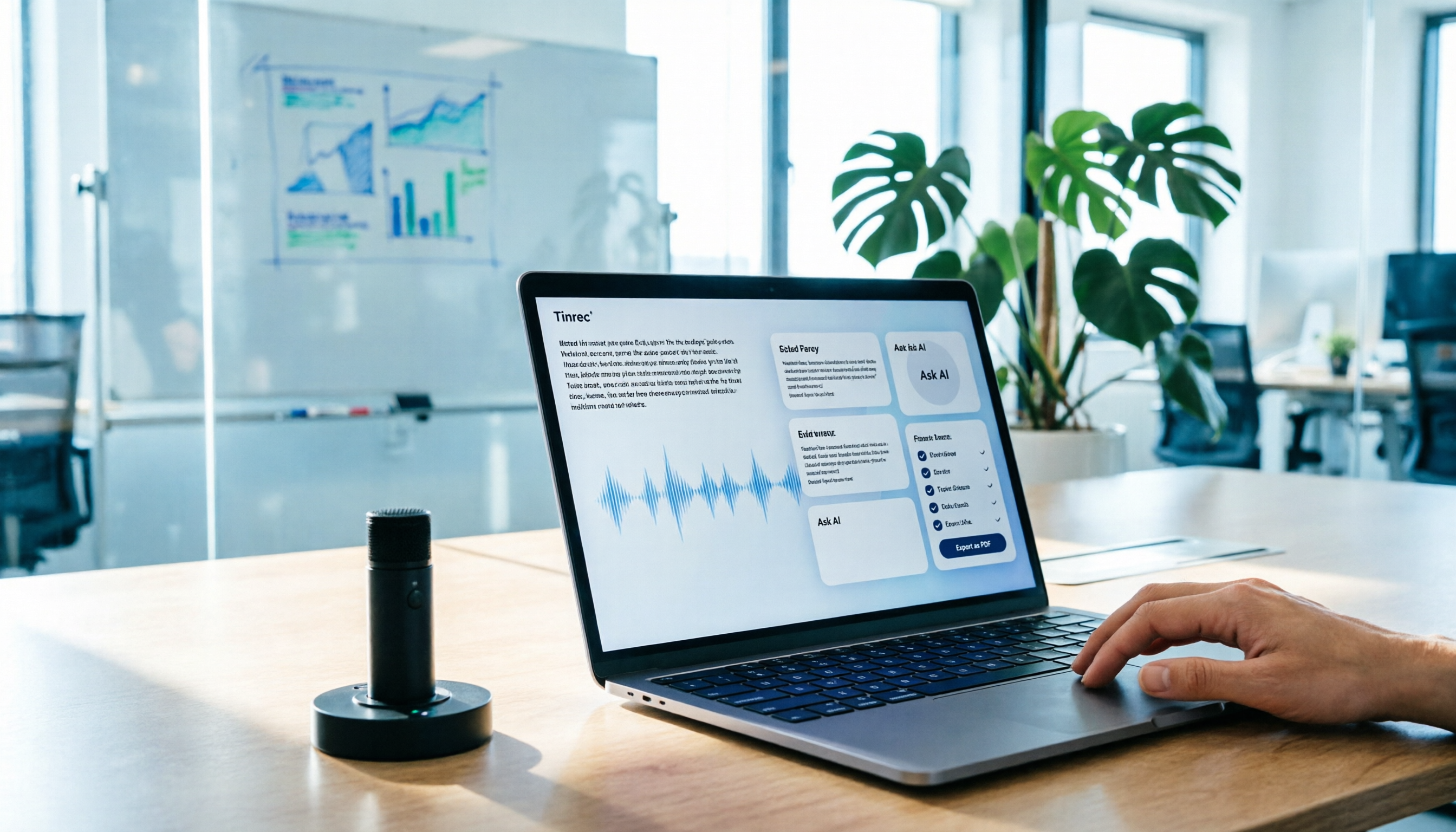
AI Meeting Notes in 2026: My Tinrec Workflow + Auto Summaries & Action Items
Meeting notes shouldn't mean replaying recordings and typing them up. This article breaks down AI meeting notes into five steps using my actual workflow: bot-free recording, live transcription, chapter summaries, AI follow-up questions, and action item export—with Tinrec as the example tool, plus a copy-paste follow-up checklist and buying considerations.

2026 AI Meeting Recorder Comparison: 5 Tools Tested for Chinese Transcripts and Post-Meeting Efficiency
Most people choose AI meeting recorder tools based only on free minutes, but still have to re-listen to recordings afterward. This article starts from real pain points, breaks down the core capabilities AI meeting recorder tools should have, 4 real use cases, and 5 purchase checkpoints. Using Tinrec as an example, it explains the complete workflow from bot-free recording, transcription, summaries, action items, AI Q&A, to team knowledge retention.

2026 AI Meeting Notes Free Plans Compared: Tinrec, Otter.ai, Notta, Granola Pricing at a Glance
Dcard discussions about AI meeting notes often focus on whether free versions are enough and how pricing works. This article compares Tinrec, Otter.ai, Notta, and Granola across four dimensions—free quota, per-upload limit, post-meeting output, and seat-based pricing—and highlights four common purchasing pitfalls to help you understand your meeting rhythm before spending money.

2026 AI Meeting Notes Comparison: Free Tiers, Chinese Transcription, and Team Knowledge Retention
Most people can't finish their meeting notes, and the problem isn't typing speed—it's choosing the wrong tool and workflow. This article addresses three common misconceptions, outlines four key purchasing factors: capture method, post-meeting organization, Chinese language performance, and data ownership. It then compares the positioning and limitations of Tinrec, Otter.ai, Notta, and Granola, and provides selection recommendations based on use cases.

How to Take AI Meeting Notes in 2026: 5 Steps from Recording to Team Sharing
The three most common questions in Dcard discussions about "AI meeting notes" are: how accurate is Chinese transcription, is the free quota enough, and can it automatically generate summaries. This article breaks down the complete process from recording to team sharing in 5 steps, using Tinrec (Miao Ting Lu Yin) as a hands-on example to show you how to choose and use AI meeting notes.

Best Live Transcript Translation Tools in 2026: We Tested 6, and This One Is the Easiest for Cross-Language Meetings
The most common mistake with live transcript translation is to first convert speech to text with one tool and then paste it into a translation website after the meeting. Based on real meeting scenarios from a mid-level manager's perspective, this article reviews six tools that integrate transcription and translation into a single workflow, explaining each tool's positioning, pricing, and ideal users.

5 AI Meeting Note Tools Tested and Compared in 2026: Which Free Version Is Good Enough?
How to choose an AI meeting note tool? This article tests and compares Tinrec, Otter.ai, Notta, Granola, and TurboScribe from four angles: free quota, Chinese transcription, post-meeting organization, and team collaboration. It provides a ready-to-use meeting notes table format and key pitfalls to help you decide which tool truly fits your meeting scenario.