

Turn recordings into transcripts and summaries in minutes
Upload audio or video for multilingual transcription, AI notes, and action items
Tinrec vs Otter.ai in 2026: A 5-Dimension Showdown for Chinese Meetings
Still Replaying That Recording from Yesterday's Meeting?
Yesterday, you sat through a 90-minute project meeting, and the recording is sitting on your phone. Your manager asks in the group chat: 'What was the conclusion?' All you can reply is: 'Let me pull that together.'
What makes it worse is the mix of Chinese and English, people talking over each other, and you still miss key numbers after listening three times. If you've used apps that just transcribe, you know you still have to proofread and pick out the highlights yourself—it just turns typing into re-listening.
This article skips the spec sheets and directly compares Tinrec and Otter.ai across five real-world dimensions: Chinese meetings, bot-free recording, AI post-meeting organization, and more.
Before You Pick a Transcription Tool, Get These 5 Key Points Straight
1. Transcription Accuracy: Don't Just Trust the Official Numbers. Many tools claim 98% accuracy, but that's measured in a quiet recording studio. Real meetings have keyboard clicks, air conditioning hum, and people talking over each other, which drags accuracy down. We recommend testing with your own meeting recordings.
2. Can It Record Online Meetings Without a Bot? Some tools require you to invite a bot to join Meet, Teams, or Zoom, which adds an extra participant. Tinrec's desktop app captures system audio directly, so there's no need to add anything—a big plus for meetings where you don't want interruptions.
3. AI Post-Meeting Organization. Getting a transcript is just the first step. What really saves time is automatic summaries, action items, and chapters, plus the ability to ask AI: 'Who mentioned the budget last time?'
4. Cross-Platform Support and Export. If you record on your phone and organize on your computer, it's painful if the tool doesn't sync. Also, check whether you can export to Google Docs, Notion, and other tools.
5. Free Tier and Team Management. The free version isn't the main point—what matters is what happens after you hit the free limit and how much it costs. If you have a team, pay attention to members, roles, seats, and data ownership.
Tinrec (秒听錄音) — Our Top Pick After Testing
Tinrec is a multilingual AI meeting notes and collaboration tool available on iOS, Android, web, and desktop. It doesn't just turn speech into text; it turns meetings into actionable data.
Bot-Free Online Meeting Recording. When you're in a Zoom or Teams meeting, just open the Tinrec desktop app, and it captures your computer's system audio, generating a live transcript. No need to invite a bot, and no unfamiliar avatars popping up in the meeting room.
Ask Questions and Get Answers Right After the Meeting. Once the meeting ends, Tinrec automatically generates a summary, chapters, and action items. Even better is the AI Q&A: you can type 'What was the decision in this meeting?' or 'Who's responsible for following up with the client?' and it answers based on the transcript—no more Ctrl+F.
Generate Reports and Tables Post-Meeting. If you need to report up the chain, Tinrec can generate meeting minutes, reports, or tables, and export them to Google Docs, Notion, and other tools. We tested a 5-minute Chinese meeting recording (indoor, two speakers, light keyboard noise), and the transcript was highly readable, though we still recommend manual review when background noise is high.
Stop organizing recordings by hand
Upload audio or video and automatically get a transcript, summary, and action items
Pros: Smooth transcription for Chinese and mixed Chinese-English; bot-free recording doesn't disrupt meetings; AI Q&A and action item extraction are very useful; team spaces let you store meeting data in one place.
Limitations: The free tier has limited minutes, so heavy users should consider Pro; team plans require purchasing additional seats, but for the average office worker, the personal plan is sufficient.
Best for: People who have weekly meetings, primarily in Chinese, and want to use AI to cut down on post-meeting admin time.
Beyond Tinrec: What Other Options Are There?
Otter.ai: A long-standing choice for English meetings, with a free Basic plan offering 300 minutes per month. But if you mainly handle Chinese meetings, Tinrec's Chinese transcription and real-time translation are more tailored to Taiwanese users; Otter's AI organization leans toward English contexts, and for generating Chinese reports or tables and exporting to Google Docs, Tinrec's Agent post-processing is more complete.
Notta: The free plan gives you 120 minutes per month, with a 3-minute limit per session—good for occasional short clips. Compared to Tinrec, Notta focuses more on transcription and subtitles; if you need bot-free desktop recording, team custom vocabulary, audio recycle bin, and a full team space, Tinrec is closer to an all-in-one meeting collaboration tool.
Pitfall Guide: 4 Common Mistakes When Choosing a Transcription Tool
Pitfall 1: Only Looking at Official Accuracy Claims. Many tools claim 98% in quiet environments, but your meetings have noise, accents, and overlapping speech. Solution: test with your own recordings, not ads.
Pitfall 2: Using the Tool Just for 'Transcription.' If you still have to find the key points yourself after recording, you're only using a third of the tool's potential. Tools like Tinrec's AI Q&A can answer questions directly—that's where the time savings really kick in.
Pitfall 3: Ignoring Cross-Platform Support and Free Tier Limits. Record on your iPhone today, look for the file on your computer tomorrow—if the tool doesn't have cloud sync or the free tier is too small, you'll quickly get frustrated. Check your meeting frequency first, then choose a plan.
Pitfall 4: Misunderstanding Team Permissions. If you're giving access to colleagues, note the difference between 'members' and 'seats.' In Tinrec's team plan, members without a seat can only view, while those with a seat can upload and edit—this is different from file permissions.
Conclusion: Which One Should You Choose?
If your meetings are primarily in Chinese, you don't want a bot joining your online meetings, and you want to use AI to find key points after recording, Tinrec is currently the most seamless choice.
Scenario Recommendations:
- Chinese and mixed Chinese-English meetings → Tinrec (Chinese transcription and real-time translation are more tailored)
- Don't want a bot in Zoom/Meet/Teams → Tinrec (desktop app records without a bot)
- Need to generate reports, tables, and action items after recording → Tinrec (Agent post-processing is more complete)
- Only recording in English and budget is $0 → Otter.ai free plan (300 minutes/month)
- Occasional short clips and subtitles → Notta free plan (3 minutes per session)
We recommend downloading the Tinrec free version to try it out—no need to rush into paying. If you like it, then consider Pro or team plans based on your meeting frequency.
References
Turn every recording into actionable outcomes
Get 60 free transcription minutes when you sign in. No credit card required.
Related Reading
You might also like
2026 AI Meeting Notes Tools Compared: How to Calculate Costs Without Wasting Money
Many people only look at the monthly fee when choosing an AI meeting notes tool, but overlook usage caps, per-meeting length limits, and post-meeting organization costs. This article recalculates using 'cost per meeting hour' and compares the pricing structures and use cases of Tinrec, Notta, Otter.ai, Granola, and PLAUD, plus four common pricing traps.
2026 AI Meeting Notes Comparison: Tinrec vs Notta Across 5 Dimensions — Which One Really Saves You Time?
The time between a meeting ending and delivering the minutes — replaying, pulling out key points, confirming action items — often wears you down more than the meeting itself. This article puts Tinrec and Notta side by side, comparing them across 5 dimensions: meeting capture, Chinese transcription, post-meeting output, team governance, and pricing/quotas. It also honestly lists each tool's limitations and best-fit scenarios to help you decide which tool should handle your meeting notes in 2026.
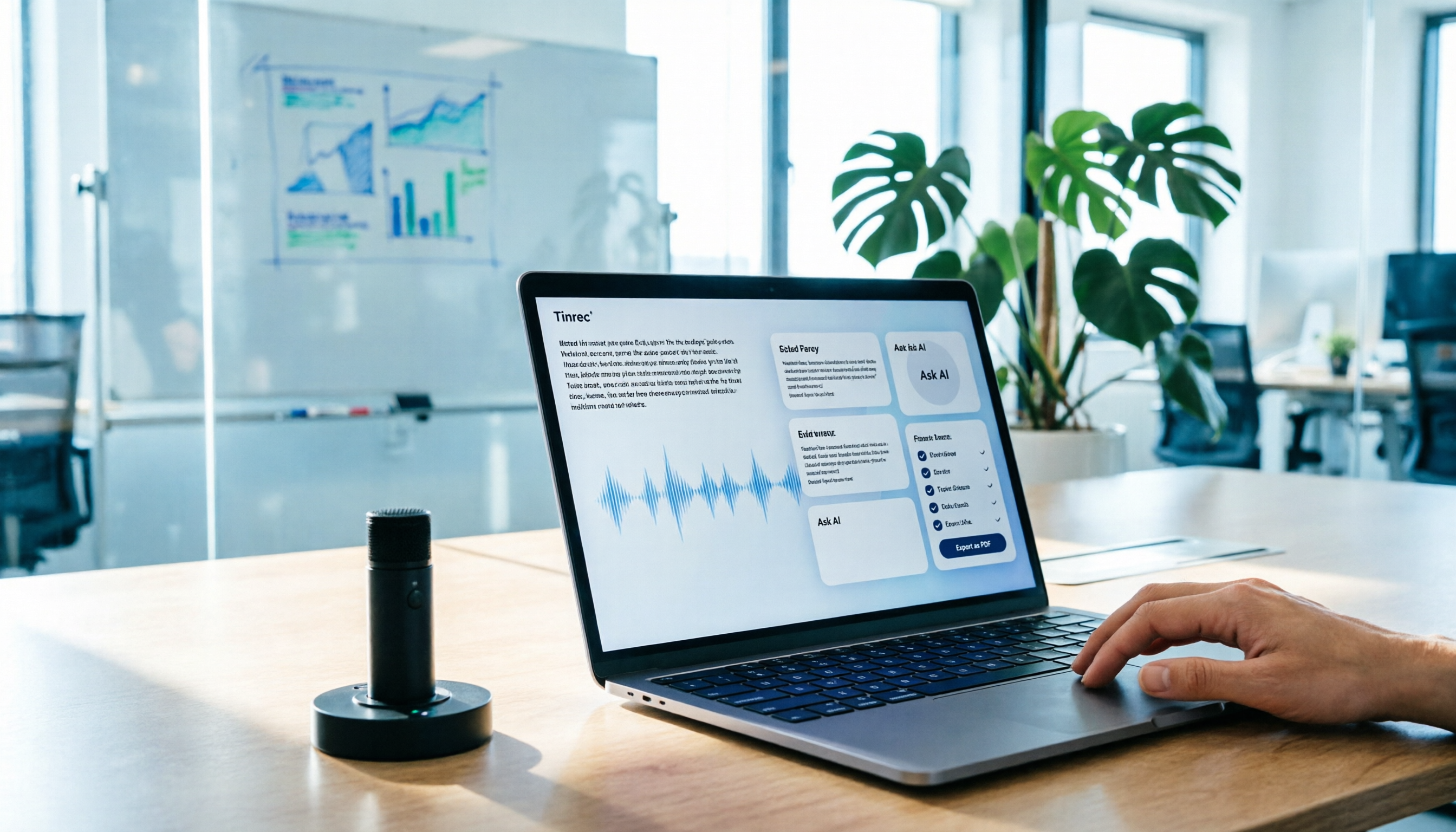
AI Meeting Notes in 2026: My Tinrec Workflow + Auto Summaries & Action Items
Meeting notes shouldn't mean replaying recordings and typing them up. This article breaks down AI meeting notes into five steps using my actual workflow: bot-free recording, live transcription, chapter summaries, AI follow-up questions, and action item export—with Tinrec as the example tool, plus a copy-paste follow-up checklist and buying considerations.

2026 AI Meeting Recorder Comparison: 5 Tools Tested for Chinese Transcripts and Post-Meeting Efficiency
Most people choose AI meeting recorder tools based only on free minutes, but still have to re-listen to recordings afterward. This article starts from real pain points, breaks down the core capabilities AI meeting recorder tools should have, 4 real use cases, and 5 purchase checkpoints. Using Tinrec as an example, it explains the complete workflow from bot-free recording, transcription, summaries, action items, AI Q&A, to team knowledge retention.

2026 AI Meeting Notes Free Plans Compared: Tinrec, Otter.ai, Notta, Granola Pricing at a Glance
Dcard discussions about AI meeting notes often focus on whether free versions are enough and how pricing works. This article compares Tinrec, Otter.ai, Notta, and Granola across four dimensions—free quota, per-upload limit, post-meeting output, and seat-based pricing—and highlights four common purchasing pitfalls to help you understand your meeting rhythm before spending money.

2026 AI Meeting Notes Comparison: Free Tiers, Chinese Transcription, and Team Knowledge Retention
Most people can't finish their meeting notes, and the problem isn't typing speed—it's choosing the wrong tool and workflow. This article addresses three common misconceptions, outlines four key purchasing factors: capture method, post-meeting organization, Chinese language performance, and data ownership. It then compares the positioning and limitations of Tinrec, Otter.ai, Notta, and Granola, and provides selection recommendations based on use cases.

How to Take AI Meeting Notes in 2026: 5 Steps from Recording to Team Sharing
The three most common questions in Dcard discussions about "AI meeting notes" are: how accurate is Chinese transcription, is the free quota enough, and can it automatically generate summaries. This article breaks down the complete process from recording to team sharing in 5 steps, using Tinrec (Miao Ting Lu Yin) as a hands-on example to show you how to choose and use AI meeting notes.

Best Live Transcript Translation Tools in 2026: We Tested 6, and This One Is the Easiest for Cross-Language Meetings
The most common mistake with live transcript translation is to first convert speech to text with one tool and then paste it into a translation website after the meeting. Based on real meeting scenarios from a mid-level manager's perspective, this article reviews six tools that integrate transcription and translation into a single workflow, explaining each tool's positioning, pricing, and ideal users.

5 AI Meeting Note Tools Tested and Compared in 2026: Which Free Version Is Good Enough?
How to choose an AI meeting note tool? This article tests and compares Tinrec, Otter.ai, Notta, Granola, and TurboScribe from four angles: free quota, Chinese transcription, post-meeting organization, and team collaboration. It provides a ready-to-use meeting notes table format and key pitfalls to help you decide which tool truly fits your meeting scenario.