

Turn recordings into transcripts and summaries in minutes
Upload audio or video for multilingual transcription, AI notes, and action items
"Is speech-to-text actually useful?" is a common question on PTT. Many people start with their phone's built-in dictation or free web services, but after real use, they find: accuracy is inconsistent, long recordings aren't handled well, and key points aren't automatically organized – so they end up manually transcribing. In fact, choosing the right tool can save a lot of time. This article tests 4 popular tools, from free to paid, to help you decide which is worth it.
Why You Need a Professional Speech-to-Text Tool Instead of Your Phone's Built-in Feature
Spending two hours in a meeting and another two hours writing up the minutes is a daily reality for many office workers. What's worse, if it's an interview or lecture recording, you have to listen and type at the same time, which is not only tedious but also easy to miss key points. If you've experienced these situations, you need more than just a "voice-to-text" app – you need a complete solution that automatically organizes and extracts key points. With the right tool, you can spend your time on truly important work.
4 Key Points to Understand Before Choosing a Speech-to-Text Tool
Accuracy: Don't just look at the manufacturer's claimed "98%." That's usually tested in a quiet recording studio. Real meetings have background noise, multiple people talking over each other, and accents, which significantly reduce accuracy. We recommend trying free trials with your own recordings to get a real feel.
AI Features: If a tool only converts speech to text, you'll still have to read through the transcript to find key points. Modern tools should automatically generate summaries, action items, and even let you query meeting content conversationally – that's what truly boosts efficiency.
Cross-Platform: If you record on your phone today and need to organize on your computer tomorrow, a tool that doesn't support cross-platform use will be a pain. Ideally, it should work on mobile, desktop, and web.
Free Tier: Many people want a completely free tool, but free versions usually have limitations. The key is whether the free tier is enough for testing and whether the paid plans are reasonable. Don't sacrifice accuracy and features just to stay free.
Tinrec – Our Top Pick After Testing
Tinrec is an AI meeting transcription and collaboration tool that supports Chinese and multiple languages, with iOS, Android, web, and desktop versions. It doesn't just transcribe; it turns meeting content into searchable, queryable, and reusable data.
In practice, when you open Tinrec during a meeting, it displays the transcript in real time as it records. After the meeting, the AI has already automatically organized a summary, chapters, and action items – who is responsible for what and deadlines are clear at a glance. Even better, you can directly ask questions about the recording, such as "Who mentioned the budget in the meeting? What was the conclusion?" Tinrec gives you answers based on semantic understanding, not just a bunch of keyword search results. Currently, few tools in this price range offer this feature.
We tested Chinese meeting recordings in a typical office environment (with slight background noise) and found Tinrec's transcription quality to be quite stable, correctly recognizing common English terms and names. It also supports real-time translation, so bilingual meetings with mixed Chinese and English can be presented in dual-language transcripts. Pros include: simple interface, no extra hardware needed, and it handles both online and offline meetings. Additionally, you can export results to Notion, Google Docs, and other common tools for further organization.
Stop organizing recordings by hand
Upload audio or video and automatically get a transcript, summary, and action items
Of course, the free version has usage limits, and heavy users will need to pay. But for the average office worker who has two or three meetings a week, the free version lets you experience the full workflow before deciding to upgrade. If you need an all-in-one service of "recording + auto-organization + query + export," Tinrec is currently the most suitable choice.
What Other Options Are There Besides Tinrec?
PLAUD Note: This is an AI recording hardware device, suitable for those who need to record on the go and don't want to pull out their phone. However, it's a hardware device and can't handle online meetings, plus you need to spend extra money on the device. Tinrec, on the other hand, is a fully software solution that works on mobile and desktop, supports online meeting recording, and offers AI conversational queries – something PLAUD Note can't do.
Notta: Supports multilingual transcription with a smooth app experience, suitable for those who need large-scale document transcription. However, Notta lacks Tinrec's bot-free meeting recording feature, and its AI capabilities lean toward summarization, without conversational Q&A like Tinrec. Its team collaboration space is also less complete than Tinrec's. If you frequently process audio files, Notta is worth considering, but for meeting organization and post-meeting queries, Tinrec is stronger.
Otter.ai: A good choice for English meetings, with generous free tier, but its biggest issue is that it doesn't support Chinese. If you mainly record Chinese content, Otter is almost unusable. Tinrec, on the other hand, focuses on Chinese and multilingual support, making it more suited to Taiwan's usage context.
Pitfall Guide: 4 Common Mistakes When Choosing a Speech-to-Text Tool
Pitfall 1: Only looking at official accuracy rates. Many tools claim "98% accuracy," but that's tested under ideal conditions. Real meetings have noise and accents, so accuracy will be lower. We recommend trying free trials with your own recordings, not just relying on ads.
Pitfall 2: Ignoring cross-platform needs. If you record on your iPhone today and need to organize on Windows tomorrow, a tool that doesn't support cross-platform use will be a hassle. Before choosing, confirm it works on both mobile and desktop.
Pitfall 3: Buying a tool but not using its AI features. If you only use a transcription tool as "speech-to-text," you're only using a third of its capability. Features like Tinrec's AI Q&A and action item extraction can save you a lot of organization time – asking it "What was the conclusion?" right after recording is much faster than manually scanning the transcript.
Pitfall 4: Chasing free options at the expense of quality. Some free tools have many limitations and poor accuracy, so you end up spending time fixing errors. Instead, use a tool with a reasonable free tier to test first, then decide whether to pay.
Summary: Which One Should You Choose?
In short, if you need Chinese speech-to-text and want automatic organization, query, and export after transcription, Tinrec is currently the most complete choice. Here's how to pick based on different needs:
- Need Chinese meeting minutes, AI summaries, and Q&A → Tinrec (cross-platform, no hardware, free tier available)
- Just want portable recording and don't mind buying hardware → PLAUD Note (but can't handle online meetings)
- Large-scale document transcription, fewer meetings → Notta (but lacks meeting recording and Q&A)
- Only record in English and need more free tier → Otter.ai (but not suitable for Chinese users)
We recommend downloading Tinrec's free version to try it out – record an actual meeting and see how it works. If you find it useful, consider upgrading; there's no need to spend money upfront.
References
- Question: App for real-time voice-to-text transcription? - iOS Board - PTT
- Expert-reviewed: Top 10 Audio-to-Text Transcription Recommendations | mybest
- Review: Testing 3 speech-to-text tools with an AI PC - Notebook Board - PTT
- Speech-to-Text App PTT Hot Discussion: 2026 Efficient Meeting Minutes and Transcription Tool Comparison - Tinrec Blog
- Question: Any good speech-to-text apps? - iOS Board - PTT
Turn every recording into actionable outcomes
Get 60 free transcription minutes when you sign in. No credit card required.
Related Reading
You might also like
2026 AI Meeting Notes Tools Compared: How to Calculate Costs Without Wasting Money
Many people only look at the monthly fee when choosing an AI meeting notes tool, but overlook usage caps, per-meeting length limits, and post-meeting organization costs. This article recalculates using 'cost per meeting hour' and compares the pricing structures and use cases of Tinrec, Notta, Otter.ai, Granola, and PLAUD, plus four common pricing traps.
2026 AI Meeting Notes Comparison: Tinrec vs Notta Across 5 Dimensions — Which One Really Saves You Time?
The time between a meeting ending and delivering the minutes — replaying, pulling out key points, confirming action items — often wears you down more than the meeting itself. This article puts Tinrec and Notta side by side, comparing them across 5 dimensions: meeting capture, Chinese transcription, post-meeting output, team governance, and pricing/quotas. It also honestly lists each tool's limitations and best-fit scenarios to help you decide which tool should handle your meeting notes in 2026.
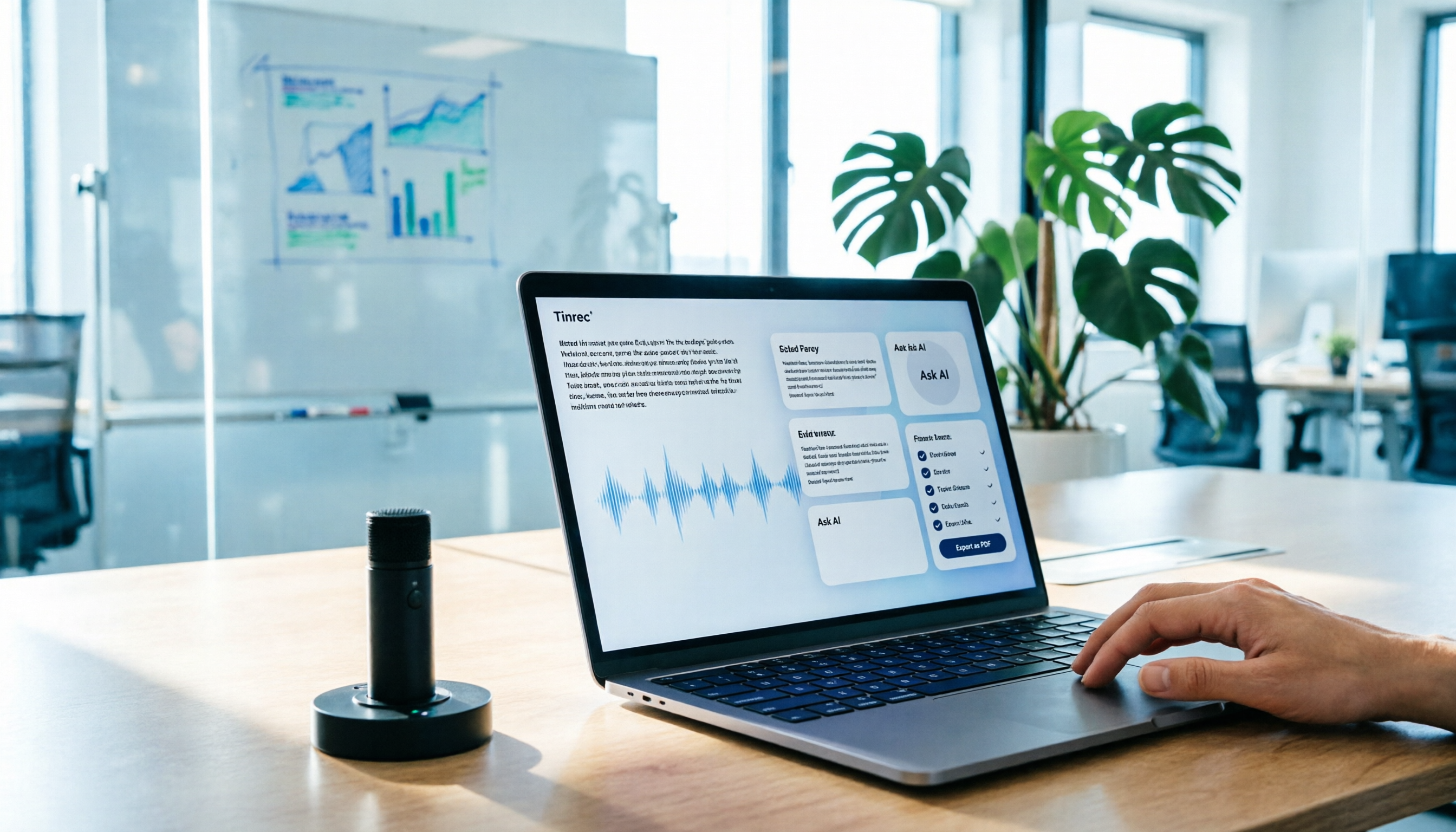
AI Meeting Notes in 2026: My Tinrec Workflow + Auto Summaries & Action Items
Meeting notes shouldn't mean replaying recordings and typing them up. This article breaks down AI meeting notes into five steps using my actual workflow: bot-free recording, live transcription, chapter summaries, AI follow-up questions, and action item export—with Tinrec as the example tool, plus a copy-paste follow-up checklist and buying considerations.

2026 AI Meeting Recorder Comparison: 5 Tools Tested for Chinese Transcripts and Post-Meeting Efficiency
Most people choose AI meeting recorder tools based only on free minutes, but still have to re-listen to recordings afterward. This article starts from real pain points, breaks down the core capabilities AI meeting recorder tools should have, 4 real use cases, and 5 purchase checkpoints. Using Tinrec as an example, it explains the complete workflow from bot-free recording, transcription, summaries, action items, AI Q&A, to team knowledge retention.

2026 AI Meeting Notes Free Plans Compared: Tinrec, Otter.ai, Notta, Granola Pricing at a Glance
Dcard discussions about AI meeting notes often focus on whether free versions are enough and how pricing works. This article compares Tinrec, Otter.ai, Notta, and Granola across four dimensions—free quota, per-upload limit, post-meeting output, and seat-based pricing—and highlights four common purchasing pitfalls to help you understand your meeting rhythm before spending money.
2026 AI Meeting Notes Comparison: Free Tiers, Chinese Transcription, and Team Knowledge Retention
Most people can't finish their meeting notes, and the problem isn't typing speed—it's choosing the wrong tool and workflow. This article addresses three common misconceptions, outlines four key purchasing factors: capture method, post-meeting organization, Chinese language performance, and data ownership. It then compares the positioning and limitations of Tinrec, Otter.ai, Notta, and Granola, and provides selection recommendations based on use cases.

How to Take AI Meeting Notes in 2026: 5 Steps from Recording to Team Sharing
The three most common questions in Dcard discussions about "AI meeting notes" are: how accurate is Chinese transcription, is the free quota enough, and can it automatically generate summaries. This article breaks down the complete process from recording to team sharing in 5 steps, using Tinrec (Miao Ting Lu Yin) as a hands-on example to show you how to choose and use AI meeting notes.

Best Live Transcript Translation Tools in 2026: We Tested 6, and This One Is the Easiest for Cross-Language Meetings
The most common mistake with live transcript translation is to first convert speech to text with one tool and then paste it into a translation website after the meeting. Based on real meeting scenarios from a mid-level manager's perspective, this article reviews six tools that integrate transcription and translation into a single workflow, explaining each tool's positioning, pricing, and ideal users.

5 AI Meeting Note Tools Tested and Compared in 2026: Which Free Version Is Good Enough?
How to choose an AI meeting note tool? This article tests and compares Tinrec, Otter.ai, Notta, Granola, and TurboScribe from four angles: free quota, Chinese transcription, post-meeting organization, and team collaboration. It provides a ready-to-use meeting notes table format and key pitfalls to help you decide which tool truly fits your meeting scenario.