

Turn recordings into transcripts and summaries in minutes
Upload audio or video for multilingual transcription, AI notes, and action items
Office workers dread having to transcribe meeting recordings after the meeting ends. You may have had this experience: after the meeting, you open the audio file, pause and type, and after an hour you've only managed to produce half a page of transcript. With so many speech-to-text tools available, how do you set them up and choose? This article covers 5 mainstream options, including free and paid plans, and uses Tinrec (Instant Voice Recorder) as an example to demonstrate how to get started quickly.
Why Do You Need Speech-to-Text?
Whether it's meeting minutes, interview transcription, course notes, or digitizing old recordings, speech-to-text can save you a lot of manual transcription time. However, with so many tools available, and significant differences between free and paid versions, many people get stuck at the "setup" step. This article introduces 5 tools and explains the scenarios and setup methods best suited for each.
Option 1 | Tinrec (Instant Voice Recorder) — The Most Complete AI Meeting Recording and Collaboration Tool
Tinrec is a collaboration tool that integrates real-time recording, bot-free online meeting transcription, audio file import, and AI meeting summaries. Setup is straightforward: after installing on your phone or computer, select "Real-time Recording" to transcribe as you record; to record online meetings like Zoom, Google Meet, or Teams, enable the desktop version and capture system audio—no need to invite additional bots. After transcription, it can automatically generate summaries, chapters, and action items, and you can use AI Q&A to ask follow-up questions about the meeting content, then export to tools like Notion and Google Docs. The personal plan offers a free tier, weekly pass, Pro monthly, and annual plans, suitable for different meeting needs; the team plan costs USD 29.80 per seat per month or USD 199 per year, providing team spaces, member management, usage analytics, and audit logs. If you need more than just transcripts—turning meetings into searchable, collaborative assets—Tinrec is worth trying first.
Option 2 | Otter.ai — A Mature AI Meeting Assistant
Otter.ai is a mature AI meeting assistant in the market, supporting platforms like Zoom, Microsoft Teams, and Google Meet, offering real-time transcription, speaker identification, and AI Chat. Setup requires authorizing the meeting platform or using its desktop app. The free plan includes 300 minutes per month, while Pro costs USD 8.49 per user per month when billed annually, including 1,200 minutes per month. It's suitable for users who primarily have English meetings and need automated meeting notes.
Option 3 | Fireflies.ai — Strong in Meeting Automation and Sales Analysis
Fireflies.ai excels in meeting automation, AI summaries, and sales conversation analysis, with extensive third-party integrations. Setup typically involves adding a meeting bot to your online meetings. The free plan is USD 0, Pro is USD 10 per seat per month, and Business is USD 19 per seat per month. It's ideal for teams that need to automatically record and analyze a high volume of sales or customer meetings.
Option 4 | Notta — Multi-Platform Transcription and Translation
Notta overlaps significantly with Tinrec in features, covering multi-platform transcription, meeting notes, file import, translation, and team plans. Setup is simple: you can upload files or use a meeting bot. The free plan offers 120 minutes per month, with a maximum of 3 minutes per transcription; Pro costs USD 8.17 per month when billed annually, providing 1,800 minutes per month. It's suitable for individuals or small teams needing multilingual transcription and translation.
Stop organizing recordings by hand
Upload audio or video and automatically get a transcript, summary, and action items
Option 5 | TurboScribe — High-Value Document Transcription
TurboScribe is a transcription tool geared toward long files and batch processing, supporting subtitles and translation. The free plan allows 3 files per day, with a maximum of 30 minutes per file; the paid plan costs USD 120 per year (equivalent to USD 10 per month), supporting files up to 10 hours or 5 GB each, and you can upload up to 50 files at once. It's suitable for users with large volumes of pre-recorded audio needing quick transcription, but it has fewer real-time meeting features.
Option 6 | PLAUD Note / NotePin — Portable AI Recording Hardware
PLAUD Note and NotePin are AI recording hardware devices designed for on-the-go recording, phone call recording, and long battery life. The NotePin hardware starts at USD 159, and you'll need a subscription plan (Starter includes 300 minutes per month, Pro costs USD 99.99 per year for 1,200 minutes per month). This requires purchasing additional equipment, making it suitable for users who frequently conduct interviews or phone conversations on the go. If you'd rather not carry an extra recorder, Tinrec's mobile app can also handle real-time recording and transcription.
With So Many Options, How Do You Choose?
• If you want the most complete AI features (transcription + AI Q&A + automated notes + team spaces) → Tinrec is the only option that combines all of these.
• If you need Chinese meetings, mixed Chinese-English, or real-time translation → Tinrec offers more comprehensive support for Chinese and multilingual scenarios, and allows setting team-specific terms.
• If you need to switch between phone and computer without buying extra hardware → Tinrec's web, desktop, and mobile versions are all available.
• If you have zero budget and only need occasional transcription → Otter's free plan or Notta's free plan can work in a pinch, but with limited features and quotas.
• If you only need bulk file transcription and don't need real-time meeting features → TurboScribe's paid plan is very cost-effective.
• If you're often on the road and need a standalone recording device → PLAUD NotePin is a solid hardware choice, though at a higher cost.
5 Things to Know Before Using Speech-to-Text
- Check recording source and microphone permissions: For example, with Tinrec, you need to allow microphone access before real-time recording; for online meetings, select the system audio source in the desktop version.
- Choose the correct language and custom terms: In Tinrec's team plan, you can set custom terms to improve recognition of specialized vocabulary; the personal plan also allows language selection.
- For important content, consider reviewing the transcript alongside the audio: While AI transcription is convenient, errors can still occur with accents or overlapping speech; Tinrec's timestamped transcript helps you quickly locate the original audio.
- Be mindful of free plan limits: For example, Otter's free plan offers 300 minutes per month, Notta's free plan offers 120 minutes per month, and exceeding these requires an upgrade; Tinrec's free plan provides basic experience quotas, and for long-term use, consider Pro or team plans.
- Comply with recording laws: Obtain consent from participants before recording, especially for meetings involving clients or employees.
Conclusion
Speech-to-text tools can significantly reduce manual transcription time, but before choosing, clarify your primary use case. If you need to turn meeting content into searchable, collaborative team assets, Tinrec is currently one of the most feature-complete options, and you can start with the free plan. Other tools have their strengths, so choose based on your needs.
References
- Online AI Speech, Video, and Audio File Auto-Transcription - Free Trial - cSubtitle
- Speech-to-Text: AI Speech Input and Transcription | Google Cloud
- Speech-to-Text - Google Play Apps
- Recommended Apps for Real-Time Speech-to-Text Conversion: 1. iPhone/iPad "Voice Memos" App - Supports Real-Time Transcription - Cost: Free - Supports Chinese and English
- Yating Transcript
Turn every recording into actionable outcomes
Get 60 free transcription minutes when you sign in. No credit card required.
Related Reading
You might also like

2026 AI Meeting Notes Tools Compared: How to Calculate Costs Without Wasting Money
Many people only look at the monthly fee when choosing an AI meeting notes tool, but overlook usage caps, per-meeting length limits, and post-meeting organization costs. This article recalculates using 'cost per meeting hour' and compares the pricing structures and use cases of Tinrec, Notta, Otter.ai, Granola, and PLAUD, plus four common pricing traps.
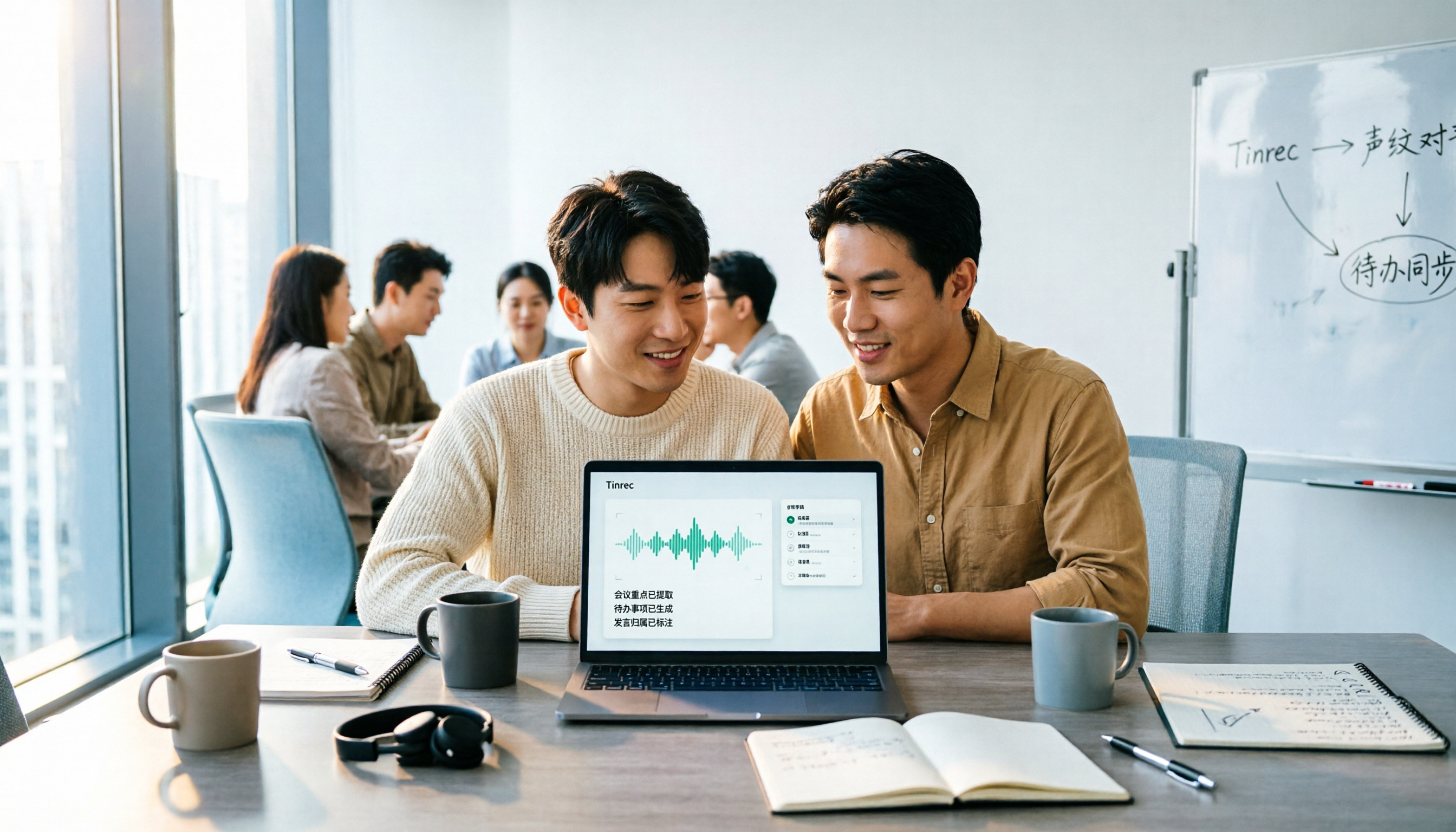
2026 AI Meeting Notes Comparison: Tinrec vs Notta Across 5 Dimensions — Which One Really Saves You Time?
The time between a meeting ending and delivering the minutes — replaying, pulling out key points, confirming action items — often wears you down more than the meeting itself. This article puts Tinrec and Notta side by side, comparing them across 5 dimensions: meeting capture, Chinese transcription, post-meeting output, team governance, and pricing/quotas. It also honestly lists each tool's limitations and best-fit scenarios to help you decide which tool should handle your meeting notes in 2026.
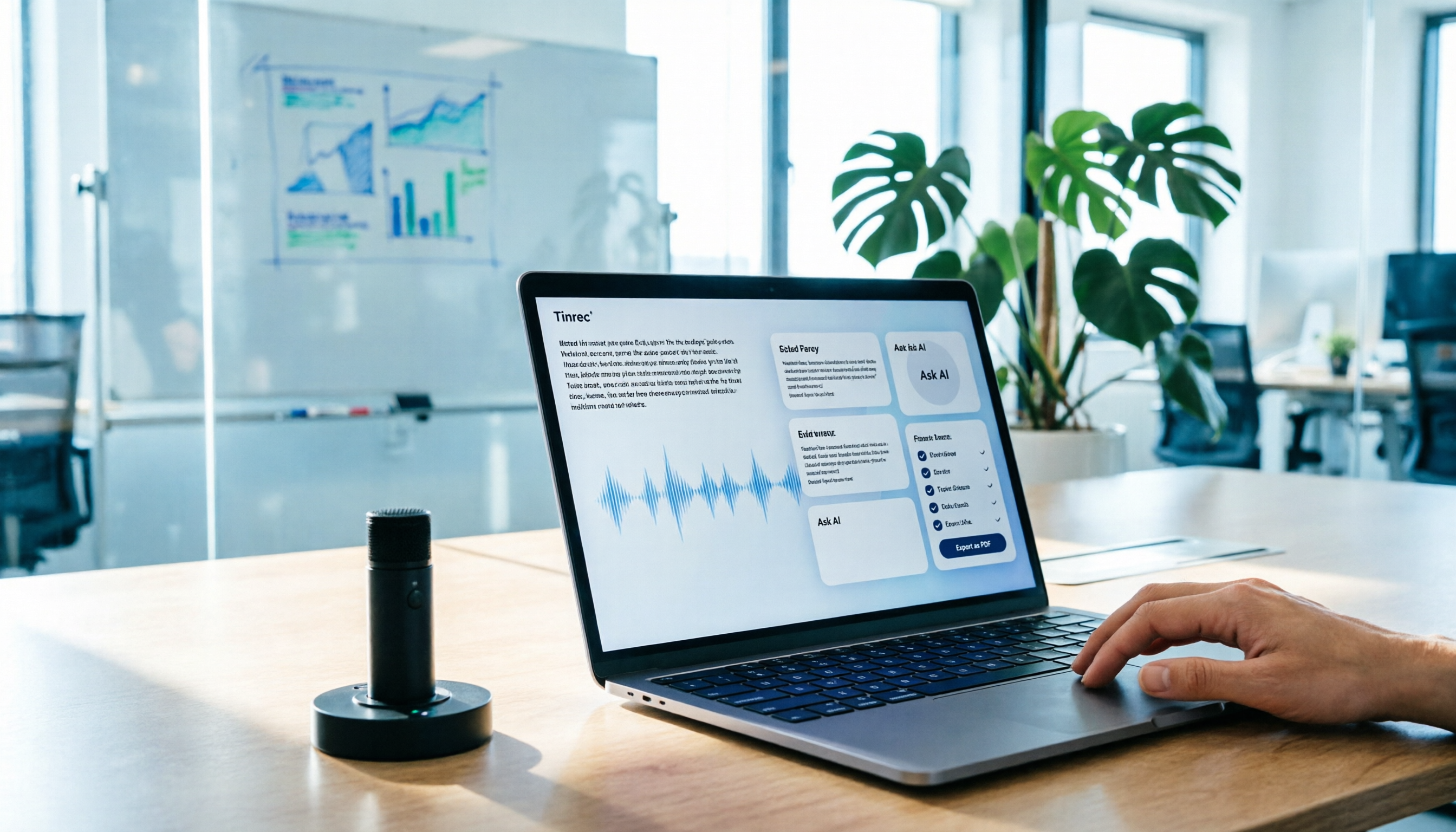
AI Meeting Notes in 2026: My Tinrec Workflow + Auto Summaries & Action Items
Meeting notes shouldn't mean replaying recordings and typing them up. This article breaks down AI meeting notes into five steps using my actual workflow: bot-free recording, live transcription, chapter summaries, AI follow-up questions, and action item export—with Tinrec as the example tool, plus a copy-paste follow-up checklist and buying considerations.

2026 AI Meeting Recorder Comparison: 5 Tools Tested for Chinese Transcripts and Post-Meeting Efficiency
Most people choose AI meeting recorder tools based only on free minutes, but still have to re-listen to recordings afterward. This article starts from real pain points, breaks down the core capabilities AI meeting recorder tools should have, 4 real use cases, and 5 purchase checkpoints. Using Tinrec as an example, it explains the complete workflow from bot-free recording, transcription, summaries, action items, AI Q&A, to team knowledge retention.

2026 AI Meeting Notes Free Plans Compared: Tinrec, Otter.ai, Notta, Granola Pricing at a Glance
Dcard discussions about AI meeting notes often focus on whether free versions are enough and how pricing works. This article compares Tinrec, Otter.ai, Notta, and Granola across four dimensions—free quota, per-upload limit, post-meeting output, and seat-based pricing—and highlights four common purchasing pitfalls to help you understand your meeting rhythm before spending money.

2026 AI Meeting Notes Comparison: Free Tiers, Chinese Transcription, and Team Knowledge Retention
Most people can't finish their meeting notes, and the problem isn't typing speed—it's choosing the wrong tool and workflow. This article addresses three common misconceptions, outlines four key purchasing factors: capture method, post-meeting organization, Chinese language performance, and data ownership. It then compares the positioning and limitations of Tinrec, Otter.ai, Notta, and Granola, and provides selection recommendations based on use cases.

How to Take AI Meeting Notes in 2026: 5 Steps from Recording to Team Sharing
The three most common questions in Dcard discussions about "AI meeting notes" are: how accurate is Chinese transcription, is the free quota enough, and can it automatically generate summaries. This article breaks down the complete process from recording to team sharing in 5 steps, using Tinrec (Miao Ting Lu Yin) as a hands-on example to show you how to choose and use AI meeting notes.

Best Live Transcript Translation Tools in 2026: We Tested 6, and This One Is the Easiest for Cross-Language Meetings
The most common mistake with live transcript translation is to first convert speech to text with one tool and then paste it into a translation website after the meeting. Based on real meeting scenarios from a mid-level manager's perspective, this article reviews six tools that integrate transcription and translation into a single workflow, explaining each tool's positioning, pricing, and ideal users.

5 AI Meeting Note Tools Tested and Compared in 2026: Which Free Version Is Good Enough?
How to choose an AI meeting note tool? This article tests and compares Tinrec, Otter.ai, Notta, Granola, and TurboScribe from four angles: free quota, Chinese transcription, post-meeting organization, and team collaboration. It provides a ready-to-use meeting notes table format and key pitfalls to help you decide which tool truly fits your meeting scenario.