

Turn recordings into transcripts and summaries in minutes
Upload audio or video for multilingual transcription, AI notes, and action items
2026 Speech-to-Text Tool Comparison: 4 Tools Tested to Turn Meetings into Searchable Data
When you first search for "what is speech-to-text," you've likely already run into a practical problem: you have an audio recording, meeting, or lecture that you need to turn into text quickly. But the more critical decision is: do you just need a verbatim transcript, or do you want to be able to find key points, generate action items, and share with your team after transcription? This directly affects which tool you should choose.
What Is Speech-to-Text? You Need More Than a Single Tool—You Need a Solution
Speech-to-text is the process of using software to automatically convert spoken language into written text. In the past, this task required manually pausing, playing, and typing, which was extremely time-consuming. Now, with AI and deep learning, a recording can be transcribed in minutes.
But most people need more than just "turning audio into text." A two-hour meeting can take another two hours to summarize; interview recordings need verbatim transcripts, but you also want to quickly find key points; online courses need text notes that you can search later. If you only get a long transcript, these problems remain unsolved.
So, I'll use four key points to help you determine which tools are truly worth using.
Before Buying a Speech-to-Text Tool, Understand These 4 Key Points
1. Transcription Accuracy: Don't Just Look at Official Numbers. Many tools claim high accuracy, but that's tested in quiet environments. Real meetings have air conditioning noise, keyboard sounds, and people talking over each other, which can significantly reduce accuracy. We recommend testing with your own recordings.
2. Supported Meeting Types. Do you often have online meetings (Zoom, Google Meet, Teams)? Or do you need to record in-person meetings? Or do you have old audio files to transcribe? Some tools only handle one of these.
3. What You Can Do After Transcription. A verbatim transcript isn't enough. Can the tool automatically generate summaries, chapters, and action items? Can you use AI Q&A to directly find meeting conclusions? This is the key to saving time.
4. Team Collaboration Needs. If you're an individual user, a lightweight tool may suffice. But if meeting data needs to be shared with a team, with permission management and auditing, you'll need team features.
These four points will also be the criteria for the following evaluation.
Tinrec (秒听录音) — Our Top Pick After Testing
Tinrec is an AI meeting notes and collaboration tool designed for individuals and teams. It's not just a typical transcription tool; it turns meeting content into searchable, summarizable, queryable, and exportable data that can be continuously accumulated in a team space.
In practice, several features are particularly useful:
Bot-Free Online Meeting Recording. Just open the Tinrec desktop app on your computer, and it captures system audio directly—no need to add a bot to Zoom, Google Meet, Microsoft Teams, or Webex. This is very convenient for those who don't like unfamiliar participants in meetings.
Automatic Post-Transcription Organization. After a meeting, Tinrec doesn't just give you a transcript; it also generates summaries, chapters, key points, and action items. For example, after a project meeting, action items are listed directly, showing who is responsible for what at a glance. Even better, you can ask Tinrec, "Who mentioned the budget in the last meeting?" and it will answer based on the meeting content, rather than just giving you keyword search results.
Stop organizing recordings by hand
Upload audio or video and automatically get a transcript, summary, and action items
Multilingual and Chinese Experience. Tinrec supports Chinese, Traditional Chinese, and mixed Chinese-English content, and offers real-time translation, allowing you to view the original text, translation, or bilingual comparison during recording. This is very useful in cross-language meetings.
Extending from Personal Tool to Team Space. The team version provides a dedicated space where meeting data belongs to the team; members can view, play, and read; admins can set roles, allocate seats, view usage, and access audit logs. When a member leaves or loses their seat, data doesn't disappear but is transferred to other active members.
Of course, Tinrec has limitations. The free personal plan has limited credits, and heavy users need to pay; transcription accuracy can be affected by recording quality, accents, and background noise, so it's still recommended to review important content with the audio playback. Overall, if you need Chinese meeting transcription, bot-free recording, and team data management, Tinrec is a very worthy option.
What Other Options Are There Besides Tinrec?
Otter.ai: Its English meeting ecosystem is very mature, with 300 free minutes per month, which is great for users who only record in English. However, if you mainly handle Chinese or mixed Chinese-English content, Tinrec's real-time translation and Chinese organization experience will be smoother; also, Tinrec supports bot-free desktop recording, while Otter is more focused on online meetings.
Notta: It overlaps significantly with Tinrec in features, both supporting multi-device transcription, meeting notes, and team plans. Compared to the two, Notta leans more toward transcription and translation, while Tinrec adds audit logs, audio recycle bin, and Agent post-processing in the team space, making it more suitable for teams that need governance and post-meeting outputs.
Pitfall Guide: 4 Common Mistakes When Choosing a Speech-to-Text Tool
Pitfall 1: Only Looking at Official Accuracy. Many tools advertise impressive numbers, but real meeting environments are the real test. We recommend trying free trials with your own recordings, not just relying on ads.
Pitfall 2: Ignoring the Post-Transcription Workflow. Buying a tool just for verbatim transcripts means using only a third of its capabilities. Features like Tinrec's AI Q&A and action item extraction can save you a lot of organization time.
Pitfall 3: Buying a Hardware Recorder for Online Meetings. Hardware is suitable for in-person interviews or portable recording, but online meetings require a desktop tool that can capture system audio; otherwise, you'll have to play audio externally and record it, resulting in poor quality.
Pitfall 4: Using a Personal Account to Manage Team Meetings. Personal tools can't unify permissions, view usage, or audit, and data can easily scatter when members leave. If meeting data is a team asset, we recommend choosing a plan with a team space.
Summary: Which One Should You Choose?
Simply put, if your need is "to turn meetings into searchable, collaborative data," Tinrec is a very complete choice at this stage.
- Need Chinese + mixed Chinese-English meeting transcription → Tinrec (supports multilingual and real-time translation)
- Want to use AI to find key points and generate action items after recording → Tinrec (AI Q&A and post-processing)
- Team needs to share meeting data and manage seats → Tinrec (team space, audit, recycle bin)
- Zero budget and only English recordings → Otter.ai (free plan with 300 minutes per month)
We recommend downloading the Tinrec free version to try it out, using the basic credits to experience bot-free recording and AI organization, and then considering a paid plan if it meets your needs.
References
Turn every recording into actionable outcomes
Get 60 free transcription minutes when you sign in. No credit card required.
Related Reading
You might also like
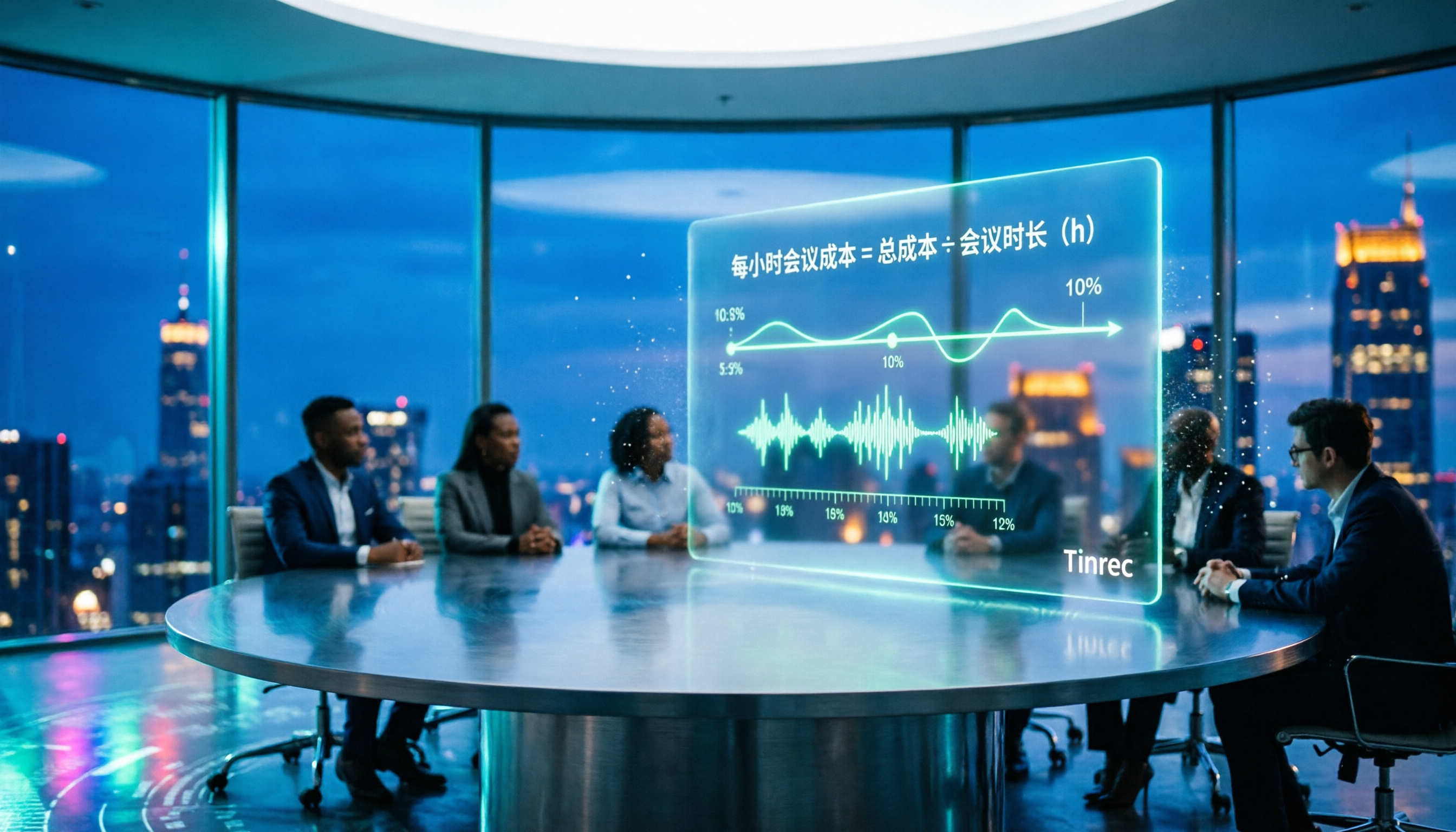
2026 AI Meeting Notes Tools Compared: How to Calculate Costs Without Wasting Money
Many people only look at the monthly fee when choosing an AI meeting notes tool, but overlook usage caps, per-meeting length limits, and post-meeting organization costs. This article recalculates using 'cost per meeting hour' and compares the pricing structures and use cases of Tinrec, Notta, Otter.ai, Granola, and PLAUD, plus four common pricing traps.
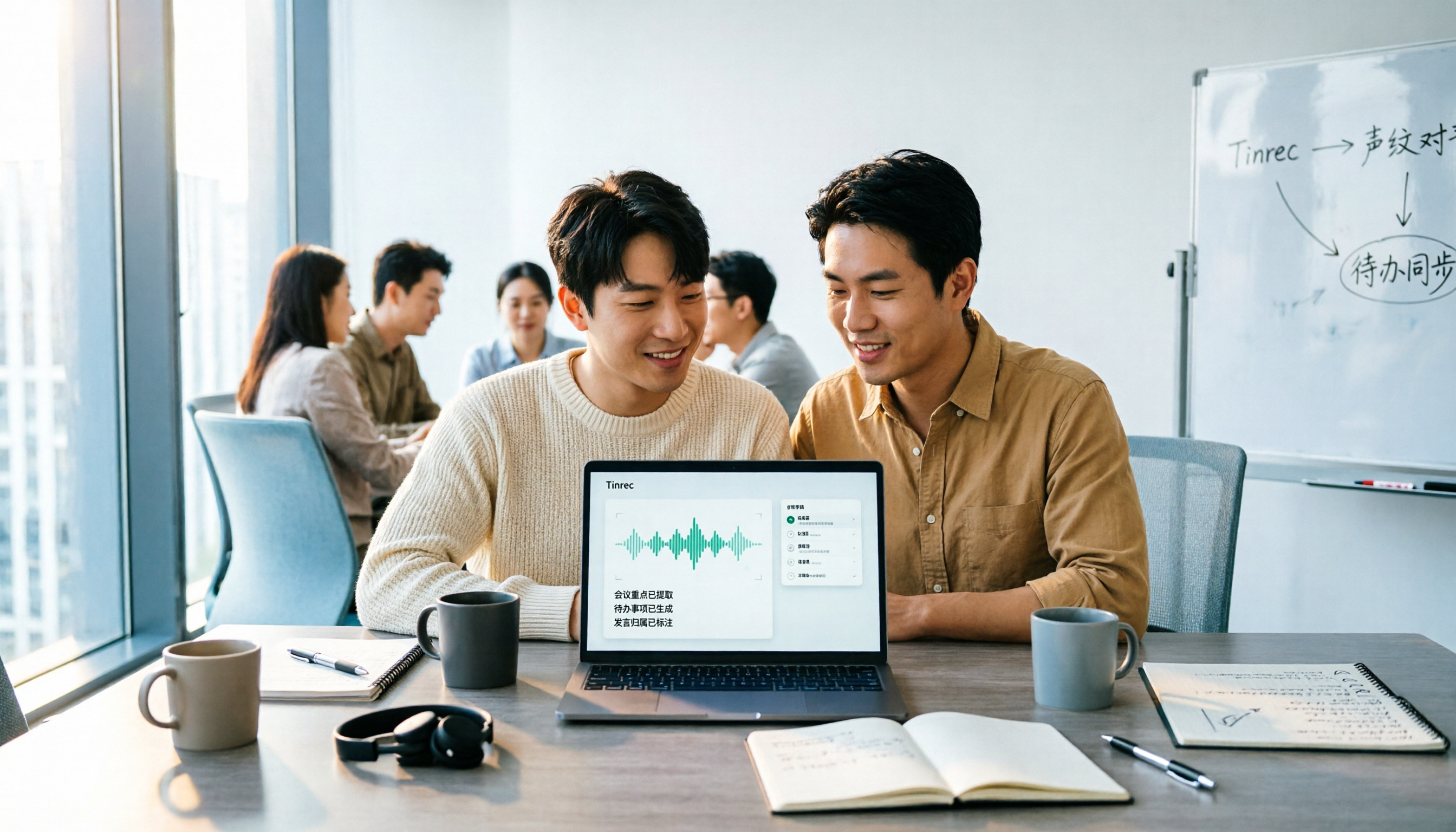
2026 AI Meeting Notes Comparison: Tinrec vs Notta Across 5 Dimensions — Which One Really Saves You Time?
The time between a meeting ending and delivering the minutes — replaying, pulling out key points, confirming action items — often wears you down more than the meeting itself. This article puts Tinrec and Notta side by side, comparing them across 5 dimensions: meeting capture, Chinese transcription, post-meeting output, team governance, and pricing/quotas. It also honestly lists each tool's limitations and best-fit scenarios to help you decide which tool should handle your meeting notes in 2026.
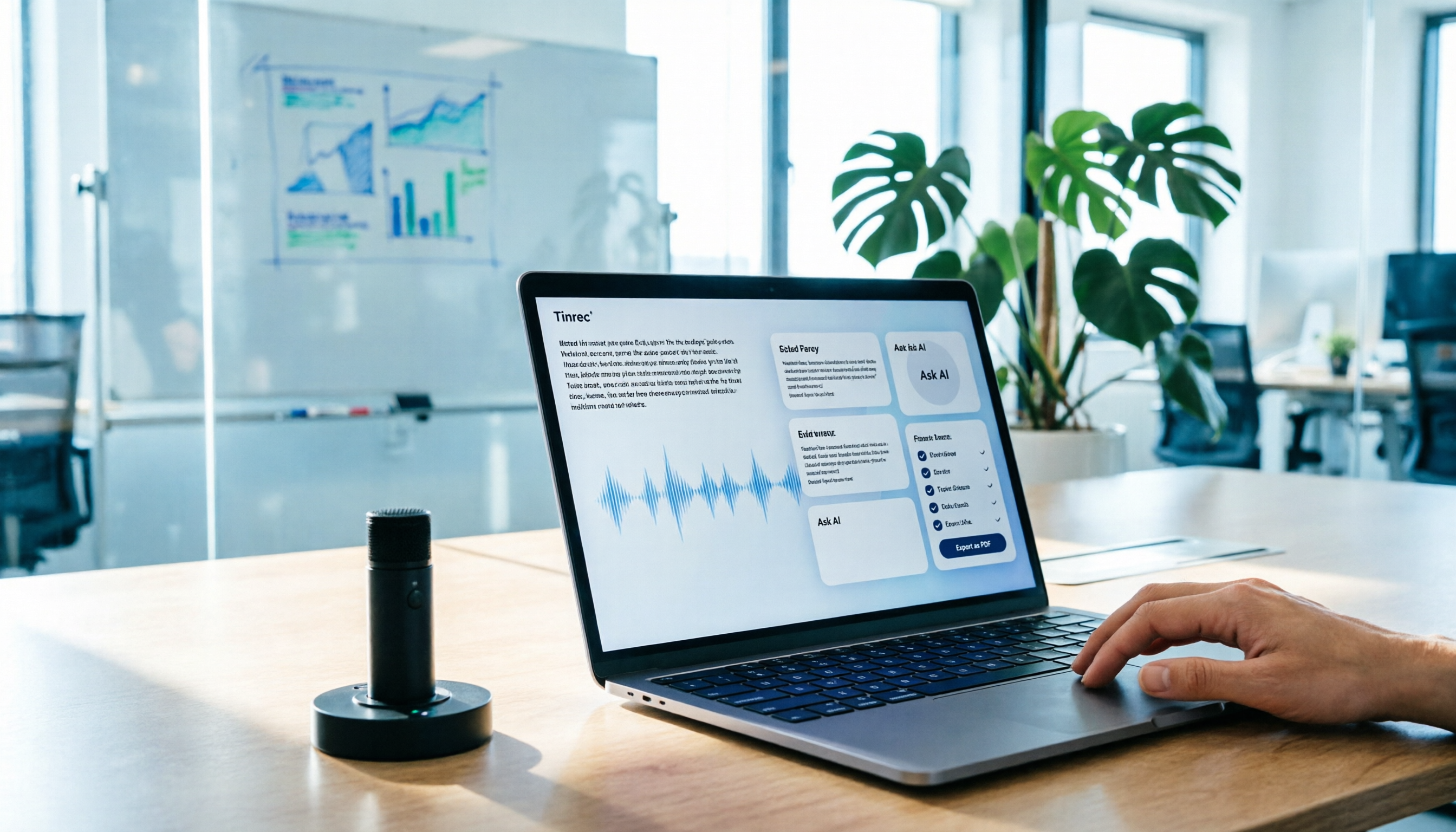
AI Meeting Notes in 2026: My Tinrec Workflow + Auto Summaries & Action Items
Meeting notes shouldn't mean replaying recordings and typing them up. This article breaks down AI meeting notes into five steps using my actual workflow: bot-free recording, live transcription, chapter summaries, AI follow-up questions, and action item export—with Tinrec as the example tool, plus a copy-paste follow-up checklist and buying considerations.

2026 AI Meeting Recorder Comparison: 5 Tools Tested for Chinese Transcripts and Post-Meeting Efficiency
Most people choose AI meeting recorder tools based only on free minutes, but still have to re-listen to recordings afterward. This article starts from real pain points, breaks down the core capabilities AI meeting recorder tools should have, 4 real use cases, and 5 purchase checkpoints. Using Tinrec as an example, it explains the complete workflow from bot-free recording, transcription, summaries, action items, AI Q&A, to team knowledge retention.

2026 AI Meeting Notes Free Plans Compared: Tinrec, Otter.ai, Notta, Granola Pricing at a Glance
Dcard discussions about AI meeting notes often focus on whether free versions are enough and how pricing works. This article compares Tinrec, Otter.ai, Notta, and Granola across four dimensions—free quota, per-upload limit, post-meeting output, and seat-based pricing—and highlights four common purchasing pitfalls to help you understand your meeting rhythm before spending money.

2026 AI Meeting Notes Comparison: Free Tiers, Chinese Transcription, and Team Knowledge Retention
Most people can't finish their meeting notes, and the problem isn't typing speed—it's choosing the wrong tool and workflow. This article addresses three common misconceptions, outlines four key purchasing factors: capture method, post-meeting organization, Chinese language performance, and data ownership. It then compares the positioning and limitations of Tinrec, Otter.ai, Notta, and Granola, and provides selection recommendations based on use cases.

How to Take AI Meeting Notes in 2026: 5 Steps from Recording to Team Sharing
The three most common questions in Dcard discussions about "AI meeting notes" are: how accurate is Chinese transcription, is the free quota enough, and can it automatically generate summaries. This article breaks down the complete process from recording to team sharing in 5 steps, using Tinrec (Miao Ting Lu Yin) as a hands-on example to show you how to choose and use AI meeting notes.

Best Live Transcript Translation Tools in 2026: We Tested 6, and This One Is the Easiest for Cross-Language Meetings
The most common mistake with live transcript translation is to first convert speech to text with one tool and then paste it into a translation website after the meeting. Based on real meeting scenarios from a mid-level manager's perspective, this article reviews six tools that integrate transcription and translation into a single workflow, explaining each tool's positioning, pricing, and ideal users.

5 AI Meeting Note Tools Tested and Compared in 2026: Which Free Version Is Good Enough?
How to choose an AI meeting note tool? This article tests and compares Tinrec, Otter.ai, Notta, Granola, and TurboScribe from four angles: free quota, Chinese transcription, post-meeting organization, and team collaboration. It provides a ready-to-use meeting notes table format and key pitfalls to help you decide which tool truly fits your meeting scenario.