

Turn recordings into transcripts and summaries in minutes
Upload audio or video for multilingual transcription, AI notes, and action items
Two Hours in Meetings, Two More on Notes—You Don't Need More Time, You Need Smarter Tools
Have you ever done the math? Five meetings a week means ten hours in meetings and another five hours writing up notes—nearly half your meeting time is wasted on "catching up afterward."
What's worse, some meetings are multilingual. A stretch in Chinese, a couple of sentences in English, and when you need to find "what exactly did that client say," you end up replaying the entire recording from start to finish.
If any of this sounds familiar, this article is for you. We tested four AI meeting recorders, focusing on three things: "Can they record online meetings without a bot?", "Is Chinese transcription reliable?", and "Can you use AI to find key points after the meeting?"
Before Choosing an AI Meeting Recorder, Understand These 4 Key Points
1. Meeting Capture Method: Bot Joins or Bot-Free Recording?
Many AI meeting tools join your online meeting as a "bot." The upside is automated scheduling; the downside is an extra, unfamiliar participant in the room, which some people find awkward. Another approach is capturing your computer's system audio directly from the desktop, with no extra attendee. If you care about meeting privacy or don't want a stranger bot in client meetings, this is something to check first.
2. Chinese and Multilingual Transcription: Not Every Tool Excels
There are plenty of English meeting tools, but when it comes to Chinese transcription, mixed Chinese-English content, and Traditional Chinese, the differences are stark. If you frequently have Chinese meetings or need real-time translation and bilingual transcripts, test with your own recordings—don't just rely on official accuracy claims.
3. Post-Meeting Organization: A Transcript Isn't Enough
A transcript is just the first step. What really saves time is: Can it auto-generate summaries, chapters, key points, and action items? Can you ask AI, "Who mentioned the budget in the last meeting?" instead of manually scanning a 30-minute transcript? Can you export results to Notion, Google Docs, or Slack? These post-meeting workflows are what separate the best tools from the rest.
4. Team Collaboration and Knowledge Retention: Personal Use Isn't Enough
If you need to share meeting materials with your team, look for team spaces, member management, permission controls, and usage analytics. Otherwise, meeting notes end up scattered across personal accounts, and when someone new takes over, they can't find anything.
Tinrec: Our Top Pick After Testing
Tinrec is an AI meeting recorder and collaboration tool for individuals and teams, available on iOS, Android, desktop, and web. Its core value isn't just turning audio into text—it's turning meeting content into searchable, collaborative, follow-up-ready, and exportable team knowledge.
Bot-Free Online Meeting Recording
The Tinrec desktop app captures your computer's system audio directly, so you don't need to add a meeting bot to Zoom, Google Meet, Microsoft Teams, or Webex. Just open the Tinrec desktop app before the meeting, and it records and transcribes in real time—by the time the meeting ends, the transcript is ready.
This is a thoughtful design for anyone who dislikes unfamiliar participants in meetings. Client meetings, internal reviews, or one-on-one interviews don't require changing your usual meeting flow just for transcription.
Use AI to Find Key Points After the Meeting
Tinrec automatically generates summaries, chapters, and action items. What's even better is that you can ask questions directly about the meeting content. For example: "What was the conclusion of this meeting?" or "Who's responsible for tracking the budget?" It answers based on context, not just keyword search results.
In our test, we uploaded a 15-minute Chinese product discussion recording. The AI summary accurately captured three key decisions, and the action items clearly listed owners and deadlines. In comparison, most tools in the same price range still leave you with "here's your transcript, good luck."
Stop organizing recordings by hand
Upload audio or video and automatically get a transcript, summary, and action items
Chinese and Multilingual Meeting Experience
Tinrec supports Chinese, Traditional Chinese, and multilingual meeting scenarios, and offers real-time translation, letting you view the original text, translation, or bilingual content during recording. The team plan also lets you set custom vocabulary, adding company-specific terms or product names to improve recognition of specialized jargon.
From Personal Tool to Team Workspace
The team plan is a standout feature of Tinrec. Meeting data is stored centrally for the team, members can view past meetings, and new members can quickly search previous discussions. Admins can assign roles and seats, view usage trends and member rankings, and even query or export audit logs. When a member leaves or is removed, team resources can be transferred to other active members, so they don't disappear with a personal account.
Who Is It For?
If you frequently have Chinese meetings, don't want bots in your meetings, want to use AI to find key points afterward, and need to share meeting knowledge with your team, Tinrec is a strong contender worth prioritizing.
The free plan offers basic credits, perfect for a trial run. If you have consistent weekly meetings, consider the Pro plan. For teams, it's priced per paid seat, so evaluate your meeting frequency and member count before deciding.
Beyond Tinrec: What Are the Alternatives?
Notta
Notta is a multi-platform transcription tool with significant overlap with Tinrec, covering file transcription, meeting notes, translation, and team plans, with broad language support. However, for online meetings, Notta leans more toward meeting bots or file upload workflows, while Tinrec focuses on desktop-based, bot-free recording as its core—making it more intuitive for those who don't want extra participants in meetings.
Otter.ai
Otter.ai is a mature English-language AI meeting assistant. Its free plan offers a generous 300 minutes per month, and its English summaries and team features are solid. But if your meetings are primarily in Chinese, Otter's strengths take a hit. Tinrec is closer to local users' needs with its Chinese transcription, real-time translation, and bilingual transcripts.
Granola
Granola also records meetings without a bot, emphasizing "user notes plus AI enhancement." However, Granola doesn't support uploading existing audio files and doesn't save meeting audio, which is a significant limitation for those who need to process historical recordings or keep original audio. Tinrec, on the other hand, supports importing audio and video files and retains recordings, making it more versatile.
Pitfall Guide: 4 Common Mistakes When Choosing AI Meeting Tools
Pitfall 1: Relying Only on Official Accuracy Claims
Many tools claim accuracy rates as high as 98%, but that's usually measured in a quiet recording studio. Real meetings have air conditioning noise, keyboard clatter, overlapping speech, and accents, which can significantly drop accuracy. Test with your own real meeting recordings using free trials—don't just trust the marketing numbers.
Pitfall 2: Ignoring Post-Meeting Organization Features
If you only use the tool for "audio-to-text," you're using only a third of its potential. Take Tinrec's AI Q&A—after recording, just ask "What was the meeting's conclusion?" and it's much faster than manually scanning a 30-minute transcript. When choosing a tool, always check for summaries, action items, Q&A, and export capabilities.
Pitfall 3: Not Planning for Team Knowledge Transfer
Personal plans work smoothly, but when a team member leaves or transfers, if all meeting data is in their personal account, the successor can't find anything. Team spaces, member management, and data ownership are things you must consider upfront for team use.
Pitfall 4: Assuming a Bot Must Join the Meeting
Actually, there are bot-free options now. The Tinrec desktop app captures your computer's system audio directly, so no unfamiliar participants appear in meetings. If you or your clients are sensitive about meeting privacy, this approach feels more natural.
Summary: Which One Should You Choose?
Overall, Tinrec was the most balanced performer in our testing across the key areas of "bot-free recording, Chinese meetings, post-meeting AI organization, and team knowledge retention."
Scenario-based recommendations:
- Need bot-free recording for Zoom, Meet, or Teams meetings → Tinrec (desktop app captures system audio directly)
- Chinese meetings, mixed Chinese-English content, or need real-time translation → Tinrec (Chinese experience and bilingual transcripts are closer to your needs)
- Want to use AI to find key points, ask questions, or organize action items after recording → Tinrec (AI Q&A and agent-based post-processing are core strengths)
- Need to centralize meeting data for team search, collaboration, and handover → Tinrec Team Plan (spaces, seats, usage analytics, and audit logs)
- Only record English meetings and have zero budget → Otter.ai (generous free tier, mature English capabilities)
We recommend downloading the Tinrec free version to test it with your own meeting recordings—try the transcription and AI Q&A. If it feels right, then consider upgrading. You'll only know if a tool works by actually using it.
References
Turn every recording into actionable outcomes
Get 60 free transcription minutes when you sign in. No credit card required.
Related Reading
You might also like
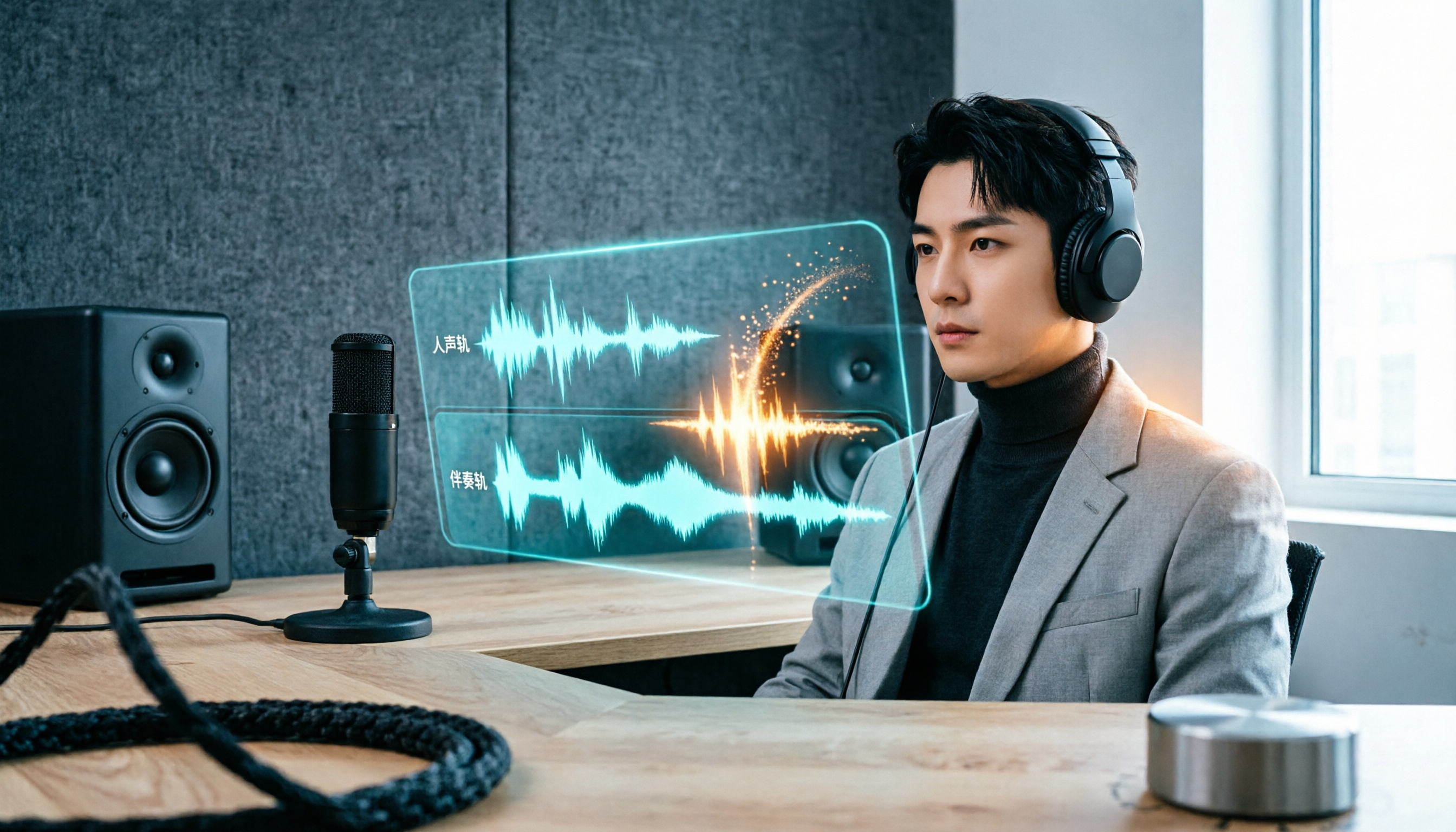
vocal-remover.ai vs LALAL.AI 2026: 5-Factor Comparison — Free & Fast vs. Pro Stem Splitting
Most people searching for a vocal AI remover just want a clean backing track fast. This guide compares vocal-remover.ai and LALAL.AI across 5 practical factors, adds 3 free alternatives and 4 common pitfalls, and ends with scenario-based recommendations so you can decide in 5 minutes.

4 VS Code Voice Tools Compared in 2026: How to Choose Between Tinrec and Editor Extensions
If you want voice input in VS Code, VS Code Speech, VoiceMode, and VoxPilot each take different approaches. But for long-form audio like meetings and interviews, you need a different kind of tool. This article first clarifies the two meanings of "vocol," then compares Tinrec with editor voice extensions in terms of input sources, post-meeting organization, AI Q&A, and team collaboration.

Vocol vs Google in 2026: Which of These 3 Meeting Transcription Tools Saves the Most Time?
What's the real difference between Vocol and Google's built-in transcription? This article breaks down the comparison across four dimensions: recording methods, post-meeting organization, Chinese recognition, and team data storage and management. It also explains when Tinrec is a better fit for teams in Taiwan, helping you choose the right tool within your budget.

2026 AI Meeting Recorder Comparison: Vocol Toolbar Missing? How to Choose an Intuitive Interface
What to do when the Vocol toolbar disappears? This article first outlines 6 troubleshooting steps you can try yourself, then compares four AI meeting recorder tools—Tinrec, Vocol, Notta, and Otter.ai—across four aspects: interface intuitiveness, input sources, post-meeting output, and team authorization, helping you find a workflow that doesn't require hunting for buttons every meeting.

2026 iPhone App Comparison: VOCOlinc, Apple Home, and Tinrec — Which One Is Right for You?
Starting with the VOCOlinc app on iPhone, we first distinguish between 'controlling devices' and 'processing content,' then explain how Tinrec turns meeting recordings into searchable, queryable, and shareable team data.

4 Speech-to-Text Tools Tested in 2026: Where Is Vocol's Toolbar & Which Saves More Time for Chinese Meetings?
Many people log into Vocol.ai and immediately look for the toolbar, but finding the button doesn't mean saving time. This article starts from common misconceptions, explains where Vocol's operation entry points are, and compares Tinrec, Vocol.ai, Notta, and Otter.ai on differences in Chinese meetings, bot-free recording, post-meeting organization, and team data ownership, helping you choose the workflow that truly reduces overtime.

Vocol vs Tinrec 2026: 5-Factor Comparison for Chinese Meeting Notes
How does Vocol work, how are free credits calculated, and how does it differ from Tinrec? This article compares two voice collaboration platforms across 5 dimensions based on real-world scenarios to help you decide which fits your meeting notes workflow.

2026 AI Voice Collaboration Platform Comparison: Vocol vs. Tinrec — Which Should You Choose?
What is Vocol and who is it for? This article first introduces Vocol.ai's positioning, core technology, and practical use cases, then compares it with Tinrec across five dimensions: meeting audio capture, post-meeting organization, multilingual translation, team governance, and export workflows, helping you decide which better fits your workflow before trying them.

Which VOCOlinc Slim Tag Is Best? 2026 Hands-On Review of 3 Models—This One Needs No Extra App
People searching for "vocolinc slim tag app" often ask: do I really need to download the manufacturer's app? This article compares three VOCOlinc Slim Tag models (VT2202, VT2503, Air Tag Pro), explains how they work with Apple Find My and Google Find Hub, the 4 key factors when buying a Bluetooth tracker, the limitations you'll encounter in real use, and the 4 most overlooked buying pitfalls.