

Turn recordings into transcripts and summaries in minutes
Upload audio or video for multilingual transcription, AI notes, and action items
2026 iPhone App Comparison: VOCOlinc, Apple Home, and Tinrec — Which One Is Right for You?
Last weekend I replaced all the lights in my house. At 11 p.m., I sat on the couch, opened the VOCOlinc app on my iPhone, and added the living room, study, and bedroom lights one by one, setting up two scenes: "Movie Night" and "Bedtime." Done in half an hour—very satisfying.
The next afternoon, after a 90-minute project meeting, I looked at the recording on my phone and had zero desire to listen to it.
Same phone, same App Store, but completely different effort.
So I figured it out: iPhone apps basically fall into two categories—one helps you control devices, the other helps you process content. Mix these up, and you'll be stuck in a cycle of downloading and deleting.
First Ask Yourself: Do You Want to "Control Devices" or "Process Content"?
This is my first checkpoint.
If you want "press a button and the lights come on," that's controlling devices. You need instant response, scenes, schedules, and voice commands.
If you want "what was said in this meeting, who needs to do what, what to follow up on next week," that's processing content. You need transcripts, summaries, action items, and a searchable database.
Neither need is better than the other, but the tools rarely overlap.
So for the question "vocolinc app for iphone," the answer depends on which type you have in mind.
What Can the VOCOlinc App Do for You on iPhone?
Scenario 1: Manage all VOCOlinc products with one app.
It's a free app developed by Felion Technologies, positioned as a central management hub for their products. The home screen lists connected devices and their current status, so you can see at a glance which light is on and which plug is active.
Scenario 2: Turn repetitive actions into schedules and scenes.
The app supports remote control and scheduling, and you can create automation rules and personalized scenes. Automations and scenes you set up in the app will appear in Apple Home and other HomeKit-enabled apps, so you don't have to configure them twice.
Scenario 3: Voice control, and you can go HomeKit-only.
Source material mentions that these lights don't require a hub and can work with Siri, HomeKit, Alexa, and Google Home. If privacy is a priority, you can choose to set up in HomeKit-only mode without registering a VOCOlinc account.
One practical tip: some user reviews on the App Store mention occasional sync loss. The fix is to remove from HomeKit, reset the controller, and re-pair. This usually isn't a hardware failure—just a pairing state issue—and re-adding typically resolves it.
That covers the "control devices" half. Now for the other half.
But for Meetings, VOCOlinc Can't Help
I once thought, "Can one app really do everything?"
Turns out, no. VOCOlinc is a smart home app—its world is lights, plugs, sensors, and scenes. It won't turn a 90-minute meeting into three action items.
These two things should be handled separately.
My current approach is simple: device control goes to VOCOlinc or Apple Home; meeting content goes to Tinrec.
Tinrec's Core Strength: Transcription Is Just the Beginning
Most people still expect recording tools to just "turn voice into text." But the real time sink starts after the text is generated.
Real-time transcription.
Take Tinrec, for example. It transcribes as it records, so during the meeting you can check the text to make sure no key points are missed—instead of regretting it afterward.
No-bot recording for online meetings.
This matters to me. Tinrec's desktop version captures system audio directly, so for Zoom, Google Meet, Microsoft Teams, or Webex meetings, you don't need to invite a meeting bot to join as a listener.
To be clear: this doesn't mean it "automatically joins all meetings." You still need to actively open Tinrec and start recording.
Summaries, chapters, and action items.
The hardest part of long meetings is finding things later. Tinrec automatically generates summaries and chapters, and extracts action items from the discussion—who's responsible for what, what's next—listed separately.
AI Q&A.
After transcription, you can ask questions directly about the meeting content, such as "What was the budget cap the client mentioned?" or "What were the objections to this decision?" It answers based on semantics, so you don't have to Ctrl+F for keywords.
Real-time translation and bilingual view.
Stop organizing recordings by hand
Upload audio or video and automatically get a transcript, summary, and action items
For cross-language meetings, you can switch between original text, translation, or side-by-side bilingual view. This is especially useful for meetings with mixed Chinese and English.
Export and post-processing.
Results can be exported to Notion, Google Docs, OneNote, Dropbox, and other tools for further editing. You can also use Agent post-processing to generate reports, tables, and documents—ready-to-deliver work products.
Real-World Use Cases
Scenario 1: Weekly project meetings.
I used to spend time after meetings organizing decisions and action items. Now I just record the whole meeting with Tinrec, and the summary and action items are already there—I only need to edit the text.
Scenario 2: Client interviews and requirements gathering.
Clients talk fast and pack in a lot of information. Real-time transcription lets me confirm key numbers on the spot. After the meeting, I export the transcript and summary, which directly become the requirements document.
Scenario 3: Courses and lectures.
In a two-hour class, key points are scattered. Chapter segmentation lets me focus on a specific section without re-listening to the whole thing.
Scenario 4: Team weekly meeting archive.
This is where the team version really shines. Meeting data is stored centrally in the team space, so new members can review past discussions. Admins can view members, seats, usage trends, and audit logs. When a member leaves, resources can be transferred to other active members—they don't disappear with the personal account.
Current team plan details: eligible teams can try free for 7 days with 1 free seat and 300 minutes of shared team import quota. Monthly billing is USD 29.80 per paid seat per month; annual billing is USD 199 per paid seat per year (about USD 16.58 per month). Each paid seat provides 2,000 minutes of shared team import quota per month. Under an active team plan, real-time recording currently does not deduct minutes; file and web imports use the shared team quota.
5 Things to Consider When Choosing a Tool
1. First, clarify your need category.
For device control, look for apps that support HomeKit, scenes, and schedules. For content processing, look for tools that output summaries and action items. Tinrec is the latter—don't use it to turn on lights.
2. Are the input sources comprehensive enough?
Real-time recording alone isn't enough, and file upload alone isn't either. Tinrec supports real-time recording, computer meeting recording, audio/video files, mobile recording, and some web links can also be imported.
3. Is there post-processing after transcription?
Transcripts are just raw material. The key to saving time is whether it can automatically generate summaries, chapters, and action items. Tinrec is the smoothest I've used so far in this regard.
4. Performance in Chinese and multilingual contexts.
Meetings in Taiwan often mix Chinese and English, plus product terminology. Tinrec supports multiple languages and real-time translation, and the team version lets you maintain team hotwords for more stable recognition of specialized terms.
5. Where does the data ultimately live?
For personal use, data belongs to you. For team use, you need to consider sharing, roles, seats, and auditing. Tinrec's team version creates a separate space for these, rather than having multiple people share one personal account.
FAQ
Is the VOCOlinc app free?
Source material indicates it's a free app developed by Felion Technologies. Whether there are in-app accounts or advanced options depends on what's actually shown in the app.
Does VOCOlinc require a hub?
Source content mentions no hub is needed; it can be controlled via HomeKit, Siri, Alexa, and Google Home.
Can VOCOlinc be used in HomeKit-only mode?
Yes. Sources mention you can choose to set up in HomeKit-only mode without a VOCOlinc account.
What can Tinrec do on iPhone?
Real-time recording and transcription, import audio/video files, generate summaries and action items, AI Q&A, real-time translation. For online meeting recording, it's best to use the desktop version for the most complete experience.
Can team members without a seat still see data?
Active members without a seat can still view, play, and read team data. However, recording, uploading, editing, and importing/exporting require a seat.
Can I expect 100% accuracy?
Not recommended. Accuracy is affected by recording quality, ambient noise, accents, overlapping speakers, and specialized terminology. For important content, I go back and check the transcript timestamps against the recording.
Conclusion
Tools aren't good or bad—they're just in the wrong place.
VOCOlinc is to your home lights what Tinrec is to your meetings—one manages devices, the other manages content.
If you handle several meetings, interviews, or class recordings every month, don't rush to find a better voice recorder. Change your approach: let tools help you organize content into directly usable data.
Quick start checklist:
- Install Tinrec on your phone and use the free quota to record a meeting as a test.
- Before the meeting, think of three questions to ask the AI.
- After the meeting, just look at the summary and action items; keep the transcript for when you need to check details.
- Export results into your existing workflow—don't create a new one.
- For team use, set up the space first, then discuss seats.
Test step by step, and you'll gradually master this method.
References
Turn every recording into actionable outcomes
Get 60 free transcription minutes when you sign in. No credit card required.
Related Reading
You might also like
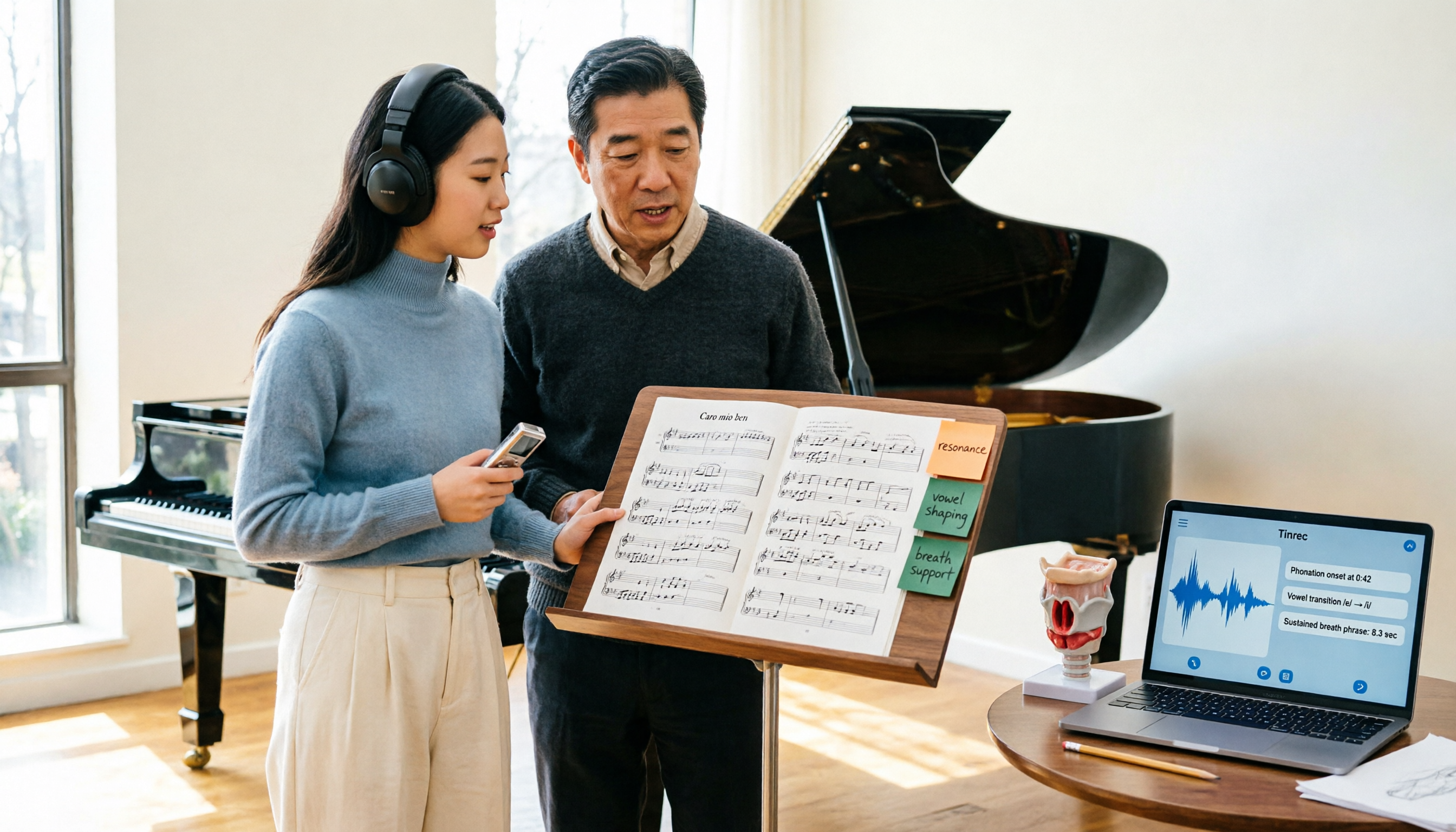
2026 Vocologia Master's Degree Complete Guide: 5 Real-World Learning Scenarios Tested, How to Organize Class Recordings Most Efficiently
Admissions for the 2025-2026 academic year in Vocologia Artistica (vocalogy) master's programs are gradually opening, but the courses are entirely in Italian and span voice medicine and singing pedagogy—handwritten notes alone won't capture it. This article breaks down what the master's covers, who it suits, and tests 5 real learning scenarios, demonstrating how to use Tinrec to turn lectures, clinical discussions, and thesis interviews into searchable, queryable data.

VOCOlinc vs Atuvos: Price Comparison Logic and Why Tinrec Is Better for Meeting Notes
VOCOlinc and Atuvos are Apple Find My-compatible trackers with nearly identical specs, so comparing them is straightforward. But for mid-level managers, the real time drain is post-meeting organization and follow-up. This article explains in 3 minutes how to compare VOCOlinc vs Atuvos, then applies the same 'specs don't equal experience' logic to show how Tinrec turns meetings into searchable, actionable team data.

Vocol vs Tinrec 2026: 5-Dimension Comparison for Chinese Meeting Notes and Team Collaboration
Vocol and Tinrec are both practical tools for Chinese meeting notes, but one focuses on recording organization and the other on team meeting assets. This article compares them across 5 dimensions: capture method, Chinese performance, post-meeting outputs, team governance, and quota billing, to help you decide which suits your team.

2026 AI Voice Collaboration Tools Comparison: Vocol.ai, Tinrec, and Otter.ai Features and Team Collaboration
This article starts with common misconceptions and compares three AI voice collaboration tools: Vocol.ai, Tinrec, and Otter.ai. It explains selection criteria, feature differences, team collaboration, and pricing limitations to help you decide which one suits Chinese meetings and team knowledge retention.

2026 AI Meeting Transcription Tools Cost Comparison: How Does Vocol Pricing Work?
How does Vocol pricing work? The official stance is billing by transcript minutes and file storage, with v-point redemption also available in the market. This article breaks down Vocol's three payment methods, the hidden costs of usage-based pricing, and compares the billing logic and use cases of Tinrec, Otter.ai, Notta, and TurboScribe, plus 4 common budgeting mistakes.
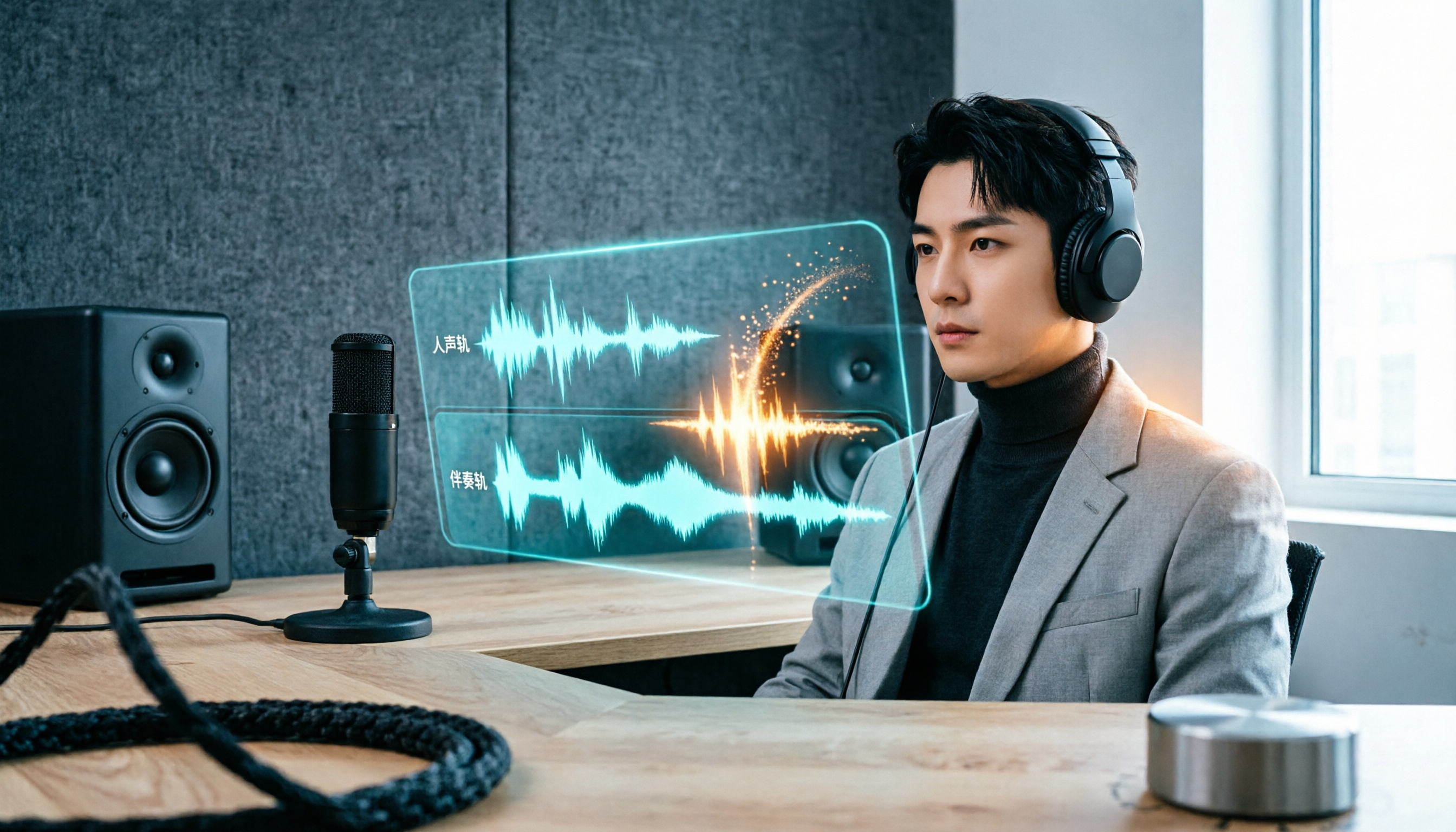
vocal-remover.ai vs LALAL.AI 2026: 5-Factor Comparison — Free & Fast vs. Pro Stem Splitting
Most people searching for a vocal AI remover just want a clean backing track fast. This guide compares vocal-remover.ai and LALAL.AI across 5 practical factors, adds 3 free alternatives and 4 common pitfalls, and ends with scenario-based recommendations so you can decide in 5 minutes.

4 VS Code Voice Tools Compared in 2026: How to Choose Between Tinrec and Editor Extensions
If you want voice input in VS Code, VS Code Speech, VoiceMode, and VoxPilot each take different approaches. But for long-form audio like meetings and interviews, you need a different kind of tool. This article first clarifies the two meanings of "vocol," then compares Tinrec with editor voice extensions in terms of input sources, post-meeting organization, AI Q&A, and team collaboration.

Vocol vs Google in 2026: Which of These 3 Meeting Transcription Tools Saves the Most Time?
What's the real difference between Vocol and Google's built-in transcription? This article breaks down the comparison across four dimensions: recording methods, post-meeting organization, Chinese recognition, and team data storage and management. It also explains when Tinrec is a better fit for teams in Taiwan, helping you choose the right tool within your budget.

2026 AI Meeting Recorder Comparison: Vocol Toolbar Missing? How to Choose an Intuitive Interface
What to do when the Vocol toolbar disappears? This article first outlines 6 troubleshooting steps you can try yourself, then compares four AI meeting recorder tools—Tinrec, Vocol, Notta, and Otter.ai—across four aspects: interface intuitiveness, input sources, post-meeting output, and team authorization, helping you find a workflow that doesn't require hunting for buttons every meeting.