

Turn recordings into transcripts and summaries in minutes
Upload audio or video for multilingual transcription, AI notes, and action items
The meeting ends, and the real work begins
You have a client meeting in the morning, a cross-departmental weekly meeting in the afternoon, and a quick ad-hoc discussion in between. By the time you finally sit down at your computer, three recordings are sitting in a folder. You only remember "someone mentioned the budget," but to find that exact sentence, you'd have to listen from the beginning.
Multi-person meetings are even trickier. Who committed to what, which decision was overturned, what's due next week—you understood it all in the moment, but three days later, it's all a blur.
Most people think the problem is their memory, but the real issue is that the tool only helps you "record" without helping you "use" the information. This article breaks down Vocol, Google's built-in tools, and Tinrec across recording methods, post-meeting organization, Chinese recognition, and team data storage and management, so you can choose the right tool in one go.
5 key points to understand before choosing a meeting-to-text tool
1. How does the meeting audio get captured? There are three main approaches: a meeting bot joins as a participant, a desktop app captures the computer's system audio directly, or a platform's built-in feature. Bots are the easiest, but they add an extra account to the participant list, which some clients may mind. Desktop capture doesn't add an extra participant, but you have to remember to turn it on. This difference is especially noticeable in cross-company meetings.
2. What can it do beyond transcription? Transcription is just the raw material. You need to ask: Can it automatically generate summaries and chapters? Can it extract action items? Can you ask questions directly about the meeting content, like "Who mentioned the budget last time?" A tool that only gives you a text file is essentially handing the organization work right back to you.
3. Chinese and mixed Chinese-English recognition performance Don't just look at the accuracy numbers in official marketing. Real meetings have air conditioning noise, keyboard sounds, people talking over each other, and phrases like "let's confirm this budget later" mixing Chinese and English. We recommend testing with a recording of your own meeting—the difference will be obvious.
4. Cross-platform support Today it's Zoom, tomorrow Teams, the day after an in-person meeting room. If a tool is locked to a single platform, your meeting data will be scattered across four or five places, getting messier the more you use it.
5. Who ultimately holds the data Personal plans keep data with the individual; team plans need to show members, roles, seats, usage, and activity logs. This is the most easily overlooked point during procurement, yet it's the problem most people discover only after someone leaves the company.
Tinrec (Audio to Text) — Our top pick in this comparison
Tinrec is an AI meeting notes and collaboration tool for individuals and teams, available on web, desktop, and mobile. Its core purpose is to move meetings from "recorded" to "ready to continue working."
Record online meetings without a meeting bot. The desktop app captures your computer's system audio directly, handling meeting audio from platforms like Zoom, Google Meet, Microsoft Teams, and Webex without adding a bot account to the meeting room. For those who frequently meet with external clients, this is more practical than anything else.
Transcribe while recording, even for cross-language meetings. Real-time audio-to-text lets you see the transcript as you record. For cross-language communication, you can enable real-time translation and view it in the original language, translated, or bilingual format. In-person interviews, ad-hoc discussions, and online meetings can all use the same workflow.
The real value is after the meeting: summaries, chapters, action items, and AI Q&A. After the meeting, Tinrec automatically generates summaries and chapters, breaking long meetings into scannable structures and extracting action items from the discussion. The key feature is AI Q&A—you can directly ask "What were the conclusions of this meeting?" or "Who is responsible for the budget?" It answers based on semantic understanding, not by dumping a list of keywords for you to sift through. You can also include past meetings in your questions.
Output that fits into your existing workflow. Transcripts and organized results can be exported to tools like Notion, Google Docs, OneNote, and Dropbox. You can also use Agent post-processing to generate reports, tables, and meeting minutes, saving the time of creating another document after the meeting.
Team plans turn meetings into transferable assets. A team plan isn't just multiple people sharing one account—it's a separate team space. You can create multiple teams, invite members via link, and distinguish between owners, admins, and regular members. Roles determine management permissions, and seats determine whether a member can record, upload, edit, and export. Admins can view team usage trends, member rankings, and details, and query and export audit logs when necessary. Frequently used team terminology can be added to a custom vocabulary. When a member leaves or is removed, their team resources are transferred to other active members, so data doesn't leave with the person.
Stop organizing recordings by hand
Upload audio or video and automatically get a transcript, summary, and action items
The team plan currently offers a 7-day trial for first-time eligible users, with 1 free seat and 300 minutes of shared team import quota. Paid plans are USD 29.80 per paid seat per month, or USD 199 per paid seat per year (about USD 16.58 per month), with each paid seat providing 2,000 minutes of shared team import quota per month. Under an active plan and seat, real-time recording currently does not deduct minutes; only file and web imports consume the shared team quota. Actual prices and promotions are subject to the official purchase page.
Limitations we should be honest about. First, Tinrec is not a bot that automatically joins all calendar meetings—you need to start recording manually. Second, transcription quality is affected by the recording environment, accents, overlapping speakers, and technical terminology, so we don't recommend judging it by a fixed "98%" number. Third, the team plan currently focuses on team-level sharing with role and seat controls, not file-level granular permissions. Fourth, audio moved to the recycle bin has a retention period (currently 30 days) during which it can be restored; after that, it will be deleted.
Who is it for? If your meetings are primarily in Chinese, you frequently switch between Zoom, Meet, and Teams, and you need to ask questions directly about the content after the meeting, Tinrec is currently the closest fit for this workflow. If you need meeting data to become a team asset and require seat and usage management, go straight to the team plan.
Beyond Tinrec: How do Vocol and Google's built-in tools compare?
Vocol: A well-integrated voice collaboration platform. Vocol is a GPT-powered voice collaboration platform featuring multilingual transcription, advanced search, AI summaries, topic highlights, and action items. Transcripts can also be translated into specified languages. It integrates with Google Meet, Microsoft Teams, Google Calendar, and Outlook Calendar, with Zoom planned. Some Chinese-speaking users report that its Chinese recognition is more accurate than some local tools, but it tends to group different speakers as the same person in multi-person meetings. If your meetings mainly happen on the platforms it supports, it's worth considering. However, management capabilities like team seat management, usage analytics, and audit logs are not described in its currently public documentation. If you want to turn meeting data into a team asset, you'll need to confirm this separately.
Google: The built-in transcription you're already using. Google's approach is to embed transcription into the tools you already use, such as Google Meet's meeting notes and Google Docs' voice typing. The advantages are clear: no extra system to install, no procurement process, and your team already has accounts. The limitation is that it's more like "a feature within a platform"—if you also have Teams, Zoom, and in-person meetings, your data will be scattered across different places. And turning transcripts into action items, reports, or a queryable database requires another manual step. This is the gap Tinrec aims to fill: record across platforms and organize everything in one place.
One-sentence comparison: If you want native integration and your meetings are almost all on Google Meet, Google's built-in tool is a fine starting point. If you want cross-platform support, primarily Chinese meetings, and post-meeting Q&A and organization, Tinrec's workflow is more complete. If you're already comfortable with Vocol's integration, keep it as an alternative.
Pitfall guide: 4 common mistakes when choosing a meeting-to-text tool
Pitfall 1: Buying based only on "how many platforms it supports." The number of supported platforms doesn't equal whether you can actually record. You need to clarify whether it's "a bot joining the meeting" or "desktop system audio capture"—the latter doesn't add an account to the participant list but requires you to turn it on manually.
Pitfall 2: Treating transcription as the end goal. Most people's real time sink isn't transcription—it's organizing the content into minutes and action items after the meeting. When choosing a tool, look directly at what it can produce after the meeting, not just how accurate the transcription is.
Pitfall 3: Not understanding how quotas work. Many tools have separate quotas for "real-time recording" and "file import." For example, Tinrec's team plan doesn't deduct minutes for real-time recording, but file imports consume the shared team quota. Before buying, estimate how many hours of meetings and how many files you have per month.
Pitfall 4: Assuming a team plan means granular permissions. Roles, seats, and members are three different things. Members without a seat can usually still view and play back, but cannot upload or edit. Moreover, most tools offer team-level sharing, not per-file permissions. Clarifying this before procurement is easier than arguing afterward.
(Note: Recording and transcription involve personal data. Before recording, obtain consent from participants in accordance with local regulations.)
Conclusion: Which one should you choose?
- Primarily Chinese meetings, and you want to ask questions directly about the content afterward → Tinrec
- Meetings scattered across Zoom, Meet, and Teams, plus in-person interviews → Tinrec (desktop bot-free capture + file import)
- Need to turn meetings into team assets and manage seats and usage → Tinrec Team Plan
- Meetings almost always on Google Meet, just want a starting point → Google built-in transcription
- Already using Vocol's integration workflow, needs mainly transcription and summaries → Vocol
We recommend this order: first confirm where your meetings happen, then confirm what you need to produce afterward, and finally look at price. Most people's regretted choices start with price.
If you're still unsure, run two or three real meetings with the free quota first—testing with your own recordings is always more accurate than listening to official demo audio.
References
Turn every recording into actionable outcomes
Get 60 free transcription minutes when you sign in. No credit card required.
Related Reading
You might also like
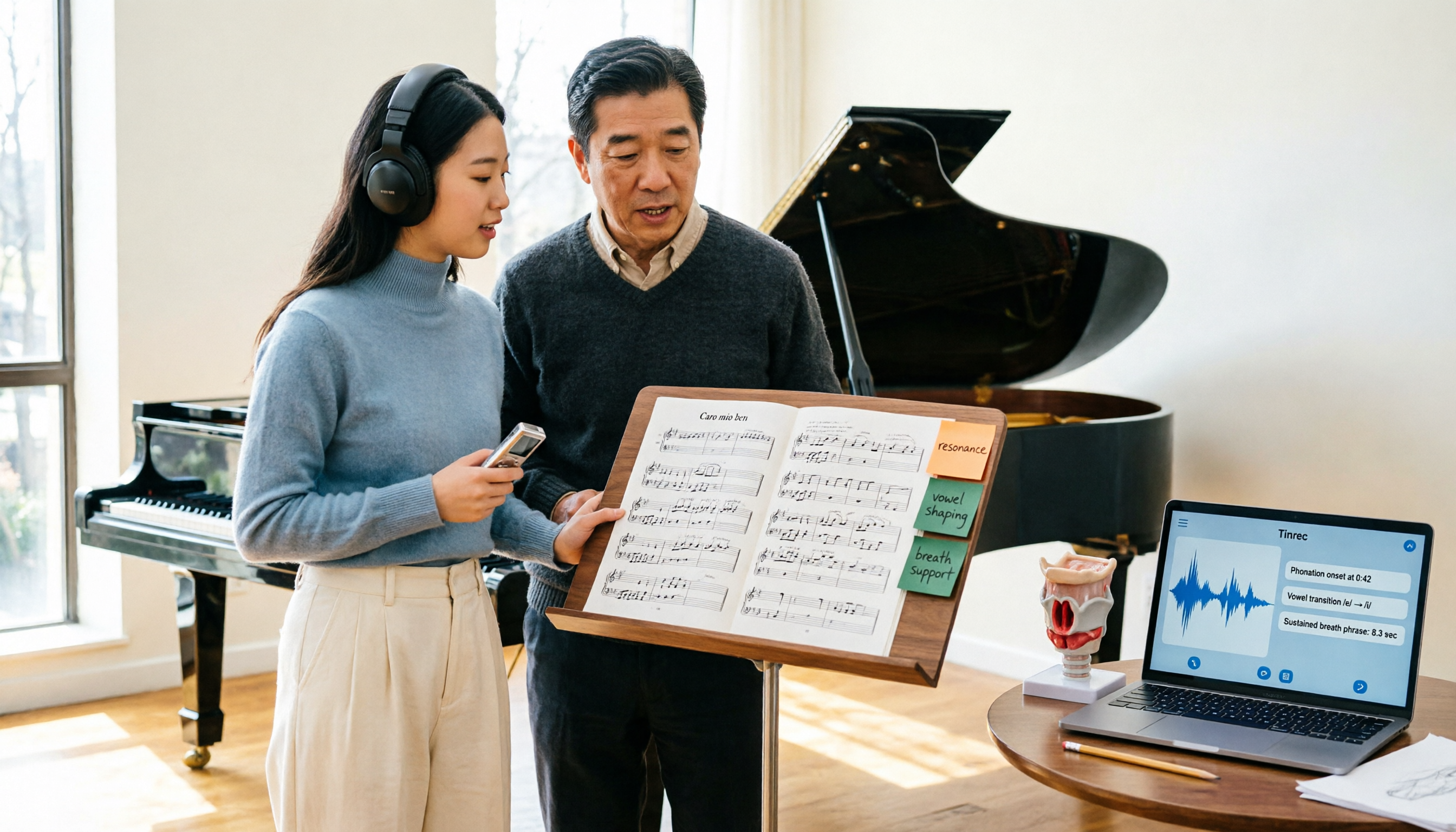
2026 Vocologia Master's Degree Complete Guide: 5 Real-World Learning Scenarios Tested, How to Organize Class Recordings Most Efficiently
Admissions for the 2025-2026 academic year in Vocologia Artistica (vocalogy) master's programs are gradually opening, but the courses are entirely in Italian and span voice medicine and singing pedagogy—handwritten notes alone won't capture it. This article breaks down what the master's covers, who it suits, and tests 5 real learning scenarios, demonstrating how to use Tinrec to turn lectures, clinical discussions, and thesis interviews into searchable, queryable data.

VOCOlinc vs Atuvos: Price Comparison Logic and Why Tinrec Is Better for Meeting Notes
VOCOlinc and Atuvos are Apple Find My-compatible trackers with nearly identical specs, so comparing them is straightforward. But for mid-level managers, the real time drain is post-meeting organization and follow-up. This article explains in 3 minutes how to compare VOCOlinc vs Atuvos, then applies the same 'specs don't equal experience' logic to show how Tinrec turns meetings into searchable, actionable team data.

Vocol vs Tinrec 2026: 5-Dimension Comparison for Chinese Meeting Notes and Team Collaboration
Vocol and Tinrec are both practical tools for Chinese meeting notes, but one focuses on recording organization and the other on team meeting assets. This article compares them across 5 dimensions: capture method, Chinese performance, post-meeting outputs, team governance, and quota billing, to help you decide which suits your team.

2026 AI Voice Collaboration Tools Comparison: Vocol.ai, Tinrec, and Otter.ai Features and Team Collaboration
This article starts with common misconceptions and compares three AI voice collaboration tools: Vocol.ai, Tinrec, and Otter.ai. It explains selection criteria, feature differences, team collaboration, and pricing limitations to help you decide which one suits Chinese meetings and team knowledge retention.

2026 AI Meeting Transcription Tools Cost Comparison: How Does Vocol Pricing Work?
How does Vocol pricing work? The official stance is billing by transcript minutes and file storage, with v-point redemption also available in the market. This article breaks down Vocol's three payment methods, the hidden costs of usage-based pricing, and compares the billing logic and use cases of Tinrec, Otter.ai, Notta, and TurboScribe, plus 4 common budgeting mistakes.
vocal-remover.ai vs LALAL.AI 2026: 5-Factor Comparison — Free & Fast vs. Pro Stem Splitting
Most people searching for a vocal AI remover just want a clean backing track fast. This guide compares vocal-remover.ai and LALAL.AI across 5 practical factors, adds 3 free alternatives and 4 common pitfalls, and ends with scenario-based recommendations so you can decide in 5 minutes.

4 VS Code Voice Tools Compared in 2026: How to Choose Between Tinrec and Editor Extensions
If you want voice input in VS Code, VS Code Speech, VoiceMode, and VoxPilot each take different approaches. But for long-form audio like meetings and interviews, you need a different kind of tool. This article first clarifies the two meanings of "vocol," then compares Tinrec with editor voice extensions in terms of input sources, post-meeting organization, AI Q&A, and team collaboration.

2026 AI Meeting Recorder Comparison: Vocol Toolbar Missing? How to Choose an Intuitive Interface
What to do when the Vocol toolbar disappears? This article first outlines 6 troubleshooting steps you can try yourself, then compares four AI meeting recorder tools—Tinrec, Vocol, Notta, and Otter.ai—across four aspects: interface intuitiveness, input sources, post-meeting output, and team authorization, helping you find a workflow that doesn't require hunting for buttons every meeting.

2026 iPhone App Comparison: VOCOlinc, Apple Home, and Tinrec — Which One Is Right for You?
Starting with the VOCOlinc app on iPhone, we first distinguish between 'controlling devices' and 'processing content,' then explain how Tinrec turns meeting recordings into searchable, queryable, and shareable team data.