
Turn recordings into transcripts and summaries in minutes
Upload audio or video for multilingual transcription, AI notes, and action items
5 Zoom and Google Meet Alternatives: Quick Overview
If you're looking for an alternative to Zoom or Google Meet, it's usually not because they don't work, but because you've hit specific pain points: free meeting time limits, messy meeting notes, or forgetting who said what after the call.
I tested 5 practical alternatives, focusing on whether the free tier is sufficient, and included Tinrec in the comparison because many people overlook the fact that video conferencing tools and meeting note-taking tools often need to be used together.
| Tool | Core Positioning | Free Tier Limits | Best For |
|---|---|---|---|
| Google Meet | Browser-based video conferencing | Free meetings up to 60 minutes | Teams already using Google Workspace |
| Microsoft Teams | Enterprise collaboration hub | Requires a Microsoft account | Organizations subscribed to Microsoft 365 |
| Cisco Webex | Enterprise video and webinars | Free meetings up to 40 minutes | Those hosting online webinars |
| Zoho Meeting | Budget-friendly video conferencing | Free plan available; advanced features require payment | Small teams with limited budgets |
| Jitsi Meet | Open-source, no-registration video conferencing | Basically free with no time limits | Privacy-conscious users who prefer not to sign up |
| Tinrec | AI meeting notes and team collaboration | Free tier includes basic quota | Those who want to turn meeting content into documents |
This comparison focuses not just on "can you hold a meeting," but also on "where does the meeting content go afterward."
Dimension 1: Ease of Getting Started
Google Meet has the lowest barrier to entry—just open a browser, no software installation needed. This is convenient for impromptu meetings, but the downside is that it degrades more noticeably than Zoom when the network is unstable.
Jitsi Meet goes a step further: you can start a meeting on multiple Jitsi servers without creating an account, making it ideal for users who don't want to leave personal data.
Microsoft Teams and Cisco Webex lean toward a "log in first, then use" model. Teams is deeply integrated with Microsoft 365, so if your company already uses it, activation is nearly zero-cost. Webex requires installing an app to access full features.
→ This dimension: Google Meet and Jitsi Meet win, ideal for those who want to jump into a meeting quickly.
Dimension 2: Free Plan Meeting Time Limits
This is the primary reason many people seek alternatives. Zoom's free plan has a 40-minute limit, Google Meet's free plan now allows 60 minutes, and Webex's free plan is also capped at 40 minutes.
If you need meetings longer than an hour without paying, Jitsi Meet is currently the most lenient option, with essentially no time limit.
Zoho Meeting's free plan also offers a certain quota, but its paid plans start at $1 per host per month, making it a viable option for budget-conscious users.
→ This dimension: Jitsi Meet wins; if you need formal business features, Zoho Meeting is a low-cost choice.
Dimension 3: Post-Meeting Content Organization
If you care about "whether meeting notes are preserved," the previous tools share a common limitation: they primarily handle the live meeting, leaving the follow-up organization to you.
Google Meet and Webex have built-in transcription, but usually only in higher-tier paid plans. Teams meeting recordings go to OneDrive or SharePoint, but turning them into summaries and action items still takes time.
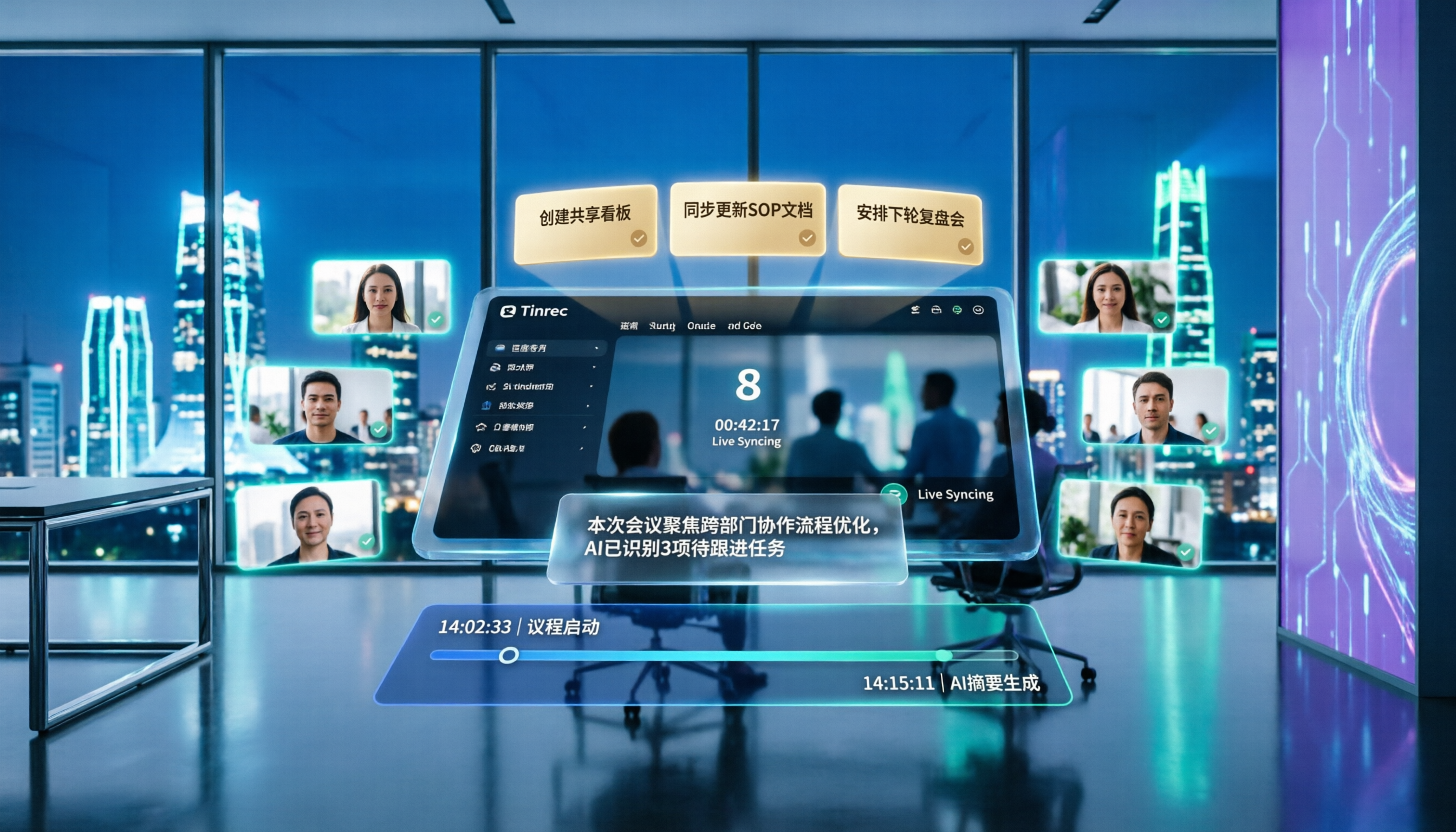
Tinrec takes a different approach. It doesn't handle the meeting itself; instead, its desktop app captures system audio directly, working with Zoom, Google Meet, Teams, or Webex without needing a bot to join the meeting, and converts speech to text in real time.
For a 30-minute project meeting, Tinrec generates a live transcript, then organizes it into summaries, chapters, and key points, automatically extracting action items. You can search the transcript for a specific decision or ask the AI, "What concerns did the client raise?"
→ This dimension: Tinrec wins; the earlier tools handle "the meeting," while Tinrec handles "the work after the meeting."
Dimension 4: Chinese and Multilingual Meeting Experience
Google Meet's Chinese interface is well-designed, and live captions support Traditional Chinese, but quality drops noticeably when multiple people speak simultaneously or there's background noise.
Stop organizing recordings by hand
Upload audio or video and automatically get a transcript, summary, and action items
Teams and Webex primarily target Western markets; while their live transcription for Chinese meetings has improved, there's still a gap compared to tools built with Chinese in mind.
Tinrec offers more comprehensive support for Chinese, Traditional Chinese, and mixed Chinese-English content. In tests with mixed-language product meetings, summaries and action items accurately captured the key points. It also provides real-time translation and bilingual side-by-side views, so you can read translations while listening in cross-language meetings.
The team glossary feature is also worth mentioning. You can pre-set company product names and project codes to improve transcription stability and reduce misrecognition of proper nouns.
→ This dimension: Tinrec wins, especially for Chinese-speaking teams or those needing bilingual meeting notes.
Dimension 5: Team Collaboration and Knowledge Retention
Google Meet and Teams excel in ecosystem integration: Meet lets you schedule meetings directly from Google Calendar, while Teams is deeply tied to Microsoft 365.
However, both share a common issue: meeting content is scattered across different services. Meet recordings go to Drive, Teams recordings to OneDrive or SharePoint, and over time, finding a specific decision often means digging through multiple places.
Tinrec's team plan consolidates everything into a single team space. All meeting data—recordings, transcripts, summaries, action items—belongs to the team and doesn't disappear when a member leaves. Admins can allocate seats, monitor usage, and track audit logs. Members without a seat can still view data, but need a seat to upload, edit, or export.
→ This dimension: Tinrec wins, ideal for organizations that want to turn meetings into team assets.
What Are the Unique Strengths of Each?
Tinrec's Unique Strengths
- Bot-free meeting recording: The desktop app captures system audio directly, so no extra bot needs to join Zoom, Meet, or Teams meetings, avoiding disruption to participants.
- More than just transcripts: Automatically generates summaries, chapters, and action items, and lets you ask follow-up questions via AI.
- Team space and governance: Roles, seats, usage analytics, audit logs, and an audio recycle bin turn meeting data into manageable team assets.
- Chinese and multilingual experience: Supports real-time translation, bilingual transcripts, and team glossaries.
Unique Strengths of Other Tools
- Google Meet's browser convenience: No installation needed—just open a link to join, with the smoothest integration with Google's ecosystem.
- Microsoft Teams' enterprise integration depth: If you're already a Microsoft 365 user, Teams is nearly a zero-extra-cost choice.
- Jitsi Meet's open-source and no-registration model: Privacy-conscious users who don't want to tie an account can start meetings directly.
Summary: Who Should You Choose?
- Impromptu meetings without installing software → Google Meet or Jitsi Meet, just open a browser
- Company already uses Microsoft 365 → Teams is the easiest, no need to introduce new tools
- Need to host webinars or prioritize enterprise security → Cisco Webex
- Limited budget but need formal meeting features → Zoho Meeting
- Need to organize content, track action items, and build team knowledge after meetings → Tinrec, which fills the gap where the other tools are weakest
In a nutshell: video conferencing tools make meetings happen; Tinrec makes meetings valuable. If your pain point isn't the meeting itself but the recording, organization, and follow-up afterward, try Tinrec's free plan first.
Frequently Asked Questions
Can Google Meet's free plan record meetings?
No, Google Meet's free plan doesn't support recording. Recording and attendance tracking require upgrading to a paid Google Workspace plan.
Can I record online meetings without installing software?
Yes, but it depends on the tool. Tinrec's desktop app captures system audio directly, so no bot needs to join the meeting, and the meeting platform doesn't need to enable recording permissions.
Is Jitsi Meet really completely free?
Jitsi Meet's open-source version and public servers are basically free, but if you self-host, you'll need to handle server and maintenance costs yourself.
Is Tinrec's free plan sufficient?
The free plan provides a basic quota to experience recording, import, summarization, and transcription. For occasional meeting recordings, the free plan is a good start; if you have meetings to organize weekly, consider the Pro or team plans.
Can these tools be used together?
Yes. For example, you can use Google Meet for the meeting and Tinrec's desktop app to record the content simultaneously. They don't conflict; they complement each other.
Can meeting transcription accuracy be guaranteed 100%?
It's not advisable to expect that. Any AI transcription tool is affected by audio quality, background noise, accents, and overlapping speech. For critical content, cross-check the transcript against the original recording.
References
- The 8 best Zoom alternatives in 2026 | Zapier
- Top 10 Zoom Alternatives That Actually Work For Small Teams (2026)
- 8 Best Video Conferencing Alternatives to Google Meet | Noota
- r/degoogle on Reddit: Google Meet/Zoom Alternatives? (And thoughts on fairmeeting?)
- Top 7 of the Best Google Meet Alternatives
Turn every recording into actionable outcomes
Get 60 free transcription minutes when you sign in. No credit card required.
Related Reading
You might also like

4 Real-Time Translation Tools Tested for 2026: Which One Leaves You With Usable Meeting Notes?
Real-time translation tools solve the problem of understanding in the moment, but the real cost comes after the meeting. This article compares Tinrec, Transync AI, Vurbo.ai, and Notta on real-time translation, bilingual transcripts, post-meeting AI Q&A, and team management, and provides 4 key purchasing criteria, 3 common pitfalls to avoid, and scenario-based recommendations to help you explain clearly why you chose a particular tool.

Best Real-Time Translation Tools in 2026: 4 Tested, Top Free Pick for Meetings
How to choose a free real-time translation tool? This article covers three needs: web reading, ad-hoc interpretation, and cross-language meetings. We tested Tinrec, Google Translate, Immersive Translate, and Transync AI, summarizing free quotas, limitations, and use cases, and explain how Tinrec turns meeting recordings into transcripts, summaries, action items, and team data.

Tinrec vs Notta 2026: Real-Time Translation AI 5-Dimension Comparison, Which Is Better for Chinese Meetings?
Real-time translation AI isn't just about the number of languages—it's also about meeting capture methods, bilingual subtitles, post-meeting organization, AI Q&A, and team data ownership. This article compares Tinrec and Notta across 5 dimensions and explains which Chinese meeting scenarios each suits.

4 Free Simultaneous Interpretation Tools Tested: Which Offers Enough Free Minutes and Post-Meeting Value?
How to choose a free simultaneous interpretation tool? This article reviews four free-trial real-time translation tools—Tinrec, JotMe, Transgull, and Felo Translate—comparing them across five aspects: free quota calculation, translation presentation, recording and transcript retention, post-meeting organization, and team collaboration. It also includes a pitfalls guide and buying advice to help you find the one that truly saves time.

2026 Comparison of 3 Meeting Transcription Tools: Tinrec Turns Transcripts into Action Items
Turning meeting recordings into transcripts isn't hard—the hard part is post-meeting organization. Starting from meeting transcription needs, this article compares Tinrec, Notta, Good Tape, and Yating Transcript, covering transcription, online meeting recording, summary and to-dos, AI Q&A, and team collaboration to help you find the right meeting notes tool.

2026 Online Simultaneous Interpretation Guide: Tinrec Real-Time Translation + Bilingual Transcripts as an Alternative to Traditional Translation Apps
Online simultaneous interpretation is not just about real-time translation—it also depends on whether post-meeting materials are usable. This article addresses common misconceptions and explains how Tinrec uses desktop bot-free recording, real-time transcription, and bilingual translation, combined with summaries, action items, AI Q&A, and team spaces, to turn cross-language meetings into searchable, collaborative records.

How to Use Real-Time Voice Translation in 2026: 5 Steps from Recording to Bilingual Transcript
In cross-language meetings, front-desk reception, and international calls, real-time voice translation needs to solve more than just "understanding in the moment"—it also needs to leave you with usable records afterward. This article breaks down real-time voice translation tools using 5 key selection criteria, compares Tinrec, Transync AI, Vurbo.ai, and JotMe in hands-on testing, and summarizes 4 common pitfalls to help you choose the one that truly works for you.

How to Generate Transcripts with Tinrec in 2026: Bot-Free Recording + AI Summaries and Action Items
Transcript generation isn't just about feeding an audio file into a tool. This guide tackles four common pitfalls and compares Tinrec with Yating Transcription across meeting capture, Chinese recognition, post-meeting organization, AI Q&A, export, and team governance to help you decide which workflow truly saves time.

2026 Comparison of 3 Transcription Tools: Which One Actually Turns Meeting Recordings into Usable Data?
The real difference between transcription tools isn't speed—it's whether the output is ready to use. Starting from the question 'Do you want text or results?', this article outlines 4 key buying criteria, compares Tinrec, Notta, Otter.ai, and Granola on meeting recording, transcript organization, AI Q&A, export, and team collaboration, and includes a pitfalls guide and scenario-based recommendations.