
Turn recordings into transcripts and summaries in minutes
Upload audio or video for multilingual transcription, AI notes, and action items
5 Minutes Before the Meeting, the Screen Keeps Spinning—What You Need Isn't a Restart, It's a Troubleshooting Order
"The meeting starts in 3 minutes. You click the Google Meet link, and the screen freezes on a spinning circle. You refresh, switch browsers, restart your phone—and time keeps ticking."
What's worse is that sometimes you can join the meeting, but the record button just won't work.
If you've experienced either of these situations, this article is for you.
Google Meet Not Working? Start with These 5 Key Troubleshooting Steps
1. First, figure out if the service is down or if it's your device. Status pages like Downdetector can show real-time reports, but a "normal" status doesn't guarantee you'll get in—many users have been locked out while the status page showed all clear. Check Google's official support page and community reports at the same time before drawing conclusions.
2. Your mobile app version is too old. Long-press the Google Meet icon. If you only see "App info," "Pause app," and "Uninstall," that usually means the version hasn't been updated. You can go to App info, tap the three dots in the top right, select "Uninstall updates," then go back to the Play Store and update again. Some people started having issues only after Duo was merged into Meet—try restarting both the app and your calendar app first.
3. Microphone and camera permissions aren't enabled. When you first join a meeting, Chrome asks whether to allow permissions. If you clicked "Deny" at that time, you'll get stuck later. Click the icon next to the address bar to allow them again.
4. Browser extensions or background programs are getting in the way. Screen sharing or presentation failures are often caused by conflicting Chrome extensions or background programs hogging resources. Disable extensions and try again.
5. Some features have plan limitations by design. Recording is only available in meetings hosted by certain Google Workspace plans; live streaming is only visible to guests in the same organization and requires the admin to enable it; dial-in is limited to 8 hours max; if you're the only one in the meeting and idle for 10 minutes, you'll get a prompt. Also, after the macOS Sequoia update, extra prompts may appear when sharing or recording.
If you still can't get in after troubleshooting, or if your real headache is "I can't keep a record of the meeting content," then it's time to look at alternative tools. When choosing an alternative, I look at three things first: can it record without a bot, how stable is Chinese transcription, and does it provide summaries and action items after the meeting.
Tinrec—After Testing, It's My Top Recommendation
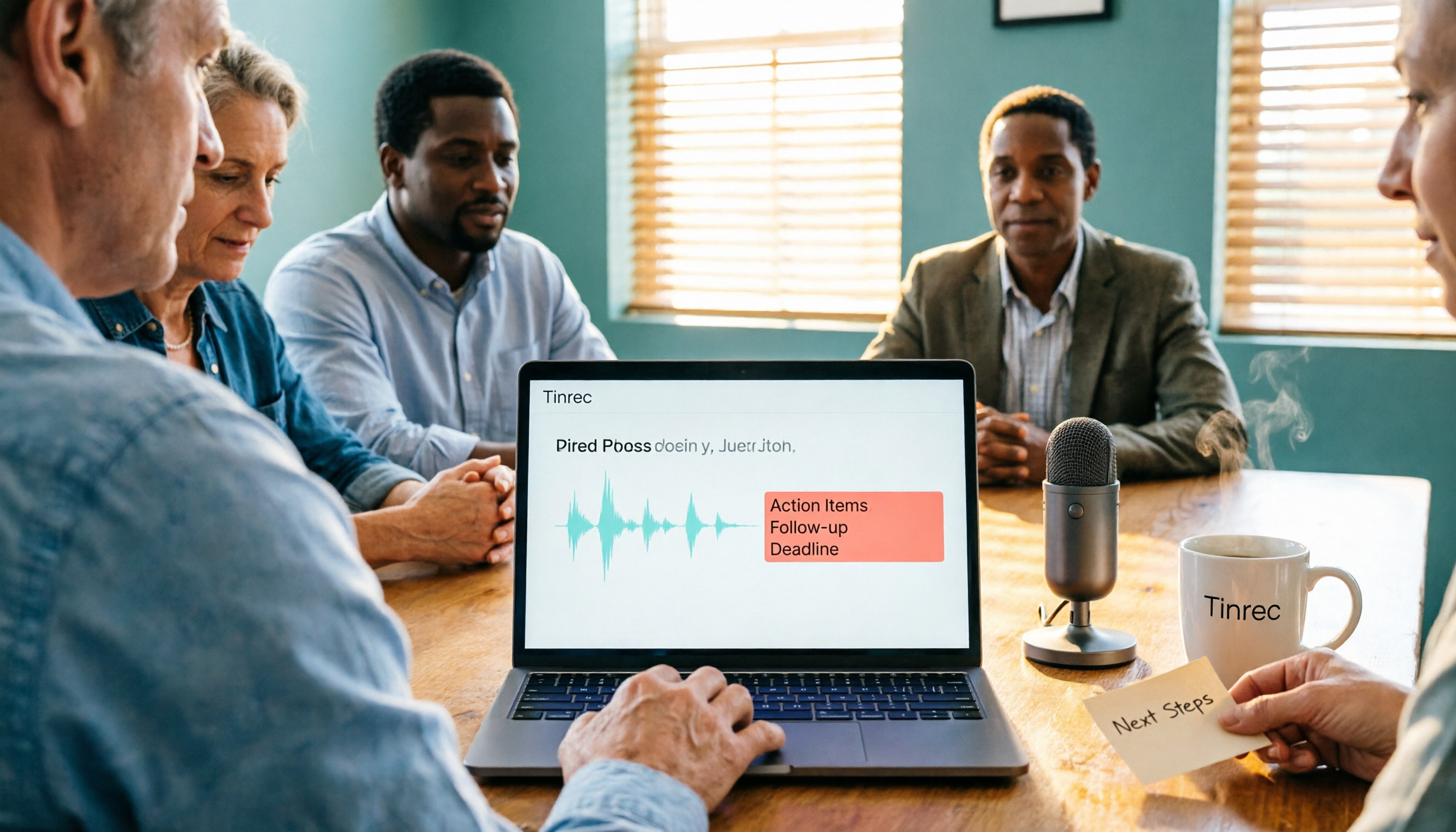
Tinrec is an AI meeting notes and collaboration tool for individuals and teams. It supports iOS, Android, and web, and the desktop version can handle online meetings on Zoom, Google Meet, Microsoft Teams, Webex, and more.
Record online meetings without a meeting bot. The Tinrec desktop app captures your computer's system audio directly. You don't need to invite an extra bot into the meeting, and you don't need to wait for the host to grant recording permission. When Meet's built-in recording is unavailable due to plan limits, this is the most practical approach. Note that you still have to start recording manually—it's not the kind of tool that automatically joins all your calendar meetings.
It's not just a transcript. After the meeting, Tinrec generates a summary, chapters, key points, and action items. Even better is AI Q&A—you can ask it directly, "Who mentioned the budget in the last meeting?" and it answers based on meaning, rather than dumping a list of keywords for you to search through. For cross-language meetings, it also offers real-time translation, viewable in original, translated, or bilingual mode.
Stop organizing recordings by hand
Upload audio or video and automatically get a transcript, summary, and action items
Post-meeting output and export. When you need deliverables, you can use Agent post-processing to generate reports, tables, and documents, and export to Notion, Google Docs, OneNote, or Dropbox for further editing.
For team use. The team plan is a separate team space, not multiple people sharing one account. Meeting data belongs to the team, and you can manage member roles and seats, view usage analytics, export audit logs, use the audio recycle bin, and set team hotwords. Currently, the team plan is USD 29.80 per paid seat per month, or USD 199 per paid seat per year. Eligible first-time users can try 7 days, 1 seat, and 300 minutes of shared import quota. Actual benefits are subject to the official purchase page.
Limitations to be clear about. The free plan has a basic quota, and heavy users will need to pay. Transcription quality can be affected by recording environment, noise, accents, and multiple people talking over each other. It's not recommended to treat it as an "absolutely error-free" replacement—important content should still be verified against the recording.
Besides Tinrec, What Other Options Are There?
Otter.ai: A mature AI meeting assistant with a free plan of 300 minutes per month. If almost all your meetings are in English, its free quota is more generous than Tinrec's. Otter's stronghold is English business scenarios; for Chinese meetings, mixed Chinese-English, and bilingual transcripts, Tinrec is more complete.
Granola: Also uses a no-bot approach, focusing on "your notes plus AI enhancement." Keep in mind that it doesn't retain meeting audio and doesn't support uploading pre-recorded audio files—if you need to replay recordings afterward or organize old files, that's something Tinrec can do but Granola cannot.
PLAUD Note / NotePin: Representatives of AI recording hardware, suitable for those who prefer a dedicated physical device. NotePin costs USD 159, Note Pro USD 189, and you also need a membership plan. Tinrec doesn't require buying an extra device—your desktop can handle online meetings and existing files.
Pitfalls Guide: The 3 Most Common Mistakes When Choosing a Meeting Notes Tool
Pitfall 1: Concluding based only on the status page. The status page shows normal, but you can't get in—this really happens. Cross-check the official support page and community reports so you don't waste time waiting.
Pitfall 2: Assuming "I can join the meeting" means everything is fine. Meet's recording and live streaming both have plan and admin permission restrictions. Personal accounts often can't even access the record button. Rather than looking for a last-minute fix, prepare a desktop recording tool in advance.
Pitfall 3: Only looking at free minutes and ignoring post-meeting organization costs. A transcript is not the same as meeting minutes. Even with the same free quota, whether there are summaries, action items, AI Q&A, and export options determines how much extra time you'll spend after the meeting. Also, a reminder: before recording and transcribing, check local regulations and obtain consent from participants when necessary.
Conclusion: Which One Should You Choose?
- Can't get into the meeting, troubleshoot first → Go through the 5 key steps above and cross-check with the status page.
- Need to record Meet, Teams, Zoom without a bot, plus Chinese summaries and action items → Tinrec.
- Want to use AI to ask for key points right after recording, and teams need centralized meeting data management → Tinrec.
- Almost only record English, budget is $0 → Otter.ai free plan.
- Want a physical device for on-the-go recording → PLAUD.
Overall, whether Google Meet can be fixed is one thing; whether your meeting content is preserved is another. I suggest trying Tinrec's free plan first, using a real meeting to see if its transcript, summary, and AI Q&A fit your workflow. If it works well, then consider upgrading.
References
Turn every recording into actionable outcomes
Get 60 free transcription minutes when you sign in. No credit card required.
Related Reading
You might also like

Google Meet Not Working Today? 3 Backup Meeting Tools Compared: Troubleshooting and Alternatives
Don't rush to reinstall if Google Meet isn't working today. This article outlines the troubleshooting order for server-side and local issues, and compares backup meeting tools like Tinrec, Granola, and TurboScribe to help you capture transcripts, summaries, and action items even when meetings get stuck.

4 Google Meet Note-Taking Tools Tested for 2026: Which Bot-Free Recorder Saves the Most Time?
Google Meet updates frequently, but built-in transcription is still tied to specific plans and languages. This article starts with version checks, then tests and compares four meeting note-taking tools—Tinrec, Otter.ai, Granola, and Notta—and provides buying tips and pitfalls to avoid.
2026 Google Meet Note-Taking Showdown: 3 Tools Tested—Which Turns Transcripts into Action Items?
After a meeting on the latest Google Meet app, the real work begins. This guide covers 3 key factors for choosing a Google Meet note-taking solution, with hands-on comparisons of Tinrec, Google Meet's built-in Gemini notes, Otter.ai, and Notta. Includes common pitfalls and selection advice.
2026 Comparison of 3 Google Meet Note-Taking Tools: Tinrec vs Otter vs Granola — Which Can Record Without a Bot?
Searching for 'Google Meet join anyway' but stuck at the request to join screen? This article first explains the actual rules for joining a Google Meet, then tests three meeting note-taking tools—Tinrec, Otter, and Granola—to help you find the best post-meeting solution for users in Taiwan.
5 Google Meet Alternatives Tested in 2026: Automatic Meeting Notes Without a Bot
Looking for a Google Meet alternative but still stuck summarizing meetings yourself? We tested Tinrec, Otter.ai, Granola, and Jitsi Meet, comparing bot-free recording, transcripts, summaries, action items, AI Q&A, and team knowledge sharing. Plus common pitfalls and selection tips to help you find the tool that truly saves time.
2026 Online Meeting Tools Comparison: After Downloading Google Meet for Free, Who Handles the Meeting Notes?
Downloading the latest Google Meet for free is easy; the hard part comes after. This article starts with common misconceptions, outlines 4 key points for choosing online meeting and note-taking tools, shares hands-on experience with Tinrec, and highlights 4 common pitfalls when downloading and using these tools. It helps you decide if the free version is enough and who should handle post-meeting organization.
4 Google Meet Note-Taking Tools Tested in 2026: Bot-Free Recording vs. Chinese Summaries—Which Is More Practical?
Google Meet recently added Ask Gemini, Take notes for me, automatic room check-in, and CarPlay support, but post-meeting organization remains unsolved. This article addresses common misconceptions, explains four key points for choosing a meeting note-taking tool, and compares Tinrec, Google Meet's built-in Gemini, Otter.ai, and Notta.
Google Meet APK Download Guide & 4 Meeting Note Tools Compared (2026)
How to safely find the latest Google Meet APK, understand Split APK architecture and admin restrictions, plus a hands-on comparison of 4 meeting note methods—and why you still need a tool that turns meetings into searchable data after installing Google Meet.
How to Join a Google Meet with a Code in 2026: Steps for 3 Devices & Common Error Fixes
2026 Google Meet join with code tutorial: covers code format, steps for desktop, mobile, and Gmail, waiting room, common errors, and how to use Tinrec to organize transcripts and summaries after the meeting.