

Turn recordings into transcripts and summaries in minutes
Upload audio or video for multilingual transcription, AI notes, and action items
If you're looking for an audio-to-transcript tool, the challenge isn't finding one—it's deciding which one to pick.
There are really only three decision factors: Is your recording a Chinese meeting or a foreign-language interview? Do you need a verbatim transcript, or a summary you can take straight into your next meeting? Is this a one-time need, or will your whole team rely on it for knowledge management?
This article focuses on Tinrec and compares it with Notta, Otter, TurboScribe, and Granola to clarify the key decision points.
Why are people looking for Notta alternatives?
Notta is many people's first stop for transcription. It supports multi-platform transcription, file import, translation, and team plans, making it accessible for those new to AI speech-to-text.
However, after using it for a while, people often start looking for alternatives for these reasons:
- The free plan offers 120 minutes per month, with a maximum of 3 minutes per file. A one-hour meeting would need to be split into multiple files.
- To record online meetings, you usually need a meeting bot to join the room.
- After getting the transcript, you still have to create summaries, action items, and follow-up documents yourself.
These aren't necessarily flaws—they're natural gaps that appear when your needs shift toward meeting collaboration. If this sounds familiar, Tinrec is worth checking out.
Tinrec vs Notta: What's different in the core experience?
1. Meeting capture: Do you need a bot in the meeting?
Tinrec's desktop app captures your computer's system audio directly, handling Zoom, Google Meet, Microsoft Teams, Webex, and other online meetings without requiring an extra bot account to join. For participants, there's no unfamiliar attendee on the list, and the meeting flow isn't interrupted.
If you frequently record meetings with clients or external parties, this matters.
2. Chinese and mixed Chinese-English recognition
Tinrec covers Chinese, Traditional Chinese, and multilingual meeting scenarios, and offers team hotword maintenance so product names and project codes are recognized more accurately.
Keep in mind that actual performance depends on recording quality, accents, background noise, and overlapping speakers. This is true for any tool—be skeptical of claims like "guaranteed 98% accuracy."
3. What you can do after transcription
Notta's output focuses on transcripts, subtitles, and translation. Tinrec emphasizes what comes after transcription—automatic summaries, chapters, key points, action items, mind maps, AI Q&A about meeting content, and generation of reports, tables, and documents.
The difference: Do you get a transcript, or a document you can immediately work from?
4. Team data ownership and management
Tinrec's team plan isn't "multiple people sharing one personal account"—it's a separate team workspace where meeting data belongs to the team. Admins can manage members, roles, and seats, view usage trends and details, query and export audit logs, and recover deleted items via the audio recycle bin.
Here's a common confusion: Roles determine who can manage the team and settings; seats determine who can record, upload, edit, and export. Active members without a seat can still view, play, and read team data.
When a member leaves or loses their seat, team resources aren't taken away—they're transferred to other active members. For departments building long-term meeting knowledge, this is more critical than the transcript itself.
5. Plan and pricing flexibility
Tinrec's personal plans include a free version, weekly pass, Pro monthly, and Pro annual. You can choose based on your usage rhythm: use the free version for occasional recordings, consider the weekly pass for short bursts of meetings, Pro for steady weekly use, and annual for long-term knowledge building.
The team plan is currently USD 29.80 per paid seat per month, or USD 199 per paid seat per year (about USD 16.58 per month). The first eligible team trial is 7 days, 1 free seat, and 300 minutes of shared team import quota. Each paid seat provides 2,000 minutes of shared team import quota per month. Under an active team plan and seat, live recording currently does not deduct minutes.
For comparison, Notta's Business plan annual billing is about USD 16.67 per seat per month. Price is just one variable—how minutes are counted and whether quotas are personal or team-shared are the real sources of billing differences.
Tinrec's core features at a glance
Live recording to text: Transcribe while recording, ideal for in-person meetings, interviews, and on-site notes. You can follow along in real time to ensure you don't miss key points.
Stop organizing recordings by hand
Upload audio or video and automatically get a transcript, summary, and action items
Bot-free online meeting recording: The desktop app captures system audio for online meetings without inviting a bot.
Audio and video file transcription: Upload historical meeting, course, or interview recordings and turn them into searchable text.
AI summaries, chapters, and action items: Long meetings are automatically broken into readable sections, with key points and action items extracted, saving post-meeting review time.
AI Q&A: This is the most practical feature in my opinion. After recording, you can directly ask "What were the conclusions of this meeting?" or "Who is responsible for which item?" without scrolling through the entire transcript.
Real-time translation and bilingual view: For cross-language meetings, you can view the original, translation, or bilingual content while recording.
Multi-format export and Agent post-processing: Results can be exported to Notion, Google Docs, OneNote, Dropbox, and other tools, and can further generate reports, tables, and meeting minutes.
Team workspace and governance: Centralized storage of team meeting data, with member, role, seat management, usage analytics, audit logs, and audio recycle bin.
Real-world use cases
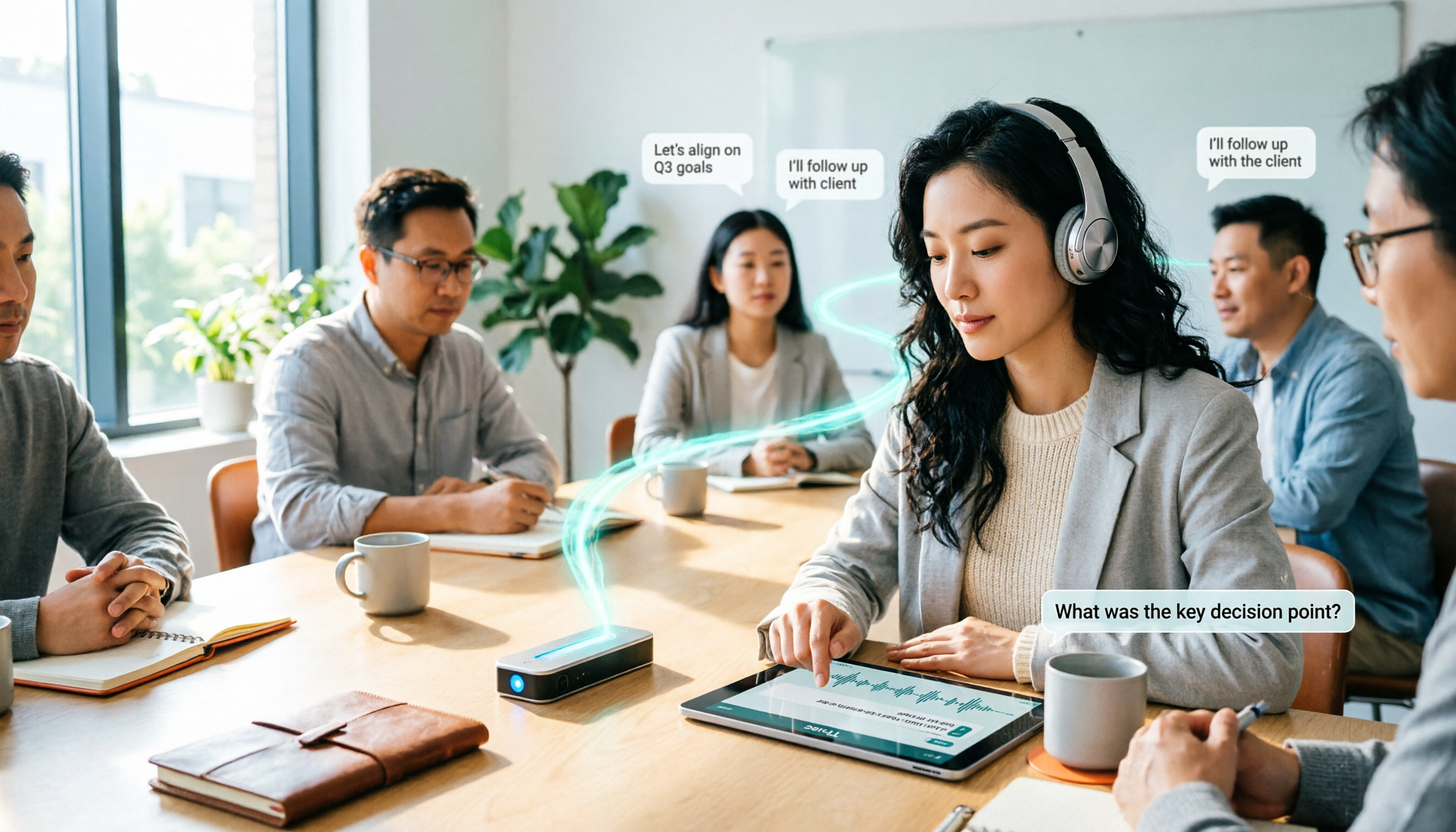
Online weekly and cross-department meetings: Open Tinrec desktop, start recording, and by the end of the meeting, the transcript is ready along with summaries and action items. No waiting for a bot to email, no post-meeting re-listening.
In-person meetings and client interviews: Use mobile or desktop for live transcription, then ask AI "What concerns did the client mention?" or "What did we promise?" to turn verbal commitments into trackable records.
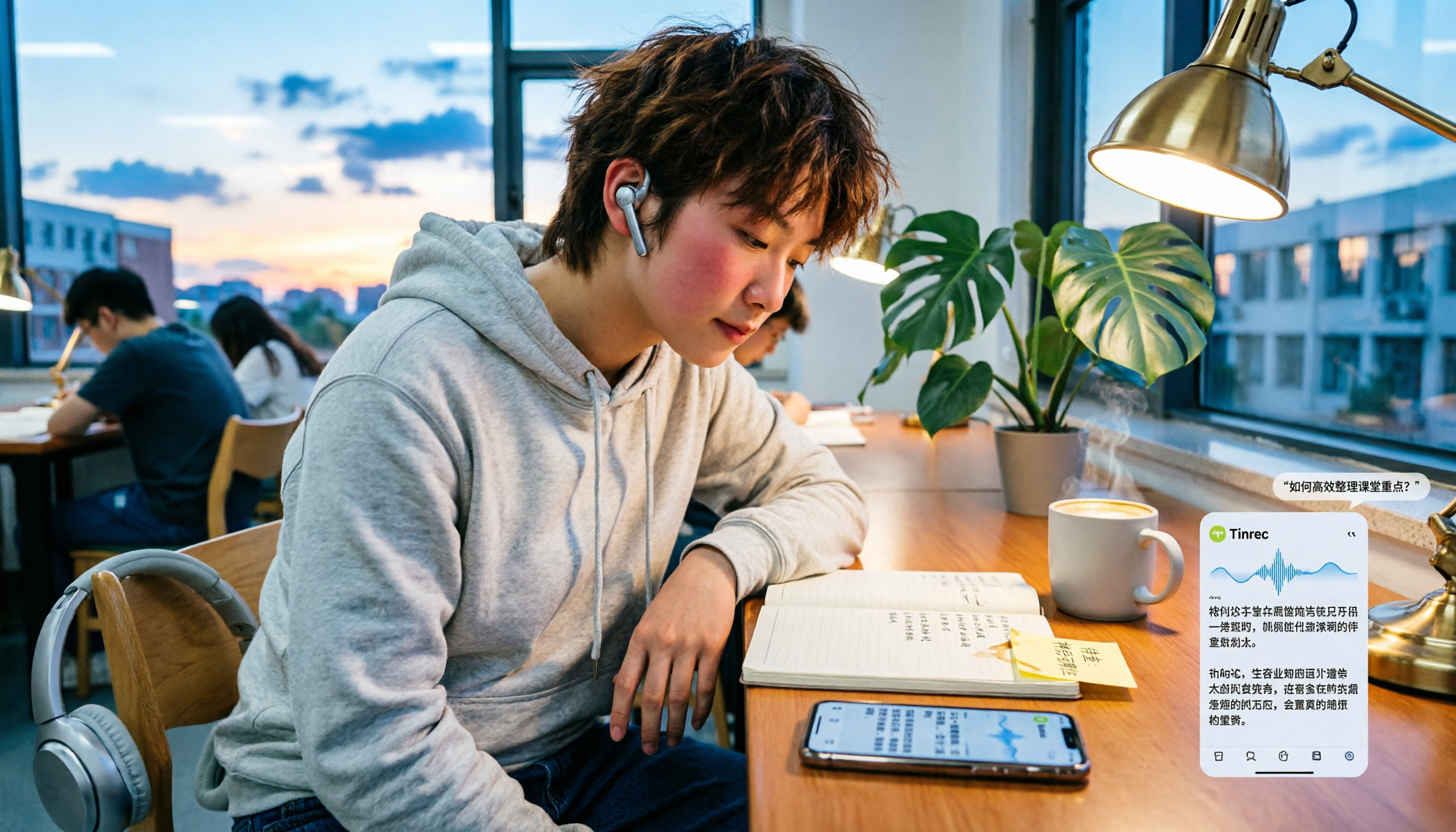
Courses and self-study notes: Convert lecture recordings to transcripts, then use AI Q&A to organize key points—much faster than repeatedly dragging the progress bar.
Team knowledge accumulation: New members can search historical meeting records in the team workspace instead of asking "How did we decide this last time?"
What to look for when choosing an audio-to-transcript tool
Chinese and mixed Chinese-English performance: Meetings in Taiwan almost always mix Chinese and English terms. Test with a real recording rather than relying on spec sheets.
Are audio files retained?: Some tools keep only transcripts, not audio. If you need to verify statements later, audio retention matters.
Output beyond the transcript: Does it only provide text, or also summaries, chapters, action items, and exportable documents? This determines whether you save minutes or hours.
Team permissions and data ownership: Is data tied to individual accounts or a team workspace? Will data remain after a member leaves? This is often overlooked during trials.
How quotas are calculated: Check whether free quotas are monthly, daily, or per-file limits, and whether paid plans provide personal or team-shared quotas.
Frequently asked questions
Q1: What's the typical accuracy of audio-to-transcript tools?
It depends on recording quality, accents, background noise, overlapping speakers, and technical term density. No single number represents all scenarios. The practical approach is to test with your own meeting recordings and keep audio for verifying important sections.
Q2: Do online meetings require a meeting bot?
Tinrec's desktop app captures system audio directly, so no bot needs to join. Note that this means the user must actively start Tinrec to record, rather than automatically joining all calendar meetings.
Q3: Is the free version enough?
The free version provides basic quota, great for testing how your recording type transcribes. If you only occasionally process an interview, the free version suffices; for short bursts of meetings, consider the weekly pass; for steady weekly use, Pro is suitable.
Q4: What's the difference between team and personal plans?
Personal plan data is tied to an individual account. The team plan is a separate team workspace where data belongs to the team, with additional member management, role and seat assignment, shared quotas, usage analytics, audit logs, and audio recycle bin.
Q5: Can all team members see all meeting data?
Currently, the team plan is primarily team-level sharing. Active members can view and read team data; only those with a seat can record, upload, edit, and export. It is not a file-level granular permission system—confirm whether this meets your internal policies.
Q6: Do I need consent to record meetings?
Yes. Recording and transcription involve personal data and local regulations. Inform participants and obtain consent before the meeting, and check your company's internal policies.
Conclusion: Is Tinrec worth trying?
If you only need file transcription and subtitles, there are many options—Notta and TurboScribe each have strengths.
But if you face these three challenges—accurate Chinese meeting transcription, no bot in online meetings, and summaries/action items ready after the meeting—Tinrec is one of the few choices that handles all three. The team plan brings this data into one workspace, turning meeting records into searchable, transferable assets.
Try the free version with your most difficult recording. A real test beats any review.
References
- Online AI speech, video, audio to text - Free trial - cSubtitle
- Yating Transcription
- Google AI Studio transcription tutorial, free AI audio-to-text tips - Mr. Mad
- Online speech-to-text AI, free MP3 or audio to transcript - MyEdit
- Tested 4 best online speech-to-text tools, free audio-to-transcript in seconds
Turn every recording into actionable outcomes
Get 60 free transcription minutes when you sign in. No credit card required.
Related Reading
You might also like

Tinrec vs PLAUD Note 2026: 5-Dimension Comparison, Which Is Better for LINE Recording Storage?
LINE doesn't record calls for you, so 'LINE recording storage' breaks down into three decisions: how to capture audio, where to store files, and whether you can use them later. This article covers 6 solutions from free to hardware, including LINE's built-in Save As, system screen recording, Tinrec, PLAUD Note, Notta, and Otter.ai, and explains common pitfalls like iPhone not capturing the other party's voice, helping you choose the right method.
Tinrec vs Notta 2026: 5-Dimension Comparison — Which Is Better for LINE Voice-to-Text?
When LINE recordings or voice messages have no sound, it's usually not a broken app but a microphone permission, audio channel conflict, or speaker setting issue. This article first walks you through common troubleshooting mistakes, then rounds up 6 practical recording-to-text solutions for students, from free to paid, and compares Tinrec and Notta on Chinese transcription, AI Q&A, and pricing.
5 Best Audio-to-Text Tools in 2026: How to Choose for Chinese Meeting Notes, According to PTT Users
PTT discussions about audio-to-text transcription never stop, but most people fall into the trap of thinking 'free is enough' or 'transcription is the end.' Based on real meeting scenarios, this article covers 4 key buying factors, tests Tinrec's bot-free recording and AI Q&A, briefly reviews Notta, Otter.ai, PLAUD, and other common options, and provides selection advice you can directly apply.

How to Join a Teams Meeting for Free in 2026: 5 Methods Explained
Whether you only have a meeting ID, just an invite link, or only a calendar notification, the way you join a Teams meeting is completely different. This article covers 5 free ways to join, plus a solution for avoiding manual transcription after the meeting.

Best Audio-to-Text Tools in 2026: 4 Tested, This One Excels for Chinese Meetings
Still spending two hours typing meeting minutes after a two-hour meeting? This article breaks down the 5 key factors for choosing an audio-to-text tool from a procurement perspective, tests and compares Tinrec, Notta, Otter.ai, and Granola, explains who each is for and their limitations, and includes common pitfalls and scenario-based recommendations.

2026 Real-Time Speech-to-Text Tools Buying Guide: 4 Tested and Recommended
Two-hour meetings followed by two hours of organizing notes is a daily reality for many managers. This guide, from the perspective of a mid-level manager's hands-on testing, covers the key considerations for choosing a real-time speech-to-text tool in 2026: from real-time performance and audio capture methods to post-meeting organization and team governance. It honestly explains each tool's limitations and suitable scenarios to help you find the one that truly saves you time after meetings.

6 Audio-to-Text Tools Tested and Compared in 2026: Which AI Meeting Notes Save the Most Time?
We tested and compared 6 audio-to-text tools in 2026, including Tinrec, Yating Transcription, cSubtitle, Vocol.ai, Notta, and inFin. From free to paid, personal to team, we help you find the most suitable AI speech-to-text solution.

3 LINE Voice Backup Tools Tested for 2026: Which One Should You Use Before Messages Expire?
LINE voice messages become unplayable once they expire. We tested 3 tools to show you how to back them up before they disappear. Tinrec converts voice to transcripts and summaries for permanent, searchable storage—our top pick after testing.

Best Meeting Recorder for Google Meet on Nest Hub? 2026 Test of 3 Tools, This One Wins for Chinese Meetings
Nest Hub Max can make Google Meet video calls, but what about transcripts, summaries, and action items after the call? This article explains three key prerequisites for using Google Meet on Nest Hub and compares Tinrec, Otter.ai, Granola, and Notta to help you choose the right meeting recorder for Chinese meetings.