
Turn recordings into transcripts and summaries in minutes
Upload audio or video for multilingual transcription, AI notes, and action items
Why Does Your LINE Recording Have No Sound? Don't Reinstall Just Yet
Last semester during a group meeting, a senior dropped a 3-minute voice message in the LINE group chat. I tapped it — complete silence. My first instinct was to delete LINE and reinstall it, which wasted half an hour. The problem wasn't there at all.
I later figured out that when LINE recordings or voice messages have no sound, it's usually not a broken app. It's one of these things:
- Microphone permission is off: On iOS, go to Settings > Privacy & Security > Microphone and make sure LINE is enabled. On Android, check the app permissions.
- Audio channel is occupied: iOS gives the microphone exclusively to phone calls. If you try screen recording or another recording app during a call, you'll often get video with no audio.
- Speakerphone wasn't turned on: When using iPhone's built-in capture to record a LINE call, you won't get both sides of the audio unless speakerphone is on.
- Notification and alert settings: If LINE's internal alerts are off, you might think there's "no sound" when there actually is.
- Version or temporary bug: Restart LINE, restart your phone, and update the app if needed.
After going through these checks, you can usually fix about 80% of cases. But honestly — if you're a student like me who records lectures and takes meeting notes, the real problem isn't "how to get LINE to play sound." It's "why are you keeping important content inside LINE?" When your recording is buried in a chat, finding that one key point before finals means listening from start to finish.
So here's my list of 6 recording-to-text solutions I've actually used this past year and think are worth trying as a student.
Option 1 | Tinrec — Turn Recordings into Searchable, Queryable Data
One-line positioning: An AI meeting notes and collaboration tool that lets you keep asking questions after transcription.
Key highlights:
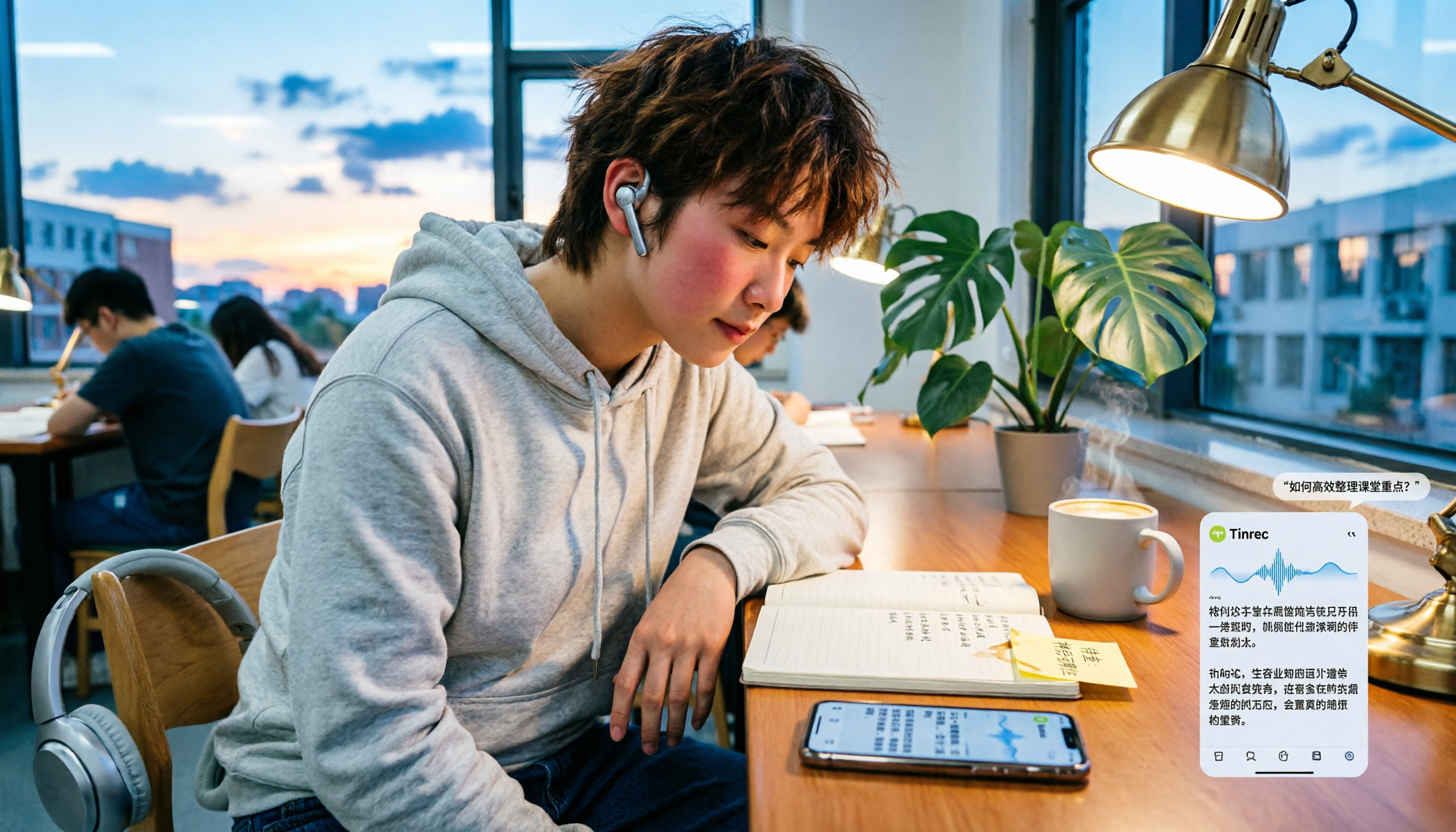
- Transcribes while recording — transcript ready when you finish: Group discussions, interviews, and lecture notes can be converted to text in real time, no need to listen again afterward.
- Records online meetings without a bot: The desktop version captures your computer's system audio directly. Works with Zoom, Google Meet, Microsoft Teams, and Webex — no need to add a bot to the meeting room.
- AI Q&A is the most practical feature: Before finals, I just ask "What were the meeting conclusions?" or "What exam topics did the professor mention?" It finds answers from the transcript, way faster than searching manually.
- Summaries, chapters, to-dos, mind maps: A 40-minute discussion gets its key points listed out directly, so no one in the group can slack off on their assignments.
Plans and pricing: Personal plans include a free version, weekly pass, Pro monthly, and Pro annual. Team plans offer a 7-day trial for first-time eligible users (1 free seat, 300 shared import minutes). Team monthly is USD 29.80 per paid seat; annual is USD 199 per paid seat (about USD 16.58/month), with 2,000 shared import minutes per seat per month. Actual prices are subject to the official purchase page.
Who it's for: Students who record lectures every week, organize group meetings, and want something that works right after recording. The free version lets you test the waters first.
Option 2 | Notta — A Familiar Name in Multilingual Transcription
Free version: 120 minutes per month, max 3 minutes per session. Pro annual works out to about USD 8.17/month with 1,800 minutes per month. Business annual is about USD 16.67 per seat per month. It includes transcription, translation, and team permissions. The difference from Tinrec: Notta is more of a "transcription tool," while Tinrec focuses on what comes after transcription — Q&A, to-dos, and team knowledge retention. Good for students who need multilingual translation.
Stop organizing recordings by hand
Upload audio or video and automatically get a transcript, summary, and action items
Option 3 | TurboScribe — Long Files and Batch Uploads
Free: 3 files per day, max 30 minutes per file. Unlimited annual is USD 120 (about USD 10/month). Paid version supports files up to 10 hours or 5 GB, and you can upload 50 files at once. Great for people who want to dump a whole semester's recordings and batch transcribe them. The downside: it's more of a file transcription tool, without real-time meeting capture or AI follow-up questions.
Option 4 | Otter.ai — A Veteran Choice for English Meetings
Free Basic: 300 minutes per month. Pro annual works out to about USD 8.49 per user per month, including 1,200 minutes per month and 10 file imports. It's mature for English meetings, with solid AI Chat and team management. But if most of your classes and meetings are in Chinese, the transcription experience isn't as smooth.
Option 5 | Granola — AI Notes Without Entering the Meeting Room
Free Basic; Business USD 14 per user per month; Enterprise USD 35 per user per month. It also uses desktop system audio and doesn't send a bot. Note: it doesn't support uploading pre-recorded audio files and doesn't save meeting audio, so you have to organize everything in the moment. Good for people who like to take notes while listening and then let AI enhance them.
Option 6 | Built-in Phone Dictation (Completely Free Option)
iPhone keyboard dictation and Google Docs voice typing are free — just enable the microphone and go. Good for short notes in quiet environments, but there's no timestamped transcript, no file upload, and no way to search past content. If your budget is truly zero, this will get you by.
With So Many Options, How Should You Choose?
- Want "transcription + AI Q&A + auto summaries" all in one → Tinrec
- Need Chinese or mixed Chinese-English meeting support → Tinrec
- Want to use it across phone, computer, and web → Tinrec
- Have a large backlog of old recordings to batch transcribe → TurboScribe
- Meetings are all in English and you need mature English summaries → Otter.ai
- Just want to take notes in the moment without keeping audio → Granola
- Zero budget and only occasional use → Built-in phone dictation
3 Things to Know Before Using a Recording-to-Text Tool
- Fix permissions first, then talk tools: Check microphone permissions, speakerphone, and system audio channels before recording. That solves the problem faster than switching tools.
- Ask for consent before recording: In Taiwan, if you're one of the parties on the call and recording for work purposes, it's usually fine. But recording other people's content requires attention to local laws and basic courtesy.
- Don't expect 100% accuracy: Noisy environments, overlapping speech, and technical jargon all affect results. For important content, cross-check the transcript timestamps against the recording.
Conclusion
When LINE recordings have no sound, 90% of the time it's a permission or audio channel issue that takes five minutes to troubleshoot. But if your goal isn't just "hearing it" but "writing it down, finding it, and using it," then choosing the right tool matters more than fixing a bug. My main tool this semester is Tinrec — you can try the free version first, and upgrade if it works for you. For students, that's the lowest-pressure approach.
Sources
- LINE Voice Messages Won't Play? Here's How to Fix LINE Voice Messages with No Sound!
- 🚨 Again? LINE Call "Connected but No Sound" Self-Rescue Guide! ⠀ Just updated LINE (v26.1.0) and calls or video chats connect but have no sound? It's not a broken phone — this is a recent issue many iPhone users are facing. ⠀ Netizens have found a temporary fix: just 3 simple steps to restore normal calls! ⠀ 🛠️ 3-Step Temporary Fix If you're also experiencing no sound on voice or no video on video calls, try these settings: 1. Open LINE, tap "Settings" (gear icon) in the top right of the main page
- Why Does LINE Recording Have No Sound? 2026 Voice-to-Text Tool Deep Review and Best Alternatives - Tinrec Blog
- [Phone Tips] LINE Can Now Record Calls! iPhone Built-in Call Recording Trick Without Notifying the Other Party! | Jyes Communication ~ Challenging the Lowest Phone Prices
- LINE Messages Have No Sound Alert? 8 Simple Steps to Fix It Now! - Tenorshare
Turn every recording into actionable outcomes
Get 60 free transcription minutes when you sign in. No credit card required.
Related Reading
You might also like

Tinrec vs PLAUD Note 2026: 5-Dimension Comparison, Which Is Better for LINE Recording Storage?
LINE doesn't record calls for you, so 'LINE recording storage' breaks down into three decisions: how to capture audio, where to store files, and whether you can use them later. This article covers 6 solutions from free to hardware, including LINE's built-in Save As, system screen recording, Tinrec, PLAUD Note, Notta, and Otter.ai, and explains common pitfalls like iPhone not capturing the other party's voice, helping you choose the right method.

5 Best Audio-to-Text Tools in 2026: How to Choose for Chinese Meeting Notes, According to PTT Users
PTT discussions about audio-to-text transcription never stop, but most people fall into the trap of thinking 'free is enough' or 'transcription is the end.' Based on real meeting scenarios, this article covers 4 key buying factors, tests Tinrec's bot-free recording and AI Q&A, briefly reviews Notta, Otter.ai, PLAUD, and other common options, and provides selection advice you can directly apply.

How to Join a Teams Meeting for Free in 2026: 5 Methods Explained
Whether you only have a meeting ID, just an invite link, or only a calendar notification, the way you join a Teams meeting is completely different. This article covers 5 free ways to join, plus a solution for avoiding manual transcription after the meeting.

Best Audio-to-Text Tools in 2026: 4 Tested, This One Excels for Chinese Meetings
Still spending two hours typing meeting minutes after a two-hour meeting? This article breaks down the 5 key factors for choosing an audio-to-text tool from a procurement perspective, tests and compares Tinrec, Notta, Otter.ai, and Granola, explains who each is for and their limitations, and includes common pitfalls and scenario-based recommendations.

2026 Real-Time Speech-to-Text Tools Buying Guide: 4 Tested and Recommended
Two-hour meetings followed by two hours of organizing notes is a daily reality for many managers. This guide, from the perspective of a mid-level manager's hands-on testing, covers the key considerations for choosing a real-time speech-to-text tool in 2026: from real-time performance and audio capture methods to post-meeting organization and team governance. It honestly explains each tool's limitations and suitable scenarios to help you find the one that truly saves you time after meetings.

2026 Best Audio-to-Transcript Tools Compared: Tinrec vs Notta for Chinese Meetings
How to choose an audio-to-transcript tool in 2026? This article focuses on Tinrec and compares it with Notta and three other popular tools on meeting capture, Chinese recognition, post-meeting organization, team collaboration, and pricing. Includes real-world scenarios and FAQs to help you decide which tool fits your meeting style and workflow.

6 Audio-to-Text Tools Tested and Compared in 2026: Which AI Meeting Notes Save the Most Time?
We tested and compared 6 audio-to-text tools in 2026, including Tinrec, Yating Transcription, cSubtitle, Vocol.ai, Notta, and inFin. From free to paid, personal to team, we help you find the most suitable AI speech-to-text solution.

3 LINE Voice Backup Tools Tested for 2026: Which One Should You Use Before Messages Expire?
LINE voice messages become unplayable once they expire. We tested 3 tools to show you how to back them up before they disappear. Tinrec converts voice to transcripts and summaries for permanent, searchable storage—our top pick after testing.

Best Meeting Recorder for Google Meet on Nest Hub? 2026 Test of 3 Tools, This One Wins for Chinese Meetings
Nest Hub Max can make Google Meet video calls, but what about transcripts, summaries, and action items after the call? This article explains three key prerequisites for using Google Meet on Nest Hub and compares Tinrec, Otter.ai, Granola, and Notta to help you choose the right meeting recorder for Chinese meetings.