

Turn recordings into transcripts and summaries in minutes
Upload audio or video for multilingual transcription, AI notes, and action items
The Most Common Misconception About Buying Google Meet in India: That It's a Standalone Product
Many people see the Google Meet pricing page and assume they can just buy a monthly Google Meet subscription. Honestly, I started by looking for a standalone plan too, and only later confirmed: in India, Google Meet is bundled with Google Workspace plans.
The free version supports up to 100 participants, good for occasional meetings. Paid plans have an international reference price of about US$6–US$18 per user per month, with Standard around US$12. India INR pricing is often separate from global plans; Base is India-exclusive, and actual amounts and promotions depend on the official purchase page.
If you only compare "how much per month," it's easy to overlook recording, transcription, AI meeting notes, and post-meeting organization. This article covers both plans and complementary tools clearly.
4 Key Points to Understand Before Choosing a Google Meet India Plan
1. Is the free version enough?: Google Meet free supports up to 100 participants, suitable for everyday communication. But if you need more complete meeting features, larger team management, or Workspace integration, you'll need to look at paid plans.
2. India pricing is separate: Sources mention Base is India-exclusive, with pricing and feature bundles different from global plans. Starter, Standard, Plus, or Enterprise may also be affected by promotions, seat count, and annual billing — don't just convert from US prices.
3. Meeting notes aren't just transcription: Google Meet's built-in capabilities focus on the meeting itself; post-meeting summaries, action items, AI Q&A, and team knowledge bases usually require additional tools. I typically check whether I can directly ask questions about key points after transcription — that's more critical than just having a transcript.
4. Team seats and usage: Paid plans are usually priced per user or seat. If you value meeting data retention, tools like Tinrec can add team spaces, member permissions, and usage management.
Tinrec — The Top Choice for Post-Meeting Organization with Google Meet
Tinrec is an AI meeting notes and collaboration tool for individuals and teams, supporting iOS, Android, web, and desktop. Its relationship with Google Meet isn't replacement — it's completing the post-meeting workflow.
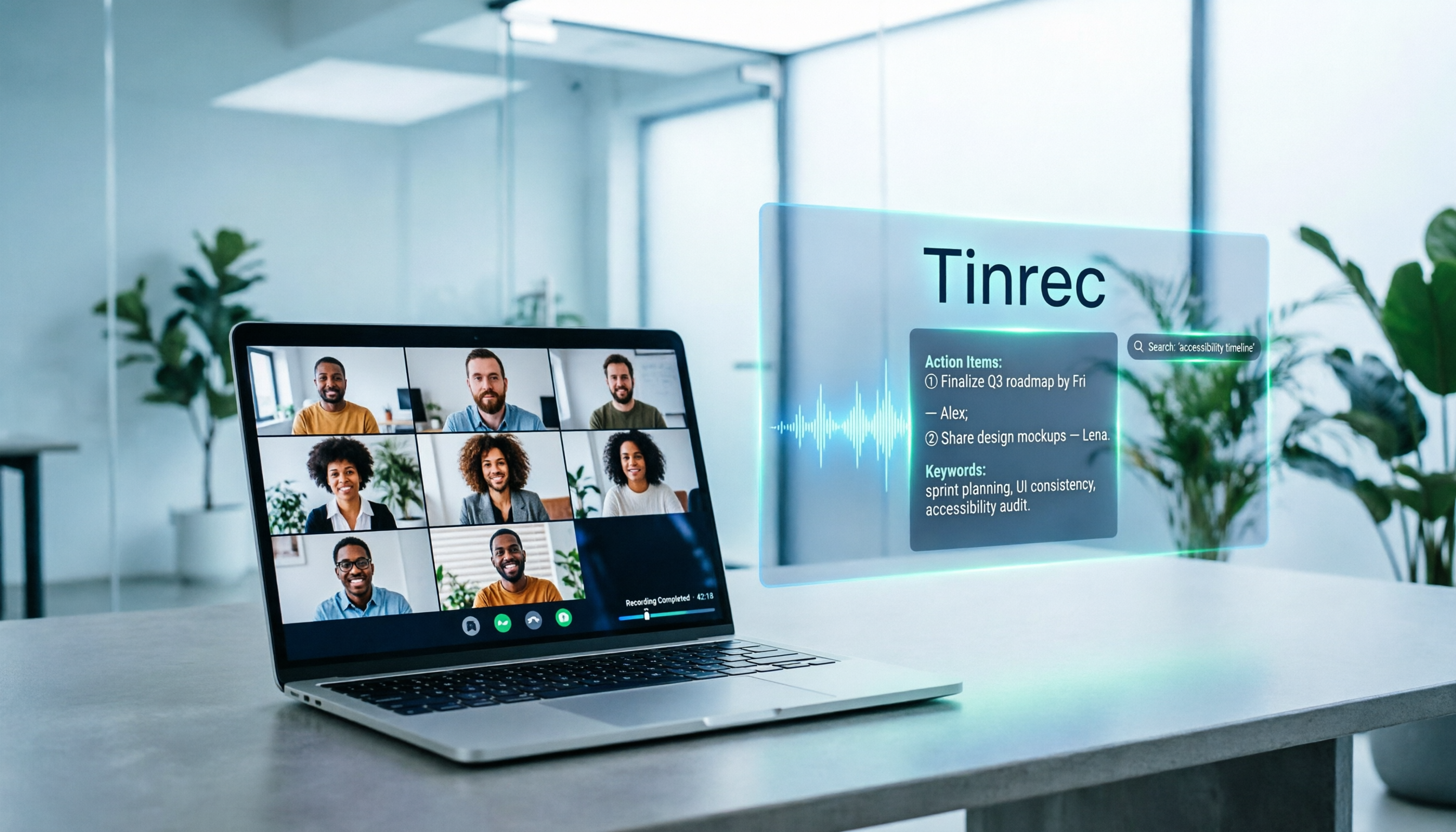
During a meeting, you can open Tinrec desktop on the computer playing Google Meet audio. It records by capturing system sound, without inviting a meeting bot. After the meeting, Tinrec generates transcripts, AI summaries, chapters, key points, and action items. Even better is AI Q&A: you can directly ask "What was the budget cap the client mentioned?" and it answers based on meeting semantics, not just keywords.
Tinrec also supports importing audio/video files, real-time translation, multi-format export, and can generate reports, tables, and documents. The team version stores data in team spaces, where members can view and reuse past meetings; admins can manage roles, seats, usage, audit logs, and trash. Team monthly is USD 29.80 per paid seat per month, annual is USD 199 per paid seat per year; paid seats include 2,000 minutes of shared team import quota per month; eligible new teams get a 7-day trial with 1 free seat and 300 minutes of shared import quota.
Stop organizing recordings by hand
Upload audio or video and automatically get a transcript, summary, and action items
Limitations should also be clear: Tinrec currently isn't a bot that automatically joins all calendar meetings — you need to manually start recording; Chinese and multilingual performance can be affected by recording quality, noise, accents, and overlapping speech. It's suitable for those who frequently need to turn Google Meet meetings into transcripts, summaries, action items, and team knowledge.
Besides Tinrec, How to Choose Among Google Workspace Plans?
Google Workspace Business Starter: Entry-level paid plan, suitable for small teams wanting to upgrade from free to a more complete workspace. It solves basic account, email, and meeting needs; but if you want post-meeting AI Q&A, action items, and cross-meeting search, specialized tools like Tinrec are better.
Google Workspace Business Standard: Sources indicate this is a tier often considered by SMBs, with upgraded video features, international reference price around US$12 per user per month, India INR pricing not fixed. It suits teams needing more complete meeting features; but to turn meeting recordings into queryable team knowledge, Tinrec can still complement.
Google Workspace Business Plus / Enterprise: For larger organizations' governance and management needs, pricing and benefits depend on the official page. They excel in the Workspace ecosystem, while Tinrec fills the post-meeting workflow and team meeting asset retention.
India-exclusive Base: Sources mention Base is India-exclusive, with pricing and feature bundles different from global plans. If you just need Google Meet, Base might be a low-barrier entry; but when you need recording, transcription, summaries, and team collaboration, don't just look at Base.
Pitfall Guide: 3 Most Common Mistakes When Buying Google Meet India Plans
Pitfall 1: Treating Google Meet as a standalone subscription. It usually comes with Workspace plans — first confirm which Workspace tier you're buying, not just comparing Google Meet itself.
Pitfall 2: Converting US prices directly to India prices. India pricing is separate, Base is India-exclusive, and promotions and taxes affect actual payment. Actual INR amounts depend on the official purchase page.
Pitfall 3: Only looking at meeting minutes, ignoring post-meeting organization. Many people buy a plan only to find transcripts, summaries, action items, and AI Q&A aren't smooth enough. Rather than just buying a more expensive plan, use Tinrec to complete the post-meeting workflow so meeting content can truly be searched, queried, and delivered.
Summary: Which One Should You Choose?
Zero budget, occasional meetings → Start with Google Meet free, up to 100 participants.
Small team needing only email and basic meetings → Google Workspace Business Starter.
Mid-sized team needing more complete meeting features → Business Standard or Plus, actual INR pricing on the official page.
India local low-barrier entry → Consider India-exclusive Base, but confirm feature bundles.
Need Chinese transcripts, AI summaries, action items, AI Q&A, and team meeting knowledge base → Tinrec is the most direct complementary choice.
Recommend starting with Tinrec free trial for one actual meeting workflow: record Google Meet, generate summary, ask a post-meeting question. If helpful, then consider individual Pro or team version — no need to buy the most expensive plan from the start.
References
- How to Calculate Google Meet Pricing in India in 2026? A Clear Look at 4 Workspace Plans - Official Tinrec Blog
- Google Meet for Business & Education - September 6, 2026
- Google Meet Pricing 2026
- Google Meet Pricing in 2026: Plans and Costs Compared
- Google Meet Price, Features, Reviews & Ratings - Capterra India
Turn every recording into actionable outcomes
Get 60 free transcription minutes when you sign in. No credit card required.
Related Reading
You might also like

Notta vs Fireflies: How to Choose — From Meeting Capture Architecture and Chinese Bilingual Limits to Team Data Ownership, a Selection Conclusion for 5–20 Person Teams
The difference between Notta and Fireflies isn't just price and minutes — it's how a meeting actually gets recorded. This article compares the two in order: their meeting capture methods, the limits of their Chinese and bilingual experience, what you get after the transcript, and team data ownership and member handover. It then narrows the conclusion into three team selection scenarios, explaining under what conditions you should evaluate a bot-free approach like Tinrec.

How to Choose a Budget Voice Recorder: Check 4 Specs, Avoid 3 Pitfalls, and Calculate the Real Transcription Cost After Recording
Shopping for a voice recorder on a budget of a few hundred to NT$2,000? First understand where cheaper models cut corners, how to evaluate 4 key specs, how 3 common setups compare, and the practical workflow for turning recordings into transcripts, key points, and action items using free quotas.

What Is 'good tape vs hockey tape' Comparing? First Distinguish AI Speech-to-Text Services from Sports Tape, Then Use Four Criteria to Determine if a Meeting Transcription Tool Is Suitable
good tape and hockey tape belong to different categories, so this comparison itself does not hold. This article first clarifies the product positioning of the two, then uses four criteria—input source, language context, post-meeting deliverables, and data retention and sharing—to explain how to choose a meeting and interview transcription tool, and how Tinrec turns transcripts and action items into deliverable materials, and how team spaces share and hand over meeting records.

5 Online Meeting Transcription Solutions Compared for 2026: What to Know Before Buying Google Meet
Before you buy Google Meet, do you understand the difference between the free version and paid Workspace? This article compares 5 online meeting transcription solutions, including Google Meet, Tinrec, Otter.ai, Notta, Granola, and PLAUD, breaking down pricing, Chinese language support, post-meeting organization, and team collaboration to help you choose the right solution without paying for features you won't use.

How to Use Google Meet On-the-Go in 2026: A 5-Step Guide
Complete guide to Google Meet On-the-Go mode: learn how to join meetings on the move in 5 steps, and how Tinrec fills the gap in meeting notes and organization so you never miss important to-dos.
5 Google Meet Note-Taking Tools Tested and Compared for 2026: How to Keep Meeting Records After Downloading
Downloading Google Meet takes only 30 seconds, but the real challenge is keeping meeting content after the download. This article covers three ways to download Google Meet on Android, iOS, and computer, then compares 5 tools that turn meetings into usable data, including Tinrec with bot-free recording and AI chat queries, Google Meet built-in transcription, Otter.ai, Notta, Granola, and TurboScribe. Finally, it provides clear recommendations based on budget and use cases.

Tinrec Download Review 2026: 3 AI Meeting Recorders Compared — Which One Is Worth Installing?
Many people search for "tenrec download" but end up finding recommendation system datasets and animation models. This article first clarifies the difference between Tenrec and Tinrec, then compares Tinrec, Otter.ai, Notta, and Granola in terms of recording methods, post-meeting organization, Chinese language support, and team collaboration, with a guide to avoiding pitfalls and purchasing advice.

2026 Google Meet Note-Taking Tools Compared: Is the Free Version Enough?
Google Meet's free version and Google Workspace paid plans each have trade-offs, but what most people really lack is post-meeting organization. This article first breaks down 4 key points to understand before buying a Google Meet plan, then compares four note-taking tools: Tinrec, Otter.ai, Granola, and Notta, to help you decide whether to pay and who to pay.

4 Google Meet Call Recording Tools Tested for 2026: Tinrec's Bot-Free Recording Saves the Most Time
How do you find recent Google Meet calls? This article covers practical methods for personal accounts, Workspace, admin console, and Tinrec, helping you understand call history entry points, limitations, and post-meeting workflows so your Google Meet meetings aren't just timestamps—they're searchable, summarized, queryable, and shareable with your team.