

Turn recordings into transcripts and summaries in minutes
Upload audio or video for multilingual transcription, AI notes, and action items
What You Actually Get from a Budget Voice Recorder: First Understand Where "Cheap" Saves Money
A set budget is usually the starting point for searching "budget voice recorder." Maybe you have a client visit next week, maybe a two-hour interview to record, or maybe a standing internal meeting every week—and you only have your phone. You want to add a voice recorder in the few-hundred to roughly NT$2,000 range to capture clean audio.
Let's be clear about what you can and can't get at this price point.
What you get: reliable audio recording, basic noise reduction, built-in storage, and USB file transfer to a computer.
What you don't get: automatic organization after recording. A voice recorder only handles the "recording" part—transcripts, key points, and action items still depend on downstream tools or manual work.
For actual price ranges, refer to shopping platform search results. On PChome 24h's voice recorder search page, you can see models around NT$750, NT$999, and NT$1,690, as well as high-end models at NT$5,490; the page even shows a bundle like "magnetic leather case + 300 minutes of transcription time." momo's voice recorder category mainly recommends brands such as SONY, Philips, and VITAS/INJA. Yahoo Shopping Center's roundup shows two reference prices: NT$899 and NT$5,035. Prices and specs change frequently, so please refer to the manufacturer's official page before ordering.
Cheaper models usually save money in these areas: microphone count and directionality, noise reduction and auto gain processing capability, body materials and screen specs, Bluetooth or app connectivity, memory card expansion, and warranty and after-sales service. These trade-offs won't necessarily affect you in every case, but the first one directly impacts audio capture.
The 4 Specs to Check First When Choosing a Budget Voice Recorder: Recording Method, Storage and Battery Life, Output Format, and Phone Connectivity
1. Recording Method
The difference between a single mic and dual mics is most obvious when you consider "how far the speaker is from the device." For one-on-one interviews with the device placed on the table, a single mic is usually enough. For roundtable meetings, multiple people seated in a circle, or interviewees more than two meters away, directionality and mic count will show up in the file. Most budget models can't connect external mics, and this isn't something you can fix after the fact.
2. Storage and Battery Life
Built-in capacity determines how long you can record continuously, and whether a memory card slot is available determines whether you'll be forced to stop and clear files mid-session. On Tsann Kuen online shopping's voice recorder category page, the visible spec descriptions include built-in 32GB with 128GB memory card expansion, smart battery monitoring, and power-loss protection—configurations typically found in the mid-to-high price range. For budget models, be sure to confirm: how much capacity, can you swap cards, and is there a battery indicator.
3. Output Format
This is the most easily overlooked and most painful issue afterward. MP3 files are small and universal; WAV or PCM high-resolution files are large but retain more detail. The same source page also mentions PCM high-resolution audio recording. The problem is: if the output format is obscure, you'll need to convert it before feeding it into a transcription tool—and that conversion step is often where "I'll organize it later" begins.
4. Phone Connectivity
Whether it supports USB flash drive mode for direct file reading on your phone, whether it supports Bluetooth transfer, and whether there's an official app—these determine whether you can send files out on the high-speed rail or in a taxi, rather than waiting until you're back at the office.
| Spec | Common Approach in Budget Range | Impact on Post-Recording Transcription |
|---|---|---|
| Recording Method | Single mic, basic noise reduction | The farther the distance and the noisier the environment, the more errors in the transcript and the more time spent proofreading |
| Storage and Battery Life | Relatively small built-in capacity; some support memory cards | During long meetings, the battery dies or storage fills up, forcing on-the-spot handling |
| Output Format | Mostly MP3; a few support high-resolution | Obscure formats must be converted first before entering the transcription workflow |
| Phone Connectivity | Some support USB cable only | Files can only be transferred after returning to a computer, making same-day organization easy to delay |
Three Common Setups in Typical Budget Ranges: Entry-Level Voice Recorder, Phone Plus App, Voice Recorder Plus Transcription Tool
| Setup | Approximate Cost | Best For | Watch Out For |
|---|---|---|---|
| Entry-level voice recorder, standalone | A few hundred to about NT$2,000 | One-on-one interviews, lectures, regular weekly meetings | You handle file conversion and transcription yourself |
| Phone plus recording app | Starting at NT$0 | Short interviews, ad-hoc meetings, quiet environments | Incoming calls and notifications interrupt recording; files scattered across your phone |
| Voice recorder + transcription tool | Device cost + free or paid plan | Weekly meetings and interviews; need transcripts and action items | Free quota is limited; plan details subject to the official page |
Stop organizing recordings by hand
Upload audio or video and automatically get a transcript, summary, and action items
The difference between phone recording and a voice recorder isn't whether you can record at all—it's the mic position, file management, and convenience of later transcription. Record an entire meeting with a phone in your pocket and the sound gets muffled through fabric; a voice recorder can sit in the center of the table, closer to the speaker.
The 3 Most Common Pitfalls with Cheap Voice Recorders
Pitfall 1: Comparing price only. Within the same price range, the difference often lies in mic count and memory card support. The few hundred dollars you save might cost you an extra half hour of transcript proofreading.
Pitfall 2: Ignoring file conversion. Before you buy, confirm the output format and whether your computer or phone can read it directly. If the format doesn't match, you'll have to spend time converting files first.
Pitfall 3: Ignoring transcription costs. Many models advertise free transcription hours, so you need to look closely at how those hours are billed once they run out and whether you can export the transcript. The real hidden cost is never the recording — it's the organizing time after you finish.
What matters is what happens after recording: use a free quota to turn audio into transcripts, key points, and to-dos
To move a voice recorder's audio file into a transcription workflow, the common approach is to transfer the file to a computer with a USB cable or card reader, then upload it to a transcription tool; some tools also support importing audio and video files directly, and the formats actually supported and the maximum length per file are subject to the official page.
Tinrec (秒聽錄音)'s free version offers a basic quota so you can try recording, importing, summarizing, and transcribing — a good way to run one or two meetings through it first and confirm whether the transcript it produces can be used as is. It also supports live recording, computer meeting recording, and importing audio and video files, which means files recorded on a voice recorder and audio recorded on a phone can all go into the same workflow. Check the official page for the specific number of free minutes and plan details, and don't treat it as unlimited use.
Once the transcript is generated, what you get is usually more than text: it also includes an AI summary, chapters, key points, and to-dos. You can then have the AI assistant (Agent) build on the meeting context to further turn the to-dos into action plans, follow-up materials, reports, tables, or documents. One reminder: the Agent helps you produce materials faster, but important commitments, outbound messages, and key decisions should still be confirmed by a person.
From a personal transcript to a team space: a two-stage handoff
If your interviews or meeting notes need to be handed off to a colleague, there's usually a second stage after you finish organizing things yourself: put the materials somewhere everyone can find them.
The first stage is collecting the audio files and transcripts in the team space. Tinrec's team edition isn't several people sharing one personal account — it's a separate collaborative space where Audio, folders, to-dos, and related meeting materials can be stored together. Once colleagues join, they can view, play, and read team materials even if they aren't uploading or editing at that moment, so you no longer have to send files yourself.
The second stage is ongoing follow-up after meeting materials are shared. With the transcript, key points, and to-dos from the same client interview in one space, the colleague handling follow-up can search directly and compare last time's commitments with this time's progress, instead of having to ask "where's that recording from last time?" every time. Membership and resource-usage entitlements are managed separately in the team edition, so when members change, team data still belongs to the team and won't disappear along with a personal account.
If you have interviews and meeting recordings to hand off every week, you can first check Tinrec team edition's current team space and data-sharing features, then decide whether to fold the team workflow into your daily routine; the actual plans and quotas are subject to the official purchase page or official consultation.
When you don't need to buy a voice recorder, and when it's worth raising your budget
When you don't need one: your meetings are all held on online platforms and you can record on your computer; single-person, close-range, quiet quick memos; what you actually lack is a transcript rather than a file, and recording on your phone and uploading directly is enough.
When it's worth raising your budget: you often record in noisy environments or spaces where several people sit around together; the interviewee is more than one or two meters away from you; you need to record continuously for several hours; you need high-resolution formats or an external microphone; you need memory card expansion to get long-term archival space.
The recommended order of judgment is: first determine "how long, how far, how noisy, and whether it needs to be handed off," then look at the specs, and only then compare prices.
FAQ: Is a budget voice recorder enough? Can phone recording replace it? Do you have to pay extra for transcription?
Is a budget voice recorder enough? For one-on-one, quiet, close-range situations it's usually enough; for multi-person meetings or noisy environments, consider raising your budget or switching to a model that supports an external microphone.
Can phone recording replace a voice recorder? For short, close-range sessions, yes. For long recordings, your phone has to deal with interruptions from calls, notifications, storage space, and battery life, and the recordings also tend to end up scattered across your phone.
Do you have to pay extra for transcription? You can start with the free quota and decide after running one or two meetings through it. Once the quota runs out, there are different plans to choose from, and the actual minutes and prices are subject to the official page.
What should you watch out for before recording? Recording and transcription involve other people's conversations, so please follow local regulations and get the other party's consent when necessary.
Summary: nail down the scenario first, then decide how much to spend
What a budget voice recorder can solve is "capturing the sound clearly"; what it can't solve is "what to do with it after you finish recording." When picking a model, start with four things: how it picks up sound, storage and battery life, output format, and phone connectivity; after recording, use a free quota to turn the audio into a transcript, key points, and to-dos, then decide whether to put the materials into a team space and hand them off to colleagues. Get the order right, and your money goes where it actually affects the outcome.
Data and verification sources
- Voice Recorders - PChome 24h Shopping
- Voice Recorders - momo Shopping
- Voice Recorders and Recorders – Tsann Kuen Online Shopping
- Top 10 Voice Recorders You Must Buy - Yahoo Shopping Center
The prices and specs on the shopping platforms above are as shown on the search pages and may change at any time; Tinrec's features and plan details are subject to the official page.
References
Turn every recording into actionable outcomes
Get 60 free transcription minutes when you sign in. No credit card required.
Related Reading
You might also like
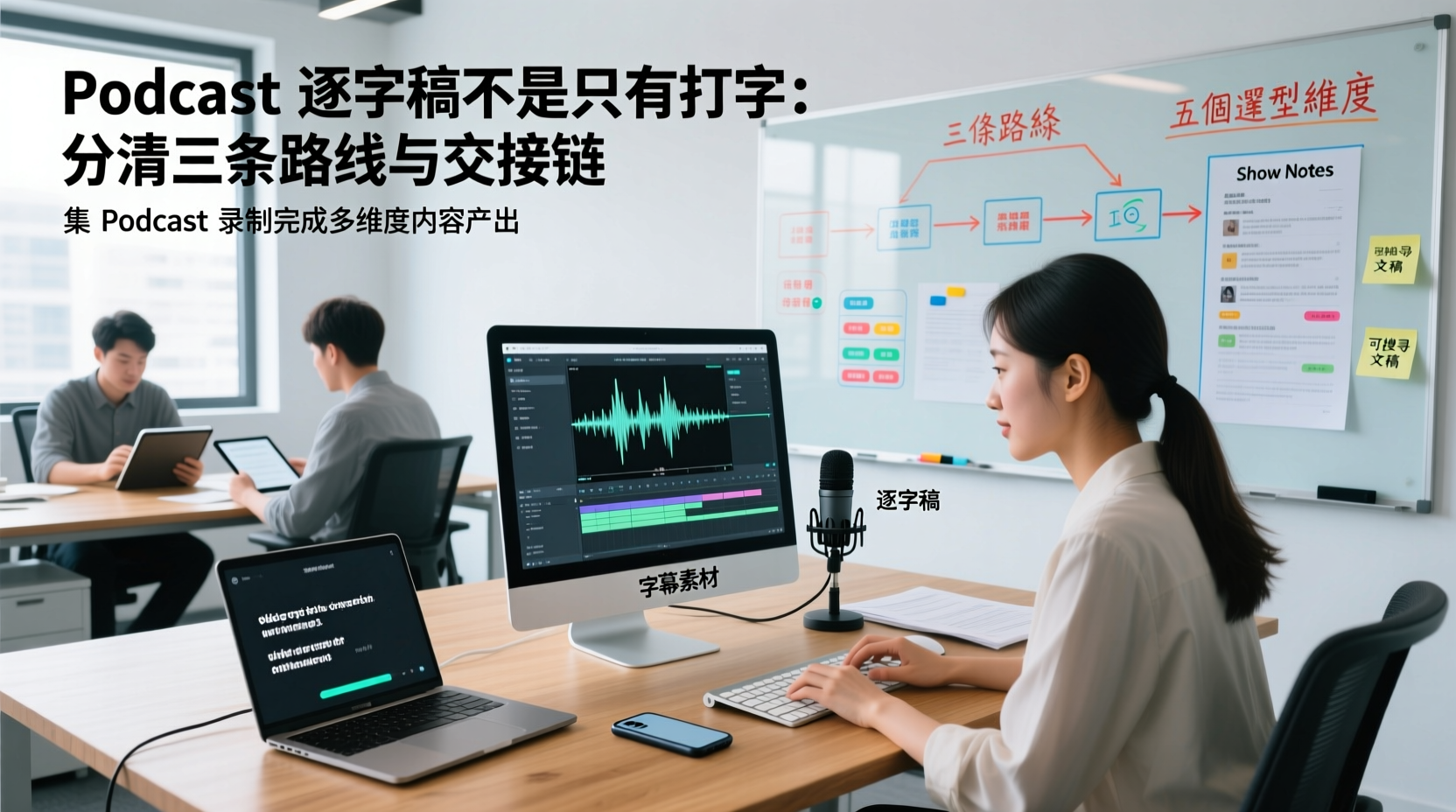
A Podcast Transcript Isn't Just Typing: Separate the Three Paths and Handoff Chain to Connect Audio to Captions, Show Notes, and Searchable Text
A finished podcast episode doesn't just need a transcript—it also needs caption assets, Show Notes, and searchable text, each with different people taking over. This article breaks down three common paths and five selection dimensions, explaining the handoff chain from audio file to each output, which fields must be filled in first, which steps still require human proofreading, and how assets are centralized, shared, and handed off in multi-person production.
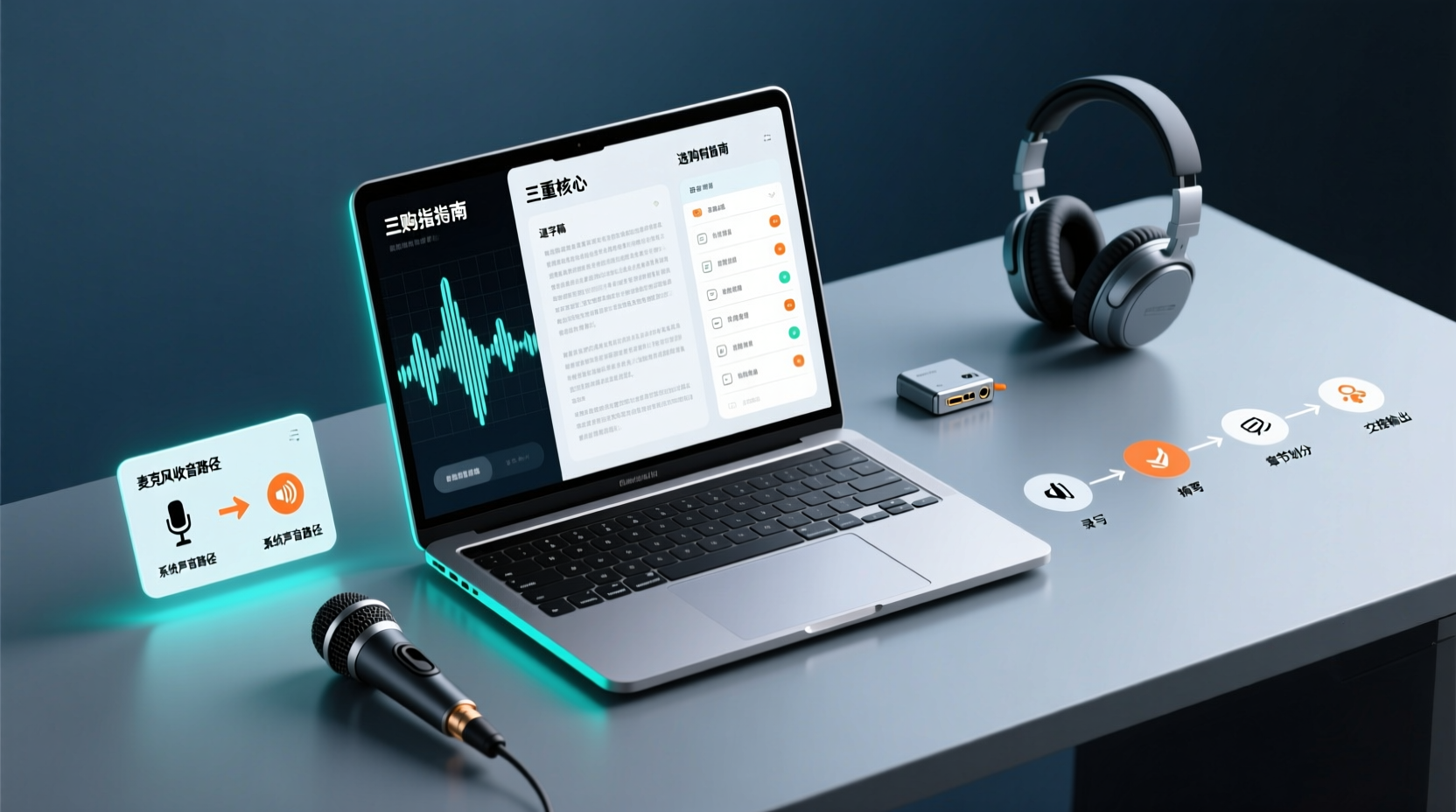
How Do You Choose PC Recording Software? First Tell Microphone Capture Apart From System Audio, Then Handle the Transcript and Action Items
Recording audio on a computer doesn't end with one button press. First determine whether your sound source is microphone capture, system audio, or an existing audio file, then verify the platform, output, and language requirements. After recording, you still have to produce the transcript, summary, chapters, and action items, and share and hand off in a team space. This article follows the order of buying decisions to explain when each path applies and where its factual limits lie.
How Should You Choose a Podcast Transcription App? Run 5 Criteria First, Then Compare Four Types of Solutions: The Workflow from Audio File to Show Notes
Between finishing a recording and publishing an episode, transcripts, segmentation, and show notes are the stages most likely to stall the production line. This article lays out 5 checkable criteria, compares four common approaches, and shows how to use Tinrec to go from an audio file to a transcript, key points, and deliverable assets — while explaining which steps require human confirmation and how a show team shares and hands off the work.
Notta vs Fireflies: How to Choose — From Meeting Capture Architecture and Chinese Bilingual Limits to Team Data Ownership, a Selection Conclusion for 5–20 Person Teams
The difference between Notta and Fireflies isn't just price and minutes — it's how a meeting actually gets recorded. This article compares the two in order: their meeting capture methods, the limits of their Chinese and bilingual experience, what you get after the transcript, and team data ownership and member handover. It then narrows the conclusion into three team selection scenarios, explaining under what conditions you should evaluate a bot-free approach like Tinrec.

What Is 'good tape vs hockey tape' Comparing? First Distinguish AI Speech-to-Text Services from Sports Tape, Then Use Four Criteria to Determine if a Meeting Transcription Tool Is Suitable
good tape and hockey tape belong to different categories, so this comparison itself does not hold. This article first clarifies the product positioning of the two, then uses four criteria—input source, language context, post-meeting deliverables, and data retention and sharing—to explain how to choose a meeting and interview transcription tool, and how Tinrec turns transcripts and action items into deliverable materials, and how team spaces share and hand over meeting records.

5 Online Meeting Transcription Solutions Compared for 2026: What to Know Before Buying Google Meet
Before you buy Google Meet, do you understand the difference between the free version and paid Workspace? This article compares 5 online meeting transcription solutions, including Google Meet, Tinrec, Otter.ai, Notta, Granola, and PLAUD, breaking down pricing, Chinese language support, post-meeting organization, and team collaboration to help you choose the right solution without paying for features you won't use.

How to Use Google Meet On-the-Go in 2026: A 5-Step Guide
Complete guide to Google Meet On-the-Go mode: learn how to join meetings on the move in 5 steps, and how Tinrec fills the gap in meeting notes and organization so you never miss important to-dos.
5 Google Meet Note-Taking Tools Tested and Compared for 2026: How to Keep Meeting Records After Downloading
Downloading Google Meet takes only 30 seconds, but the real challenge is keeping meeting content after the download. This article covers three ways to download Google Meet on Android, iOS, and computer, then compares 5 tools that turn meetings into usable data, including Tinrec with bot-free recording and AI chat queries, Google Meet built-in transcription, Otter.ai, Notta, Granola, and TurboScribe. Finally, it provides clear recommendations based on budget and use cases.

Google Meet India Pricing in 2026: 4 Plans Compared — Costs, Limits, and How to Choose Meeting Notes
Google Meet in India isn't a standalone subscription — it comes with Google Workspace plans. This article breaks down the price differences, participant limits, and meeting notes restrictions across Free, Base, Starter, Standard, and Enterprise, and explains how Tinrec fills the gap for post-meeting transcripts, summaries, action items, and team knowledge retention.