
Turn recordings into transcripts and summaries in minutes
Upload audio or video for multilingual transcription, AI notes, and action items
The Three Stages Where Transcription Most Often Stalls a Podcast Between Recording and Release
Finishing a recording does not mean an episode is ready to publish. What usually stands in between is not editing, but transcription, segmentation, and show notes.
The common scenario: a 50-minute episode, published once a week. Just listening through it again eats up a solid block of time, and whenever you hit a line worth keeping you have to stop and copy it down. By the time the transcript actually arrives, you still have to split it into sections, mark time codes, pick the standout quotes, and write the show notes. If your show divides planning and editing between people, those files have to change hands yet again. This is usually where the whole production line gets stuck.
This article addresses a decision: how to choose a podcast transcription app. The recommended order goes like this — start with your show's format, then check your options against five criteria one by one, and only then decide which type of solution to use. This article does not run hands-on tests, and it does not cite unverified accuracy rates or processing times; all product capabilities are based on verifiable information.
Breaking it down first: a show's production line usually gets stuck in three places.
| Stage | Common Bottleneck | What You Need Before Publishing |
|---|---|---|
| From finished recording to a transcript | Re-listening and typing consume entire blocks of time; with multi-person conversations you cannot tell who is speaking | A transcript with speakers and time codes |
| From transcript to usable material | A transcript of tens of thousands of words with no sections or headings, so no quotable lines can be found | Sections, chapter titles, standout quotes, and timestamps |
| From material to handoff | Audio files, transcripts, and show notes scattered across different people's devices | The planner, editor, and host all receive the same version of the material |
These three stages are connected: if the first is not done well, the second has no raw material; if the second is not done well, the third depends entirely on people copying and pasting. So when choosing a tool, do not just ask “how accurate is the transcription” — ask “can it connect these three stages?”
Before Choosing a Podcast Transcription App, Confirm These 5 Criteria
Each of the five items below can be verified during a trial using an audio file from one of your own episodes — no need to rely on someone else's ratings.
| Criterion | What to Check | Impact on Show Production |
|---|---|---|
| Long audio files and file formats | Whether you can import an already-recorded episode file, and what limits exist on file length and format | Determines whether long shows need to find a separate approach |
| Mixed-language speech and multi-person conversations | How overlapping speakers, back-and-forth interviews, recurring show terminology, and names are rendered | Directly affects whether the transcript is usable |
| Time codes and sections | Whether the transcript includes time positions and whether you can carve out a chapter structure | Determines how smoothly editing alignment and subtitle production go |
| Exportable formats | Whether you can export to a document, or bring it into an existing writing and editing workflow for further editing | Determines whether it can plug into your production line |
| Data storage and sharing | Where files are stored, who can see them, and who owns the data when staffing changes | Determines whether show data disappears when a person leaves |
Among these five, the first two determine whether the transcript is usable; the third and fourth determine whether it can plug into an existing workflow; the fifth determines whether the data survives a change in personnel. Do not reverse the order — confirm your input conditions first, then talk about outputs and storage.
Option One | Tinrec: A Workflow from Audio File to Transcript, Key Points, and Deliverable Assets
The conclusion first: if what you need is not just “a block of text” but the ability to keep producing show assets after the transcript, the Tinrec (秒聽錄音) route is worth adding to your trial list. It turns imported audio files or live recordings into a transcript, then generates summaries, chapters, key points, and action items from there, and supports exporting to tools such as Notion, Google Docs, OneNote, and Dropbox for further editing.
Run through it once and the workflow looks roughly like this:
1. Import an already-recorded episode audio file, or use live recording to convert speech to text during an interview.
2. Get the transcript, with summaries and chapters generated by the system, so you do not have to scroll a long episode from start to finish.
3. Use AI Q&A to ask follow-up questions about the transcript content, for example, “What were the three approaches the guest mentioned at the 20-minute mark?”
4. Export the results as a document, or keep generating downstream assets.
Then comes the part podcast production needs most: Tinrec's AI assistant (Agent) takes the key points and works them further, based on the transcript and context, into usable outputs such as a show notes draft, social post material, a guest quote list, an action plan, a report, or a table. The difference here is that traditional transcription tools stop at the transcript and summary, and the work after that falls back to people; the AI assistant picks up the organizing and producing that comes after the transcript.
Here is a fictional teaching example: after recording an interview episode, import the audio file to get the transcript and chapters, then have the AI assistant organize a show notes draft and three social post angles from the transcript. After receiving the draft, the host checks the guest's title, company name, and every figure mentioned in the episode line by line before scheduling it for release. The example is meant to illustrate the workflow and is not a real case.
The boundaries need to be stated clearly: Tinrec does not promise a fixed accuracy rate, and transcript quality is affected by recording quality, accents, overlapping speakers, and specialized terminology. Guest names, figures, quoted lines, and public commitments must be checked against the recording or the transcript before publishing or releasing externally. AI-generated content must also be confirmed by a person before it is used externally.
Stop organizing recordings by hand
Upload audio or video and automatically get a transcript, summary, and action items
Option Two | Built-in Platform Captions and Editing Software Transcription: A Fallback for Already-Recorded or Already-Published Episodes
If your show is already published, or you just want to add a readable transcript to a particular episode, the platform's built-in features are a good place to look first.
Starting with iOS 17.4, Apple added a transcription feature to Apple Podcasts, making it easier for listeners to read and search episode content. Spotify also offers an “Episode Transcript” button on episode playback pages, with the transcript displayed in sync with the audio. These kinds of features are a big help for accessibility on the listener side. (Sources: Apple Podcasts official documentation, Apple Newsroom, and a roundup by 窩 World)
But their positioning is different: this is a playback-side reading experience, not a production-side workflow tool. Whether you can export, fix typos, or use it to check edits and create subtitles depends on the platform itself. For a self-produced podcast's transcription workflow, these features can mostly only serve as a patch—they can't be your main process.
Option 3 | Pure File Transcription Tools: The Trade-offs of Large Long Audio Files and Batch Processing
Another route is pure file transcription tools, which focus on long files, batch uploads, subtitles, and translation.
These tools are suited for processing a large backlog of past episodes in one go, or converting all old files to text when you rebrand your show. The trade-off is the depth of the output: most of these tools stop at transcripts and subtitles, and don't necessarily provide the chapter segmentation, show notes assets, and sharing mechanisms that a podcast workflow needs. Single-file duration and upload counts also often have limits, so you need to test with your longest episode during a trial rather than just reading the plan description.
Before choosing, verify these: the single-file limit, batch quantity, export formats, and how the transcribed file will be handed off to the next person.
Option 4 | General-Purpose Large Language Models and Free Transcription Sites: The Boundaries of Low-Cost Solutions
Using a general-purpose large language model or a free transcription site to handle transcripts is the lowest-cost option, suited for occasional episodes or when you just want to quickly scan a text version.
There are four boundaries to confirm first: the duration and file size limits per session; whether the free service's retention policy for uploaded content is clear; whether the data generates a public link; and the consistency of recognizing technical terms and names.
There's also a non-technical issue: if the interview content includes information a guest hasn't made public, you shouldn't upload it to an unauthorized service. Recording and transcription must comply with local regulations, and you should obtain guest and interviewee consent when needed.
Solo Host, Interview Show, or Has an Editing Team: How to Choose Across Three Scenarios
The same set of criteria carries different weight across the three types of shows.
| Show Type | Main Bottleneck | Priority Criteria to Verify | Solution Approach |
|---|---|---|---|
| Solo host who also plans | Time gets eaten up by transcription | Long audio files and file formats, exportable formats | Prioritize a workflow that turns audio directly into usable text |
| Interview show | Multi-person conversation, mixed Chinese and English, names and titles | Language and recognition conditions, human verification | Need speaker labels and time codes, plus the original text for verification |
| Has an editing team | Versions and handoffs | Time codes and segments, storage and sharing | Need a shared workspace to ensure everyone gets the same version of assets |
There's one more easily underestimated aspect of interview shows: recurring terms, brand names, and guest names that get transcribed wrong every time, turning proofreading into a word-by-word hunt for errors. These kinds of repetitive errors aren't solved by a stronger model—they're solved by a well-maintained glossary.
After the Transcript: Handoffs and Data Accumulation for Show Notes, Subtitles, and Social Media Assets
What actually gets handed off from a transcript usually isn't that 10,000-word raw text—it's four things: a set of show notes, a subtitle asset that matches the audio track, a few usable social media post assets, and a list of segments and timestamps for the editor. Each of these assets goes to a different person, and how you hand them off determines whether they get scattered before launch.
If your show already involves more than one person, this is what Tinrec's Team Edition is built to handle. Team Edition isn't multiple people sharing a single personal account—it's a separate team collaboration workspace. Here are two real-world steps to illustrate.
Step 1 | Collect Each Episode's Audio Files and Transcripts into One Team Workspace
The original obstacle: the audio file is on the host's phone, the transcript is on the planner's cloud drive, and the editor has an older version—and you only discover the mismatch right before launch. The approach is to have the team workspace centrally store each episode's audio and related materials, so anyone who needs them can access them in the same place. Even when members change, team resources belong to the team, so resources owned by departing or removed members can be handed off to other members—data doesn't disappear when an individual leaves. The result: the planner, host, and editor are aligned on the same latest version, reducing back-and-forth confirmations about “which version is the final one.”
Step 2 | Maintain Team Custom Vocabulary to Consolidate Repetitive Proofreading Work
The original obstacle: guest names, brand names, and industry terms that recur in the show have to be proofread again every episode. The approach is to maintain a team custom vocabulary in Team Edition, centrally managing the show's frequently used terms to improve the recognition experience for specialized words. The result: the proofreading burden on transcripts decreases, and the planner can spend time on content judgment instead of hunting for errors word by word. One caveat: team custom vocabulary improves the recognition experience, but it doesn't mean you can skip human verification—names, numbers, and quoted sentences still need to be confirmed against the recording.
The team workspace only becomes meaningful when connected to the AI assistant: the AI assistant organizes a first draft of show notes, post assets, and to-dos from the transcript, which go into the team workspace for the planner and editor to take over. Each episode's outputs stay in the same place, so you don't have to dig through chat logs to find references for the next episode. Important commitments, externally published content, and key facts should still be confirmed by a human before publishing. Also, Team Edition currently focuses on team-level sharing—members can view, play, and read team materials, but this isn't the same as file-level individual permission controls.
If your show has grown from a one-person operation to a division of labor among two or three people, you can start with one team workspace and one team custom vocabulary list, building up each episode's transcripts and show notes instead of hunting for files and rechecking versions every episode.
Data and Sources
- Apple Podcasts' “Transcripts” feature
- Convert Podcast to Text | Transcribe App & Online Editor
- A Look at Podcast Transcripts: Did You Know Apple Podcast and Spotify Podcast Can Display Transcripts in Real Time? | 窩 World
- Apple Launches Apple Podcast Transcript Feature
- Learning English from Apple Podcasts' Transcripts – Peter Pan's Swift iOS / Flutter App Development Classroom
Product capabilities and plan details are subject to the information on Tinrec's official page and official purchase page.
Turn every recording into actionable outcomes
Get 60 free transcription minutes when you sign in. No credit card required.
Related Reading
You might also like

5 Best Notta Alternatives in 2026: Real-World Comparison for Chinese Meeting Notes and Team Knowledge
Notta's free plan only records 3 minutes per session. Before switching, what should you consider? This article compares Notta alternatives like Tinrec, Otter.ai, Fireflies.ai, and Granola from four angles: Chinese meeting transcription, bot-free recording, post-meeting AI Q&A, and team knowledge retention. We also highlight the three most common pitfalls to help you find the right meeting tool.

4 Best Good Tape Alternatives in 2026: Hands-On Comparison for Chinese Meeting Notes and Team Knowledge Sharing
Good Tape is free, secure, and easy to use—great for journalists and individual users. But it may not meet the needs of Chinese-language meetings, online meeting recording, and team data sharing. This article compares four alternatives—Tinrec, TurboScribe, Notta, and Granola—covering Chinese recognition, meeting recording methods, post-meeting output, audio file storage, team governance, and pricing, to provide a practical guide for US users.

2026 Tinrec vs Notta, Otter, Fireflies: Multilingual Transcription + Team Collaboration in One Place
Notta, Otter, and Fireflies each have their strengths, but mixed-language meetings, avoiding an extra bot participant, and post-transcription organization and team knowledge retention are often where users get stuck. This article focuses on Tinrec, covering language support, meeting recording methods, post-meeting outputs, team collaboration, and pricing, to help you choose.

2026 Notta Free Alternative Guide: How Tinrec Handles Chinese Meeting Notes and Team Collaboration
Looking for a free Notta alternative? This guide compares Tinrec and Notta for Chinese meetings, bot-free recording, post-meeting organization, and team collaboration. It covers Tinrec's features, use cases, buying tips, and free version testing advice.

2026 AI Meeting Notes Comparison: Notta vs Otter vs Tinrec — Which Should You Choose?
What's the difference between nada and notta? If you're actually looking for an AI meeting notes tool, the real choice is between a 'meeting bot' and 'bot-free desktop recording.' This hands-on comparison of Notta, Otter.ai, TurboScribe, and Tinrec covers how meetings are captured, post-transcription processing, Chinese-language experience, and team data ownership to help you decide which fits your meeting scenario best.
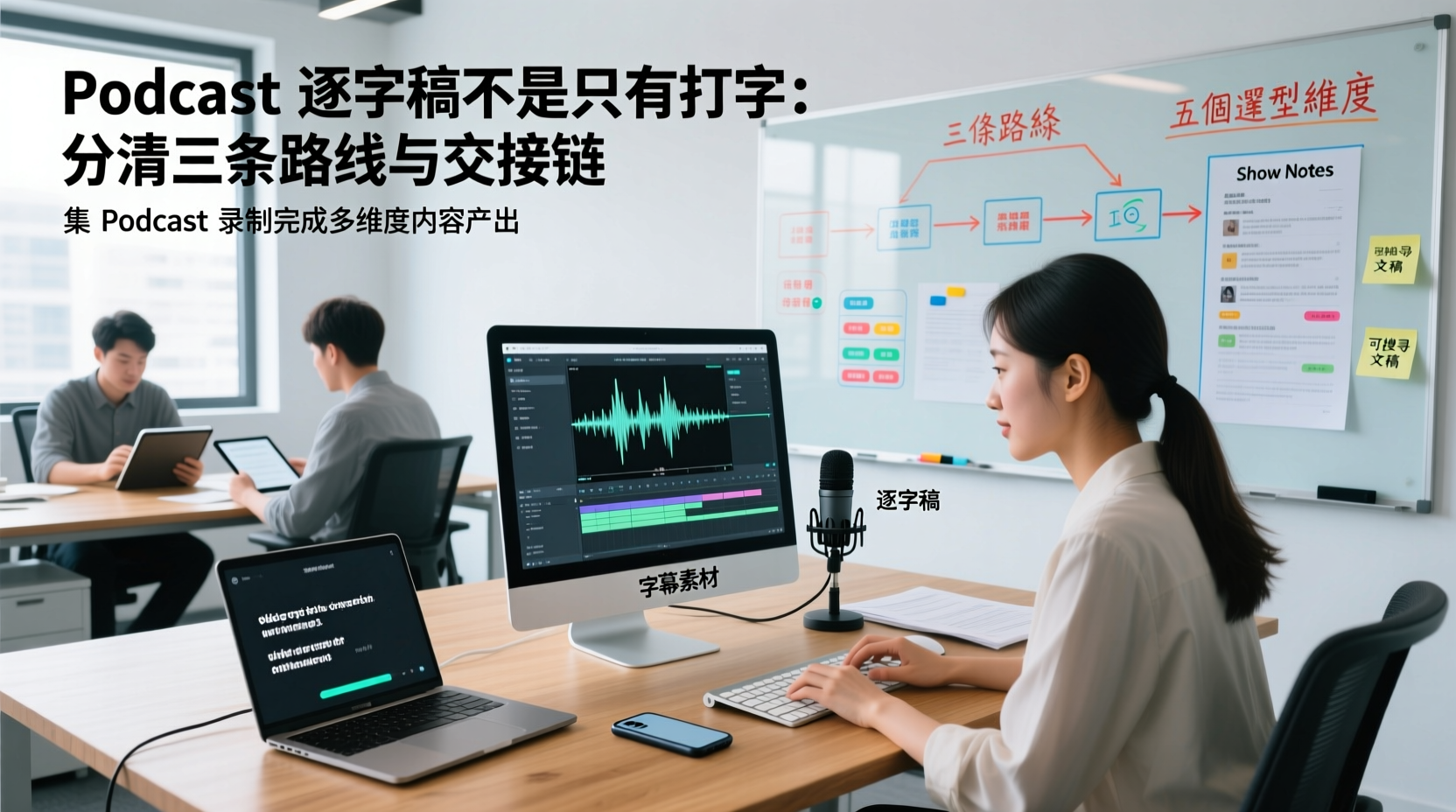
A Podcast Transcript Isn't Just Typing: Separate the Three Paths and Handoff Chain to Connect Audio to Captions, Show Notes, and Searchable Text
A finished podcast episode doesn't just need a transcript—it also needs caption assets, Show Notes, and searchable text, each with different people taking over. This article breaks down three common paths and five selection dimensions, explaining the handoff chain from audio file to each output, which fields must be filled in first, which steps still require human proofreading, and how assets are centralized, shared, and handed off in multi-person production.
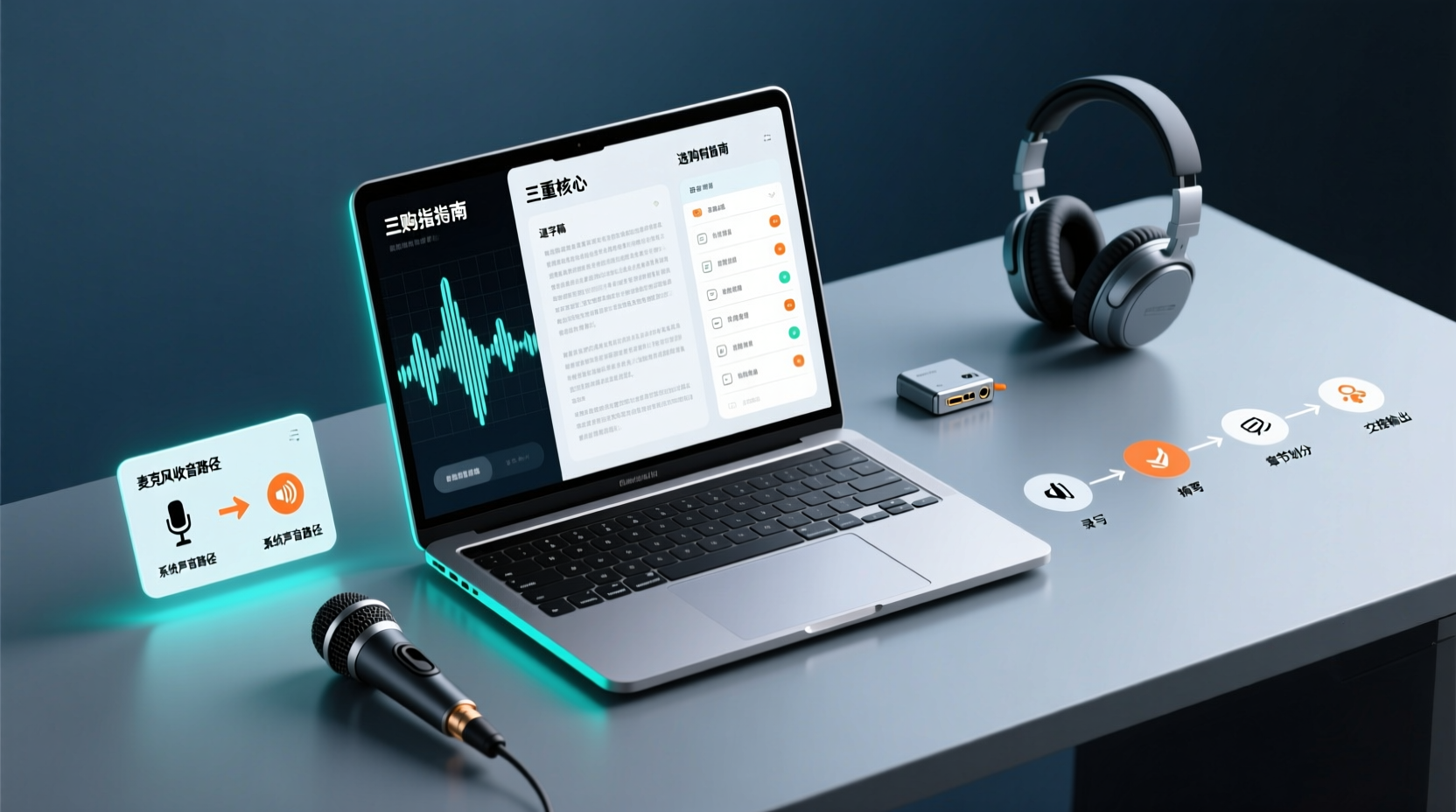
How Do You Choose PC Recording Software? First Tell Microphone Capture Apart From System Audio, Then Handle the Transcript and Action Items
Recording audio on a computer doesn't end with one button press. First determine whether your sound source is microphone capture, system audio, or an existing audio file, then verify the platform, output, and language requirements. After recording, you still have to produce the transcript, summary, chapters, and action items, and share and hand off in a team space. This article follows the order of buying decisions to explain when each path applies and where its factual limits lie.
Notta vs Fireflies: How to Choose — From Meeting Capture Architecture and Chinese Bilingual Limits to Team Data Ownership, a Selection Conclusion for 5–20 Person Teams
The difference between Notta and Fireflies isn't just price and minutes — it's how a meeting actually gets recorded. This article compares the two in order: their meeting capture methods, the limits of their Chinese and bilingual experience, what you get after the transcript, and team data ownership and member handover. It then narrows the conclusion into three team selection scenarios, explaining under what conditions you should evaluate a bot-free approach like Tinrec.

How to Choose a Budget Voice Recorder: Check 4 Specs, Avoid 3 Pitfalls, and Calculate the Real Transcription Cost After Recording
Shopping for a voice recorder on a budget of a few hundred to NT$2,000? First understand where cheaper models cut corners, how to evaluate 4 key specs, how 3 common setups compare, and the practical workflow for turning recordings into transcripts, key points, and action items using free quotas.