

Turn recordings into transcripts and summaries in minutes
Upload audio or video for multilingual transcription, AI notes, and action items
4 Best Free Transcription Tools in 2026: Free Tier Limits and Chinese Recognition Compared
Search "transcription" on the App Store and everything says it's free—but can the free version really handle a full meeting transcription?
Two-hour meetings followed by two hours of organizing transcripts—that's the daily grind for many professionals. The real headache comes when you look for free tools: after downloading, you discover the free tier only gives you a few minutes, single uploads can't exceed ten minutes, or Chinese recognition errors are so high you have to retype everything manually. This article isn't about "which tool is the best"—it's about helping you figure out: on a free plan, which tool can actually complete the transcription and organization of a meeting, interview, or class recording? Choose the right tool and you'll save hours of typing; choose the wrong one and you've just swapped typing time for proofreading time.
Before Choosing a Free Transcription Tool, Understand These 4 Key Points
- The "real limits" of free tiers: Many tools claim to be free but restrict single-session length or file count. For example, Notta's free plan offers 120 minutes per month but only 3 minutes per session; TurboScribe's free plan allows 3 files per day with a 30-minute limit per file. What matters is whether it can handle your meeting length in one go.
- Chinese and mixed Chinese-English recognition: Free tools vary greatly in Chinese support. If your meeting includes technical terms or mixed Chinese-English, recognition rates drop noticeably. Test with your own recordings rather than relying on official accuracy claims.
- Can you use the transcript afterward? Getting a transcript alone isn't enough. Can it automatically generate summaries, chapters, and action items? Can you use AI Q&A to find key points? This determines whether you save "typing time" or "organizing time."
- Cross-platform and file retention: Recording on your phone and organizing on your computer is the norm. If a tool doesn't support cross-platform use or doesn't retain original audio files, verifying details later becomes a hassle.
Tinrec—Experience a Complete Meeting Workflow on the Free Plan
Tinrec is an AI meeting notes and collaboration tool for individuals and teams, available on iOS, Android, and web. It doesn't just convert speech to text—it turns meeting recordings into searchable, summarizable, queryable, and exportable data.
In practice, you can do three things with Tinrec. First, real-time recording and transcription: open Tinrec during a meeting, and it transcribes as it records, automatically generating summaries, chapters, and action items—who's responsible for what and by when, all clear. Second, bot-free desktop recording for online meetings: by capturing your computer's system audio, it handles Zoom, Google Meet, Microsoft Teams, Webex, and more without inviting a meeting bot. Third, AI Q&A: after recording, you can ask Tinrec directly, "Who mentioned the budget in the last meeting?" It doesn't just return keyword search results—it answers based on semantic understanding. This is rare among competitors at the same price point.
Tinrec also supports audio and video file transcription, real-time translation, multiple export formats, and Agent post-processing to generate reports, tables, and documents. The team plan offers team spaces, member and seat management, usage analytics, and audit logs, turning meeting data into a team asset.
Stop organizing recordings by hand
Upload audio or video and automatically get a transcript, summary, and action items
As for the free plan, Tinrec provides basic quota to experience recording, importing, summaries, and transcription. For those who meet 2-3 times a week, you can start with the free plan to test. If usage increases, consider a weekly pass or Pro plan. Limitations: the free plan has limited quota, and heavy users need to pay; also, actual recognition is affected by recording quality, noise, accents, and overlapping speakers—for important content, verify with transcript timestamps and audio playback.
Who it's for: Those who need Chinese meeting notes, want to use AI to find key points right after recording, or use both phone and computer.
Besides Tinrec, What Other Free Options Are There?
Otter.ai: The top choice for English meetings. Its free Basic plan offers 300 minutes per month—quite generous. But its support for Chinese and Cantonese is weak. If you mainly record English content, Otter is a more cost-effective choice than Tinrec. However, it lacks Tinrec's bot-free desktop recording for Chinese meetings and doesn't focus on Chinese meeting data retention.
Notta: A multilingual transcription tool. The free plan offers 120 minutes per month, but single sessions are limited to 3 minutes—not ideal for long meetings. The Pro plan costs about USD 8.17/month billed annually, with 1800 minutes per month. Notta's strengths are file transcription and translation; but Tinrec offers bot-free online meeting recording, team spaces, and AI Q&A—features that Notta's free plan struggles to cover.
Granola: A bot-free AI meeting notes tool with a free Basic plan. It transcribes in real-time via desktop system audio and combines handwritten notes to generate content. However, Granola doesn't support uploading pre-recorded audio files and doesn't save meeting audio. If you need to keep recordings, import historical files, or need Chinese real-time translation and team data management, Tinrec is more suitable.
Pitfall Guide: 3 Most Common Mistakes When Choosing a Free Transcription Tool
Pitfall 1: Only looking at free quota, not single-session limits. Some tools give you hundreds of minutes per month but only allow 3 or 10 minutes per session. If your meeting lasts an hour, the free version is essentially unusable. Correct approach: First confirm the maximum length per upload or recording.
Pitfall 2: Ignoring real-world Chinese recognition performance. Official accuracy claims are usually measured in quiet environments. Real meetings have air conditioning noise, keyboard sounds, and people talking over each other—recognition rates drop. Correct approach: Test with your own recordings, don't just look at ads.
Pitfall 3: Treating transcription tools as just "text conversion." If you only get a transcript, you still have to manually organize summaries and action items. With Tinrec's AI Q&A—just ask "What was the meeting conclusion?" after recording—it's much faster than manually scanning a 30-minute transcript. You can experience this workflow on the free plan, so it's worth trying.
Conclusion: Which One Should You Choose?
Need Chinese meetings plus bot-free online meeting recording → Tinrec (Chinese experience, desktop captures system audio directly) Want to use AI Q&A to find key points right after recording → Tinrec (supports follow-up questions about meeting content) Cross-platform use (phone + computer) and need to keep recordings → Tinrec (iOS, Android, web, supports file import) Zero budget, only record English meetings → Otter.ai (free Basic 300 minutes/month, cost-effective for English) Need bulk file transcription, don't care about live meetings → Notta or TurboScribe (but note single-session length limits)
We recommend starting with Tinrec's free plan and testing it for one or two meeting transcriptions using the basic quota. If it meets your needs, consider upgrading; if not, at least you know the real boundaries of free tools.
References
- No time limit! 3 free AI transcription tools, highly recommended! AI voice notes generate meeting minutes, presentations, mind maps | 104 Workplace
- Yating Transcription
- [AI Voice Notes] 5 highly recommended AI speech-to-text tools! Generate transcripts and meeting highlights, free vs subscription, pros and cons | 104 Workplace
- SubEasy.ai: Accurate Automatic Transcription & Translation Services
- Want to transcribe audio files for free? 5 must-try transcription tools to get it done fast
Turn every recording into actionable outcomes
Get 60 free transcription minutes when you sign in. No credit card required.
Related Reading
You might also like

5 Video Conferencing Software Compared in 2026: How to Choose Between Zoom, Teams, Meet, and Tinrec
We tested and compared Zoom, Microsoft Teams, Google Meet, and other video conferencing platforms, analyzing post-meeting organization pain points. Tinrec desktop version requires no meeting bot—it directly records system audio, instantly transcribes, summarizes, extracts action items, and even offers AI Q&A and team collaboration.

How to Download Zoom Meetings in 2026: Tinrec Bot-Free Transcription + AI Summary
Many people search for "Zoom meeting download" but overlook the cost of post-meeting organization. This article uses Tinrec as an example to show how to record Zoom and other online meetings without a meeting bot, automatically generate transcripts, summaries, and action items, and turn meetings into team knowledge.

How to Record Zoom Meetings in 2026: 5 Steps from Recording to AI Summary
Zoom makes meetings easy, but post-meeting organization is the real pain point. This guide covers 7 solutions that turn Zoom meetings into transcripts, summaries, and action items—from Zoom's native recording, Otter, Fireflies, Notta, and Granola to Tinrec and PLAUD recording hardware—with pricing and ideal use cases, plus a 5-step workflow from recording to AI summary.

3 Ways to Share iPhone Voice Memos in 2026: Which One Will They Actually Listen To?
Sharing an iPhone recording with someone is really two different choices: sending a file or sending the content. This guide breaks down three common methods, five key questions to ask before sharing, and shows how Tinrec turns an iPhone recording into a transcript, summary, and to-dos that people will actually read.

2026 Comparison of 4 Meeting Transcription Tools: Who Saves the Most Time After Adding a Meeting to Teams Chat?
Many people think that adding a meeting in a Teams chat means the meeting notes are taken care of. This article addresses the real pain points of post-meeting organization, explaining how bot-free recording, real-time transcription, AI summaries, and action items fill the gap after the meeting, and covers Tinrec Personal and Team plan pricing, limitations, and use cases.

Zoom Meeting Download Guide 2026: From Install to Meeting Notes
Looking to download Zoom? This guide starts with the official download channels, then compares Zoom's built-in recording with Tinrec across 5 dimensions—transcripts, Chinese recognition, post-meeting organization, data retention, and student budget analysis—to help you decide which one to install.

2026 Meeting App Comparison: Zoom Built-in Transcription vs Tinrec — Which Saves More Time?
Is Zoom's built-in AI summary enough for your meetings? This article compares Zoom Workplace and Tinrec across five dimensions—recording methods, post-meeting organization, Chinese language experience, team governance, and legacy file handling—to help you decide which one to use.

iPhone Recording Not Playing Back? 2026 Complete Guide: From Troubleshooting to Fixing It with Tinrec
Can't hear your iPhone recordings? It's not necessarily a broken device. This guide breaks down common misconceptions and inefficient approaches, showing you how Tinrec's instant recording transcription solves the 'recorded but can't hear it' problem at the source—covering real-time transcription, AI summaries, action item extraction, and team collaboration.
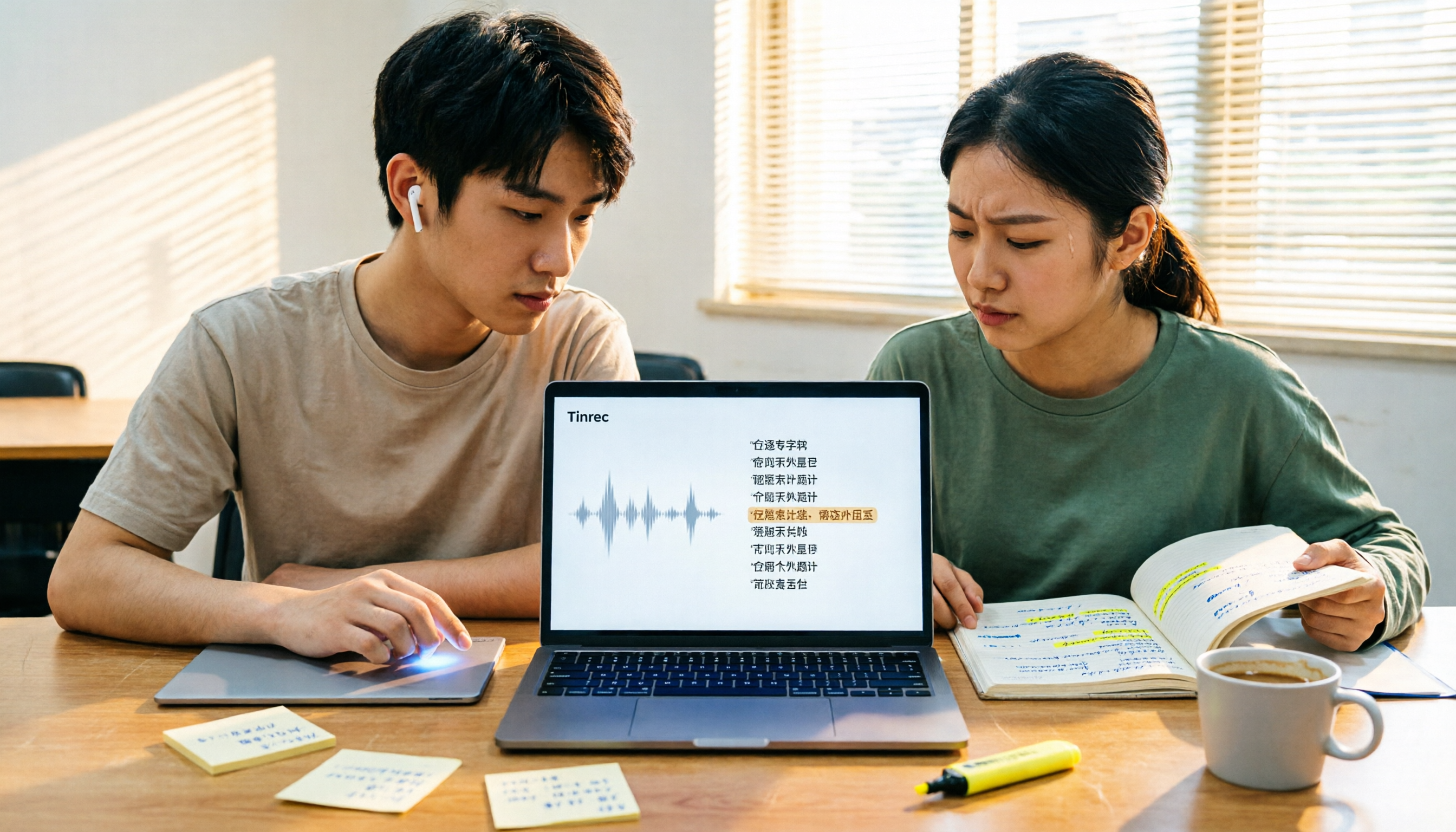
4 Best Transcription Tools for Students in 2026: Free Tier Comparison
From classroom recordings to handwritten note disasters, we tested Tinrec, Otter.ai, Notta, and PLAUD Note from a student's perspective, comparing free tiers, Chinese recognition, post-recording outputs, and whether group projects need team plans.