

Turn recordings into transcripts and summaries in minutes
Upload audio or video for multilingual transcription, AI notes, and action items
Tinrec vs Granola 2026: 5-Dimension Comparison for Chinese Meetings
Morning stand-up, afternoon client call, and a recap before clocking out—this is the daily routine for many office workers. The killer isn't the meeting itself, but having to build meeting notes from scratch afterward: listening to recordings, typing transcripts, extracting key points and action items. By the time you're done, it's dark outside, and that's how overtime happens. That's why "AI meeting agents" are so popular now. Today, I'm putting Tinrec and Granola head-to-head in a 5-dimension comparison to see which one is better for Chinese meeting scenarios.
Meetings Are Easy, Note-Taking Is Hard—You Need a Solution, Not Just a Recorder
Scenario 1: You type during the meeting, but end up doing both poorly. Your notes are fragmented, and afterward you have to ask colleagues, "Who mentioned the budget earlier?"
Scenario 2: You recorded the meeting, but it's just an audio file. To find a specific decision, you have to drag the timeline or listen again. A 30-minute meeting takes another 30 minutes to review.
Scenario 3: Team meeting notes are scattered across everyone's phones and chat logs. When someone leaves, the data disappears with them.
These problems aren't just about whether you have a recording—it's about whether you have a searchable, queryable, and transferable meeting database. Choosing the right tool can directly save you an hour of overtime every night.
Before Choosing an AI Meeting Agent, Understand These 5 Key Points
1. Capture method: Do you need to add a bot to the meeting? Traditional meeting bots join Zoom, Meet, or Teams as a "participant." They can be kicked out by the host, and some enterprise accounts don't allow external apps to join. Another approach is desktop capture of system audio, which doesn't require an extra participant.
2. Post-meeting output: Just a transcript, or summaries and action items too? Transcripts are just raw material. What you really need are summaries, chapters, key points, action items, and ideally the ability to ask questions directly about the meeting content.
3. Chinese and multilingual: Does it handle mixed Chinese-English meetings? Hong Kong meetings often mix Chinese and English, plus company jargon. So you need to check if the tool supports Chinese, multilingual transcription, real-time translation, and custom team hotwords.
4. Cross-platform and import: What about old meeting audio files? Can mobile, desktop, and web versions work together? Can you upload existing audio or video files? Some tools only do live meetings and don't accept pre-recorded files, so they won't help with organizing historical recordings.
5. Team data retention: Who owns the data? Do recordings, transcripts, and action items belong to individual accounts or team spaces? Are there roles, seats, usage limits, and audit logs? For departments or corporate clients, this is more important than monthly minutes.
Tinrec—The Top Choice After Testing
Tinrec is an AI meeting notes and collaboration tool for individuals and teams, covering iOS, Android, desktop, and web. Its positioning goes beyond "recording to text"—it turns meetings into searchable, collaborative, and actionable team data.
In practice: During online meetings, open Tinrec desktop, and it captures system audio without needing a bot to join. It works with Zoom, Google Meet, Microsoft Teams, and Webex, generating live transcripts. For offline meetings, use mobile or desktop for live recording. After the meeting, AI automatically generates summaries, chapters, key points, and action items, showing who is responsible for what and when it's due.
Another rare feature at this price point is AI Q&A. After recording, you can directly ask, "Who mentioned the budget in the last meeting?" It doesn't just return keyword search results—it gives answers based on semantic understanding. For those who review old meetings several times a month, this is more valuable than the transcript itself.
I tested a 5-minute recording with mixed Chinese-English, air conditioning noise, and keyboard sounds: the transcript aligned with timestamps, and the summary captured decisions and action items. The official does not promise a fixed accuracy rate; actual performance depends on recording quality, noise, accents, and overlapping speakers. Keep this in mind before buying.
Stop organizing recordings by hand
Upload audio or video and automatically get a transcript, summary, and action items
Pros:
- Bot-free recording for online meetings, no fear of being kicked or platform restrictions.
- Complete post-meeting workflow: summaries, action items, AI Q&A, translation, export to Notion, Google Docs, OneNote, Dropbox, etc.
- Smooth experience for Chinese and mixed Chinese-English meetings, supports real-time translation and team hotwords.
- Team version has independent spaces, member and seat management, usage analytics, audit logs, and audio recycle bin.
Limitations: Free version is basic only; heavy users need to upgrade. File import and live recording have separate quotas; check which usage applies to you before buying.
Who it's for: Those who frequently handle Chinese or mixed Chinese-English meetings, don't want bots in meetings, want to use AI to find key points afterward, or need to share meeting data with a team.
Besides Tinrec, What Other Options Are There?
Granola: Also a bot-free AI meeting notes tool that combines your handwritten notes to generate summaries. Basic is free, Business is USD 14/user/month. However, it doesn't support uploading pre-recorded audio files and doesn't save meeting audio—if you want to keep recordings for later review or archiving, think carefully. Tinrec supports retaining recordings and importing audio/video.
Otter.ai: A veteran choice for English business meetings. Basic is free with 300 minutes/month, Pro annual is USD 8.49/user/month. Note that its strengths are mainly in English scenarios; Chinese meetings and mixed Chinese-English content are not its forte. Tinrec supports Chinese transcription, real-time translation, and team hotword management, making it smoother for Hong Kong teams.
Notta: A transcription tool with high overlap with Tinrec. Free is 120 minutes/month (max 3 minutes per session), Pro annual is USD 8.17/month, Business annual is USD 16.67/seat/month. It excels in multilingual transcription and subtitles, but post-meeting AI Q&A, Agent post-processing, and team data retention are where Tinrec pulls ahead.
Pitfall Guide: 3 Most Common Mistakes When Choosing an AI Meeting Agent
Pitfall 1: Trusting advertised accuracy rates. Studio environments and real meeting rooms are different. Air conditioning, keyboard sounds, and multiple people talking over each other will lower performance. The right approach is to test with your own meeting recordings to see if it keeps up with jargon and names.
Pitfall 2: Assuming all tools save your recordings. Some tools only do live transcription, don't save audio afterward, and don't accept old files. If you need to organize historical meetings or interview recordings, ask clearly about this.
Pitfall 3: Treating it as just a typewriter. If you only use it to manually check transcripts, you're using only one-third of its capabilities. Summaries, action items, AI Q&A, and export workflows are where AI meeting agents save time.
Pitfall 4: Confusing "members can view" with "members can edit." Team tools usually have roles and seats. Members without seats can view and play but cannot upload, edit, or export. Understand the governance model before buying; don't expect file-level permissions.
Conclusion: Which One Should You Choose?
Need Chinese or mixed Chinese-English meeting transcription, and bot-free recording for Zoom, Meet, Teams → Tinrec. Want to use AI to ask for key points and extract action items after recording → Tinrec (AI Q&A and Agent post-processing). Need to keep recordings and upload old meeting audio for unified organization → Tinrec. Team needs to share meeting data, manage member seats and usage → Tinrec Team version. First eligible team gets a 7-day trial, 1 free seat, and 300 minutes shared import quota; team monthly is USD 29.80/paid seat/month, annual is USD 199/paid seat/year (about USD 16.58/month), each paid seat gets 2,000 minutes shared import quota per month. Live recording under valid plans and seats is currently not deducted by minutes. Prices and benefits are subject to the official purchase page. Mainly English meetings, already using English business tools → Otter.ai.
If you don't want to pay upfront, start with Tinrec's free version. Try it in a couple of meetings to feel the transcript and summary quality, then upgrade if it works for you. Also note: recording and transcription must comply with local laws; obtain participant consent when needed.
References
- Using AI in meetings and video conferences | Google Workspace
- Meeting Ink - AI meeting notes assistant, automatic transcription and summary
- Recently many people ask me if there are AI tools for meeting notes. They still type manually, can't multitask, and waste time. I always answer—SeaMeet. Why recommend? Here are key points: - Integrates with Google Meet, syncs transcripts and real-time summaries online, super convenient. - No need to refresh; after the meeting, it directly emails all participants. - So simple that even seniors with no AI experience can learn in 10 minutes. - In-person meetings
- Meeting notes too troublesome? ChatGPT+Whisper does it all! Auto transcription, summary, and sending | BusinessNext
- AI Meeting Notes in Notion | Capture Ideas, Summaries ...
Turn every recording into actionable outcomes
Get 60 free transcription minutes when you sign in. No credit card required.
Related Reading
You might also like

2026 Comparison of 4 Meeting Data Centralization Solutions: Stop Treating Cloud Storage as Organization
Centralizing meeting data isn't just dumping attachments into a shared cloud drive. This article examines common pitfalls, breaks down four common approaches to meeting data management, and uses Tinrec as an example to explain real-time transcription, AI summaries and action items, AI Q&A, team spaces, and seat governance. It concludes with 5 purchasing considerations and FAQs.

Tinrec vs Notta 2026: 5-Dimension Comparison — Which Is Better for Team Meeting Databases?
A mid-level manager who holds 15 meetings a week compares Tinrec and Notta across 5 dimensions to help you choose the right team meeting database. From bot-free recording and AI action item extraction to team spaces and pricing quotas, get it all in one article.
How to Take Sales Meeting Notes in 2026: 5 Steps from Recording to Customer Follow-Up
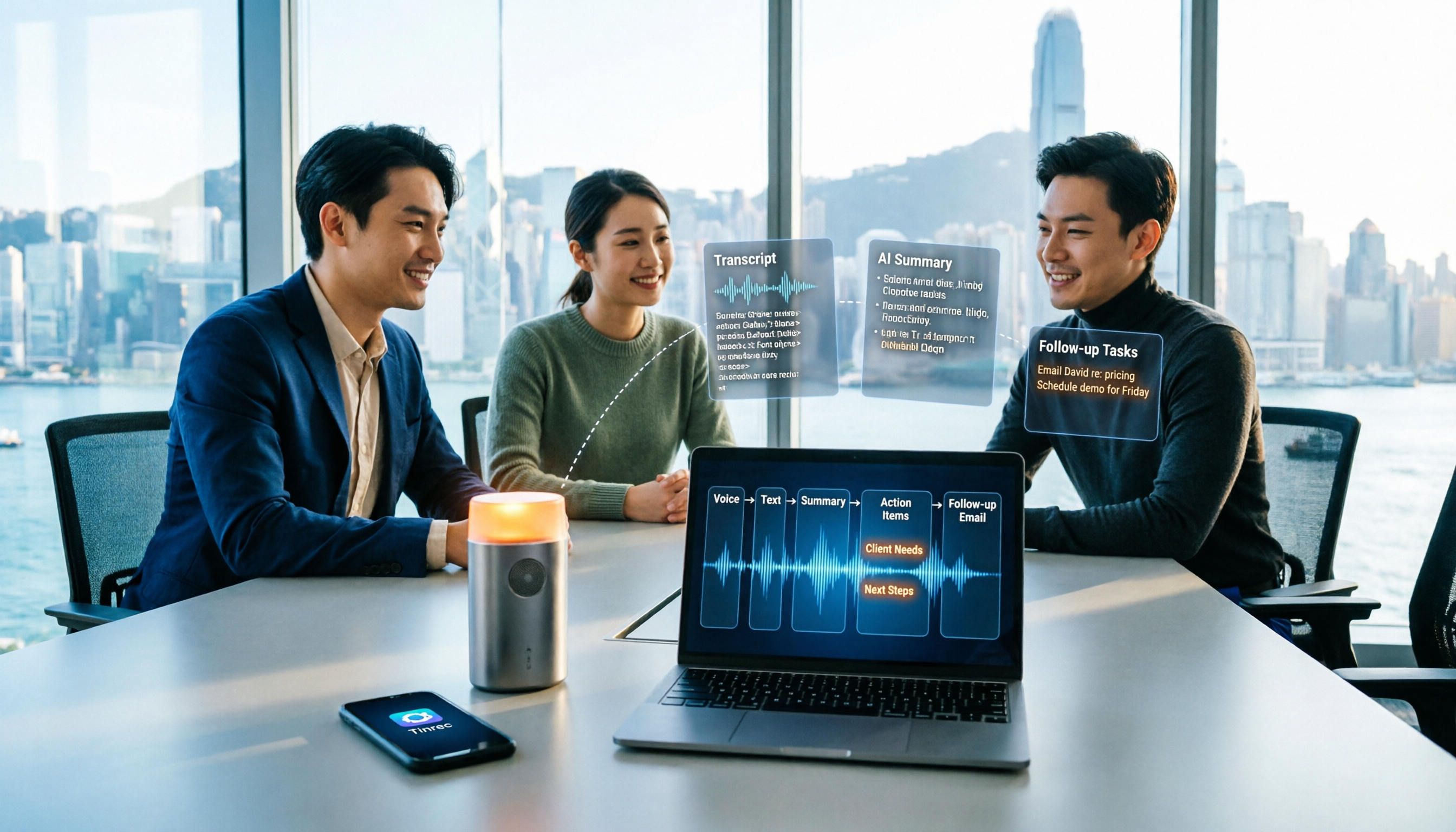
Sales meeting notes shouldn't wait until the meeting ends. This article breaks down the complete process in 5 steps, from recording, transcription, AI summaries to customer follow-up, and compares Tinrec and Otter.ai dimension by dimension to see which is better suited for Hong Kong sales teams communicating in Chinese.

5 AI Meeting Knowledge Base Tools Tested and Compared in 2026: Can Meeting Notes Become Searchable Team Assets?
Meeting notes aren't just about speed—you need to find them later. This article approaches the topic from a purchasing decision perspective, breaking down the core capabilities of AI meeting knowledge base tools, real-world use cases, and 5 key buying considerations. It uses Tinrec to demonstrate a complete workflow: bot-free online meeting recording, transcripts and real-time translation, AI summaries and action items, AI Q&A, and team spaces with seat governance.
2026 AI Meeting Agent Tools: Record Zoom Without Bots, Auto-Generate Action Items
Two-hour meeting, then another two hours to organize? This guide shows you how to choose an AI meeting agent tool, breaking down four key aspects: bot-free recording, AI summaries and action items, AI follow-up questions, and team spaces. It also compares Tinrec with Otter.ai, Granola, and PLAUD Note, and provides clear recommendations based on scenarios.

2026 Meeting AI Agent Solutions: Bot-Free Recording + Auto-Generated Action Items
The meeting is over, but the work has just begun. This article addresses the real pain points of mid-level managers, explaining 4 key factors for choosing a meeting AI agent solution. It tests Tinrec's bot-free online meeting recording, AI Q&A, and action item extraction, compares it with Otter.ai, Granola, and Notta, and provides selection advice for team plan seat and usage management.

Tinrec vs Otter.ai 2026: 5-Dimension Comparison — Which Free AI Meeting Agent Is Right for You?
Before searching for a free AI meeting agent, understand how free quotas work. This article compares Tinrec and Otter.ai across 5 practical dimensions, with brief notes on Notta and Granola, covering differences in Chinese/Cantonese meeting support, bot-free recording, post-meeting AI Q&A, and team data management. Includes a pitfalls guide and selection advice to help you save time writing meeting minutes.

2026 Smart Meeting Agent Comparison: Tinrec vs Otter.ai — Which Is Better for Chinese-Speaking Teams?
Smart meeting agents don't just transcribe meetings—they also summarize, extract action items, and answer questions. This article compares Tinrec and Otter.ai across five dimensions: meeting capture, Chinese-language experience, post-meeting organization, team governance, and pricing, to help you decide which one fits your meeting scenarios.

Tinrec vs Fireflies.ai 2026: 5-Dimension Comparison — Which Generates Deliverable Meeting Reports?
After a meeting ends, the transcript is just the starting point. This article compares Tinrec and Fireflies.ai from the perspective of AI meeting agents generating reports, across 5 dimensions: Chinese transcription, bot-free recording, post-meeting report generation, team collaboration, and pricing/quotas. It also provides selection advice for different budgets and scenarios.