

Turn recordings into transcripts and summaries in minutes
Upload audio or video for multilingual transcription, AI notes, and action items
2026 AI Transcription Tools Comparison: Good Tape's Latest Features vs Tinrec vs Notta
Common Misconception: You Think You Need the Latest Features, But What You Really Need Is a Post-Meeting Workflow
Many people see that a transcription tool has added speaker identification or manual editing and rush to upload all their meeting recordings. What happens? Speakers still get labeled as "Other Speaker," and you end up having to re-listen to the whole thing anyway.
This is a common misconception: mistaking feature updates for productivity gains. A tool update doesn't mean your meeting notes will automatically get better.
What truly affects efficiency is whether you can quickly find key points after transcription, turn them into action items, and collaborate with your team. If you only use the tool for audio-to-text conversion, you'll still spend time re-listening, copying and pasting, and organizing manually.
A more sensible approach is to first clarify your needs: do you want pure transcription, or do you want post-meeting organization and collaboration? Figure that out before choosing a tool.
4 Key Points to Understand Before Choosing an AI Meeting Notes Tool
1. Speaker identification is not the only metric. Good Tape recently added speaker identification, manual editing, and adjustable text per line, making transcripts easier to proofread. However, source reviews also note that speaker identification accuracy is still not high, often showing "Other Speaker" or identifying different speakers as the same person. When choosing a tool, look beyond speaker identification to see if it offers summaries, action items, and AI Q&A.
2. Post-meeting organization matters more than the transcript itself. A transcript is just raw material. What really saves time is automatic summaries, chapters, key points, and action items. If a tool only gives you a big block of text, you still have to read through it and pick out the highlights yourself.
3. Recording method affects your meeting flow. Some tools require a meeting bot to join the call, while others capture system audio through a desktop app. For external meetings, not inviting an extra bot is usually less disruptive to participants.
4. Team data ownership needs to be thought through in advance. Personal use and team use are very different. A team plan should allow you to manage members, roles, seats, usage, and audits; when a member leaves, meeting data shouldn't disappear with their personal account.
Tinrec — Our Top Pick After Hands-On Testing
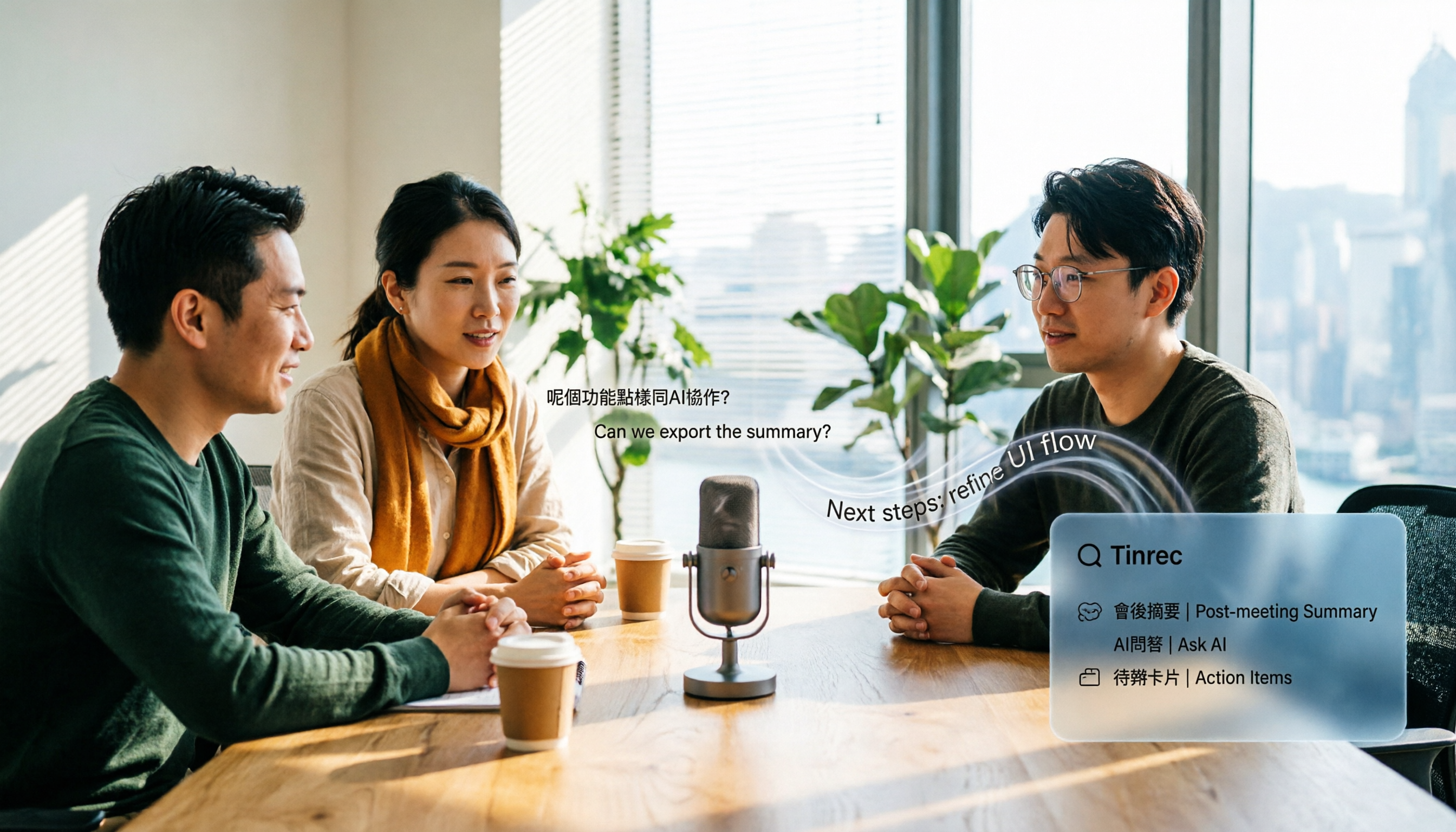
Tinrec is an AI meeting notes and collaboration tool for individuals and teams. It supports iOS, Android, and web, and its desktop version can handle online meetings, turning meeting recordings into searchable, summarizable, queryable, and exportable data.
During meetings: No need to invite a meeting bot. Tinrec's desktop version directly captures your computer's system audio, handling online meetings on Zoom, Google Meet, Microsoft Teams, Webex, and more without adding an extra bot to the call. Users actively open Tinrec to start recording, and transcripts appear in real time. This is especially useful for meetings with external clients present.
After the meeting: Summaries, chapters, and action items all at once. Tinrec automatically generates summaries, chapters, key points, and action items. Who's responsible for what and what's next can be seen directly from the meeting notes. It also supports AI Q&A—you can ask, "Who mentioned the budget in the last meeting?" and the tool will answer based on meeting content, not just throw keyword search results at you. For those who need to review past meetings, this is much faster than manually using Ctrl+F.
When you need deliverables: Export and Agent post-processing. Tinrec supports multiple export formats, so you can take results to Notion, Google Docs, OneNote, Dropbox, and other tools for further use. Agent post-processing can generate reports, tables, and documents based on meeting content, ideal for post-meeting deliverables, retrospectives, and office writing.
For team use: Meeting data becomes a team asset. The team plan provides an independent team space where meeting data belongs to the team. Admins can set owners, admins, and regular members, assign or revoke seats, view usage trends, member rankings, and usage details, and also query and export audit logs. When a member leaves or is removed, their team resources can be handed over to other active members. Note that the team plan distinguishes between roles and seats: active members without a seat can view, play, and read team data but cannot upload, edit, import, or export.
Stop organizing recordings by hand
Upload audio or video and automatically get a transcript, summary, and action items
How did it perform in testing? We tested with a Chinese meeting recording and a mixed Chinese-English recording, and Tinrec generated transcripts, summaries, and action items. Actual accuracy will be affected by recording quality, noise, accents, overlapping speakers, and technical terminology. Tinrec does not recommend promising a fixed 98% or 99% accuracy. A more reliable approach is to try it with your own meeting recordings first.
Pros:
- Bot-free desktop recording—no extra participant needed for online meetings.
- Complete post-meeting organization: summaries, chapters, action items, AI Q&A, translation, and export all in one place.
- Team plan includes spaces, roles, seats, usage, audits, and recycle bin—ideal for teams that need to accumulate meeting data.
Limitations: The free version has a basic quota, suitable for light use; for short-term high-frequency use, you can choose a weekly pass; for regular use, choose Pro; for long-term accumulation, choose an annual pass. The team plan is a paid seat system: monthly USD 29.80 per paid seat per month, annual USD 199 per paid seat per year (about USD 16.58 per month); each paid seat provides 2,000 minutes of team shared import quota per month. Real-time recording under an active team plan and active seat is currently not deducted by minutes.
Who is it for? If you need Chinese meeting notes, don't want to invite a meeting bot, want to use AI to find key points right after recording, or want to turn meeting data into a searchable team database, Tinrec is a very suitable choice.
Besides Tinrec, What Other Options Are There?
Good Tape A transcription tool from Denmark's Zetland, designed for journalists, using OpenAI Whisper, supporting over 40 languages, time codes, and .srt subtitle files. Latest features include speaker identification, manual editing, adjustable text per line, and human-AI collaborative editing like search-and-replace and Play from word. For privacy, transmission is encrypted, data stays in the EU and is protected by GDPR, and unregistered files are kept for 3 days. Suitable for journalists and researchers who value transcript proofreading. However, source reviews note that speaker identification is still unstable; in this source, we also did not see AI Q&A, action item extraction, or team seat management—areas where Tinrec excels.
Otter.ai A mature English meeting assistant. Free Basic plan includes 300 minutes per month; Pro annual billing is about USD 8.49 per user per month, including 1,200 minutes per month. If your meetings are almost all in English, Otter is a very cost-effective choice. But it's more geared toward English business meetings; Chinese meetings, bot-free desktop recording, and team data accumulation are not its main selling points. Tinrec is better suited for Chinese teams in these areas.
Notta A multi-platform transcription tool covering meeting notes, document import, translation, and team plans. Free plan includes 120 minutes per month, max 3 minutes per session; Pro annual billing is about USD 8.17 per month, 1,800 minutes per month; Business annual billing is about USD 16.67 per seat per month. Notta and Tinrec overlap significantly, but Tinrec emphasizes bot-free online meeting recording, AI Q&A, Agent post-processing, and team spaces more.
Pitfall Guide: 4 Most Common Mistakes When Choosing a Transcription Tool
Pitfall 1: Only looking at advertised accuracy. Many tools claim to be very accurate, but that's usually tested in a quiet environment. Real meetings have air conditioning noise, keyboard sounds, and people talking over each other, so accuracy drops. Test with your own recordings instead of just trusting ads.
Pitfall 2: Treating speaker identification as everything. Speaker identification is important, but it's just one part. Even if speakers are labeled correctly, you still need summaries, action items, and search. Instead of chasing a single feature, look at the overall workflow.
Pitfall 3: Ignoring audio retention and export. Some tools don't retain meeting audio, making it troublesome to verify original quotes later. Also check whether you can export to Word, PDF, Excel, or take content to Notion or Google Docs for further use.
Pitfall 4: Buying a personal plan for team use. If meeting data needs to be shared with colleagues, a personal plan will scatter data across individual accounts. The point of a team plan isn't multiple people sharing one account, but having independent spaces, roles, seats, usage, and audits. Before purchasing, confirm how data will be handed over when members leave.
Conclusion: Which One Should You Choose?
In short: if you want post-meeting organization and team collaboration, Tinrec is our top pick; if you only do English meetings, Otter.ai is worth considering; if you're used to journalist-style transcript proofreading, Good Tape still has its value.
Scenario breakdown:
- Need Chinese meeting notes + post-meeting summaries and action items → Tinrec
- Don't want to invite a meeting bot for online meetings → Tinrec
- Want to use AI to find key points right after recording → Tinrec
- Want to turn meeting data into a team space → Tinrec
- Limited budget, only record English meetings → Otter.ai
- Journalist interviews, need manual transcript proofreading → Good Tape
We suggest trying Tinrec's free version first and running it with your own meeting recordings. If you find that summaries, action items, and Q&A really save time, then consider upgrading or getting the team plan. Choosing a tool isn't about who has more features—it's about who helps you work less overtime after meetings.
References
- Hands-On Review: Unboxing Good Tape, Yating Transcription, and Vocol.ai—Which AI Transcription Software Is Best?
- Overtaking Yating, Reporters Cry Tears of Joy—What Makes Good Tape So Amazing? | CommonWealth Magazine
- Good Tape: Audio-to-Transcript Software Recommendation! The Tool That Best Understands Journalists' Needs | AI Tool Introduction—Future Commerce
- Good Tape: Automated Audio-to-Transcript Tool, Supports Chinese and Many Other Languages
- Good Tape Tutorial | Audio-to-Transcript Tool, Supports Chinese and 40 Other Languages | Manager Today
Turn every recording into actionable outcomes
Get 60 free transcription minutes when you sign in. No credit card required.
Related Reading
You might also like

2026 AI Speech-to-Text Showdown: Tinrec vs Otter for Chinese Meetings
We tested Tinrec and Otter.ai across five dimensions that matter to Chinese-speaking teams: Chinese and mixed Chinese-English transcription, bot-free online meeting recording, AI post-processing and export after transcription, recording retention and team data ownership, and quota and seat pricing. We conclude with clear recommendations based on needs and budget.
4 Audio-to-Text Apps Tested for Cantonese Recognition in 2026: Which One Is Most Reliable?
The same Cantonese recording can yield very different results across tools. This article breaks down 4 audio-to-text apps, covering Cantonese and mixed Chinese-English recognition, bot-free online meeting recording, post-meeting AI Q&A, and team data management, so you can decide which to choose and which pitfalls to avoid.

2026 Google Speech-to-Text App Buying Guide: Tinrec vs Google Live Transcribe 6-Dimension Test
This article compares Tinrec and Google Live Transcribe across six dimensions based on real-world use cases for Google speech-to-text apps: real-time Chinese transcription, online meeting recording, post-meeting AI organization, file import, cross-platform support, and team collaboration. It helps you decide which one better fits your meeting and workflow needs.

Good Tape 2026 Update: Hands-On Comparison of 3 Speech-to-Text Tools — Which One Fits Chinese Meetings and Team Collaboration?
Good Tape's latest version introduces an official mobile app for recording, instant upload, and automatic transcription. This article covers its current state and free plan limits, and compares Tinrec, Otter.ai, and Notta across Chinese meeting support, AI Q&A, and team collaboration to help you decide which tool to use.

5 Otter Chinese Subtitle Solutions Tested and Compared in 2026: How to Choose Between Chinese Transcripts and Translation?
This article starts from the choice between "real-time Chinese subtitles or post-meeting Chinese transcripts," organizes feasible approaches for Otter Chinese subtitles, and compares the Chinese transcription, translation, subtitle, and meeting organization capabilities of five tools: Tinrec, Otter, Notta, TurboScribe, and EasySub, helping you determine which workflow best suits your work situation.
4 Otter Chinese Lyric Translation Tools Tested: Why Translating Full Passages Beats Looking Up Words
Starting from the Chinese meaning of 'otter,' we tested 4 foreign-language audio-to-Chinese tools, comparing Tinrec, Otter.ai, Notta, and Granola on file support, Chinese output, post-meeting processing, and pricing. Here's a straightforward recommendation for students.

Good Tape Download Guide 2026: 3 Steps to Get Started + Tinrec Meeting Transcription Comparison
Not sure whether to download the Good Tape app or use the web version? This guide covers Good Tape's app and web download options, transcript export formats, and usage limits. It also compares Tinrec, Otter.ai, and Notta on Chinese meeting support, AI Q&A, and team collaboration to help you choose the right transcription tool.

2026 Good Tape Latest Version Review: Which of 3 Audio-to-Text Tools Is Best for Chinese Meetings?
Is the latest version of Good Tape worth using? This article compares Good Tape, Otter.ai, and Tinrec from four angles—language support, meeting capture, post-meeting organization, and team governance—to help you decide which audio-to-text tool is best for Chinese meetings and team collaboration.

2026 Tape Market Report Comparison: Market Size, Growth Rate, and Application Analysis
How do different reports describe the 2026 tape market size? This article compiles data from five third-party sources including MarketsandMarkets, Market Reports World, Coherent Market Insights, and The Business Research Company to compare 2026 market size, CAGR, regional structure, and end-use applications. It also explains definition differences and common issues to consider when interpreting market reports.