

Turn recordings into transcripts and summaries in minutes
Upload audio or video for multilingual transcription, AI notes, and action items
Good Tape 2026 Update: Hands-On Comparison of 3 Speech-to-Text Tools — Which One Fits Chinese Meetings and Team Collaboration?
Before You Dive Into Specs, Answer This One Question
If you're searching for "Good Tape latest version," you're probably not looking for a feature list. You're trying to answer a very specific question: Can it solve my problem now, or should I switch to a tool that better fits Chinese meeting workflows?
This hesitation usually comes from everyday scenarios. After a two-hour meeting, you spend another hour writing up notes. A client interview recording sits on your phone, and to find "who mentioned the budget" you have to listen from the beginning. A recording bot shows up in your online meeting participant list, and an external client asks, "What's that?"
In this article, I'll first clarify the current state of Good Tape's latest version, then lay out the dimensions that truly matter for comparison, and finally explain how I would choose.
What Is Good Tape's Latest Version? A Quick Overview
Good Tape is an online transcription service built by Danish digital newspaper Zetland, powered by OpenAI's Whisper model. It supports over 40 languages including English, Chinese, Japanese, Korean, German, and French. It was originally created to free journalists from manual transcription, and later gained traction in Taiwan's media and podcast circles.
The most notable change in the latest version is the official mobile app (Good Tape Recorder, available on iOS and Android). It's the official companion app to goodtape.io, allowing you to record directly on the go, upload instantly to your Good Tape account, and have the system transcribe automatically. You can then edit, summarize, format, and export. The app also provides real-time audio quality feedback during recording, so you don't discover the entire recording is unusable afterward.
For output, Good Tape generates timestamped text files and can export .SRT subtitle files. The time intervals in the transcript can be customized, which is convenient for anyone who needs subtitles.
Privacy is a commonly praised feature: transmission is encrypted, data stays in the EU and is protected by GDPR; without a registered account, files are kept for three days. As for pricing, it's currently free to use, and the company has mentioned plans to add paid plans beyond the free tier. Actual plans and prices are subject to the official page.
Simply put, if you want to quickly turn recordings into usable transcripts and subtitles, Good Tape is a mature and easy-to-use choice. But if you need post-meeting follow-up questions, action items, and team sharing, that's a different category of tools.
4 Key Points to Understand Before Choosing a Speech-to-Text Tool
1. Number of languages doesn't equal Chinese meeting performance. Supporting 40 languages sounds reassuring, but real meetings involve mixed Chinese and English, product terminology, and three people talking at once. Under these conditions, the differences between tools really show. I recommend testing directly with a recording of your own meeting.
2. Where does your recording come from? In-person interviews, phone recordings, and Zoom/Meet/Teams on your computer all require different handling. If you don't want an extra bot in the meeting participant list, make sure the tool can capture system audio directly from your computer.
3. Can you still use it after transcription? A transcript alone is only half the job. Whether there are summaries, chapters, action items, the ability to ask questions about the content, and export to Notion or Google Docs — that's what determines how much time you actually save.
4. Free tier limits and team needs. Free plans usually have minute or storage limits. For team use, consider whether there's a team workspace, how members and seats are managed, and who owns the data when a member leaves.
Tinrec — The Choice That Fits Chinese Meetings Better After Hands-On Use
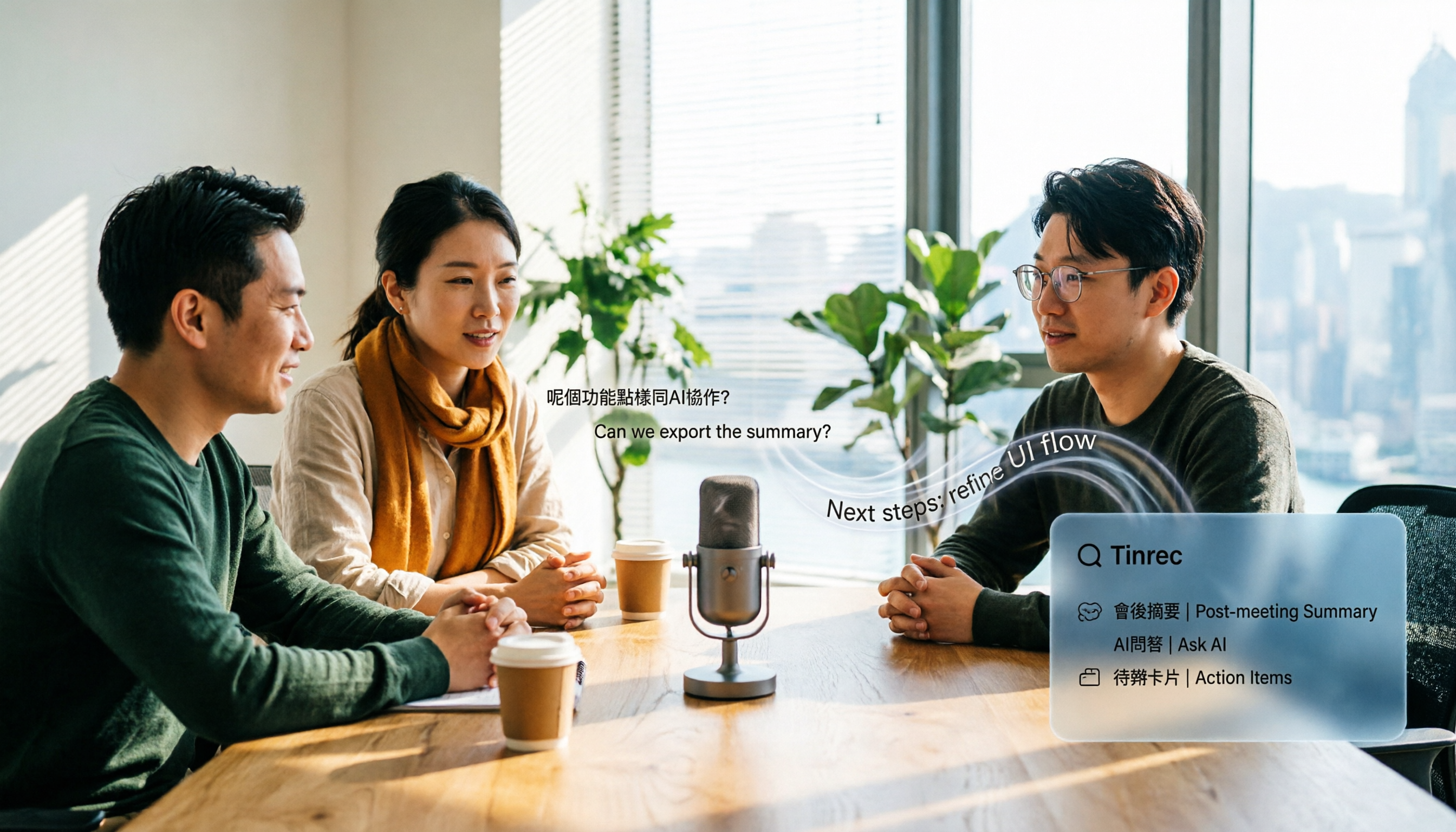
Tinrec is an AI meeting notes and collaboration tool for individuals and teams, available on web, desktop, and mobile. Its biggest difference from pure transcription services is that it handles everything that happens after the meeting ends.
Record online meetings without a meeting bot. The desktop version captures system audio directly, working with Zoom, Google Meet, Microsoft Teams, Webex, and more, without adding a bot to the participant list. For meetings with external clients present, this is very practical.
Stop organizing recordings by hand
Upload audio or video and automatically get a transcript, summary, and action items
Keep asking questions after recording. Beyond the transcript, it automatically generates summaries, chapters, key points, and action items. Even better is AI Q&A — just ask "Who mentioned the budget last meeting?" instead of Ctrl+F through a 30-minute transcript. For cross-language meetings, you can enable real-time translation and view in original, translated, or bilingual mode.
Post-meeting delivery and team knowledge base. Results can be exported to Notion, Google Docs, OneNote, Dropbox, and other tools for further processing. You can also use Agent post-processing to generate reports, tables, and documents. The team version centralizes meeting data in a team workspace, allowing new members to view past meetings. Admins can manage roles, seats, usage, and audit logs. When a member leaves or loses their seat, the data belongs to the team and can be transferred to other members.
Things to note: The free version only has basic limits. High-frequency use or team features require payment. Team monthly is USD 29.80 per paid seat per month, annual is USD 199 per paid seat per year (about USD 16.58 per month). Each paid seat provides 2,000 minutes of team shared import quota per month. Real-time recording under an active seat currently does not deduct minutes; only file and web imports use the shared quota. Eligible teams get a 7-day trial, 1 free seat, and 300 minutes of shared import quota on first signup. Personal plans include free, weekly, Pro monthly, and annual. Actual prices are subject to the official website.
As for accuracy, I won't give a fixed number. Actual performance depends on recording quality, background noise, accents, overlapping speech, and technical terminology. For important content, I recommend cross-checking with the transcript timestamps and the recording. Also, the team version currently shares at the team level — roles govern management, seats govern usage, not file-level granular permissions.
Who it's for: People who frequently hold Chinese meetings, need to deliver meeting notes or reports afterward, don't want a bot in online meetings, and want to turn meetings into a searchable team knowledge base.
Besides Tinrec, What Other Options Are There?
Good Tape (great free version, but positioned as transcription): The latest app makes the "record to transcript" workflow smooth, supports over 40 languages, and can export .SRT — very friendly for interview and subtitle work. Note that its public materials focus on transcription, summarization, and export. If you want continuous Q&A around meeting content, action item organization, and a team database, that's where meeting collaboration tools like Tinrec excel.
Otter.ai (top choice for English meetings): A veteran AI meeting assistant. Free version offers 300 minutes per month; Pro annual is about USD 8.49 per user per month. If your meetings are almost all in English, it's more cost-effective than Tinrec. For Chinese meetings, mixed Chinese-English organization, real-time bilingual viewing, and team knowledge base, Tinrec focuses more on those areas.
Notta (multilingual transcription and subtitles): Free version offers 120 minutes per month, max 3 minutes per single item; Pro annual is about USD 8.17 per month, Business about USD 16.67 per seat per month. It overlaps significantly with Tinrec. The difference is that Tinrec takes the route of desktop bot-free recording, AI Q&A, and team workspace governance.
Pitfall Guide: 4 Most Common Mistakes When Choosing These Tools
Pitfall 1: Only looking at advertised language count and accuracy. More languages doesn't mean it works well for your meetings, and "98% accuracy" is usually measured in a quiet environment. Real meetings have air conditioning noise, keyboard sounds, and people talking over each other — performance drops noticeably. Testing for free with your own recording is more reliable than reading ads.
Pitfall 2: Assuming the free version can be used forever. Most tools have free limits or storage periods (e.g., Good Tape keeps files for three days without registration). For long-term use, check the paid plans and how quotas work before committing.
Pitfall 3: Ignoring the "bot" perception in online meetings. Some tools join meetings with a bot account. For internal meetings it's fine, but for external meetings it can be awkward. If your meetings often include clients or external partners, capturing system audio from your computer is cleaner.
Pitfall 4: Treating the tool as just recording-to-text. If you only use it to generate transcripts, you're only using one-third of its value. Summaries, action items, and AI Q&A are where the real time savings come from — asking "What was the conclusion of this meeting?" right after recording is much faster than scrolling through the transcript yourself.
Conclusion: Which One Should You Choose?
Overall, if you want a complete workflow for Chinese meetings, Tinrec is my top pick after hands-on use. If you just occasionally need a transcript, Good Tape's free version is more than enough.
- Want zero-cost transcription trial, need .SRT subtitles → Good Tape free version
- Chinese meetings, mixed Chinese-English, need to deliver notes afterward → Tinrec
- Don't want an extra bot in online meetings → Tinrec desktop version (bot-free recording)
- Want to ask "Who mentioned the budget last time?" right after recording → Tinrec's AI Q&A
- Team wants to turn meetings into a searchable database → Tinrec team version
- Limited budget, mainly English meetings → Otter.ai
One final tip: test with your own meeting recording first before deciding whether to pay. Your recording is more honest about whether a tool works than any spec sheet.
References
- Good Tape - Google Play App
- Good Tape - App Store - Apple
- Good Tape Recording-to-Transcript Automation Tool, Supports Chinese and Multiple Languages
- Overtaking Yating, Reporters Weep with Joy — What Makes Good Tape So Amazing? | CommonWealth Magazine
- Good Tape AI Automatic Transcription Software - Pro 30 Days
Turn every recording into actionable outcomes
Get 60 free transcription minutes when you sign in. No credit card required.
Related Reading
You might also like

2026 AI Speech-to-Text Showdown: Tinrec vs Otter for Chinese Meetings
We tested Tinrec and Otter.ai across five dimensions that matter to Chinese-speaking teams: Chinese and mixed Chinese-English transcription, bot-free online meeting recording, AI post-processing and export after transcription, recording retention and team data ownership, and quota and seat pricing. We conclude with clear recommendations based on needs and budget.
4 Audio-to-Text Apps Tested for Cantonese Recognition in 2026: Which One Is Most Reliable?
The same Cantonese recording can yield very different results across tools. This article breaks down 4 audio-to-text apps, covering Cantonese and mixed Chinese-English recognition, bot-free online meeting recording, post-meeting AI Q&A, and team data management, so you can decide which to choose and which pitfalls to avoid.

2026 Google Speech-to-Text App Buying Guide: Tinrec vs Google Live Transcribe 6-Dimension Test
This article compares Tinrec and Google Live Transcribe across six dimensions based on real-world use cases for Google speech-to-text apps: real-time Chinese transcription, online meeting recording, post-meeting AI organization, file import, cross-platform support, and team collaboration. It helps you decide which one better fits your meeting and workflow needs.

5 Otter Chinese Subtitle Solutions Tested and Compared in 2026: How to Choose Between Chinese Transcripts and Translation?
This article starts from the choice between "real-time Chinese subtitles or post-meeting Chinese transcripts," organizes feasible approaches for Otter Chinese subtitles, and compares the Chinese transcription, translation, subtitle, and meeting organization capabilities of five tools: Tinrec, Otter, Notta, TurboScribe, and EasySub, helping you determine which workflow best suits your work situation.

4 Otter Chinese Lyric Translation Tools Tested: Why Translating Full Passages Beats Looking Up Words
Starting from the Chinese meaning of 'otter,' we tested 4 foreign-language audio-to-Chinese tools, comparing Tinrec, Otter.ai, Notta, and Granola on file support, Chinese output, post-meeting processing, and pricing. Here's a straightforward recommendation for students.

Good Tape Download Guide 2026: 3 Steps to Get Started + Tinrec Meeting Transcription Comparison
Not sure whether to download the Good Tape app or use the web version? This guide covers Good Tape's app and web download options, transcript export formats, and usage limits. It also compares Tinrec, Otter.ai, and Notta on Chinese meeting support, AI Q&A, and team collaboration to help you choose the right transcription tool.

2026 Good Tape Latest Version Review: Which of 3 Audio-to-Text Tools Is Best for Chinese Meetings?
Is the latest version of Good Tape worth using? This article compares Good Tape, Otter.ai, and Tinrec from four angles—language support, meeting capture, post-meeting organization, and team governance—to help you decide which audio-to-text tool is best for Chinese meetings and team collaboration.

2026 AI Transcription Tools Comparison: Good Tape's Latest Features vs Tinrec vs Notta
What are Good Tape's latest features? This article cuts through common misconceptions and compares Good Tape, Tinrec, and Notta side by side, helping you understand the key factors in choosing an AI transcription tool: speaker identification, post-meeting organization, bot-free recording, and team collaboration.

2026 Tape Market Report Comparison: Market Size, Growth Rate, and Application Analysis
How do different reports describe the 2026 tape market size? This article compiles data from five third-party sources including MarketsandMarkets, Market Reports World, Coherent Market Insights, and The Business Research Company to compare 2026 market size, CAGR, regional structure, and end-use applications. It also explains definition differences and common issues to consider when interpreting market reports.