

Turn recordings into transcripts and summaries in minutes
Upload audio or video for multilingual transcription, AI notes, and action items
Good Tape Download Guide 2026: 3 Steps to Get Started + Tinrec Meeting Transcription Comparison
Your online meeting just ended, and you want to drop the recording into Good Tape to get a transcript—but you're stuck on step one: should you download the mobile app or just use the web version?
What's more, the transcript you get often still requires you to manually pull out key points and action items. This article will first walk you through Good Tape's download and usage process, then discuss what other options exist if you need more than just a transcript.
What Is Good Tape? Latest Download Methods and Tutorial
Good Tape is a speech-to-text service from Denmark that uses OpenAI Whisper technology and supports multiple languages, including Chinese. Its biggest feature is its low barrier to entry: no need to learn a complex interface—just upload an audio file and get a transcript.
Currently, there are two ways to use it, depending on your device.
Method 1: Mobile App (iOS/Android)
iPhone users can search for "Good Tape" in the App Store; the developer is Good Tape ApS. Android users can search for "Good Tape Recorder" on Google Play. This app is the official companion app for goodtape.io, allowing you to record anytime and upload audio in real time to your Good Tape account for automatic transcription.
Note that the Google Play page shows in-app purchases, and the store lists 1,000+ downloads, indicating it's a relatively new app.
Method 2: Web Version (No Installation)
If you only occasionally process a recording, you don't necessarily need to download the app. Open your browser, go to goodtape.io, select an audio or video file, enter your email, and upload. Once transcription is complete, you'll receive an email notification; open the link to view the transcript.
Three Download Formats for Transcripts
After processing, the download section offers three options: a text file with timestamps, a text file without timestamps, and a subtitle file (.srt). If your purpose is subtitles, choosing .srt directly will save you a lot of time.
Two Things to Keep in Mind
First, for privacy reasons, the web version deletes uploaded files after 3 days, so remember to download your transcript as soon as possible.
Second, transcription results are affected by recording quality. Some media outlets cited AI Labs' tests showing that with clean audio, Good Tape and Yating Transcription are comparable in accuracy; however, in noisy real-world recording environments, performance varies among tools. In other words, a quiet studio and a noisy café will yield very different results.
Before Choosing a Transcription Tool, Understand These 4 Key Points
A transcript is just the starting point. What really determines usability is what you can do after transcription.
1. Accuracy Depends on Test Conditions, Not Marketing Numbers
Many tools boast high accuracy, but that's usually measured in quiet environments. Real meetings have air conditioning noise, keyboard sounds, and multiple people talking over each other, so results will be lower. It's best to test with your own recordings rather than relying on ads.
2. Chinese and Multilingual Support
If your meetings mix Chinese and English, or you need to handle foreign language content, you should confirm the tool's support for those languages. Good Tape specializes in multilingual transcription, which is one of its strengths.
3. Can You Search Key Points Directly After Transcription?
This is the most easily overlooked point. Most tools only give you a transcript, and you have to read through it yourself. If a tool supports AI Q&A, you can directly ask "What was the conclusion of this meeting?" without manually using Ctrl+F.
4. Cross-Device and Team Collaboration
Recording on your phone today and organizing on your computer tomorrow is common for many people. Also, if meeting data needs to be shared with your team, check whether the tool has team spaces and permission management, rather than relying on personal accounts to transfer files.
Tinrec (秒聽錄音) — Why It's Our Top Pick
Tinrec (秒聽錄音) is an AI meeting notes and collaboration tool for individuals and teams, supporting iOS, Android, and web. It doesn't just convert voice to text; it organizes meetings into searchable, summarizable, queryable, and exportable data.
Record Online Meetings Without a Meeting Bot
Tinrec's desktop version directly captures your computer's system audio, so when handling online meetings on Zoom, Google Meet, Microsoft Teams, Webex, etc., you don't need to invite an extra bot into the meeting room. Just open the desktop app to start recording, and it's virtually unnoticeable to other participants.
In practice, this is crucial: meeting bots appear on the participant list, and some clients or external parties may object; using system audio capture avoids this issue.
After Recording Is Where It Stands Out
Stop organizing recordings by hand
Upload audio or video and automatically get a transcript, summary, and action items
After the meeting, Tinrec automatically generates a transcript, AI summary, chapters, key points, and action items. Who is responsible for what and what's next are listed directly for you.
Even better is AI Q&A. You can continue asking questions about a single meeting or multiple meetings, such as "Who mentioned the budget in the last meeting?" or "What are the pending items for this project?" It provides semantic-based answers, not keyword search results—this is the most obvious distinction from ordinary transcription tools.
It also supports real-time translation, allowing you to switch between original text, translation, or bilingual view; output can be exported to Notion, Google Docs, OneNote, Dropbox, etc., or further generate reports, tables, and meeting minutes.
Team Edition Turns Meetings into Team Assets
For department or project teams, Tinrec's Team Edition provides an independent team space, rather than multiple people sharing a personal account. Meeting data belongs to the team; new members can view historical data after joining, and data isn't taken away when members leave.
Management distinguishes roles and seats: roles determine who can manage the team and view audits, while seats determine whether one can record, upload, edit, and export. There are also usage analytics, team hotwords, audit logs, and an audio recycle bin.
Currently, the Team Edition is USD 29.80 per paid seat per month, or USD 199 per paid seat per year (about USD 16.58 per month); eligible teams can try it for 7 days with 1 free seat and 300 shared import minutes. Paid seats provide 2,000 shared team import minutes per month, and real-time recording is currently not deducted by minutes under an active plan. Prices and benefits are subject to the official purchase page.
Things to Note
Tinrec's free version is a basic quota, suitable for trying out first; if you have many meetings or long interviews every week, you'll need to upgrade. Also, no AI transcription can guarantee 100% accuracy; for important content, it's recommended to verify with transcript timestamps and recording playback.
Who It's For
If you frequently handle Chinese meetings, don't want a bot joining your meetings, want to use AI to find key points directly after recording, or need to turn meeting data into a shareable team asset, Tinrec will be more suitable than a simple transcription tool.
Besides Tinrec, What Other Options Are There?
Good Tape: Developed by a Danish team, it focuses on simple uploads and fast transcription. The web version works without installation, and the mobile app is also available. Its strengths are broad language support and an intuitive interface—convenient for transcribing a recording on the fly. However, it mainly provides transcripts and subtitle files, with no AI Q&A or action item extraction, and no team spaces or seat management. If you only need a clean transcript, it's sufficient; but if you need post-meeting organization and collaboration, it falls short.
Otter.ai: A mature English meeting assistant, with a free version offering 300 minutes per month—quite generous for users whose meetings are primarily in English. However, its Chinese and other language experience is not its focus. If almost all your recordings are in English, it's worth considering; if you need Chinese transcripts and desktop bot-free recording, Tinrec is a better fit.
Notta: Also covers multi-platform transcription, meeting notes, and translation, with high overlap with Tinrec. The free version offers 120 minutes per month, with a maximum of 3 minutes per single item, suitable for light trial. It lacks Tinrec's desktop bot-free recording and Agent post-processing; if you care about post-meeting report and table generation, this is a point of difference.
Pitfall Guide: The 4 Most Common Mistakes When Choosing a Transcription Tool
Pitfall 1: Only looking at advertised accuracy. Official numbers usually come from quiet environments. Real meetings have noise, accents, and overlapping speech, so accuracy will definitely drop. It's best to test with your own recording before deciding to pay.
Pitfall 2: Thinking a transcript equals meeting organization. A transcript is raw material, not a finished product. You still have to spend time reading through it, extracting key points, and listing action items. When choosing a tool, see if it can save you this step.
Pitfall 3: Ignoring cross-device and team needs. Recording on mobile and organizing on computer is the norm. If a tool only supports a single platform, or team data sharing relies on transferring files, it will be painful in the long run.
Pitfall 4: Buying a tool but only using transcription. Many people use AI meeting tools just for audio-to-text, which is like using only one-third of its capabilities. Features like AI Q&A let you directly ask "What was the conclusion of this meeting?" after recording, which is much faster than manually flipping through a 30-minute transcript.
Conclusion: Which One Should You Choose?
Back to the original question: if you just want to know how to download Good Tape and occasionally transcribe a recording, the mobile app or web version is sufficient, and the export formats are complete.
But if you're dealing with "meetings" rather than just "recordings," the choice is different:
- Need Chinese meeting transcripts and don't want a bot joining the meeting → Tinrec (desktop captures system audio)
- Want to use AI to find key points and action items directly after recording → Tinrec (supports AI Q&A and action item extraction)
- Need to use on mobile, computer, and web → Tinrec (iOS + Android + web)
- Team needs to share meeting data, manage seats and usage → Tinrec Team Edition
- Only need a clean transcript, limited budget → Good Tape web or app
- Almost all recordings are English meetings → Otter.ai
We recommend starting with a free plan. Tinrec has a basic free quota, and Good Tape's web version is also free. Run your own recording through them first—that's more accurate than any review.
References
- Good Tape - Google Play App
- Good Tape Tutorial | Audio-to-Transcript Tool, Supports Chinese and 40 Other Languages | Manager Today
- Good Tape - App Store - Apple
- Overtaking Yating, Reporter Moved to Tears: What Makes Good Tape So Amazing? | CommonWealth Magazine
- Good Tape Taiwan - AI Fully Automatic Transcription Online Cloud Service, Simple and Fast, Saves You Tons of Typing Time | Purchase Inquiry
Turn every recording into actionable outcomes
Get 60 free transcription minutes when you sign in. No credit card required.
Related Reading
You might also like

2026 AI Speech-to-Text Showdown: Tinrec vs Otter for Chinese Meetings
We tested Tinrec and Otter.ai across five dimensions that matter to Chinese-speaking teams: Chinese and mixed Chinese-English transcription, bot-free online meeting recording, AI post-processing and export after transcription, recording retention and team data ownership, and quota and seat pricing. We conclude with clear recommendations based on needs and budget.
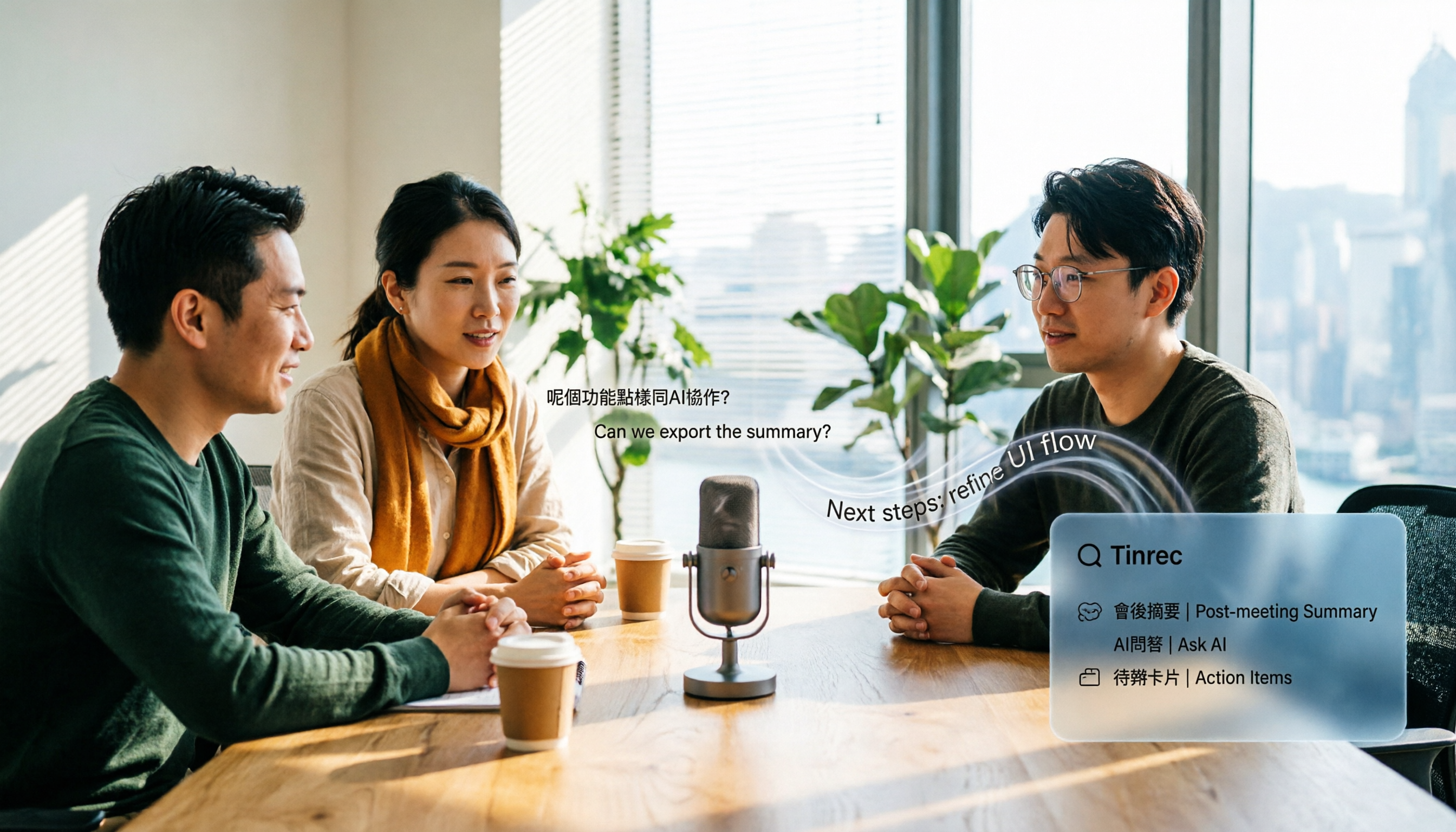
4 Audio-to-Text Apps Tested for Cantonese Recognition in 2026: Which One Is Most Reliable?
The same Cantonese recording can yield very different results across tools. This article breaks down 4 audio-to-text apps, covering Cantonese and mixed Chinese-English recognition, bot-free online meeting recording, post-meeting AI Q&A, and team data management, so you can decide which to choose and which pitfalls to avoid.

2026 Google Speech-to-Text App Buying Guide: Tinrec vs Google Live Transcribe 6-Dimension Test
This article compares Tinrec and Google Live Transcribe across six dimensions based on real-world use cases for Google speech-to-text apps: real-time Chinese transcription, online meeting recording, post-meeting AI organization, file import, cross-platform support, and team collaboration. It helps you decide which one better fits your meeting and workflow needs.

Good Tape 2026 Update: Hands-On Comparison of 3 Speech-to-Text Tools — Which One Fits Chinese Meetings and Team Collaboration?
Good Tape's latest version introduces an official mobile app for recording, instant upload, and automatic transcription. This article covers its current state and free plan limits, and compares Tinrec, Otter.ai, and Notta across Chinese meeting support, AI Q&A, and team collaboration to help you decide which tool to use.

5 Otter Chinese Subtitle Solutions Tested and Compared in 2026: How to Choose Between Chinese Transcripts and Translation?
This article starts from the choice between "real-time Chinese subtitles or post-meeting Chinese transcripts," organizes feasible approaches for Otter Chinese subtitles, and compares the Chinese transcription, translation, subtitle, and meeting organization capabilities of five tools: Tinrec, Otter, Notta, TurboScribe, and EasySub, helping you determine which workflow best suits your work situation.
4 Otter Chinese Lyric Translation Tools Tested: Why Translating Full Passages Beats Looking Up Words
Starting from the Chinese meaning of 'otter,' we tested 4 foreign-language audio-to-Chinese tools, comparing Tinrec, Otter.ai, Notta, and Granola on file support, Chinese output, post-meeting processing, and pricing. Here's a straightforward recommendation for students.

2026 Good Tape Latest Version Review: Which of 3 Audio-to-Text Tools Is Best for Chinese Meetings?
Is the latest version of Good Tape worth using? This article compares Good Tape, Otter.ai, and Tinrec from four angles—language support, meeting capture, post-meeting organization, and team governance—to help you decide which audio-to-text tool is best for Chinese meetings and team collaboration.

2026 AI Transcription Tools Comparison: Good Tape's Latest Features vs Tinrec vs Notta
What are Good Tape's latest features? This article cuts through common misconceptions and compares Good Tape, Tinrec, and Notta side by side, helping you understand the key factors in choosing an AI transcription tool: speaker identification, post-meeting organization, bot-free recording, and team collaboration.

2026 Tape Market Report Comparison: Market Size, Growth Rate, and Application Analysis
How do different reports describe the 2026 tape market size? This article compiles data from five third-party sources including MarketsandMarkets, Market Reports World, Coherent Market Insights, and The Business Research Company to compare 2026 market size, CAGR, regional structure, and end-use applications. It also explains definition differences and common issues to consider when interpreting market reports.