

Turn recordings into transcripts and summaries in minutes
Upload audio or video for multilingual transcription, AI notes, and action items
2026 AI Speech-to-Text Showdown: Tinrec vs Otter for Chinese Meetings
Your Wednesday afternoon project meeting just ended, and you're left with a 78-minute Zoom recording. You need to report decisions and action items to your manager in two hours, but you don't even have time to listen to the whole thing once.
This scenario plays out almost weekly in small and medium teams: someone records, someone organizes, someone follows up on progress, but the recording ends up scattered across everyone's phones, cloud drives, and chat rooms. Three months later, when a client casually asks "What were the payment terms we discussed last time?", the whole company can only piece it together from memory.
So the real question isn't "Is there a tool that can turn speech into text?" but "Can this tool fit into your existing workflow and turn a meeting into searchable, transferable data?" This article focuses on two AI speech-to-text tools often compared side by side—Tinrec and Otter.ai—breaking them down across five dimensions, and giving you clear recommendations at the end.
Before You Buy: 4 Key Considerations
1. How does it "join" the meeting? A meeting bot joins your Zoom or Meet as an extra participant; a desktop tool captures your computer's system audio without adding another person. The latter is usually less disruptive for external presentations and client meetings.
2. How well does it handle Chinese and mixed Chinese-English? Meetings in Taiwan rarely use only one language. When choosing a tool, look at which language market it was primarily designed for, not just "how many languages it supports."
3. What does it give you after transcription? If it only gives you a transcript, you still have to write the minutes yourself. Tools that directly produce summaries, chapters, action items, and even let you query the content afterward save you the second step.
4. Who owns the data, and how is it transferred? Data in a personal account follows the person. Teams need data to belong to the team, be transferable when members change, and have usage and activity auditable.
The most common mistake for budget-limited teams is deciding based only on "how many free minutes" without factoring in the cost of organization time and data handover.
Tinrec vs Otter.ai | Quick Overview
One-sentence positioning: Tinrec is an AI meeting notes and collaboration tool for individuals and teams, turning meetings into searchable, collaborative, actionable team data; Otter.ai is a mature AI meeting assistant with the strongest mindshare in English business meetings and meeting automation.
| Item | Tinrec | Otter.ai |
|---|---|---|
| Core positioning | AI meeting notes and team collaboration | AI meeting assistant and meeting automation |
| Meeting capture | Desktop version captures system audio, no bot needed; also supports live recording, audio/video files, mobile | Primarily joins online meetings as a bot, also offers desktop capabilities |
| Language focus | Chinese, Traditional Chinese, and multilingual, supports live translation | Primarily English business meetings |
| Team pricing | Monthly USD 29.80 per paid seat/month; annual USD 199 per paid seat/year (approx. USD 16.58/month) | Basic free 300 minutes/month; Pro annual equivalent USD 8.49/user/month; Business plan separate |
(Prices and benefits of third-party solutions are subject to change; refer to the official purchase page.)
Let's compare item by item.
Dimension 1 | Chinese and Mixed Chinese-English Meeting Transcription
Otter.ai covers real-time transcription, speaker identification, and AI Chat for Zoom, Microsoft Teams, and Google Meet. Its features are mature, but its product accumulation and reputation are mainly in English business meetings; teams that primarily work in Chinese need to separately verify its actual performance with Chinese and mixed Chinese-English.
Tinrec handles Chinese, Traditional Chinese, and multilingual meeting content, supports mixed Chinese-English organization, live translation during recording (original, translation, or bilingual view), and provides team hotwords for better recognition of product names, project codes, and other specialized terms. Note that no tool should promise a fixed accuracy rate—actual results depend on recording quality, background noise, accents, overlapping speakers, and specialized terminology.
→ This dimension: For teams primarily using Chinese, Tinrec wins.
Dimension 2 | How Online Meetings Are Recorded: Is an Extra Bot Needed?
Otter primarily joins online meetings as a bot, and also offers desktop capabilities; for teams that need to include external clients and suppliers in meetings, an extra participant sometimes requires explanation.
Stop organizing recordings by hand
Upload audio or video and automatically get a transcript, summary, and action items
Tinrec takes a different approach: the desktop version directly captures computer system audio, handling meeting audio played on the computer from Zoom, Google Meet, Microsoft Teams, Webex, etc., without an extra bot joining as a participant. But to be clear, this is not "automatically joining all meetings on your calendar"—users still need to actively open Tinrec to start recording.
→ This dimension: For teams that don't want an extra bot in the participant list, Tinrec wins.
Dimension 3 | After the Transcript: AI Post-Processing and Export
Otter offers AI Chat, action items, and workflows, already quite mature in English meeting scenarios.
Tinrec focuses on "the part after transcription": summaries, chapters, highlights, action items, mind maps, AI Q&A around single or cross-meeting data, and Agent post-processing to generate reports, tables, and documents; output supports multiple file formats and can be exported to Notion, Google Docs, OneNote, Dropbox, etc. for further processing.
→ This dimension: Tinrec slightly ahead, especially for teams needing Chinese minutes and post-meeting deliverables.
Dimension 4 | Are Recordings Retained, and Who Ultimately Owns the Data?
Otter's transcripts and summaries can be queried long-term, but audio and data retention methods vary by plan and product settings; teams wanting to uniformly preserve historical meetings should confirm by plan level first.
Tinrec retains recordings; in the team version, Audio, Folder, TODO, and related meeting data are centrally stored in the team space, data belongs to the team and does not leave with individual accounts; when a member leaves, is removed, or loses their seat, their team resources can be transferred to other active members. Accidentally deleted audio goes to the team recycle bin, currently retained for 30 days, and can be restored before permanent deletion (TODO is not in the recycle bin). Additionally, the team version separates "roles" and "seats": active members without a seat can still view, play, and read team data, but cannot upload, edit, or import/export.
→ This dimension: For teams that need to accumulate meetings as team assets, Tinrec wins.
Dimension 5 | How Quotas and Seats Are Calculated
Otter's Basic free plan offers 300 minutes per month; Pro annual equivalent USD 8.49/user/month, including 1,200 minutes of in-app recording per month and 10 file imports; Business offers unlimited meetings and in-app recording, specific pricing may be affected by promotions.
Tinrec team version first eligible trial is 7 days, 1 free seat, and 300 minutes of team shared import quota; after payment, each paid seat provides 2,000 minutes of team shared import quota per month, monthly USD 29.80 per paid seat/month, annual USD 199 per paid seat/year (approx. USD 16.58/month). Under an active team plan and seat, live recording currently does not deduct by minutes; file and web imports consume team shared quota, not backed by individual member quotas. For personal use, you can choose from free version, weekly pass, Pro monthly, to Pro annual, based on usage frequency.
→ This dimension: If team usage mainly comes from "meetings," Tinrec's quota structure is easier to estimate; if 90% of usage is batch transcription of existing files, both sides need to calculate minutes carefully—this one is a tie.
What Unique Advantages Does Each Have?
Tinrec
- Bot-free desktop recording: Desktop version captures system audio, no extra participant in online meetings; web and mobile can also record, so offline interviews, courses, and on-site meetings are all in the same workflow.
- Team space and governance: Independent team space, invite members via join link, and distinguish roles and seats; usage trends, member rankings, audit logs, audio recycle bin, team hotwords all in one place.
- Chinese-first multilingual experience: Chinese and Traditional Chinese meeting transcription, mixed Chinese-English organization, live translation, and bilingual view.
- No extra hardware needed: Existing computers and phones can handle online meetings, historical audio files, and video files.
Otter.ai
- Maturity and market reputation in English business meetings are its strongest moat.
- Meeting automation and integration ecosystem with existing tools, plus enterprise-grade management capabilities, suitable for organizations already primarily using foreign-language meetings.
Conclusion: Which Should You Choose?
• If most of your meetings are in Chinese and you need mixed Chinese-English organization → Tinrec
• If you don't want a bot joining client meetings as a participant → Tinrec (desktop version captures system audio)
• If you want to ask AI for key points, extract action items, generate reports and tables right after recording → Tinrec (summaries, chapters, action items, mind maps, AI Q&A, Agent post-processing)
• If you need team-wide meeting preservation, transferable when members change, and auditable usage and activity → Tinrec (team space, roles and seats, usage analytics, audit logs)
• If your team almost always meets in English and is already used to Otter's meeting automation and integrations → Otter.ai will be smoother
In one sentence: For most teams primarily using Chinese meetings and wanting to turn meetings into team data, Tinrec is the more complete choice. We recommend testing with your own meeting recordings on the free version first, then deciding between weekly pass, Pro, or team version; also remember to inform participants before recording and comply with local regulations.
References
- Online AI speech, video, audio file auto transcription - Free trial - cSubtitle
- Online speech-to-text AI, free MP3 or audio file to text transcript - MyEdit
- No time limit! 3 free AI transcript tools, highly recommended! AI voice notes generate meeting minutes, presentations, mind maps | 104 Career Force
- SoundType AI Ultra-Precise Transcript, Speech-to-Text, AI Dictation App - App Store
- Audio to Text - Free Speech-to-Text Tool
Turn every recording into actionable outcomes
Get 60 free transcription minutes when you sign in. No credit card required.
Related Reading
You might also like
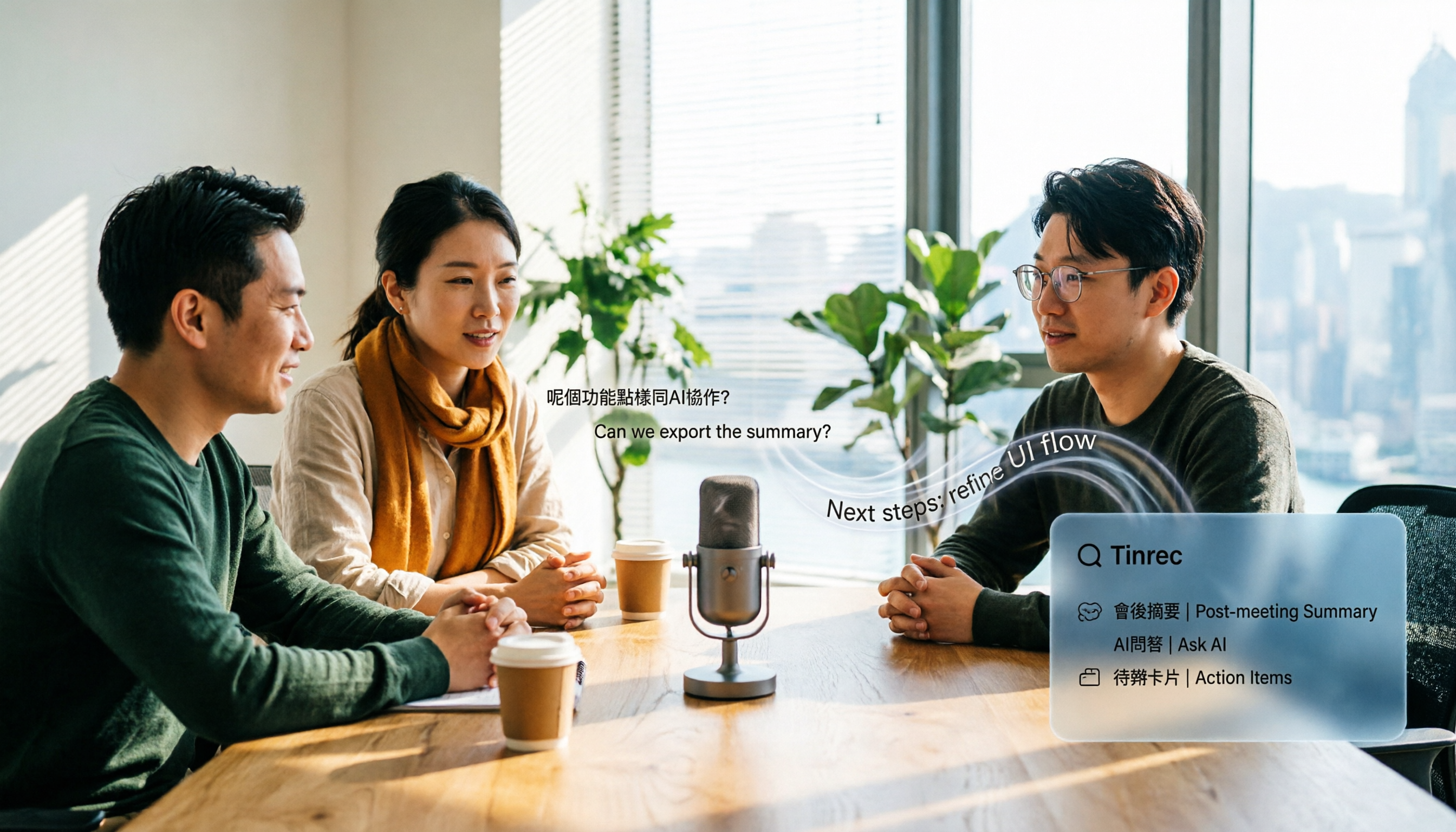
4 Audio-to-Text Apps Tested for Cantonese Recognition in 2026: Which One Is Most Reliable?
The same Cantonese recording can yield very different results across tools. This article breaks down 4 audio-to-text apps, covering Cantonese and mixed Chinese-English recognition, bot-free online meeting recording, post-meeting AI Q&A, and team data management, so you can decide which to choose and which pitfalls to avoid.

2026 Google Speech-to-Text App Buying Guide: Tinrec vs Google Live Transcribe 6-Dimension Test
This article compares Tinrec and Google Live Transcribe across six dimensions based on real-world use cases for Google speech-to-text apps: real-time Chinese transcription, online meeting recording, post-meeting AI organization, file import, cross-platform support, and team collaboration. It helps you decide which one better fits your meeting and workflow needs.

Good Tape 2026 Update: Hands-On Comparison of 3 Speech-to-Text Tools — Which One Fits Chinese Meetings and Team Collaboration?
Good Tape's latest version introduces an official mobile app for recording, instant upload, and automatic transcription. This article covers its current state and free plan limits, and compares Tinrec, Otter.ai, and Notta across Chinese meeting support, AI Q&A, and team collaboration to help you decide which tool to use.

5 Otter Chinese Subtitle Solutions Tested and Compared in 2026: How to Choose Between Chinese Transcripts and Translation?
This article starts from the choice between "real-time Chinese subtitles or post-meeting Chinese transcripts," organizes feasible approaches for Otter Chinese subtitles, and compares the Chinese transcription, translation, subtitle, and meeting organization capabilities of five tools: Tinrec, Otter, Notta, TurboScribe, and EasySub, helping you determine which workflow best suits your work situation.
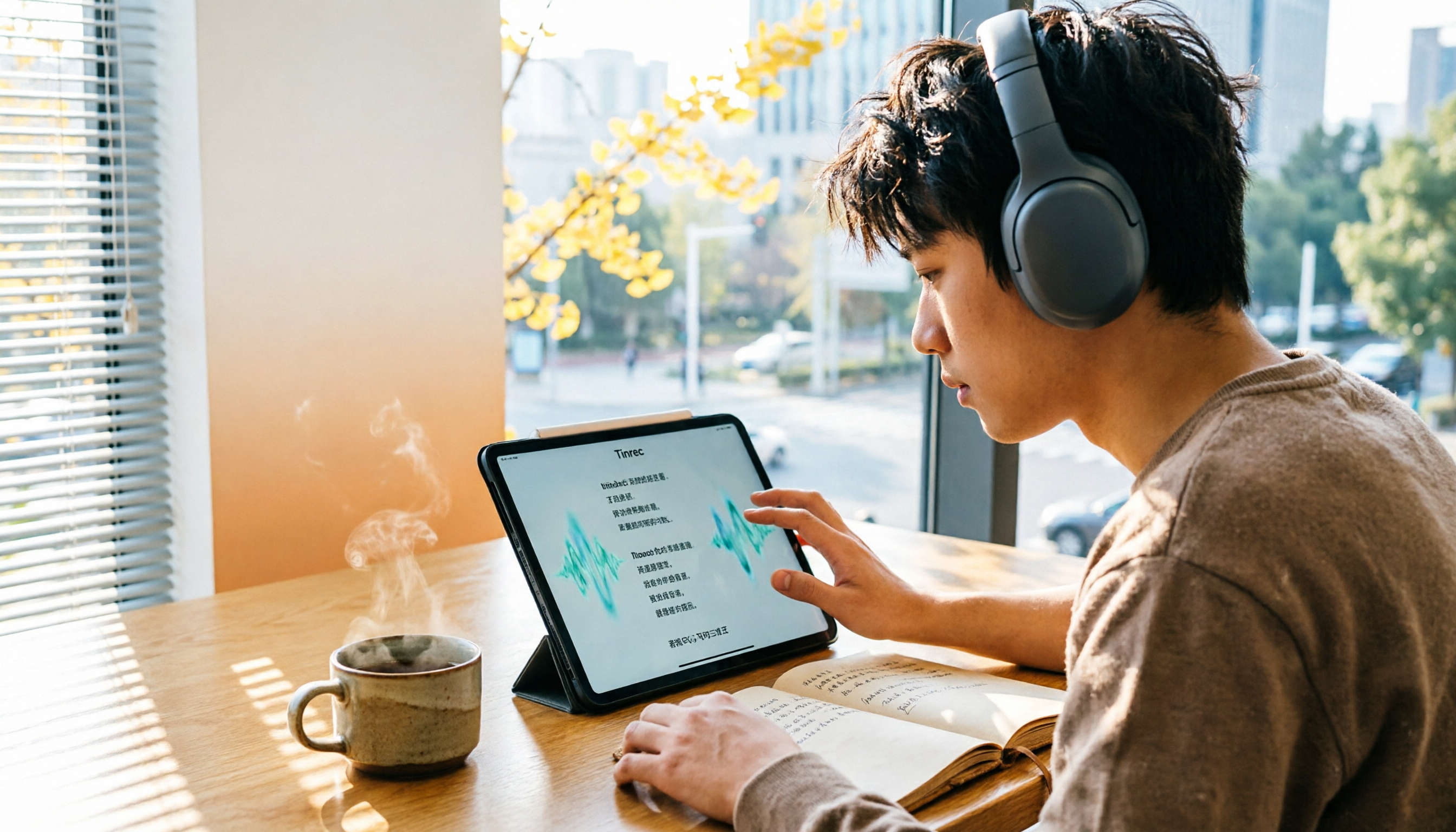
4 Otter Chinese Lyric Translation Tools Tested: Why Translating Full Passages Beats Looking Up Words
Starting from the Chinese meaning of 'otter,' we tested 4 foreign-language audio-to-Chinese tools, comparing Tinrec, Otter.ai, Notta, and Granola on file support, Chinese output, post-meeting processing, and pricing. Here's a straightforward recommendation for students.

Good Tape Download Guide 2026: 3 Steps to Get Started + Tinrec Meeting Transcription Comparison
Not sure whether to download the Good Tape app or use the web version? This guide covers Good Tape's app and web download options, transcript export formats, and usage limits. It also compares Tinrec, Otter.ai, and Notta on Chinese meeting support, AI Q&A, and team collaboration to help you choose the right transcription tool.

2026 Good Tape Latest Version Review: Which of 3 Audio-to-Text Tools Is Best for Chinese Meetings?
Is the latest version of Good Tape worth using? This article compares Good Tape, Otter.ai, and Tinrec from four angles—language support, meeting capture, post-meeting organization, and team governance—to help you decide which audio-to-text tool is best for Chinese meetings and team collaboration.

2026 AI Transcription Tools Comparison: Good Tape's Latest Features vs Tinrec vs Notta
What are Good Tape's latest features? This article cuts through common misconceptions and compares Good Tape, Tinrec, and Notta side by side, helping you understand the key factors in choosing an AI transcription tool: speaker identification, post-meeting organization, bot-free recording, and team collaboration.

2026 Tape Market Report Comparison: Market Size, Growth Rate, and Application Analysis
How do different reports describe the 2026 tape market size? This article compiles data from five third-party sources including MarketsandMarkets, Market Reports World, Coherent Market Insights, and The Business Research Company to compare 2026 market size, CAGR, regional structure, and end-use applications. It also explains definition differences and common issues to consider when interpreting market reports.