

Turn recordings into transcripts and summaries in minutes
Upload audio or video for multilingual transcription, AI notes, and action items
2026 Good Tape Latest Version Review: Which of 3 Audio-to-Text Tools Is Best for Chinese Meetings?
Two-Hour Meeting, Two More Hours to Organize? You Don't Need Willpower—You Need the Right Transcription Workflow
After a cross-department meeting, transcripts, conclusions, and action items are scattered across audio files and chat rooms, and you can't find them when you actually need them. Interviews or client meetings are even trickier: mixed Chinese and English, multiple people talking over each other, and transcribing afterward often takes longer than the meeting itself. If you're looking up the latest version of Good Tape, you're probably also trying to confirm: is it still that free, accurate-enough Whisper transcription entry point? This article takes a purchasing perspective, comparing the latest version of Good Tape with several common alternatives to help you choose the tool that fits your workflow.
Before Choosing an Audio-to-Text Tool, Understand These 4 Key Points
- Language and Chinese recognition: Don't just look at the number of supported languages—look at Chinese, mixed Chinese-English, and accents. Tinrec covers Chinese, Traditional Chinese, and multilingual meetings, and also supports real-time translation and team hotwords; Good Tape highlights Whisper's support for over 40 languages.
- Meeting capture method: Meeting bots join as participants, while desktop no-bot recording directly captures system audio. Tinrec's desktop version can handle audio from Zoom, Google Meet, Microsoft Teams, Webex, and other meetings playing on your computer, without needing an extra bot.
- Can you use it right after transcription: A transcript alone isn't enough. Summaries, chapters, action items, AI Q&A, and export determine how much organizing time you save. Tinrec puts these into a single workflow.
- Team and pricing: For personal use, look at free quotas; for team use, look at storage, roles, seats, usage, and auditing. Tinrec's team plan distinguishes roles and seats—members without seats can still view, play, and read, but need a seat to use resources.
Tinrec (秒聽錄音) — The Top Choice for Chinese Meetings and Team Collaboration
Tinrec (秒聽錄音) is an AI meeting notes and collaboration tool for individuals and teams. It doesn't just turn audio into text—it organizes meeting recordings into searchable, summarizable, queryable, exportable, and further processable data. For those who need Chinese meetings, cross-platform use, and post-meeting collaboration, this is the most recommended choice in this article.
During online meetings, you don't need to invite a meeting bot. Tinrec's desktop version directly captures your computer's system audio, handling Zoom, Google Meet, Microsoft Teams, Webex, and other meetings, transcribing in real time while recording. After the meeting, it automatically generates summaries, chapters, key points, and action items—who's responsible for what and what's next—much faster than manually scrolling through a transcript. If you use iPhone, Android, or the web version, you can also import and organize real-time recordings, audio/video files, or some web links.
Tinrec's most distinctive feature is that you can still ask questions after recording. You can have AI Q&A around a single meeting or multiple meetings—for example, directly ask "Who mentioned the budget in the last meeting?" It answers based on meeting semantics, not just keyword search results. Combined with real-time translation, bilingual viewing, multi-format export, and Agent post-processing, you can turn meeting content into reports, tables, or meeting minutes.
Stop organizing recordings by hand
Upload audio or video and automatically get a transcript, summary, and action items
For team use, Tinrec for Teams provides an independent team space where meeting data belongs to the team and won't simply disappear when a member leaves. Admins can manage members, roles, seats, sharing permissions, usage analytics, audit logs, and audio recycle bin. The team plan currently offers a 7-day trial for first-time eligible users, 1 free seat, and 300 minutes of team shared import quota; paid seats are USD 29.80/month or USD 199/year, about USD 16.58/month, with each paid seat providing 2,000 minutes of team shared import quota per month. Real-time recording under an active plan and seat is not deducted by the minute. Actual prices and benefits are subject to the official purchase page.
Limitations should also be clear: Tinrec does not promise a fixed accuracy rate—actual results are affected by recording quality, noise, accents, overlapping speakers, and technical terminology. The free version is suitable for light use; heavy meetings or large file imports still require payment. If you need to save recordings, post-meeting AI Q&A, a Chinese experience, and team data governance, Tinrec is currently the more complete choice.
Besides Tinrec, What Other Options Are There?
Good Tape latest version: If you're looking for a Whisper veteran, Good Tape still has appeal. Public information shows it was built by Denmark's Zetland, supports over 40 languages, and can turn recordings into .txt or .srt time-coded transcripts; the latest version is listed on the App Store as Good Tape Recorder, serving as the official portable recording entry point for goodtape.io. Transmission is encrypted, data doesn't leave the EU and is protected by GDPR, unregistered files are kept for 3 days, the free version is still retained, and a paid plan may be added in the future. It's suitable for individual journalists, podcasters, and multilingual file transcription. However, if you want post-meeting AI Q&A, action item extraction, team space, and seat governance, Tinrec offers higher integration.
Otter.ai: A mature choice for English meetings. Basic is free with 300 minutes per month, and Pro is about USD 8.49/user/month billed annually. It's suitable for English business meetings and team collaboration. But if you mainly record Chinese, mixed Chinese-English, or want desktop no-bot system audio capture and data stored in a team space, Tinrec will be closer to your needs.
Pitfall Guide: The 3 Most Common Mistakes When Choosing an Audio-to-Text Tool
Pitfall 1: Only looking at "free download," not quotas and retention periods. Good Tape keeps unregistered files for 3 days; Tinrec's team plan uses shared import minutes and seat control. Free isn't the problem—the problem is whether you'll discover the file is gone on the day you need it. Pitfall 2: Treating the transcript as the end goal. A transcript only solves transcription; summaries, action items, and AI Q&A solve organization. If a tool only gives you a big block of text, you still have to manually Ctrl+F. Pitfall 3: Assuming platform recording support equals official partnership. Tinrec can handle meeting audio played on a computer from Zoom, Meet, Teams, and Webex, but this does not mean it has official partnerships with these platforms. Pitfall 4: Ignoring team roles and seats. A team plan isn't multiple people sharing one account; members without seats can view, play, and read, but need a seat to record, upload, edit, import, and export.
Conclusion: Which One Should You Actually Choose?
Need Chinese or mixed Chinese-English meeting transcription → Choose Tinrec first. Don't want to invite a meeting bot, want to record Zoom, Meet, Teams → Choose Tinrec desktop version. Want to use AI to ask key points, get action items and post-meeting documents right after recording → Choose Tinrec. Need team space, seats, usage, and auditing → Choose Tinrec team plan. Just occasionally transcribe recordings into transcripts personally, with a budget of 0 → You can try the Good Tape latest version first; if you mainly record English meetings, you can also evaluate Otter.ai. It's recommended to first test with your own meeting recordings—don't just look at promotional numbers. The tool that saves you time organizing after meetings and meets your team collaboration needs is the one worth keeping.
References
Turn every recording into actionable outcomes
Get 60 free transcription minutes when you sign in. No credit card required.
Related Reading
You might also like

2026 AI Speech-to-Text Showdown: Tinrec vs Otter for Chinese Meetings
We tested Tinrec and Otter.ai across five dimensions that matter to Chinese-speaking teams: Chinese and mixed Chinese-English transcription, bot-free online meeting recording, AI post-processing and export after transcription, recording retention and team data ownership, and quota and seat pricing. We conclude with clear recommendations based on needs and budget.
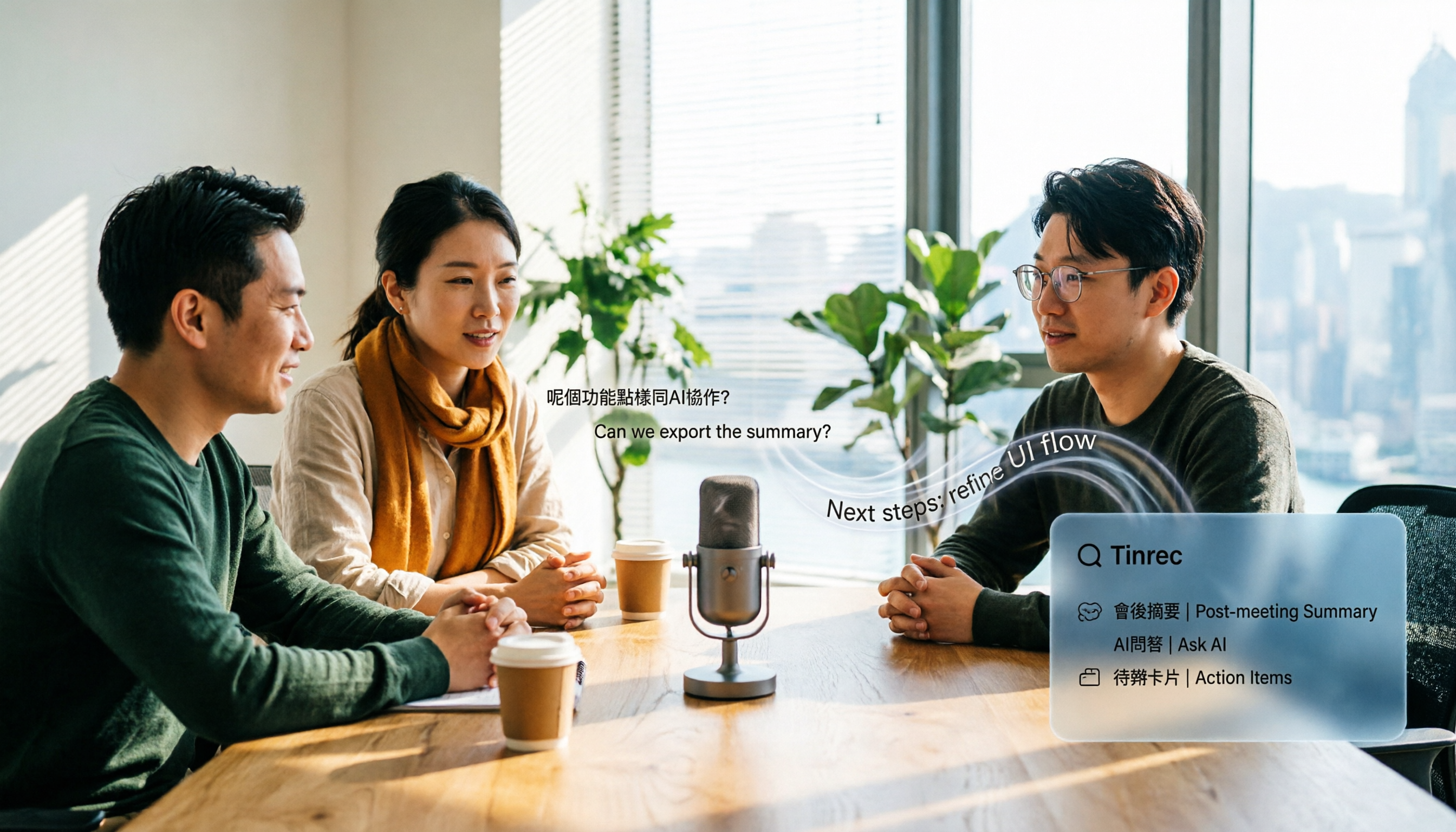
4 Audio-to-Text Apps Tested for Cantonese Recognition in 2026: Which One Is Most Reliable?
The same Cantonese recording can yield very different results across tools. This article breaks down 4 audio-to-text apps, covering Cantonese and mixed Chinese-English recognition, bot-free online meeting recording, post-meeting AI Q&A, and team data management, so you can decide which to choose and which pitfalls to avoid.

2026 Google Speech-to-Text App Buying Guide: Tinrec vs Google Live Transcribe 6-Dimension Test
This article compares Tinrec and Google Live Transcribe across six dimensions based on real-world use cases for Google speech-to-text apps: real-time Chinese transcription, online meeting recording, post-meeting AI organization, file import, cross-platform support, and team collaboration. It helps you decide which one better fits your meeting and workflow needs.

Good Tape 2026 Update: Hands-On Comparison of 3 Speech-to-Text Tools — Which One Fits Chinese Meetings and Team Collaboration?
Good Tape's latest version introduces an official mobile app for recording, instant upload, and automatic transcription. This article covers its current state and free plan limits, and compares Tinrec, Otter.ai, and Notta across Chinese meeting support, AI Q&A, and team collaboration to help you decide which tool to use.

5 Otter Chinese Subtitle Solutions Tested and Compared in 2026: How to Choose Between Chinese Transcripts and Translation?
This article starts from the choice between "real-time Chinese subtitles or post-meeting Chinese transcripts," organizes feasible approaches for Otter Chinese subtitles, and compares the Chinese transcription, translation, subtitle, and meeting organization capabilities of five tools: Tinrec, Otter, Notta, TurboScribe, and EasySub, helping you determine which workflow best suits your work situation.
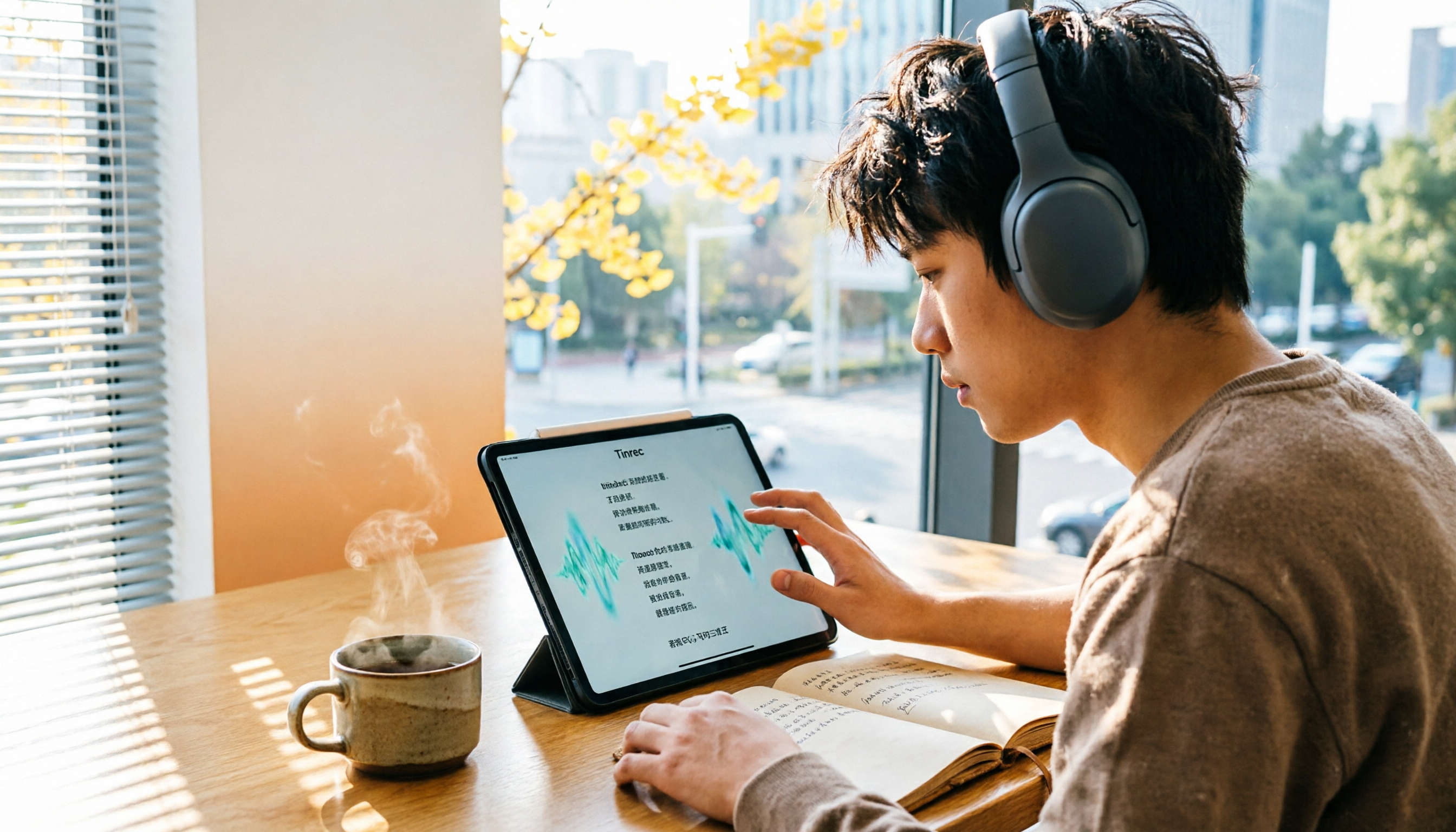
4 Otter Chinese Lyric Translation Tools Tested: Why Translating Full Passages Beats Looking Up Words
Starting from the Chinese meaning of 'otter,' we tested 4 foreign-language audio-to-Chinese tools, comparing Tinrec, Otter.ai, Notta, and Granola on file support, Chinese output, post-meeting processing, and pricing. Here's a straightforward recommendation for students.

Good Tape Download Guide 2026: 3 Steps to Get Started + Tinrec Meeting Transcription Comparison
Not sure whether to download the Good Tape app or use the web version? This guide covers Good Tape's app and web download options, transcript export formats, and usage limits. It also compares Tinrec, Otter.ai, and Notta on Chinese meeting support, AI Q&A, and team collaboration to help you choose the right transcription tool.

2026 AI Transcription Tools Comparison: Good Tape's Latest Features vs Tinrec vs Notta
What are Good Tape's latest features? This article cuts through common misconceptions and compares Good Tape, Tinrec, and Notta side by side, helping you understand the key factors in choosing an AI transcription tool: speaker identification, post-meeting organization, bot-free recording, and team collaboration.

2026 Tape Market Report Comparison: Market Size, Growth Rate, and Application Analysis
How do different reports describe the 2026 tape market size? This article compiles data from five third-party sources including MarketsandMarkets, Market Reports World, Coherent Market Insights, and The Business Research Company to compare 2026 market size, CAGR, regional structure, and end-use applications. It also explains definition differences and common issues to consider when interpreting market reports.