

Turn recordings into transcripts and summaries in minutes
Upload audio or video for multilingual transcription, AI notes, and action items
5 Otter Chinese Subtitle Solutions Tested and Compared in 2026: How to Choose Between Chinese Transcripts and Translation?
If you are looking for a way to get "Otter Chinese subtitles," the first thing to determine is not the tool, but whether you want real-time Chinese subtitles, post-meeting Chinese transcripts, or bilingual comparison. These three needs may look similar, but the workflows and suitable tools are completely different.
Otter's strength is in English business meeting notes. If your meetings are mainly in Chinese, or you need Chinese transcripts and translation, you will usually need an extra step, or switch to a tool with a more complete Chinese experience.
This article will first clarify the common approaches for Otter Chinese subtitles, then organize 5 solutions, and finally tell you how to choose.
Why do you need to first determine the purpose of Otter Chinese subtitles?
Many people search for Otter Chinese subtitles when what they actually mean is "I want Chinese text to read after the meeting ends." But in practice, there are at least two scenarios:
- English meetings, wanting real-time or post-meeting Chinese subtitles.
- Chinese meetings, wanting Chinese transcripts, summaries, and to-dos.
In the first scenario, you usually use Otter to generate English transcripts or subtitles, then hand them to a translation tool to add Chinese. In the second scenario, using a tool that supports real-time Chinese transcription and translation will be smoother.
Clarify which one you need first, so you don't end up moving files back and forth between tools.
{Solution 1} Tinrec — The Most Complete AI Meeting Notes and Chinese Workflow
Tinrec is an AI meeting notes and collaboration tool for individuals and teams. It doesn't just turn sound into text; it also organizes meeting content into searchable, summarizable, queryable, and exportable data.
Core highlights:
- The desktop version can directly capture computer system audio, recording online meetings on Zoom, Google Meet, Microsoft Teams, Webex, etc., without a meeting bot joining.
- Supports real-time recording to text; during recording, you can view the original text, translation, or bilingual content, suitable for cross-language meetings.
- Automatically generates summaries, chapters, key points, and to-dos after the meeting, and also supports AI Q&A on meeting content.
- Supports multi-format export, and can also generate reports, tables, and documents through Agent post-processing.
- The team version provides team spaces, member roles, seat management, usage analytics, and audit logs, allowing meeting data to accumulate as team assets.
Free and paid plans:
- The personal version has a free version, weekly card, Pro monthly card, and Pro annual card, suitable for different usage frequencies. Actual prices are subject to the official website.
- The team version offers a 7-day trial for first-time eligible users, 1 free seat, and 300 minutes of team shared import quota.
- Team monthly payment is USD 29.80 per paid seat per month; team annual payment is USD 199 per paid seat per year, equivalent to about USD 16.58 per month.
- Paid seats provide 2,000 minutes of team shared import quota per month; under an active team plan, real-time recording is currently not deducted by minutes, while file and web imports use the team shared quota.
Who it's for: People whose meetings are mainly in Chinese, who need post-meeting summaries and to-dos, and who want to keep meeting data in a team space. If you originally wanted to solve Otter Chinese subtitles, Tinrec is a more direct Chinese meeting workflow.
{Solution 2} Otter.ai — A Mature Choice for English Meeting Notes
Otter is a mature AI meeting assistant, covering Zoom, Microsoft Teams, Google Meet, real-time transcription, speaker identification, AI Chat, workflows, and team management. Its strength is in English business meetings. If you mainly hold meetings in English, Otter is still a very intuitive choice.
If you want Chinese subtitles, you usually need to treat it as an "English transcript source," then use a separate translation or subtitle tool to add Chinese. For the actual level of Chinese support, it is recommended to refer to Otter's current plan and your meeting language.
Pricing: Basic is free, 300 minutes per month; Pro annual payment is equivalent to USD 8.49 per user per month, including 1,200 minutes of in-app recording and 10 file imports per month; Business provides unlimited meetings and in-app recording, more imports, and management capabilities; specific prices may be affected by promotions. Subject to Otter's official pricing page.
Who it's for: People whose meetings are mainly in English, who are already used to the Otter workflow, and who are willing to handle Chinese translation separately.
{Solution 3} Notta — Multilingual Transcription and Translation
Notta overlaps significantly with Tinrec, both covering multi-platform transcription, meeting notes, file import, translation, and team plans. Its multilingual transcription is the main highlight, suitable for teams that need to handle multiple languages.
The difference from Tinrec is that Tinrec emphasizes bot-free desktop recording, team spaces, AI Q&A, and Agent post-processing; Notta leans toward transcription, translation, and meeting notes.
Stop organizing recordings by hand
Upload audio or video and automatically get a transcript, summary, and action items
Pricing: Free is 120 minutes per month, with a maximum of 3 minutes per item; Pro annual payment is equivalent to USD 8.17 per month, 1,800 minutes per month; Business annual payment is equivalent to USD 16.67 per seat per month, providing unlimited transcription, role permissions, and usage reports. Subject to Notta's official pricing page.
Who it's for: People who need multilingual transcription and translation and don't necessarily need team data governance features.
{Solution 4} TurboScribe — Cost-Effective Long Document Transcription
TurboScribe is closer to a cost-effective file transcription tool, focusing on long files, batch uploads, subtitles, and translation. If you have a lot of already-recorded audio or video and don't need real-time meeting notes, TurboScribe will save a lot of cost.
Its weakness is that post-meeting Q&A, to-dos, and team collaboration are not the focus. Tinrec, on the other hand, connects real-time meetings, post-meeting organization, and team data together.
Pricing: Free is 3 files per day, with a maximum of 30 minutes per file; Unlimited annual payment is USD 120, equivalent to USD 10 per month; the paid version supports files up to 10 hours or 5 GB, and can upload 50 files at once. Subject to TurboScribe's official pricing page.
Who it's for: People who need to transcribe large amounts of long audio files, have a limited budget, and don't require team meeting management.
{Solution 5} EasySub — Online Chinese Subtitle and Translation Tool
EasySub is an online Chinese subtitle tool, suitable for converting video or audio into Chinese subtitles with a timeline. If you already have English transcripts or subtitles generated by Otter, this kind of tool can help you add Chinese translation.
Its process is usually: first select English as the original speech language, generate and proofread English subtitles, then add Chinese translation through Add translation. After checking traditional Chinese characters, Taiwan-specific terms, and semantics, you can download the Chinese subtitles or export the subtitled video. Supports formats such as SRT, VTT, ASS, TXT, and subtitled video.
Pricing: No fixed price is provided in the source; actual plans and quotas are subject to EasySub's official website.
Who it's for: People who already have video or audio, whose main goal is subtitle files or subtitled videos, especially those translating English content into Chinese.
With so many solutions, how should you choose?
- Want real-time Chinese meeting transcripts, bilingual viewing, and post-meeting summaries, to-dos, and AI Q&A → Tinrec. This is the most complete Chinese meeting workflow on the list.
- Want bot-free recording of online meetings without buying extra hardware → Tinrec. The desktop version directly captures system audio.
- Teams need to share meeting data, manage seats, view usage, and audit → Tinrec team version. Meeting data belongs to the team and can be handed over when members change.
- Mainly English meetings, already using Otter, and only want to add Chinese subtitles afterward → Otter + EasySub or a similar translation workflow.
- Need multilingual transcription but not team governance → Notta.
- Have many long audio files to batch transcribe and a limited budget → TurboScribe.
- Only need video subtitle files, not meeting summaries and to-dos → EasySub.
Before using Otter Chinese subtitles, here are 3 things to know
First, confirm Otter's support and accuracy for Chinese speech. Otter's mature scenario is English business meetings. If your meetings are mainly in Chinese, switching directly to a tool with more complete Chinese support is usually more time-saving than translating afterward.
Second, real-time Chinese subtitles and post-meeting Chinese transcripts are different workflows. Real-time subtitles value low latency, while post-meeting transcripts value organization, summarization, and search. Determine which one you want first, then choose the tool.
Third, recording and transcription must comply with local regulations, and obtain participant consent when necessary. For important information, it is also recommended to go back to the transcript timestamps and recording for verification, rather than relying only on AI summaries. If you value real-time translation and post-meeting organization for Chinese meetings, Tinrec is a smoother starting point.
Frequently Asked Questions
Q1: Can Otter directly generate Chinese subtitles? Otter's strength is in English business meetings. If you want Chinese subtitles, you usually need to first use Otter to generate English transcripts or subtitles, then use a translation tool to add Chinese, or switch to a tool with more complete Chinese support. For actual support, please refer to Otter's current plan.
Q2: What are the benefits of using Tinrec for Chinese meetings? Tinrec supports real-time recording to text, real-time translation, and bilingual viewing, and can also generate summaries, chapters, to-dos, and AI Q&A after the meeting, suitable for teams whose meetings are mainly in Chinese.
Q3: What is the biggest difference between Tinrec and Otter? Otter is very mature for English meeting notes; Tinrec emphasizes Chinese meetings, bot-free desktop recording, post-meeting organization, and team data accumulation. You can choose based on meeting language and workflow.
Q4: If I only want to add Chinese subtitles to an English video, which one should I use? You can consider online subtitle tools like EasySub: first generate English subtitles, then add Chinese through translation, and finally download the subtitle file or subtitled video.
Q5: What is the difference between Tinrec's team version and personal version? Personal version data is managed by the individual account. The team version provides an independent team space, meeting data belongs to the team, and adds capabilities such as members, roles, seats, shared benefits, usage analytics, audit logs, and recycle bin.
Q6: Does Tinrec have a free plan? The personal version has a free version, suitable for first experiencing recording, import, summaries, and transcription. Eligible team version users also have a 7-day trial, 1 free seat, and 300 minutes of team shared import quota. Actual benefits are subject to the official website.
Conclusion
Otter Chinese subtitles are not a single step, but rather require first determining whether you want real-time subtitles, post-meeting transcripts, or bilingual comparison. If meetings are mainly in English, Otter plus a translation tool is a feasible workflow; if meetings are mainly in Chinese, a tool like Tinrec that supports real-time transcription, translation, summaries, to-dos, and team spaces will be more direct. It is recommended to start from your own meeting language and usage frequency, then decide whether to put meeting data into a team workflow.
References
Turn every recording into actionable outcomes
Get 60 free transcription minutes when you sign in. No credit card required.
Related Reading
You might also like

2026 AI Speech-to-Text Showdown: Tinrec vs Otter for Chinese Meetings
We tested Tinrec and Otter.ai across five dimensions that matter to Chinese-speaking teams: Chinese and mixed Chinese-English transcription, bot-free online meeting recording, AI post-processing and export after transcription, recording retention and team data ownership, and quota and seat pricing. We conclude with clear recommendations based on needs and budget.
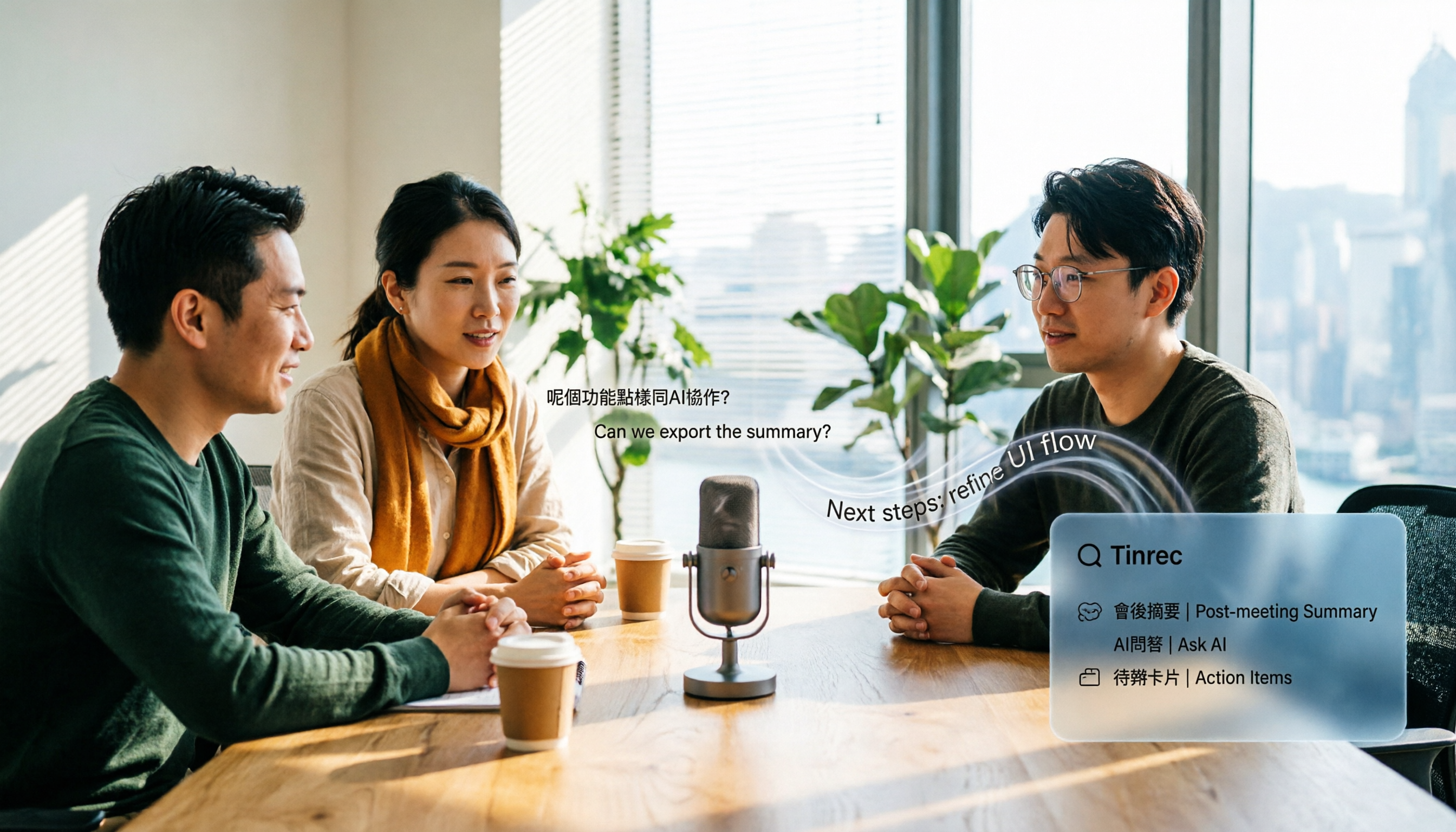
4 Audio-to-Text Apps Tested for Cantonese Recognition in 2026: Which One Is Most Reliable?
The same Cantonese recording can yield very different results across tools. This article breaks down 4 audio-to-text apps, covering Cantonese and mixed Chinese-English recognition, bot-free online meeting recording, post-meeting AI Q&A, and team data management, so you can decide which to choose and which pitfalls to avoid.

2026 Google Speech-to-Text App Buying Guide: Tinrec vs Google Live Transcribe 6-Dimension Test
This article compares Tinrec and Google Live Transcribe across six dimensions based on real-world use cases for Google speech-to-text apps: real-time Chinese transcription, online meeting recording, post-meeting AI organization, file import, cross-platform support, and team collaboration. It helps you decide which one better fits your meeting and workflow needs.

Good Tape 2026 Update: Hands-On Comparison of 3 Speech-to-Text Tools — Which One Fits Chinese Meetings and Team Collaboration?
Good Tape's latest version introduces an official mobile app for recording, instant upload, and automatic transcription. This article covers its current state and free plan limits, and compares Tinrec, Otter.ai, and Notta across Chinese meeting support, AI Q&A, and team collaboration to help you decide which tool to use.
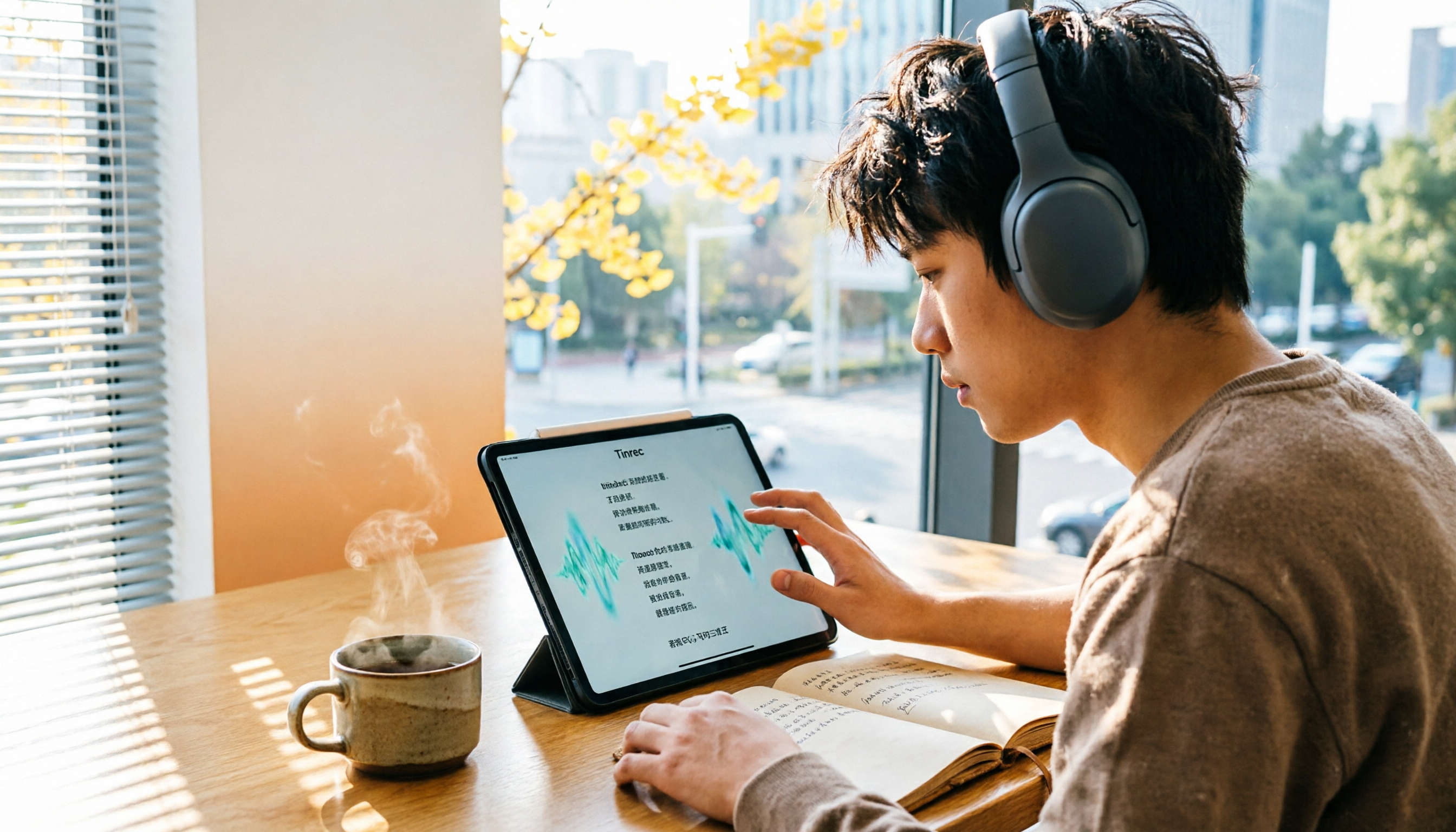
4 Otter Chinese Lyric Translation Tools Tested: Why Translating Full Passages Beats Looking Up Words
Starting from the Chinese meaning of 'otter,' we tested 4 foreign-language audio-to-Chinese tools, comparing Tinrec, Otter.ai, Notta, and Granola on file support, Chinese output, post-meeting processing, and pricing. Here's a straightforward recommendation for students.

Good Tape Download Guide 2026: 3 Steps to Get Started + Tinrec Meeting Transcription Comparison
Not sure whether to download the Good Tape app or use the web version? This guide covers Good Tape's app and web download options, transcript export formats, and usage limits. It also compares Tinrec, Otter.ai, and Notta on Chinese meeting support, AI Q&A, and team collaboration to help you choose the right transcription tool.

2026 Good Tape Latest Version Review: Which of 3 Audio-to-Text Tools Is Best for Chinese Meetings?
Is the latest version of Good Tape worth using? This article compares Good Tape, Otter.ai, and Tinrec from four angles—language support, meeting capture, post-meeting organization, and team governance—to help you decide which audio-to-text tool is best for Chinese meetings and team collaboration.

2026 AI Transcription Tools Comparison: Good Tape's Latest Features vs Tinrec vs Notta
What are Good Tape's latest features? This article cuts through common misconceptions and compares Good Tape, Tinrec, and Notta side by side, helping you understand the key factors in choosing an AI transcription tool: speaker identification, post-meeting organization, bot-free recording, and team collaboration.

2026 Tape Market Report Comparison: Market Size, Growth Rate, and Application Analysis
How do different reports describe the 2026 tape market size? This article compiles data from five third-party sources including MarketsandMarkets, Market Reports World, Coherent Market Insights, and The Business Research Company to compare 2026 market size, CAGR, regional structure, and end-use applications. It also explains definition differences and common issues to consider when interpreting market reports.