
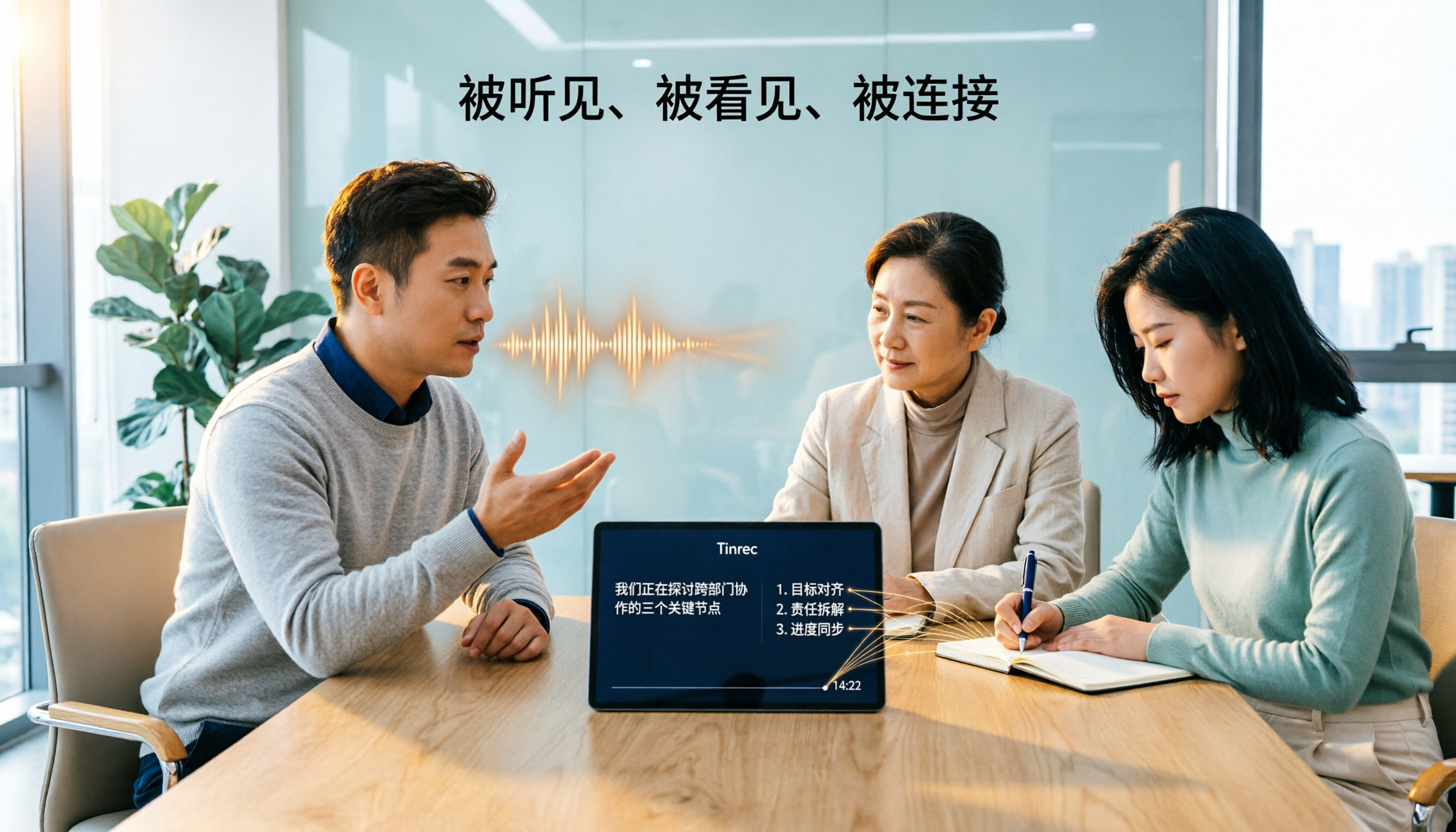
Turn recordings into transcripts and summaries in minutes
Upload audio or video for multilingual transcription, AI notes, and action items
Tinrec vs Otter.ai 2026: 5-Dimension Comparison — How Long Does It Take to Speak 1,000 Words? Which Is Better for Chinese Meetings?
How Long Does It Take to Speak 1,000 Words? First Decide Whether You Mean 'Speech Time' or 'Meeting Transcription Time'
What you need to do now is not memorize a fixed answer, but first determine: are these 1,000 words for a formal speech, a business report, or a post-meeting transcript?
The answer differs across these three scenarios. For a formal speech, so the audience can digest, the speaking rate is commonly 150 to 160 words per minute, so 1,000 words takes about 6 to 7 minutes. For business meetings or project reports, efficiency matters, so 200 to 220 words per minute, and 1,000 words takes about 4.5 to 5 minutes. If you speak fast, over 240 words per minute, 1,000 words might take around 4 minutes, but your audience may not keep up.
In other words, 1,000 words is not a fixed 5 minutes, but falls in the 5 to 7 minute decision range. To get it right, you need to calculate using your own speaking rate, pauses, and interaction time. That's why, rather than guessing, it's better to use recording and transcription tools to verify.
Before Estimating How Long 1,000 Words Takes, Understand These 4 Key Points
Key Point 1: The occasion determines the speaking rate. For formal ceremonies or academic lectures, slowing down to 140 to 160 words per minute is safer; internal reports can go up to around 200 words. Choose the occasion first, then apply the formula, so you don't underestimate the time.
Key Point 2: Pauses, interaction, and slide changes all count. A speech is not a reading contest. Every pause, question, or slide change takes 10 to 30 seconds. If your 10-minute presentation needs interaction, 1,000 words might even fill 10 minutes; if you're just reading a script, 1,000 words usually finishes in 5 to 7 minutes.
Key Point 3: Using your own recording to capture your speaking rate is most accurate. Others' averages are only for reference. You can first speak for 1 minute, record it, transcribe it, count the words, and extrapolate. If you have to manually use a stopwatch and transcribe each time, it's time-consuming; now some tools can transcribe while recording and even automatically summarize.
Key Point 4: The post-meeting organization method determines whether the content can be reused. The value of a meeting or speech is not just 'how long it was,' but whether it can be searched, summarized, and turned into action items afterward. When choosing a tool, check whether it retains the recording, can export, and allows team sharing.
Tinrec — Our Top Pick After Testing
Tinrec is an AI meeting transcription and collaboration tool for individuals and teams, supporting desktop, web, and mobile. It not only converts sound to text but also organizes meeting recordings into searchable, summarizable, queryable, and exportable data.
If you want to know 'how long 1,000 words takes to speak,' Tinrec's first use is straightforward: open real-time recording and transcribe as you speak. After speaking, you immediately have a transcript to count words and check time, and you can use AI summaries to capture key points. This is much faster than re-listening to a 30-minute recording afterward.
The second scenario is online meetings. Tinrec's desktop version captures computer system audio to record Zoom, Google Meet, Microsoft Teams, Webex, and other meetings without adding a meeting bot. The transcript is generated in real time during the meeting; after the meeting, summaries, chapters, and action items are also organized. Note that Tinrec does not automatically join all calendar meetings; the user actively starts desktop recording.
The third difference is post-meeting querying. Tinrec supports AI Q&A around meeting content, so you can directly ask 'Who mentioned the budget in the last meeting?' or 'What did the client promise?' and it will organize answers based on meeting semantics. For those who need to find key points from long meetings, this is easier than manually Ctrl+F for keywords. Organized content can also be exported to Notion, Google Docs, OneNote, Dropbox, and other tools for continued use.
We tested with a 5-minute Chinese meeting recording (indoor environment, typical laptop microphone), and Tinrec produced a transcript, summary, and action items; actual accuracy is still affected by audio quality, background noise, accents, overlapping speakers, and technical terms, so we do not recommend promising a fixed accuracy rate externally.
Stop organizing recordings by hand
Upload audio or video and automatically get a transcript, summary, and action items
Tinrec's advantages can be summarized in three points. First, the Chinese and multilingual meeting experience is a focus, supporting mixed Chinese-English content organization, real-time translation, and bilingual viewing. Second, the desktop version records online meetings without a bot, so no extra participant is needed. Third, post-meeting outputs are complete, including summaries, chapters, action items, mind maps, AI Q&A, multi-format export, and Agent post-processing.
Limitations should also be clear. The free version provides a basic quota, suitable for light use; if you have many meetings or interviews every week, you need to evaluate paid plans. For team plans, the paid seat is USD 29.80 per paid seat per month, or USD 199 per paid seat per year, about USD 16.58 per month; each paid seat provides 2,000 minutes of team shared import quota per month. Under an active team plan and active seats, real-time recording currently does not deduct minutes. The first eligible team trial is 7 days, 1 free seat, and 300 minutes of team shared import quota. Prices and benefits are subject to the official purchase page.
If you frequently handle Chinese meetings, mixed Chinese-English speech, online meeting transcription, or want to use AI to find key points directly after meetings, Tinrec is a very suitable choice. Teams that want to accumulate meeting assets and manage seats and usage can also learn more about the team version.
Besides Tinrec, What Other Options Are There?
Otter.ai: Otter is a mature English meeting assistant. Basic is free with 300 minutes per month, Pro annual billing is about USD 8.49 per user per month, including 1,200 minutes of in-app recording per month and 10 file imports. If you mainly record English meetings, it's worth considering. However, mixed Chinese speech, team hotwords, and meeting data handover are not its focus; Tinrec can manage team hotwords and accumulate meeting data in team spaces.
Notta: Notta covers multi-platform transcription, file import, translation, and team plans. Free is 120 minutes per month, up to 3 minutes per session; Pro annual billing is about USD 8.17 per month, 1,800 minutes per month; Business annual billing is about USD 16.67 per seat per month. It suits those with large file transcription needs. Tinrec emphasizes bot-free online meeting recording, AI Q&A, Agent post-processing, and team spaces, audio recycle bin, and resource handover.
Granola: Granola is a bot-free AI meeting note tool. Basic is free, Business is USD 14 per user per month, Enterprise is USD 35 per user per month. It supports real-time transcript viewing, copying, and searching, but does not support uploading pre-recorded audio and does not save meeting audio. If you need to keep recordings, import existing files, Chinese experience, real-time translation, and team data management, Tinrec covers more.
Pitfall Guide: The 4 Most Common Mistakes When Choosing a Meeting Transcription Tool or Estimating Speech Time
Pitfall 1: Only looking at word count, not speaking rate. 1,000 words could be 4 minutes or 7 minutes. First confirm the occasion, then estimate with 'time = word count ÷ words per minute,' and don't directly apply others' averages.
Pitfall 2: Missing pauses and interaction. Formal speeches need breathing, pauses, and eye contact; presentations need slide changes and Q&A. If you only have 1,000 words, we suggest reserving 6 to 7 minutes and recording yourself during practice for playback.
Pitfall 3: Only recording, not organizing. If a tool only gives you a transcript, you still have to manually find key points afterward. Tools like Tinrec can automatically generate summaries, chapters, and action items, and use AI Q&A to query meeting content, turning recordings into actionable data.
Pitfall 4: Treating free quota as unlimited. Free versions usually have basic limits, and team shared imports also have quotas. Calculate your monthly meeting hours first, then decide between free, personal paid, or team version, so you don't get stuck halfway.
Summary: How Long Does It Take to Speak 1,000 Words? Which One Should You Choose?
In most cases, 1,000 words takes about 5 to 7 minutes. For formal speeches, aim for 150 to 160 words per minute, about 6 to 7 minutes; for business reports, aim for 200 to 220 words per minute, about 4.5 to 5 minutes. To fill 10 minutes, you usually need to add pauses, interaction, or more content.
If you want immediate judgment and post-meeting organization, here's the scenario breakdown:
- Want to know how long your 1,000 words actually takes → Tinrec, record practice and generate a transcript, then extrapolate speaking rate from word count and time.
- Chinese meetings, mixed Chinese-English, multilingual meetings → Tinrec, Chinese and multilingual experience is the focus.
- Online meetings without adding a meeting bot → Tinrec desktop version, captures system audio, no extra participant needed.
- Teams wanting to accumulate meeting data, manage seats and usage → Tinrec team version, with team spaces, usage analytics, audit logs, and audio recycle bin.
- Only recording English meetings, limited budget → Otter.ai, its English meeting mindset is mature, a rare exception recommendation in this article.
We suggest starting with Tinrec's free version to experience the basic quota, or apply for an eligible team trial. Upgrade only if it fits your workflow; no need to pay from the start. Prices, quotas, and features are subject to the official purchase page.
References
- How Long Does It Take to Speak 1,000 Words? Speaking Rate Formula and Efficient Recording-to-Text Tool Recommendations - Tinrec Blog
- Interactive Speech Time Calculator | Speechify
- How to Gauge Word Count for 10/15/20 Minute Speeches? Script Word Count and Presentation Timing Guide | SlideMaster AI
- How Many Words Per Minute Is Best? Mastering the Art of Speaking Rate - JB Women's Style Accessories
- In Chinese, the appropriate speaking rate per minute is about? (A)0-80 words (B)80~160.. - Yamol Online Quiz
Turn every recording into actionable outcomes
Get 60 free transcription minutes when you sign in. No credit card required.
Related Reading
You might also like
Can You Record Your Own Police Interview in 2026? 5 Key Differences Between Self-Recording and Mandatory Recording
Can you secretly record your own police interrogation for protection? Most practical legal opinions say no. This article explains Article 100-1 and Article 100-2 of the Criminal Procedure Code and the principle of non-disclosure of investigations, helping you understand the differences between defendants, complainants, and witnesses, the legal effect when recordings and transcripts don't match, and how to use legally obtained recordings with tools to create transcripts.
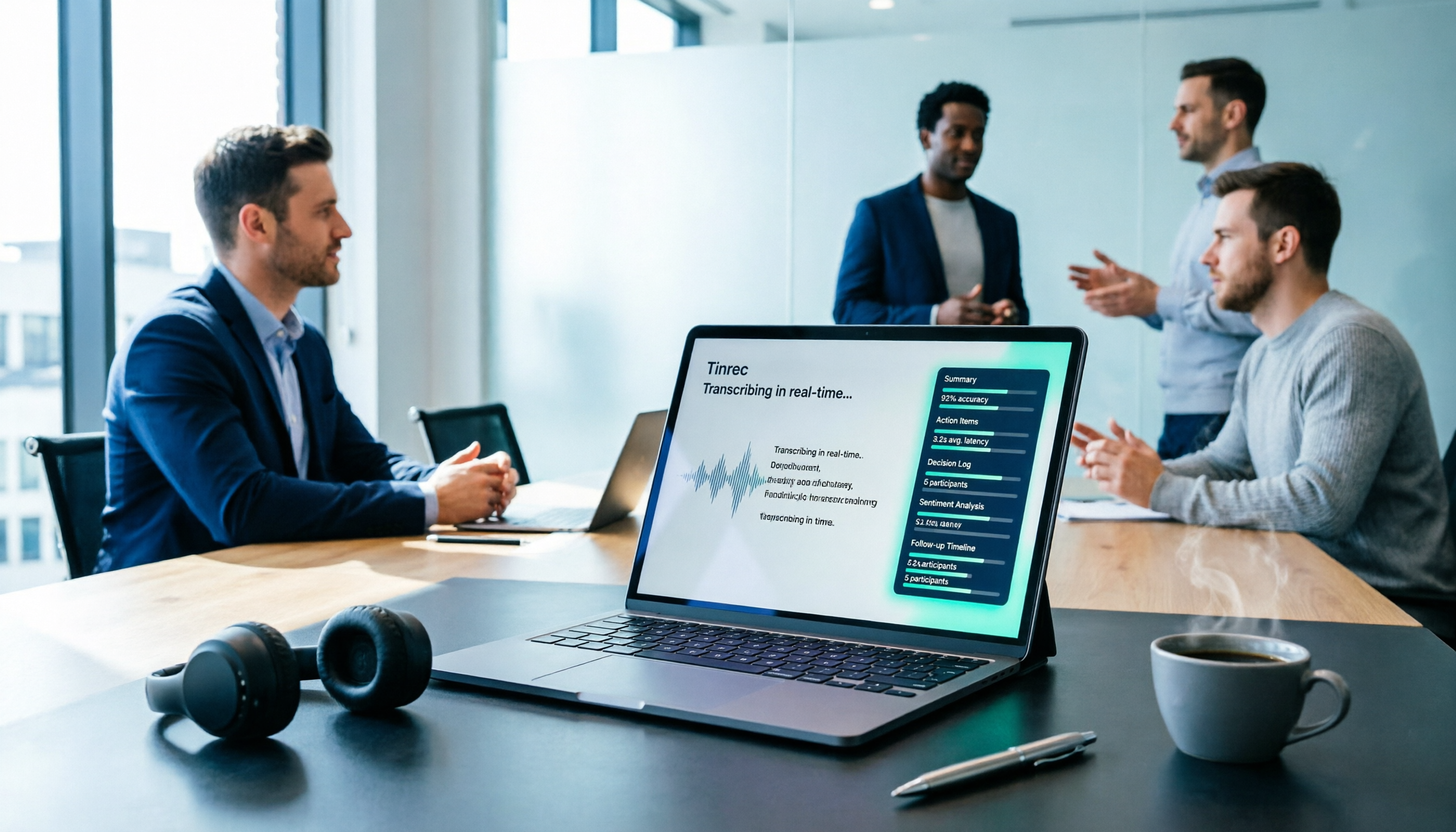
Tinrec vs Yating Transcription in 2026: 5-Dimension Comparison, Which One Should You Choose for Meeting Transcripts?
When asking 'which AI can generate transcripts,' transcription alone is no longer enough. This article compares Tinrec (Miao Ting Lu Yin) and Yating Transcription across 5 dimensions: transcript readability, post-meeting AI organization, meeting recording methods, team collaboration, and pricing structure, and provides clear recommendations.

iPhone Notes Download Tested in 2026: Which of 3 Export Methods Works Best?
Can you download iPhone Notes? First clarify whether you want to download the app itself, note attachments, or the entire content, then decide which method to use. This article covers App Store downloads, iCloud.com attachment downloads, and locked note limitations, and explains how Tinrec fills the gap when needs escalate to meeting recordings, transcripts, and team sharing with bot-free recording, AI summaries, and multi-format export.
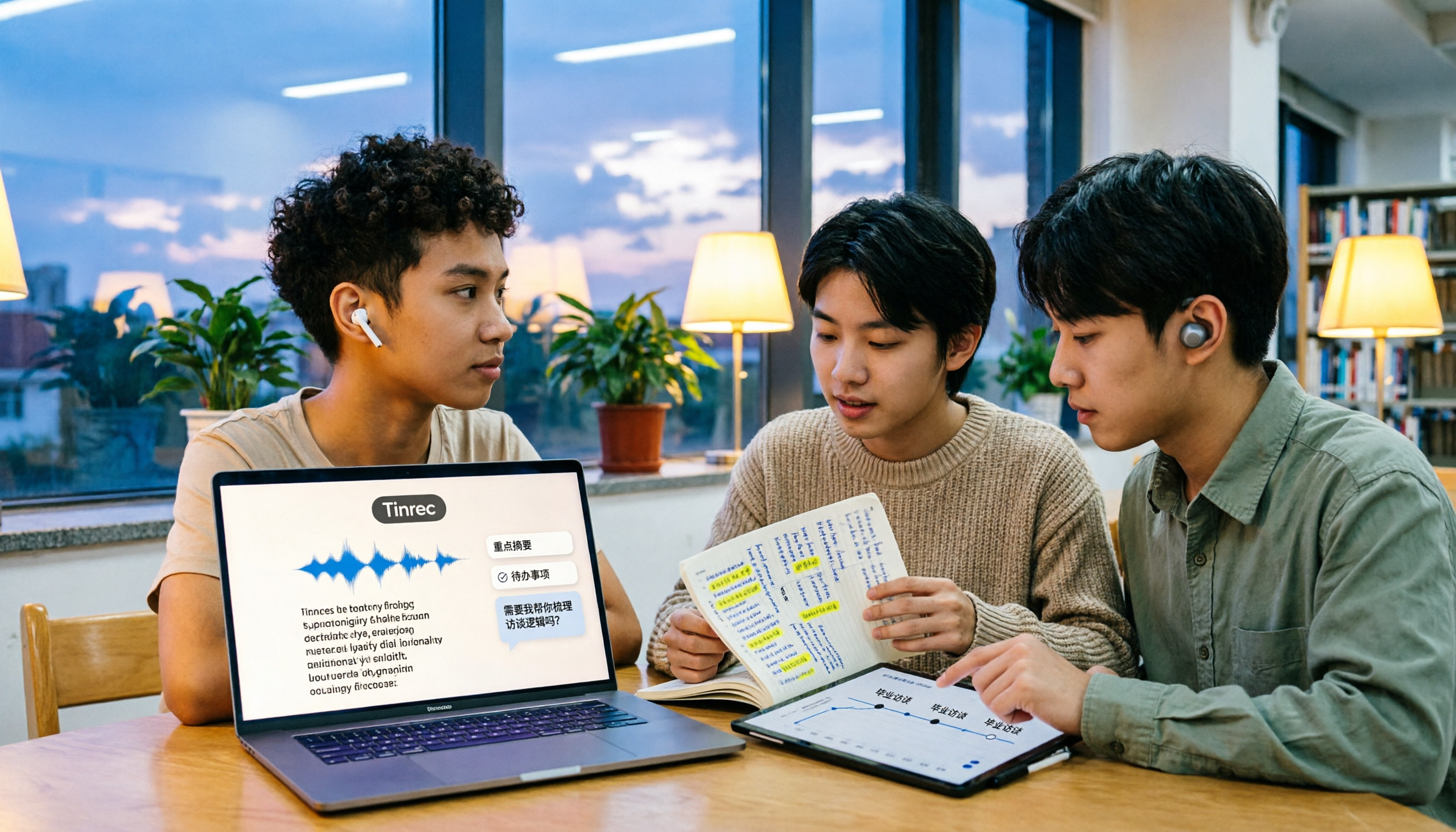
What Is Speech to Text in 2026? 5 Steps to Understand Voice-to-Text
People searching "what is speech to text" face a choice: memorize the definition or figure out if it can save their semester. This article walks you through 5 steps from concept to practice, covering real-time transcription, bot-free online meeting recording, AI summaries and action items, AI Q&A, and export features. Using real student scenarios (class notes, group projects, graduation interviews), it shows how to use Tinrec to turn recordings into reviewable, submittable transcripts.
3 Ways to Add Text to iPhone Photos in 2026: Is the Built-in Markup Tool Enough?
You don't necessarily need to download an app to write on iPhone photos. This article tests three common methods: the built-in Markup tool, editing apps like CapCut, and annotating directly in Messages or Mail. We also cover key decision points and common mistakes to help you choose the right method for your needs.
CapCut Desktop Recording 2026: Voiceover Test & Meeting Notes Alternative
Can CapCut desktop record audio? Yes, but it captures your microphone voiceover, not a full meeting. This hands-on test walks through the voiceover workflow and compares CapCut vs Tinrec across 5 dimensions—meeting notes, transcripts, AI Q&A, and team collaboration—so you know which tool to use.
2026 Comparison of 4 Transcription Tools: Cost Per Word and Pricing Explained
Is transcription really priced per word? This article compiles actual 2026 rates for human transcription and typing in Taiwan, clarifies the difference between per-minute and per-word pricing, and compares tools like Tinrec, Notta, TurboScribe, and PLAUD to help you calculate your true monthly cost.

5 iPhone Text-to-Speech Methods Compared in 2026: Built-in Speak Screen, Live Speech, or Transcription Tools?
Many people searching for 'how to make iPhone read text aloud' actually confuse two opposite directions. This article starts with common misconceptions, then provides a complete guide to setting up iPhone's built-in Speak Selection, Speak Screen, and Live Speech. It also explains the positioning and limitations of Tinrec, Otter.ai, Notta, and PLAUD if what you really need is to turn meeting recordings into usable text, helping you decide which one to use.
2026 Comparison of 4 Transcription Tools: Is Yating Transcription Free? Which Is More Cost-Effective Long-Term?
Is Yating Transcription really free? This article answers that question directly, then compares Yating Transcription, Tinrec, Notta, and Otter.ai across four key aspects: free quota calculation, Chinese and mixed Chinese-English recognition, post-meeting organization, and cross-platform and team collaboration. It also outlines four common pitfalls when choosing a transcription tool.