

Turn recordings into transcripts and summaries in minutes
Upload audio or video for multilingual transcription, AI notes, and action items
iPhone Notes Download Tested in 2026: Which of 3 Export Methods Works Best?
"Can you download iPhone Notes?" The answer depends on what exactly you want to download.
Ask yourself three things first: Do you want the app itself, a specific photo or scan inside a note, or the entire content of a note?
These three answers lead to completely different paths. Figure out your direction before you start, so you don't waste time digging through settings.
Can You Download iPhone Notes? First Distinguish the Three Things You Might Want to Download
First, the app itself. Notes is Apple's built-in app. If you can't find it on your phone, you can search "Notes" in the App Store and download it back. This step is the simplest.
Second, attachments inside notes. According to Apple's official support documents, as long as you sign in with the same Apple account, you can view and download attached photos, audio files, maps, and iWork files in "Notes" on iCloud.com. If you've scanned paper documents on your iPhone, those scans can also be viewed and downloaded on iCloud.com.
Third, the entire content of a note. Plain text content is usually enough to export using the share function; but if what you want is "meeting recording plus transcript," Notes itself isn't designed for that scenario.
Two things to pay special attention to. When you open a locked note on iCloud.com, you'll only see a placeholder for attachments; the actual content can only be seen by returning to the Notes app on your device.
Also, Notes is great for jotting down text and snippets, but managing hour-long meeting recordings and being able to search and ask questions is clearly a stretch.
This is where Tinrec comes in. It connects recording, transcription, summarization, and export into one workflow. What you ultimately download isn't just a file, but meeting materials you can use directly.
What Can Tinrec Do for You? Three Everyday Scenarios
Scenario 1: Get a transcript right after an online meeting. Previously, after a two-hour meeting, you'd have to spend another hour organizing notes. With Tinrec, for example, the desktop version generates a transcript in sync during the meeting, and after it ends, the summary, chapters, and to-dos are already organized, so who's responsible for what is clear at a glance.
Scenario 2: Customer interview content can be searched afterward. The worst thing about interview recordings is when they become an isolated audio file. Tinrec turns recordings into searchable text. Later, when you want to find "the part where the customer mentioned the budget," you can just search or ask the AI directly.
Scenario 3: No need to find a separate translator for cross-language meetings. Tinrec supports real-time translation during recording. You can switch between original text, translated text, or bilingual, and it can also organize meetings with mixed Chinese and English.
What Are Tinrec's Core Capabilities?
Bot-free online meeting recording. The Tinrec desktop version directly captures your computer's system audio, handling online meetings on Zoom, Google Meet, Microsoft Teams, Webex, etc., without inviting an extra meeting bot to join. Note that this does not mean "automatically joining all meetings on your calendar." In actual use, you still need to actively open Tinrec to start recording.
Real-time recording to text. Besides online meetings, offline meetings, interviews, and quick notes can all be transcribed in real time. Both mobile and web versions are available.
AI summaries, chapters, and to-dos. It's not about condensing the transcript into a paragraph, but structurally organizing the meeting topic, discussion points, chapters, and action items.
AI Q&A. After transcription is complete, you can directly ask Tinrec: "Who mentioned the budget in this meeting?" "What were the customer's main concerns?" It answers based on semantic understanding, so you don't have to re-listen to the entire recording yourself.
Multi-format export and Agent post-processing. Results can be exported to Notion, Google Docs, OneNote, Dropbox, and other tools for further processing, and can also generate reports, tables, and documents.
Stop organizing recordings by hand
Upload audio or video and automatically get a transcript, summary, and action items
Team space (Team version). The Team version is not multiple people sharing one personal account, but an independent team space: meeting data belongs to the team, can be centrally stored and shared, and includes governance capabilities such as member roles, seat management, usage analytics, audit logs, and an audio recycle bin.
Practical Application Scenarios
Weekly and project meetings. Those who have regular weekly meetings will feel it most—Tinrec captures each meeting's decisions and to-dos, making it quick to look back before the next meeting.
Customer interviews and sales follow-ups. Customer needs, objections, and commitments are all in the transcript, making it easy to organize into reports or proposal materials afterward.
Courses and lectures. After recording is converted to text, reviewing by reading the transcript is much faster than re-listening to the whole thing, and you can also use AI Q&A to grasp key points.
Content creation and research. Interview transcripts are raw material for writing. Tinrec lets you keep your materials in a searchable database instead of scattered in audio files on your phone.
5 Things to Note When Choosing a Meeting Notes Tool
1. Can you get more than just a transcript? Transcription is only the first step. Whether it can be organized into summaries, to-dos, and chapters is key. Tinrec is complete in this area.
2. Recognition of Chinese and mixed Chinese-English. Actual performance is affected by recording quality, noise, accents, and overlapping speakers. It's recommended to test with your own meeting recordings. Tinrec covers Chinese and multilingual scenarios and provides team hotwords to maintain professional terminology.
3. Are the export options sufficient? Confirm whether it can be brought into your existing workflow. Tinrec supports multiple file formats and third-party tool exports.
4. Are recordings retained? Some tools only keep text and don't retain the original audio, making it troublesome to verify details later. Tinrec retains recordings, and in the Team version, accidentally deleted audio can be recovered within the recycle bin retention period (currently 30 days).
5. Ownership and governance of team data. If meeting data is for team use, look at the permission design. The Tinrec Team version distinguishes roles and seats: active members can view and play data even without a seat, but need a seat to record, upload, edit, and export; when a member leaves, team resources are transferred to other members and don't follow the individual.
Frequently Asked Questions
Can iPhone Notes attachments be downloaded to a computer? Yes. After signing in with the same Apple account, you can view and download attachments such as photos, audio files, maps, and iWork files in "Notes" on iCloud.com.
Why can't I download attachments from a locked note on iCloud.com? Because locked notes only show a placeholder on the web version. The actual attachments can only be seen by opening them in the Notes app on your device.
Does Tinrec have a free version? Yes. The free version provides a basic quota, allowing you to experience recording, import, summarization, and transcription. If you only occasionally organize a recording, the free version is enough; for short-term intensive meetings or interviews, consider a weekly pass; for steady weekly needs, a Pro monthly or annual plan is more suitable.
Which meeting platforms does Tinrec support? The desktop version captures system audio, so it can handle meeting audio played on your computer from Zoom, Google Meet, Microsoft Teams, Webex, etc., without a meeting bot joining.
How is Tinrec Team version billed? The current terms are: eligible teams can try it for 7 days for the first time (1 free seat, 300 minutes of team shared import quota); team monthly payment is USD 29.80 per paid seat per month, annual payment is USD 199 per paid seat per year, about USD 16.58 per month, and each paid seat provides 2,000 minutes of team shared import quota per month. Actual prices, currencies, and promotional content are subject to the official purchase page.
Can AI transcription completely replace manual note-taking? It's not recommended to expect that. AI can greatly reduce the time spent on manual note-taking and organizing, but for important content, it's still advisable to verify against transcript timestamps and recording playback.
Conclusion
Back to the initial question: Can you download iPhone Notes? The answer is yes, but it's suitable for text and attachments, not for managing long meeting recordings.
If your needs have progressed to "I want to be able to search, ask questions, export, and have the team share," then what you need to download isn't just a file, but a workflow.
Tinrec connects this workflow: bot-free meeting recording, real-time transcripts, AI summaries and Q&A, multi-format export, and when team collaboration is needed, an independent team space, seats, and usage management. You can start with the free version to try a recording of your own meeting and see if the organized results are what you want.
Before recording and transcribing, remember to pay attention to local regulations and obtain consent from participants when necessary.
References
Turn every recording into actionable outcomes
Get 60 free transcription minutes when you sign in. No credit card required.
Related Reading
You might also like

Where Are iPhone Voice Memos Stored in 2026? 4 Audio-to-Text Tools Tested: Which Saves the Most Time
iPhone Voice Memos are actually stored in four places: the app itself (in the Utilities folder), iCloud, Recently Deleted, and the Files app after export. This article first walks you through each location, then compares four audio-to-text tools in real-world tests to see which one truly solves the time sink of having to re-listen and organize recordings after the fact.

5 Computer Recording Solutions Compared: Built-in Tools vs. AI Meeting Assistants
Can a computer record audio directly? Both Windows and Mac have built-in recording tools, but most people struggle with system sound recording and post-meeting organization. This article compares 5 computer recording solutions: built-in recorders, Tinrec, Otter.ai, Granola, and Notta, covering recording sources, transcription and organization, cross-platform support, and team collaboration to help you find the option that truly turns meeting recordings into usable data.

Built-in Screen Recording vs Tinrec: 5-Factor Comparison for Meeting Notes in 2026
Does your computer have built-in screen recording? Windows 10/11 has Xbox Game Bar (Win+G), and macOS has built-in screen recording. This article compares built-in screen recording with Tinrec across 5 factors to help you decide between pure screen recording, online meeting notes, and team collaboration.

3 iPhone Recording Methods Compared for 2026: Notes, Voice Memos, or AI Tools?
Recording on an iPhone is easy; the hard part is organizing what you've recorded. This comparison examines the built-in Notes app, the built-in Voice Memos app, and the AI meeting notes tool Tinrec. We break down transcript usability, online meeting recording, team data management, and practical limitations to help you choose the most time-saving recording method.
2026 Comparison of 4 Transcription Tools: How Long Does Yating Take? Speed and Cost at a Glance
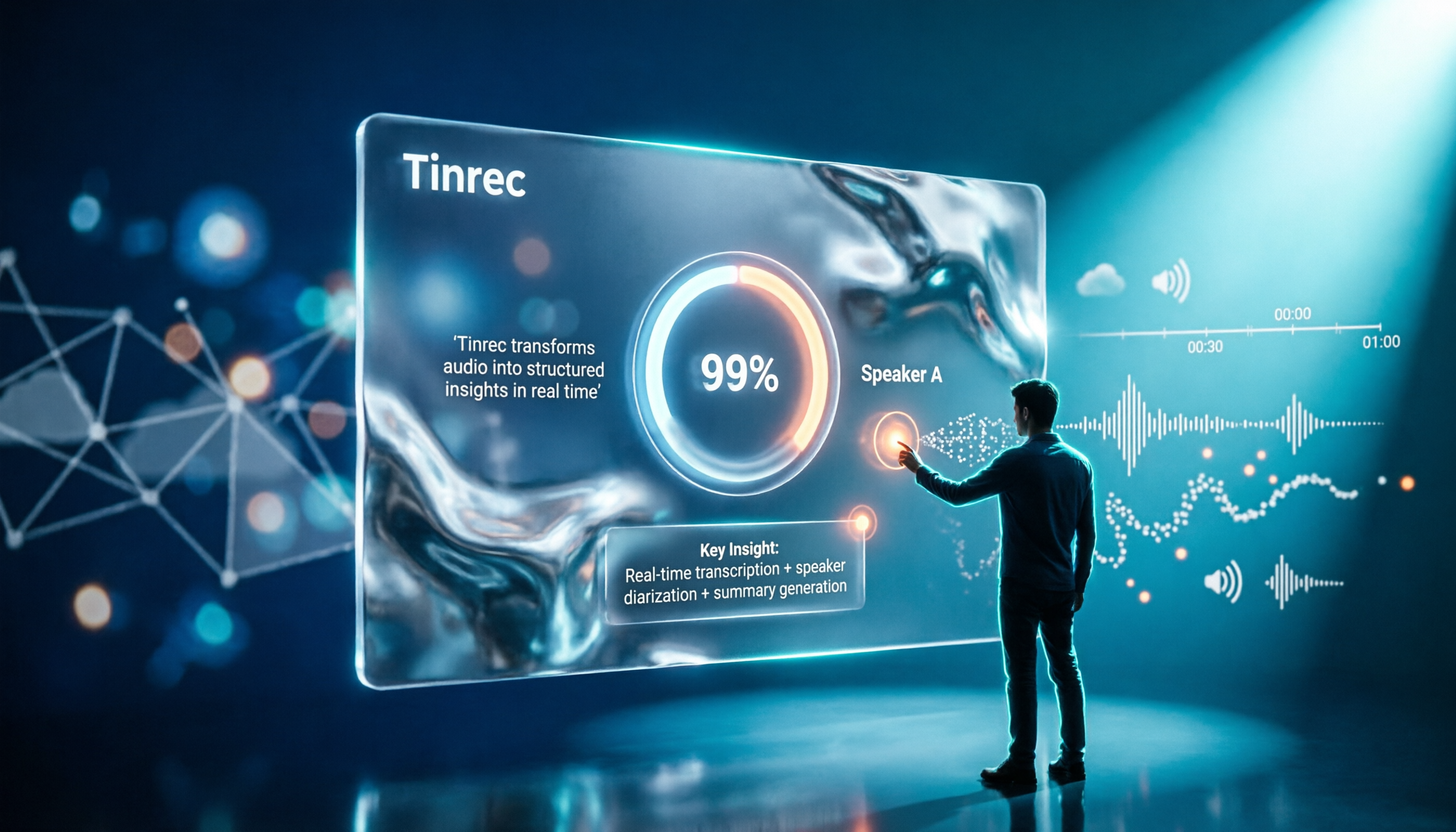
How long does Yating take? The official site doesn't specify a fixed time; the progress bar stuck at 99% is actually the system performing speaker segmentation and summarization. This article compares the wait times, costs, and output of four Chinese transcription tools: Yating, Tinrec, Notta, and Otter.ai, and summarizes key purchasing factors and common misconceptions to help you decide which one truly saves time.

Can You Record Your Own Police Interview in 2026? 5 Key Differences Between Self-Recording and Mandatory Recording
Can you secretly record your own police interrogation for protection? Most practical legal opinions say no. This article explains Article 100-1 and Article 100-2 of the Criminal Procedure Code and the principle of non-disclosure of investigations, helping you understand the differences between defendants, complainants, and witnesses, the legal effect when recordings and transcripts don't match, and how to use legally obtained recordings with tools to create transcripts.

Tinrec vs Yating Transcription in 2026: 5-Dimension Comparison, Which One Should You Choose for Meeting Transcripts?
When asking 'which AI can generate transcripts,' transcription alone is no longer enough. This article compares Tinrec (Miao Ting Lu Yin) and Yating Transcription across 5 dimensions: transcript readability, post-meeting AI organization, meeting recording methods, team collaboration, and pricing structure, and provides clear recommendations.
What Is Speech to Text in 2026? 5 Steps to Understand Voice-to-Text
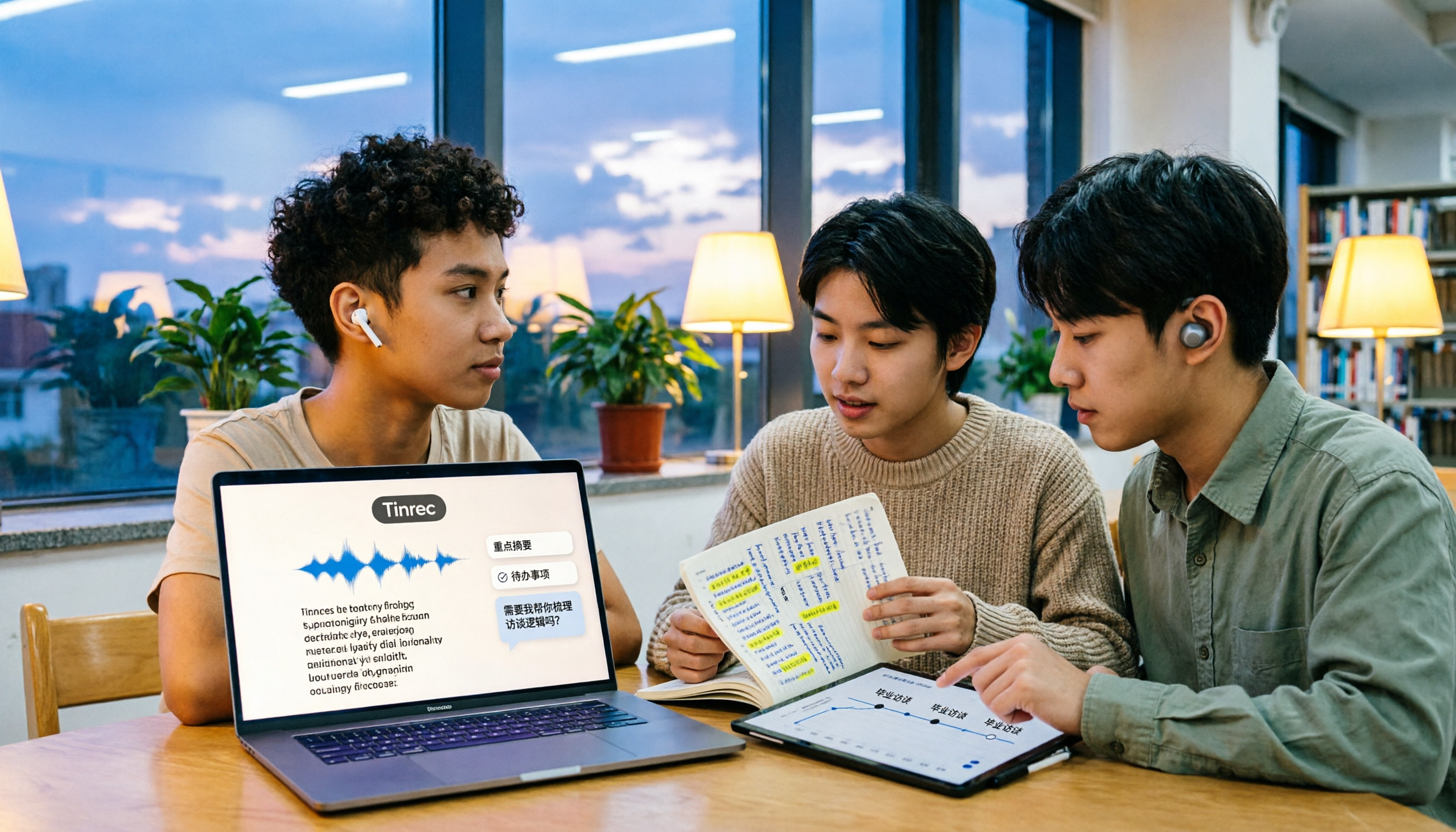
People searching "what is speech to text" face a choice: memorize the definition or figure out if it can save their semester. This article walks you through 5 steps from concept to practice, covering real-time transcription, bot-free online meeting recording, AI summaries and action items, AI Q&A, and export features. Using real student scenarios (class notes, group projects, graduation interviews), it shows how to use Tinrec to turn recordings into reviewable, submittable transcripts.

3 Ways to Add Text to iPhone Photos in 2026: Is the Built-in Markup Tool Enough?
You don't necessarily need to download an app to write on iPhone photos. This article tests three common methods: the built-in Markup tool, editing apps like CapCut, and annotating directly in Messages or Mail. We also cover key decision points and common mistakes to help you choose the right method for your needs.