

Turn recordings into transcripts and summaries in minutes
Upload audio or video for multilingual transcription, AI notes, and action items
Tinrec vs Yating Transcription in 2026: 5-Dimension Comparison, Which One Should You Choose for Meeting Transcripts?
After a two-hour meeting, the recording is still sitting on your phone, but the meeting minutes need to be submitted before you leave work. You drop the file into a transcription tool, and the text comes out, but paragraphs are jumbled together, numbers are written as '1 ge', and you still have to copy action items line by line. So the real question isn't 'which AI can generate transcripts'—it's 'after generation, which one actually finishes the remaining organization work for you?' This article uses 5 dimensions to compare Tinrec (Miao Ting Lu Yin) and Yating Transcription side by side.
Tinrec vs Yating Transcription | Quick Overview
One-sentence positioning: Tinrec is an AI meeting notes and collaboration tool for individuals and teams; Yating Transcription is a Taiwan-based AI speech-to-text tool, praised in multiple public tests for speaker identification and punctuation segmentation.
| Item | Tinrec (Miao Ting Lu Yin) | Yating Transcription |
|---|---|---|
| Positioning | AI meeting notes and team collaboration | Taiwan-based speech-to-text |
| Pricing Model | Personal version has free version, weekly pass, Pro monthly and annual plans; Team version USD 29.80 per paid seat per month (annual USD 199 per seat per year) | According to 104 Workplace Power: free trial 300 minutes, paid plans at 160 TWD per 60 minutes |
| Core Difference | One-stop recording, transcription, summary, action items, AI Q&A, export, team space | Transcription itself is outstanding, generation speed is slower |
The 5 dimensions compared in this article: transcript readability, post-meeting AI organization, meeting recording methods, team collaboration, pricing and free quota. Data related to Yating Transcription comes from public reviews by 104 Workplace Power and Manager Today; actual features and prices are subject to official announcements.
Dimension 1 | Transcript Readability and Follow-up Organization
Yating Transcription does have real strengths here: Manager Today's test noted that its punctuation segmentation was the best among the three tools tested, and speaker identification was also the strongest. But the same review pointed out several practical pain points—a one-hour audio file takes about 20 minutes to generate, paragraph length cannot be adjusted, occasional dropped words, and when Arabic numerals and Chinese characters are mixed, it writes forms like '1 ge', making the transcript choppy to read.
Tinrec treats the transcript as an intermediate product: besides preserving the original speech content and supporting search and review, it automatically generates summaries and chapters, breaking a long meeting into browsable paragraph structures. Transcript errors are inevitable, but at least you don't have to fish out key points from tens of thousands of words yourself.
→ This dimension: In terms of punctuation quality, Yating Transcription has a good reputation; in terms of 'can you submit directly after reading', Tinrec wins.
Dimension 2 | Post-Meeting AI Organization: Summary, Action Items, AI Q&A
Discussions about Yating Transcription mostly focus on 'transcription' itself; the source content does not mention summary, action items, or queryable AI Q&A capabilities, and post-meeting organization still leans manual.
Tinrec wraps the entire post-meeting process: automatically generates summaries, chapters, and key points, extracts action items from discussions, and supports AI Q&A on single or multiple meeting data—for example, directly asking 'what were the client's concerns about the quote' without re-listening to the recording. When documents need to be delivered, it can further generate reports, tables, and meeting minutes, and export to Notion, Google Docs, OneNote, Dropbox, and other workflows.
→ This dimension: Tinrec clearly wins.
Dimension 3 | How Meetings Are Recorded: Bot-free Recording vs Uploading Audio Files
The common use of Yating Transcription is converting existing audio files or audiovisual content into text, belonging to a 'file first, then text' process; if the meeting is online, you still need to find a way to record the audio first.
Stop organizing recordings by hand
Upload audio or video and automatically get a transcript, summary, and action items
Tinrec's desktop version directly captures computer system audio, handling online meetings on Zoom, Google Meet, Microsoft Teams, Webex, etc., without needing to bring a meeting bot into the meeting room as an extra participant. The same tool can also record via mobile, upload existing audio or video files, and during recording, you can view real-time translation and bilingual content. Note that Tinrec does not automatically join all meetings on your calendar; users still need to actively open the desktop version to start recording, and there is no official partnership with the platforms.
→ This dimension: Tinrec wins.
Dimension 4 | Team Collaboration and Data Governance
In available data, discussions about Yating Transcription almost revolve around individual transcription performance, with no description of team spaces, seat allocation, or usage auditing.
Tinrec's team version is an independent team space, not multiple people sharing a personal account: you can create multiple teams, invite members via join links, set owners/admins/regular members, and use 'seats' to determine who can record, upload, edit, and export. Members who are active but have no seat can still view, play, and read team data. Admins can view usage trends and details, query and export audit logs; when a member leaves or loses their seat, they need to hand over responsible team resources to other active members. Note that currently it is team-level sharing, role-based governance, and seat-based usage eligibility, not a file-level granular permission system.
→ This dimension: Tinrec wins.
Dimension 5 | Pricing Model and Free Quota
According to 104 Workplace Power, Yating Transcription offers a free trial of 300 minutes, with paid plans priced at 160 TWD per 60 minutes. This time-based system is friendly for 'occasionally transcribing a segment', but for long-term, regular use, costs rise linearly with minutes.
Tinrec's personal version is divided into free version, weekly pass, Pro monthly and Pro annual plans, suitable for different usage frequencies; the team version is USD 29.80 per paid seat per month, annual USD 199 per paid seat per year (about USD 16.58 per month), with each paid seat providing 2,000 minutes of team shared import quota per month. The first eligible team trial is 7 days, 1 free seat, 300 minutes shared import quota; under team plans, real-time recording currently does not deduct by minutes, while file and web imports use the team shared quota. Prices, currencies, and promotions are subject to the official purchase page.
→ This dimension: For occasional scattered use, each has its strengths, but for long-term or team use, Tinrec's quota structure is easier to budget.
What Are the Unique Advantages of Each?
Tinrec:
- Bot-free recording of online meetings: desktop version captures system audio, no extra participant needed.
- One-stop post-meeting: summary, chapters, action items, AI Q&A, reports and tables—transcript is just the starting point.
- Team space and governance: seats, usage analytics, audit logs, audio recycle bin, and team hotwords.
- Preserve recordings and file imports: historical meetings and interview recordings can become searchable, queryable data.
Yating Transcription:
- Speaker identification and punctuation segmentation performance, praised in multiple public tests.
- Operated by a local Taiwan team, occasionally surprising with Taiwanese vocabulary recognition.
Conclusion: Which One Should You Choose?
- If you want to 'ask key points directly after recording' → Tinrec (summary, action items, and AI Q&A in one stop)
- If you often need to submit minutes after online meetings → Tinrec (desktop version bot-free recording for Zoom, Meet, Teams, Webex)
- If meeting data needs to stay with the team and members come and go → Tinrec (team space, seat allocation, and resource handover)
- If you only occasionally transcribe an audio file and care especially about punctuation segmentation and speaker identification → Yating Transcription is sufficient
In one sentence: For most people who need to 'organize, deliver, and archive after generating transcripts', Tinrec is a more complete choice. It is recommended to first use the free version to test with your own recordings, then decide whether to upgrade.
Final reminder: When recording and transcribing involve others' conversations, please comply with local regulations and obtain consent from participants when needed; AI transcription may still miss or misjudge details, and important content should be verified against transcript timestamps and recording playback.
Reference Sources
- [AI Voice Notes] 5 Highly Recommended AI Transcription Tools! Help You Generate Transcripts and Meeting Notes Highlights, Free vs Subscription, Pros and Cons Review | 104 Workplace Power
- No Time Limit! 3 Free AI Transcription Tools, Highly Recommended! AI Voice Notes Generate Meeting Minutes, Presentations, Mind Maps | 104 Workplace Power
- [Transcription Tool Recommendations] 5 Super Useful AI Transcription Tools! Quickly Help You Generate Transcripts and Meeting Minutes
- Meeting Speech-to-Text, Transcripts, Which AI Tool to Use? Free vs Paid Feature Comparison | Manager Today
- Use AI to Quickly Generate Meeting Speech Transcripts, and the Process is Entirely Free! #ChatGPT
Turn every recording into actionable outcomes
Get 60 free transcription minutes when you sign in. No credit card required.
Related Reading
You might also like

Where Are iPhone Voice Memos Stored in 2026? 4 Audio-to-Text Tools Tested: Which Saves the Most Time
iPhone Voice Memos are actually stored in four places: the app itself (in the Utilities folder), iCloud, Recently Deleted, and the Files app after export. This article first walks you through each location, then compares four audio-to-text tools in real-world tests to see which one truly solves the time sink of having to re-listen and organize recordings after the fact.
5 Computer Recording Solutions Compared: Built-in Tools vs. AI Meeting Assistants
Can a computer record audio directly? Both Windows and Mac have built-in recording tools, but most people struggle with system sound recording and post-meeting organization. This article compares 5 computer recording solutions: built-in recorders, Tinrec, Otter.ai, Granola, and Notta, covering recording sources, transcription and organization, cross-platform support, and team collaboration to help you find the option that truly turns meeting recordings into usable data.

Built-in Screen Recording vs Tinrec: 5-Factor Comparison for Meeting Notes in 2026
Does your computer have built-in screen recording? Windows 10/11 has Xbox Game Bar (Win+G), and macOS has built-in screen recording. This article compares built-in screen recording with Tinrec across 5 factors to help you decide between pure screen recording, online meeting notes, and team collaboration.

3 iPhone Recording Methods Compared for 2026: Notes, Voice Memos, or AI Tools?
Recording on an iPhone is easy; the hard part is organizing what you've recorded. This comparison examines the built-in Notes app, the built-in Voice Memos app, and the AI meeting notes tool Tinrec. We break down transcript usability, online meeting recording, team data management, and practical limitations to help you choose the most time-saving recording method.
2026 Comparison of 4 Transcription Tools: How Long Does Yating Take? Speed and Cost at a Glance
How long does Yating take? The official site doesn't specify a fixed time; the progress bar stuck at 99% is actually the system performing speaker segmentation and summarization. This article compares the wait times, costs, and output of four Chinese transcription tools: Yating, Tinrec, Notta, and Otter.ai, and summarizes key purchasing factors and common misconceptions to help you decide which one truly saves time.

Can You Record Your Own Police Interview in 2026? 5 Key Differences Between Self-Recording and Mandatory Recording
Can you secretly record your own police interrogation for protection? Most practical legal opinions say no. This article explains Article 100-1 and Article 100-2 of the Criminal Procedure Code and the principle of non-disclosure of investigations, helping you understand the differences between defendants, complainants, and witnesses, the legal effect when recordings and transcripts don't match, and how to use legally obtained recordings with tools to create transcripts.

iPhone Notes Download Tested in 2026: Which of 3 Export Methods Works Best?
Can you download iPhone Notes? First clarify whether you want to download the app itself, note attachments, or the entire content, then decide which method to use. This article covers App Store downloads, iCloud.com attachment downloads, and locked note limitations, and explains how Tinrec fills the gap when needs escalate to meeting recordings, transcripts, and team sharing with bot-free recording, AI summaries, and multi-format export.
What Is Speech to Text in 2026? 5 Steps to Understand Voice-to-Text
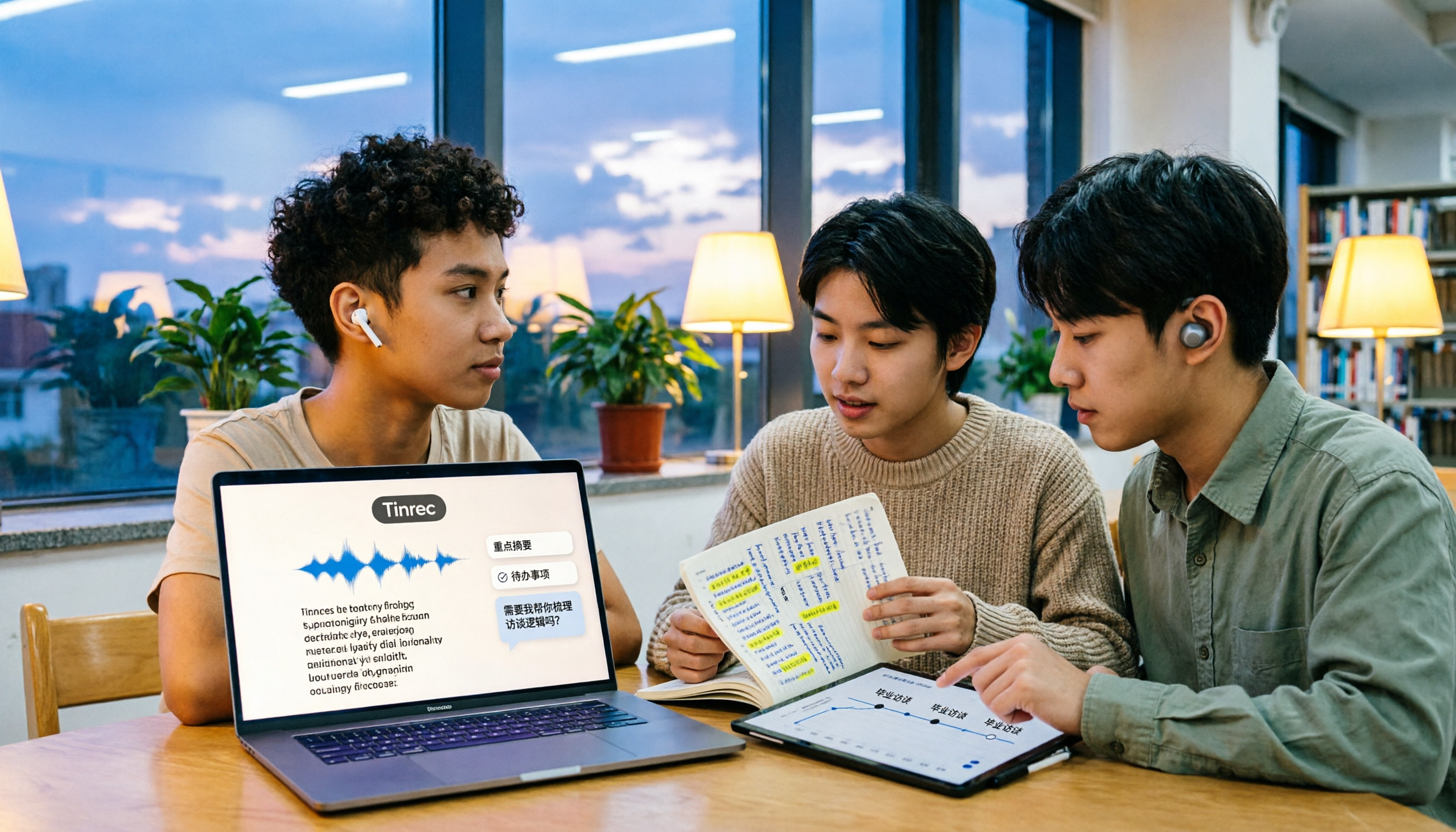
People searching "what is speech to text" face a choice: memorize the definition or figure out if it can save their semester. This article walks you through 5 steps from concept to practice, covering real-time transcription, bot-free online meeting recording, AI summaries and action items, AI Q&A, and export features. Using real student scenarios (class notes, group projects, graduation interviews), it shows how to use Tinrec to turn recordings into reviewable, submittable transcripts.

3 Ways to Add Text to iPhone Photos in 2026: Is the Built-in Markup Tool Enough?
You don't necessarily need to download an app to write on iPhone photos. This article tests three common methods: the built-in Markup tool, editing apps like CapCut, and annotating directly in Messages or Mail. We also cover key decision points and common mistakes to help you choose the right method for your needs.