

Turn recordings into transcripts and summaries in minutes
Upload audio or video for multilingual transcription, AI notes, and action items
2026 Comparison of 4 Transcription Tools: Is Yating Transcription Free? Which Is More Cost-Effective Long-Term?
Bottom Line First: Yating Transcription Is Not a Free Tool—It Just Lets You Try First
Last week, a reader messaged me: "I finally found a free transcription tool, but after organizing my third meeting, the quota ran out."
He was using Yating Transcription.
I've heard this situation too many times. Yating Transcription has always had a good reputation for Chinese transcription in Taiwan, but it is not a free service—after registering, you get a trial quota. Once it's used up, you have to pay. You can buy hours, and the official site also offers a monthly subscription plan for NT$199.
As for whether the trial quota is 120 minutes or 300 minutes, the numbers in various online articles are inconsistent. For information that changes like this, I suggest checking the official page directly rather than secondhand accounts.
If you only occasionally convert a Chinese recording to text, the trial quota might last a long time. But if you have meetings, interviews, or classes to organize every week, it is actually a paid tool.
The real questions are these two: Is the free quota enough to cover your monthly usage? After the quota runs out, what are you getting for your money?
Below, I compare four common tools side by side, including Yating Transcription and our main recommendation this time, Tinrec.
Before Choosing a Transcription Tool, Understand These 4 Key Points
1. Is the free quota reset monthly or given once? Some tools give a fixed number of minutes each month, and you get more the next month. Others give you a package upon registration, and once it's gone, it's gone. The former suits regular users; the latter suits those testing the waters.
2. Does it understand Chinese, Taiwanese, and mixed Chinese-English? Meetings in Taiwan often mix English technical terms into Chinese. Advertised accuracy rates are mostly measured in quiet environments. Real meetings have air conditioning noise, keyboard sounds, and multiple people talking over each other, so performance will be lower. I recommend testing with your own recordings.
3. Do you get a transcript, or directly usable data? Getting only a transcript versus getting summaries, chapters, and action items are two completely different workloads. This is usually the real dividing line between free and paid versions.
4. Cross-platform and team collaboration Recording on your phone today and organizing on your computer tomorrow—if the tool doesn't support cross-platform, it's painful. Teams also need to think one level deeper: who owns the data, and will meeting records still exist after a member leaves?
Tinrec—Our Top Recommendation This Time
Tinrec is an AI meeting notes and collaboration tool for individuals and teams, supporting iOS, Android, and web versions, with the desktop version handling online meetings.
During the meeting: no need to invite a meeting bot The desktop version directly captures your computer's system audio. Zoom, Google Meet, Microsoft Teams, and Webex can all be recorded with real-time transcription, without an extra bot hanging in the participant list. Note that you need to start recording yourself; it does not automatically join all your calendar meetings.
After the meeting: this is where it saves the most time After recording, summaries, chapter highlights, and action items are automatically organized—who is responsible for what, what's next—no need to go back and search. Even better is AI Q&A: you can directly ask "Who mentioned the budget in the last meeting?" and it gives you the answer, not a list of keyword search results. Currently, tools with similar positioning may not all have this follow-up capability.
For bilingual meetings, it supports real-time translation during recording, allowing you to view the original text, translation, or bilingual comparison. Output can be exported to Notion, Google Docs, OneNote, Dropbox, and other tools for further processing, and you can use Agent to generate reports, tables, and documents.
Stop organizing recordings by hand
Upload audio or video and automatically get a transcript, summary, and action items
Team version: turn meetings into team assets If you share meeting records among multiple people, the team version is a separate team space, not everyone sharing a personal account. Admins can assign roles and seats, view usage trends and member details, export audit logs, and there is an audio recycle bin and team glossary to maintain. The monthly team plan is USD 29.80 per paid seat, and the annual plan is USD 199 per paid seat (about USD 16.58 per month). Each paid seat provides 2,000 minutes of shared team import quota per month. Eligible new teams also get a 7-day trial, 1 free seat, and 300 minutes of shared import quota. Actual prices and benefits are subject to the official purchase page.
Things to note Transcription accuracy is affected by recording quality, ambient noise, accents, and overlapping speech. Any claim of a fixed 98% or 99% should be taken with caution. For important content, it's advisable to cross-check with transcript timestamps and recording playback. Also, after the free quota for the personal version is used up, you need to upgrade your plan.
Who it's for People who have regular weekly meetings, whose meetings are mainly in Chinese or mixed Chinese-English, who want to ask AI directly for key points after recording, or who want to turn meeting records into shared team data.
Besides Tinrec, What Other Options Are There?
Yating Transcription A local veteran in Taiwan, its recognition of Taiwanese accents and Taiwanese is its signature. It offers audio file upload, real-time recording, and timeline-based editing. Its performance for pure Chinese transcripts has always been stable. But note that it is not a free tool—once the trial quota is used up, you have to pay. It also lacks AI Q&A for follow-up questions on meeting content, and lacks management capabilities like team seats, usage analysis, and auditing. If your need is just "a Chinese transcript" and usage is low, it is still a reasonable choice.
Notta It offers multilingual transcription, translation, and team plans, with the highest overlap with Tinrec. The free version gives 120 minutes per month, with a maximum of 3 minutes per single item. The Pro annual plan is about USD 8.17 per month. The difference is that Tinrec focuses on bot-free desktop recording, Chinese meeting experience, and post-transcription AI Q&A and team data governance. In Notta's public plan description, capabilities like audit logs and audio recycle bin are not visible.
Otter.ai The top choice for English meetings. The free version offers 300 minutes per month, which is quite generous. The Pro annual plan is about USD 8.49 per user per month. If your meetings are almost entirely in English and your budget is limited, it will be more cost-effective than Tinrec—this is one of the few cases in this article where I vote for someone else. But Chinese and mixed Chinese-English are not its strong suit, and tuning Chinese terminology like team glossary is not its focus.
Pitfall Guide: The 4 Most Common Mistakes When Choosing a Transcription Tool
Pitfall 1: Treating "has a free quota" as "free tool" Almost every tool has a trial quota; the difference is only how much is given, and whether it's given once or monthly. Before deciding to use one, calculate roughly how many minutes of recording you will generate in a month.
Pitfall 2: Only looking at price, not what you get after paying If one tool gives you only a transcript, and another gives you a transcript plus summaries, action items, and AI Q&A, when the prices are similar, the latter saves you manual organization time, which is usually more expensive than the price difference.
Pitfall 3: Using official advertised accuracy as the basis for decision Numbers measured in a quiet recording studio are different from results measured in your echoey meeting room. Test with your most realistic recording to be accurate.
Pitfall 4: Ignoring data ownership Meeting records accumulated under a personal account follow the individual. If a team cares about handover, they should choose a tool with team space, seat management, and resource handover mechanisms.
Summary: Which One Should You Choose?
- Just need a Chinese transcript, very low usage → Yating Transcription, trial quota or one-time payment is enough
- Weekly meetings, Chinese or mixed Chinese-English, want to ask AI directly after recording → Tinrec
- Need to use on both phone and computer, cross-platform → Tinrec
- Want to turn meetings into shared team data, and manage seats and usage → Tinrec Team version
- Meetings almost entirely in English, zero budget → Otter.ai
If unsure, start with the free version. Throw in your most realistic meeting recording and see if what it organizes can be used directly. This is more accurate than any review.
One final reminder: recording and transcription involve personal data and local regulations. Before recording, remember to confirm whether you need to obtain consent from participants.
References
- Is Yating Transcription Free? 2026 Complete Comparison of Audio-to-Text Tool Costs and Performance - Tinrec Blog
- Is Yating Transcription Free? What You Really Need Might Not Be It
- Yating Transcription
- Complete Guide to Yating Transcription: Free Version, Costs, and Alternatives at a Glance
- Is Yating Transcription Free? How Yating Transcription Costs Are Calculated and Whether Buying Hours Is Worth It
Turn every recording into actionable outcomes
Get 60 free transcription minutes when you sign in. No credit card required.
Related Reading
You might also like

Can You Record Your Own Police Interview in 2026? 5 Key Differences Between Self-Recording and Mandatory Recording
Can you secretly record your own police interrogation for protection? Most practical legal opinions say no. This article explains Article 100-1 and Article 100-2 of the Criminal Procedure Code and the principle of non-disclosure of investigations, helping you understand the differences between defendants, complainants, and witnesses, the legal effect when recordings and transcripts don't match, and how to use legally obtained recordings with tools to create transcripts.
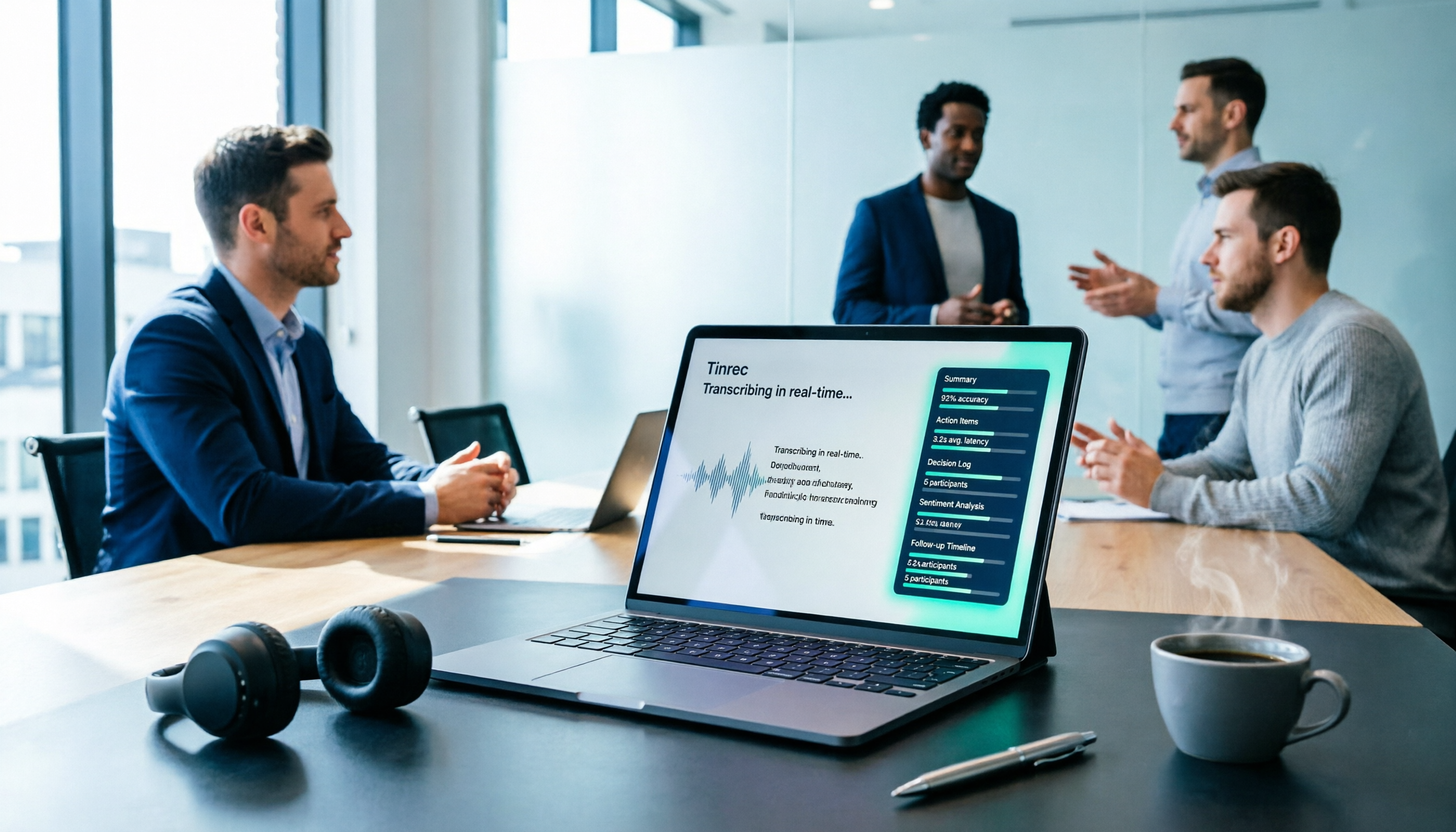
Tinrec vs Yating Transcription in 2026: 5-Dimension Comparison, Which One Should You Choose for Meeting Transcripts?
When asking 'which AI can generate transcripts,' transcription alone is no longer enough. This article compares Tinrec (Miao Ting Lu Yin) and Yating Transcription across 5 dimensions: transcript readability, post-meeting AI organization, meeting recording methods, team collaboration, and pricing structure, and provides clear recommendations.

iPhone Notes Download Tested in 2026: Which of 3 Export Methods Works Best?
Can you download iPhone Notes? First clarify whether you want to download the app itself, note attachments, or the entire content, then decide which method to use. This article covers App Store downloads, iCloud.com attachment downloads, and locked note limitations, and explains how Tinrec fills the gap when needs escalate to meeting recordings, transcripts, and team sharing with bot-free recording, AI summaries, and multi-format export.
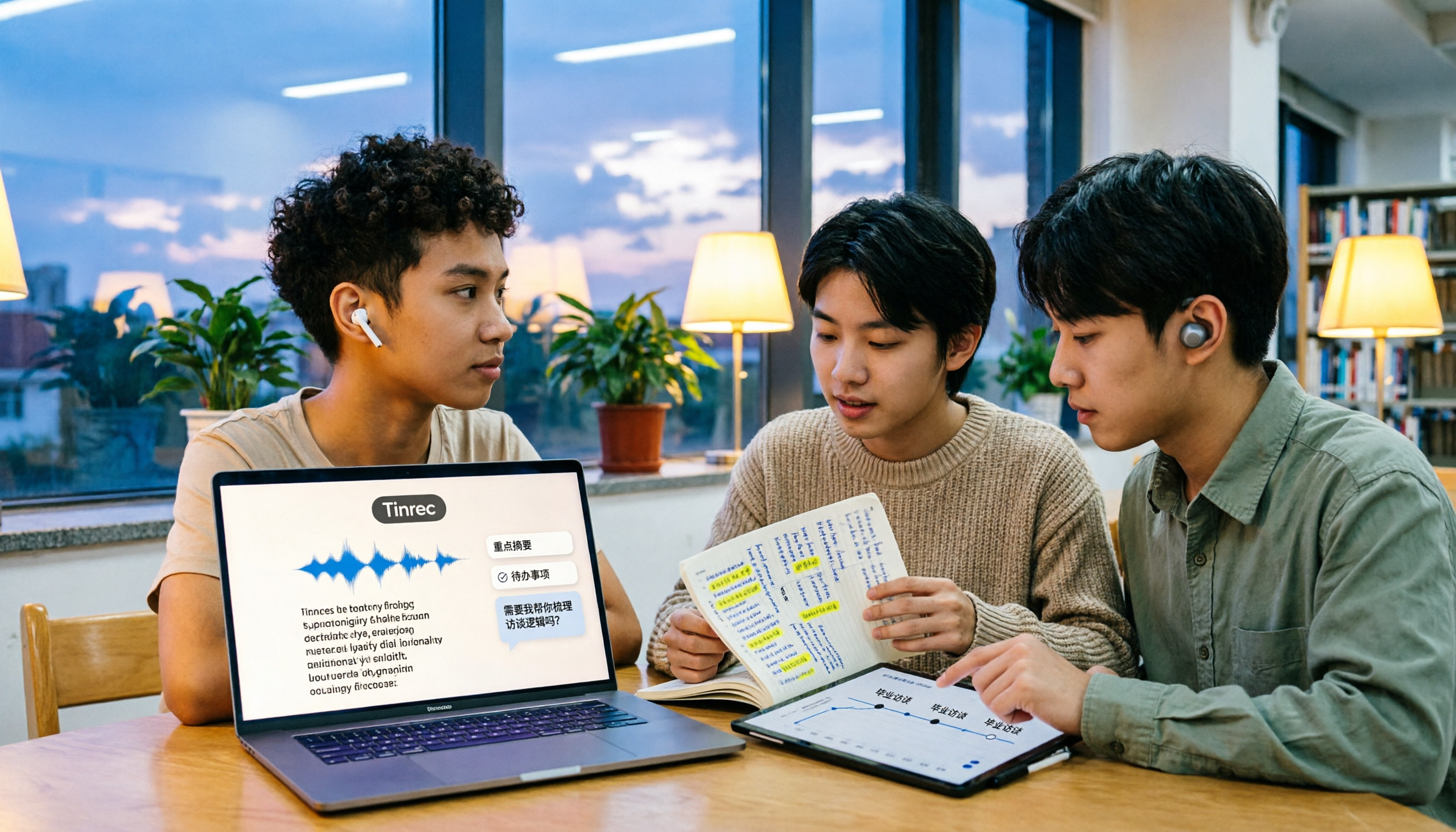
What Is Speech to Text in 2026? 5 Steps to Understand Voice-to-Text
People searching "what is speech to text" face a choice: memorize the definition or figure out if it can save their semester. This article walks you through 5 steps from concept to practice, covering real-time transcription, bot-free online meeting recording, AI summaries and action items, AI Q&A, and export features. Using real student scenarios (class notes, group projects, graduation interviews), it shows how to use Tinrec to turn recordings into reviewable, submittable transcripts.
3 Ways to Add Text to iPhone Photos in 2026: Is the Built-in Markup Tool Enough?
You don't necessarily need to download an app to write on iPhone photos. This article tests three common methods: the built-in Markup tool, editing apps like CapCut, and annotating directly in Messages or Mail. We also cover key decision points and common mistakes to help you choose the right method for your needs.
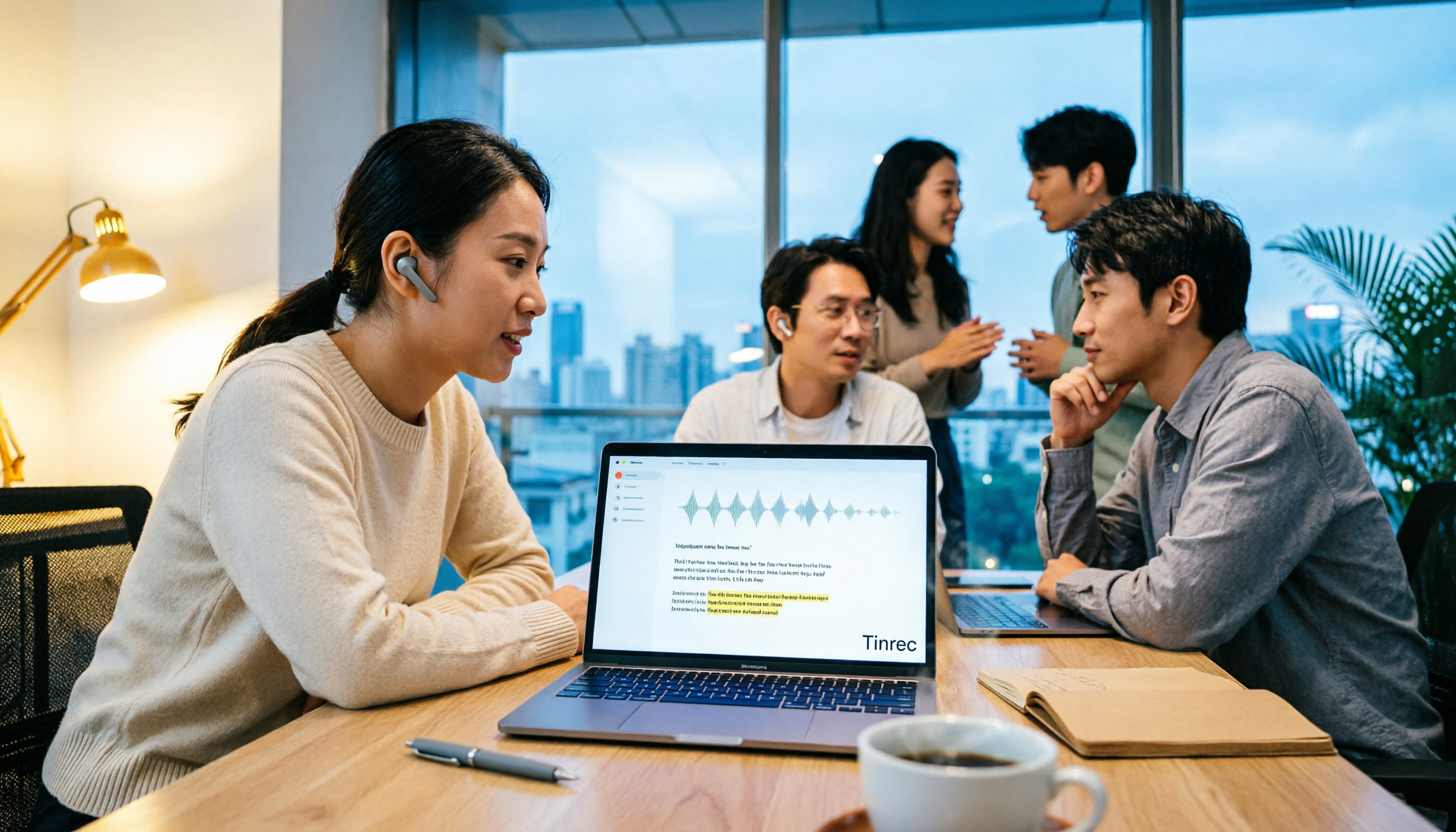
CapCut Desktop Recording 2026: Voiceover Test & Meeting Notes Alternative
Can CapCut desktop record audio? Yes, but it captures your microphone voiceover, not a full meeting. This hands-on test walks through the voiceover workflow and compares CapCut vs Tinrec across 5 dimensions—meeting notes, transcripts, AI Q&A, and team collaboration—so you know which tool to use.
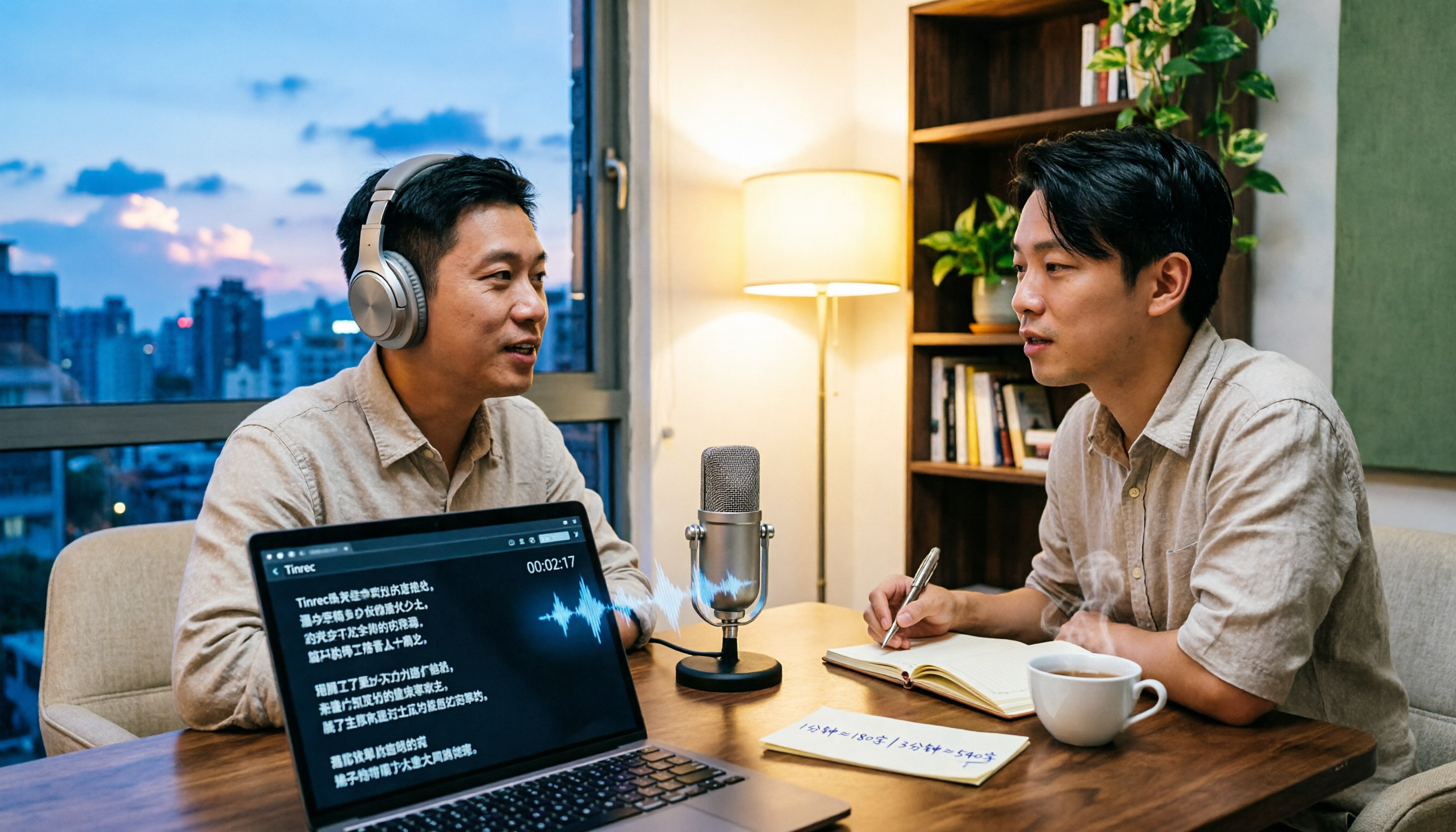
2026 Comparison of 4 Transcription Tools: Cost Per Word and Pricing Explained
Is transcription really priced per word? This article compiles actual 2026 rates for human transcription and typing in Taiwan, clarifies the difference between per-minute and per-word pricing, and compares tools like Tinrec, Notta, TurboScribe, and PLAUD to help you calculate your true monthly cost.
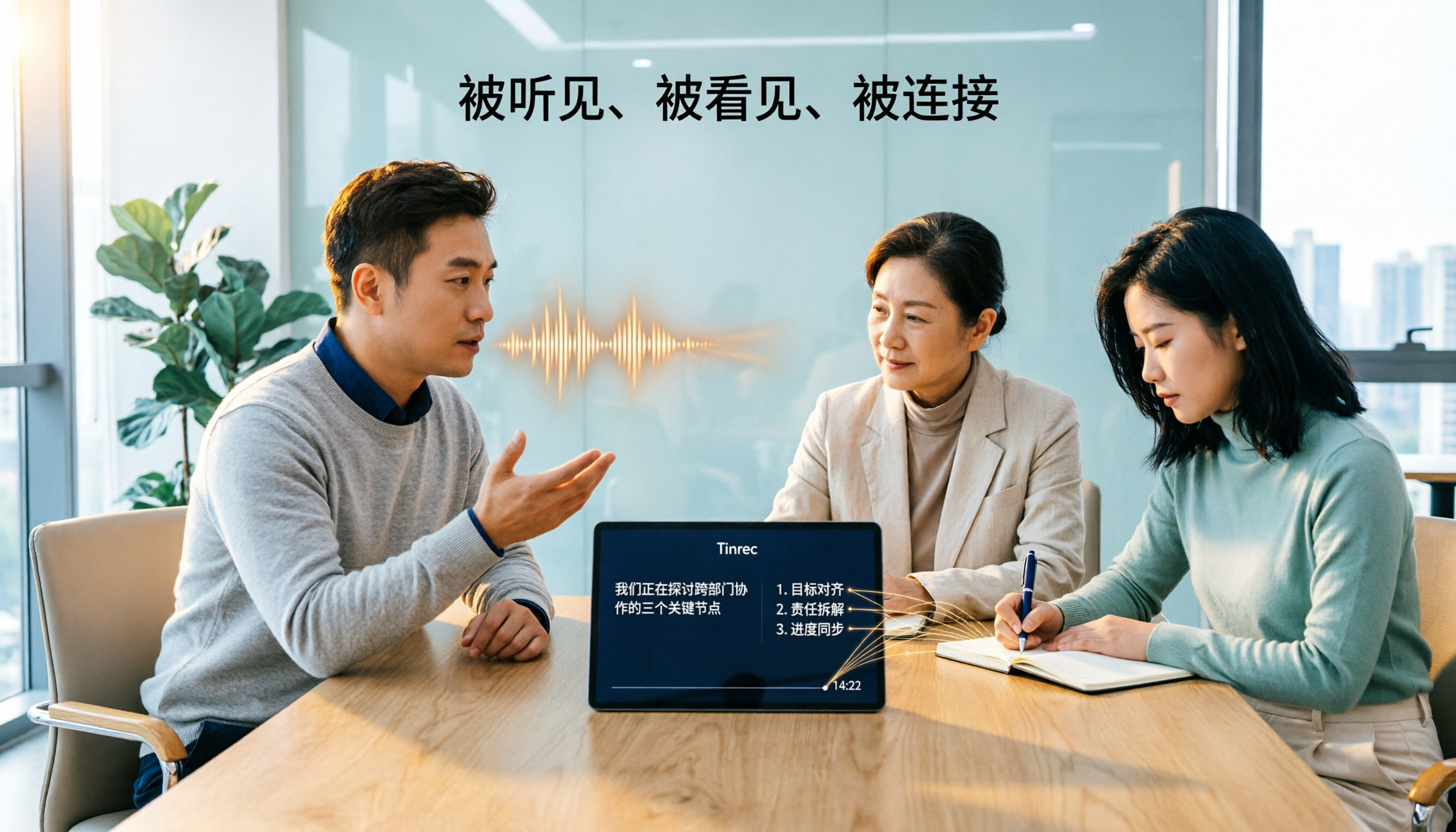
Tinrec vs Otter.ai 2026: 5-Dimension Comparison — How Long Does It Take to Speak 1,000 Words? Which Is Better for Chinese Meetings?
There's no single answer to how long 1,000 words takes to speak: a formal speech is about 6–7 minutes, while a business report is about 4.5–5 minutes. This article uses a 5-dimension comparison of Tinrec vs Otter.ai in 2026 to help you calculate your own speaking rate and compare Chinese meeting transcription, bot-free recording, AI summaries, and team collaboration to find the best tool for you.

5 iPhone Text-to-Speech Methods Compared in 2026: Built-in Speak Screen, Live Speech, or Transcription Tools?
Many people searching for 'how to make iPhone read text aloud' actually confuse two opposite directions. This article starts with common misconceptions, then provides a complete guide to setting up iPhone's built-in Speak Selection, Speak Screen, and Live Speech. It also explains the positioning and limitations of Tinrec, Otter.ai, Notta, and PLAUD if what you really need is to turn meeting recordings into usable text, helping you decide which one to use.