

Turn recordings into transcripts and summaries in minutes
Upload audio or video for multilingual transcription, AI notes, and action items
2026 Smart Meeting Collaboration Tools Comparison: Which Country's Solution Fits Your Chinese Meetings?
Which Country Makes Smart Meeting Collaboration Tools? — You Don't Need an Answer, You Need a Method
Search for 'smart meeting collaboration which country' and you'll get a lively list.
Japan's Ricoh offers integrated meeting room and workspace solutions, emphasizing that people in different locations can join the same meeting.
Hong Kong has commercial system integrators doing smart meeting rooms and large-screen collaboration, focusing on remote video from two people to tens of thousands.
China's Tencent Meeting aims for cross-regional, multi-scenario cloud communication.
Taiwan has BenQ and similar interactive whiteboards, putting display, writing, and wireless screen sharing on one large screen.
It seems every country has a solution, so any answer to this question seems wrong.
But that's the first pitfall: treating 'country' as a purchasing criterion.
I see this scenario most often when coaching team processes.
A department spends a lot to upgrade their meeting room with a smart screen, and the equipment is beautiful.
But during meetings, people still pass around paper, and afterwards, everyone writes notes from memory.
The hardware changed, but the method didn't.
So the real question isn't 'which country made it,' but 'which one can handle my meeting language and post-meeting workflow.'
For a project meeting with mixed Chinese and English, where decisions need to become action items afterwards—you don't need a brighter screen, you need a process that works end-to-end.
Before Choosing a Smart Meeting Collaboration Tool, Understand These 4 Key Points
First, does it understand your meeting language?
Meetings in Taiwan are rarely pure Chinese. Managers speak Chinese, clients speak English, and terms mix in product codes.
So first look at language coverage and real-time translation. Tinrec focuses on Chinese, Traditional Chinese, and multilingual meetings. During recording, you can view the original, translation, or bilingual, and add company-specific terms using team hotwords.
Second, how does it join your meeting?
Meeting bots are convenient, but they join as an extra participant. Some client meetings aren't suitable, and some platforms don't allow them.
The bot-free approach captures your computer's system audio directly.
But note, this doesn't mean it automatically joins every meeting on your calendar; recording is still initiated by you.
Third, what do you actually get after the meeting?
If you only get a transcript, you've only done a third of the work.
I usually check three things: Are there summaries and chapters? Are there action items? Can I ask AI follow-up questions directly?
Fourth, is this a personal toy or a team asset?
The biggest problem with meeting notes isn't capturing them, but that they end up scattered across everyone's phones and cloud drives.
If this happens in a team, check if it has team spaces, member and role management, seat management, usage analytics, and audit logs.
Tinrec — The One I Most Often Put into My Meeting Workflow After Testing
First, positioning: Tinrec is an AI meeting notes and collaboration tool for individuals and teams. It aims to solve not just 'turning voice into text,' but making meetings searchable, collaborative, and actionable team data.
Bot-free recording of online meetings.
Tinrec desktop captures your computer's system audio directly. For online meetings like Zoom, Google Meet, Microsoft Teams, Webex, you just start recording yourself, no extra bot on the participant list.
The most memorable time was a client meeting where they didn't want an unfamiliar account on the list. Previously, I had to rely on handwritten notes, but this time I just opened the desktop version.
The part after transcription is where it really saves time.
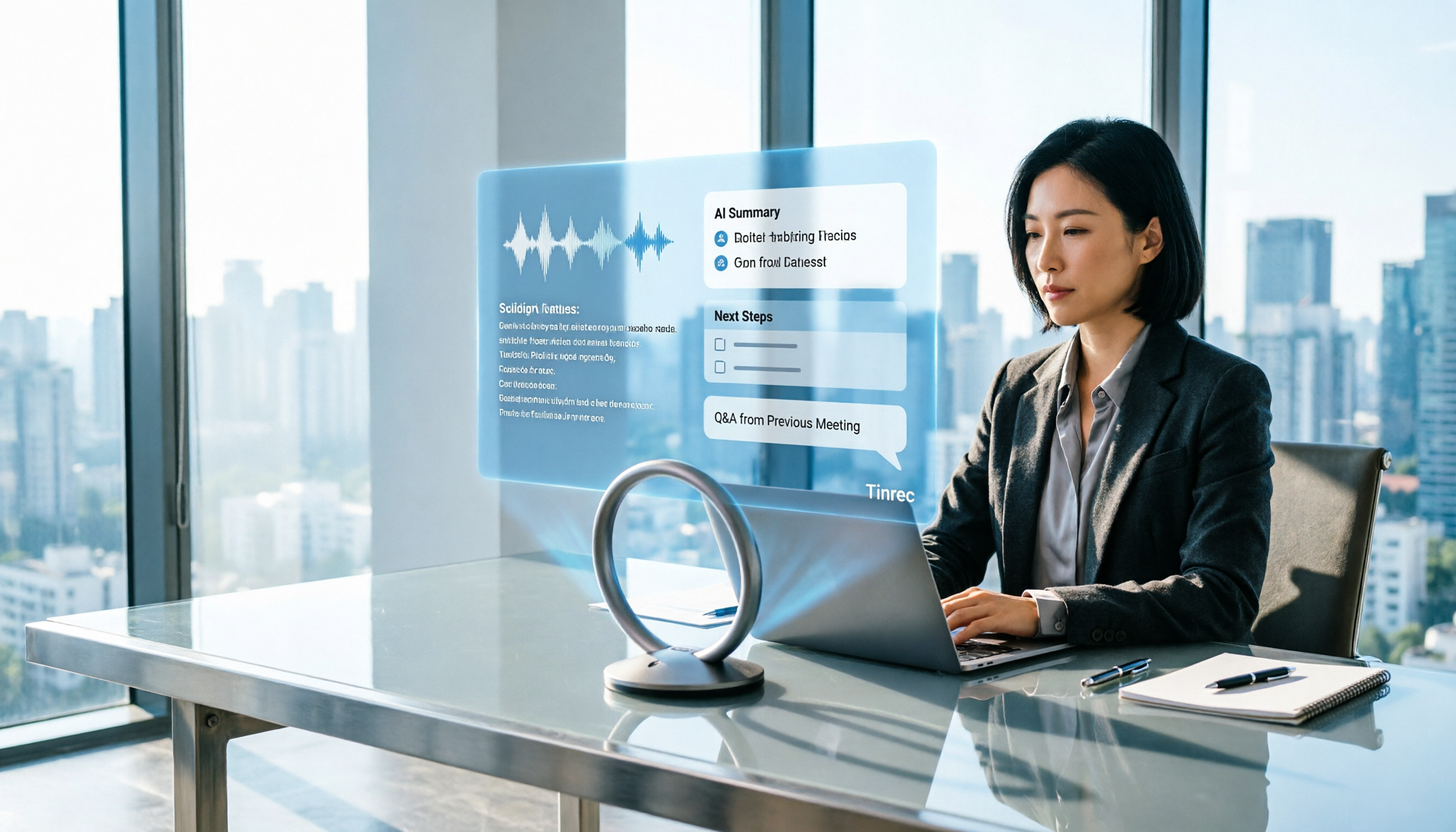
After the meeting, Tinrec automatically generates summaries, chapters, key points, and action items.
I ran a cross-department weekly meeting myself. The transcript was mostly usable, but sections where several people talked over each other still needed checking—a common issue with all transcription tools.
What really saved me time was afterwards: I didn't listen to the recording from the start, but asked it questions directly to extract decisions and action items.
It gives not keyword search results, but semantic answers.
This is especially useful for a '50-minute meeting where I only need three conclusions.'
From personal tool to team workspace.
Stop organizing recordings by hand
Upload audio or video and automatically get a transcript, summary, and action items
If you're using it as a team, the team version centralizes meeting recordings, transcripts, summaries, action items, and member management in one team space.
Members can view and reuse historical meeting data. Admins can manage roles, seats, sharing permissions, usage, and audits, plus audio recycle bin and team hotwords.
Here, distinguish roles and seats: roles determine who can manage the team and members; seats determine who can record, upload, edit, import/export.
Members without a seat can still view, play, and read team data.
When a member leaves or is removed, team resources aren't taken away by the individual; they need to be handed over to other active members.
Cost and quotas.
First eligible team trial is 7 days, 1 free seat, 300 minutes of team shared import quota.
Paid seats provide 2,000 minutes of team shared import quota per month. Monthly is USD 29.80 per paid seat per month; annual is USD 199 per paid seat per year (about USD 16.58 per month).
Under an active team plan and seat, real-time recording currently doesn't deduct minutes. Prices and benefits are subject to the official purchase page.
Limitations to be clear about.
The free version is basic quota, suitable for trying out. If you mostly rely on uploading files, note that file and web imports consume team shared import minutes.
Also, for important information, it's best to cross-check with transcript timestamps and recording playback, not rely solely on AI summaries.
Who it's for.
Those who often have mixed Chinese-English meetings, want to ask follow-up questions directly after recording, and need meeting data to stay within the team.
Besides Tinrec, What Other Options Are There?
If you want to look at others, these three tools have their place in different scenarios.
Otter.ai: A mature choice for English meetings. Basic is free, 300 minutes per month; Pro annual is about USD 8.49 per user per month, including 1,200 minutes per month and 10 file imports. If your meetings are almost all English, it's a cost-effective starting point. But Chinese meeting experience, bot-free desktop recording, and post-meeting team data accumulation are not its strong suits.
Granola: An AI meeting notes tool that also goes bot-free. Business is about USD 14 per user per month, strong at combining your handwritten notes with AI. But note it doesn't support uploading pre-recorded audio files, nor does it save meeting audio. If you need to keep recordings, re-listen later, or import historical meetings, Tinrec's recording retention and file import are more practical.
PLAUD Note/NotePin: The hardware representative. NotePin is about USD 159, Note Pro about USD 189, membership plans range from 300 minutes per month to USD 239.99 per year. Its value is portability and phone call recording. But if most of your meetings are online on a computer, Tinrec doesn't require buying an extra device and works on web, desktop, and mobile.
Pitfall Guide: The 4 Most Common Mistakes When Choosing Smart Meeting Tools
Pitfall 1: Using 'which country made it' as a decision basis.
Japan excels in meeting room integration and hardware, Chinese platforms in cloud scale, Taiwan in interactive whiteboards and displays, US tools in English business meeting mindset.
Every country has its place. You should ask: What language is my meeting in, on which platform, and what output do I need afterwards.
Pitfall 2: Only looking at transcripts, ignoring post-meeting outputs.
Many tools claim accurate transcription. But if after recording you still have to organize summaries, pull action items, and find conclusions yourself, the time saved is limited.
Making 'what do I get after recording' the main evaluation point is more practical than comparing accuracy rates.
Pitfall 3: Assuming team sharing means everyone can edit.
This is the most common confusion in enterprise procurement.
Team resources belong to the team, but 'visible' and 'usable' are two different things.
Members without a seat can view, play, and read, but cannot upload, edit, import/export.
If your need is actually fine-grained per-file permission control, confirm clearly, because most team plans use team-level sharing plus role and seat governance, not file-level permissions.
Pitfall 4: Assuming recording doesn't need to be discussed beforehand.
Recording and transcription involve local regulations and participant consent.
Before recording, explain the purpose and obtain consent when necessary. This isn't an accessory to the process; it's part of the process.
Conclusion: Which One Should You Choose?
In one sentence: Country isn't the answer; whether it can handle your meeting language and post-meeting workflow is.
Mixed Chinese-English, need AI follow-up and automatic action items → Tinrec.
Don't want a bot on the client meeting list → Tinrec (desktop bot-free recording).
Meeting data must stay in the team, and manage members and usage → Tinrec team version.
Meetings almost all English, budget limited → Otter.ai, a rare exception in this article.
Need batch transcription of many files → Tools like TurboScribe have advantages in long files and batch processing.
My advice: Start by trying it on your most recent meeting.
After recording, don't listen from the start; ask it three questions directly—what were the decisions, who is responsible, and when is the next step.
You'll quickly know if you need it.
Test step by step, and you can gradually turn meetings into a reusable asset.
References
- Smart meetings - Smart Meetings and Workspaces
- Office Smart Meetings | BW Network Hong Kong Business Technology System Center
- Smart Meetings and Workspaces | Taiwan Ricoh
- Tencent Meeting Official - Tencent Meeting
- [Must-read before buying] How to quickly choose a smart meeting interactive whiteboard suitable for enterprise meetings? - Screen Technology Engineering Co., Ltd.
Turn every recording into actionable outcomes
Get 60 free transcription minutes when you sign in. No credit card required.
Related Reading
You might also like

Tinrec vs Otter.ai 2026: 5-Dimension Test - Which Is Better for Chinese Meeting Collaboration?
In 2026, we tested smart meeting collaboration tools, comparing Tinrec and Otter.ai across five dimensions: bot-free recording, Chinese transcription, post-meeting organization, team collaboration, and pricing. We provide practical examples. If you're looking for a Chinese meeting note-taking tool, this hands-on review will help you decide which one suits you better.

2026 Smart Meeting Collaboration Tools Compared: Which One Actually Saves Time After Meetings?
From the perspective of a mid-level manager who holds 15 meetings a week, this article covers 3 latest changes in smart meeting collaboration in 2026, compares 4 common approaches through hands-on testing, and uses 5 buying criteria and 6 FAQs to explain how to choose an AI meeting note-taker and how to ensure post-meeting action items are not missed.

2026 Smart Meeting Collaboration Platforms Compared: Tinrec vs Notta — Which Builds Better Team Knowledge?
Discussions on PTT about smart meeting collaboration platforms often get stuck at 'you can record, but you can't use it.' This article compares Tinrec and Notta across meeting capture methods, Chinese transcription, post-meeting output, and team data ownership. It also covers Tinrec's bot-free online meeting recording, real-time translation, AI Q&A, action item extraction, and team workspace features to help you decide which workflow fits your meeting habits.
How to Use Tinrec in 2026: AI Meeting Collaboration with Bot-Free Recording & Auto-Generated Meeting Minutes
No one remembers decisions after a meeting? This guide uses Tinrec as an example to show you how to use an AI meeting collaboration platform in 5 steps: from creating a team workspace, recording online meetings without bots, generating transcripts, to AI summaries, action item extraction, and cross-meeting Q&A. It also covers FAQs, advanced tips, and alternatives.

2026 Smart Meeting Collaboration Tools Compared: Which One Actually Saves Time on Meeting Notes?
Many people think finding a speech-to-text tool solves meeting notes, but it just turns typing into reading. This article uses the same mixed Chinese-English meeting recording to test and compare several smart meeting collaboration tools, breaking down key differences like bot-free recording, AI Q&A, action item extraction, team seats, and data ownership, with buying criteria and pitfalls to help you decide which one truly saves time.

2026 Smart Meeting Collaboration: Transcribe Meeting Audio + Auto-Organize Action Items
The meeting ends, but the work begins. Based on real experience from a mid-level manager, this article explains how smart meeting collaboration tools handle meeting audio, the 4 key points to consider when choosing one, and provides a hands-on test of Tinrec desktop's bot-free recording, transcription, AI Q&A, and team knowledge retention workflow. It also briefly reviews the suitable scenarios and pitfalls of Otter.ai, Notta, and PLAUD.

4 Best AI Meeting Collaboration Tools for 2026: Free Versions That Generate Live Transcripts
Are free AI meeting collaboration tools actually good enough? This article compares Tinrec, Otter.ai, Notta, and Granola—four meeting tools with free versions—across free usage limits, meeting recording methods, post-meeting organization, and team collaboration. It also covers the 4 most common pitfalls when choosing a tool, helping you decide which one best fits your meeting habits.

2026 Comparison of 4 Smart Meeting Collaboration Platforms: Which One Is Enough for Group Project Reports?
After an online group meeting, are the key points scattered in the chat and impossible to find? Based on a senior thesis student's real-world experience, this article compiles hands-on reviews of 4 smart meeting collaboration platforms—from "can you use the results right after the meeting" to "is the free quota enough for students"—and compares differences in team sharing, AI Q&A, and bot-free recording to help you pick the one that truly saves time before finals.

4 Smart Meeting Collaboration Online Services Tested and Compared in 2026: Which AI Meeting Notes Can Actually Save You Time?
After an online group meeting, conclusions are scattered in chat logs and no one remembers them? Starting from real student use cases, this article outlines 4 key points for choosing a smart meeting collaboration online service, tests Tinrec's bot-free recording, AI summaries, and AI Q&A, and compares the applicable scenarios of Google Meet's built-in transcription, Otter.ai, and Granola, with a guide to avoiding pitfalls and purchasing advice.