

Turn recordings into transcripts and summaries in minutes
Upload audio or video for multilingual transcription, AI notes, and action items
4 Best AI Meeting Collaboration Tools for 2026: Free Versions That Generate Live Transcripts
The Real Problem With Free Meeting Tools Isn't Fewer Features—It's That You Only Get as Far as "Recording"
Most people choose an AI meeting collaboration tool in the wrong order: first they check how many free minutes it offers, then they compare prices, and only last do they think about "what do I actually need to deliver after the meeting?"
The result is a bunch of apps installed, but meeting notes still typed out cell by cell.
Here are three situations I see often.
First, a 60-minute meeting turns into another 60 minutes of organizing afterward. The recording sits on your phone, nobody wants to rewatch the transcript, and you end up with three lines of conclusions—missing two action items.
Second, the meeting mixes Chinese and English with industry jargon. The transcribed names are wrong, the abbreviations are wrong, and editing takes longer than retyping from scratch.
Third, data is scattered across everyone's accounts. When a colleague leaves, the meeting content goes with them. Next time you need to check "why did we decide this?" nobody can find it.
The common thread in all three: the problem is never whether you recorded, but whether after recording, someone helps turn the content into something you can directly use.
So the comparison isn't about who has the most free minutes—it's about which free version actually lets you complete the path from recording → transcript → summary → action items.
Before Choosing a Free Version, Understand These 5 Key Points
1. Free limits involve two things: total volume and per-session cap.
Many tools say "120 minutes per month," but look closer and the per-session limit is 3 minutes. That's nearly useless for a one-hour meeting. When choosing a free version, first confirm the maximum length per meeting, then look at the monthly total.
2. How the meeting gets "recorded."
There are three common approaches: built-in platform transcription, a meeting bot joining as a participant, and capturing system audio from your computer. Bots are the easiest, but they add an unfamiliar account to the participant list—sometimes awkward for client meetings. Desktop capture doesn't add any participants.
3. After recording, can you use it directly?
A tool that only gives you a transcript hands the organizing work right back to you. What really saves time is summaries, chapters, action items, and the ability to ask questions directly about the meeting content.
4. Chinese and multilingual handling.
Meetings in Taiwan are rarely pure Chinese or pure English—they're usually mixed with industry jargon. This kind of content tests tools more than pure English meetings, and having a team-specific glossary makes a difference.
5. Does the team need to use it together?
If meeting data needs to stay with the company, new colleagues need to look up past meetings, and departing members need to hand over—then passing files between personal accounts won't last long. At that point you're not looking at free versions but at team spaces, member roles, and seat design.
Tinrec — The Free Version Already Covers the Full "Recording to Action Items" Workflow
Tinrec is an AI meeting notes and collaboration tool for individuals and teams, available on web, desktop, and mobile. It doesn't just convert audio to text—it turns meetings into searchable, queryable, exportable, and further editable data.
In practice, three stages stand out.
During the meeting. The desktop version captures your computer's system audio directly, so it works with Zoom, Google Meet, Microsoft Teams, Webex, and similar online meetings—without adding a meeting bot to the room. For sales and PMs who frequently meet with clients, this is practical: the other side won't see an unfamiliar account on the participant list. Note that this captures audio from your computer; it doesn't mean Tinrec has official partnerships with these platforms.
While the meeting is in progress. The transcript appears live as people speak, not after the meeting ends. For cross-language meetings, you can switch between original text, translation, or bilingual view—mixed Chinese-English sections don't need to be pieced back together manually.
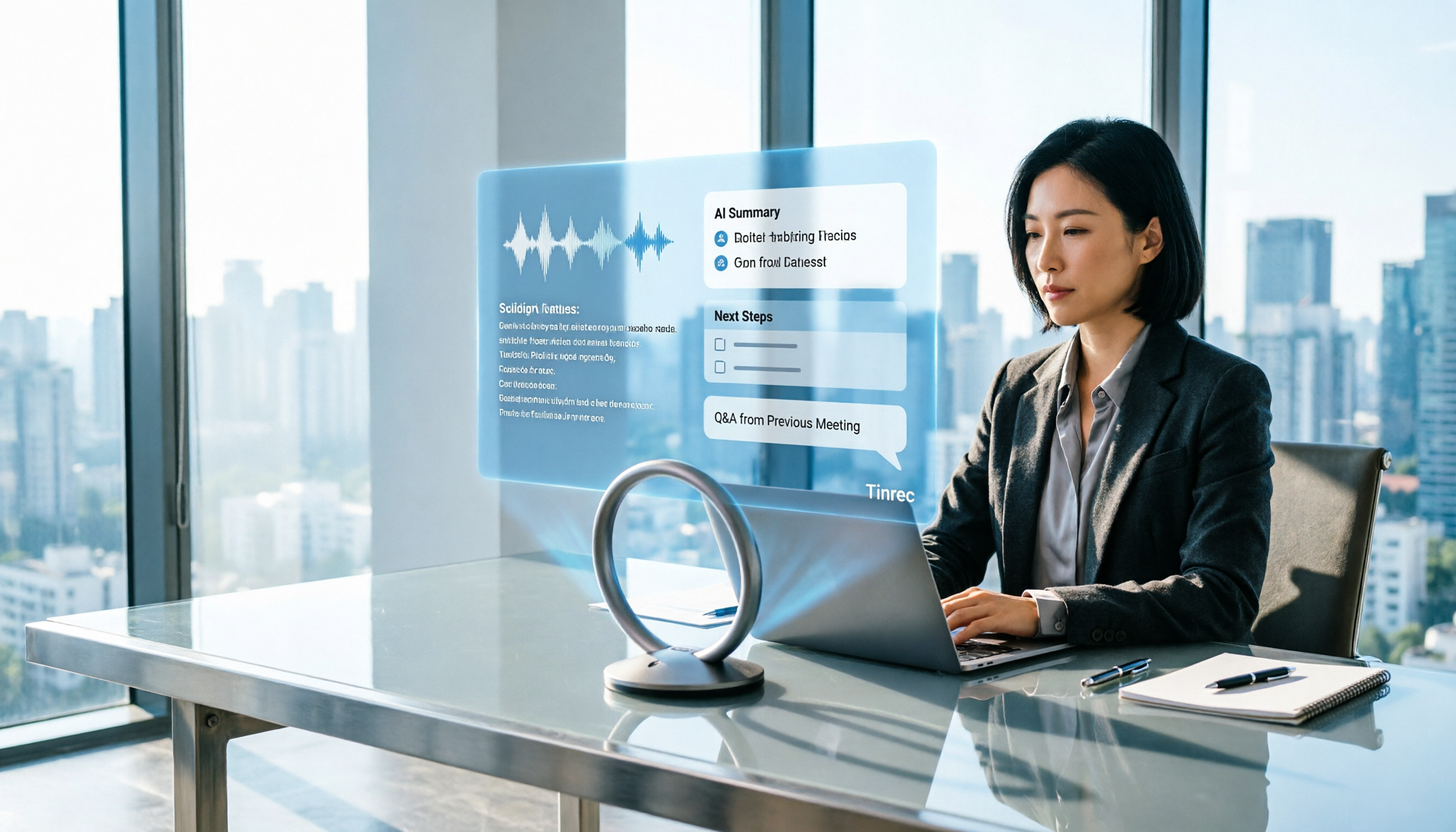
After the meeting. This is where it differs most from a voice recorder. The system generates summaries, chapters, key points, and action items. You can also ask questions directly, like which section mentioned a certain decision or who ended up responsible for something. The organized results can be turned into reports, tables, or documents and exported to Notion, Google Docs, OneNote, Dropbox, and other tools for further use.
Is the free version enough? The free version provides basic limits to try recording, importing, summaries, and transcription. If you only occasionally organize a recording, the free version is fine. For short periods of intensive meetings, courses, or interviews, consider a weekly pass. For steady weekly needs, the Pro monthly plan is more suitable. For long-term data accumulation, the annual plan has a lower monthly equivalent.
Key points of the team version. The team version isn't multiple people sharing one personal account—it's a separate team space. The first eligible team trial is 7 days, 1 free seat, and 300 minutes of shared team import quota. After that, it's USD 29.80 per paid seat per month, or USD 199 per paid seat per year (about USD 16.58 per month), with each paid seat providing 2,000 minutes of shared team import quota per month. Under an active team plan and active seats, live recording currently doesn't deduct minutes; file and web imports consume the shared team quota. Actual prices and benefits are subject to the official purchase page.
Stop organizing recordings by hand
Upload audio or video and automatically get a transcript, summary, and action items
Three things I like most. First, no meeting bot—client meeting participant lists stay clean. Second, it doesn't just give you a transcript; summaries, action items, Q&A, and export are all in one workflow, saving exactly that post-meeting time. Third, Chinese and mixed Chinese-English handling, live translation, and team hotwords are closer to daily life for Taiwan teams.
Limitations to be honest about. The official does not promise a fixed accuracy rate; actual performance depends on audio quality, background noise, accents, and multiple people speaking at once. For important content, verify against transcript timestamps and recording playback. Also, the team version currently focuses on team-level sharing, not file-level granular permissions. Members without seats can view, play, and read data, but need a seat to record, upload, edit, and import/export.
Who it's for. If you have meetings every week, need Chinese or mixed Chinese-English transcripts, want to save post-meeting organizing time, and want meeting data to stay with the team for lookup and handover, Tinrec is the most comprehensive choice among the four.
Besides Tinrec, What Other Free Options Are There?
Otter.ai. A veteran AI meeting assistant. The Basic free version offers 300 minutes per month—the largest free quota among the four. Its strength is maturity in English business meetings. If your meetings are almost entirely in English, Otter's free version is quite sufficient. But when Chinese or mixed Chinese-English appears, Tinrec's organized results are usually closer to something you can send directly, and it also supports live translation and bilingual view.
Notta. Good multilingual transcription, but the free version is 120 minutes per month with a 3-minute per-session cap—a limitation that's very unfriendly for formal meetings. Pro annual billing is about USD 8.17 per month with 1,800 minutes per month; Business annual billing is about USD 16.67 per seat per month. Notta's strengths are file transcription, subtitles, and translation. If you want bot-free recording of online meetings plus post-meeting Q&A, Tinrec is closer.
Granola. An AI meeting notes tool that also captures audio from your device without a bot. Basic is free, Business is USD 14 per user per month, Enterprise is USD 35 per user per month, focusing on "your notes plus AI enhancement." Note that Granola supports viewing, copying, and searching live transcripts, but does not support uploading pre-recorded audio files and does not save meeting audio files. If you need to keep recordings, organize existing audio files, or need more export options and team data management, this is where Tinrec clearly wins.
Built-in platform features. If you just need to hold a meeting, Google Meet, Microsoft Teams free, Zoom free, and Cisco Webex all offer free registration. Teams free can host up to 100 people. The difference usually isn't in the meeting itself but after it ends: cross-platform archiving, summaries, action items, and follow-up questions still require separate solutions.
Pitfall Guide: The 4 Most Common Mistakes When Choosing a Free Meeting Tool
Pitfall 1: Only looking at total monthly minutes. If you don't check the per-session cap, you'll find a one-hour meeting can't be fully recorded. When choosing a tool, look at both the per-session cap and the monthly total.
Pitfall 2: Thinking the transcript is the end goal. Using a transcription tool only as a recorder means using just one-third of its capability. What really saves time is summaries, action items, and Q&A—those are the main battlefield of post-meeting organization.
Pitfall 3: Treating "has a meeting bot" as a must-have. Bots are convenient to add, but an extra account on an external meeting list often requires explanation. If that bothers you, desktop system audio capture is much simpler.
Pitfall 4: Teams using personal accounts to pass files. It's convenient at first, but when someone leaves, data needs handover, or a new hire needs to check a meeting from three months ago, you'll find the data doesn't belong to the team. What you need then is team spaces, member roles, and seat design—not more personal accounts.
Conclusion: Which One Should You Choose?
Back to the original question: whether the free version is enough depends on how far you want to go. If you only occasionally need a transcript, many free versions can handle it. But if you want "summaries and action items right after the meeting," choose a tool that can do the entire workflow.
Scenario-based recommendations:
- Chinese or mixed Chinese-English meetings needing transcripts plus post-meeting organization → Tinrec (Chinese experience, live translation, and bilingual view are the main differences)
- Don't want a meeting bot on the participant list → Tinrec (desktop captures system audio, no extra participants)
- Want to use questions to find key points after recording, need action items, and export to Notion, Google Docs → Tinrec (summaries, action items, Q&A, multi-format export in one workflow)
- Meeting data must stay with the team, new hires need to check past meetings → Tinrec team version (team space, member roles and seats, usage analytics, and audit logs)
- Meetings are almost entirely in English, budget is $0 → Otter.ai free version (300 minutes per month, the largest quota among the four)
If you're still not sure which type you are, try running a full workflow with Tinrec's free version first. Record a real meeting and see if the summary and action items look like what you want, then decide whether to upgrade—no need to pay upfront.
Frequently asked questions:
Q: Can the free version only record, not generate summaries? A: Tinrec's free version provides basic limits to try recording, importing, summaries, and transcription—it's not just recording.
Q: Do I have to use a meeting bot? A: No. Tinrec's desktop version captures computer system audio directly, no extra bot needed to join the meeting, but you need to actively start recording.
Q: What accuracy rate can be guaranteed? A: It's not recommended to look at fixed numbers. Actual performance depends on audio quality, noise, accents, and overlapping speakers. For important content, verify against recording playback.
Q: Does the team version require buying for everyone? A: No. The team version distinguishes members and seats. Members without seats can still view, play, and read team data; a seat is required to record, upload, and edit.
References
- Free Video Conferencing and Online Meetings | Cisco Webex
- Google Meet: Online Voice and Video Calls | Google Workspace
- Top 5 Recommended Online Meeting Software to Greatly Improve Remote Work Meeting Efficiency | On-line to Know
- Free Video Chat and Meetings | Microsoft Teams
- Free Video Conferencing: Reliable & Easy To Use | Zoom
Turn every recording into actionable outcomes
Get 60 free transcription minutes when you sign in. No credit card required.
Related Reading
You might also like

Tinrec vs Otter.ai 2026: 5-Dimension Test - Which Is Better for Chinese Meeting Collaboration?
In 2026, we tested smart meeting collaboration tools, comparing Tinrec and Otter.ai across five dimensions: bot-free recording, Chinese transcription, post-meeting organization, team collaboration, and pricing. We provide practical examples. If you're looking for a Chinese meeting note-taking tool, this hands-on review will help you decide which one suits you better.

2026 Smart Meeting Collaboration Tools Compared: Which One Actually Saves Time After Meetings?
From the perspective of a mid-level manager who holds 15 meetings a week, this article covers 3 latest changes in smart meeting collaboration in 2026, compares 4 common approaches through hands-on testing, and uses 5 buying criteria and 6 FAQs to explain how to choose an AI meeting note-taker and how to ensure post-meeting action items are not missed.

2026 Smart Meeting Collaboration Platforms Compared: Tinrec vs Notta — Which Builds Better Team Knowledge?
Discussions on PTT about smart meeting collaboration platforms often get stuck at 'you can record, but you can't use it.' This article compares Tinrec and Notta across meeting capture methods, Chinese transcription, post-meeting output, and team data ownership. It also covers Tinrec's bot-free online meeting recording, real-time translation, AI Q&A, action item extraction, and team workspace features to help you decide which workflow fits your meeting habits.
How to Use Tinrec in 2026: AI Meeting Collaboration with Bot-Free Recording & Auto-Generated Meeting Minutes
No one remembers decisions after a meeting? This guide uses Tinrec as an example to show you how to use an AI meeting collaboration platform in 5 steps: from creating a team workspace, recording online meetings without bots, generating transcripts, to AI summaries, action item extraction, and cross-meeting Q&A. It also covers FAQs, advanced tips, and alternatives.

2026 Smart Meeting Collaboration Tools Compared: Which One Actually Saves Time on Meeting Notes?
Many people think finding a speech-to-text tool solves meeting notes, but it just turns typing into reading. This article uses the same mixed Chinese-English meeting recording to test and compare several smart meeting collaboration tools, breaking down key differences like bot-free recording, AI Q&A, action item extraction, team seats, and data ownership, with buying criteria and pitfalls to help you decide which one truly saves time.

2026 Smart Meeting Collaboration: Transcribe Meeting Audio + Auto-Organize Action Items
The meeting ends, but the work begins. Based on real experience from a mid-level manager, this article explains how smart meeting collaboration tools handle meeting audio, the 4 key points to consider when choosing one, and provides a hands-on test of Tinrec desktop's bot-free recording, transcription, AI Q&A, and team knowledge retention workflow. It also briefly reviews the suitable scenarios and pitfalls of Otter.ai, Notta, and PLAUD.

2026 Comparison of 4 Smart Meeting Collaboration Platforms: Which One Is Enough for Group Project Reports?
After an online group meeting, are the key points scattered in the chat and impossible to find? Based on a senior thesis student's real-world experience, this article compiles hands-on reviews of 4 smart meeting collaboration platforms—from "can you use the results right after the meeting" to "is the free quota enough for students"—and compares differences in team sharing, AI Q&A, and bot-free recording to help you pick the one that truly saves time before finals.

4 Smart Meeting Collaboration Online Services Tested and Compared in 2026: Which AI Meeting Notes Can Actually Save You Time?
After an online group meeting, conclusions are scattered in chat logs and no one remembers them? Starting from real student use cases, this article outlines 4 key points for choosing a smart meeting collaboration online service, tests Tinrec's bot-free recording, AI summaries, and AI Q&A, and compares the applicable scenarios of Google Meet's built-in transcription, Otter.ai, and Granola, with a guide to avoiding pitfalls and purchasing advice.

2026 Smart Meeting Collaboration Tools Comparison: Which Country's Solution Fits Your Chinese Meetings?
Searching for 'smart meeting collaboration which country' brings up options from Japan, Hong Kong, China, and Taiwan, but country isn't the right criterion. This article debunks common myths, breaks down the 4 key factors for choosing a smart meeting collaboration tool, compares Tinrec, Otter.ai, Granola, and PLAUD, and offers a guide to avoid pitfalls and choose based on your scenario.