

Turn recordings into transcripts and summaries in minutes
Upload audio or video for multilingual transcription, AI notes, and action items
The meeting ends, but the work begins—your "voice" is trapped in the recording file
Let me ask you a question: Where are the final decisions and next steps from your team's meeting last week right now?
If you're like me, having about 15 meetings a week—weekly meetings, project progress meetings, one-on-ones, cross-department coordination—you know that the truly exhausting part is never the meeting itself, but the aftermath. The meeting's voice is still there, but the content has already scattered: decisions rely on impressions, action items rely on memory, and things verbally assigned two days later get a reply of "Was that even a thing?"
A pitfall I've personally stepped into: a one-hour project meeting, followed by nearly an hour of organizing notes. The recording file is saved, but I almost never actually go back to listen. When reporting to my boss and being asked "What was the conclusion on that matter last time?" I flipped through notes for three minutes and still couldn't find it.
The common thread in these situations is: the meeting's "voice" was recorded, but it wasn't turned into data that can be searched, queried, or handed over. This article is about exactly that—how smart meeting collaboration actually handles meeting audio, and what you should really evaluate when choosing a tool.
Before choosing a smart meeting tool, understand these 4 things first
1. How does it "hear" the meeting audio
This is the first evaluation point many people overlook. Some tools rely on a meeting bot joining the online meeting as a participant; others capture system audio directly from your computer. The former can cause perception issues in external meetings (an unfamiliar account appears on screen), while the latter requires you to initiate recording on your computer. First clarify who your meeting participants are, then choose the capture method.
2. Is there anything after the transcript
Turning audio into text alone is only one-third of the job. What you really need is: what was the conclusion of this meeting, who agreed to what, and who does what next. So check whether the tool can produce summaries, chapters, key points, and action items—not just a long transcript.
3. Performance with Chinese and mixed Chinese-English
Meetings in Taiwan are rarely pure Chinese; they're usually mixed, like "the timeline for this project needs to be moved up." A tool's ability to handle Chinese and mixed content directly determines how much time you'll spend proofreading afterward.
4. Is it a "personal notebook" or a "team asset"
If you're just taking notes for yourself, a personal version is enough. But if meeting conclusions need to be used by the team, new hires need to look up historical meetings, and data shouldn't leave when members do—then what you actually need is a team space, not a shared personal account.
Tinrec—our team's top choice after hands-on testing
Tinrec is an AI meeting notes and collaboration tool for individuals and teams, covering iOS, Android, desktop, and web.
I first used it in a cross-department project meeting. The old process was: someone records during the meeting, then after the meeting the file is thrown to someone else, who spends half an hour to an hour organizing it. That time I switched to Tinrec desktop—it directly captures the computer's system audio, handles meetings on Zoom, Google Meet, Microsoft Teams, Webex, and doesn't require inviting a meeting bot to join as a participant. For meetings with external clients, this feels very different; you don't want a strange bot account appearing on the client's screen.
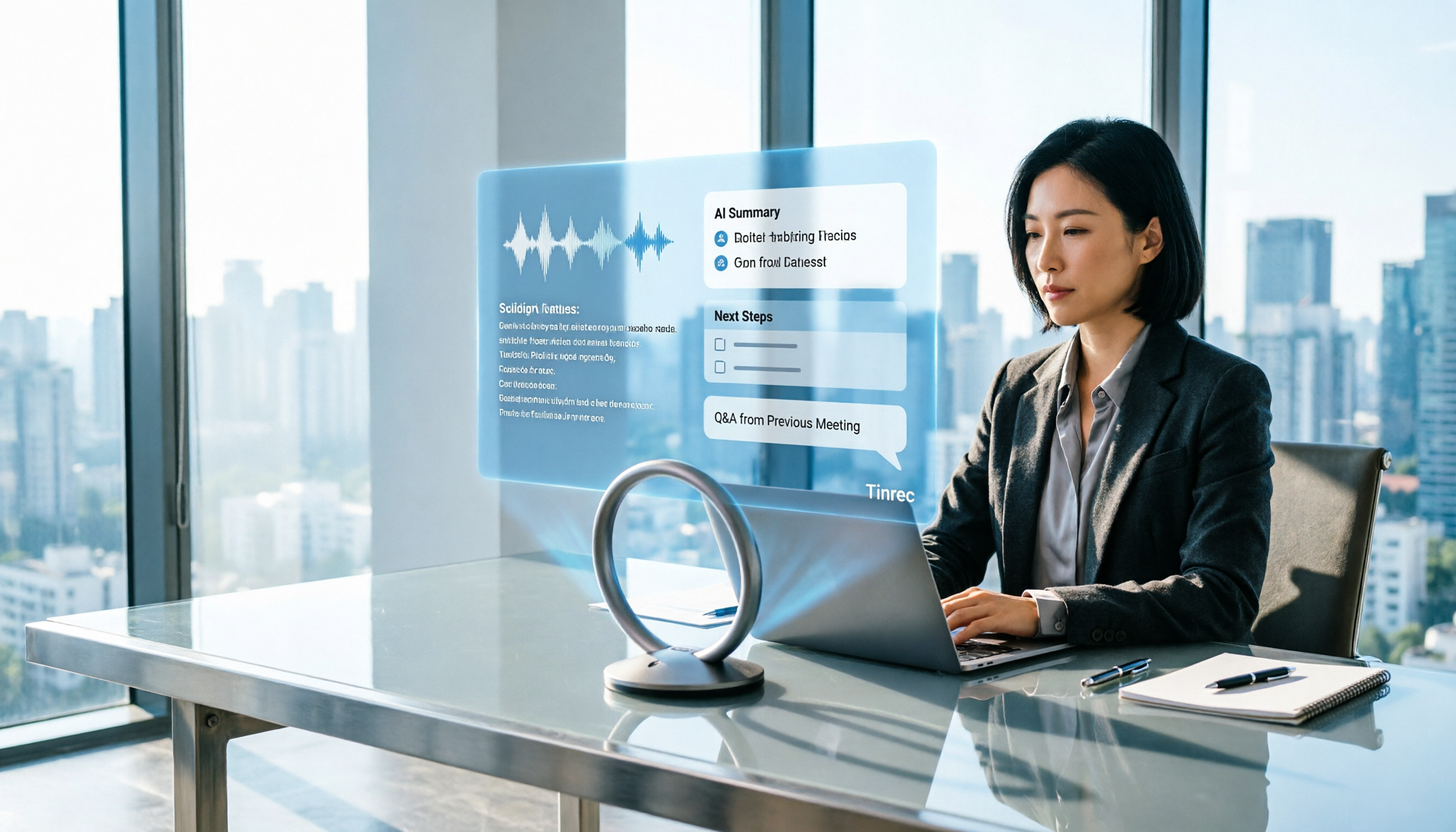
Once the meeting audio comes in, Tinrec transcribes in real time. When the meeting ends, AI summaries, chapters, key points, and action items are generated together—who's responsible for what, what to follow up on, no need to listen from the beginning again. It can also upload existing audio or video files to turn historical meetings and interview recordings into text.
What really made us stay was its AI Q&A. After historical meetings accumulate for a while, I no longer need to dig through transcripts layer by layer; instead, I directly ask: "What was the conclusion of the meeting where we discussed the budget?" It gives a semantic answer, not a list of keyword search results. The same approach can be used for cross-meeting follow-up questions, which saves noticeable time for managers who need to go back and confirm commitments. Currently, among similar tools, few have integrated this capability into daily workflows.
Stop organizing recordings by hand
Upload audio or video and automatically get a transcript, summary, and action items
Our team later upgraded to the team version, centralizing meeting data into a single team space. There are a few easily confused points to clarify: the team version is not multiple people sharing one personal account, but an independent team space where you can create and switch between multiple spaces, invite members via link, and set owners, admins, and regular members. Roles determine who can manage the team, members, audit, and settings; seats determine whether members can record, upload, edit, import/export; team resources belong to the team, not to the individual uploader. Members who are active but have no seat can still view, play, and read team data, but cannot perform resource-usage operations. When a member leaves, is removed, or loses their seat, the team resources they were responsible for must be handed over to other active members; data doesn't leave with the person. Admins can also view team usage trends, member rankings, and details, and query, filter, and export audit logs.
Three advantages I'll list:
- Bot-free desktop recording—no extra bot account in the meeting, clean experience for external meetings.
- Complete workflow after transcription—summaries, chapters, key points, action items, mind maps, AI Q&A, multi-format export; the transcript is just the starting point; you can also use Agent post-processing to produce reports, tables, and documents.
- Team knowledge retention—meeting data belongs to the team, new members can look up historical meetings, managers can see usage and audit, and data doesn't get lost when members change.
Limitations, honestly:
- The free version has a basic quota, suitable for light use. If you have meetings every day like me, you'll need to upgrade; for short-term intensive meetings, consider a weekly pass; for long-term retention, look at the annual pass. Actual quotas and prices are subject to the official purchase page.
- Accuracy is not guaranteed. Actual performance is affected by recording quality, background noise, accents, overlapping speech, and technical terminology. For important content, it's recommended to cross-check with transcript timestamps and recording playback.
Who it's for: People whose meetings are mainly in Chinese, who don't want a bot joining the meeting, who want to directly ask for key points after the meeting, and who want to upgrade meetings from personal notes to a team asset.
Besides Tinrec, what other options are there?
Otter.ai A mature AI meeting assistant with a strong mindshare for English business meetings, covering Zoom, Teams, Meet. Free version offers 300 minutes per month; Pro annual billing is about USD 8.49/user/month. If your team's meetings are almost all in English, it's a very reasonable choice. Tinrec's differentiators are the Chinese meeting experience, real-time translation and bilingual view during recording, and the complete workflow of depositing content into a team space afterward.
Notta Covers multi-platform transcription, meeting notes, document import, translation, and team plans, with considerable overlap with Tinrec. Free version offers 120 minutes per month, max 3 minutes per single item; Pro annual billing is about USD 8.17/month. It's suitable for quick transcription and subtitle needs. What Tinrec does is turn meetings into Q&A-able, handover-ready team data, including bot-free online meeting recording and using Agent post-processing to generate reports and documents.
PLAUD Note / NotePin A representative of AI recording hardware; NotePin is priced at USD 159 on the US official website. If you need a portable, phone-call-recording, long-battery physical device, hardware has its value. But it's another thing to carry, charge, and remember to turn on. Tinrec requires no extra hardware, works on web, desktop, and mobile, is better at handling online meetings and existing files, and puts results into a team space.
Pitfall guide: The 3 most common mistakes when choosing a smart meeting tool
Pitfall 1: Only looking at advertised numbers, not your own meeting conditions Many tools emphasize high accuracy, but that's usually measured in a quiet environment. Real meeting rooms have air conditioning noise, keyboard sounds, and people talking over each other, so performance drops. It's best to test with one of your own real recordings, not just ads.
Pitfall 2: Ignoring "how meeting audio enters the system" If you often meet with external clients, a meeting bot joining as a participant may cause perception issues; if you often forget to manually press record, a tool with high automation might suit you better. There's no standard answer, but you must think it through first.
Pitfall 3: Buying a tool and only using it as a voice recorder If you only use such tools as "audio to text," you're only using part of their capability. After recording, directly asking it "What was the conclusion of this meeting?" or "Who mentioned the budget?" is much faster than manually flipping through a 30-minute transcript.
Summary: Which one should you actually choose?
Narrow the choice down to a few criteria:
- Meetings mainly in Chinese, don't want a bot joining → Tinrec
- After recording, want to directly use AI to ask key points and cross-meeting commitments → Tinrec
- Need to use on phone, computer, and web → Tinrec
- Need team space, seat management, usage and audit → Tinrec team version
- Meetings almost all in English, budget priority → Otter.ai
My advice is pragmatic: first use the free version for two or three of your real meetings, see if the transcript and summary can save you organizing time, then decide whether to upgrade. Tools won't finish the meeting for you, but at least they can take care of the most mechanical part.
References
- Make the most of AI in meetings and video calls | Google Workspace
- Voice recognition in Teams Rooms (tenant management control) - Microsoft Teams | Microsoft Learn
- Finish half-hour meeting notes in 3 minutes! Vocol voice collaboration platform helps you record and discuss more efficiently!
- Meeting notes too troublesome? ChatGPT + Whisper does it all at once! Auto transcription, summary, and sending are all possible | BusinessNext
- The most recommended AI meeting notes tool of 2026, a must-have for time-saving and effortless meetings!
Turn every recording into actionable outcomes
Get 60 free transcription minutes when you sign in. No credit card required.
Related Reading
You might also like

Tinrec vs Otter.ai 2026: 5-Dimension Test - Which Is Better for Chinese Meeting Collaboration?
In 2026, we tested smart meeting collaboration tools, comparing Tinrec and Otter.ai across five dimensions: bot-free recording, Chinese transcription, post-meeting organization, team collaboration, and pricing. We provide practical examples. If you're looking for a Chinese meeting note-taking tool, this hands-on review will help you decide which one suits you better.

2026 Smart Meeting Collaboration Tools Compared: Which One Actually Saves Time After Meetings?
From the perspective of a mid-level manager who holds 15 meetings a week, this article covers 3 latest changes in smart meeting collaboration in 2026, compares 4 common approaches through hands-on testing, and uses 5 buying criteria and 6 FAQs to explain how to choose an AI meeting note-taker and how to ensure post-meeting action items are not missed.

2026 Smart Meeting Collaboration Platforms Compared: Tinrec vs Notta — Which Builds Better Team Knowledge?
Discussions on PTT about smart meeting collaboration platforms often get stuck at 'you can record, but you can't use it.' This article compares Tinrec and Notta across meeting capture methods, Chinese transcription, post-meeting output, and team data ownership. It also covers Tinrec's bot-free online meeting recording, real-time translation, AI Q&A, action item extraction, and team workspace features to help you decide which workflow fits your meeting habits.
How to Use Tinrec in 2026: AI Meeting Collaboration with Bot-Free Recording & Auto-Generated Meeting Minutes
No one remembers decisions after a meeting? This guide uses Tinrec as an example to show you how to use an AI meeting collaboration platform in 5 steps: from creating a team workspace, recording online meetings without bots, generating transcripts, to AI summaries, action item extraction, and cross-meeting Q&A. It also covers FAQs, advanced tips, and alternatives.

2026 Smart Meeting Collaboration Tools Compared: Which One Actually Saves Time on Meeting Notes?
Many people think finding a speech-to-text tool solves meeting notes, but it just turns typing into reading. This article uses the same mixed Chinese-English meeting recording to test and compare several smart meeting collaboration tools, breaking down key differences like bot-free recording, AI Q&A, action item extraction, team seats, and data ownership, with buying criteria and pitfalls to help you decide which one truly saves time.

4 Best AI Meeting Collaboration Tools for 2026: Free Versions That Generate Live Transcripts
Are free AI meeting collaboration tools actually good enough? This article compares Tinrec, Otter.ai, Notta, and Granola—four meeting tools with free versions—across free usage limits, meeting recording methods, post-meeting organization, and team collaboration. It also covers the 4 most common pitfalls when choosing a tool, helping you decide which one best fits your meeting habits.

2026 Comparison of 4 Smart Meeting Collaboration Platforms: Which One Is Enough for Group Project Reports?
After an online group meeting, are the key points scattered in the chat and impossible to find? Based on a senior thesis student's real-world experience, this article compiles hands-on reviews of 4 smart meeting collaboration platforms—from "can you use the results right after the meeting" to "is the free quota enough for students"—and compares differences in team sharing, AI Q&A, and bot-free recording to help you pick the one that truly saves time before finals.

4 Smart Meeting Collaboration Online Services Tested and Compared in 2026: Which AI Meeting Notes Can Actually Save You Time?
After an online group meeting, conclusions are scattered in chat logs and no one remembers them? Starting from real student use cases, this article outlines 4 key points for choosing a smart meeting collaboration online service, tests Tinrec's bot-free recording, AI summaries, and AI Q&A, and compares the applicable scenarios of Google Meet's built-in transcription, Otter.ai, and Granola, with a guide to avoiding pitfalls and purchasing advice.

2026 Smart Meeting Collaboration Tools Comparison: Which Country's Solution Fits Your Chinese Meetings?
Searching for 'smart meeting collaboration which country' brings up options from Japan, Hong Kong, China, and Taiwan, but country isn't the right criterion. This article debunks common myths, breaks down the 4 key factors for choosing a smart meeting collaboration tool, compares Tinrec, Otter.ai, Granola, and PLAUD, and offers a guide to avoid pitfalls and choose based on your scenario.