
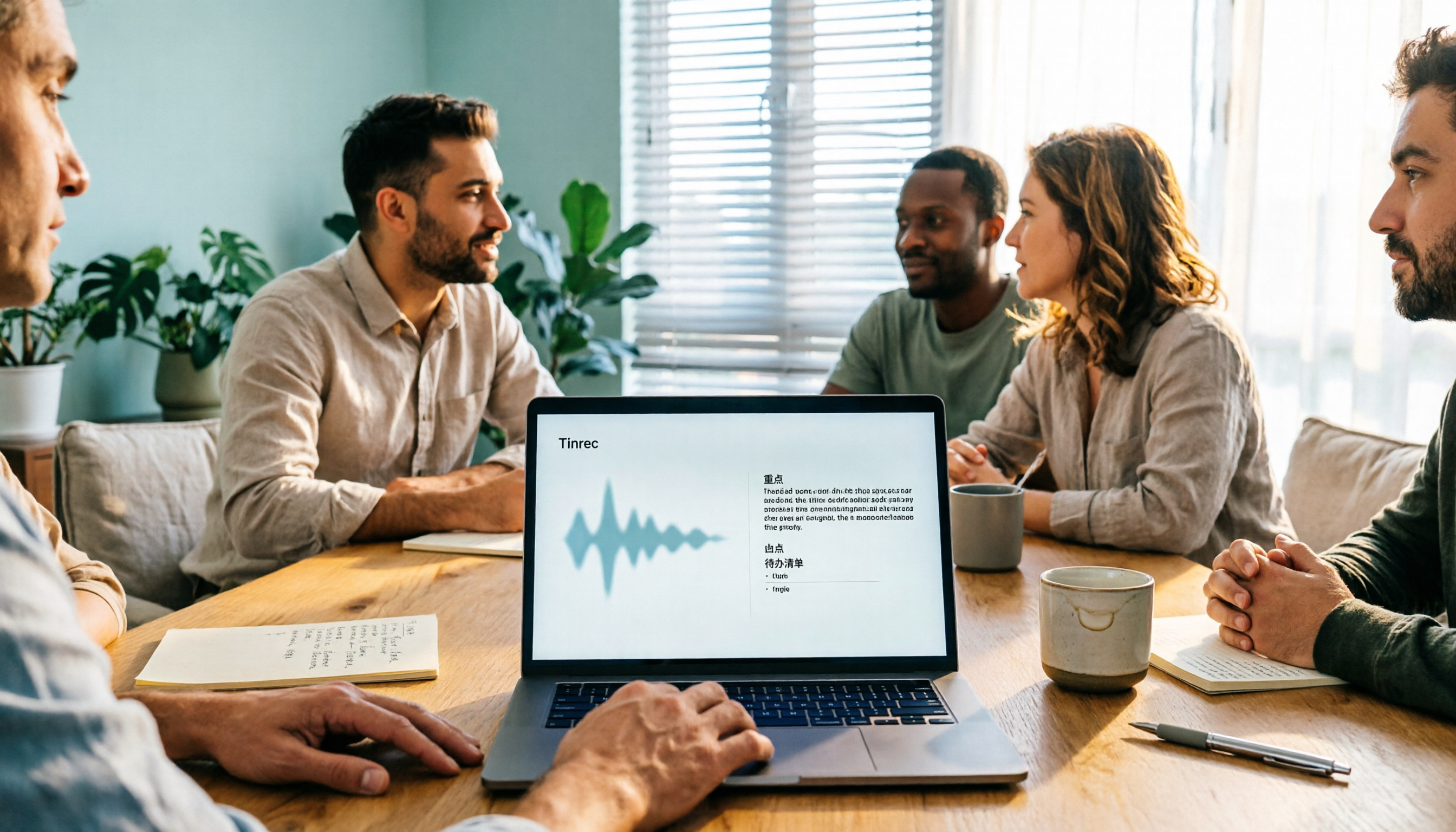
Turn recordings into transcripts and summaries in minutes
Upload audio or video for multilingual transcription, AI notes, and action items
How to Generate Meeting Minutes in 2026: 5 Steps from Recording to AI Meeting Summary
The Biggest Bottleneck in Minute Generation Isn't Typing Speed
Most people imagine "minute generation" as: after a meeting ends, open the recording file, listen from the beginning, and type while listening. For a 60-minute meeting, just re-listening and organizing can easily eat up another hour.
A more common misconception is pasting the transcript into a group chat and calling it meeting minutes. As a result, three days later when you need to confirm "who agreed to change the specs," everyone is still scrolling back and forth in the chat history.
Another inefficient approach is frantically taking notes during the meeting. You end up scrambling, unable to fully participate in the discussion, and the notes are mostly fragmented sentences that can't be pieced back into the original context afterward.
The problem isn't that you don't type fast enough; it's that minute generation hasn't been broken down into a repeatable process. This article addresses exactly that, and also compares several usable tools.
Before Choosing a Minute Generation Tool, Understand These 4 Key Points
1. Does the recording source match your meeting format? Online meetings need to handle audio from Zoom, Google Meet, Microsoft Teams, and Webex playing on your computer; offline meetings need real-time recording and transcription. If a tool only supports file upload, your online meetings will require an extra step.
2. What depth of output does it provide? Does it only give a transcript, or can it also provide summaries, chapters, and action items? This determines how many rounds of manual processing you'll need afterward. A tool that only gives a transcript is essentially handing back the most time-consuming organizing work to you.
3. Chinese and technical term recognition experience. Meetings in Taiwan often mix Chinese and English, and include product codes and internal abbreviations. Being able to maintain a team glossary makes a big difference in the long run.
4. Data ownership and team collaboration. Are recordings stored on an individual's phone, or do they go into a team space? When a member leaves, will meeting data be taken away with them? This is especially important for teams of 3 or more.
Tinrec — Turning Minute Generation into a 5-Step Process
Tinrec is an AI meeting recording and collaboration tool for individuals and teams, supporting iOS, Android, web, and desktop. It doesn't just convert audio to text; it organizes meetings into searchable, summarizable, queryable, exportable, and further processable data.
After running through a complete process, I broke it down into 5 steps:
Step 1: Record. For online meetings, open the desktop version; it directly captures computer system audio without inviting any meeting bot. For offline meetings or interviews, use your phone for real-time recording.
Step 2: Simultaneously generate transcript. Transcribe while recording; while the meeting is still ongoing, the text is already being generated. During recording, you can also view the original text, translation, or bilingual content, which is very convenient for cross-language meetings.
Step 3: Automatically generate summary and chapters. After the meeting, AI provides a summary and chapter structure. For long meetings, you don't need to read the transcript from the beginning; you can grasp the key points by looking at the structure first.
Step 4: Organize action items, then follow up with AI Q&A. The system extracts action items from the discussion. Even better is the AI Q&A—you can directly ask "Who mentioned the budget in the last meeting?" and it will answer based on semantic understanding, rather than just throwing a list of keyword search results.
Step 5: Export and archive. Results can be exported to Notion, Google Docs, OneNote, Dropbox, etc. for continued use, or post-processed with Agent to generate reports, tables, and documents. The team version stores this data centrally in a team space, so new members can also view past meetings.
Three advantages I think are most worth mentioning: First, bot-free recording solves the awkwardness of "not wanting another account hanging in the meeting." Second, handling Chinese, mixed Chinese-English, and multilingual meetings is its strong suit, and it supports team glossaries for technical terms. Third, the post-meeting workflow is complete, from summary, action items, Q&A all the way to export and document generation, without having to move between multiple tools.
Stop organizing recordings by hand
Upload audio or video and automatically get a transcript, summary, and action items
Limitations are also stated honestly. The official does not promise a fixed accuracy rate; actual results are affected by recording quality, noise, accents, overlapping speakers, and technical terms. For important content, it's recommended to cross-check with transcript timestamps and recording playback. Also, the team version is primarily team-level sharing; effective members can view, play, and read data even without a seat, but need a seat to record, upload, edit, and import/export. This is not a fine-grained file-level permission system.
Regarding pricing, the personal version has a free version to experience basic recording, import, summary, and transcription with a basic quota. There are also weekly cards, Pro monthly, and Pro annual cards, suitable for different tasks. The team version's first eligible trial is 7 days, 1 free seat, 300 minutes of team shared import quota; paid seats are USD 29.80/seat/month, annual payment USD 199/seat/year (about USD 16.58/month), each paid seat provides 2,000 minutes of team shared import quota per month. Real-time recording under an active plan and seat is currently not deducted by minutes. Actual prices, currencies, and promotions are subject to the official purchase page.
If you mainly have Chinese meetings, don't want to add a meeting bot, and want to use AI to find key points directly after recording, this process is worth trying.
Besides Tinrec, What Other Minute Generation Tools Can You Consider?
Otter.ai: A mature English AI meeting assistant, covering Zoom, Teams, Google Meet real-time transcription, speaker identification, AI Chat, and team management. Official pricing page shows Basic free, 300 minutes per month; Pro annual equivalent to about USD 8.49/user/month. If your meetings are almost entirely in English, it's a solid choice. However, Tinrec is more aligned with the daily needs of Chinese teams in Chinese meetings, team glossaries, and post-meeting Agent processing for reports and tables.
Notta: A multi-platform transcription and meeting notes tool, with high overlap with Tinrec. Official claims Free 120 minutes per month, single content up to 3 minutes; Pro annual equivalent to about USD 8.17/month, 1,800 minutes per month; Business annual equivalent to about USD 16.67/seat/month. The difference is that Tinrec's desktop version directly captures system audio without a bot joining, and provides AI Q&A and Agent post-processing.
Granola: Also a bot-free AI meeting note tool, focusing on "your notes + AI enhancement." Official pricing: Basic free, Business USD 14/user/month, Enterprise USD 35/user/month. Note that it does not support uploading pre-recorded audio files and does not save meeting audio. If you need to keep recordings or want to organize past meeting files together, Tinrec supports audio/video import and audio retention, filling this gap.
Pitfalls Guide: The 4 Most Common Mistakes in Minute Generation
Pitfall 1: Treating the transcript as the final product. The transcript is raw material, not minutes. True minutes should have decisions, conclusions, and action items. When choosing a tool, ask yourself: Will it help me process the raw material into something deliverable?
Pitfall 2: Data scattered in chat rooms and personal devices. If meeting minutes only exist on someone's phone and in a LINE group, three months later they effectively don't exist. Team-level space and data ownership are far more important than temporary convenience.
Pitfall 3: Sending AI summaries without verification. AI may miss or misunderstand details. A safer approach is to use the summary as a skeleton, and verify key decisions and numbers against the transcript and recording.
Pitfall 4: Ignoring recording consent and regulations. Recording and transcription involve personal data and local regulations. Obtain consent from participants before recording, and handle data according to company policies.
Conclusion: Which One Should You Choose for Your Minute Generation Process?
To sum up in one sentence: If you need Chinese meetings, bot-free recording, and team archiving, Tinrec is the smoothest choice.
- Meetings mainly in Chinese or mixed Chinese-English → Tinrec (Chinese experience and team glossary are its strong suit)
- Don't want an extra bot joining online meetings → Tinrec (desktop version captures system audio)
- Want to ask AI directly after recording "What was the conclusion?" "Who is responsible for what?" → Tinrec (has AI Q&A)
- Minutes need to become team assets, requiring member and seat management → Tinrec team version (team space, usage analytics, audit logs)
- Almost entirely English meetings, zero budget → Otter.ai free version (300 minutes per month, more cost-effective for this scenario)
It's recommended to first run a meeting with Tinrec's free version, or apply for the team version 7-day trial (1 free seat, 300 minutes shared import quota), and compare the actual minute generation output before deciding whether to upgrade.
References
Turn every recording into actionable outcomes
Get 60 free transcription minutes when you sign in. No credit card required.
Related Reading
You might also like

2026 Free Real-Time Speech-to-Text for Classes: 2 Tools Compared
Can't keep up with note-taking in class? This guide compares the free plans of Tinrec and Yating Transcription, two real-time speech-to-text tools for classes, across 6 dimensions: live recording, post-class organization, AI Q&A, language support, export workflow, and team sharing. It also includes free and team plan quotas to help you decide which tool fits your class scenario.

Tinrec vs Otter.ai 2026: 5-Dimension Comparison — Which Is Better for Chinese Meeting Transcription?
How do you turn meeting recordings into usable text? This article tackles the common workplace pain point of transcription by comparing Tinrec and Otter.ai across five dimensions: Chinese transcription, meeting recording methods, post-meeting organization, AI Q&A, and team management. It also includes brief reviews of Notta and Granola, plus three common pitfalls when choosing a tool, helping you find the best recording-to-text solution for your needs.

How to Export Apple Voice Memos and Transcribe to Text in 2026: 5-Step Guide
How do you export iPhone Voice Memos recordings and turn them into text? This article first highlights common misconceptions like "seeing a transcript doesn't mean you have a text file," then walks you through 5 steps to export audio from Voice Memos, import it into Tinrec for transcription, and organize it into summaries, chapters, and action items. Finally, export to tools like Notion and Google Docs.
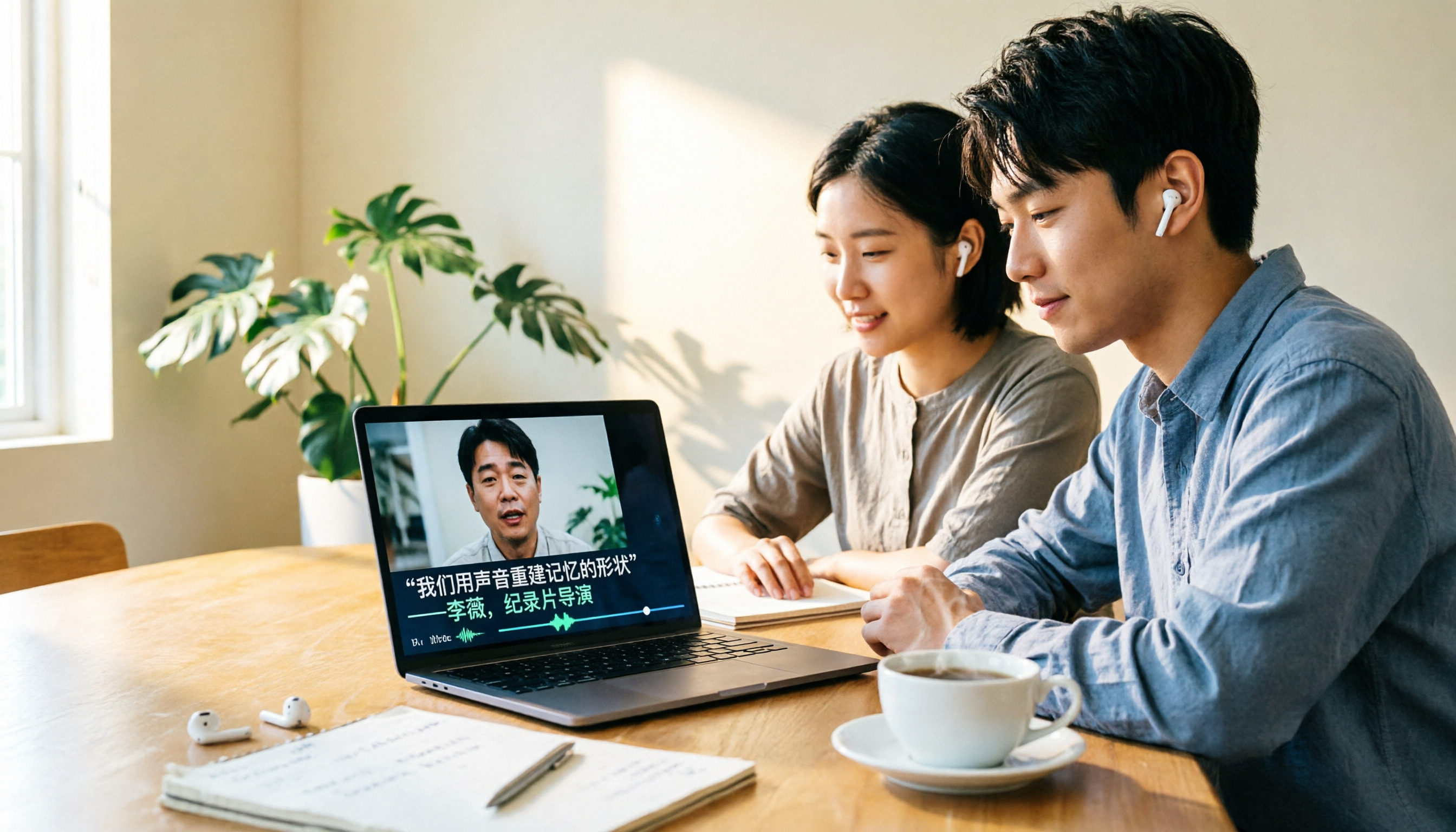
Tinrec vs Otter.ai 2026: 5-Dimension Comparison for Chinese Video-to-Text Scenarios
If you're looking for software to convert video to text, you're likely torn between Tinrec and Otter.ai. This article compares them across five dimensions: Chinese recognition, file transcription, meeting recording methods, post-meeting organization, and team governance. It also honestly lists the free tiers and paid prices of both to help you decide which one better suits your video and meeting scenarios.

2026 Guide: Summarize English Videos with Tinrec — Auto Summaries & Bilingual Transcripts
The most common mistake when organizing English videos is spending time transcribing instead of understanding. This article compares the actual workflows and problems of 4 common approaches, explains how Tinrec turns videos and audio into transcripts, AI summaries, chapters, and to-dos, and outlines 5 key criteria—bilingual comparison, AI Q&A, export, and team collaboration—to help you choose the right tool.
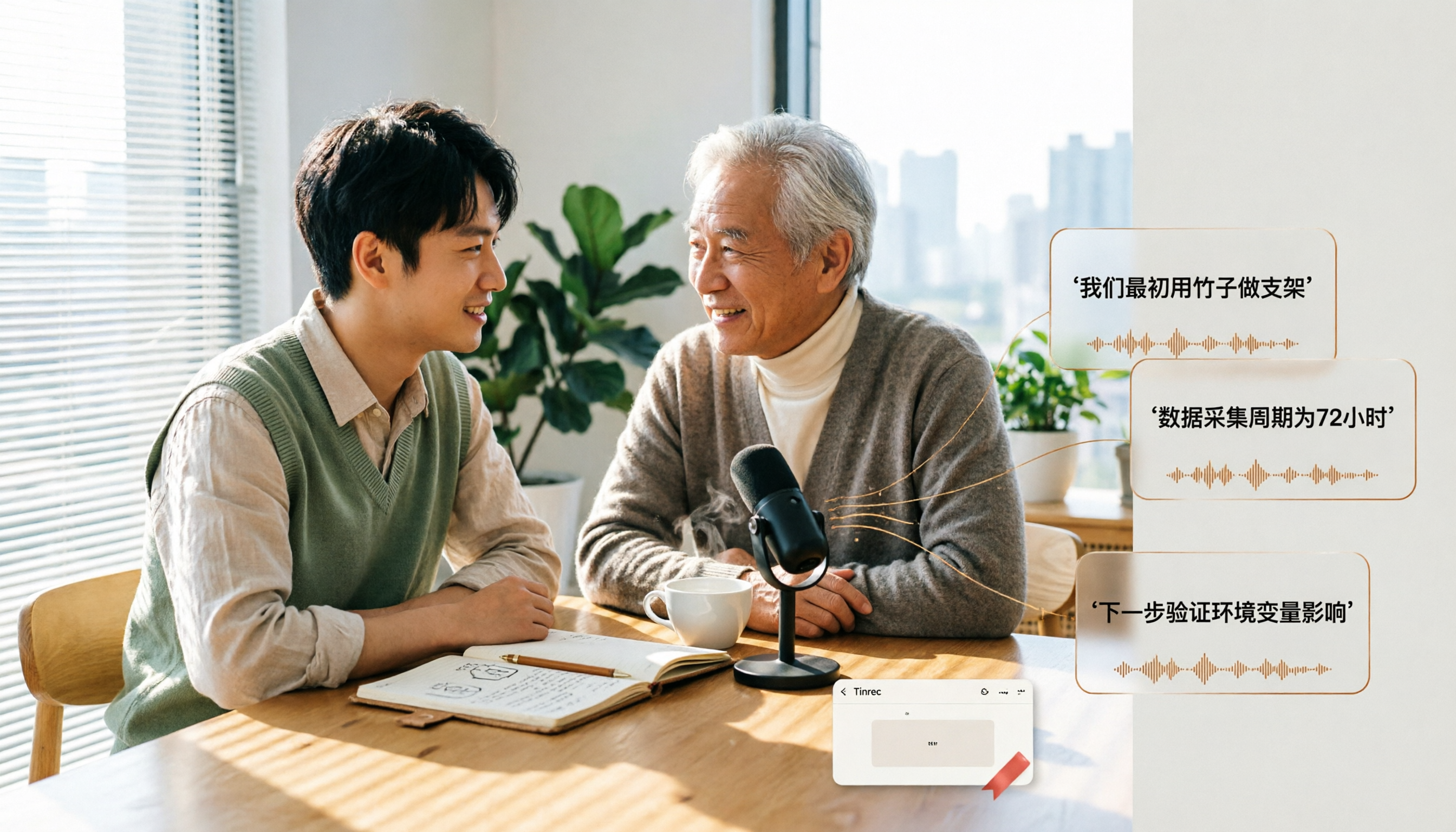
4 Video-to-Text Tools Tested for 2026: Get Transcripts Without Meeting Bots
How do you turn audio from video meetings, online courses, and Zoom recordings into searchable, queryable text? I break down my own interview transcription workflow: first understand how audio gets into the tool, what you get after transcription, and where your data ends up. Then I compare Tinrec, Notta, Granola, and VEED in real tests, and finish with a step-by-step starter checklist you can follow.
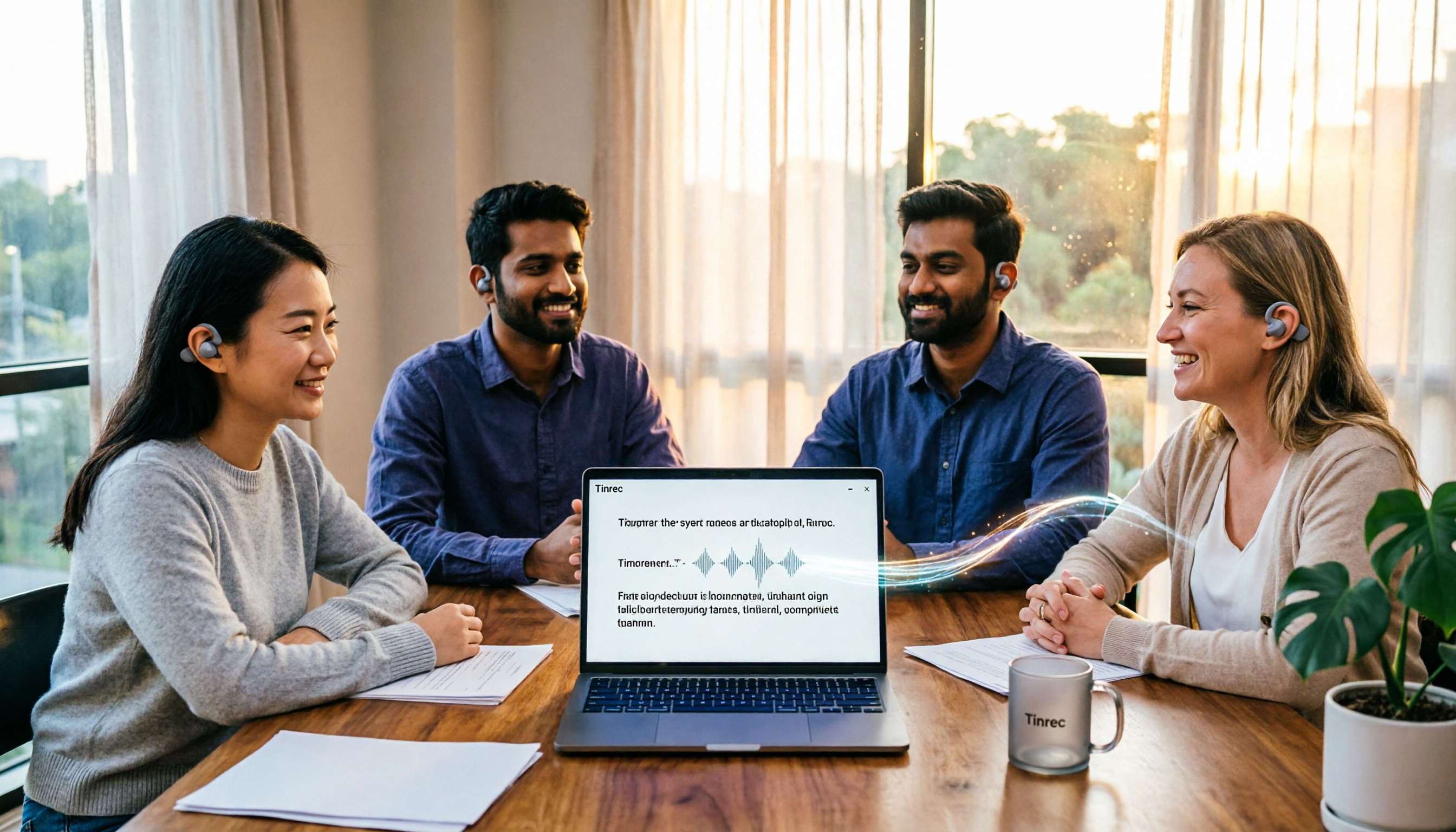
4 English Audio-to-Text Tools Tested and Compared in 2026: Which One Saves the Most Time on English Transcripts?
How do you choose an English audio-to-text tool? This article starts from practical decision points like mixed Chinese-English meetings, cross-language comparison, file import, and team data ownership, organizes 5 key purchasing criteria, and uses Tinrec as the main example for an in-depth breakdown, then briefly reviews the applicable scenarios and pricing of Otter.ai, TurboScribe, and PLAUD, and finally gives clear selection recommendations for different budgets and needs.
Best Speech-to-Text Apps in 2026: 6 Tools Tested + AI Summaries and Action Items
Tired of transcribing meeting recordings by hand? We reviewed 6 top speech-to-text apps for 2026—Tinrec, Notta, Otter.ai, TurboScribe, Granola, and Apple Notes—covering their positioning, key features, free and paid plans, and ideal users. Plus, scenario-based recommendations and 4 things to know before you start.

5 AI Meeting Tools Tested in 2026: From Meeting Notes to Action Items, Which One Really Saves Time?
Still replaying recordings after meetings? This guide skips feature lists and starts from real work scenarios to break down which part of your workflow AI tools should solve: from bot-free online meeting recording, live transcription, AI summaries and chapters, action item extraction, to AI Q&A, translation, export, and team knowledge retention. Plus 6 buying considerations and FAQs to help you turn meetings into searchable, collaborative, actionable data.