
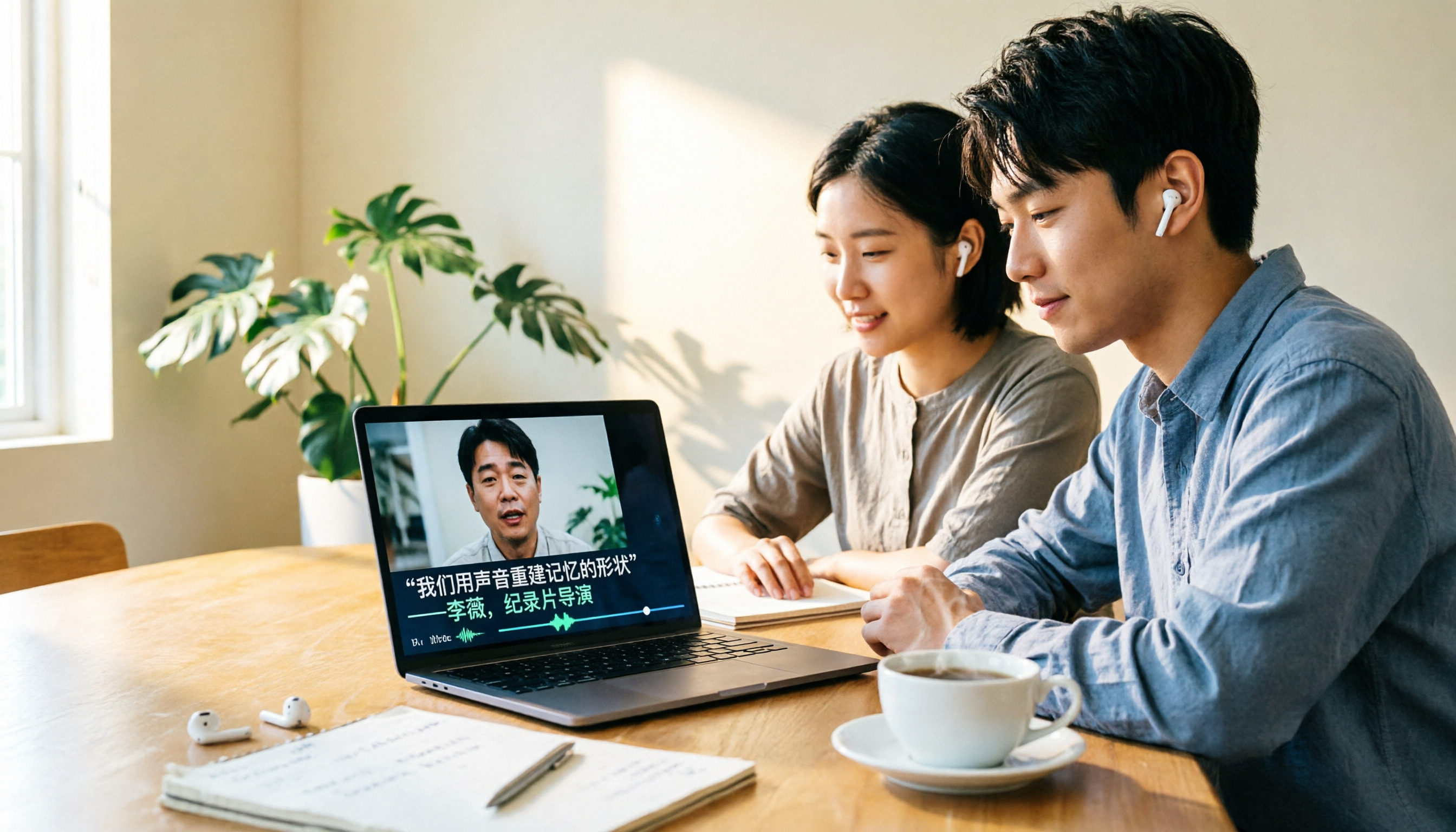
Turn recordings into transcripts and summaries in minutes
Upload audio or video for multilingual transcription, AI notes, and action items
Looking for Video-to-Text Software? Answer Three Questions First
Before you rush to compare feature lists for software that converts video to text, I'd like you to answer three questions.
First, is your video mainly in Chinese or English? Second, do you just need a transcript, or do you also want summaries, action items, and even team sharing after transcription? Third, are you willing to let a meeting bot join your online meetings as a 'participant'?
These three answers will roughly determine whether you should choose Tinrec or Otter.ai. Below, I compare the two across five dimensions, including prices and limitations.
Tinrec vs Otter.ai | Quick Overview
Tinrec (Miao Ting Lu Yin) is an AI meeting notes and collaboration tool for individuals and teams, focusing on Chinese meetings and team knowledge retention. Otter.ai is a mature AI meeting assistant with a strong reputation in English business meetings.
| Item | Tinrec | Otter.ai |
|---|---|---|
| Core Positioning | AI meeting notes and team collaboration | AI meeting assistant, meeting automation |
| Input Sources | Live recording, desktop online meetings, audio and video files, mobile, some web links | Primarily online meetings, also supports file import |
| Free Plan | Free version offers basic quota to experience recording, import, summary, and transcription | Basic free, 300 minutes per month |
| Paid Pricing | Team plan USD 29.80 per paid seat per month; annual USD 199 per paid seat, about USD 16.58 per month | Pro annual equivalent about USD 8.49 per user per month; Business offers unlimited meetings and in-app recording |
Prices and promotions are subject to the official purchase pages of each service; the information listed here is from their current public pages.
Next, the five dimensions compared are: Chinese recognition, video and audio file transcription, online meeting recording methods, post-meeting organization and AI Q&A, and team collaboration and governance.
Dimension 1 | Chinese and Traditional Chinese Recognition
Otter.ai has always focused on English business meetings, and its interface and summary habits lean towards English workflows. When meeting content is in Traditional Chinese, mixed Chinese-English, or contains Taiwan-specific terms, recognition and subsequent organization are usually not its strongest areas.
Tinrec starts from Chinese, covering Chinese, Traditional Chinese, and multilingual meeting scenarios. It supports mixed Chinese-English content organization and real-time translation during recording, allowing you to view the original text, translation, or bilingual. The team plan also allows maintaining team hotwords, adding company-specific product names and project codes to reduce misrecognition of technical terms.
→ This dimension: For Chinese and Traditional Chinese meeting scenarios, Tinrec wins.
Dimension 2 | Video and Audio File Transcription
Otter can also import files; its official pricing page shows that the Pro plan includes 10 file imports per month, which is sufficient for occasional video processing.
Tinrec supports uploading audio and video files, suitable for organizing historical meetings, interviews, and course recordings. The resulting transcript can be searched and reviewed, and the recording is retained for easy verification of timestamps. Whether Otter retains recordings depends on the plan.
→ This dimension: If you have a bunch of pre-recorded video files, Tinrec's workflow is smoother, so it wins.
Dimension 3 | Online Meeting Recording Methods
Otter became famous early on for its meeting bot joining Zoom, Teams, and Google Meet, and now also offers desktop capabilities, making its approach more diverse.
Tinrec's desktop version directly captures the computer's system sound, without needing an extra bot to join as a participant. It can handle meeting audio played on platforms like Zoom, Google Meet, Microsoft Teams, and Webex. Note that you still need to open Tinrec and start recording yourself; it's not a tool that automatically joins all meetings on your calendar.
→ This dimension: Both methods have supporters. If you don't want an extra account on the participant list, Tinrec's experience is simpler.
Stop organizing recordings by hand
Upload audio or video and automatically get a transcript, summary, and action items
Dimension 4 | Post-Meeting Organization and AI Q&A
Otter's summaries, action items, and AI Chat are its signature capabilities, with a good reputation for organizing English meetings.
In addition to summaries, chapters, and to-dos, Tinrec can also organize key points into mind maps and use AI Q&A to ask questions about a single meeting or across meetings. Even better is the Agent post-processing, which can directly generate reports, tables, or documents from meeting content and export them to Notion, Google Docs, OneNote, Dropbox, etc., for further editing.
→ This dimension: If your meeting ultimately needs to become a deliverable document, Tinrec wins.
Dimension 5 | Team Collaboration and Data Governance
Otter's Business plan provides management capabilities needed by teams and enterprises, and it is mature in this area.
Tinrec's team plan uses an independent team space: meeting data belongs to the team, not tied to individual accounts. Members can share and view team historical data, while administrators divide roles and seats—roles determine who can manage the team, members, and audits; seats determine whether one can record, upload, edit, and export. There are also team usage analytics, audit logs, audio recycle bin, and team hotwords. To be honest, the current team plan mainly focuses on team-level sharing and does not achieve file-level granular permissions. If you need to set different viewers for each file, it does not meet that requirement at this stage.
→ This dimension: In terms of data retention and seat governance, Tinrec wins.
What Are Their Unique Advantages?
Tinrec's Unique Advantages
- Bot-free desktop recording, plus Chinese and Traditional Chinese experience, making it more convenient for teams primarily using Chinese meetings.
- Both recordings and transcripts are retained, allowing important content to be verified with original text and playback, rather than relying solely on AI summaries.
- Agent post-processing can turn meetings into reports, tables, and documents, not just transcripts.
- Team plan costs are relatively predictable: each paid seat provides 2,000 minutes of team shared import quota per month; real-time recording under an active team package and active seat is currently not deducted by minutes.
Otter.ai's Unique Advantages
- High maturity in English business meetings, with a broad integration and workflow ecosystem.
- Basic free plan offers 300 minutes per month, lowering the barrier to try.
Conclusion: Which One Should You Choose?
• Your meetings are mostly in Chinese or mixed Chinese-English → Tinrec (Chinese, Traditional Chinese, and bilingual viewing are its strengths)
• You need to process pre-recorded videos, course recordings, interview files → Tinrec (supports audio/video file upload and retains recordings)
• You don't want an extra meeting bot on the participant list → Tinrec desktop version directly captures system sound
• You want to keep meeting data within the team and need member, seat, and usage management → Tinrec team plan
• You mainly run English business meetings and are already used to Otter's ecosystem → Otter.ai is sufficient
In one sentence: For most Taiwan users primarily dealing with Chinese content, Tinrec is the more complete one covering 'record, transcribe, organize, share.' It's recommended to start with the free version or a 7-day team trial, test with your own meeting recordings, and then decide.
Finally, a reminder: when recording and transcribing involve others' conversations, please pay attention to local regulations and obtain participant consent when necessary.
Frequently Asked Questions
Q1: What software can convert video to text?
Common choices include Tinrec and Otter.ai, as well as hardware recording devices paired with apps. If your materials are mainly Chinese videos and meetings, Tinrec will be smoother in Chinese recognition, video upload, and post-meeting organization.
Q2: Is the free version enough?
Tinrec's free version offers basic quota to experience recording, import, summary, and transcription; Otter Basic offers 300 minutes per month. Running a few of your own videos with the free quota is more accurate than looking at spec sheets.
Q3: Can pre-recorded video files be transcribed directly?
Yes. Tinrec supports uploading audio and video files; Otter Pro includes 10 file imports per month.
Q4: Do I need to install software?
Tinrec has web, desktop, and mobile versions. The desktop version captures computer system sound for handling online meetings.
Q5: Does it only produce a transcript?
Tinrec also generates summaries, chapters, to-dos, and mind maps, supports continued AI Q&A, and exports to Notion, Google Docs, OneNote, Dropbox, etc.
Q6: How is the team plan priced?
Currently USD 29.80 per paid seat per month; annual USD 199 per paid seat, about USD 16.58 per month. Eligible teams can try for 7 days, including 1 free seat and 300 minutes of team shared import quota. Actual prices and benefits are subject to the official purchase page.
References
- Online AI voice, video, audio file auto transcription - Free trial - cSubtitle
- Convert video to text | Transcribe App & Online Editor
- Free video to text tool | AI automatic transcription with high accuracy subtitles
- 9 speech-to-text software recommendations: how to choose for transcripts and subtitles
- Transcription - Convert speech to text - Download and install on Windows | Microsoft Store
Turn every recording into actionable outcomes
Get 60 free transcription minutes when you sign in. No credit card required.
Related Reading
You might also like
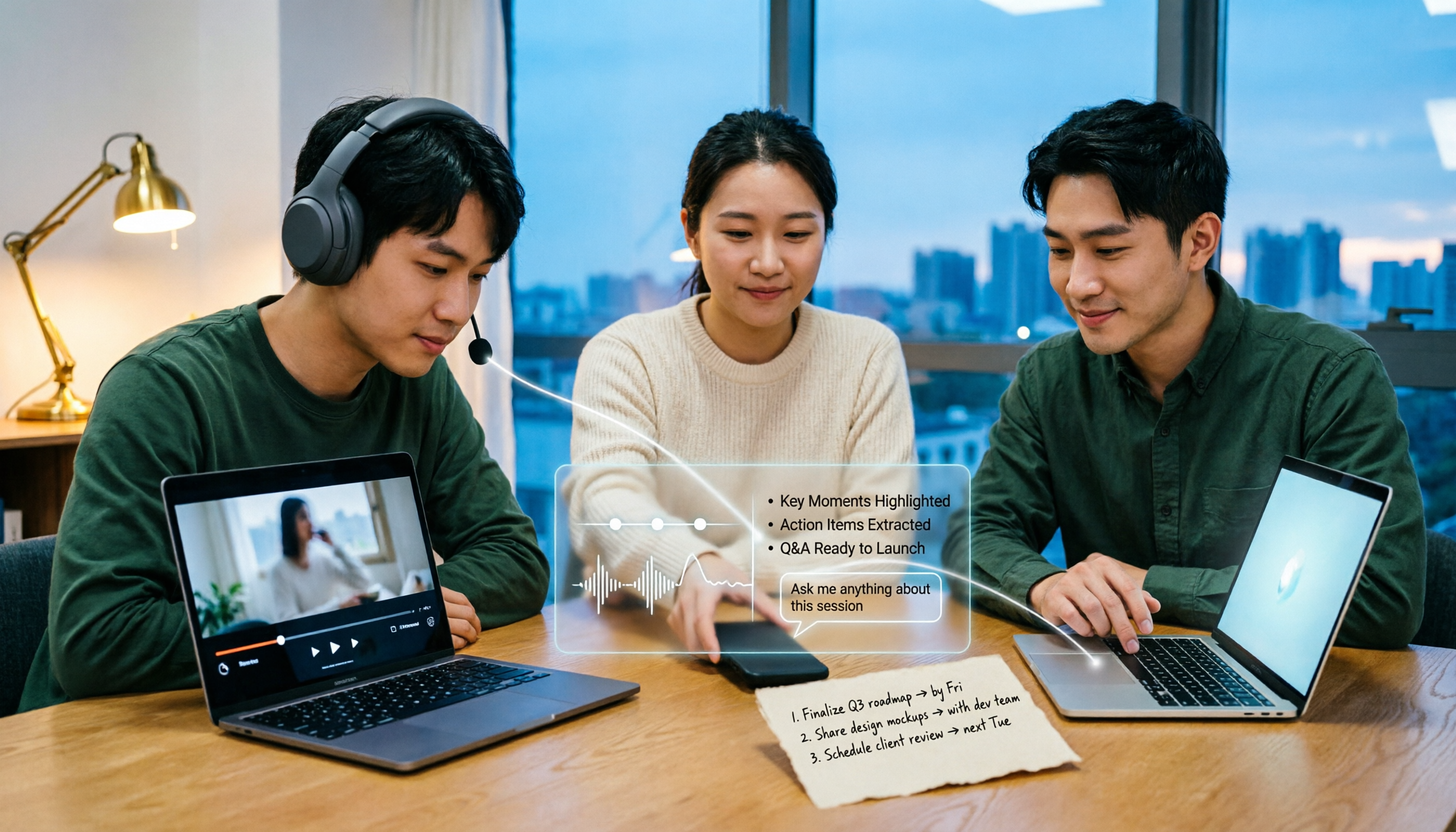
5 Bilibili AI Summary Tools Tested in 2026: Which One Actually Saves Time on Long Videos?
Your Bilibili watch later list keeps growing, but you never finish watching? We tested 5 Bilibili AI summary tools, comparing subtitle recognition, AI follow-up questions, cross-device support, and team sharing. We also honestly explain how Tinrec handles meeting recordings while organizing videos, helping you pick the one that truly saves time.
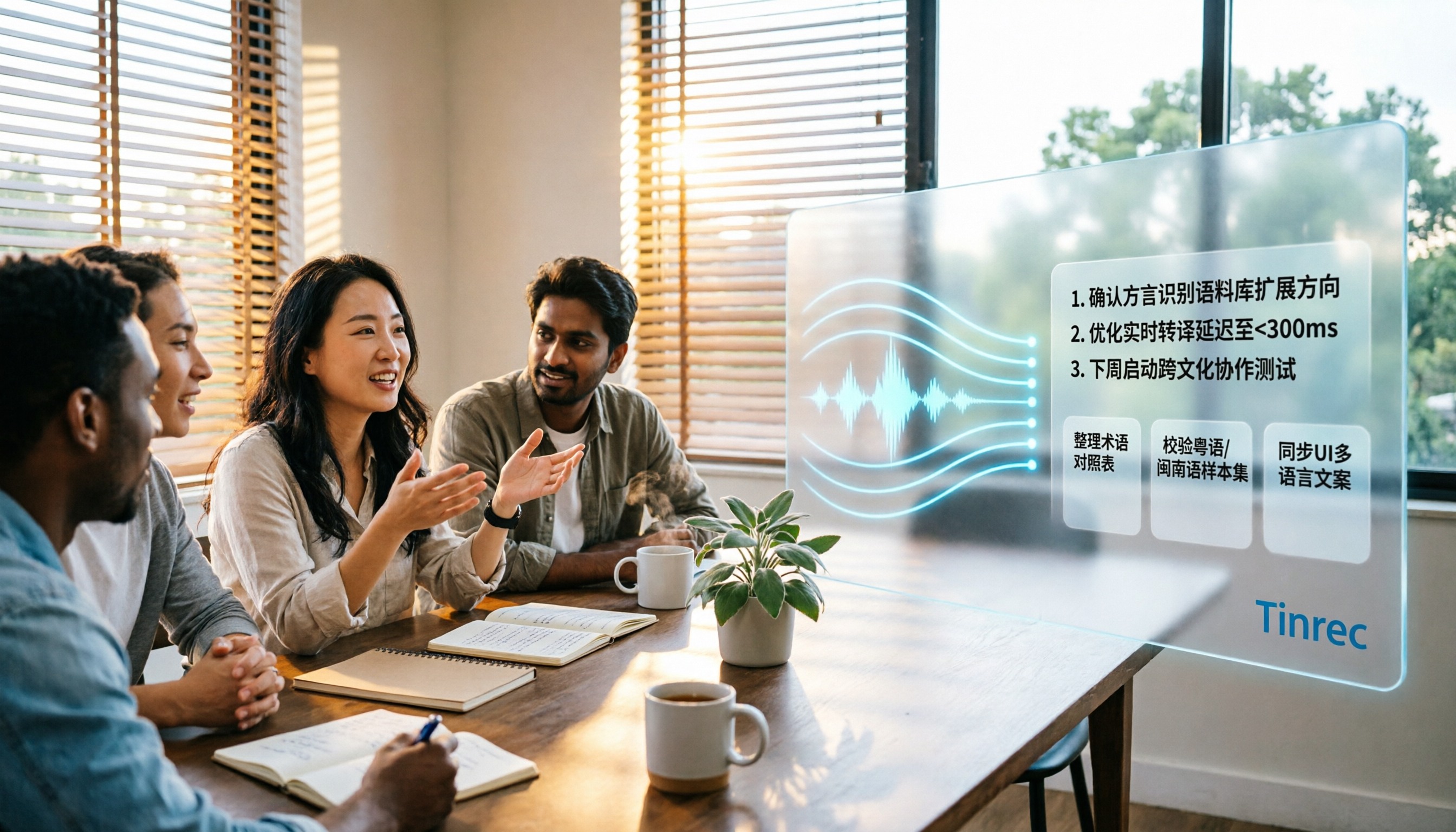
Tinrec vs Notta 2026: 5-Dimension Comparison — Which Is Better for Dialect Transcription and Meeting Organization?
A tool review for dialect-to-text needs, comparing Tinrec and Notta across 5 dimensions: language support, post-meeting organization, recording retention, team collaboration, and pricing, with buying advice.

4 AI PPT Summarizers Tested in 2026: First Decide Whether You're Summarizing Slides or Meetings
Looking for an AI that can summarize PPTs? First, figure out whether you need to read an existing presentation file or meeting content that hasn't been turned into slides yet. This article compares SlidesPilot, Linnk, Microsoft 365 Copilot, and Tinrec, and explains how Tinrec, starting from meeting recordings, turns transcripts, summaries, and action items directly into presentation material.

How to Choose a Speech-to-Text App in 2026: A 5-Step Comparison
Looking for a reliable speech-to-text app? This article compares Tinrec and Otter.ai in 5 steps, covering Chinese recognition, meeting recording, file processing, AI organization, and team collaboration to help you find the best tool for your needs.

4 Meeting Transcription Tools Tested for 2026: Auto-Generate Minutes Without a Meeting Bot
The biggest pitfalls in meeting transcription are transcribing recordings word by word after the meeting or treating built-in transcripts as meeting minutes. This article compares four tools—Tinrec, Otter.ai, Granola, and PLAUD—using the same testing method, breaking down recording methods, output content, Chinese recognition, and team data ownership, with buying criteria and a guide to avoiding pitfalls.

2026 Free Real-Time Speech-to-Text for Classes: 2 Tools Compared
Can't keep up with note-taking in class? This guide compares the free plans of Tinrec and Yating Transcription, two real-time speech-to-text tools for classes, across 6 dimensions: live recording, post-class organization, AI Q&A, language support, export workflow, and team sharing. It also includes free and team plan quotas to help you decide which tool fits your class scenario.

Tinrec vs Otter.ai 2026: 5-Dimension Comparison — Which Is Better for Chinese Meeting Transcription?
How do you turn meeting recordings into usable text? This article tackles the common workplace pain point of transcription by comparing Tinrec and Otter.ai across five dimensions: Chinese transcription, meeting recording methods, post-meeting organization, AI Q&A, and team management. It also includes brief reviews of Notta and Granola, plus three common pitfalls when choosing a tool, helping you find the best recording-to-text solution for your needs.
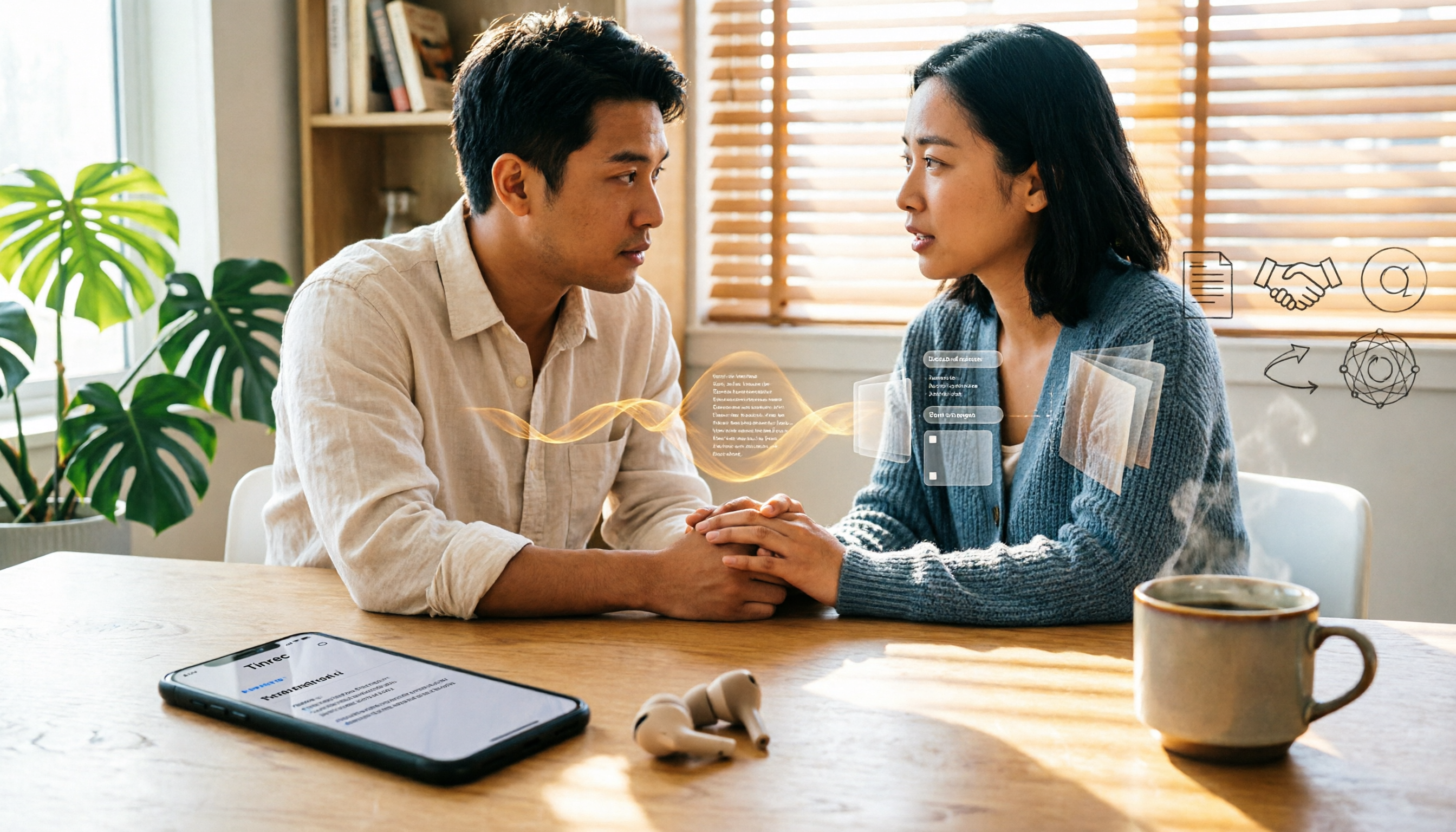
How to Export Apple Voice Memos and Transcribe to Text in 2026: 5-Step Guide
How do you export iPhone Voice Memos recordings and turn them into text? This article first highlights common misconceptions like "seeing a transcript doesn't mean you have a text file," then walks you through 5 steps to export audio from Voice Memos, import it into Tinrec for transcription, and organize it into summaries, chapters, and action items. Finally, export to tools like Notion and Google Docs.

2026 Guide: Summarize English Videos with Tinrec — Auto Summaries & Bilingual Transcripts
The most common mistake when organizing English videos is spending time transcribing instead of understanding. This article compares the actual workflows and problems of 4 common approaches, explains how Tinrec turns videos and audio into transcripts, AI summaries, chapters, and to-dos, and outlines 5 key criteria—bilingual comparison, AI Q&A, export, and team collaboration—to help you choose the right tool.