

Turn recordings into transcripts and summaries in minutes
Upload audio or video for multilingual transcription, AI notes, and action items
4 Meeting Transcription Tools Tested for 2026: Auto-Generate Minutes Without a Meeting Bot
The Most Inefficient Ways People Transcribe Meetings
Many people transcribe meetings like this: press record on their phone, then after the meeting put on headphones and type out every word, one by one. A 60-minute meeting can take two to three hours just to transcribe, and when multiple people talk over each other, you have to pause and rewind repeatedly.
Another common pitfall is using free transcription features as meeting minutes. Built-in voice memos and note apps can now convert recordings to text for free, which is convenient. But the output is usually a large block of unstructured text with no summary or action items. To find out who said what about the budget, you still have to Ctrl+F through it yourself.
The real question isn't which tool is more accurate—it's whether the transcribed text can be used directly after the meeting.
This article uses the same testing method to compare four common meeting transcription tools, examining recording methods, output content, and data ownership to see which approach truly turns meetings into actionable data.
4 Key Points to Understand Before Choosing a Meeting Transcription Tool
1. How is the meeting recorded?
For online meetings (Zoom, Google Meet, Microsoft Teams, Webex), the most common approach is to have a meeting bot join as a participant. This can be awkward in external meetings: an unfamiliar account appears on the list, and clients may ask who that is.
Another approach is to capture system audio directly from your computer without adding an extra participant. If your meetings often include external clients, this is worth checking first.
2. What do you get after transcription?
A transcript is just the starting point. If the tool only gives you a wall of text, you'll still have to organize the structure, pick out key points, and find action items yourself.
What's worth looking at: Does it provide summaries, chapters, and to-do lists? Can you ask questions directly about the meeting content? Can you export to tools you already use, like Notion or Google Docs?
3. Chinese and mixed Chinese-English recognition performance
Meetings in Taiwan are rarely pure Chinese—product names, proper nouns, and technical terms are often spoken in English. When choosing a tool, look at how it handles mixed Chinese-English content and whether it offers team hotwords or similar settings.
One reminder: don't just look at official accuracy numbers. Real-world performance is affected by recording quality, background noise, accents, and overlapping speech. Testing with your own recording is the most reliable way.
4. Where does the meeting data end up?
Data in personal accounts belongs to the individual. If meeting records are a team asset, consider whether the tool supports team spaces, member and permission management, and whether data disappears when a member leaves.
Tinrec — Our Top Pick After Testing
Tinrec is an AI meeting notes and collaboration tool for individuals and teams, available on desktop, web, and mobile.
No bot needed—record directly from your computer
The desktop version captures system audio to handle online meetings without a meeting bot joining. In practice, you just start recording and proceed with the meeting as usual. No unfamiliar account appears on the participant list, which is especially useful for external meetings. It also generates a live transcript as it records, so the text is ready when the meeting ends.
(To be clear, this is not "automatically join all calendar meetings"—the user manually starts recording. Tinrec also has no official partnership with Zoom, Teams, or other platforms.)
Not just a transcript—usable post-meeting data
After transcription, Tinrec automatically generates summaries and chapters, breaking long meetings into easy-to-browse sections and extracting action items from the discussion. When you need deliverables, it can further generate reports, tables, and documents.
My most-used feature is AI Q&A: after recording, I can directly ask "What were the conclusions of this meeting?" or "What concerns did the client mention?" It answers based on the meeting content rather than dumping keyword search results. This is much faster than manually scrolling through a 30-minute transcript.
Mixed Chinese-English and multilingual scenarios
Tinrec covers Chinese, Traditional Chinese, and multilingual meeting scenarios. It supports viewing the original text, translation, or bilingual content during recording. The team version also maintains shared hotwords to improve recognition of product names and proper nouns. Meeting results can be exported to Notion, Google Docs, OneNote, Dropbox, and other tools for further processing.
Testing method and observations
Stop organizing recordings by hand
Upload audio or video and automatically get a transcript, summary, and action items
We used real meeting recordings—the kind with mixed Chinese-English, multiple overlapping speakers, keyboard sounds, and air conditioning noise. Under these conditions, the differences between tools really show. Tinrec's transcript is generated in real time with automatic paragraphing, and the summary and action items capture the key points. But as mentioned earlier, accuracy varies with audio quality and accents, so important content should be verified by replaying the recording.
Three reasons I think it's worth it
- You don't have to change how you meet just to record. No bot, no extra hardware—just open the desktop app and record.
- No need to organize from scratch after the meeting. Summary, chapters, action items, and Q&A are all in one place, saving real organization time.
- The team version keeps data with the team. Meetings belong to the team, can be handed over when members change, and won't disappear when someone leaves.
Limitations to note
The free version offers basic quota so you can try recording, importing, summaries, and transcription. If you have several meetings daily, you'll need a paid plan. Also, file imports consume quota, while live recording under an active team plan and seat currently does not deduct by the minute. These are calculated differently, so understand the difference before choosing a plan.
Who it's for
If you often have online meetings, don't want a bot in the room, your meetings are mainly in Chinese or mixed Chinese-English, and you want to use AI to find key points and action items right after recording—Tinrec is the smoothest choice in this comparison.
Besides Tinrec, What Are the Alternatives?
Otter.ai
A mature choice for English business meetings. Free version offers 300 minutes per month; Pro annual billing is about USD 8.49 per user per month (including 1,200 minutes of in-app recording and 10 file imports per month). It has a strong reputation for English meetings and meeting automation. If your meetings are almost entirely in English, it's worth comparing. Chinese meetings and mixed Chinese-English organization are not its strong suit, while Tinrec focuses more on team hotwords and bilingual review.
Granola
A bot-free AI meeting notes tool. Basic is free, Business is USD 14 per user per month. It combines user-written notes with AI-generated content, making it feel very personal. Note that it does not support uploading pre-recorded audio files and does not save meeting audio. If you need to archive, replay, or organize existing recordings, Tinrec supports retaining recordings and importing audio/video files.
PLAUD
A representative of AI recording hardware. NotePin is priced at USD 159, Note Pro at USD 189. Membership plans start at Starter with 300 minutes per month; Pro is USD 99.99 per year. The portable hardware recording experience is its value, especially for phone calls and outdoor situations. If you don't want to carry an extra device and your main meetings are on your computer, Tinrec works via web, desktop, and mobile without extra hardware.
(Competitor prices and benefits are subject to change; refer to official pages for current details.)
Pitfall Guide: 3 Common Mistakes When Choosing a Meeting Transcription Tool
Pitfall 1: Only looking at official accuracy claims.
Numbers like "98% accuracy" are usually measured under ideal conditions. Real meeting rooms have air conditioning noise, keyboard sounds, and people talking over each other—that's where the differences show. Test with a recording of your own meeting, not just ads.
Pitfall 2: Treating the transcript as the end goal.
If you only use the tool for "recording to text," you're only using part of its capability. The real time-saver is what comes after: summaries, chapters, action items, and the ability to ask questions directly about the meeting content.
Pitfall 3: Ignoring team data ownership.
Using a personal account to record team meetings is convenient short-term but risky long-term. The biggest difference between team and personal versions isn't minutes—it's data ownership, member and seat management, usage and activity logs. Whether data can be handed over when a member leaves is something to think through before adoption.
One more reminder: recording and transcription involve personal data and privacy. Please comply with local regulations and obtain participant consent when needed.
Conclusion: Which One Should You Choose?
Simply put, think about what your meetings look like, then choose a tool:
- Online meetings without an extra bot account → Tinrec (desktop captures system audio, no bot invitation needed)
- Meetings mainly in Chinese or mixed Chinese-English → Tinrec (supports bilingual review and team hotwords)
- Want to use AI to find key points and action items right after recording → Tinrec (AI Q&A, summaries, chapters, action items all in one)
- Need to turn meetings into searchable team data → Tinrec team version (team space, seat and usage management)
- Meetings almost entirely in English, tight budget → Otter.ai is worth comparing
- Need portable hardware recording, often record phone calls → PLAUD
Tinrec's team version currently offers a 7-day trial for first-time eligible users (1 free seat, 300 minutes of shared team import quota). Paid seats are USD 29.80 per month or USD 199 per year (about USD 16.58 per month), with each paid seat providing 2,000 minutes of shared team import quota per month. Prices, currencies, and promotions are subject to the official purchase page.
If you're not sure about paying, first run through your own meeting workflow with the free quota—record, transcribe, review the summary, ask it a question. How smoothly that goes is more telling than any spec sheet.
References
- Yating Transcription
- How to Use AI for Meeting Minutes? How to Organize Meeting Transcripts? | AI Speech-to-Text Tutorial | 104 Career Power
- How to Transcribe Mobile Meeting Recordings? Use Plaud + AI to Record and Organize in One Go
- Get Meeting Minutes Done! How to Use AI Speech-to-Text? Gemini Notebook, Gemini, EchoScript Operation Analysis | 104 Career Power
- Online AI Speech, Video, Audio File Auto Transcription - Free Trial - cSubtitle
Turn every recording into actionable outcomes
Get 60 free transcription minutes when you sign in. No credit card required.
Related Reading
You might also like

3 Huawei Audio-to-Text Solutions Compared: How Tinrec Fills the Meeting Notes Gap
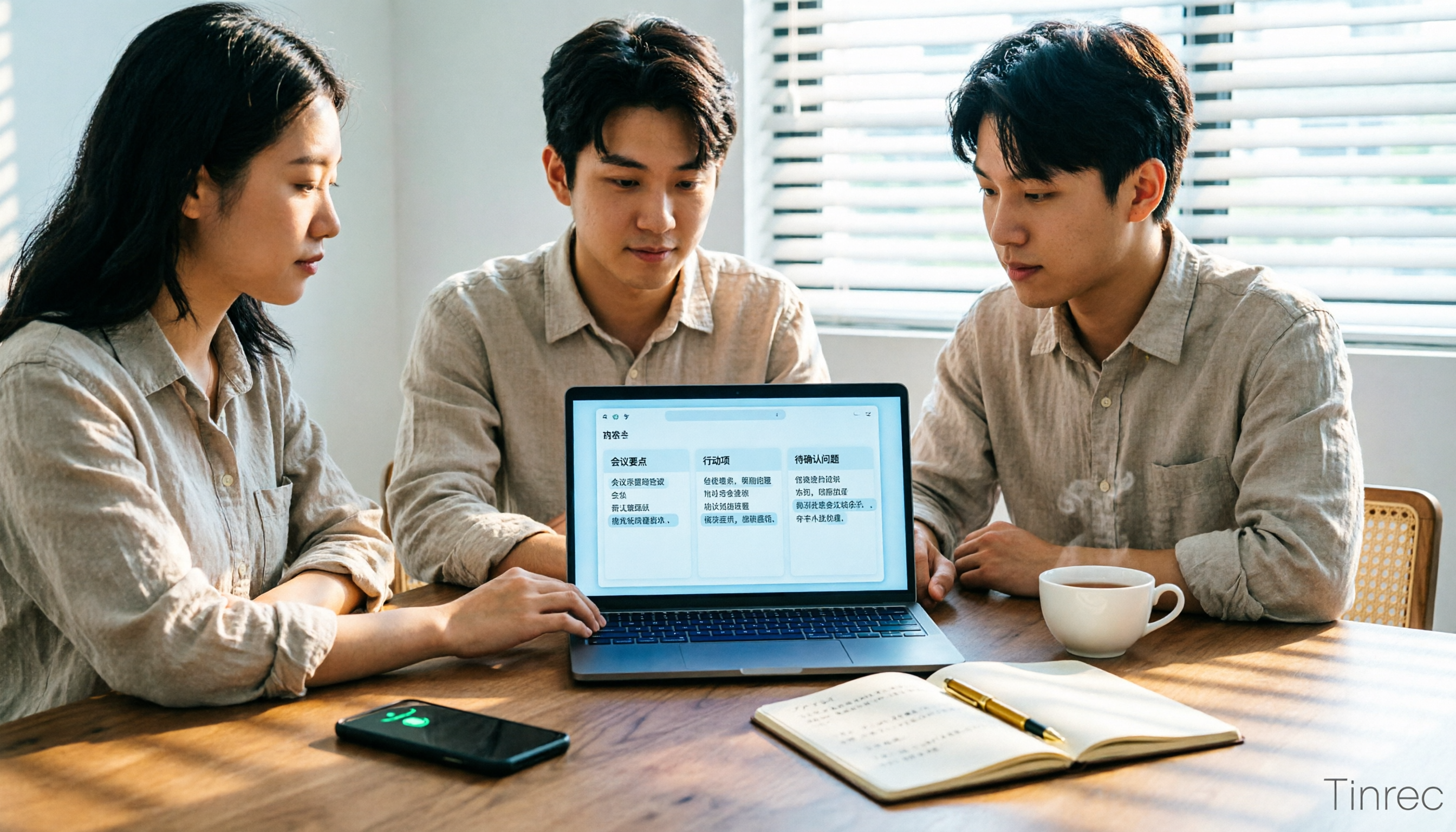
Many people search for 'Huawei audio to text' because they need to turn meeting recordings into transcripts, summaries, and action items. This article compares three common approaches: built-in device and cloud speech capabilities, online conversion tools, and Tinrec. From cross-platform recording and post-meeting organization to AI Q&A and team collaboration, we help you decide which fits your daily workflow.
2026 Comparison of 2 Xiaohongshu Video-to-Text Tools: Which Is Better for Transcripts and Post-Meeting Organization?
The two most common pitfalls in converting Xiaohongshu videos to text: getting stuck when videos lack subtitles, and treating a transcript as the end goal. This article compares BibiGPT and Tinrec across 5 dimensions—link support, handling videos without subtitles, post-transcript organization, export formats, and team knowledge retention—to help you decide which tool fits your use case.

5 Photo-to-Text Tools Tested for 2026: Free OCR vs Built-in Features
You don't always need a separate app to turn photos into text—Google Lens, LINE, and Google Keep can do it for free. This guide shares hands-on experience with 5 image-to-text methods and pitfalls to avoid, plus why Tinrec is a better fit when your source is meeting or interview recordings.
5 Best Honor Phone Audio-to-Text Tools Tested in 2026: Why Tinrec Wins on Chinese Accuracy and AI Summaries
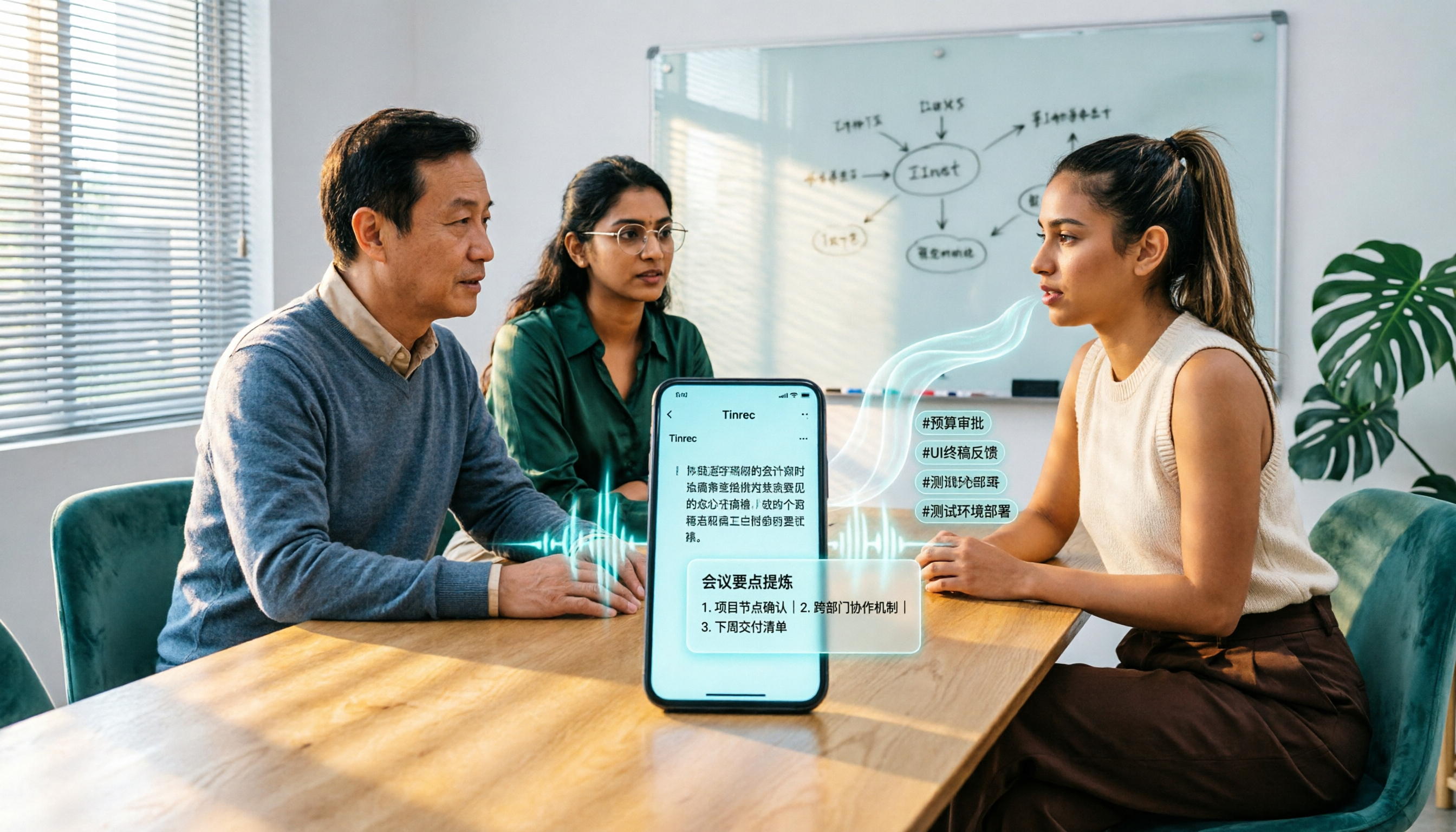
The built-in recorder on Honor phones only captures audio—the real time sink is post-meeting organization. This article compares several audio-to-text solutions, using Tinrec as the primary example, to show how real-time transcription, AI summaries, action item extraction, AI Q&A, and team spaces turn meeting recordings into searchable, actionable data.

2026 Comparison of 3 Bilibili Video-to-Text Solutions: Tinrec Personal, Team, and Otter.ai — Which Is Best for Chinese Videos?
2026 latest Bilibili video-to-text tool comparison! This in-depth review compares Tinrec Personal, Team, and Otter.ai on Chinese transcription, AI summaries, team collaboration, and pricing, with FAQs and selection advice to help you find the best Chinese video-to-text solution.
5 Bilibili AI Summary Tools Tested in 2026: Which One Actually Saves Time on Long Videos?
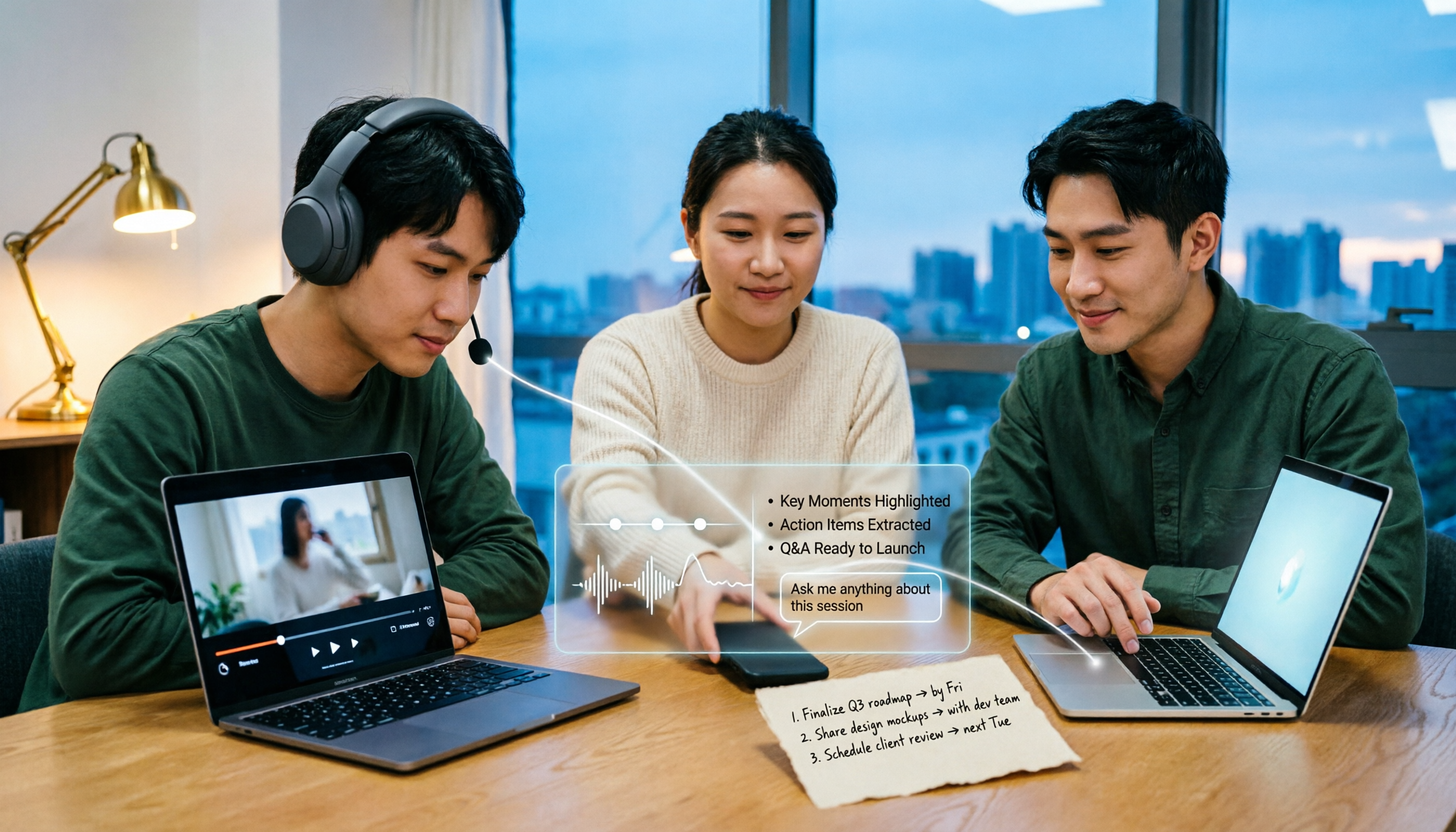
Your Bilibili watch later list keeps growing, but you never finish watching? We tested 5 Bilibili AI summary tools, comparing subtitle recognition, AI follow-up questions, cross-device support, and team sharing. We also honestly explain how Tinrec handles meeting recordings while organizing videos, helping you pick the one that truly saves time.

Tinrec vs Notta 2026: 5-Dimension Comparison — Which Is Better for Dialect Transcription and Meeting Organization?
A tool review for dialect-to-text needs, comparing Tinrec and Notta across 5 dimensions: language support, post-meeting organization, recording retention, team collaboration, and pricing, with buying advice.

4 AI PPT Summarizers Tested in 2026: First Decide Whether You're Summarizing Slides or Meetings
Looking for an AI that can summarize PPTs? First, figure out whether you need to read an existing presentation file or meeting content that hasn't been turned into slides yet. This article compares SlidesPilot, Linnk, Microsoft 365 Copilot, and Tinrec, and explains how Tinrec, starting from meeting recordings, turns transcripts, summaries, and action items directly into presentation material.

How to Choose a Speech-to-Text App in 2026: A 5-Step Comparison
Looking for a reliable speech-to-text app? This article compares Tinrec and Otter.ai in 5 steps, covering Chinese recognition, meeting recording, file processing, AI organization, and team collaboration to help you find the best tool for your needs.