
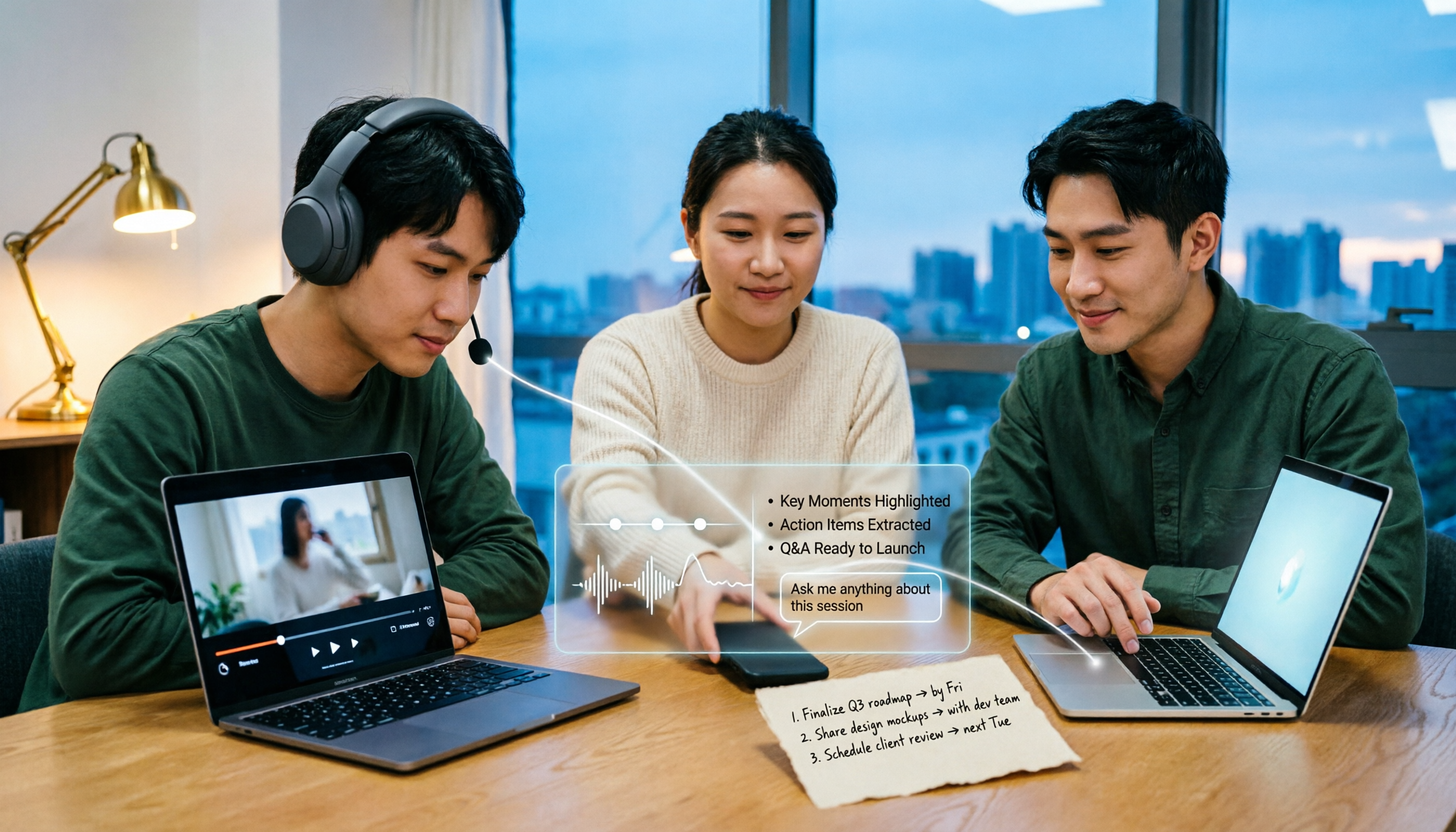
Turn recordings into transcripts and summaries in minutes
Upload audio or video for multilingual transcription, AI notes, and action items
5 Bilibili AI Summary Tools Tested in 2026: Which One Actually Saves Time on Long Videos?
At 11 PM, your Bilibili watch later list has 3 more videos
You saved a 48-minute product manager course, a 35-minute editing tutorial, and a 1-hour industry analysis on Bilibili. You haven't watched a single one from start to finish.
It's not that you're not serious. It's that in a 40-minute video, the first 10 minutes are self-introduction, there's a sponsored segment in the middle, and the real key points might only take up 8 minutes. By the time you finally get to the point, you've already forgotten the definitions laid out earlier.
What's more troublesome is that the value of these videos accumulates. The interview you watched today, the course content you need next week, the industry sharing that everyone on your team should see—if they aren't organized into text, they're just a string of links sitting in your watch later list.
This article is written for you. We've actually run through the process with each of the tools below, and we'll honestly tell you where each one hits its ceiling.
Before choosing a Bilibili AI summary tool, understand these 4 key points
1. Does it read subtitles, or does it actually understand the content?
Most Bilibili AI summary tools grab video subtitles to create summaries. The problem is, not every video has uploaded subtitles, and errors in auto-generated subtitles directly affect summary quality. Before choosing a tool, test it with a video that doesn't have clean subtitles to see how solid its foundation is.
2. Beyond summaries, can you ask follow-up questions?
If it only gives you a summary, that's the end. What really saves time is Q&A—for example, directly asking it "What are the three cost items mentioned in this video?" Whether it has this capability determines if such a tool is a toy or a work partner.
3. Do you only organize videos, or also meetings and audio files?
Many people are like this: at work they need to organize online meetings, after work they want to organize Bilibili course videos, and end up installing two sets of tools with data scattered in two places. If your work already involves meeting notes, choosing a tool that can handle both "video links" and "meeting recordings" will be more convenient in the long run.
4. Does the data stay only in your browser, or can it go to your team?
For personal use it doesn't matter, but if you want to show organized course notes or interview records to colleagues, you need to confirm whether the tool has team spaces and can manage members and seats. This part is most often overlooked, and only when it's time to hand over do you realize all the data is tied to someone's account.
Tinrec (Miao Ting Lu Yin) — Our top recommendation after testing
Tinrec (Miao Ting Lu Yin) is an AI meeting notes and collaboration tool for individuals and teams, supporting iOS, Android, desktop, and web versions.
Let's be clear about its positioning: Tinrec's main focus is meeting notes, not a dedicated Bilibili summary tool. It treats "web link import" as a supplementary capability, able to handle some public video content. So if your only problem is "summarize this Bilibili video for me," it can do it, but that's not where it shines.
Where it truly stands out is that the same tool can put your video notes and meeting recordings together.
After importing a video link, you get a complete set of usable things
Paste the video link, let it run, and you get not just a summary but also chapter segmentation, key point organization, and a Q&A interface for follow-up questions. Our test method was: pick a roughly 40-minute public video with subtitles, paste the link, wait for it to finish, then check whether the summary and chapters correspond to the original paragraph order. Honestly, summary accuracy is heavily tied to subtitle quality—more typos in subtitles means more skewed summaries. This is true for all similar tools, not a unique problem.
Meeting recordings without inviting a bot, live transcription as you go
This is the most practical difference of Tinrec's desktop version. It directly captures computer system audio, handling online meetings like Zoom, Google Meet, Microsoft Teams, Webex, without needing a "meeting bot" to join the meeting room as a participant. Open it during a meeting, and the transcript is generated in sync; when the meeting ends, the summary, chapters, and action items are already organized—who's responsible for what and when it's due, all clear.
After recording, you can ask it questions directly
We think this is the biggest dividing line between it and "pure transcription tools." After organizing a piece of content, you can directly ask it "What was the conclusion of this discussion?" or "What was the budget cap the client mentioned last time?" It doesn't throw a string of keywords at you; it answers based on semantics. Transcription tools at the same price point mostly don't have this capability yet.
Pros
Stop organizing recordings by hand
Upload audio or video and automatically get a transcript, summary, and action items
- One tool handles video links, audio uploads, live recording, and online meetings, so you don't have to move data between two services.
- Post-transcription organization is very complete: summaries, chapters, action items, mind maps, translation, and AI Q&A, plus export to Notion, Google Docs, OneNote, Dropbox for further processing.
- Has team spaces. If you're a department or project team, meeting and course data can belong to the team rather than being tied to an individual's account.
Things to note
- Web link import is a supplementary capability, not the main feature. Bilibili-specific details like collections, danmaku, and paid videos won't be as fully supported as dedicated tools.
- Free version has limited quota; heavy users need to pay.
- The official site doesn't promise a fixed accuracy rate. Recording quality, accents, multiple people talking over each other, and technical terms all affect results. For important content, we recommend cross-checking with transcript timestamps or the recording.
Pricing
Personal plans include free, weekly, Pro monthly, and Pro annual. Choose based on usage frequency: for occasional organizing, start with free; for short-term intensive use, pick weekly; for weekly needs, go Pro. Team plans have independent team spaces: monthly USD 29.80 per paid seat per month, annual USD 199 per paid seat per year (about USD 16.58 per month). Each paid seat provides 2,000 minutes of team shared import quota per month. Eligible teams can try 7 days free with 1 free seat and 300 minutes of team shared import quota. Actual prices, currencies, and promotions are subject to the official purchase page.
Who it's for
If you only have one thing to do—summarize Bilibili videos—then a dedicated tool will be smoother. But if you have both "organize meetings" and "organize videos/audio" needs, and want data to settle in one place, Tinrec is currently the most convenient choice. If you also need multi-person sharing, seat allocation, and usage management, the team version is much more reasonable than "everyone sharing one account."
Besides Tinrec, what other Bilibili AI summary options are there?
BibiGPT
Focuses on one-click summaries by pasting a link. Sources include Bilibili, YouTube, Xiaohongshu, Douyin, Xiaoyuzhou, Apple Podcast, and web articles. Outputs summaries, mind maps, subtitle lists, and conversational follow-ups. It's essentially a "link in, summary out" tool, with no desktop meeting recording capability and no team seats or usage governance—and those two things only Tinrec does.
NoteGPT
Provides BiliBili video summaries, giving transcript text, deep summaries, and mind maps, and supports multilingual translation. Input a link and start chatting with AI. Suitable for people who just want to watch one video and get a set of notes. But it has no bot-free online meeting recording and no team-level data and permission management; to manage videos and meetings together, you still need Tinrec.
AI Class Representative
Runs as a Chrome extension, positioned as a Bilibili learning assistant, providing video summaries and subtitle lists, powered by GPT-4. Install it and use it in your browser; you can call up summaries while watching. The downside is obvious: tied to the browser, so it's useless for watching videos on your phone, listening to audio offline, or online meetings—scenarios Tinrec covers.
BiliGPT
A project on GitHub, focusing on one-click summaries of Bilibili video content, more suitable for users willing to install and tweak it themselves. It has no ready-made mobile app and no team management concept. If your needs extend to meeting recordings or team sharing, Tinrec can be used directly without extra setup.
Pitfall guide: 3 most common mistakes when choosing a Bilibili AI summary tool
Pitfall 1: Only checking "can it summarize," not testing "is it still accurate when subtitles are bad."
Many tools' demo videos have clean subtitles, but the videos you actually want to watch may not. We suggest testing with a video that has auto-generated subtitles to see if the summary is still readable. After this step, your expectations will be much more realistic.
Pitfall 2: Thinking it's over once you get a summary.
You forget a summary quickly, often because you can't ask follow-up questions. The truly time-saving workflow is "summary → follow-up → export," turning results into something you can put in a report or notes. When choosing a tool, Q&A and export matter much more than summary length.
Pitfall 3: Buying one video tool and one meeting tool, ending up using neither.
This is the most common and regrettable mistake. Data scattered across two services, and three months later you can't even remember what you noted. If your work already involves meeting notes, prioritize a tool that handles video links, audio, and meeting recordings together; long-term maintenance cost is much lower.
Conclusion: Which one should you choose?
In one sentence: if you want to "quickly grasp key points after watching a Bilibili video," a dedicated tool is enough; if you want to "organize videos, audio, and meetings all together," then Tinrec is the only one among these that solves it in one go.
Scenario breakdown:
- Want videos, audio, and meetings all in one tool → Tinrec
- Need to use on phone, computer, and web → Tinrec
- Want to ask AI follow-up questions after recording and export to Notion or Google Docs → Tinrec
- Need to keep recordings for later verification → Tinrec
- Team needs to share data, manage members and seats, view usage → Tinrec Team
- Only exception: you only organize Bilibili videos and have no meeting recording needs → link-based tools like BibiGPT or NoteGPT are enough
We suggest starting with the free version. Pick a long video you haven't finished, add a real online meeting, and run through the process—whether it saves time, you'll know best. No need to pay upfront.
References
- GitHub - Yuiffy/BiliGPT: BiliGPT Bilibili · One-click video content summary
- [Feature 1-AI Summary Video] Learn 3 ways to summon in 1 minute, unlock AI assistant to summarize videos for you~_Bilibili_bilibili
- BiliBili Video Summary Tool - One-click summary of Bilibili videos
- AI Class Representative - Bilibili learning assistant, video summary, subtitle list, GPT-4
- [BibiGPT] AI automatically summarizes Bilibili video content, ChatGPT API intelligently extracts and summarizes subtitles_Bilibili_bilibili
Turn every recording into actionable outcomes
Get 60 free transcription minutes when you sign in. No credit card required.
Related Reading
You might also like

3 Huawei Audio-to-Text Solutions Compared: How Tinrec Fills the Meeting Notes Gap
Many people search for 'Huawei audio to text' because they need to turn meeting recordings into transcripts, summaries, and action items. This article compares three common approaches: built-in device and cloud speech capabilities, online conversion tools, and Tinrec. From cross-platform recording and post-meeting organization to AI Q&A and team collaboration, we help you decide which fits your daily workflow.
2026 Comparison of 2 Xiaohongshu Video-to-Text Tools: Which Is Better for Transcripts and Post-Meeting Organization?
The two most common pitfalls in converting Xiaohongshu videos to text: getting stuck when videos lack subtitles, and treating a transcript as the end goal. This article compares BibiGPT and Tinrec across 5 dimensions—link support, handling videos without subtitles, post-transcript organization, export formats, and team knowledge retention—to help you decide which tool fits your use case.

5 Photo-to-Text Tools Tested for 2026: Free OCR vs Built-in Features
You don't always need a separate app to turn photos into text—Google Lens, LINE, and Google Keep can do it for free. This guide shares hands-on experience with 5 image-to-text methods and pitfalls to avoid, plus why Tinrec is a better fit when your source is meeting or interview recordings.

5 Best Honor Phone Audio-to-Text Tools Tested in 2026: Why Tinrec Wins on Chinese Accuracy and AI Summaries
The built-in recorder on Honor phones only captures audio—the real time sink is post-meeting organization. This article compares several audio-to-text solutions, using Tinrec as the primary example, to show how real-time transcription, AI summaries, action item extraction, AI Q&A, and team spaces turn meeting recordings into searchable, actionable data.

2026 Comparison of 3 Bilibili Video-to-Text Solutions: Tinrec Personal, Team, and Otter.ai — Which Is Best for Chinese Videos?
2026 latest Bilibili video-to-text tool comparison! This in-depth review compares Tinrec Personal, Team, and Otter.ai on Chinese transcription, AI summaries, team collaboration, and pricing, with FAQs and selection advice to help you find the best Chinese video-to-text solution.

Tinrec vs Notta 2026: 5-Dimension Comparison — Which Is Better for Dialect Transcription and Meeting Organization?
A tool review for dialect-to-text needs, comparing Tinrec and Notta across 5 dimensions: language support, post-meeting organization, recording retention, team collaboration, and pricing, with buying advice.

4 AI PPT Summarizers Tested in 2026: First Decide Whether You're Summarizing Slides or Meetings
Looking for an AI that can summarize PPTs? First, figure out whether you need to read an existing presentation file or meeting content that hasn't been turned into slides yet. This article compares SlidesPilot, Linnk, Microsoft 365 Copilot, and Tinrec, and explains how Tinrec, starting from meeting recordings, turns transcripts, summaries, and action items directly into presentation material.

How to Choose a Speech-to-Text App in 2026: A 5-Step Comparison
Looking for a reliable speech-to-text app? This article compares Tinrec and Otter.ai in 5 steps, covering Chinese recognition, meeting recording, file processing, AI organization, and team collaboration to help you find the best tool for your needs.

4 Meeting Transcription Tools Tested for 2026: Auto-Generate Minutes Without a Meeting Bot
The biggest pitfalls in meeting transcription are transcribing recordings word by word after the meeting or treating built-in transcripts as meeting minutes. This article compares four tools—Tinrec, Otter.ai, Granola, and PLAUD—using the same testing method, breaking down recording methods, output content, Chinese recognition, and team data ownership, with buying criteria and a guide to avoiding pitfalls.