

Turn recordings into transcripts and summaries in minutes
Upload audio or video for multilingual transcription, AI notes, and action items
4 AI PPT Summarizers Tested in 2026: First Decide Whether You're Summarizing Slides or Meetings
What Exactly Is an 'AI That Summarizes PPTs' Summarizing? First Confirm Which Type You Need
Whenever someone asks me, 'Is there an AI that can summarize PPTs?' I usually ask back: Do you want it to read a 'finished presentation file' or 'a bunch of content that hasn't become slides yet'?
These two needs look very similar, but the tools for each are completely different.
The first scenario: a colleague sends you a 40-page presentation, and you just want to know what it's about in five minutes. For this, there are tools specifically designed to read slides.
The second scenario is more common: after a weekly meeting, the discussion is scattered in a recording, and the presentation due next week hasn't even been started. What you're missing isn't a 'tool to read presentations' but a helper that can organize meeting content into structured key points.
This article follows these two paths, comparing four common options to help you decide which one fits your situation.
Before Choosing an AI PPT Summarizer, Understand These 4 Key Points
1. Does it take files or audio?
This is the most critical question. Tools that read .pptx files require the presentation to already exist; if you don't even have an outline, they can't help. Conversely, tools that can process recordings and audio/video can organize from the very source.
2. Can the output format be used directly?
If it's just a summary, you still have to retype it yourself. What's more valuable is whether it provides sections, key points, action items, outlines, or mind maps, and whether it can export to the document tools you normally use.
3. How well does it handle Chinese and mixed Chinese-English?
Meetings in Taiwan are rarely pure Chinese; product names, technical terms, and English abbreviations mixed into sentences are the norm. How well it performs here directly determines how much time you'll spend fixing it afterward.
4. Should data be stored in a personal account or team space?
The same meeting recording, if stored in a personal account, is a personal asset; if stored in a team space, new colleagues can find historical context, and data won't disappear when members leave. This is something many people only think about last when choosing a tool, but it's the most troublesome point.
Tinrec – If Your Focus Is 'Turning Meeting Content into Presentation Material,' This Is the Best Fit
Tinrec is an AI meeting notes and collaboration tool for individuals and teams, available on web, desktop, and mobile. It doesn't process the slides themselves, but the part before the slides: turning the audio of meetings, interviews, and courses into content you can use to write presentations.
In practice, for online meetings I use the desktop version directly. It captures computer system audio to handle meetings on Zoom, Google Meet, Microsoft Teams, Webex, etc., without inviting a meeting bot. The screen stays clean, and you don't have to explain to your boss why there's an extra account in the meeting.
During the meeting, the transcript appears as people speak; for cross-language sessions, you can enable real-time translation and view in original, translated, or bilingual mode. After the meeting is where it really saves time: AI generates summaries, sections, and key points, and extracts action items from the discussion—who is responsible for what and when it's due—so you can directly copy them into the 'Next Steps' slide.
After recording, you can continue to ask questions. For example, ask it directly, 'What was the budget cap the client mentioned in the last meeting?' It will answer based on semantic understanding, rather than throwing a string of keywords for you to search through the transcript yourself. The organized content can be exported to Notion, Google Docs, OneNote, Dropbox, etc., for further editing, or you can use Agent post-processing to generate reports, tables, and documents, minimizing the manual work from 'meeting to presentation material.'
For team use, the team version provides a separate team space where meeting data belongs to the team; members can view and play historical data. Admins can manage roles and seats, view usage trends and member details, query and export audit logs, and there's a 30-day audio recycle bin and team hotwords to maintain professional terminology. Pricing: team monthly is USD 29.80 per paid seat per month, annual is USD 199 per paid seat per year (about USD 16.58 per month). Each paid seat gets 2,000 minutes of shared team import quota per month; eligible teams can try 7 days free with 1 free seat and 300 minutes of shared import quota. The personal version has a free version, weekly pass, Pro monthly, and annual plans—choose based on your usage frequency.
Stop organizing recordings by hand
Upload audio or video and automatically get a transcript, summary, and action items
Limitations to be clear about: it doesn't take your existing .pptx files; to use it, content must come in as recordings or audio/video files. The desktop version's system audio capture requires you to actively enable it; it's not a bot that automatically joins every meeting on your calendar. Also, I won't guarantee a fixed accuracy rate; transcription quality is affected by recording environment, accents, and multiple people talking over each other. For important numbers, it's best to cross-check with the original text and recording.
Who it's for: people who have meetings every week and still need to produce presentations or meeting minutes afterward; teams that need Chinese and mixed Chinese-English meeting notes; people who want to use AI to find conclusions directly from recordings instead of manually Ctrl+F through transcripts.
Besides Tinrec, What Other AI Tools Summarize Presentations?
SlidesPilot: Focuses on instantly summarizing uploaded PPT files. The official page states a 50MB limit per file, supports PDF, Word, PPT, and emphasizes file encryption and not using files for model training. Its starting point is finished files; content from the meeting itself still needs to be organized into a file first—which is exactly where Tinrec can take over from the recording end.
Linnk: A PPT summarization tool that reads each slide and speaker notes, outputting paragraphs, outlines, bullet points, or mind maps. It supports automatic conversion of new .pptx and old .ppt, can directly read scanned slides, and offers a monthly free quota. It captures 'what's said on stage' but not 'what's discussed in the meeting'—the latter requires a tool like Tinrec that starts from recordings.
Microsoft 365 Copilot: Takes a generation approach. In PowerPoint, you describe the topic, audience, tone, and number of slides with a prompt, and AI produces an outline and slide drafts. It leans toward 'helping you create the presentation' rather than 'organizing meeting content into queryable data'; AI Q&A, action item extraction, and team data accumulation are Tinrec's relative strengths.
These three share a common trait: their starting point is an already-formed file or slides. If your bottleneck is 'content not yet organized,' then what you need to solve first is actually the audio part.
Pitfall Guide: 4 Most Common Mistakes When Choosing an AI PPT Summarizer
Pitfall 1: Thinking one tool can solve both 'reading presentations' and 'organizing meetings.'
These are two different things. First figure out which stage you're stuck at, then choose a tool; otherwise, you'll buy it and still find it not useful.
Pitfall 2: Only looking at generation speed, not whether the output can be used directly.
No matter how fast the summary is, if it's just a block of plain text you can copy and paste, you still have to format it and break down key points yourself. Whether it has action items, sections, and exportable formats is the real difference.
Pitfall 3: Ignoring Chinese and mixed Chinese-English.
Some tools work smoothly in English meetings but start breaking sentences incorrectly when Chinese plus technical terms appear. You only know this by testing with your own meeting recordings—don't just rely on official marketing.
Pitfall 4: Storing team meeting data in personal accounts.
If meeting data is in a personal account, it leaves when the person leaves. For the team version, note that 'roles' and 'seats' are two different things: roles determine who can manage the team, seats determine who can record, upload, edit, and export; members without seats can still view and play team data.
Conclusion: Which One Should You Choose?
In one sentence: First decide whether you're summarizing 'slides' or 'meetings,' then choose the tool.
- You already have a finished .pptx and just want to quickly grasp key points → Slide summarization tools like SlidesPilot or Linnk
- You need to turn audio from meetings, interviews, or courses into presentation outlines and action items → Tinrec
- You don't want an extra bot joining online meetings → Tinrec desktop version
- You need to ask follow-up questions about past meetings → Tinrec's AI Q&A
- Your team needs to share meeting data and manage seats and usage → Tinrec team version
Here are answers to some frequently asked reader questions:
Can I try the free version first? The personal version has a free version to experience basic quota; eligible teams get a 7-day trial, 1 free seat, and 300 minutes of shared import quota for the first time.
Which meeting platforms are supported? The desktop version captures system audio to handle content from Zoom, Google Meet, Microsoft Teams, Webex, etc., played on the computer. This does not mean official partnerships with these platforms.
Can I upload existing recording files? Yes, importing audio/video files is one of its main features.
What's the accuracy rate? I suggest not trusting any fixed number; quality depends on recording environment, accents, and whether people talk over each other. Testing with one of your own meetings is most accurate.
I recommend first using the free version's basic quota to run one of your own meetings, and consider upgrading only if it works for you—no need to pay from the start.
References
- AI PPT Summarizer: Instantly Summarize PowerPoint Presentations | SlidesPilot
- AI PPT Summarizer/Meeting Summary Tools: 6 Efficient Software Recommendations and Practical Tutorials - Tinrec Blog
- AI PowerPoint Generator | Microsoft PowerPoint
- AI PPT Summarizer—Slide Decks, Speaker Notes, and Summary Mind Maps
- 13 Strongest Free AI Tools Tested in 2025: Essential for Work and Study! One-Click PPT/Analyze Videos
Turn every recording into actionable outcomes
Get 60 free transcription minutes when you sign in. No credit card required.
Related Reading
You might also like
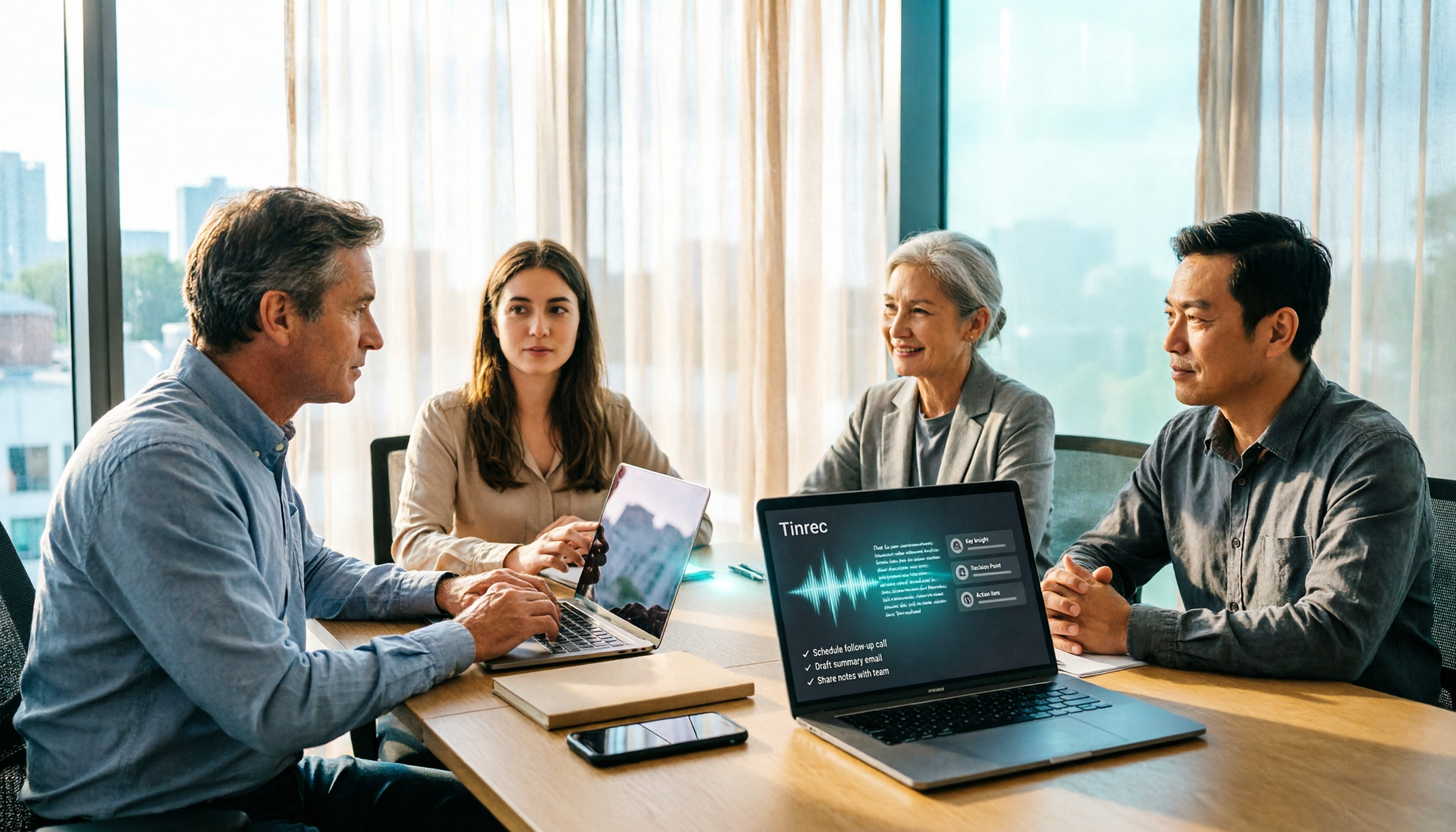
3 Huawei Audio-to-Text Solutions Compared: How Tinrec Fills the Meeting Notes Gap
Many people search for 'Huawei audio to text' because they need to turn meeting recordings into transcripts, summaries, and action items. This article compares three common approaches: built-in device and cloud speech capabilities, online conversion tools, and Tinrec. From cross-platform recording and post-meeting organization to AI Q&A and team collaboration, we help you decide which fits your daily workflow.
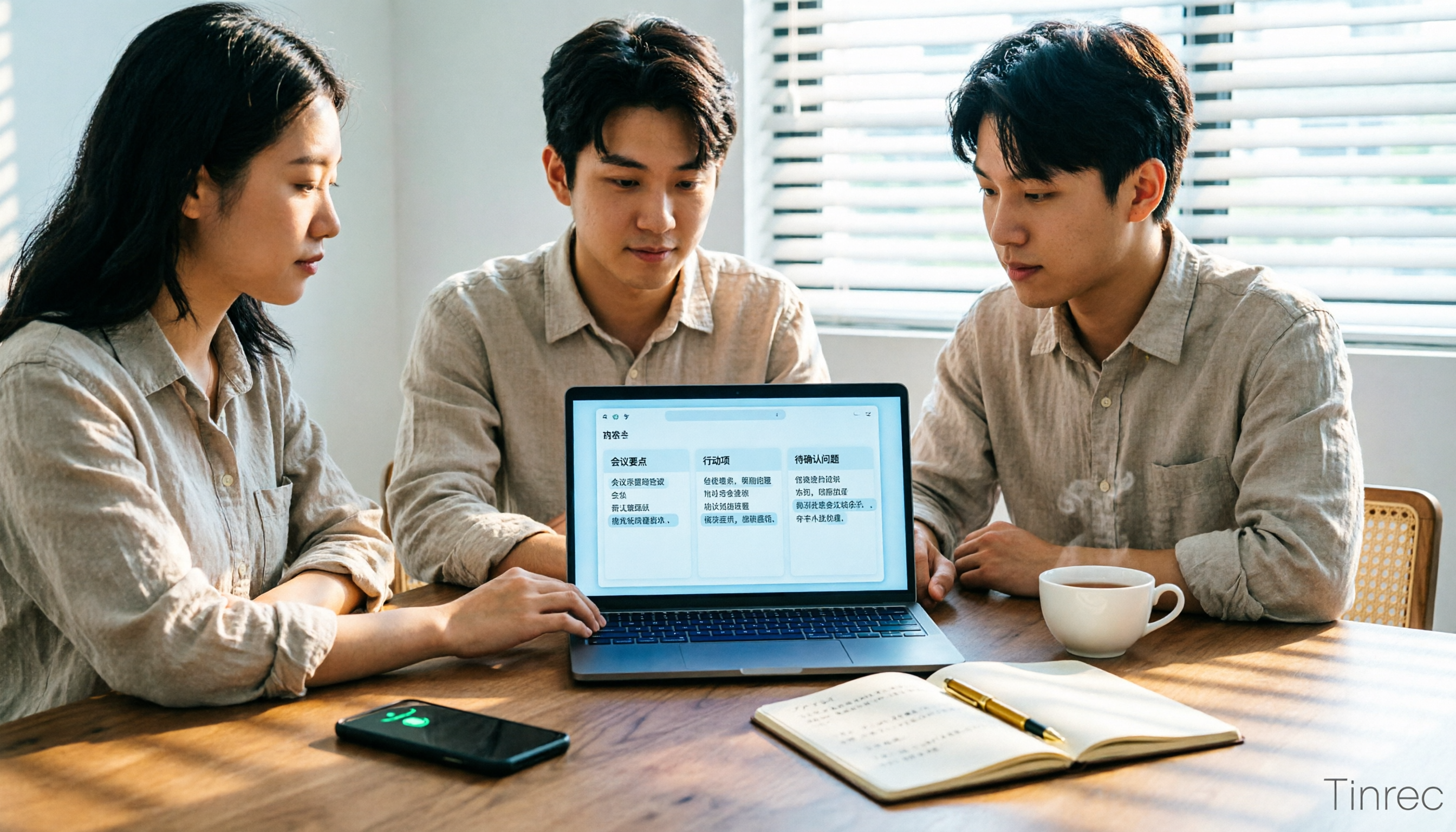
2026 Comparison of 2 Xiaohongshu Video-to-Text Tools: Which Is Better for Transcripts and Post-Meeting Organization?
The two most common pitfalls in converting Xiaohongshu videos to text: getting stuck when videos lack subtitles, and treating a transcript as the end goal. This article compares BibiGPT and Tinrec across 5 dimensions—link support, handling videos without subtitles, post-transcript organization, export formats, and team knowledge retention—to help you decide which tool fits your use case.

5 Photo-to-Text Tools Tested for 2026: Free OCR vs Built-in Features
You don't always need a separate app to turn photos into text—Google Lens, LINE, and Google Keep can do it for free. This guide shares hands-on experience with 5 image-to-text methods and pitfalls to avoid, plus why Tinrec is a better fit when your source is meeting or interview recordings.
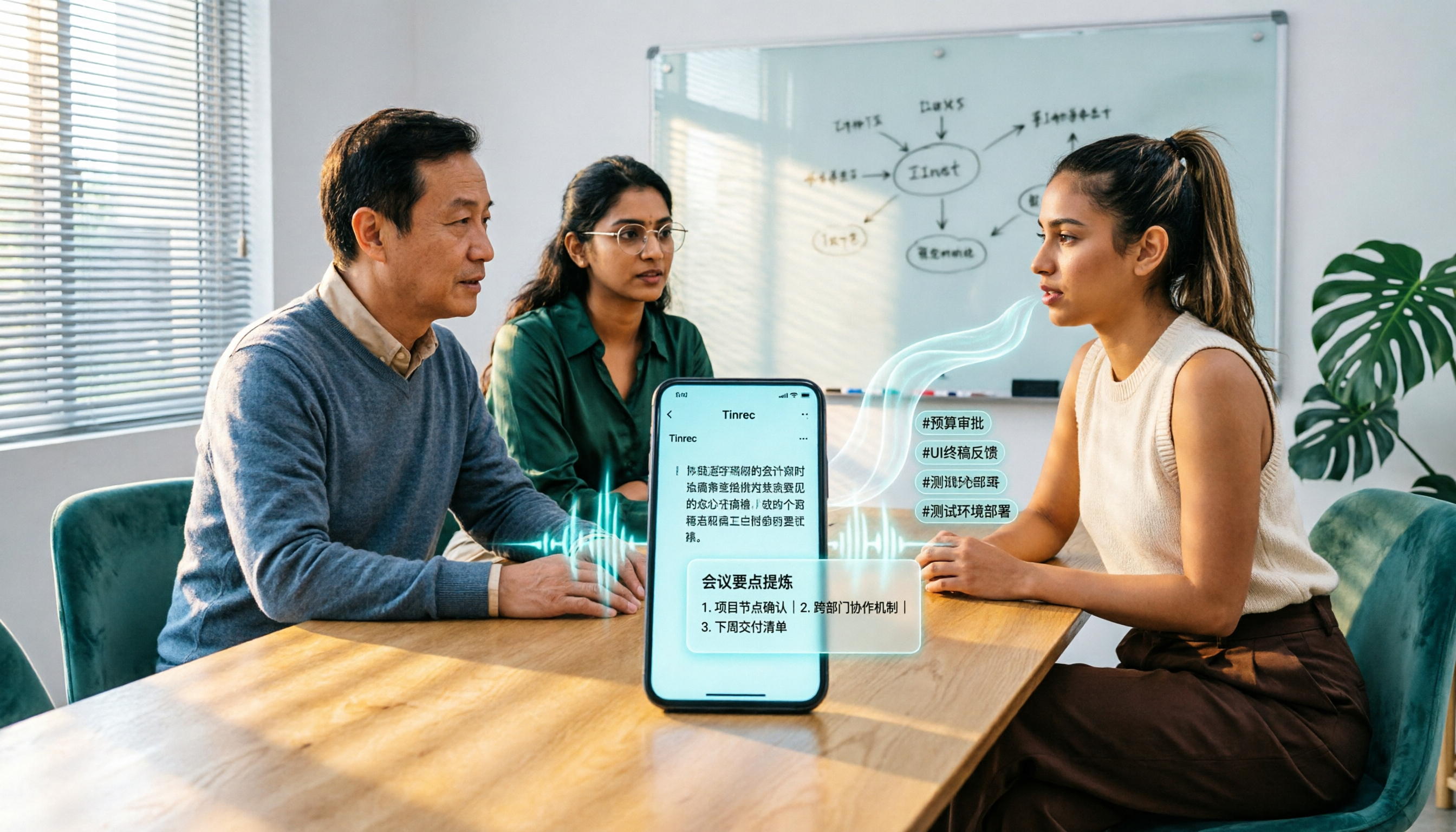
5 Best Honor Phone Audio-to-Text Tools Tested in 2026: Why Tinrec Wins on Chinese Accuracy and AI Summaries
The built-in recorder on Honor phones only captures audio—the real time sink is post-meeting organization. This article compares several audio-to-text solutions, using Tinrec as the primary example, to show how real-time transcription, AI summaries, action item extraction, AI Q&A, and team spaces turn meeting recordings into searchable, actionable data.

2026 Comparison of 3 Bilibili Video-to-Text Solutions: Tinrec Personal, Team, and Otter.ai — Which Is Best for Chinese Videos?
2026 latest Bilibili video-to-text tool comparison! This in-depth review compares Tinrec Personal, Team, and Otter.ai on Chinese transcription, AI summaries, team collaboration, and pricing, with FAQs and selection advice to help you find the best Chinese video-to-text solution.
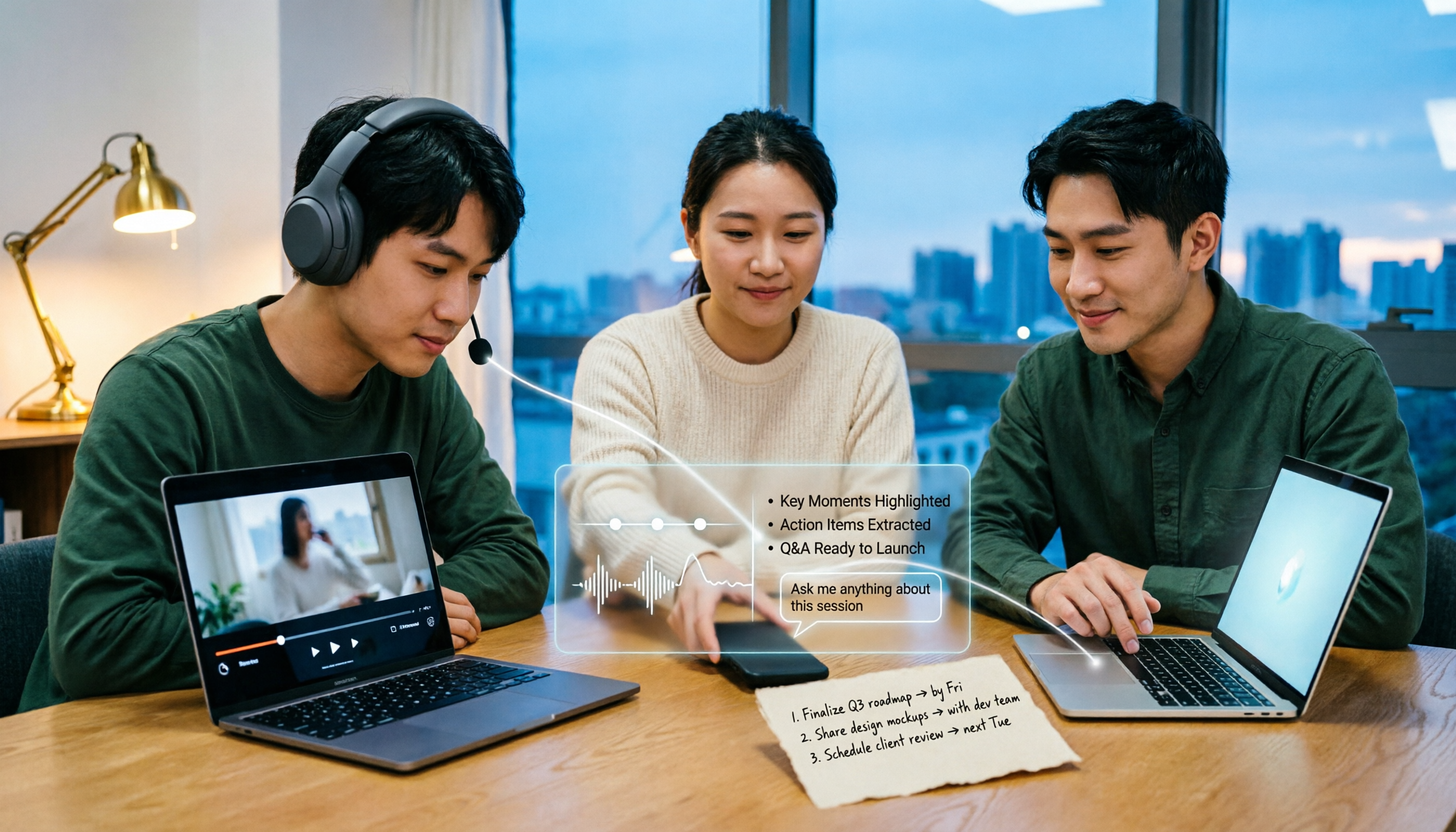
5 Bilibili AI Summary Tools Tested in 2026: Which One Actually Saves Time on Long Videos?
Your Bilibili watch later list keeps growing, but you never finish watching? We tested 5 Bilibili AI summary tools, comparing subtitle recognition, AI follow-up questions, cross-device support, and team sharing. We also honestly explain how Tinrec handles meeting recordings while organizing videos, helping you pick the one that truly saves time.

Tinrec vs Notta 2026: 5-Dimension Comparison — Which Is Better for Dialect Transcription and Meeting Organization?
A tool review for dialect-to-text needs, comparing Tinrec and Notta across 5 dimensions: language support, post-meeting organization, recording retention, team collaboration, and pricing, with buying advice.

How to Choose a Speech-to-Text App in 2026: A 5-Step Comparison
Looking for a reliable speech-to-text app? This article compares Tinrec and Otter.ai in 5 steps, covering Chinese recognition, meeting recording, file processing, AI organization, and team collaboration to help you find the best tool for your needs.

4 Meeting Transcription Tools Tested for 2026: Auto-Generate Minutes Without a Meeting Bot
The biggest pitfalls in meeting transcription are transcribing recordings word by word after the meeting or treating built-in transcripts as meeting minutes. This article compares four tools—Tinrec, Otter.ai, Granola, and PLAUD—using the same testing method, breaking down recording methods, output content, Chinese recognition, and team data ownership, with buying criteria and a guide to avoiding pitfalls.