

Turn recordings into transcripts and summaries in minutes
Upload audio or video for multilingual transcription, AI notes, and action items
The meeting ends, and the pain begins
"What was the delivery date the client mentioned in the last meeting?" You vaguely remember someone said it, but the recording is 90 minutes long, so you have to fast-forward from the beginning.
More commonly, it's another scenario: the meeting ends, and your boss asks you to produce meeting minutes before you leave. You put on headphones, pause, type, replay, sentence by sentence. By the time you finish, it's already dark outside.
This isn't because you don't know how to use tools; it's because the time cost of "turning speech into text" has long been underestimated.
Even though it's all called "transcription," there are actually several types: extracting text from images (OCR image-to-text), converting text into fancy font styles (social media font generators), and transcribing meeting and interview audio into verbatim transcripts. The first two are mostly one-off small needs, but the third—audio-to-text—happens every week and repeatedly eats up your time.
This article focuses on that: how to choose a tool in 2026 when you need to turn meeting, interview, or lecture audio into usable text data.
Before choosing an audio-to-text tool, understand these 5 key points
1. Accuracy depends on "test conditions," not marketing numbers
Many tools boast "98% accuracy." But that number is usually measured in a quiet recording studio with a single speaker reading aloud.
Real meeting rooms have air conditioning noise, keyboard sounds, people interrupting, and phones ringing mid-sentence. Under these conditions, the differences between tools really show. My advice: test with a recording of your own real meeting, don't just look at ads.
2. How the meeting is "recorded"
This is the most easily overlooked point. Some tools send a meeting bot to join online meetings as a participant; others capture system audio directly on your computer without adding an extra participant.
The former requires remembering to invite the bot, and sometimes clients ask "why is there an extra person on the screen?"; the latter is relatively low-key. If the meeting is external communication, the difference in feel is significant.
3. What you can do after the transcript is generated
A tool that only gives you a transcript is essentially handing the organization work right back to you.
What's worth a closer look is whether it can automatically generate summaries, chapters, action items, or even let you ask questions directly about the meeting content.
4. Support for Chinese and mixed Chinese-English
Meetings in Taiwan are rarely pure Chinese. Client names are in English, product codes are in English, slide titles are in English—mixed Chinese-English is almost the norm.
If a tool is only friendly to English, your transcript will be full of strange transliterations.
5. Can the team share and hand over?
If you're choosing a tool for your entire department, you need to think beyond "is it easy for me alone to use."
Data ownership, whether meeting records remain after a member leaves, and whether you can see who used how much quota—these aren't visible in personal plans but become big issues when deploying for a team.
Tinrec — our top recommendation after hands-on testing
Tinrec is an AI meeting notes and collaboration tool for individuals and teams, supporting iOS, Android, desktop, and web, and can handle Chinese, Traditional Chinese, and multilingual meeting content.
Its biggest difference from ordinary recording software is that it also takes care of everything "after recording."
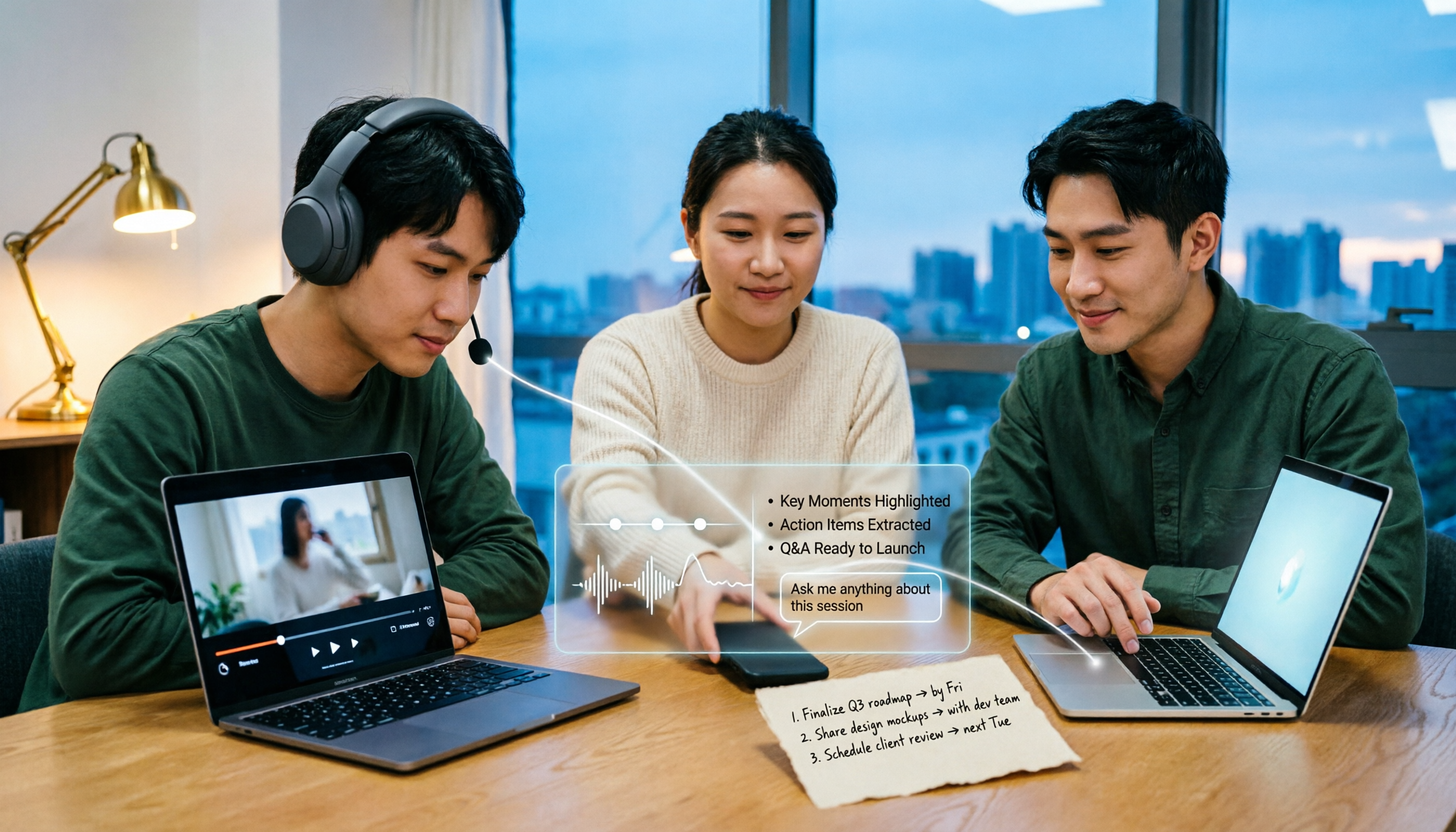
Open Tinrec during a meeting, and it produces a transcript while recording. When the meeting ends, the summary, chapters, and key points are already organized; who is responsible for what and when it's due are listed as action items. You don't have to put on headphones and listen again.
Online meetings don't need a meeting bot either. The desktop version directly captures your computer's system audio, handling meeting audio played on Zoom, Google Meet, Microsoft Teams, and Webex on your computer, without an extra participant appearing in the meeting list. Note that this means "you actively open Tinrec to start recording," not automatically joining every meeting on your calendar.
After recording, you can ask it questions directly—this is its most practical feature. For example, if you ask: "Who mentioned that the budget needs to be recompiled in the last meeting?" it will answer directly based on semantic understanding, rather than giving you a bunch of keyword search results. For the same 90-minute transcript, manually using Ctrl+F might take you ten minutes.
Stop organizing recordings by hand
Upload audio or video and automatically get a transcript, summary, and action items
In addition, Tinrec supports uploading existing audio and video files, real-time translation during recording (switchable between original, translation, or bilingual view), and exporting results to Notion, Google Docs, OneNote, Dropbox, and other tools for further processing. When you need to produce reports, tables, or meeting minutes, there's also Agent post-processing to take over.
The team version is another level. It's not "multiple people sharing a personal account," but an independent team space: meeting data belongs to the team, members can view historical meetings, and administrators can manage roles, seats, usage, and audit logs, as well as maintain professional terminology through team hotwords. Team monthly is USD 29.80 per paid seat per month, annual is USD 199 per paid seat per year (about USD 16.58 per month), each paid seat provides 2,000 minutes of team shared import quota per month; under an active team plan and active seats, real-time recording currently does not deduct minutes. First eligible teams can try 7 days, 1 free seat, 300 minutes of team shared import quota. Actual prices and benefits are subject to the official purchase page.
Note: Tinrec's actual performance can still be affected by recording quality, ambient noise, accents, overlapping speakers, and professional terminology. For important content, it's recommended to cross-check with transcript timestamps and recording playback; don't treat AI output as the sole basis.
Who is Tinrec best for? If you frequently handle Chinese or mixed Chinese-English meetings, want to use AI to find key points right after recording, or need to consolidate meeting data from both phone and computer, it's currently the most hassle-free choice. If you're choosing a tool for your team, the team version's space, seats, and usage management are already in place.
Besides Tinrec, what other options are there?
Otter.ai is a veteran choice for English business meetings. The free version offers a generous 300 minutes per month, and Pro annual is about USD 8.49 per user per month, including 1,200 minutes of in-app recording and 10 file imports per month. If your meetings are almost entirely in English, it's indeed cost-effective. However, its support for Chinese and mixed Chinese-English is not as good as Tinrec, and it lacks Tinrec's Agent post-processing and team hotword mechanism. Also note that Otter now also offers desktop capabilities, not just the meeting bot mode.
Notta overlaps most with Tinrec, also supporting multi-platform transcription, file import, translation, and team plans. The free version offers 120 minutes per month, with a maximum of 3 minutes per single content; Pro annual is about USD 8.17 per month, with 1,800 minutes per month. Its multilingual ability is good, but its positioning leans toward "turning content into transcripts"; Tinrec is more complete in bot-free online meeting recording, AI Q&A, and team data accumulation. If you just need to quickly convert files to text, Notta is worth a try.
Granola takes a different path: real-time transcription via desktop system audio, combined with AI enhancement of your handwritten notes. The free version is available, and Business is USD 14 per user per month. Its positioning is "meeting notes that understand you better," but it does not support uploading pre-recorded audio files and does not save meeting audio. If you often have existing recordings to organize or need to keep original audio, this is a hard limitation—and that's exactly what Tinrec can do.
Pitfall guide: 3 most common mistakes when choosing a transcription tool
Pitfall 1: Only looking at advertised accuracy, not testing your own recordings.
No matter how beautiful the number, it may not hold in your meeting room. It's recommended to run a real meeting recording through the free version to see what the actual transcript looks like. This step takes ten minutes and can save you the hassle of unsubscribing later.
Pitfall 2: Treating "converting to text" as the end goal.
Just getting a transcript means you've only done half the work. What really takes time is "organizing it into something others can understand"—summaries, action items, conclusions. When choosing a tool, factor in "what it can do after transcription," and your selection criteria will be completely different.
Pitfall 3: Ignoring team data ownership.
It doesn't matter for personal use, but when deploying for a team, if meeting records all sit in personal accounts, once someone leaves or changes roles, the data scatters. This is why Tinrec's team version puts meeting data in a team space rather than under personal accounts—when members change, resources can be handed over to other active members.
Conclusion: Which one should you choose?
Simply put, first ask yourself: what language are your meetings in, and where will the data go afterward?
- Chinese or mixed Chinese-English meetings, want to use AI to find key points right after recording → Tinrec (Chinese experience, AI Q&A, bot-free desktop recording)
- Need to keep recording files, and also organize existing audio and video → Tinrec (supports file import and keeps audio)
- Record on phone, organize on computer, cross-device use → Tinrec (iOS, Android, desktop, web)
- Want to turn meetings into team assets, and manage members and usage → Tinrec Team (space, roles, seats, usage, audit)
- Meetings almost entirely in English, budget priority → Otter.ai (mature English scenarios, large free quota)
Overall, if your meetings are mainly in Chinese or often mixed Chinese-English, I suggest starting with Tinrec's free version, running a recent meeting recording through it, and checking the quality of the transcript and summary. If it works for you, consider upgrading; no need to pay from the start.
References
Turn every recording into actionable outcomes
Get 60 free transcription minutes when you sign in. No credit card required.
Related Reading
You might also like
5 Bilibili AI Summary Tools Tested in 2026: Which One Actually Saves Time on Long Videos?
Your Bilibili watch later list keeps growing, but you never finish watching? We tested 5 Bilibili AI summary tools, comparing subtitle recognition, AI follow-up questions, cross-device support, and team sharing. We also honestly explain how Tinrec handles meeting recordings while organizing videos, helping you pick the one that truly saves time.

Tinrec vs Notta 2026: 5-Dimension Comparison — Which Is Better for Dialect Transcription and Meeting Organization?
A tool review for dialect-to-text needs, comparing Tinrec and Notta across 5 dimensions: language support, post-meeting organization, recording retention, team collaboration, and pricing, with buying advice.

4 AI PPT Summarizers Tested in 2026: First Decide Whether You're Summarizing Slides or Meetings
Looking for an AI that can summarize PPTs? First, figure out whether you need to read an existing presentation file or meeting content that hasn't been turned into slides yet. This article compares SlidesPilot, Linnk, Microsoft 365 Copilot, and Tinrec, and explains how Tinrec, starting from meeting recordings, turns transcripts, summaries, and action items directly into presentation material.

How to Choose a Speech-to-Text App in 2026: A 5-Step Comparison
Looking for a reliable speech-to-text app? This article compares Tinrec and Otter.ai in 5 steps, covering Chinese recognition, meeting recording, file processing, AI organization, and team collaboration to help you find the best tool for your needs.

4 Meeting Transcription Tools Tested for 2026: Auto-Generate Minutes Without a Meeting Bot
The biggest pitfalls in meeting transcription are transcribing recordings word by word after the meeting or treating built-in transcripts as meeting minutes. This article compares four tools—Tinrec, Otter.ai, Granola, and PLAUD—using the same testing method, breaking down recording methods, output content, Chinese recognition, and team data ownership, with buying criteria and a guide to avoiding pitfalls.

2026 Free Real-Time Speech-to-Text for Classes: 2 Tools Compared
Can't keep up with note-taking in class? This guide compares the free plans of Tinrec and Yating Transcription, two real-time speech-to-text tools for classes, across 6 dimensions: live recording, post-class organization, AI Q&A, language support, export workflow, and team sharing. It also includes free and team plan quotas to help you decide which tool fits your class scenario.

How to Export Apple Voice Memos and Transcribe to Text in 2026: 5-Step Guide
How do you export iPhone Voice Memos recordings and turn them into text? This article first highlights common misconceptions like "seeing a transcript doesn't mean you have a text file," then walks you through 5 steps to export audio from Voice Memos, import it into Tinrec for transcription, and organize it into summaries, chapters, and action items. Finally, export to tools like Notion and Google Docs.

Tinrec vs Otter.ai 2026: 5-Dimension Comparison for Chinese Video-to-Text Scenarios
If you're looking for software to convert video to text, you're likely torn between Tinrec and Otter.ai. This article compares them across five dimensions: Chinese recognition, file transcription, meeting recording methods, post-meeting organization, and team governance. It also honestly lists the free tiers and paid prices of both to help you decide which one better suits your video and meeting scenarios.

2026 Guide: Summarize English Videos with Tinrec — Auto Summaries & Bilingual Transcripts
The most common mistake when organizing English videos is spending time transcribing instead of understanding. This article compares the actual workflows and problems of 4 common approaches, explains how Tinrec turns videos and audio into transcripts, AI summaries, chapters, and to-dos, and outlines 5 key criteria—bilingual comparison, AI Q&A, export, and team collaboration—to help you choose the right tool.