

Turn recordings into transcripts and summaries in minutes
Upload audio or video for multilingual transcription, AI notes, and action items
After the Meeting, Do You Still Spend an Hour Replaying the Recording?
The meeting is over, but you still have to spend another hour replaying a two-hour discussion just to figure out who agreed to what.
This is the most common workplace scenario I see.
The problem is never the lack of a recording—it's that after recording, no one actually uses it.
So this article isn't about how many AI tools are on the market. It's about which part of your work these AI tools should help you solve.
I've tested them round after round myself, and I've also helped teams actually implement this workflow.
I've put together a complete guide so you can spend your time on decisions, not on organizing meeting notes.
What Can AI Tools Do for You?
Let's skip the feature list. Just check if these four things happen in your work.
Scenario 1: Get usable meeting notes 5 minutes after the meeting
In the past, after a two-hour meeting, you might spend another hour organizing. Now, as the meeting ends, AI has already organized the summary, conclusions, and action items.
Take Tinrec for example: it turns transcripts into structured meeting minutes, clearly listing who is responsible for what and what the deadlines are.
Scenario 2: No need to invite a bot to online meetings
To record online meetings, the common approach used to be inviting a meeting bot. But for some client meetings, you don't want a third-party bot appearing on the participant list.
Tinrec's desktop version directly captures your computer's system audio, so you can record meetings on Zoom, Google Meet, Microsoft Teams, and Webex without adding any extra participants.
Scenario 3: Casual interviews and ideas you record are actually findable later
You record an interview, a class, or a sudden idea on your phone.
Tinrec can import audio or video files and convert them to text, then you can search by keyword or ask AI questions to retrieve what you didn't note down at the time.
Scenario 4: Cross-language meetings, understand as you go
The other party speaks English, you need Chinese.
Tinrec supports real-time translation during recording, and you can switch between original text, translation, or bilingual view.
What Are the Core Capabilities of AI Tools?
Live Transcription: Words Appear as You Speak
It's not transcribed after recording. During the meeting, you can follow along with the text to confirm you haven't missed key points, and you don't have to worry about not being able to hear clearly later.
Bot-Free Meeting Recording: Record Without Adding Participants
Tinrec's desktop version handles online meetings by capturing system audio. You need to actively start recording—this is different from "automatically joining all calendar meetings," so be aware of this before use.
AI Summary and Chapters: Quickly Review Long Meetings
The summary isn't just condensing the transcript into a paragraph—it's structured organization. Tinrec breaks down meeting topics, discussion points, and conclusions into chapters, so you can review by browsing instead of reading from the first sentence to the last.
Action Item Extraction: Turn "Let's Discuss Later" into a List
The most valuable parts of a meeting are often the verbal commitments. Tinrec extracts action items from discussions—especially useful for project weekly meetings.
AI Conversational Query: Ask Meeting Questions Directly
The worst thing for transcripts is becoming archived files. Tinrec supports continued questioning about meeting content, such as "Who mentioned the budget in this meeting?" or "What were the client's concerns?" It responds directly based on semantic understanding.
Real-Time Translation and Bilingual Comparison
Cross-language meetings can be viewed in original text, translation, or bilingual mode without waiting until after the meeting.
Export and Post-Processing: Bring Results into Your Existing Workflow
Tinrec supports multiple export formats, so you can bring content to Notion, Google Docs, OneNote, Dropbox, and other tools for further processing. It also supports Agent post-processing to generate reports, tables, and documents.
Practical Use Cases
Meetings and Project Weekly Meetings
Weekly project meetings are usually the most fragmented, with decisions and action items scattered throughout the conversation. Record with Tinrec, then after the meeting use AI summaries to capture decisions and action lists to track progress. Next time before the meeting, you can look back without replaying the entire recording.
Stop organizing recordings by hand
Upload audio or video and automatically get a transcript, summary, and action items
Customer Interviews and Sales Conversations
The value of customer interviews lies in the details—what they care about, what they worry about, and under what conditions they're willing to move forward. Tinrec turns these conversations into searchable text, and later you can use AI questions to pull out customer needs and objections without relying on memory.
Courses, Lectures, and Professional Development
After listening to an online course, you often forget half the key points. Tinrec can convert course audio into transcripts and chapters, so when you want to review a section, you can search keywords or ask questions about the content.
Content Creation and Research Organization
Interview materials, podcast recordings, long research notes—Tinrec can organize them into text at once, then extract usable quotes and insights, shortening the distance from "material" to "output."
Team Shared Meeting Data
When meetings go from individual to team matters, the focus isn't just recording—it's retention. Tinrec's team version provides an independent team space where meeting data belongs to the team. New members can look back at historical meetings, and when members change, data doesn't leave with individuals.
6 Things to Note When Choosing AI Tools
1. Chinese and mixed Chinese-English recognition performance
Many tools are strong in English but get confused when Chinese or mixed Chinese-English proper nouns are involved. Test with your own meeting recordings, don't just read marketing copy. Tinrec covers Chinese, Traditional Chinese, and multilingual meetings, and provides team hotwords to maintain common terminology.
2. How meetings are recorded
Is a bot joining? Or is system audio captured? Tinrec takes the bot-free route, capturing computer system audio through the desktop version—more reassuring for those who don't want third parties on the meeting list.
3. What you can do after transcription
If you only get a transcript, you still have to organize it yourself. Tinrec connects transcription with summaries, chapters, action items, AI Q&A, and Agent post-processing, handling the "organization" part as well.
4. Whether data is retained
Some tools don't keep meeting audio, so you have no basis for verification later. Tinrec retains audio, and the team version has an audio recycle bin to recover accidentally deleted files.
5. Team collaboration and governance capabilities
Personal use working well doesn't mean the team can share. Tinrec's team version provides team space, member and role management, seat allocation, usage analytics, and audit logs. Roles manage governance, seats manage usage eligibility—the two must be clearly distinguished.
6. Quota and billing method
Note whether "live recording" and "file import" use the same quota. In Tinrec's team version, under an active plan and active seats, live recording currently does not deduct by minutes, while file and web imports use the team's shared import quota.
Frequently Asked Questions
Q1: What's the difference between AI tools and regular recording apps?
The difference is after recording. Regular recording apps save the audio. Tools like Tinrec go further by converting to text, organizing summaries, chapters, and action items, and also support AI Q&A, translation, and export, turning recordings into data you can continue to use.
Q2: Does Tinrec need a meeting bot to join?
No. Tinrec's desktop version captures computer system audio to record online meetings without adding extra participants. But you need to actively start recording—it's currently not a mode that automatically joins all calendar meetings.
Q3: Is the free version enough?
If you only occasionally organize a recording, the free version lets you try the basic quota. If you have regular meetings to organize every week, Pro is more suitable. If your team needs to share data, you'll need the Team version.
Q4: What's the difference between the team version and the personal version?
Personal version data is managed by the individual account. The team version provides an independent team space where meeting data belongs to the team, plus additional capabilities like members, roles, seats, shared benefits, usage analytics, audit logs, and recycle bin.
Q5: Can members without a seat see the data?
They can view, play, and read team data. But to perform actions like recording, uploading, editing, importing, and exporting, they need to obtain a seat first.
Q6: Will meeting data disappear after a member leaves the team?
It won't be taken away. Team resources belong to the team. When a member exits, is removed, or loses their seat, the team resources they were responsible for need to be handed over to other active members.
Q7: Can you guarantee 100% accuracy?
It's not recommended to expect that. Transcription quality is affected by recording environment, noise, accents, overlapping speakers, and technical terminology. In practice, for important content, it's recommended to verify with transcript timestamps and recording playback.
Conclusion
Treating AI tools as "just another tool" usually won't change anything. Treating them as "switching to a new workflow" is when results appear.
My advice is simple: start with one thing. Next meeting, let Tinrec produce the transcript and summary for you, and you just confirm key points and assign action items afterward.
If it's for personal use, start with the free version to try the basic quota. If you have regular meetings every week, Pro will be smoother. If meeting data is a team-shared asset, start directly with the team version's team space, so every communication can be retained.
Test step by step, and you'll gradually find your own rhythm.
References
Turn every recording into actionable outcomes
Get 60 free transcription minutes when you sign in. No credit card required.
Related Reading
You might also like

2026 Free Real-Time Speech-to-Text for Classes: 2 Tools Compared
Can't keep up with note-taking in class? This guide compares the free plans of Tinrec and Yating Transcription, two real-time speech-to-text tools for classes, across 6 dimensions: live recording, post-class organization, AI Q&A, language support, export workflow, and team sharing. It also includes free and team plan quotas to help you decide which tool fits your class scenario.

Tinrec vs Otter.ai 2026: 5-Dimension Comparison — Which Is Better for Chinese Meeting Transcription?
How do you turn meeting recordings into usable text? This article tackles the common workplace pain point of transcription by comparing Tinrec and Otter.ai across five dimensions: Chinese transcription, meeting recording methods, post-meeting organization, AI Q&A, and team management. It also includes brief reviews of Notta and Granola, plus three common pitfalls when choosing a tool, helping you find the best recording-to-text solution for your needs.

How to Export Apple Voice Memos and Transcribe to Text in 2026: 5-Step Guide
How do you export iPhone Voice Memos recordings and turn them into text? This article first highlights common misconceptions like "seeing a transcript doesn't mean you have a text file," then walks you through 5 steps to export audio from Voice Memos, import it into Tinrec for transcription, and organize it into summaries, chapters, and action items. Finally, export to tools like Notion and Google Docs.

Tinrec vs Otter.ai 2026: 5-Dimension Comparison for Chinese Video-to-Text Scenarios
If you're looking for software to convert video to text, you're likely torn between Tinrec and Otter.ai. This article compares them across five dimensions: Chinese recognition, file transcription, meeting recording methods, post-meeting organization, and team governance. It also honestly lists the free tiers and paid prices of both to help you decide which one better suits your video and meeting scenarios.

2026 Guide: Summarize English Videos with Tinrec — Auto Summaries & Bilingual Transcripts
The most common mistake when organizing English videos is spending time transcribing instead of understanding. This article compares the actual workflows and problems of 4 common approaches, explains how Tinrec turns videos and audio into transcripts, AI summaries, chapters, and to-dos, and outlines 5 key criteria—bilingual comparison, AI Q&A, export, and team collaboration—to help you choose the right tool.

4 Video-to-Text Tools Tested for 2026: Get Transcripts Without Meeting Bots
How do you turn audio from video meetings, online courses, and Zoom recordings into searchable, queryable text? I break down my own interview transcription workflow: first understand how audio gets into the tool, what you get after transcription, and where your data ends up. Then I compare Tinrec, Notta, Granola, and VEED in real tests, and finish with a step-by-step starter checklist you can follow.
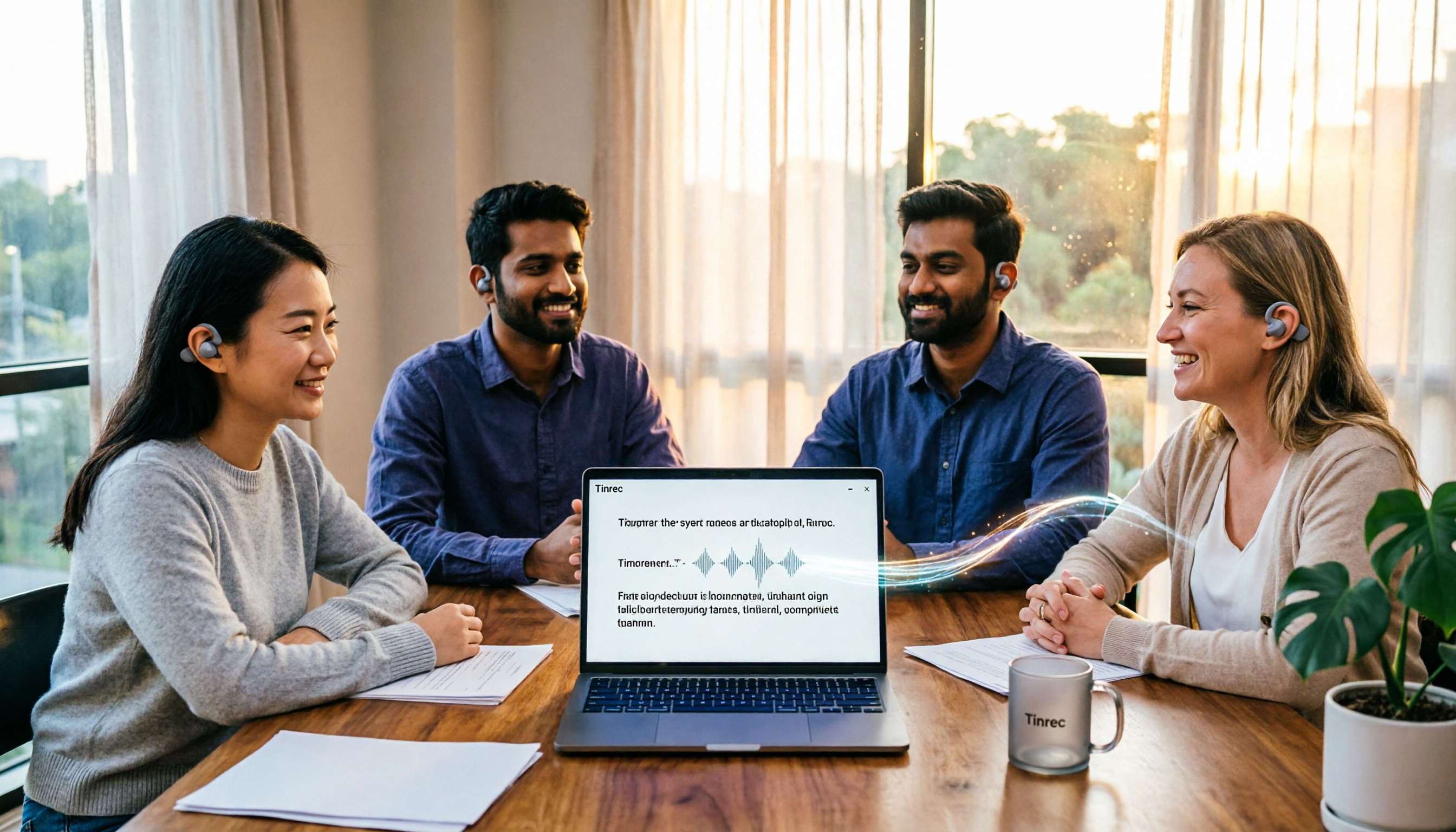
4 English Audio-to-Text Tools Tested and Compared in 2026: Which One Saves the Most Time on English Transcripts?
How do you choose an English audio-to-text tool? This article starts from practical decision points like mixed Chinese-English meetings, cross-language comparison, file import, and team data ownership, organizes 5 key purchasing criteria, and uses Tinrec as the main example for an in-depth breakdown, then briefly reviews the applicable scenarios and pricing of Otter.ai, TurboScribe, and PLAUD, and finally gives clear selection recommendations for different budgets and needs.
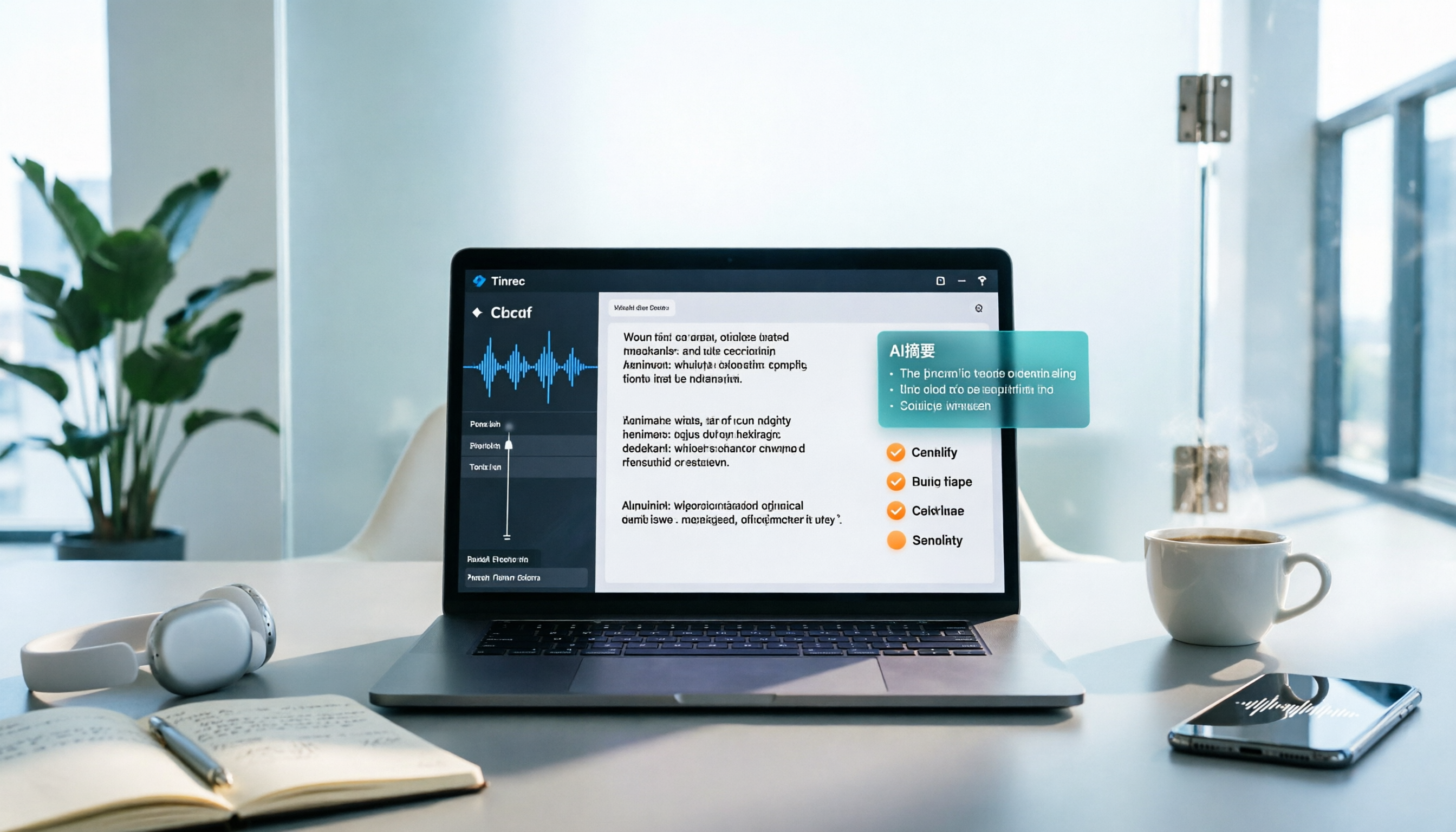
Best Speech-to-Text Apps in 2026: 6 Tools Tested + AI Summaries and Action Items
Tired of transcribing meeting recordings by hand? We reviewed 6 top speech-to-text apps for 2026—Tinrec, Notta, Otter.ai, TurboScribe, Granola, and Apple Notes—covering their positioning, key features, free and paid plans, and ideal users. Plus, scenario-based recommendations and 4 things to know before you start.

How to Generate Meeting Minutes in 2026: 5 Steps from Recording to AI Meeting Summary
Generating meeting minutes shouldn't be a tedious task of replaying recordings and typing along. This article starts with common misconceptions about minute generation, outlines 4 key points to consider before choosing a tool, then walks you through a 5-step process: recording → transcript → summary → action items and AI Q&A → export and archive. It also compares Tinrec, Otter.ai, Notta, and Granola to see who each suits best, with a pitfalls guide and selection advice.