

Turn recordings into transcripts and summaries in minutes
Upload audio or video for multilingual transcription, AI notes, and action items
Video Content Summarization AI Tools in 2026: Tinrec Generates Summaries + Chapter Highlights
You have a 90-minute recording of an online briefing, and all you want to do is confirm whether the other party committed to a delivery date—but you end up dragging the timeline back and forth searching for it. This problem of "videos too long, key points too scattered" is exactly what video content summarization AI tools are designed to solve. Take Tinrec as an example: it first converts audio and video into transcripts, then automatically organizes summaries, chapters, and action items. You can even ask questions directly about the content without watching from start to finish.
What Can Video Content Summarization AI Tools Do for You?
Scenario 1: Get meeting conclusions 5 minutes after the meeting ends After a two-hour cross-departmental meeting, you used to spend another hour replaying the recording and organizing notes. With Tinrec, for example, you can transcribe in real time while the meeting is happening. After it ends, the AI separates discussion topics, conclusions, and action items—who is responsible for what and when it's due, all visible at a glance. The team version also lets you keep materials in a team space, so the next time you need to find historical discussions on the same project, you don't have to dig through chat logs.
Scenario 2: Online courses and lectures—review the summary first, then decide whether to watch in detail After uploading a three-hour lecture video to Tinrec, you get a transcript, chapters, and a key-point summary. You can spend a few minutes reading the summary to decide which sections really need a closer look, instead of forcing yourself through at double speed.
Scenario 3: Interviews and research videos—quickly find that one key sentence Qualitative interviews often run one to two hours. If you want to find the part where a respondent mentions price sensitivity, searching the transcript by keyword is much faster than repeatedly dragging the timeline. Tinrec's AI Q&A lets you directly ask, "What did the respondent say about pricing?" It answers based on meaning and lets you go back to verify against the original text.
Scenario 4: Turn video highlights into deliverable content Summaries and transcripts can be exported directly as documents or brought into Notion, Google Docs, OneNote, or Dropbox for further editing. Whether you're writing a blog post, social media post, or internal presentation, you don't have to start from scratch.
What Are the Core Capabilities of Video Content Summarization?
Audio and video file transcription Whether it's an existing recording, interview audio, or meeting recording, you can upload it to Tinrec for transcription. Public videos can be imported via web link as a supplementary capability; actual availability depends on whether the source is open.
AI summaries and chapter segmentation A summary isn't just condensing a transcript into one paragraph—it's structured organization: topics, chapters, key points, and conclusions presented separately, so even long videos can be viewed selectively.
AI Q&A After transcription is complete, you can ask questions directly about the content, such as "How many times was the budget cap mentioned in this meeting?" Tinrec finds the corresponding passages based on meaning, saving a lot of searching time.
Action items and follow-up content generation Action items that come up in videos or meetings are organized into to-do lists. When you need deliverables, post-processing features can generate reports, tables, or document drafts.
Real-time translation and bilingual review For cross-language videos or meetings, you can view the original text, translation, or bilingual content simultaneously during recording—especially useful for those who need to organize foreign-language materials.
Export to existing workflows Transcripts and summaries support multiple export formats and can be sent to commonly used third-party tools, so your organized data doesn't get stuck in a single platform.
Practical Application Scenarios
Online meetings and client communication The desktop version directly captures your computer's system audio to record Zoom, Google Meet, Microsoft Teams, Webex, and other meetings without inviting a meeting bot. Client requirements, objections, and commitments can be verified directly from the summary and action items after the meeting.
Online courses and self-study After uploading course videos, you get transcripts and chapters that you can quote directly when taking notes—no more pausing to type while watching.
Stop organizing recordings by hand
Upload audio or video and automatically get a transcript, summary, and action items
Interview and research organization Transcripts preserve original statements for easy annotation and citation; AI Q&A helps quickly compare common viewpoints across multiple interviewees.
Content creation and marketing materials Turn webinars, product launches, or livestream content into summaries, quotable passages, and outlines for blog posts, social media content, or presentation materials.
Team knowledge retention The team version provides an independent team space where meeting and video materials belong to the team. New members can view historical materials. Admins can manage members, roles, and seats, view usage trends and details, and query important operations through audit logs. When a member leaves or loses their seat, data can be transferred to other active members and won't disappear with an individual account.
5 Things to Consider When Choosing a Video Content Summarization Tool
1. Can it handle "existing videos," not just live recording? Some tools excel at live meetings but don't support uploading existing media. In addition to real-time recording and bot-free online meeting recording, Tinrec also supports audio and video file transcription, so old course recordings and interview files can be organized.
2. Can you follow up and reprocess after the summary? Having only a transcript means you still have to read through it yourself. After transcription, Tinrec provides AI summaries, chapters, action items, and AI Q&A, and can also generate reports, tables, and documents so your workflow can continue.
3. Chinese and mixed Chinese-English handling capability Meetings and courses in Taiwan often mix Chinese and English. When choosing a tool, it's best to test with your own recordings. Tinrec covers Chinese, Traditional Chinese, and multilingual scenarios, supports real-time translation and bilingual review, and the team version lets you maintain team hotwords so professional terminology recognition better matches actual usage. Actual performance is affected by recording quality, noise, accents, overlapping speakers, and specialized terminology—don't rely solely on promotional numbers.
4. Output and integration Make sure the tool can bring results into your existing workflow. Tinrec supports multiple export formats and third-party tool exports, so summaries, transcripts, and action items can all continue to be used.
5. Team collaboration and governance If data needs to be shared within a department, check whether there's a team space, role and seat design, usage analytics, and audit records. Tinrec's team version separates "roles" and "seats": roles determine who can manage the team and settings, while seats determine who can record, upload, edit, and export. Members without seats can still view, play, and read team materials but cannot perform resource-consuming operations. Also, when recording and transcribing involve other people, remember to comply with local regulations and obtain consent when needed.
Frequently Asked Questions
Do video content summarization AI tools require payment? Not necessarily. Tinrec's free version provides a basic quota so you can try the recording, import, and summarization process first. If you have intensive meetings or courses in the short term, there's a weekly pass option. If you have steady weekly needs, a Pro monthly or annual plan is suitable. The team version offers a 7-day trial for first-time eligible users, including 1 free seat and 300 minutes of shared team onboarding quota.
Can Tinrec summarize YouTube videos? Yes, by uploading audio or video files. Some public video content can also be imported via web link, but this is a supplementary capability and actual support depends on the source.
Do I need a meeting bot to join the meeting? No. Tinrec's desktop version directly captures your computer's system audio to record online meetings playing on your computer, without adding a bot account. Recording must be initiated by the user and does not automatically join all meetings on your calendar.
Can summary accuracy be guaranteed? We don't recommend promising fixed numbers. Transcription and summarization results are affected by recording quality, ambient noise, accents, overlapping speakers, and specialized terminology. In practice, treat summaries as a quick entry point and verify important content against transcript timestamps and the original recording.
Can all team members see all data? Currently, the team version primarily uses team-level sharing. Active members can view, play, and read team materials even without a seat; only after obtaining a seat can they record, upload, edit, and export. This differs from a file-level permission mechanism where each file has its own settings.
Can deleted recordings be recovered? Team audio goes to the recycle bin and can be restored before permanent cleanup begins. The current retention period is 30 days; action items are not covered by the recycle bin.
Conclusion
The value of video content summarization AI tools isn't about making transcripts shorter—it's about making what happens after "watching the video" actionable: find the key points, get answers to your questions, and deliver results. If you deal with meeting recordings, course videos, or interview materials every week, instead of forcing yourself to watch everything, let the tool organize the structure first. Tinrec connects real-time recording, bot-free online meeting recording, file import, and team spaces end to end. For those who need Chinese content processing and team collaboration, it's worth trying. Start with the free version's basic quota and test it with your own videos—you'll know if it saves you time.
References
Turn every recording into actionable outcomes
Get 60 free transcription minutes when you sign in. No credit card required.
Related Reading
You might also like

4 AI Meeting Minutes Generators Tested for 2026: Which Handles Chinese Meetings and Free Tiers Best?
Two-hour meeting, another afternoon organizing minutes? This article compares 4 AI meeting minutes generators using the same criteria, breaking down audio sources, Chinese recognition experience, post-meeting output, free tiers, and team data ownership. It also shares hands-on experience with Tinrec's bot-free recording, AI Q&A, and team governance capabilities, and provides selection advice based on use cases.

Best Video Speech-to-Text Tools in 2026: 5 Tested, Top Pick for Chinese Meetings and Post-Meeting Organization
Need to convert speech from videos to text? This article uses the same mixed Chinese-English meeting material to compare 5 video speech-to-text tools on input sources, post-meeting processing, AI Q&A, export, and team collaboration. It also covers 4 key points to check before buying and 4 common mistakes, helping you choose the best fit based on your use case and budget.
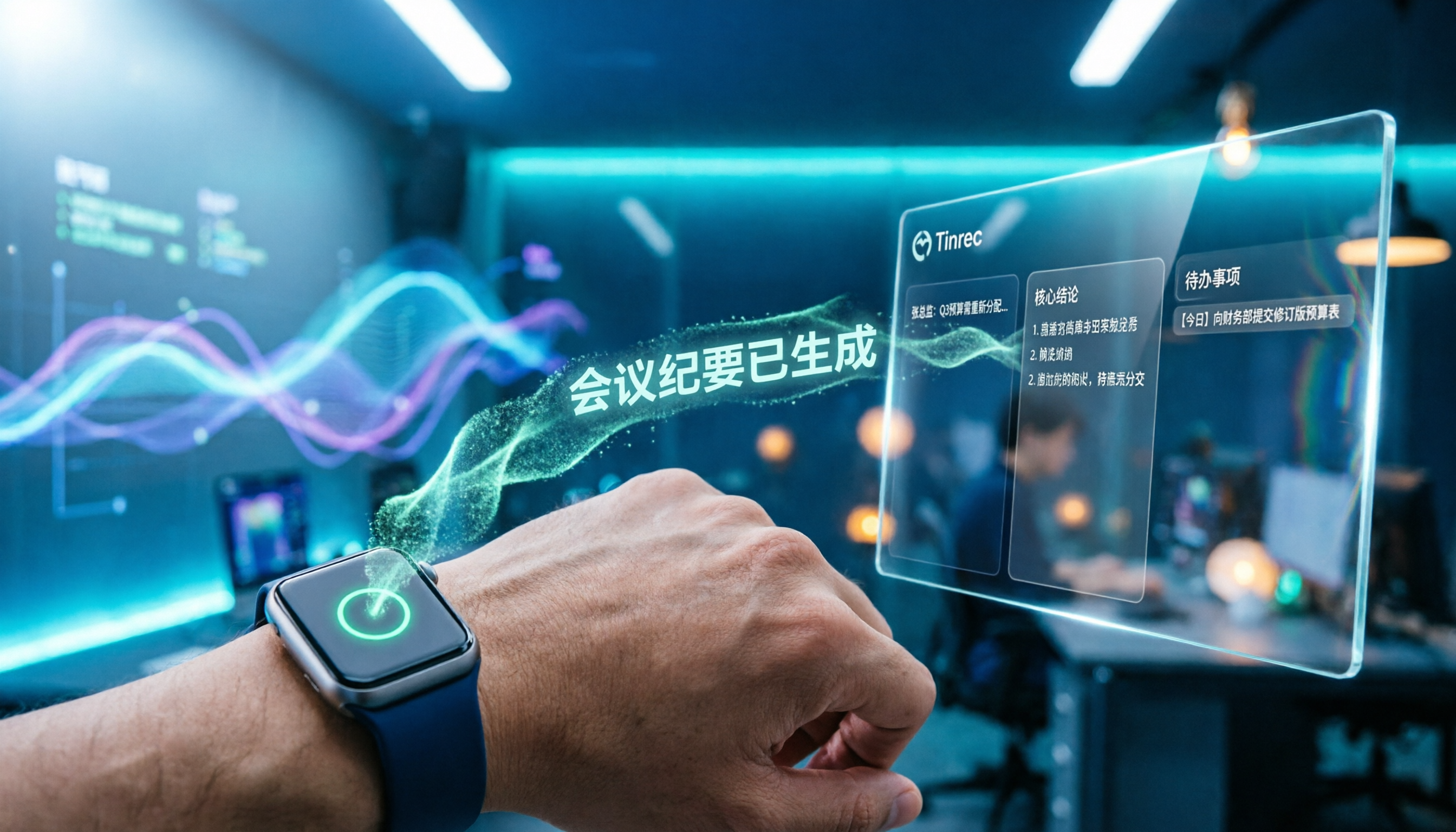
Apple Watch WeChat Voice-to-Text in 2026: 3 Input Methods Compared and How to Set Up Chinese
Can WeChat voice messages on Apple Watch be converted to text? Yes, and it relies on Apple Watch's built-in Dictation, not a WeChat engine. This article addresses three common misconceptions, explains how to turn voice into text on the watch, how to fix Chinese language settings, and how to use iPhone Handoff input. It also covers how to use AI meeting tools like Tinrec for full transcripts, summaries, and action items when content extends from a single sentence to a whole meeting.

2026 Short Video Learning Note Tools Compared: Which AI Best Organizes Course Highlights?
I lead a team learning short videos, with piles of course recordings and livestream replays, but notes scattered everywhere. This article, from a mid-level manager's practical perspective, tests Tinrec, Notta, Otter, and Granola in short video learning note scenarios, and compiles selection criteria, pitfalls to avoid, and scenario-based recommendations.

5 iPhone Transcription Solutions Compared for 2026: Is Apple's Built-in Enough?
Apple's built-in Voice Memos and Notes apps can already transcribe recordings into text for free, but there are prerequisites for supported models, system versions, and proofreading costs. This article first explains how to use Apple's built-in transcription, then reviews five third-party solutions: Tinrec, Otter, Notta, Granola, and TurboScribe, with actual pricing and selection advice to help you decide if the built-in is enough and when to upgrade.

5 Free Image-to-Text OCR Options in 2026: A Complete Guide
How can you use image-to-text (OCR) efficiently? Starting with the most common pitfalls, this article reviews 5 free image-to-text methods, explains OCR limitations and key considerations, and shows how Tinrec fills the gap for meetings, classes, and interviews with transcripts, AI summaries, action item extraction, AI Q&A, and team collaboration.

2026 Audio-to-Text Tools Comparison: Tinrec vs Otter.ai vs cSubtitle for Chinese Transcription
Turn recordings into transcripts without typing for 6 hours. This article compares Tinrec and Otter.ai in real meeting scenarios, focusing on Chinese transcription, bot-free recording, post-meeting organization, and team collaboration. It also explains where lightweight tools like cSubtitle fit in, with a 4-step tutorial and FAQs.
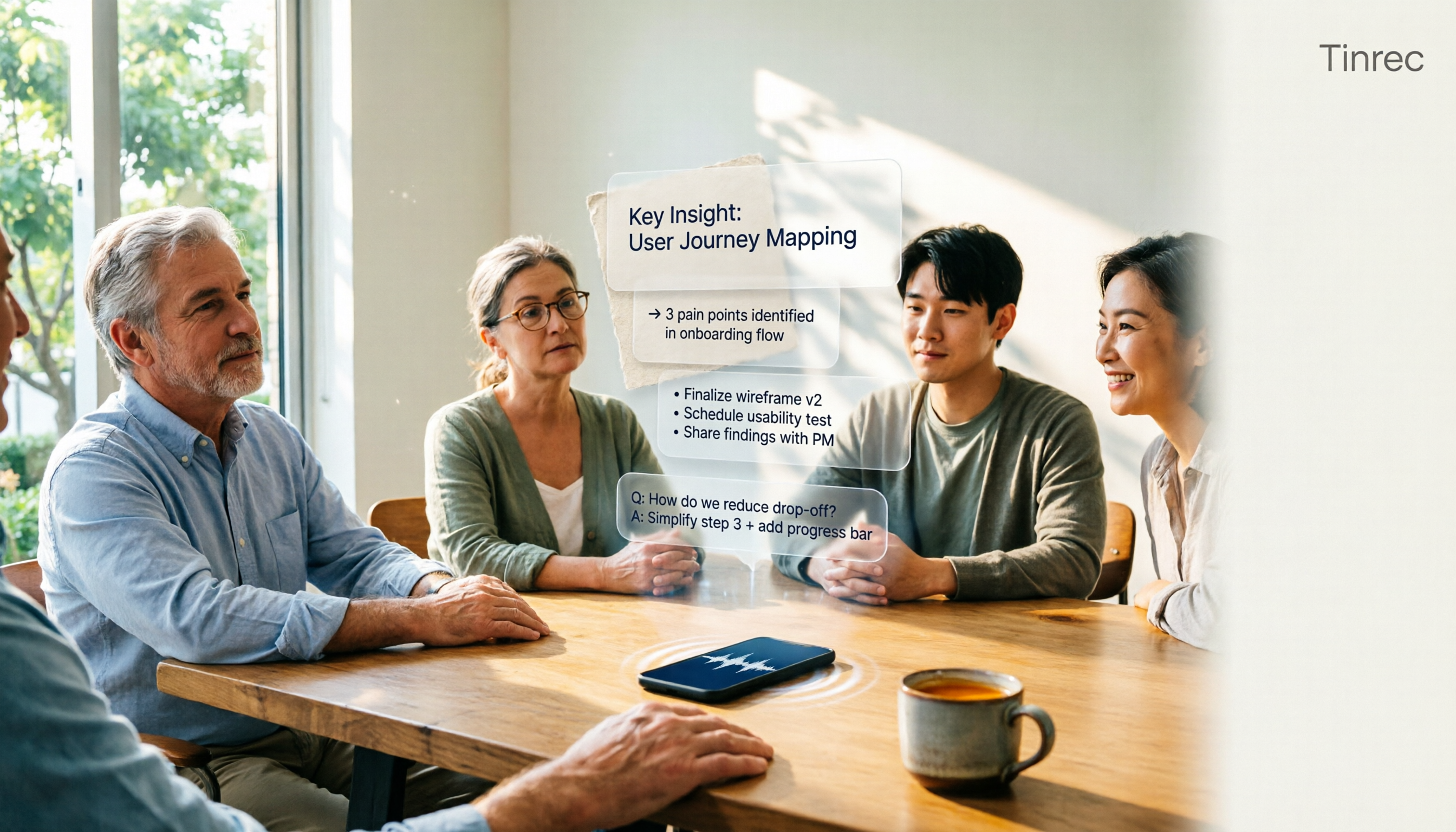
4 iPhone Speech-to-Text Tools Compared in 2026: How to Choose When Built-In Transcription Isn't Enough
How do you transcribe speech to text on iPhone? This guide compares the built-in Voice Memos transcript, iMessage voice message transcription, and the AI meeting tool Tinrec, covering device requirements, language support, recording length, and post-meeting organization capabilities to help you decide whether to use the free built-in features or switch to a meeting tool that generates summaries, action items, and AI Q&A.

Tinrec vs Notta 2026: 5-Dimension Comparison — Which Is the Best Summarization Tool?
After a meeting, the real time sink isn't recording — it's turning the transcript into conclusions. This article compares Tinrec and Notta across five practical dimensions, explaining why the ability to ask AI follow-up questions directly after a meeting is the dividing line for summarization tools, with a pitfalls guide and quick-start checklist.