

Turn recordings into transcripts and summaries in minutes
Upload audio or video for multilingual transcription, AI notes, and action items
Many people start using image-to-text the same way: before a meeting ends, they snap a photo of the whiteboard, go home, drop the photo into a free OCR website, copy the text, paste it into their notes, and call it done.
Two weeks later, when they try to find out what was actually decided in that meeting, they discover they copied a string of keywords with no context—who said what, why the decision was made, and who is responsible for follow-up are all missing.
This is the most common misconception about image-to-text: assuming that extracting the words is the same as keeping a record. Image recognition only handles half the picture—the visual part. The real content of a meeting usually happens in the conversation, not on the whiteboard.
Here are 5 common free methods:
- Built-in text recognition in your phone's photo gallery
- OCR included with cloud storage or note-taking apps
- Free online OCR websites
- Recognition features in desktop screenshot tools
- Switching to audio-to-text and letting Tinrec handle meetings, classes, and interviews
The first four solve the problem of static text in images. The fifth solves the problem of capturing the entire meeting. Below, I explain when to use each and how I use Tinrec to cover the half that OCR cannot handle.
What Can Image-to-Text Do for You?
Scenario 1: Turn whiteboard and slide photos into searchable text After a meeting, you might have a pile of whiteboard photos and can only flip through them one by one. With OCR, the processes, fields, and numbers on the whiteboard become plain text that you can find later with keywords.
Scenario 2: Scanned paper contracts and forms Once paper documents are scanned into image files, they cannot be searched or copied. After recognition, you can edit and compare them directly, saving a lot of typing time when organizing expense receipts or contract terms.
Scenario 3: Blackboard notes and handouts from class Key points written on the blackboard and formulas on slides can be photographed and recognized, then merged into your own notes. However, note that handwriting and camera angles significantly affect recognition results.
Scenario 4: But the real point of a meeting is usually in the conversation Whiteboards usually only show conclusions. The reasons, disagreements, and commitments happen in the conversation. With Tinrec, for example, you can use the desktop version to record online meetings playing on your computer without inviting any meeting bot. For in-person discussions, use your phone to record. When the meeting ends, the transcript, summary, chapters, and action items are already organized. This is closer to the real goal of turning a meeting into text than piecing together whiteboard photos afterward.
What Core Capabilities Do You Need to Turn Content into Text?
Text recognition (OCR) The tool scans an image, finds shapes that look like letters and words, and converts them into text by matching against a database. Tinrec cannot help with this—it processes audio and video, not static images. When you need to process images, use the methods mentioned above.
Speech-to-text If what you want to preserve is a meeting, class, or interview, the real thing to recognize is the audio. Tinrec supports real-time recording and transcription, producing a transcript as you record. It can also upload existing audio and video files to convert accumulated recordings into text data all at once.
AI summaries and structured organization Transcription is only the first step. Tinrec automatically generates summaries, chapters, and key points, and extracts action items from discussions. You don't have to read a long meeting from start to finish—you can grasp the context in minutes and know who is responsible for what.
AI Q&A After transcription, you can ask questions directly about the meeting content. For example, "What was the budget ceiling the client mentioned?" or "What three things were decided in this meeting?" Tinrec answers based on semantic understanding rather than throwing a string of keywords at you—something ordinary OCR tools cannot do.
Export and workflow integration Recognized text is only valuable if it can be used further. Tinrec supports multiple export formats, allowing you to bring transcripts, summaries, and action items into tools like Notion, Google Docs, OneNote, and Dropbox. It can also generate reports, tables, and meeting minutes.
Stop organizing recordings by hand
Upload audio or video and automatically get a transcript, summary, and action items
Practical Use Cases
Project meetings and cross-department discussions For weekly meetings and review sessions, the worst thing is hearing "didn't we agree on this last time?" and not being able to find the record. Use Tinrec desktop to record online meetings and get a transcript and action list right after. The basis for decisions stays in one place, making it easy to look up later.
Classes and lectures In a two-hour lecture, it's easy to miss key points while taking notes. Instead, record first, then use Tinrec to produce a transcript and summary. Use AI Q&A to fill in parts you didn't catch clearly. It's also faster than flipping through a textbook when reviewing.
Customer interviews and requirements interviews The most valuable parts of customer interviews are often details: budget range, launch timeline, complaints about the current situation. OCR cannot capture these. Record the interview with Tinrec, then ask "What are the top three things the client cares about?"—far more efficient than listening to a two-hour recording again.
Content creation and personal knowledge management Interview materials, online courses, and podcast content can all be transcribed first, then organized into article outlines with AI summaries. Tinrec supports real-time translation, so you can compare the original and translated text when handling foreign-language content.
5 Things to Consider When Choosing an Image-to-Text Tool
1. Free quota and limitations Free plans usually limit file size and daily recognition counts. Actual quotas are subject to each service's announcement. If what you actually need to process is audio, Tinrec's free version lets you try recording, importing, summaries, and transcription with a basic quota. The best approach is to test it with one meeting.
2. Accuracy depends on your material, not marketing Don't just look at official numbers—test with your own images or recordings. Tinrec does not provide a fixed accuracy rate because actual results depend on recording quality, ambient noise, accents, and overlapping speakers. For important content, verify against transcript timestamps and recording playback.
3. Chinese and multilingual support Traditional Chinese recognition quality varies widely, especially when mixing Chinese and English. Tinrec supports Chinese, Traditional Chinese, and multilingual meetings, and offers real-time translation and team hotwords. You can add your company's common terminology to improve recognition of professional vocabulary.
4. Can you continue your workflow after recognition? Getting text that you cannot export means manually moving it again. Tinrec supports multiple export formats and can generate reports, tables, and documents, so results go directly into your existing workflow.
5. When the source is a meeting or class, don't rely only on OCR If your goal is actually to preserve meeting content, image recognition will only give you fragmented keywords. This is where Tinrec's value lies: recording, transcription, summary, action items, Q&A, and export to team spaces—the entire process in one go.
Frequently Asked Questions
Are free image-to-text tools good enough? If you only occasionally recognize a few clear screenshots or scans, free plans are usually sufficient. But free versions often have daily limits or file size restrictions. For larger volumes, consider a paid plan or process the original audio files directly.
Can handwritten or blurry photos be recognized? Results are usually much worse than printed text. Messy handwriting, glare, and skewed angles all affect results. In such cases, retake a clearer photo or obtain the content another way.
Can Tinrec convert images to text directly? No. Tinrec processes audio and video, not static image OCR. But if what you need is the content of a meeting, class, or interview, recording with Tinrec will actually give you more complete information than images.
Do I need to inform participants before recording? Yes. Recording and transcription involve personal data and local regulations. It is recommended to inform participants and obtain consent in advance, and handle meeting data according to company policies.
How should meeting data be managed when a team uses it together? Personal plan data belongs to the individual account. The team plan is a separate team space where meeting data belongs to the team. The team plan provides member and role management, seat allocation, shared import benefits, usage analytics, audit logs, and an audio recycle bin. When members leave, resources can be handed over to others. Currently, the team monthly plan is USD 29.80 per paid seat, and the annual plan is USD 199 per paid seat (about USD 16.58 per month). First-time eligible users can try 7 days, 1 free seat, and 300 minutes of shared import quota. Actual prices and benefits are subject to the official purchase page.
Can members without a seat see team data? They can view, play, and read team data, but cannot record, upload, edit, import, or export. Roles govern governance permissions, while seats govern whether resources can actually be used. The two should be considered separately.
Conclusion
Image-to-text solves the problem of text in images, suitable for whiteboard photos, scans, and blackboard notes. But if what you really want to preserve is the content of a meeting, class, or interview, OCR alone will miss a large part.
A more practical approach is to divide the work: use free OCR for static images, and let Tinrec handle situations that require understanding content. The free version has a basic quota to try recording, importing, summaries, and transcription. Test it with one meeting, and you'll see the difference between a transcript plus AI summary and copying text line by line.
References
- Online image to text | Free online text recognition | Online OCR software - 改图宝
- Image to text - Scan image files to text files
- How to convert images to text? Three practical tool recommendations!
- Easily extract text from images with Google Keep OCR
- 8 fast and simple image-to-text methods! Complete tutorial on free and paid PDF-to-text tools — 領先時代
Turn every recording into actionable outcomes
Get 60 free transcription minutes when you sign in. No credit card required.
Related Reading
You might also like

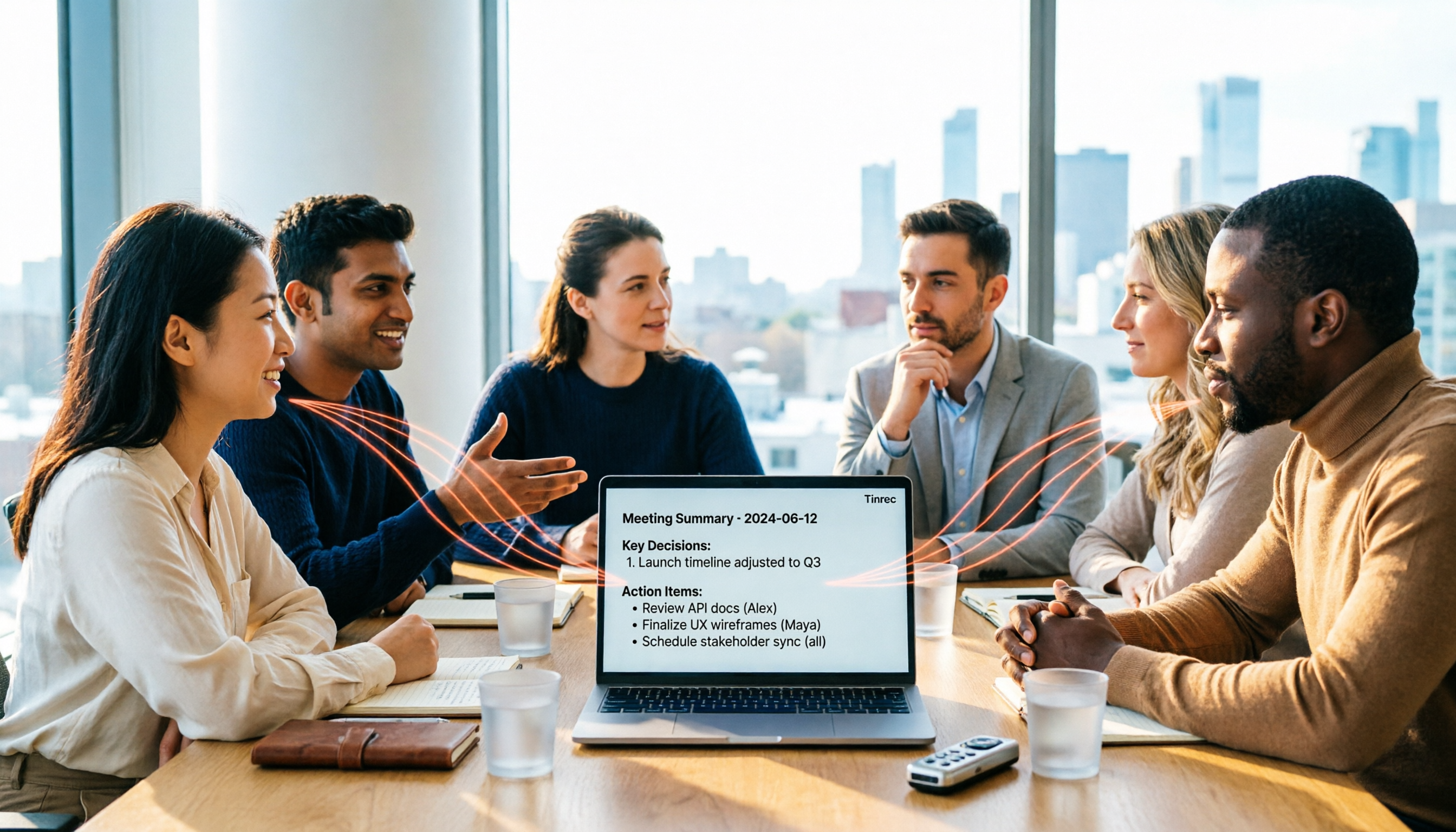
4 AI Meeting Minutes Generators Tested for 2026: Which Handles Chinese Meetings and Free Tiers Best?
Two-hour meeting, another afternoon organizing minutes? This article compares 4 AI meeting minutes generators using the same criteria, breaking down audio sources, Chinese recognition experience, post-meeting output, free tiers, and team data ownership. It also shares hands-on experience with Tinrec's bot-free recording, AI Q&A, and team governance capabilities, and provides selection advice based on use cases.
Best Video Speech-to-Text Tools in 2026: 5 Tested, Top Pick for Chinese Meetings and Post-Meeting Organization
Need to convert speech from videos to text? This article uses the same mixed Chinese-English meeting material to compare 5 video speech-to-text tools on input sources, post-meeting processing, AI Q&A, export, and team collaboration. It also covers 4 key points to check before buying and 4 common mistakes, helping you choose the best fit based on your use case and budget.
Apple Watch WeChat Voice-to-Text in 2026: 3 Input Methods Compared and How to Set Up Chinese
Can WeChat voice messages on Apple Watch be converted to text? Yes, and it relies on Apple Watch's built-in Dictation, not a WeChat engine. This article addresses three common misconceptions, explains how to turn voice into text on the watch, how to fix Chinese language settings, and how to use iPhone Handoff input. It also covers how to use AI meeting tools like Tinrec for full transcripts, summaries, and action items when content extends from a single sentence to a whole meeting.
2026 Short Video Learning Note Tools Compared: Which AI Best Organizes Course Highlights?
I lead a team learning short videos, with piles of course recordings and livestream replays, but notes scattered everywhere. This article, from a mid-level manager's practical perspective, tests Tinrec, Notta, Otter, and Granola in short video learning note scenarios, and compiles selection criteria, pitfalls to avoid, and scenario-based recommendations.

5 iPhone Transcription Solutions Compared for 2026: Is Apple's Built-in Enough?
Apple's built-in Voice Memos and Notes apps can already transcribe recordings into text for free, but there are prerequisites for supported models, system versions, and proofreading costs. This article first explains how to use Apple's built-in transcription, then reviews five third-party solutions: Tinrec, Otter, Notta, Granola, and TurboScribe, with actual pricing and selection advice to help you decide if the built-in is enough and when to upgrade.
2026 Audio-to-Text Tools Comparison: Tinrec vs Otter.ai vs cSubtitle for Chinese Transcription
Turn recordings into transcripts without typing for 6 hours. This article compares Tinrec and Otter.ai in real meeting scenarios, focusing on Chinese transcription, bot-free recording, post-meeting organization, and team collaboration. It also explains where lightweight tools like cSubtitle fit in, with a 4-step tutorial and FAQs.
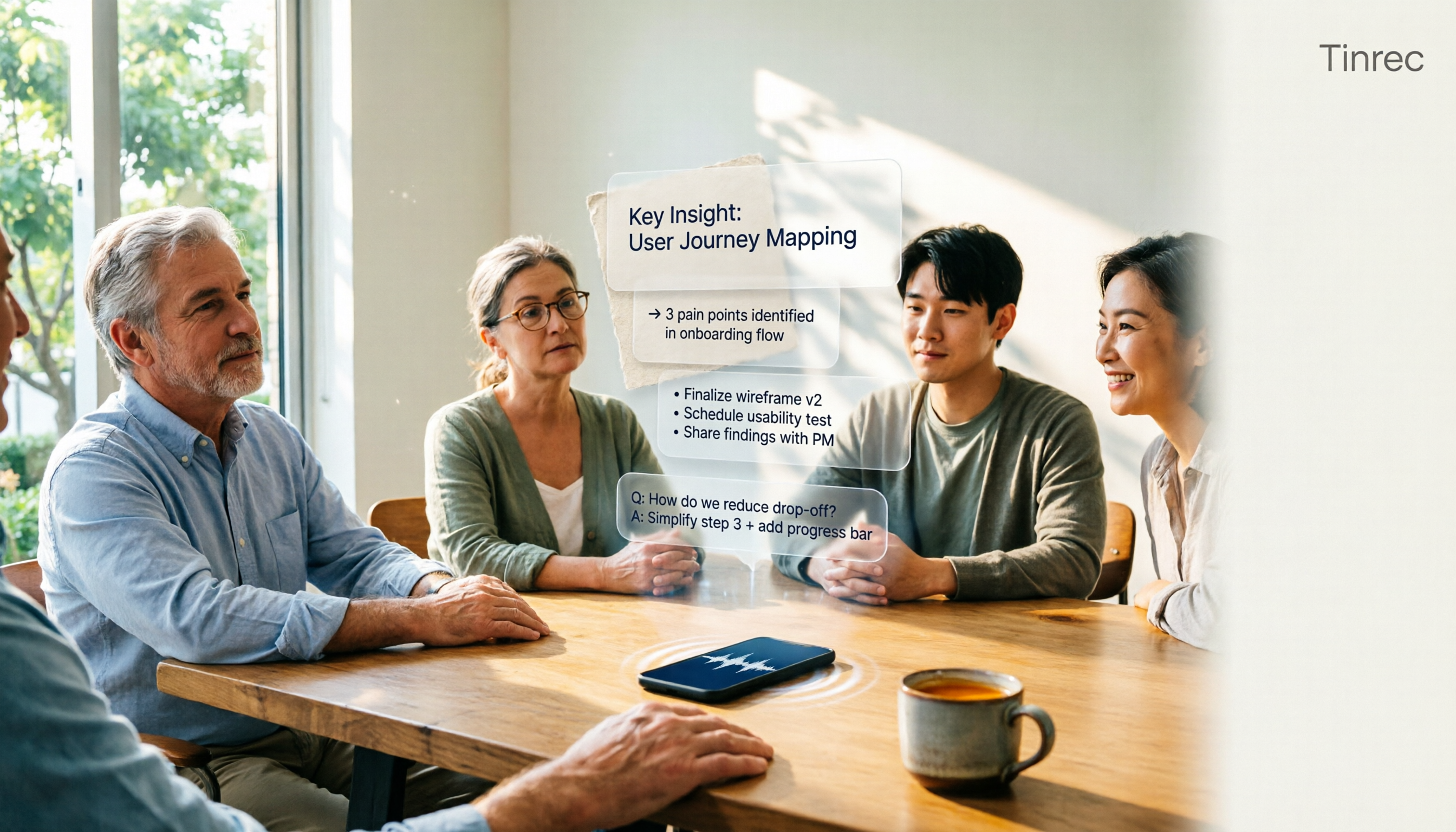
4 iPhone Speech-to-Text Tools Compared in 2026: How to Choose When Built-In Transcription Isn't Enough
How do you transcribe speech to text on iPhone? This guide compares the built-in Voice Memos transcript, iMessage voice message transcription, and the AI meeting tool Tinrec, covering device requirements, language support, recording length, and post-meeting organization capabilities to help you decide whether to use the free built-in features or switch to a meeting tool that generates summaries, action items, and AI Q&A.

Tinrec vs Notta 2026: 5-Dimension Comparison — Which Is the Best Summarization Tool?
After a meeting, the real time sink isn't recording — it's turning the transcript into conclusions. This article compares Tinrec and Notta across five practical dimensions, explaining why the ability to ask AI follow-up questions directly after a meeting is the dividing line for summarization tools, with a pitfalls guide and quick-start checklist.
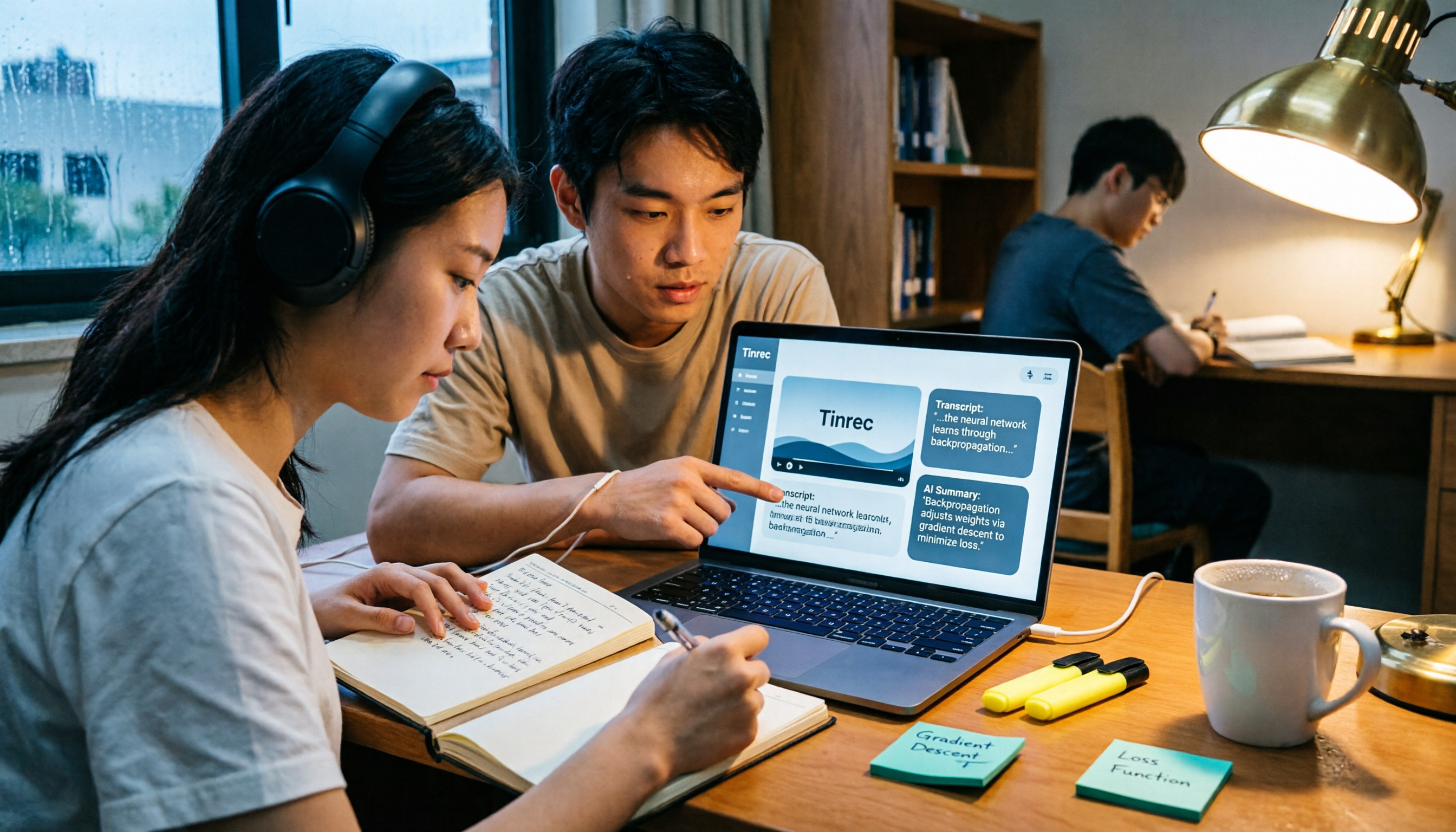
2026 AI Video to Text Tools Comparison: Which Saves Students More Time on Online Courses?
Don't want to rewatch 18 hours of online course videos before finals? This student-tested comparison of Tinrec and Otter.ai covers Chinese transcription, video file import and AI summarization, transcript Q&A and export, free tiers and student budgets, and cross-device and group collaboration—5 dimensions to help you build a repeatable video note-taking workflow.