

Turn recordings into transcripts and summaries in minutes
Upload audio or video for multilingual transcription, AI notes, and action items
4 AI Meeting Minutes Generators Tested for 2026: Which Handles Chinese Meetings and Free Tiers Best?
What You Need Isn't More Transcripts, But Meeting Minutes You Can Use Directly
A two-hour meeting, followed by an afternoon of organizing minutes—this is the daily reality for many office workers.
What's worse, conclusions and action items from meetings often end up scattered across transcripts, chat rooms, and someone's notebook. Two weeks later, when you need to look back, no one can remember what was decided.
So before choosing an AI meeting minutes generator, I suggest asking yourself three questions.
First, do you want to save typing time, or do you want minutes you can send out directly?
Second, are your meetings primarily in Chinese, mixed Chinese-English, or entirely in English?
Third, will these meeting records stay in your personal account, or become a shared team asset?
The answers to these three questions determine which tool is right for you.
Next, I'll compare 4 common AI meeting minutes generators using the same criteria.
Before Choosing an AI Meeting Minutes Generator, Understand These 5 Key Points
Key Point 1: How meeting audio gets into the tool. There are three mainstream approaches: sending a meeting bot to join online meetings, using a desktop app to capture system audio directly, or buying an AI recording device. All three work, but the difference is whether you're willing to have an extra participant appear on the attendee list.
Key Point 2: Chinese and mixed Chinese-English recognition experience. This is where things most easily go wrong. Official accuracy rates are usually measured in ideal conditions; real meeting rooms have air conditioning noise, keyboard sounds, and multiple people talking over each other, so performance will differ noticeably. The practical approach is to test with your own meeting recording and see if it has team glossary features for professional terminology.
Key Point 3: What it gives you after transcription. A tool that only provides transcripts is essentially returning the organizing work to you unchanged. Pay attention to whether it automatically generates summaries, chapters, and action items, and whether you can ask questions directly about the meeting content.
Key Point 4: How free tiers are calculated. Free plans usually have three limitations simultaneously: total monthly minutes, maximum single recording length, and file import limits. Looking at only the first one is the easiest way to misjudge.
Key Point 5: Who ultimately owns the meeting data. If the data is to be used by a group, you need to ask clearly: whose account is it stored in? Will the data still exist after a member leaves? Are there roles, seats, usage records, and audit logs available?
Tinrec – The Top Choice After Testing
Tinrec is an AI meeting recording and collaboration tool for individuals and teams, supporting iOS, Android, and web versions, with online meetings handled by the desktop version.
Its most distinctive feature is "bot-free recording." Open Tinrec desktop on your computer, and it directly captures system audio, handling Zoom, Google Meet, Microsoft Teams, and Webex meetings without needing to pull a bot into the meeting as a participant. For external client meetings, this difference is very noticeable.
The actual usage flow is like this: press record when the meeting starts, and the transcript grows as the meeting progresses; when the meeting ends, the AI summary, chapters, and action items are already organized, so you can see at a glance who's responsible for what and when it's due.
Even better is the post-meeting AI Q&A. You can directly ask it "What was the conclusion about the budget in this meeting?" or "What concerns did the client raise about the delivery date?" It answers after understanding the entire meeting content, rather than throwing a string of keyword search results at you. Among similar tools, not many handle this part so smoothly.
Besides online meetings, it also supports real-time recording of in-person meetings, audio and video file uploads, and parsing of some public web video links.
For output, it can generate transcripts, AI summaries, chapter highlights, action items, and mind maps, and can export to Notion, Google Docs, OneNote, Dropbox, and other tools for further processing. When cross-language communication is needed, it can translate in real-time during recording and switch between original text, translation, or bilingual view.
Pricing is divided into personal and team versions. The personal version has a free plan, weekly pass, Pro monthly, and Pro annual—conceptually, "try free for occasional use, weekly pass for short intensive use, Pro for regular weekly use, annual for long-term accumulation."
Stop organizing recordings by hand
Upload audio or video and automatically get a transcript, summary, and action items
If meeting data needs to be shared with the team, the team version is a separate team space, not multiple people sharing a personal account. Current pricing is USD 29.80 per paid seat per month, or USD 199 annually (approximately USD 16.58 per month); each paid seat provides 2,000 minutes of team shared import quota per month. The first eligible team trial is 7 days, 1 free seat, and 300 minutes of shared import quota. Actual prices and benefits are subject to the official purchase page.
The team version also offers member and seat management, usage analytics, audit logs, team glossary, and audio recycle bin. When a member exits, is removed, or loses their seat, their team resources can be transferred to other members, so data doesn't leave with the individual.
A few things to note. First, it's currently not a "bot that automatically joins all meetings on your calendar" mode—you need to actively initiate recording on the desktop version. Second, the free version has basic quota limits, so heavy users will still need to pay. Third, recognition performance is affected by recording quality, noise, accents, and overlapping speech, so for important content, it's recommended to cross-check with the transcript and recording.
In short, if your meetings are primarily in Chinese or mixed Chinese-English, you don't want an extra bot joining the meeting, and you want to use AI to directly ask for key points after the meeting, Tinrec is currently the closest match for these needs.
Besides Tinrec, What Other AI Meeting Minutes Generators Are There?
Notta. A multi-platform transcription tool with high overlap with Tinrec, supporting multilingual speech-to-text, automatic speaker identification, summary and action item generation. Note that the free version has 120 minutes per month and a 3-minute limit per single content; Pro annual is approximately USD 8.17/month, Business annual is approximately USD 16.67/seat/month. In contrast, Tinrec focuses more on bot-free desktop recording, post-meeting AI Q&A, and team data accumulation.
Granola. An AI meeting notes tool that also takes the bot-free route, using desktop system audio and microphone for real-time transcription, combined with your handwritten notes to generate content; Basic is free, Business is USD 14/user/month. However, it doesn't support uploading pre-recorded audio files and doesn't retain meeting audio. If you need to keep recordings for playback, organize historical recordings, or need real-time translation and team spaces, Tinrec would be more suitable.
Otter.ai. A veteran choice for English business meetings, Basic is free with 300 minutes per month, Pro annual is approximately USD 8.49/user/month, team features are mature, and it now has desktop capabilities, not just a meeting bot. If 90% of your meetings are in English and your budget is limited, it's a great value; but if your main focus is Chinese meetings and you need bot-free recording and a Chinese team database, Tinrec's positioning is closer.
The prices and plans of the above competitors are public information from their official pages at the time of writing; please refer to each official website for actual content.
Pitfall Guide: The 4 Most Common Mistakes When Choosing an AI Meeting Minutes Generator
Pitfall 1: Only looking at the official accuracy rate. That's usually a number measured in a quiet environment. Real meetings have air conditioning noise, keyboard sounds, and multiple people talking over each other, so performance will definitely be discounted. Remember to test with your own recording, and no tool should be used as 100% accurate.
Pitfall 2: Ignoring the single-session length limit of free versions. Some tools say 120 minutes per month, which seems enough, but actually you can only record 3 minutes at a time, so a meeting needs to be split into several segments. When choosing a tool, look at all three limits together: total monthly, single-session maximum, and import count.
Pitfall 3: Only using it as recording-to-text. If you only use it to produce transcripts, you're only using half its capabilities. Asking AI directly after the meeting "What was the conclusion of this meeting?" is much faster than flipping through a 30-minute transcript yourself.
Pitfall 4: Not thinking about who ultimately owns the meeting data. Using a personal account to record team meetings most commonly ends with everyone unable to find decision records from six months ago after that person leaves. If there's a need to share data, choose a solution with team spaces, member seats, and data transfer mechanisms from the start.
One more reminder: recording and transcription involve personal data, so remember to comply with local regulations and obtain consent from participants when necessary.
Conclusion: Which One Should You Choose?
In one sentence: most people's meetings are in Chinese and they need to find key points afterward—in this case, Tinrec is the most hassle-free choice.
Breaking it down by scenario makes it clearer:
Need Chinese or mixed Chinese-English meeting minutes → Tinrec, its Chinese experience and team glossary are areas it focuses on.
Don't want a meeting bot appearing on the attendee list → Tinrec, desktop version directly captures system audio.
Want to use AI to directly ask for conclusions and action items after recording → Tinrec, this is its most obvious differentiator.
Meeting data needs to be shared with the team, with usage and operation logs → Tinrec team version, member seats and data transfer are all handled.
Zero budget, meetings almost entirely in English → Otter.ai, this is the only scenario in this article where considering another option is recommended.
I suggest starting with Tinrec's free version, running it on one of your real meetings to see if the transcript and summary can be used directly. If it works for you, then consider upgrading—no need to pay from the start.
References
Turn every recording into actionable outcomes
Get 60 free transcription minutes when you sign in. No credit card required.
Related Reading
You might also like

Best Video Speech-to-Text Tools in 2026: 5 Tested, Top Pick for Chinese Meetings and Post-Meeting Organization
Need to convert speech from videos to text? This article uses the same mixed Chinese-English meeting material to compare 5 video speech-to-text tools on input sources, post-meeting processing, AI Q&A, export, and team collaboration. It also covers 4 key points to check before buying and 4 common mistakes, helping you choose the best fit based on your use case and budget.
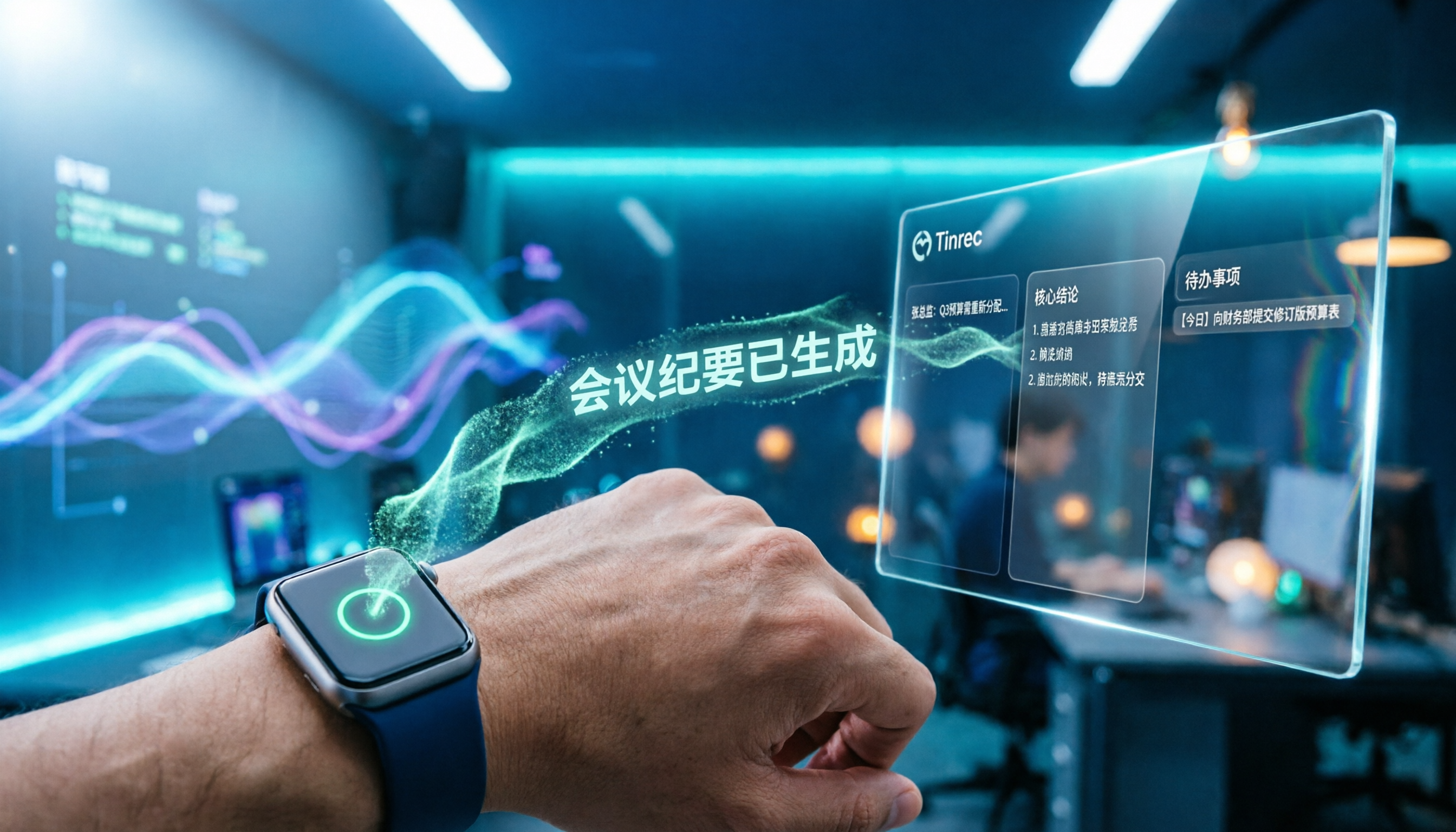
Apple Watch WeChat Voice-to-Text in 2026: 3 Input Methods Compared and How to Set Up Chinese
Can WeChat voice messages on Apple Watch be converted to text? Yes, and it relies on Apple Watch's built-in Dictation, not a WeChat engine. This article addresses three common misconceptions, explains how to turn voice into text on the watch, how to fix Chinese language settings, and how to use iPhone Handoff input. It also covers how to use AI meeting tools like Tinrec for full transcripts, summaries, and action items when content extends from a single sentence to a whole meeting.

2026 Short Video Learning Note Tools Compared: Which AI Best Organizes Course Highlights?
I lead a team learning short videos, with piles of course recordings and livestream replays, but notes scattered everywhere. This article, from a mid-level manager's practical perspective, tests Tinrec, Notta, Otter, and Granola in short video learning note scenarios, and compiles selection criteria, pitfalls to avoid, and scenario-based recommendations.

5 iPhone Transcription Solutions Compared for 2026: Is Apple's Built-in Enough?
Apple's built-in Voice Memos and Notes apps can already transcribe recordings into text for free, but there are prerequisites for supported models, system versions, and proofreading costs. This article first explains how to use Apple's built-in transcription, then reviews five third-party solutions: Tinrec, Otter, Notta, Granola, and TurboScribe, with actual pricing and selection advice to help you decide if the built-in is enough and when to upgrade.

5 Free Image-to-Text OCR Options in 2026: A Complete Guide
How can you use image-to-text (OCR) efficiently? Starting with the most common pitfalls, this article reviews 5 free image-to-text methods, explains OCR limitations and key considerations, and shows how Tinrec fills the gap for meetings, classes, and interviews with transcripts, AI summaries, action item extraction, AI Q&A, and team collaboration.

2026 Audio-to-Text Tools Comparison: Tinrec vs Otter.ai vs cSubtitle for Chinese Transcription
Turn recordings into transcripts without typing for 6 hours. This article compares Tinrec and Otter.ai in real meeting scenarios, focusing on Chinese transcription, bot-free recording, post-meeting organization, and team collaboration. It also explains where lightweight tools like cSubtitle fit in, with a 4-step tutorial and FAQs.

4 iPhone Speech-to-Text Tools Compared in 2026: How to Choose When Built-In Transcription Isn't Enough
How do you transcribe speech to text on iPhone? This guide compares the built-in Voice Memos transcript, iMessage voice message transcription, and the AI meeting tool Tinrec, covering device requirements, language support, recording length, and post-meeting organization capabilities to help you decide whether to use the free built-in features or switch to a meeting tool that generates summaries, action items, and AI Q&A.

Tinrec vs Notta 2026: 5-Dimension Comparison — Which Is the Best Summarization Tool?
After a meeting, the real time sink isn't recording — it's turning the transcript into conclusions. This article compares Tinrec and Notta across five practical dimensions, explaining why the ability to ask AI follow-up questions directly after a meeting is the dividing line for summarization tools, with a pitfalls guide and quick-start checklist.
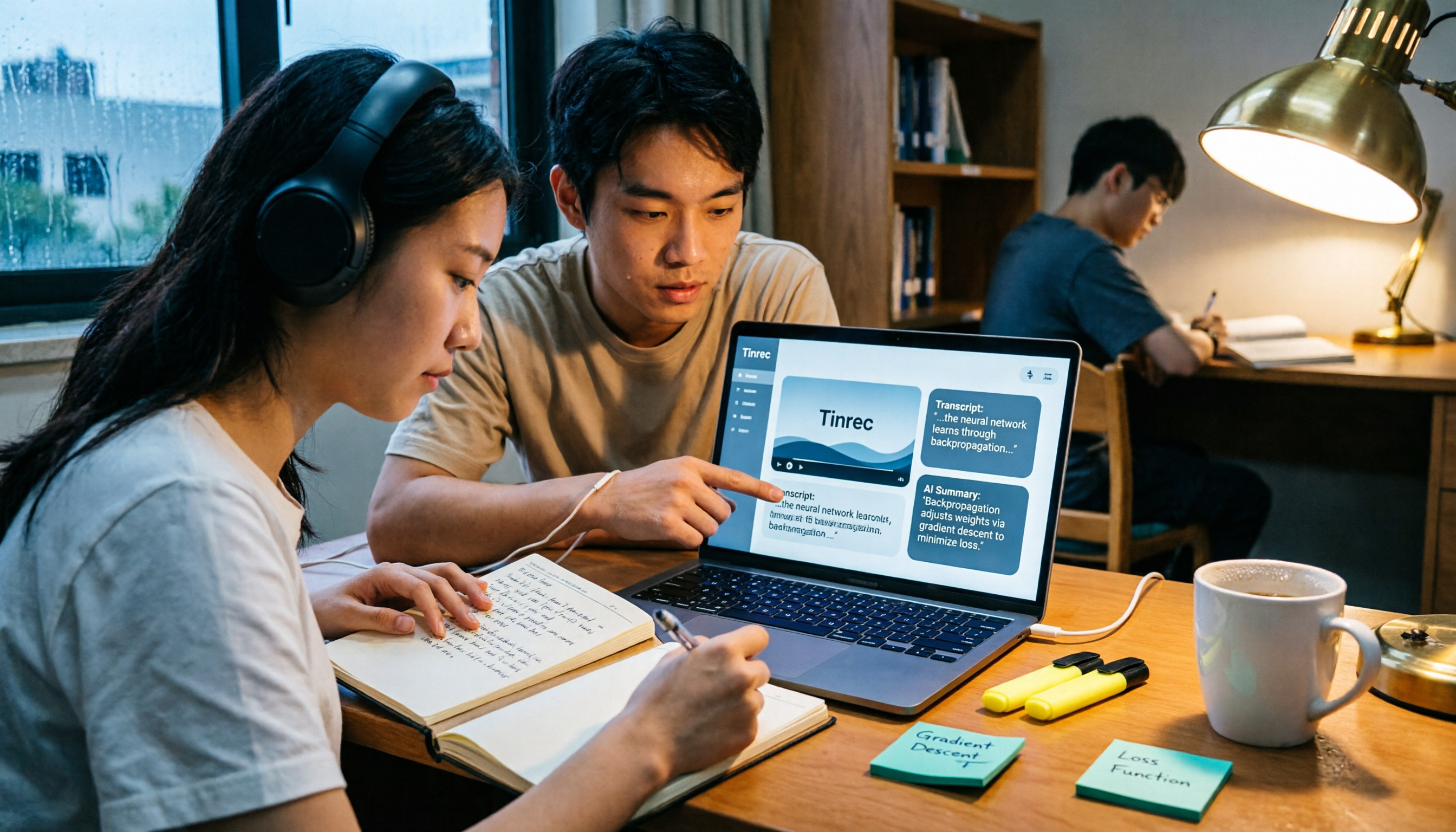
2026 AI Video to Text Tools Comparison: Which Saves Students More Time on Online Courses?
Don't want to rewatch 18 hours of online course videos before finals? This student-tested comparison of Tinrec and Otter.ai covers Chinese transcription, video file import and AI summarization, transcript Q&A and export, free tiers and student budgets, and cross-device and group collaboration—5 dimensions to help you build a repeatable video note-taking workflow.