

Turn recordings into transcripts and summaries in minutes
Upload audio or video for multilingual transcription, AI notes, and action items
2026 Audio-to-Text Tools Comparison: Tinrec vs Otter.ai vs cSubtitle for Chinese Transcription
It's 7 PM on a Friday, and you're the only one left in the office. On your phone is the recording of a 90-minute review meeting from this afternoon. Your boss needs the transcript and action items by tomorrow morning.
You open the player, listen for 10 seconds, pause, type, rewind 5 seconds. At this rate, it'll take 4 to 6 hours, and you'll still have to pull out the key points yourself.
Audio-to-text (ASR) has improved a lot in recent years. Most tools can turn recordings into text within minutes. The real difference is what comes after: once it's transcribed, can you use it, is it easy to use, and can your team use it together?
Generally, I'd divide common approaches into three types:
- Manual transcription: most accurate, but most time-consuming.
- General transcription tools: upload a file, wait a few minutes, download the text file, like free online tools such as cSubtitle.
- AI meeting assistants: transcribe during the meeting and give you summaries and action items afterward, like Tinrec and Otter.ai.
Below, I'll focus on Tinrec and Otter.ai, which are most often compared in meeting scenarios, and add notes on cSubtitle's positioning where relevant.
Tinrec vs Otter.ai | Quick Overview
Tinrec (秒聽錄音) is an AI meeting notes and collaboration tool for individuals and teams. Beyond transcripts, it handles summaries, action items, Q&A, and team knowledge retention.
Otter.ai is a mature AI meeting assistant covering Zoom, Microsoft Teams, Google Meet, live transcription, speaker identification, AI Chat, and team management.
| Item | Tinrec | Otter.ai |
|---|---|---|
| One-line positioning | AI meeting notes and team collaboration tool | Mature AI meeting assistant |
| Meeting capture method | Desktop version captures system audio, no bot needed | Mainly meeting bots and desktop app |
| Free plan | Free version offers basic quota to try recording, import, summary, and transcription | Basic free, 300 minutes per month |
| Paid reference | Team monthly USD 29.80 per paid seat per month, annual USD 199 per paid seat per year (about USD 16.58 per month); individual weekly pass and Pro available | Pro annual equivalent to about USD 8.49 per user per month, includes 1,200 minutes of in-app recording and 10 file imports per month |
| Chinese experience | Chinese, Traditional Chinese, and multilingual meetings, supports live translation and team hotwords | Stronger for English business meetings |
Prices and benefits may change; refer to each official purchase page for the latest. Next, let's look at the differences across 5 dimensions.
Dimension 1 | Transcription Experience with Chinese and Mixed Chinese-English
Otter's strength is English business meetings; Chinese content is not its main focus. With mixed Chinese-English, you'll usually need to proofread segment by segment yourself.
Tinrec covers Chinese, Traditional Chinese, and multilingual meetings, and supports live translation during recording, allowing you to switch between original text, translation, or bilingual view. The team version also lets you maintain team hotwords, adding internal product names and abbreviations.
Note that actual performance for both depends on recording quality, background noise, accents, and overlapping speakers. No tool can guarantee a fixed accuracy rate.
→ This dimension: For Chinese meeting needs, Tinrec is a closer fit.
Dimension 2 | How to Record Online Meetings: Bot-free vs Meeting Bot
Otter's classic approach is to have a meeting bot join as a participant; recently it also offers desktop capabilities. The advantage is high automation; the downside is an extra account on the participant list.
Tinrec's desktop version directly captures the computer's system audio, handling meeting audio played on the computer from Zoom, Google Meet, Microsoft Teams, Webex, etc., without an extra bot joining.
To be clear: Tinrec is user-initiated recording, not automatically joining all calendar meetings, and does not imply official partnerships with these platforms.
→ This dimension: If you don't want a bot on the participant list, Tinrec wins.
Dimension 3 | After the Transcript: Summaries, Action Items, Q&A, and Export
Otter produces summaries, action items, and AI Chat Q&A, with a complete meeting integration ecosystem.
Tinrec offers more post-meeting output types: summaries, chapters, key points, action items, mind maps, AI Q&A, and Agent post-processing to generate reports, tables, and documents, plus export to Notion, Google Docs, OneNote, Dropbox, etc. for further work.
Simply put, Otter lets you quickly get meeting highlights; Tinrec treats the transcript as raw material to grow into deliverable documents.
→ This dimension: Tinrec has more output types.
Dimension 4 | File Import, Free Quota, and Plan Flexibility
Otter's Basic plan is free with 300 minutes per month; the Pro annual plan includes 1,200 minutes of in-app recording per month plus 10 file imports. For light users of English meetings, the barrier is very low.
Tinrec's free version lets you try recording, import, summary, and transcription with a basic quota. For short-term intensive needs, there's a weekly pass; for long-term stable use, there's Pro monthly and annual. The team version provides 2,000 minutes of shared team import quota per paid seat per month. Under an active plan and seats, live recording currently does not deduct minutes; file and web imports use shared team minutes.
Stop organizing recordings by hand
Upload audio or video and automatically get a transcript, summary, and action items
If you only occasionally need to convert a single file to text, free online tools like cSubtitle are sufficient: no account registration, handles video or audio files up to 4GB and 5 hours, supports MP4, MOV, MP3, WAV, M4A, OGG, WMA, outputs transcripts and time-coded subtitle files, and supports batch processing.
→ This dimension: For single-file transcription, each has capable tools—tie; but for meeting scenarios, Tinrec's quota rules are clearer.
Dimension 5 | Team Collaboration and Meeting Knowledge Retention
Otter's Business plan offers unlimited meetings and in-app recording, more imports and management capabilities, with mature team features.
Tinrec's team version is a separate team space where meeting data belongs to the team. You can create multiple teams, invite members via join links, and distinguish owners, admins, and regular members. Note that roles and seats are two different things: valid members without a seat can still view, play, and read team data, but need a seat to record, upload, edit, and import/export.
Additionally, the team version includes usage trends and member rankings, audit logs, team hotwords, audio recycle bin (retained for 30 days; action items are not included), and when a member leaves or loses a seat, resources can be handed over to others.
Note: Currently it's team-level sharing plus role governance, not a file-level granular permission system.
→ This dimension: To turn meetings into searchable, transferable team assets, Tinrec is a closer fit.
How to Convert Audio to Text with Tinrec: 4 Steps
Step 1: Choose device and version Desktop version is good for online meetings; mobile app is good for field and offline interviews. First confirm whether you're handling a live meeting or an existing file.
Step 2: Start recording or import For online meetings, open the desktop version to record system audio; for in-person meetings, choose live recording; if you already have a file, upload audio or video directly, or import via link. (Screenshot location: record button and upload entry on the main screen)
Step 3: Wait for transcription, check summary first, then transcript The system generates transcript, summary, and chapters. Scan the summary to grasp the structure, then search the transcript for details with keywords—much faster than reading from start to finish. (Screenshot location: summary, chapters, and transcript tabs on the left)
Step 4: Ask questions, translate, and export Ask questions about the meeting content, pull out action items, switch to translation view if you need a bilingual version, and finally export as a document or send to Notion, Google Docs, etc. To share with colleagues, put it in the team space.
One final reminder: Before recording, obtain consent from participants as required by local laws, especially for client meetings and interviews.
What Are the Unique Advantages of Each?
Tinrec's unique advantages
- Bot-free desktop recording: directly captures system audio, no extra account on the participant list.
- Complete post-meeting output: summaries, chapters, action items, mind maps, AI Q&A, to Agent-generated reports and tables.
- Chinese and multilingual experience: mixed Chinese-English organization, live translation, bilingual transcripts, and team hotwords.
- Team governance: role and seat separation, usage analytics, audit logs, recycle bin, and resource handover.
Otter.ai's unique advantages
- Maturity and integration ecosystem for English business meetings, with long-accumulated meeting automation workflows.
- Free plan with 300 minutes per month, a low-barrier starting point for those who only need basic English meeting notes.
Summary: Which Should You Choose?
- If you need Chinese meeting transcription and can organize mixed Chinese-English → Tinrec
- If you don't want a meeting bot on the participant list → Tinrec (desktop version captures system audio)
- If you want more than a transcript—summaries, action items, mind maps, and follow-up questions → Tinrec
- If you want to share meeting data with your team and hand over when members leave → Tinrec team version
- If you mainly have English meetings and already use Otter's ecosystem → Otter.ai is sufficient
- If you only occasionally convert a single file to text a few times a year → free online tools like cSubtitle can handle it
In one sentence: For most users who need Chinese meeting notes and post-meeting organization, Tinrec is a more complete choice. I suggest starting with the free version, trying it with one of your own recordings, and then deciding whether to upgrade.
FAQ
Q1: How should I choose an audio-to-text tool? First look at whether your source is a live meeting or an existing file. Existing files can be handled by general transcription tools; if you have meetings to record every week, look at post-meeting organization and team collaboration capabilities.
Q2: Is Tinrec's free version enough? The free version lets you try recording, import, summary, and transcription with a basic quota, so you can first confirm the transcription quality meets your needs. If it's only short-term intensive use, consider a weekly pass; for long-term stable use, look at Pro monthly or annual.
Q3: Does Tinrec need a meeting bot to join the meeting? No. The desktop version directly captures computer system audio, initiated by the user, and will not automatically join your calendar meetings.
Q4: Can I upload already-recorded audio files? Yes. Tinrec supports audio and video file transcription, suitable for organizing historical meetings, interviews, and course recordings; team version file imports use shared team import minutes.
Q5: How accurate is the transcription? It's not recommended to measure with a fixed number. Actual results depend on recording quality, noise, accents, overlapping speakers, and technical terms. For important content, verify with transcript timestamps and recording playback.
Q6: What's the difference between team and personal versions? Personal version data is managed by the individual account; the team version has a separate space where meeting data belongs to the team, and provides member invitations, role and seat management, shared import quota, usage analytics, audit logs, and audio recycle bin.
Q7: What should I pay attention to before recording? Follow local laws and obtain consent from participants when needed, especially for client interviews and meetings involving sensitive information.
References
- Online AI speech, video, audio file auto-transcription - free trial - cSubtitle
- Audio to text - free speech to text tool
- Convert audio to text - instant AI transcription - VEED.IO
- Tested 4 best online speech-to-text tools, free and instant recording to transcript
- AI speech to text | free and easy online speech-to-text tool
Turn every recording into actionable outcomes
Get 60 free transcription minutes when you sign in. No credit card required.
Related Reading
You might also like

4 AI Meeting Minutes Generators Tested for 2026: Which Handles Chinese Meetings and Free Tiers Best?
Two-hour meeting, another afternoon organizing minutes? This article compares 4 AI meeting minutes generators using the same criteria, breaking down audio sources, Chinese recognition experience, post-meeting output, free tiers, and team data ownership. It also shares hands-on experience with Tinrec's bot-free recording, AI Q&A, and team governance capabilities, and provides selection advice based on use cases.

Best Video Speech-to-Text Tools in 2026: 5 Tested, Top Pick for Chinese Meetings and Post-Meeting Organization
Need to convert speech from videos to text? This article uses the same mixed Chinese-English meeting material to compare 5 video speech-to-text tools on input sources, post-meeting processing, AI Q&A, export, and team collaboration. It also covers 4 key points to check before buying and 4 common mistakes, helping you choose the best fit based on your use case and budget.

Apple Watch WeChat Voice-to-Text in 2026: 3 Input Methods Compared and How to Set Up Chinese
Can WeChat voice messages on Apple Watch be converted to text? Yes, and it relies on Apple Watch's built-in Dictation, not a WeChat engine. This article addresses three common misconceptions, explains how to turn voice into text on the watch, how to fix Chinese language settings, and how to use iPhone Handoff input. It also covers how to use AI meeting tools like Tinrec for full transcripts, summaries, and action items when content extends from a single sentence to a whole meeting.

2026 Short Video Learning Note Tools Compared: Which AI Best Organizes Course Highlights?
I lead a team learning short videos, with piles of course recordings and livestream replays, but notes scattered everywhere. This article, from a mid-level manager's practical perspective, tests Tinrec, Notta, Otter, and Granola in short video learning note scenarios, and compiles selection criteria, pitfalls to avoid, and scenario-based recommendations.

5 iPhone Transcription Solutions Compared for 2026: Is Apple's Built-in Enough?
Apple's built-in Voice Memos and Notes apps can already transcribe recordings into text for free, but there are prerequisites for supported models, system versions, and proofreading costs. This article first explains how to use Apple's built-in transcription, then reviews five third-party solutions: Tinrec, Otter, Notta, Granola, and TurboScribe, with actual pricing and selection advice to help you decide if the built-in is enough and when to upgrade.

5 Free Image-to-Text OCR Options in 2026: A Complete Guide
How can you use image-to-text (OCR) efficiently? Starting with the most common pitfalls, this article reviews 5 free image-to-text methods, explains OCR limitations and key considerations, and shows how Tinrec fills the gap for meetings, classes, and interviews with transcripts, AI summaries, action item extraction, AI Q&A, and team collaboration.

4 iPhone Speech-to-Text Tools Compared in 2026: How to Choose When Built-In Transcription Isn't Enough
How do you transcribe speech to text on iPhone? This guide compares the built-in Voice Memos transcript, iMessage voice message transcription, and the AI meeting tool Tinrec, covering device requirements, language support, recording length, and post-meeting organization capabilities to help you decide whether to use the free built-in features or switch to a meeting tool that generates summaries, action items, and AI Q&A.

Tinrec vs Notta 2026: 5-Dimension Comparison — Which Is the Best Summarization Tool?
After a meeting, the real time sink isn't recording — it's turning the transcript into conclusions. This article compares Tinrec and Notta across five practical dimensions, explaining why the ability to ask AI follow-up questions directly after a meeting is the dividing line for summarization tools, with a pitfalls guide and quick-start checklist.
2026 AI Video to Text Tools Comparison: Which Saves Students More Time on Online Courses?
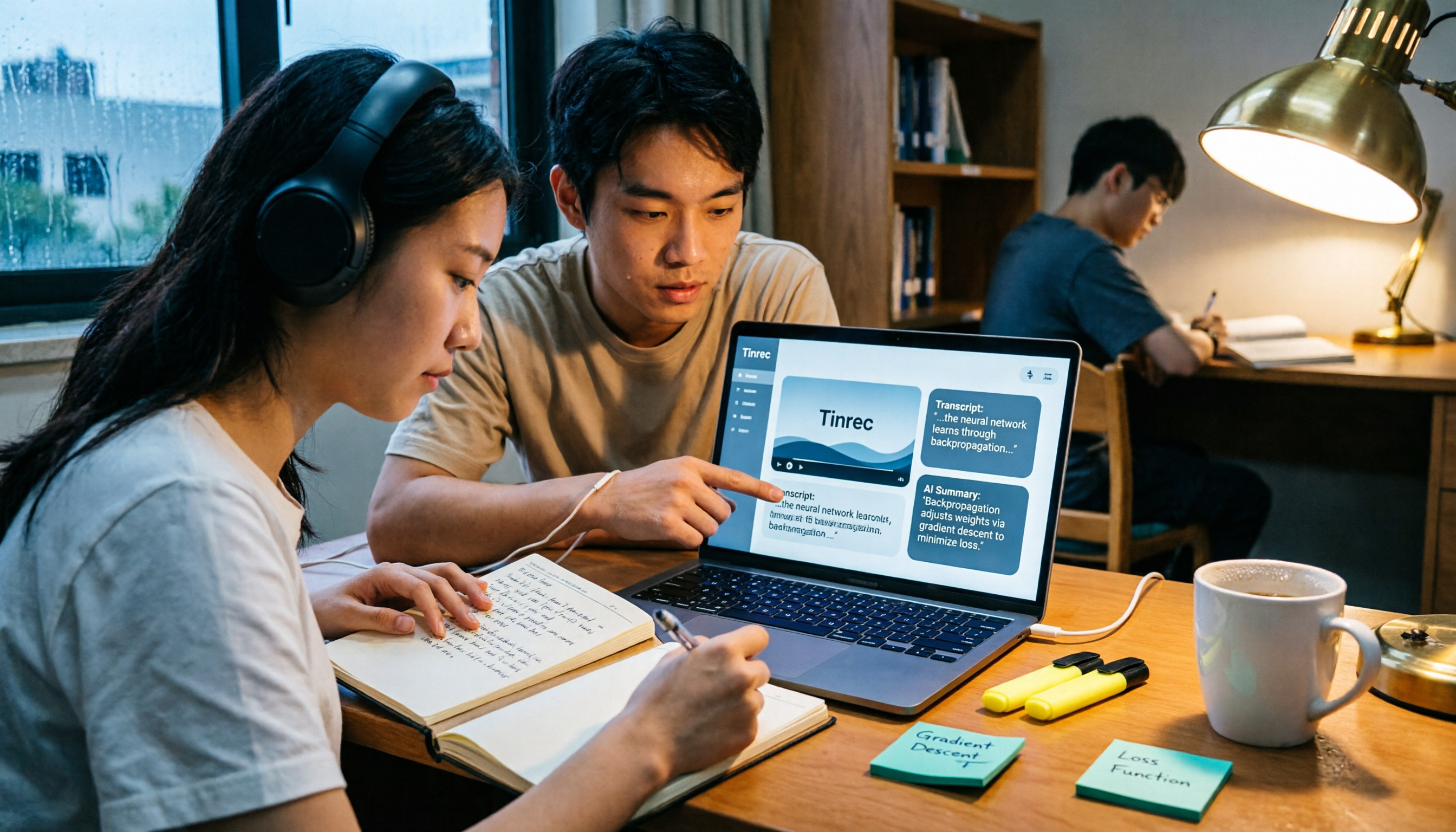
Don't want to rewatch 18 hours of online course videos before finals? This student-tested comparison of Tinrec and Otter.ai covers Chinese transcription, video file import and AI summarization, transcript Q&A and export, free tiers and student budgets, and cross-device and group collaboration—5 dimensions to help you build a repeatable video note-taking workflow.