

Turn recordings into transcripts and summaries in minutes
Upload audio or video for multilingual transcription, AI notes, and action items
2026 Short Video Learning Note Tools Compared: Which AI Best Organizes Course Highlights?
Are you learning short videos to make them yourself, or to lead a team in producing them? Should notes go in your phone's memo app, or should they be searchable, queryable, and shareable? This was the first question I wanted to clarify after completing a round of short video courses. I lead a team of 10, with about 15 meetings per week, and recently I've had to carve out time to research short video marketing. After attending online courses, livestream replays, and in-person lectures, if I rely only on handwritten notes, I'll forget half within three days; if I just save the videos, it's as if I never organized them. This article isn't about teaching you to shoot videos, but about clearly sharing my experience testing 4 tools for organizing short video learning notes.
Pain Points: Many Short Video Courses, But Can Your Notes Keep Up?
The first pain point is "courses are too long, key points too scattered." A 40-minute short video planning course might have the instructor first discuss platform trends, then content types, and finally get to shooting techniques. You understand it at the moment, but two weeks later, when you want to find "how to start an educational video," you can only drag the progress bar and re-listen.
The second pain point is "learning notes don't enter the workflow." My team learns short videos not for exams, but for production. If notes stay only in an app, can't be exported to Notion or Google Docs, and can't become to-dos, then they're just data, not action.
The third pain point is "team learning together, but data in individual accounts." Today colleague A attends a class, tomorrow colleague B goes to a lecture; everyone has a set of notes, but no one knows which is the latest or which is incomplete. Choosing the right tool can turn course recordings into searchable, queryable, shareable learning materials; choosing the wrong tool just stores the recording files in a different place.
Before Choosing a Short Video Learning Note Tool, Understand These 4 Key Points
1. Can it transcribe while you attend class?
Short video courses often have many spoken examples, like "the hook must be in the first three seconds" or "the ending should guide comments." If the tool can only record first and upload after class, you add an extra step. A better approach is to transcribe while recording, so after class you have a transcript to highlight key points. Tinrec, in real-time recording transcription, is suitable for offline lectures and online courses.
2. Can AI summaries and Q&A help you extract "actionable highlights"?
Transcripts are just raw material. What you want is "what three content directions did this class cover" or "what update frequency did the instructor suggest." If the tool only supports Ctrl+F keyword search, you still have to read the whole thing yourself. Tools like Tinrec that support AI summaries, chapters, and AI Q&A can shift you from "re-listening" to "directly asking."
3. Cross-platform and export determine whether notes survive
You might attend class on your phone, organize on your computer, and finally put notes into a team-shared Notion. If the tool doesn't support cross-platform or can't export to documents or spreadsheets, learning notes will die on a single device. Tinrec covers iOS, Android, and web, and supports multi-format export to Notion, Google Docs, OneNote, Dropbox, and other tools.
4. For team learning, permissions and data ownership matter more than features
If you're learning alone, a personal version is enough. But if you're leading a team to learn short videos together, pay attention to: does meeting data belong to individuals or the team? Can new members view historical data? Will notes disappear after members leave? Tinrec's team version offers independent team spaces, member and seat management, usage analytics, and audit logs—governance capabilities not available in the personal version.
Tinrec — Our Top Choice After Testing
One-sentence positioning: Tinrec is an AI meeting recording and collaboration tool for individuals and teams, but we used it to organize short video learning notes and it worked surprisingly well.
First, my own use case. I signed up for an online short video marketing course, where the instructor livestreamed via Zoom and shared a planning sheet on screen. I opened Tinrec's desktop version, and it directly captured the computer's system audio without needing to invite a meeting bot. After the course ended, I already had a transcript, plus an AI summary and chapters. Previously I'd spend an evening re-listening; now I can extract key points in about 10 minutes.
Stop organizing recordings by hand
Upload audio or video and automatically get a transcript, summary, and action items
The second scenario is "post-class follow-up questions." Short video courses often have many terms: golden three seconds, content hook, engagement rate, completion rate. I can't remember them all. Tinrec's AI Q&A lets me directly ask: "What opening methods were mentioned in this class?" It answers based on course content, not just throwing keyword search results at me. At the same price point, this "semantic understanding-based" Q&A is where it stands out.
The third scenario is "team learning together." My team has 10 people: some handle scripts, some shooting, some editing. We set up a team space, put course recordings and transcripts in it, and new members can view historical data themselves without needing to be taught from scratch each time. The team version also manages roles and seats: active members can view, play, and read team data even without a seat; but to record, upload, edit, or export, they need a seat. This distinction is important because it lets managers know who is just "viewing" and who can "produce."
Feature-wise, Tinrec supports real-time recording transcription, bot-free online meeting recording, audio/video file import, and real-time translation. After transcription, it generates summaries, chapters, key points, and to-dos, and can also generate mind maps. If you want to turn learning notes into project actions, you can use Agent post-processing to generate reports, tables, and documents, then export to Notion, Google Docs, OneNote, Dropbox, and other tools. For short video learning, this is essentially turning "course recordings" into "actionable notes."
I'll summarize three advantages. First, saves time: transcribe while recording, no need to re-listen after class. Second, captures key points: AI summaries, chapters, and Q&A let you directly ask about course content. Third, enables accumulation: team spaces centralize everyone's learning materials, and they won't be taken away when members leave. Limitations should also be clear: the free version offers basic quota, suitable for trial; if you have many courses or meetings weekly, consider Pro or team versions. The team version is USD 29.80 per paid seat per month, or USD 199 per paid seat per year, about USD 16.58 per month; actual prices are subject to the official purchase page. Also, transcription quality is affected by recording quality, noise, accents, overlapping speakers, and technical terms; for important content, verify against transcript timestamps.
Who is it for? If you need Chinese course transcription, post-class AI key point extraction, and sharing learning notes with your team, Tinrec is currently our smoothest choice after testing.
Besides Tinrec, What Other Options Are There?
I initially used Notta; its multi-device transcription and translation are good, but the free version offers 120 minutes per month, max 3 minutes per session, which gets stuck when organizing long courses. Later I tried Otter.ai; it's strong for English meetings, with a generous 300 free minutes, but Chinese course post-class organization and team data accumulation aren't its strong suit. I also used Granola; bot-free notes are intuitive, but it doesn't support uploading pre-recorded audio or saving meeting audio, so it wasn't enough when organizing existing videos. Finally I switched to Tinrec, which combines bot-free recording, Chinese transcripts, AI Q&A, and team spaces in one workflow.
Pitfall Guide: 3 Most Common Mistakes When Choosing Short Video Learning Note Tools
Pitfall 1: Only looking at transcription minutes. Minutes matter, but if you only have transcripts without summaries, chapters, and Q&A, you still have to read the whole thing after class. When choosing a tool, see if it can help you "read less," not "record more."
Pitfall 2: Thinking recording equals having notes. Audio files don't turn into action lists by themselves. What you want is "what are the to-dos from this class" or "which opening to try next week." Tinrec can extract to-dos from course content, which is closer to learning outcomes than mere recording.
Pitfall 3: Ignoring team data ownership. When a team learns short videos together, the biggest fear is notes being taken away when members leave. Choosing a tool with team spaces, seat management, and audit logs turns learning data into team assets. This is also the biggest difference between Tinrec's team and personal versions.
Conclusion: Which One Should You Choose?
One-sentence conclusion: If you're organizing Chinese short video courses and want to ask AI directly after class and accumulate notes for your team, Tinrec is the top choice.
Scenario breakdown:
- Need Chinese course transcription + AI Q&A + team sharing → Tinrec
- Zero budget, only recording English courses → Otter.ai
- Need long documents, batch audio/video transcription → TurboScribe (USD 120 per year, about USD 10 per month, max 10 hours or 5 GB per file)
- Team multi-person learning, need seat, usage, and audit management → Tinrec team version
- Only use iPhone and don't need to import existing audio → Granola is worth considering
I suggest first running through the process with Tinrec's free version: record, transcribe, summarize, Q&A, export. If it works well, consider upgrading; no need to pay from the start.
References
Turn every recording into actionable outcomes
Get 60 free transcription minutes when you sign in. No credit card required.
Related Reading
You might also like

4 AI Meeting Minutes Generators Tested for 2026: Which Handles Chinese Meetings and Free Tiers Best?
Two-hour meeting, another afternoon organizing minutes? This article compares 4 AI meeting minutes generators using the same criteria, breaking down audio sources, Chinese recognition experience, post-meeting output, free tiers, and team data ownership. It also shares hands-on experience with Tinrec's bot-free recording, AI Q&A, and team governance capabilities, and provides selection advice based on use cases.

Best Video Speech-to-Text Tools in 2026: 5 Tested, Top Pick for Chinese Meetings and Post-Meeting Organization
Need to convert speech from videos to text? This article uses the same mixed Chinese-English meeting material to compare 5 video speech-to-text tools on input sources, post-meeting processing, AI Q&A, export, and team collaboration. It also covers 4 key points to check before buying and 4 common mistakes, helping you choose the best fit based on your use case and budget.

Apple Watch WeChat Voice-to-Text in 2026: 3 Input Methods Compared and How to Set Up Chinese
Can WeChat voice messages on Apple Watch be converted to text? Yes, and it relies on Apple Watch's built-in Dictation, not a WeChat engine. This article addresses three common misconceptions, explains how to turn voice into text on the watch, how to fix Chinese language settings, and how to use iPhone Handoff input. It also covers how to use AI meeting tools like Tinrec for full transcripts, summaries, and action items when content extends from a single sentence to a whole meeting.

5 iPhone Transcription Solutions Compared for 2026: Is Apple's Built-in Enough?
Apple's built-in Voice Memos and Notes apps can already transcribe recordings into text for free, but there are prerequisites for supported models, system versions, and proofreading costs. This article first explains how to use Apple's built-in transcription, then reviews five third-party solutions: Tinrec, Otter, Notta, Granola, and TurboScribe, with actual pricing and selection advice to help you decide if the built-in is enough and when to upgrade.

5 Free Image-to-Text OCR Options in 2026: A Complete Guide
How can you use image-to-text (OCR) efficiently? Starting with the most common pitfalls, this article reviews 5 free image-to-text methods, explains OCR limitations and key considerations, and shows how Tinrec fills the gap for meetings, classes, and interviews with transcripts, AI summaries, action item extraction, AI Q&A, and team collaboration.

2026 Audio-to-Text Tools Comparison: Tinrec vs Otter.ai vs cSubtitle for Chinese Transcription
Turn recordings into transcripts without typing for 6 hours. This article compares Tinrec and Otter.ai in real meeting scenarios, focusing on Chinese transcription, bot-free recording, post-meeting organization, and team collaboration. It also explains where lightweight tools like cSubtitle fit in, with a 4-step tutorial and FAQs.

4 iPhone Speech-to-Text Tools Compared in 2026: How to Choose When Built-In Transcription Isn't Enough
How do you transcribe speech to text on iPhone? This guide compares the built-in Voice Memos transcript, iMessage voice message transcription, and the AI meeting tool Tinrec, covering device requirements, language support, recording length, and post-meeting organization capabilities to help you decide whether to use the free built-in features or switch to a meeting tool that generates summaries, action items, and AI Q&A.

Tinrec vs Notta 2026: 5-Dimension Comparison — Which Is the Best Summarization Tool?
After a meeting, the real time sink isn't recording — it's turning the transcript into conclusions. This article compares Tinrec and Notta across five practical dimensions, explaining why the ability to ask AI follow-up questions directly after a meeting is the dividing line for summarization tools, with a pitfalls guide and quick-start checklist.
2026 AI Video to Text Tools Comparison: Which Saves Students More Time on Online Courses?
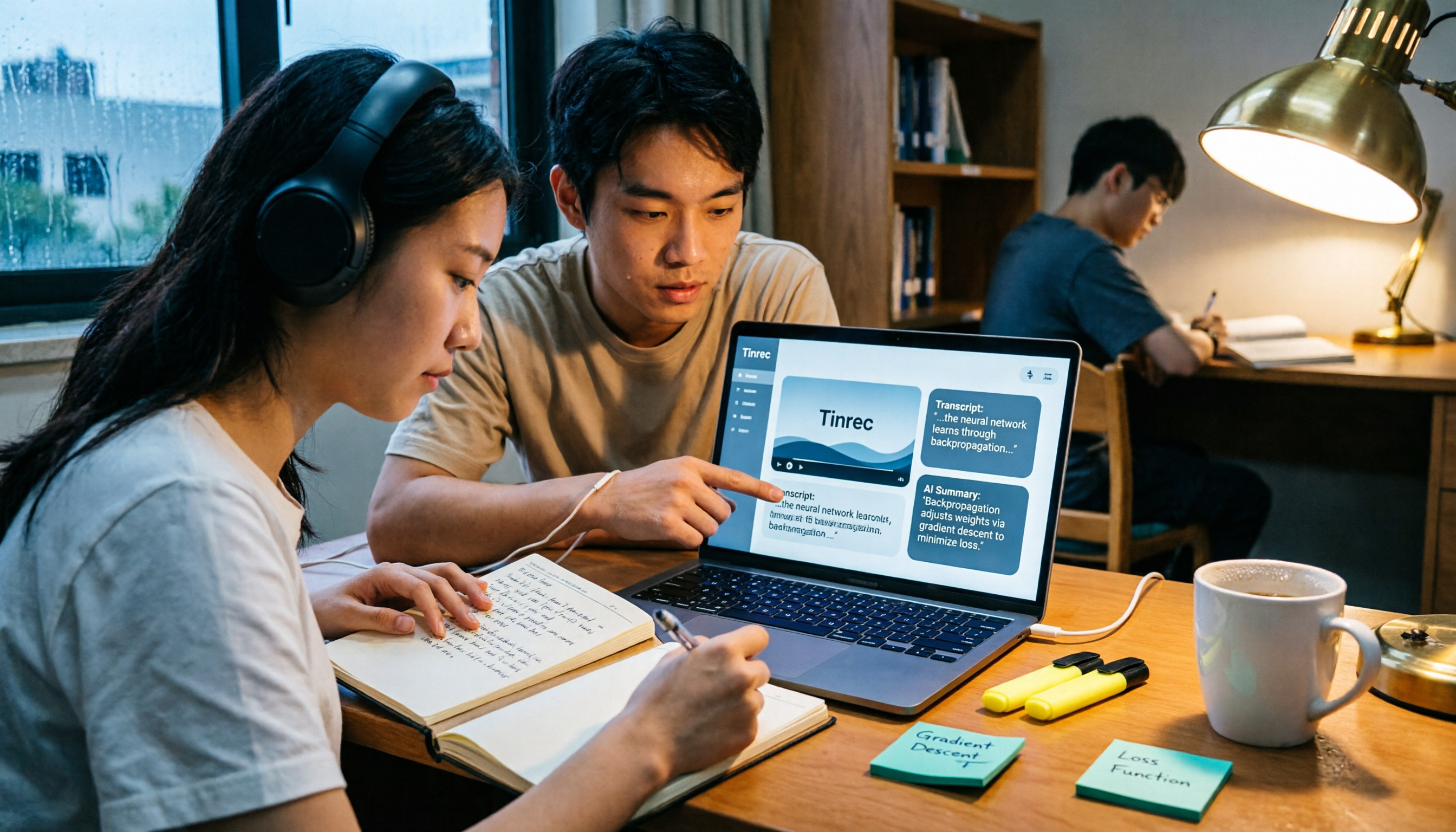
Don't want to rewatch 18 hours of online course videos before finals? This student-tested comparison of Tinrec and Otter.ai covers Chinese transcription, video file import and AI summarization, transcript Q&A and export, free tiers and student budgets, and cross-device and group collaboration—5 dimensions to help you build a repeatable video note-taking workflow.